-
-

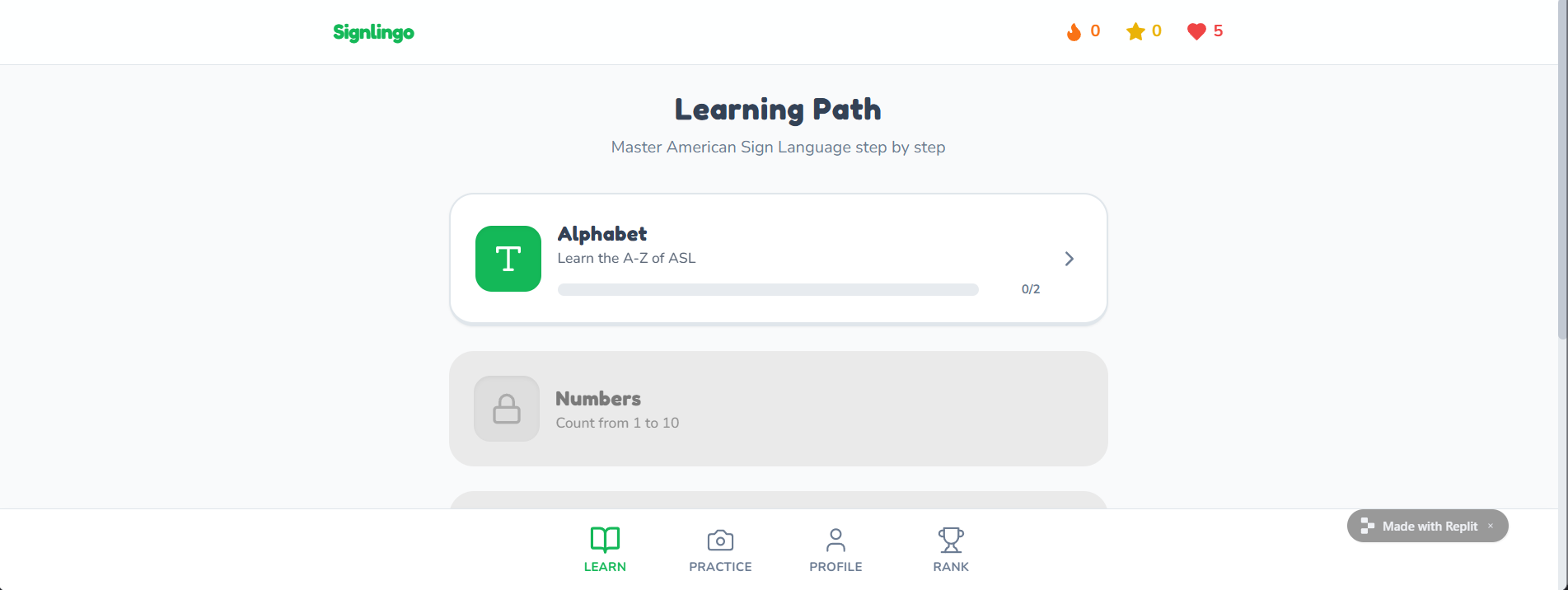
Starting page
-
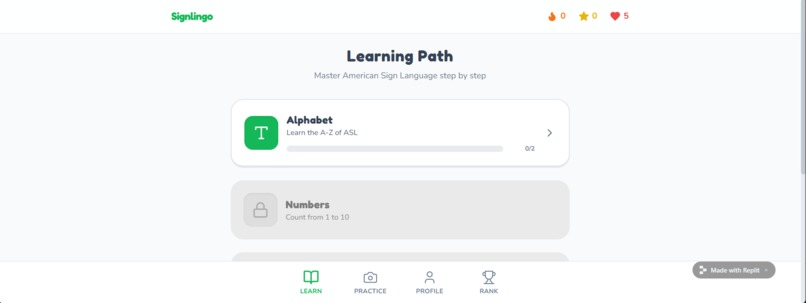
Gamified learning app, shows you what you can learn and unlock new features as you go.
-
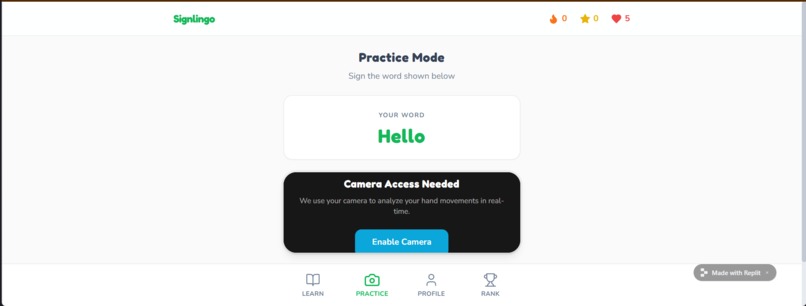
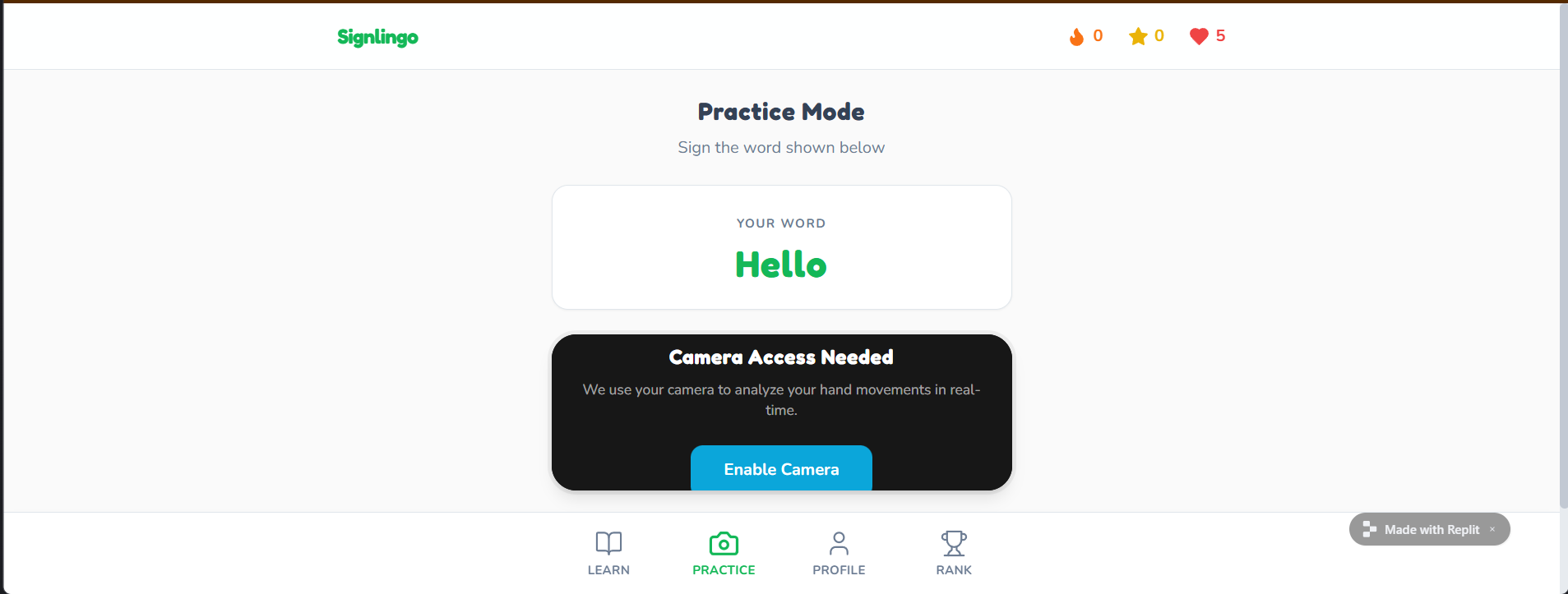
This is where we would incorporate our video feed, it would ask the user to represent something in ASL and check if you're correct or not
-
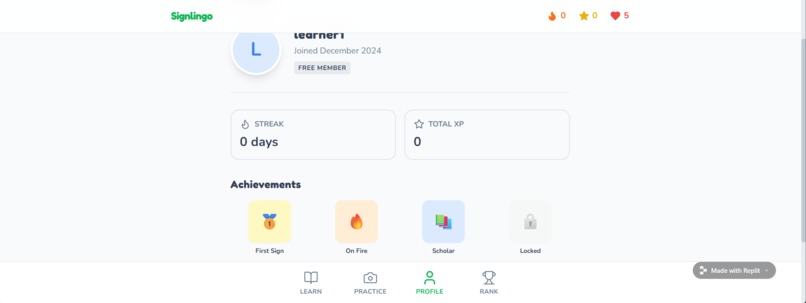
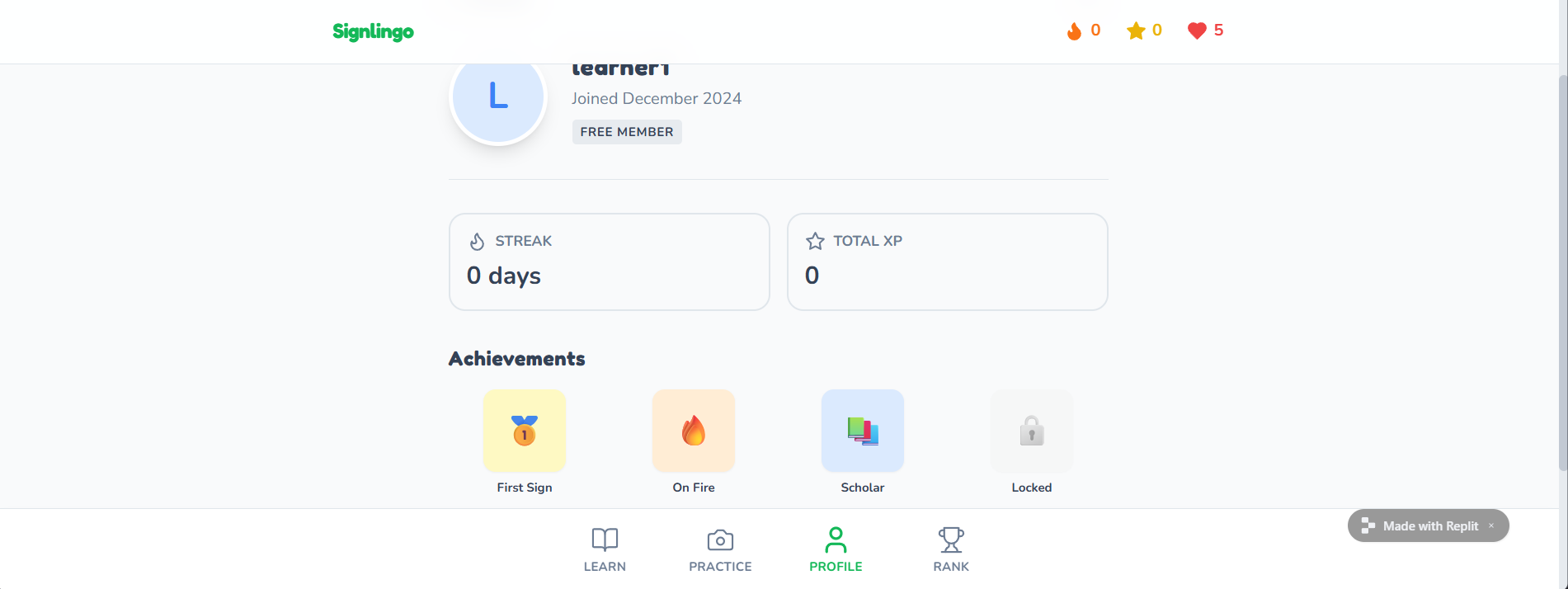
A profile page showing your streak, exp, achievements.
-
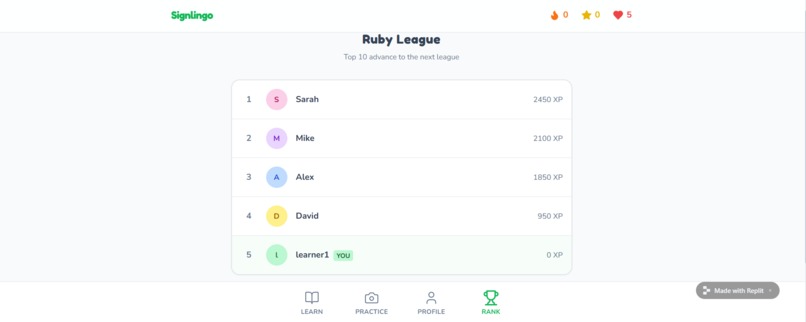
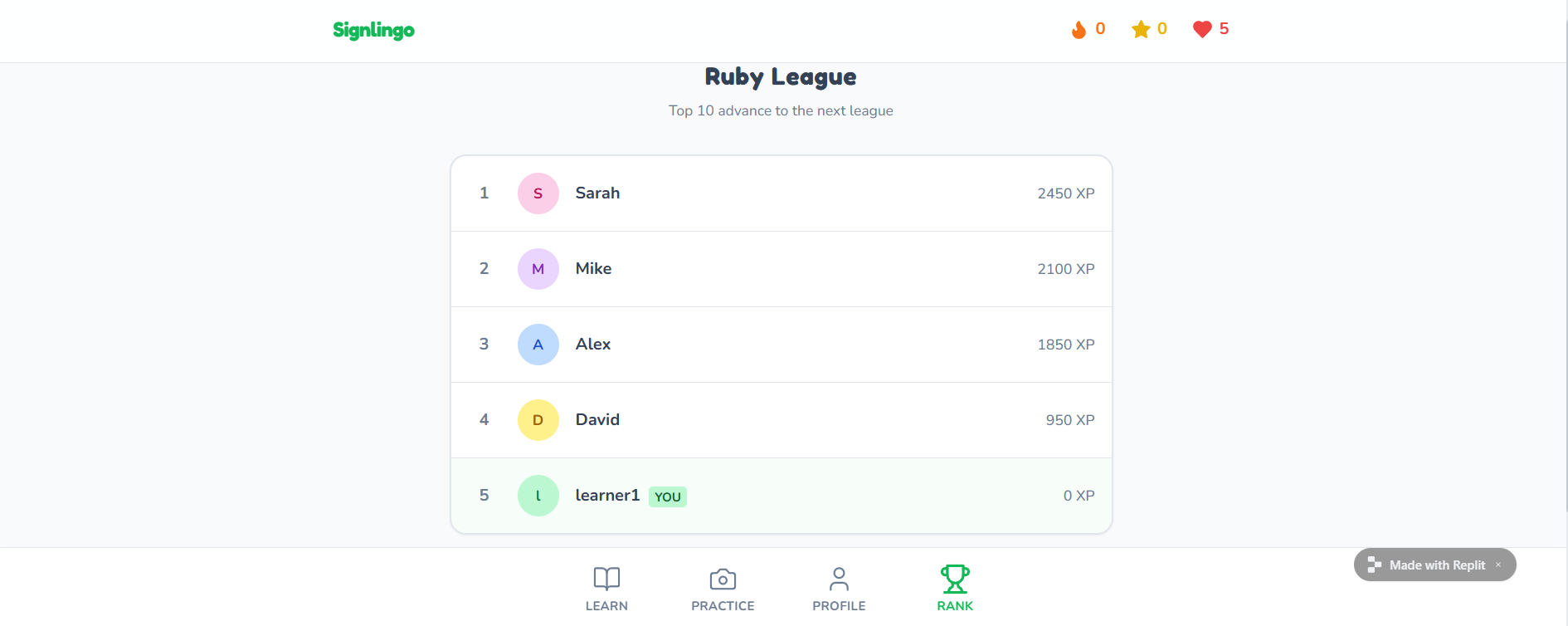
Leaderboard encouraging users to compete with other users to climb the rankings.

Inspiration
The current space for learning ASL is limited due to a lack of feedback and accessibility. ASL classes can be costly or difficult to find. While users are unable to measure their online learning from images and videos effectively. This can reinforce bad habits without knowing how to correct them or that they're even making a mistake. Through the usage of computer vision we wanted to analyze hand gestures to provide corrective feedback and gamify a learning tool for users to practice with.
What it does
SignLingo is an interactive learning tool for ASL that coaches the user with friendly AI generated feedback. It first demonstrates through video guide and through an interactive interface checks what you've learned. It provides you with a goal to sign, if correct, it tells you correct and moves to another random letter. The current options are A, B or C. If you're incorrect, it tries to predict what you're signing, in case you mixed up the letters. After a couple seconds it uses Google Gemini API to provide the user helpful tips on how they can improve their hand gesture. It offers corrections to improve muscle memory and engages the user with its gamification. It tracks the users progress where you can earn exp, achievements and climb a leaderboard of other users.
How we built it
We used Python for the logic and core of our project and implemented libraries such as OpenCV and MediaPipe for computer vision. OpenCV is used for computer visuals for the real time camera display and MediaPipe for hand landmark detection. We created our own database of ASL letters A, B and C and are able to recognize three different positions for each finger: up, down and curved. Using these positions we are able to detect which letter the user is trying to sign. We also extracted information such as finger angles, degrees of the hand shape, distance between finger tip to the joint in between to feed to Google Gemini for feedback if the user is unable to get the target gesture correct. Once correct it displays an output and moves onto the next character. For our mockup we used Replit to show what a fully fledged out interface would look like.
Challenges we ran into
A main issue we ran into were getting the angles of the finger correct to differentiate letters B and C. Since we only have 3 different positions for the fingers, they seemed to overlap and C was showing fingers as being up instead of curved. We played around with the angles needed and eventually we were able to make B and C work correctly.
Accomplishments that we're proud of
None of us had ever played around with any type of motion tracking libraries or have even used APIs. It's also our first hackthon and had no idea what to expect so the fact that we were able to get even just 3 letters functioning feels like a huge accomplishment. We played with technologies we would have otherwise been too intimidated to use.
What we learned
We learned more about hand tracking and how to use APIs and API keys through this process. It was our first time using libraries such as OpenCV and MediaPipe. We also realized implementing AI such as Google Gemini was not as hard as we presumed it would be and will definitely use this knowledge in future projects.
What's next for SignLingo
We want to expand our database from letters, to words, numbers and even phrases. We also want to broaden our audience by not just limiting it to teaching ASL but other types of sign languages such as Quebec Sign Language (LSQ), Mexican Sign Language (LSM) and more!

Log in or sign up for Devpost to join the conversation.