-
-
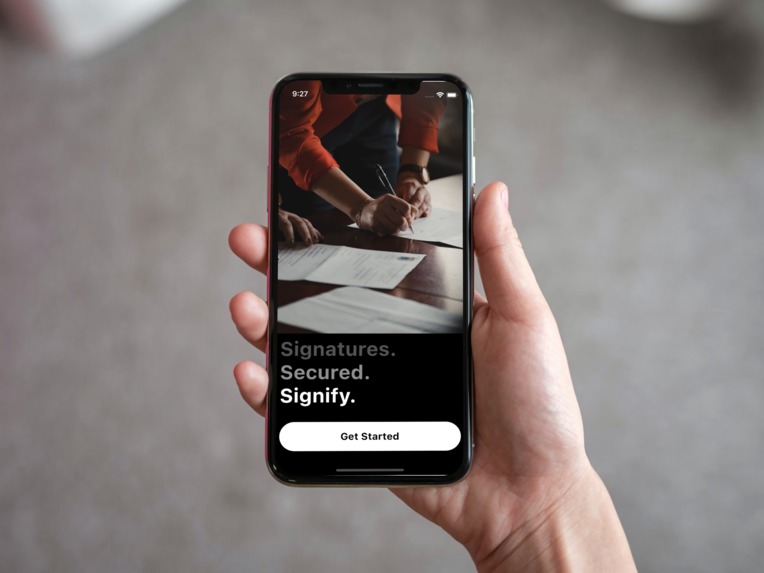
Homescreen
-
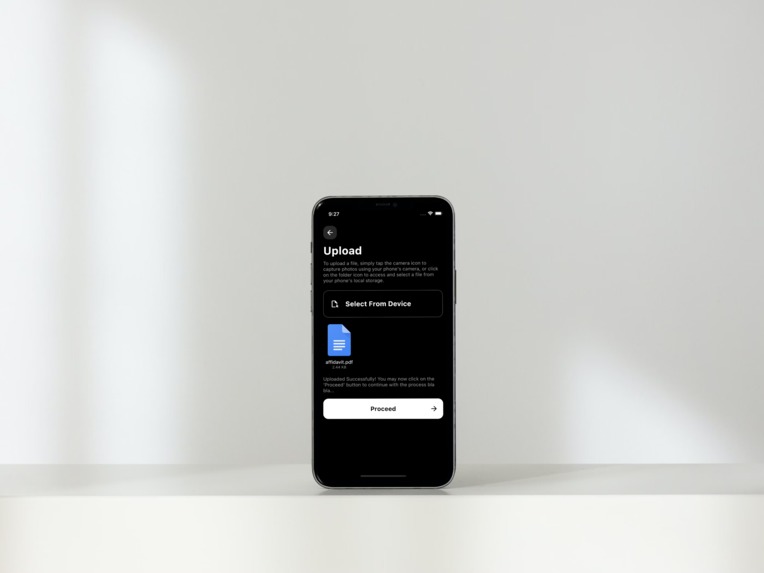
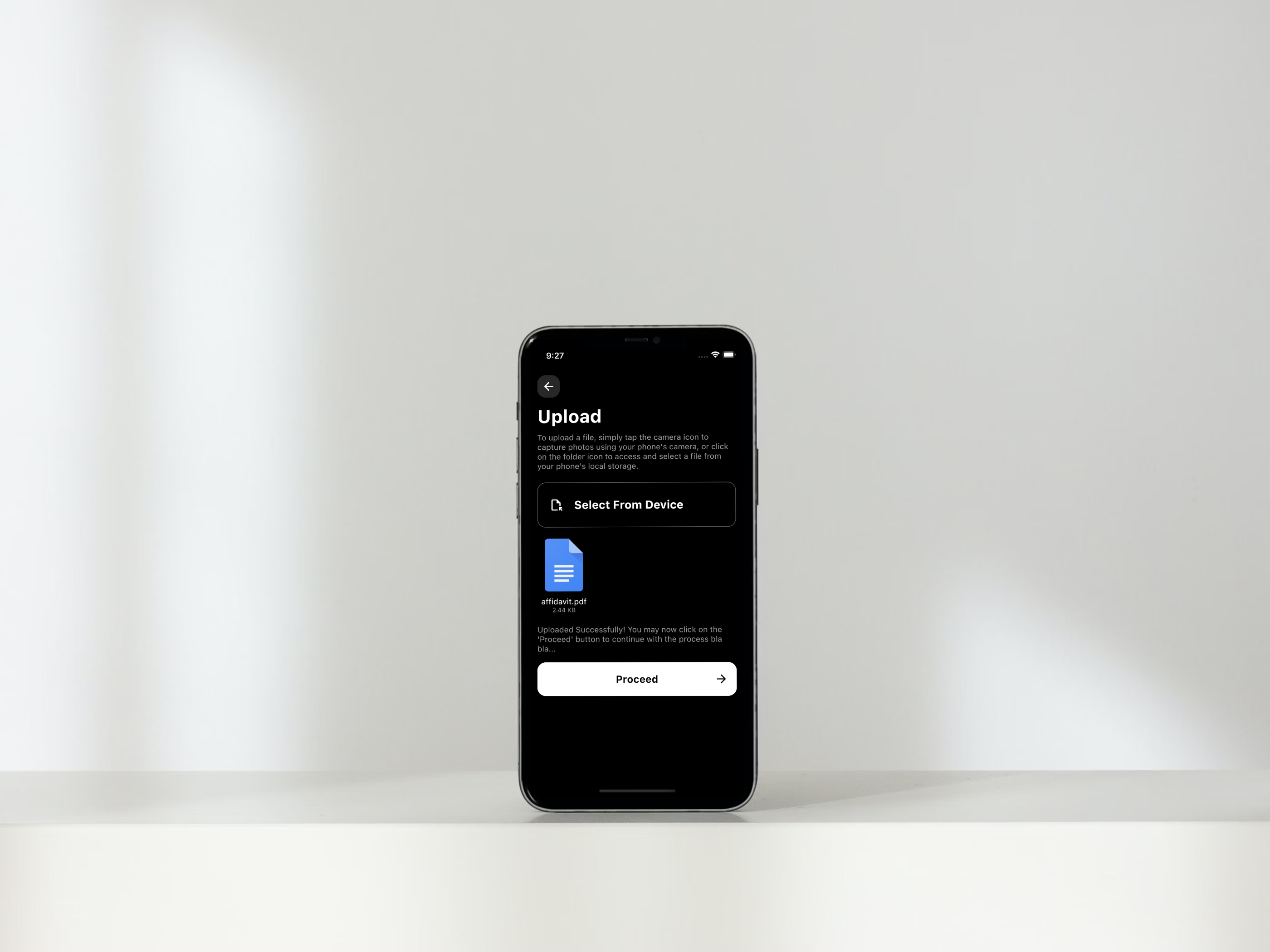
Upload Panel
-
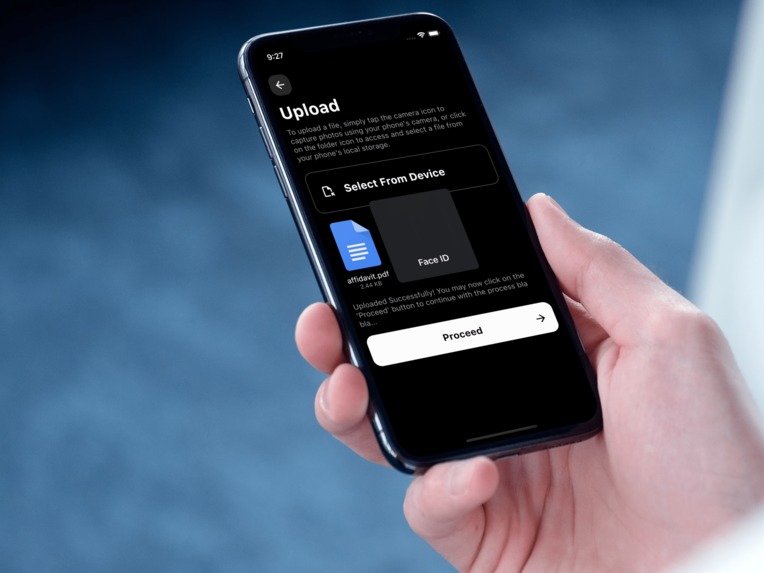
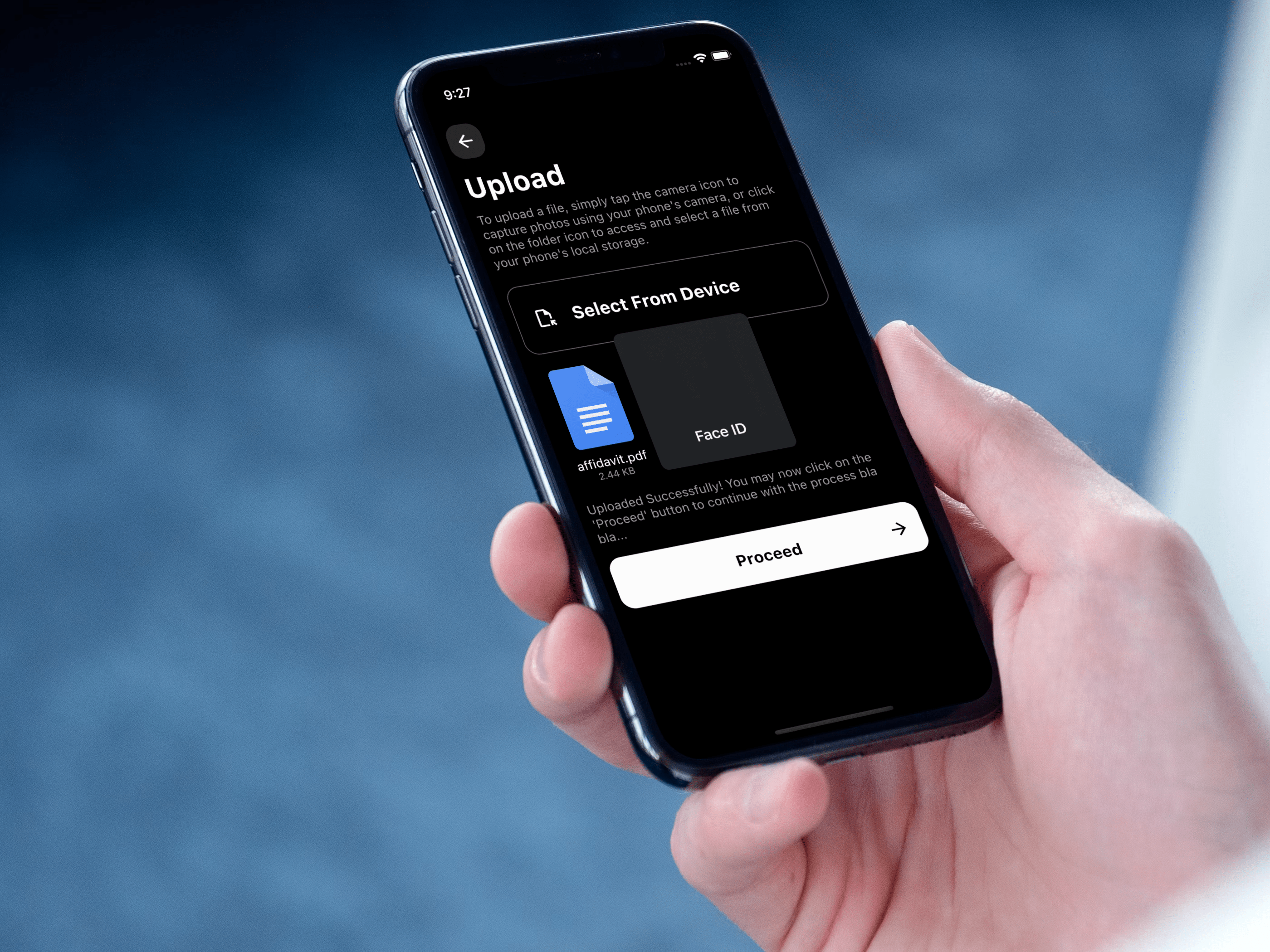
Biometric Authentication
-
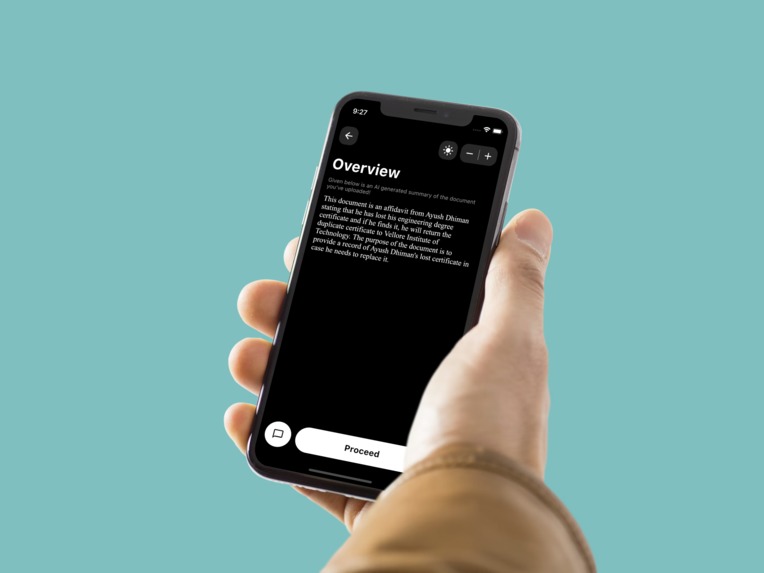
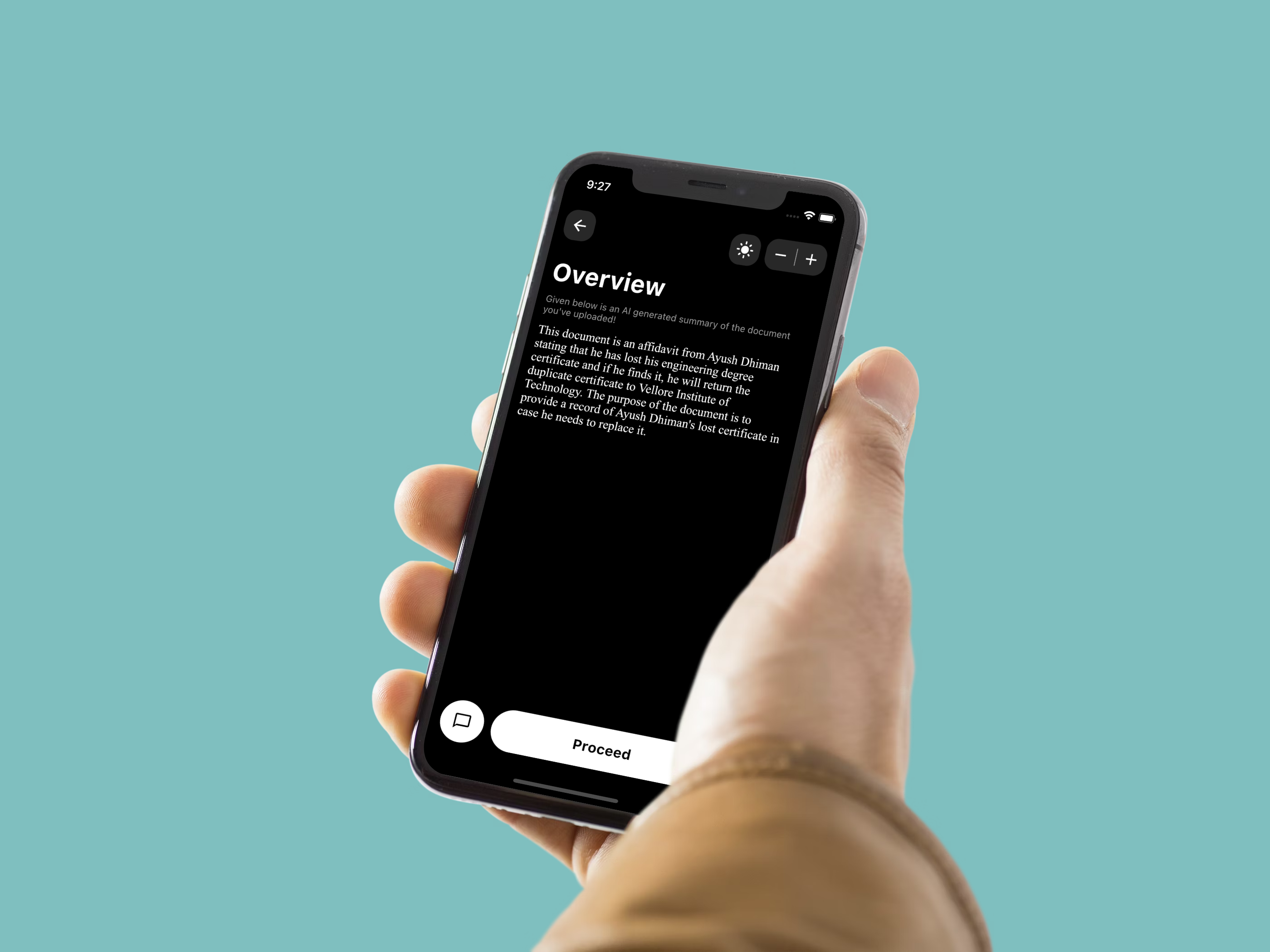
Document Overview
-
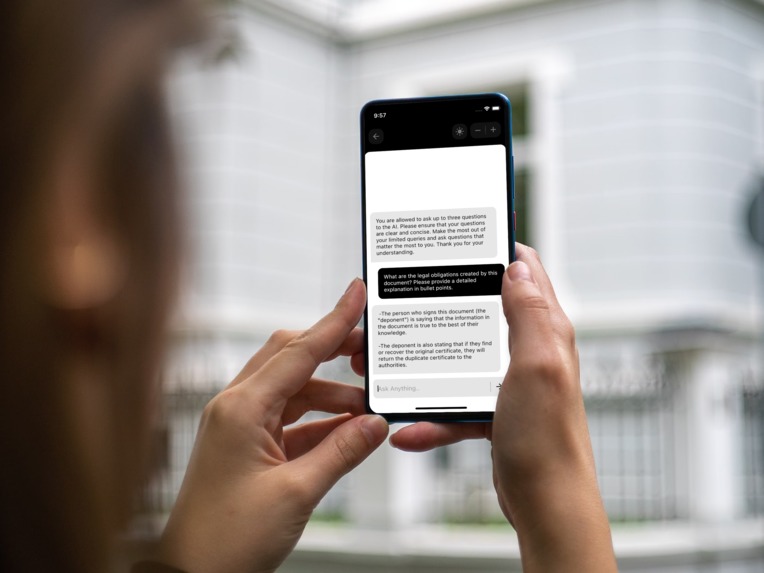
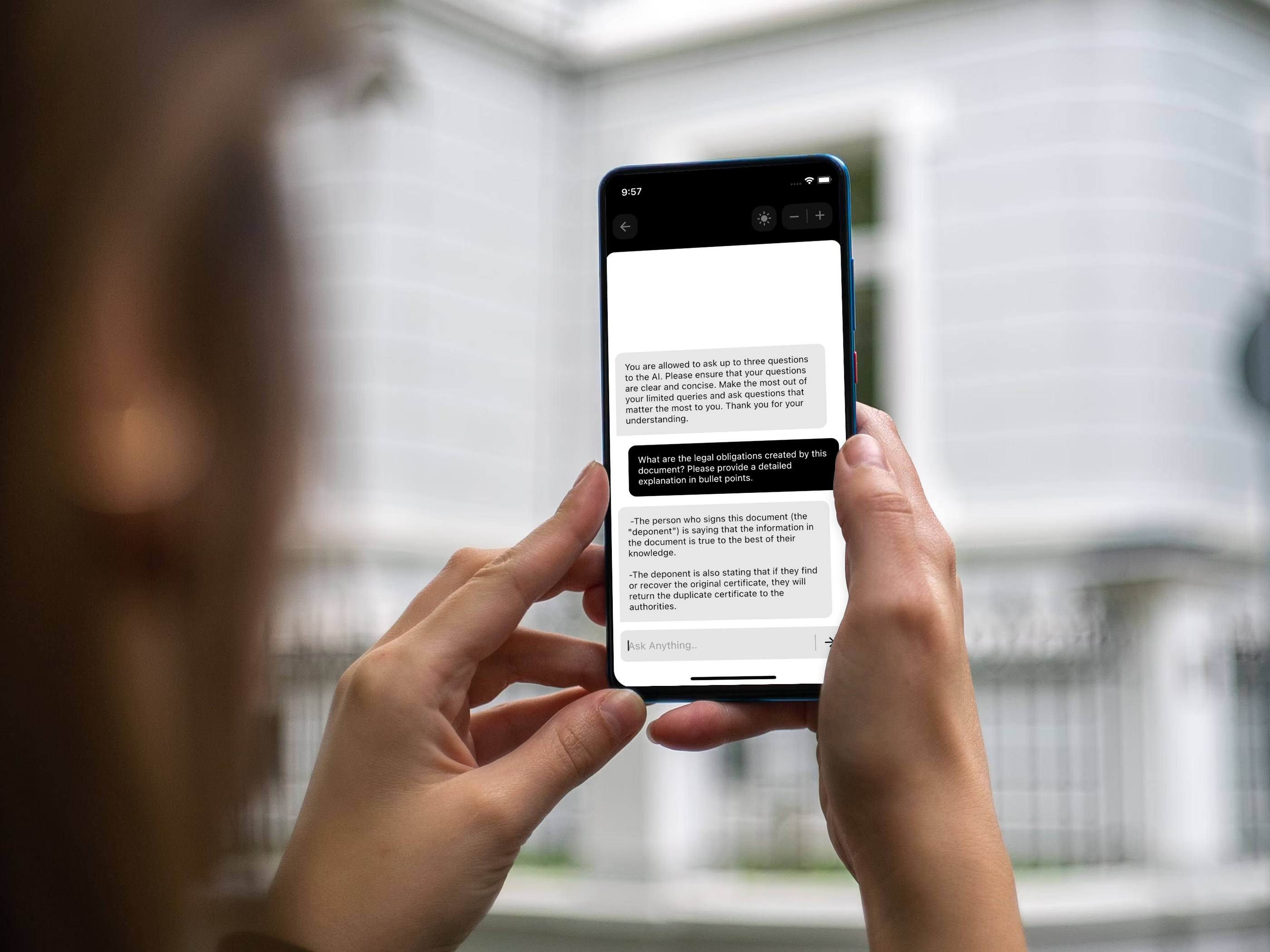
Chat with the Document
-
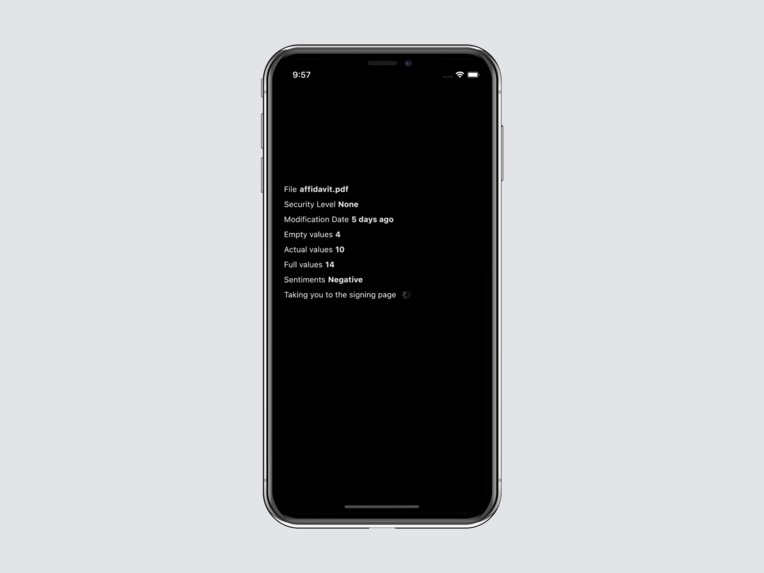
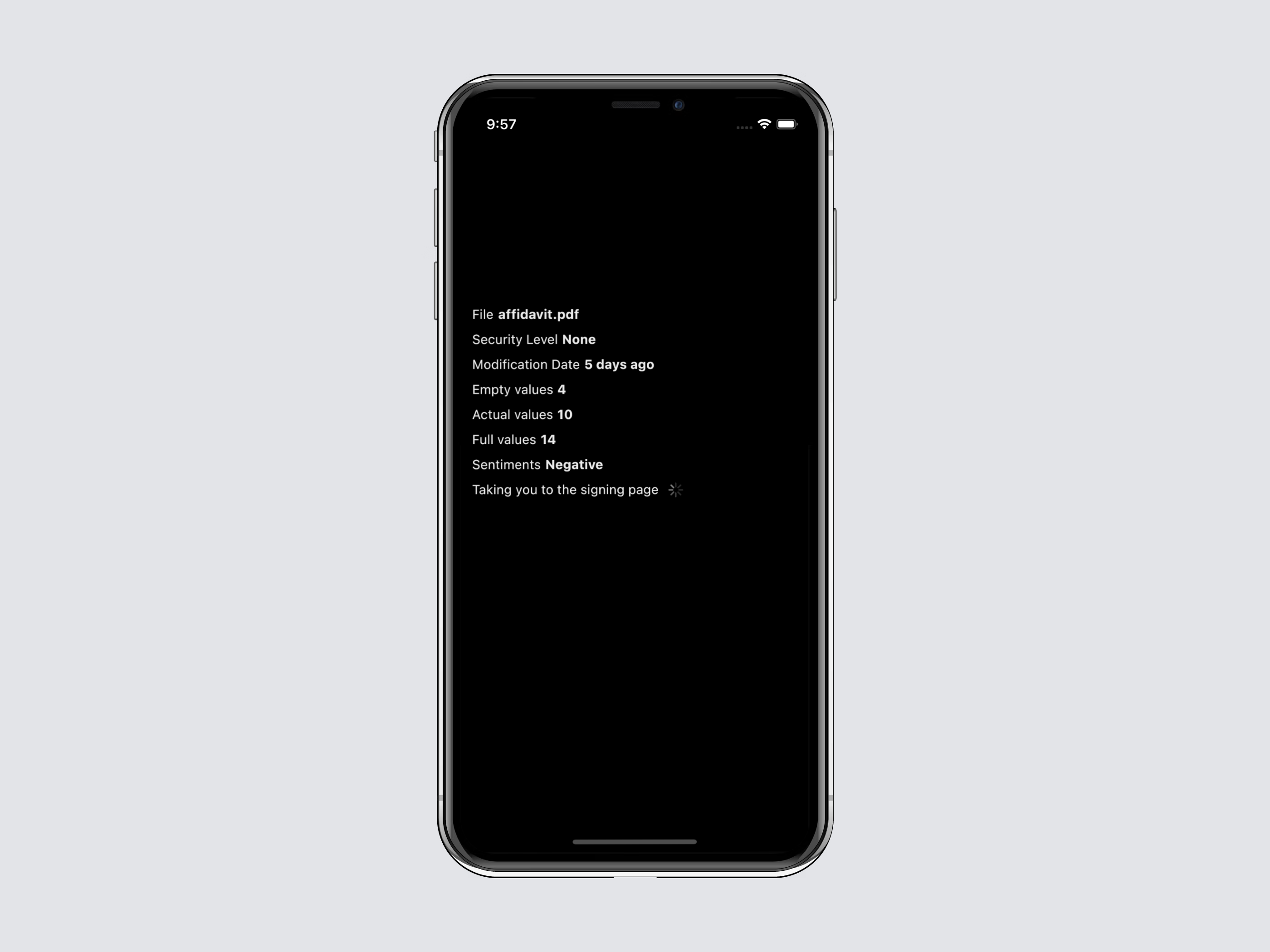
Document Features with Sentiment analysis
-
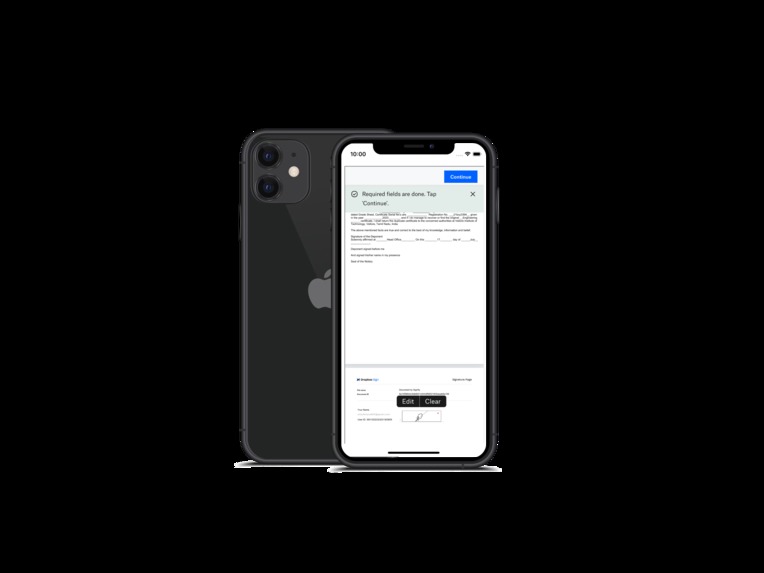
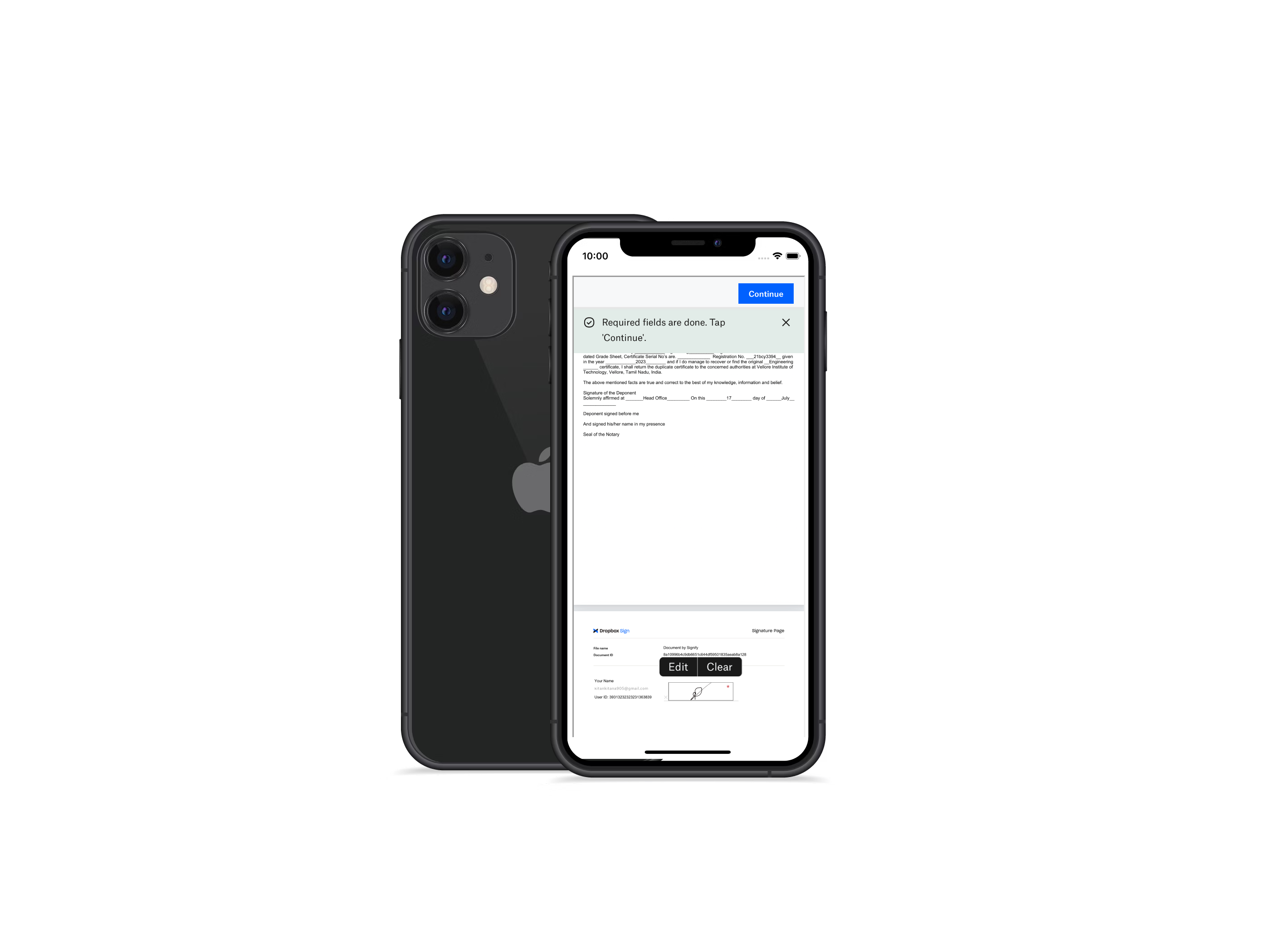
Dropbox Signing Page
-
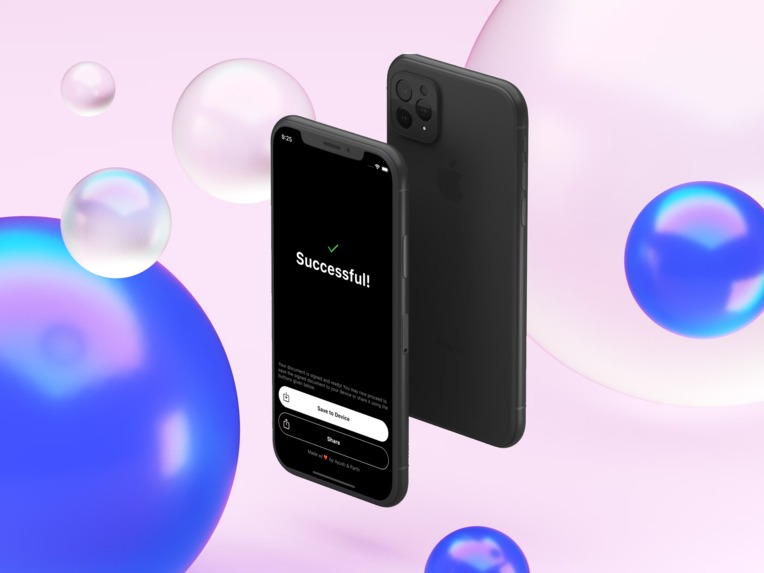
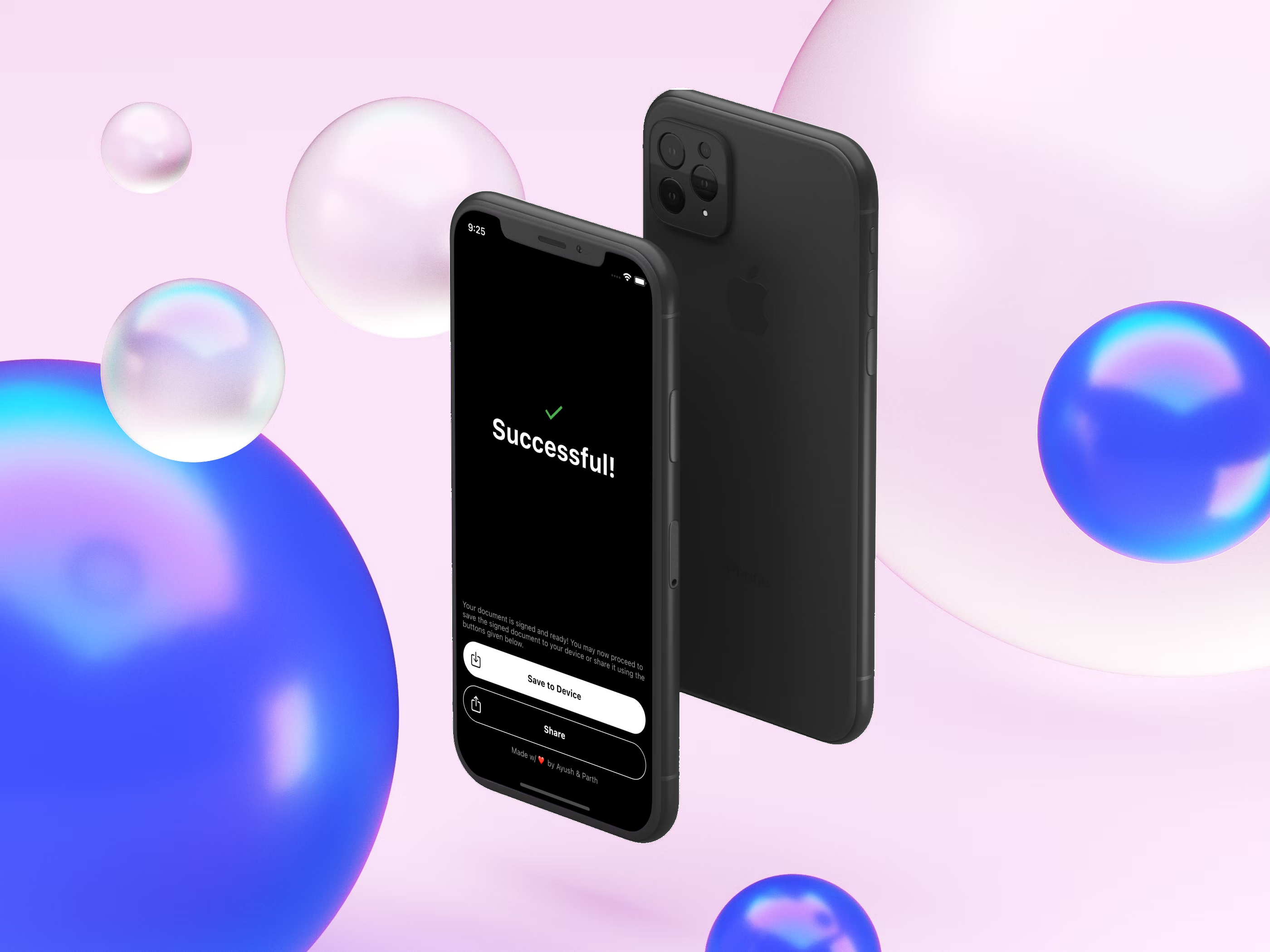
Success Screen

Inspiration
We started Signify because signing documents shouldn't be a headache. Going to website, entering details, choosing files. Nah. We wanted an app that's private, easy to use, and smart. Plus, it had to work on any device.
What it does
Signify is your go-to e-signature buddy. No login needed. It uses AI to summarize docs, has a cool dark mode, and keeps your stuff super secure(#DELETED). You can share, sign, and chat about docs. It even tells you if you missed a spot! Plus, it gives you info about your contacts and doc security and modification details.
How we built it
We made Signify using Flutter and Python with some Node magic. We also tapped into ChatGPT's API for some AI wizardry along with inbuilt biometric authentication.
Challenges we ran into
We had some tough moments getting the API to sign just right. Also adding multi file support took us a good amount of effort. Creating a smooth and seamless UI/UX flow throughout the app was a real puzzle. But we never gave up! Also, the API limit was a little restrictive.
Accomplishments that we're proud of
Finishing this project in just 8 days was a huge win, considering our busy college lives (final exams and academic excursions). We made a cross-platform app with almost all the bells and whistles. We are also proud of developing an application that will be employed by numerous professionals in their daily routines, thanks to its user-friendly and hassle-free nature.
What we learned
We got a crash course in Flutter, Node, and Python. We became Dropbox pros and learned how to make e-signing a breeze.
What's next for Signify
Though we still were not able to implement planned features like a Share to menu and a working website, we're taking Signify to the next level. Better AI powered by locally run LLM's , more app integrations, and a more polished experience along with dashboards, encryption, and automation. We want Signify to be the only e-signature app you'll ever need!
Contact info: [email protected], [email protected]
Built With
- dart
- digitalocean
- dropbox
- dropboxsign
- express.js
- flutter
- hellosign
- linux
- node.js
- python
- sign
- ubuntu


Log in or sign up for Devpost to join the conversation.