-
-
Signify Logo
-
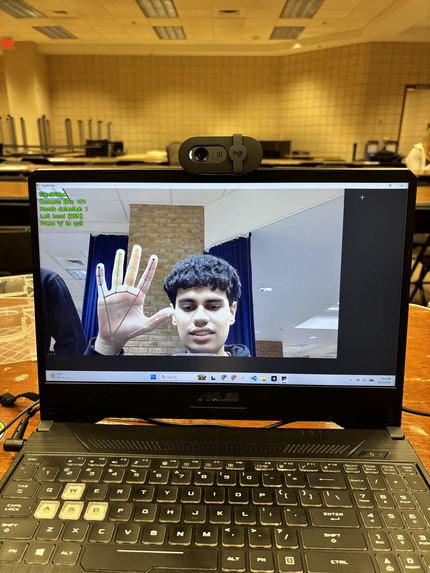
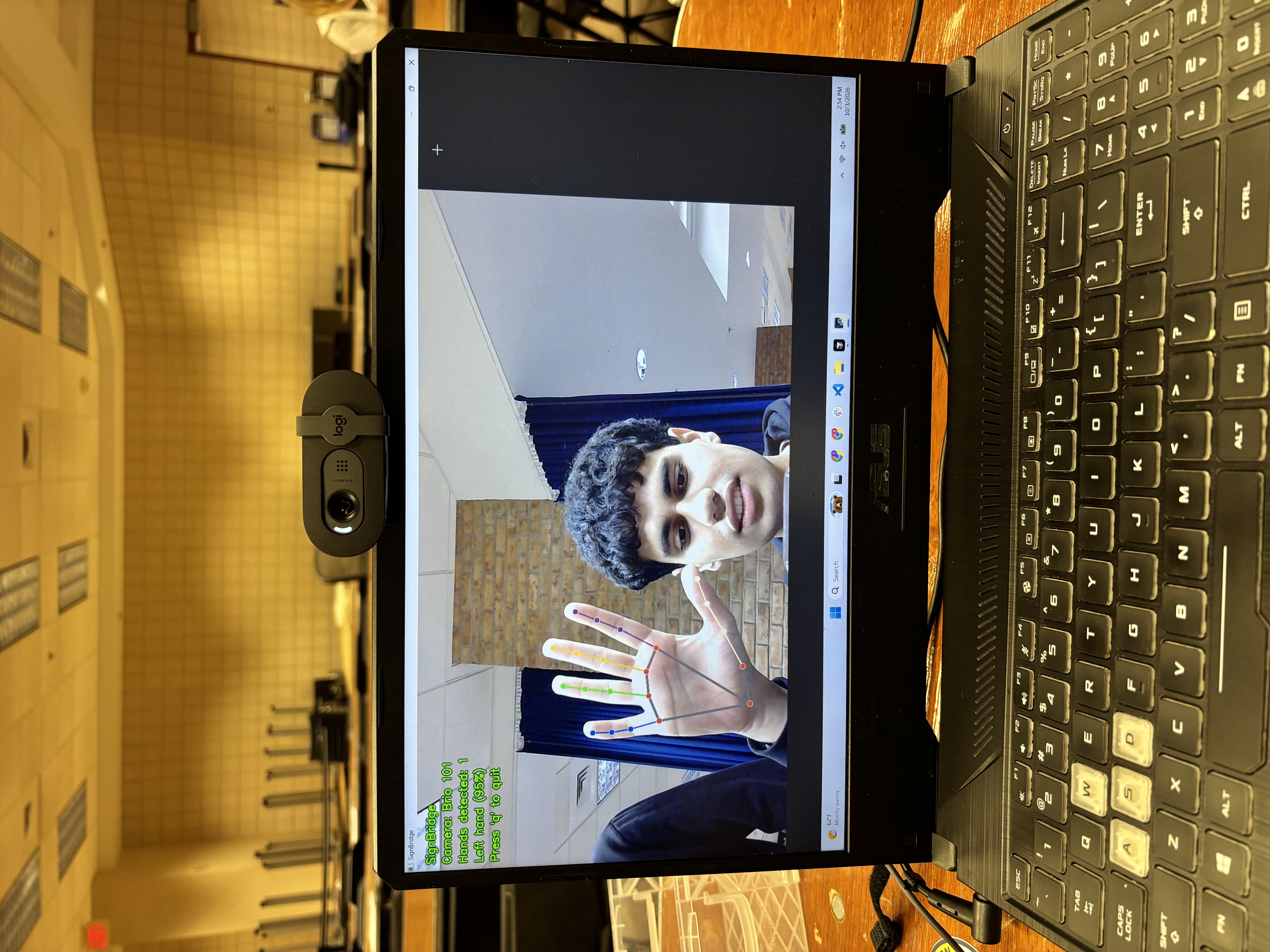
First Time Tracking Data
-
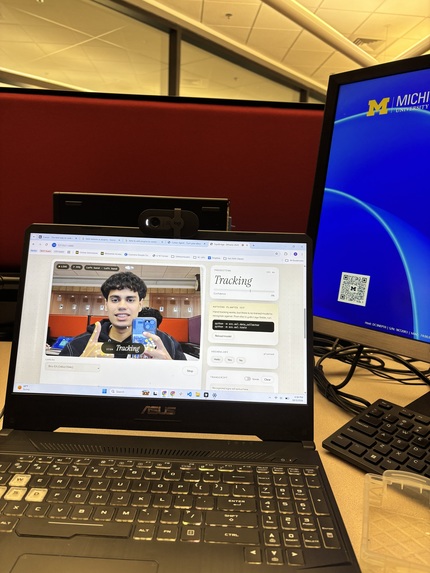
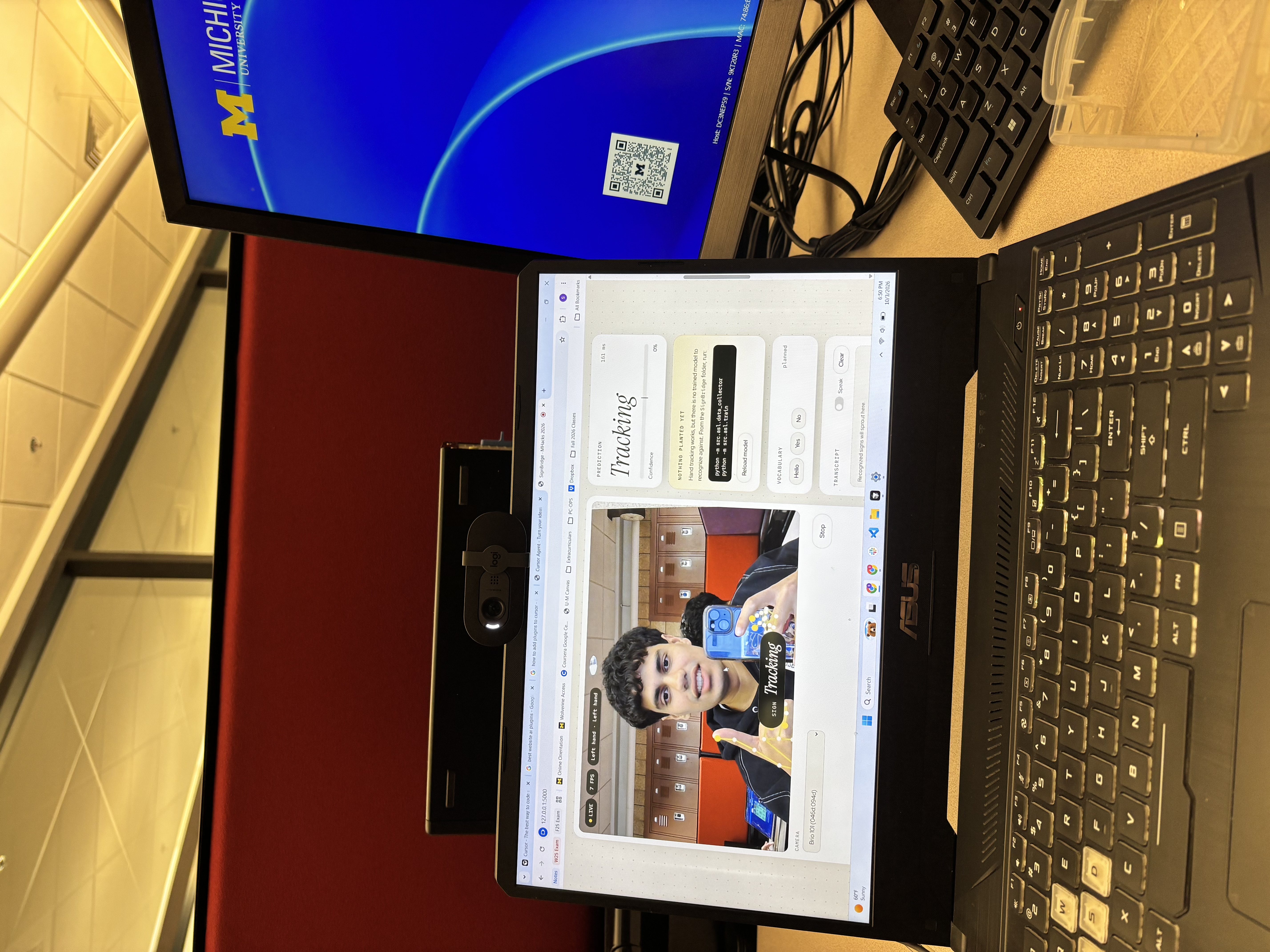
Website Functioning
-
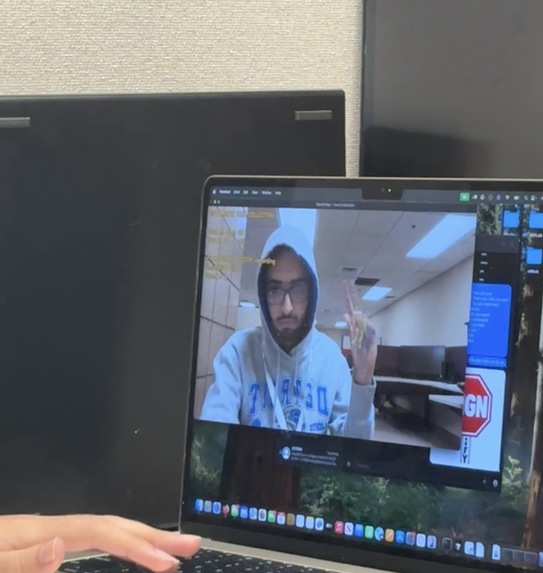
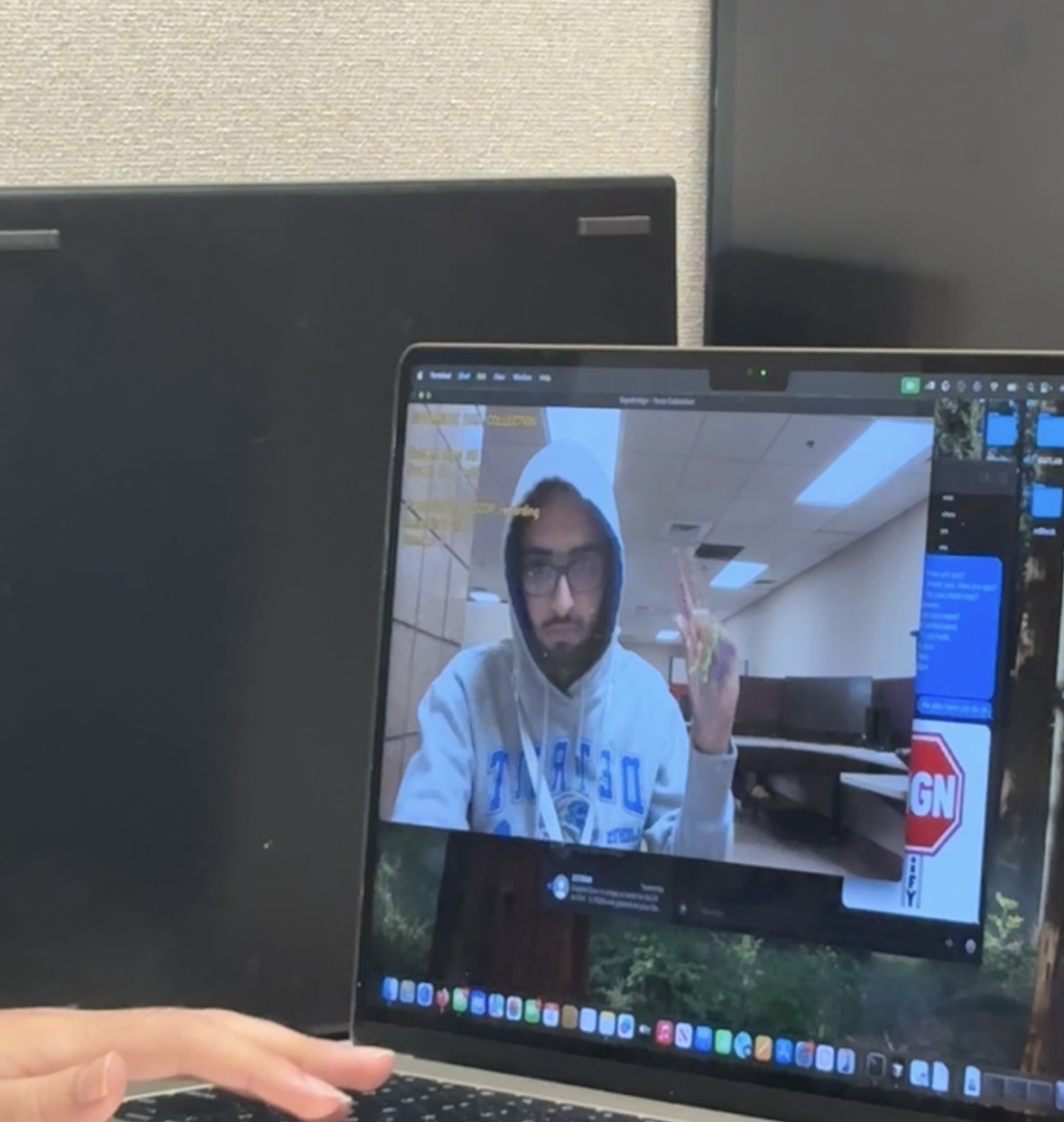
Training Data
-
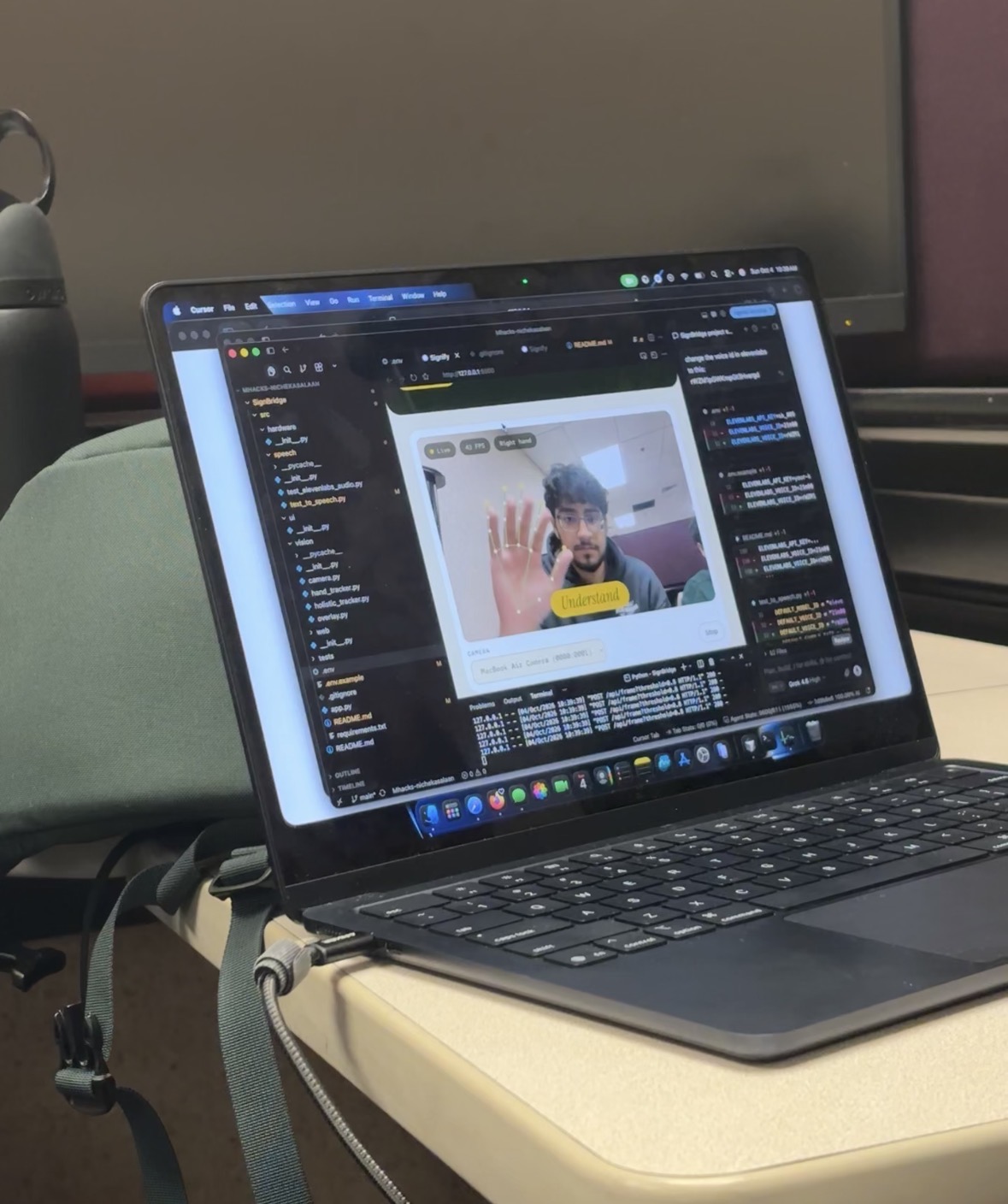
Training Data 2
-
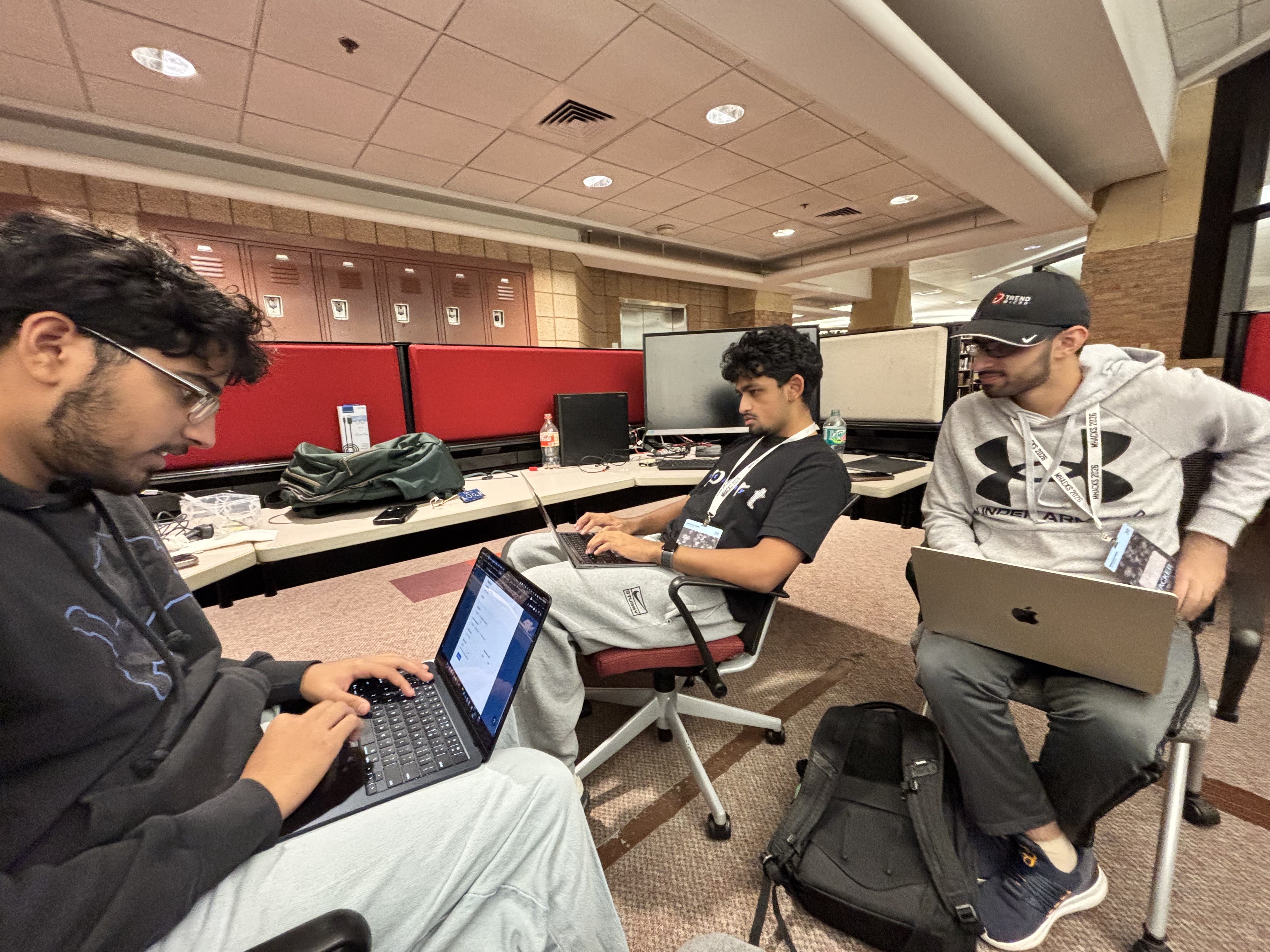
Group Locked in
-
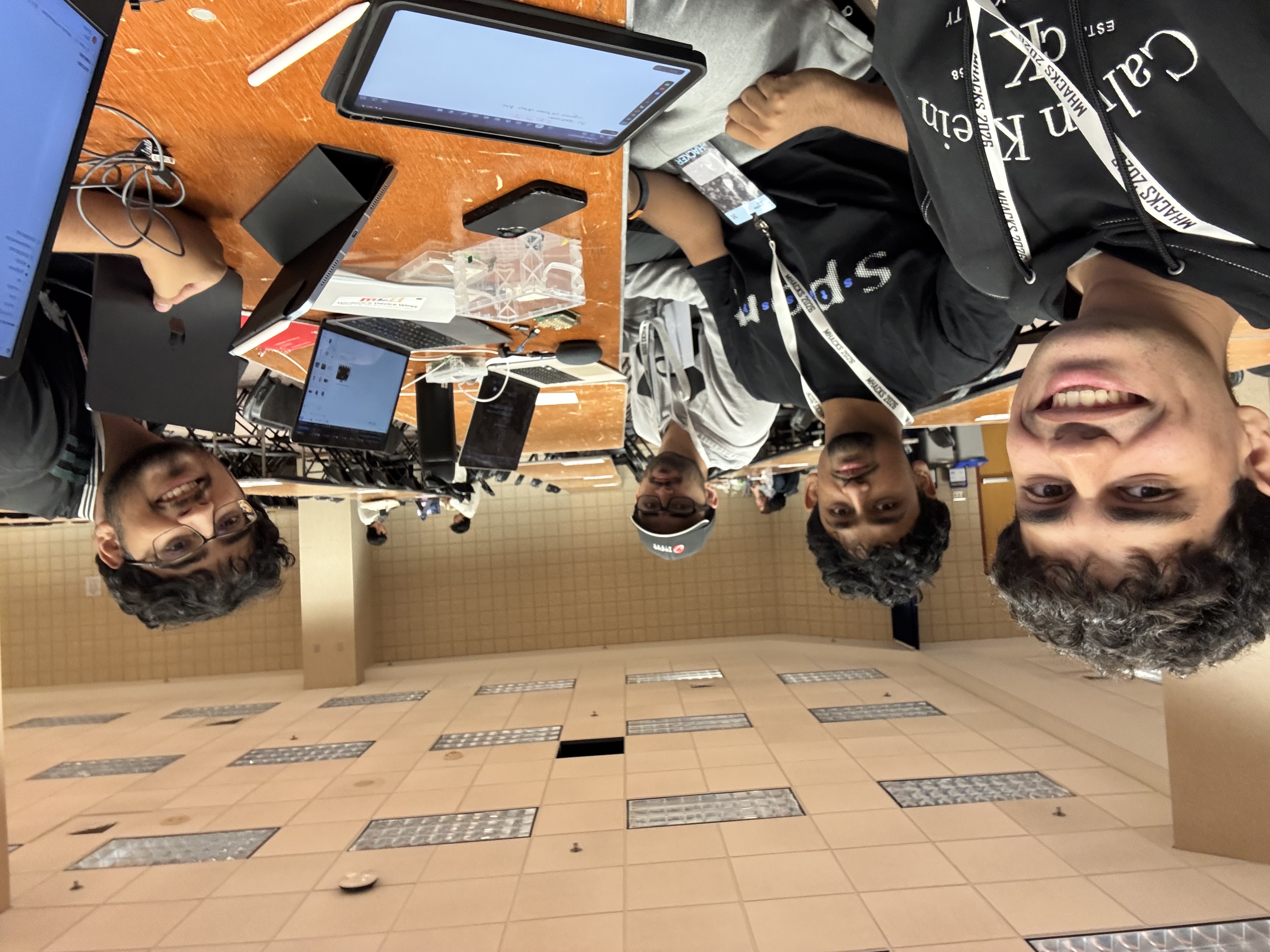
Group Pic 2!!!
Signify
Inspiration
Signify was created after we were presented with a universal problem: many people do not know how to use American Sign Language (ASL), nor do they know what different hand signs symbolize.
While some signs may be easier to understand than others, there isn't a simple and accessible way for someone without ASL knowledge to translate and transcribe sign language.
Therefore, we created Signify.
Signify allows users to use ASL and have their signs translated into words. It can also transcribe an entire signed message and convert the resulting sentence into speech.
With 20+ words, each trained around 200 times, we strived to make our recognition system as accurate as possible. Our AI detects hand movements and, based on a confidence level, identifies the signed word, displays it on the screen, and adds it to the sentence the user is trying to formulate.
What it does
Signify is an ASL recognition and communication tool that translates hand signs into text.
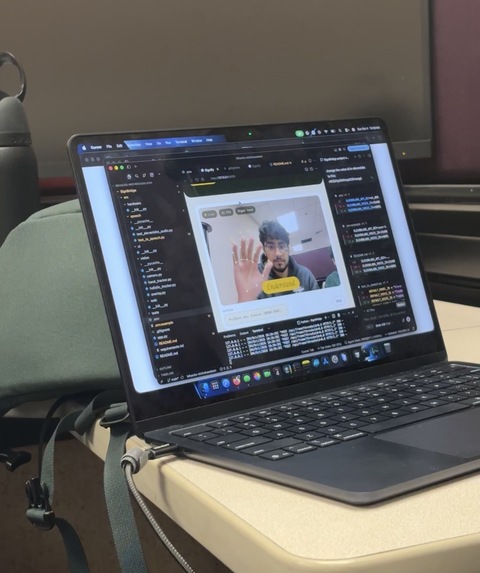
The user performs an ASL sign in front of a camera, and Signify analyzes the position and movement of the user's hand. The program then predicts which word the user is signing and displays it on the screen.
As the user continues signing, the detected words can be combined to form a complete sentence. Once the sentence is complete, Signify can use Text-to-Speech (TTS) to speak the message aloud.
This provides another way for people who communicate using ASL to communicate with people who may not understand sign language.
How we built it
We primarily used Python to develop and train our AI because of its simplicity and its large collection of machine-learning and computer-vision libraries.
For hand tracking, we used MediaPipe, which creates landmarks or "nodes" on different parts of the hand, including the fingertips, joints, and palm. These landmarks allow the program to understand the position and movement of the user's hand.
Using PyTorch, we trained an artificial intelligence model using data that we collected manually.
Each member of our team learned several ASL words and repeatedly performed those gestures in front of the camera. We collected around 200 training samples for each word and combined everyone's recordings into one training dataset.
The AI then learned to associate different hand positions and movements with their corresponding words.
For Text-to-Speech, we used ElevenLabs to generate a custom voice based on our teammate Umar Aleem's voice.
Finally, we used Figma to design the website interface that integrates the different parts of Signify into an accessible experience that can be used through a web browser.
Technologies Used
- Python
- PyTorch
- MediaPipe
- ElevenLabs
- Figma
- Machine Learning
- Computer Vision
- Text-to-Speech
Challenges we ran into
We encountered several challenges while developing Signify.
Initially, we wanted to incorporate a hardware component into the project. Our original idea involved connecting an LCD display to a Raspberry Pi, which would display the words detected by the AI.
However, we encountered several technical difficulties while trying to integrate the hardware with the rest of the project. Because of the limited development time, we decided to shift our focus and make Signify completely software-based.
Another major challenge was training the AI.
Collecting the training data took a significant amount of time because every word needed to be performed many times. Even after collecting hundreds of samples, the AI would sometimes confuse similar gestures and incorrectly detect different words.
This required us to collect additional training data, retrain the model, and continuously test its accuracy.
Accomplishments that we're proud of
One of our biggest accomplishments was being able to create and train our own dataset.
Instead of relying entirely on an existing ASL dataset, our team personally learned the gestures, recorded hundreds of examples, and used those recordings to train our AI model.
This made it feel like we were truly building and teaching the AI ourselves.
We were also proud of successfully integrating multiple technologies—including computer vision, machine learning, web design, and Text-to-Speech—into a single project.
Another feature we enjoyed developing was the Text-to-Speech system. Using ElevenLabs, we were able to create speech that sounded similar to one of our own teammates.
What we learned
Throughout the project, we learned a lot about machine learning, computer vision, ASL, and the challenges involved with creating accurate training datasets.
We also learned several ASL gestures ourselves after repeatedly performing them while collecting training data.
More importantly, we learned how difficult it can be to take an idea and transform it into a complete working system. Our original hardware-focused design changed significantly throughout development, forcing us to adapt and find alternative solutions.
Overall, the project gave us experience identifying a real-world problem, designing a solution, overcoming technical challenges, and combining multiple technologies to create software that could potentially have a positive impact on people's lives.

Log in or sign up for Devpost to join the conversation.