-
-
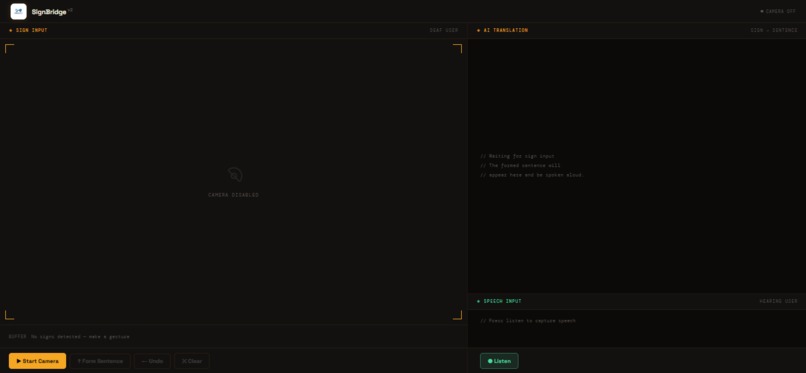
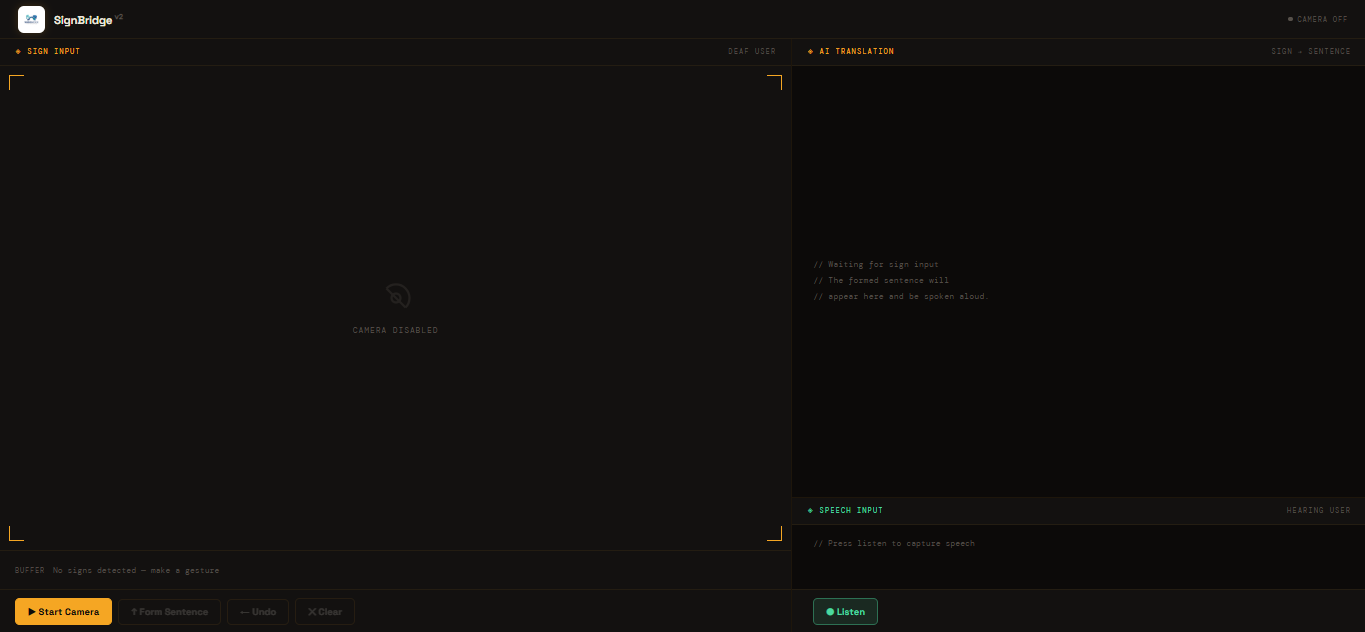
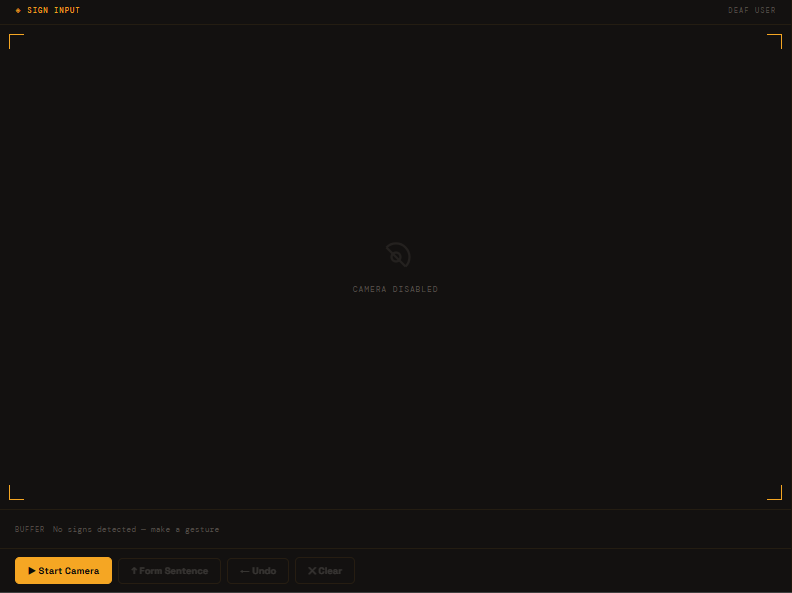
Full UI
-
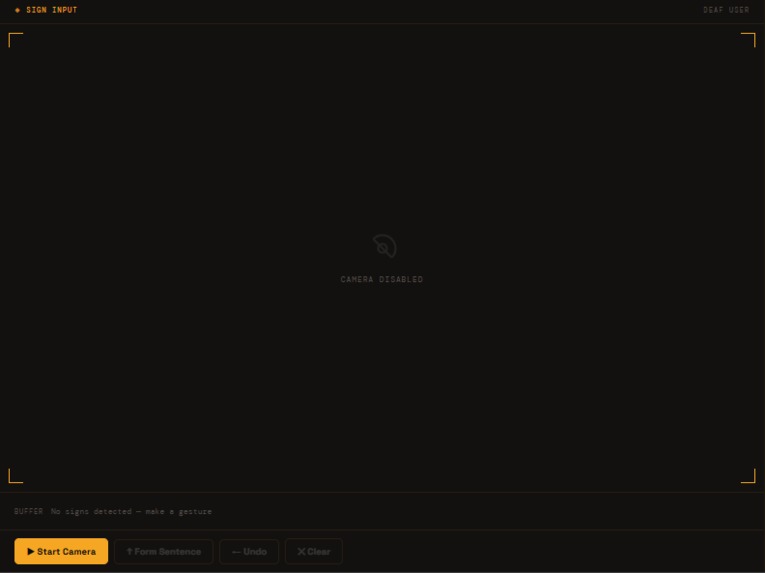
Sign Classifier
-
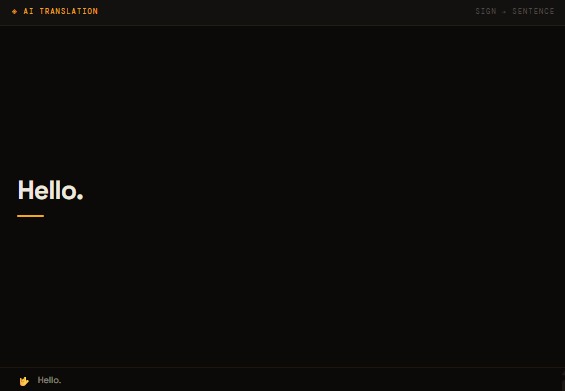
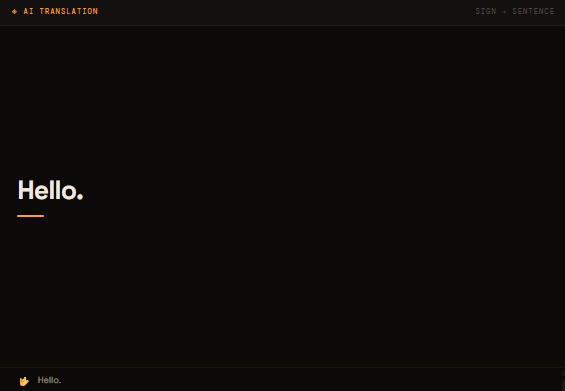
AI sentence formation
-

Auto Submit

💡 Inspiration
Communication between deaf and hearing individuals remains a significant barrier in everyday life. While there are tools that attempt to bridge this gap, most are limited, one-directional, or require complex setups.
I wanted to explore whether modern AI tools could be combined into a real-time, accessible, and practical system that enables seamless two-way communication — directly in the browser, without requiring installations.
🚀 What it does
SignBridge V2 is an AI-powered system that enables real-time, two-way communication between deaf and hearing users:
- 🤟 Deaf → Hearing: Hand signs are detected via webcam and converted into natural spoken sentences
- 🎙️ Hearing → Deaf: Speech is transcribed into real-time text on screen
The system acts as a live communication bridge, making conversations more accessible and fluid.
🏗️ How I built it
This project was built entirely solo, covering frontend, backend, and machine learning.
🖥️ Frontend
- Built using React + Vite
- Integrated webcam feed and real-time UI updates
- Used MediaPipe WASM for on-device hand landmark detection (~15 FPS)
🤖 Machine Learning API
- Developed a FastAPI-based microservice
- Extracted 21 hand landmarks (x, y, z) per frame
Applied:
- Translation (wrist → origin)
- Scale normalization
Trained a Random Forest classifier (100 trees) to predict ASL characters
🧠 AI Layer
- Used an LLM to transform raw sign sequences into natural English sentences
- Implemented validation to prevent malformed or unsafe inputs
🔊 Output Systems
- Text-to-Speech for spoken output
- Web Speech API for speech-to-text input
⚡ Key Features
- Real-time sign detection (~15 FPS)
- Two-way communication (Sign ↔ Speech)
- AI-powered grammar reconstruction
- Fully browser-based (no installs)
- Accessibility-focused design (ARIA, semantic HTML)
- Serverless deployment for scalability
🧗 Challenges I faced
🧠 1. Dataset Processing
Merging multiple ASL datasets with inconsistent labeling required manual effort and verification. Over 5000+ images were manually organized, and the full image-to-landmark conversion pipeline (1M+ samples) took several hours to process.
⚙️ 2. Model Limitations
Static classification struggles with dynamic signs like J and Z, which require motion over time. Balancing performance and simplicity with a Random Forest model was a key design decision.
🔗 3. System Integration
Connecting:
- Computer Vision (MediaPipe)
- ML inference (FastAPI)
- LLM processing
- Real-time UI
into a smooth pipeline required careful handling of latency and data flow.
⚡ 4. Real-Time Performance
Ensuring low latency while keeping everything responsive in a browser environment was a constant optimization challenge.
🧠 What I learned
- How to design and deploy a full-stack AI system end-to-end
- Practical understanding of computer vision pipelines
- Importance of data preprocessing and normalization
- How to balance model complexity vs real-time performance
- The difference between building something that works vs building something usable
🔮 What’s next
- Support for dynamic signs (J, Z) using temporal models
- Multi-hand tracking
- Conversation history and persistence
- Support for additional sign languages
- Mobile optimization / PWA support
💬 Final Thoughts
SignBridge V2 demonstrates how AI can move beyond convenience and be applied to solve real communication challenges.
This project is not just a technical exploration — it’s a step toward making everyday interactions more inclusive and accessible.


Log in or sign up for Devpost to join the conversation.