-
-
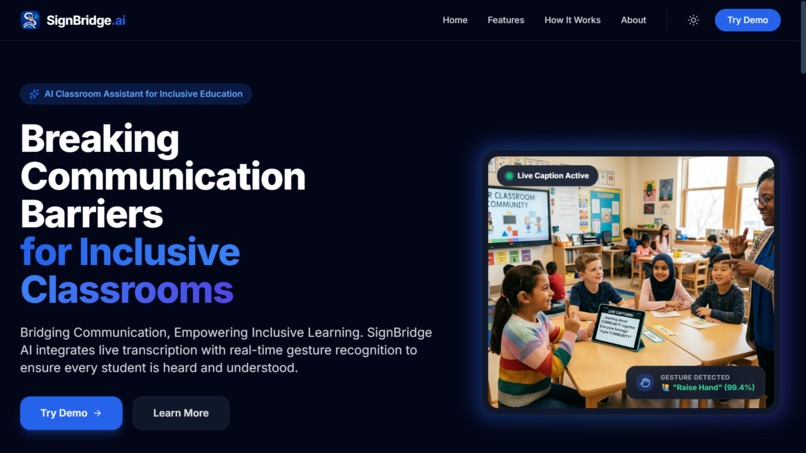
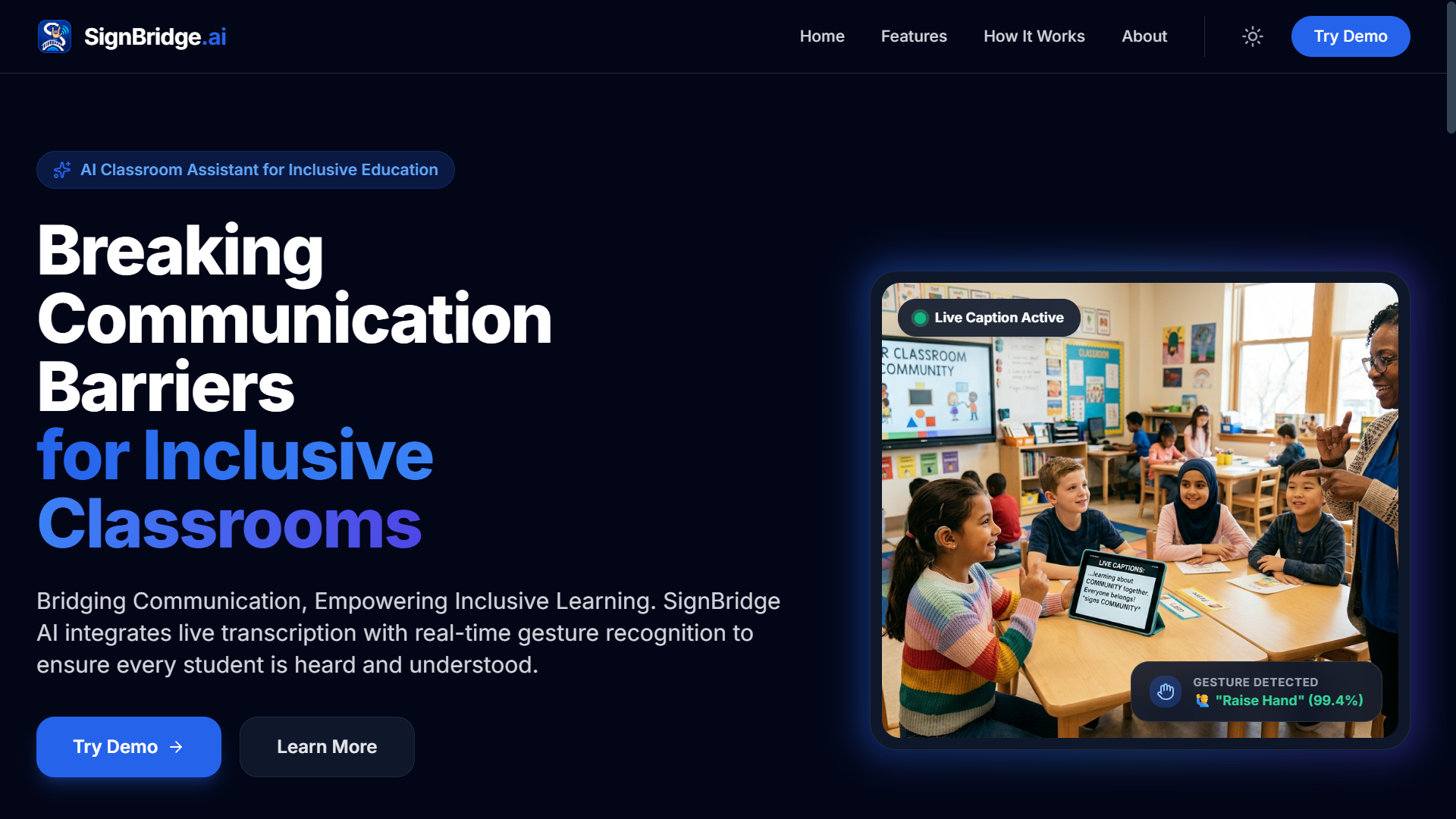
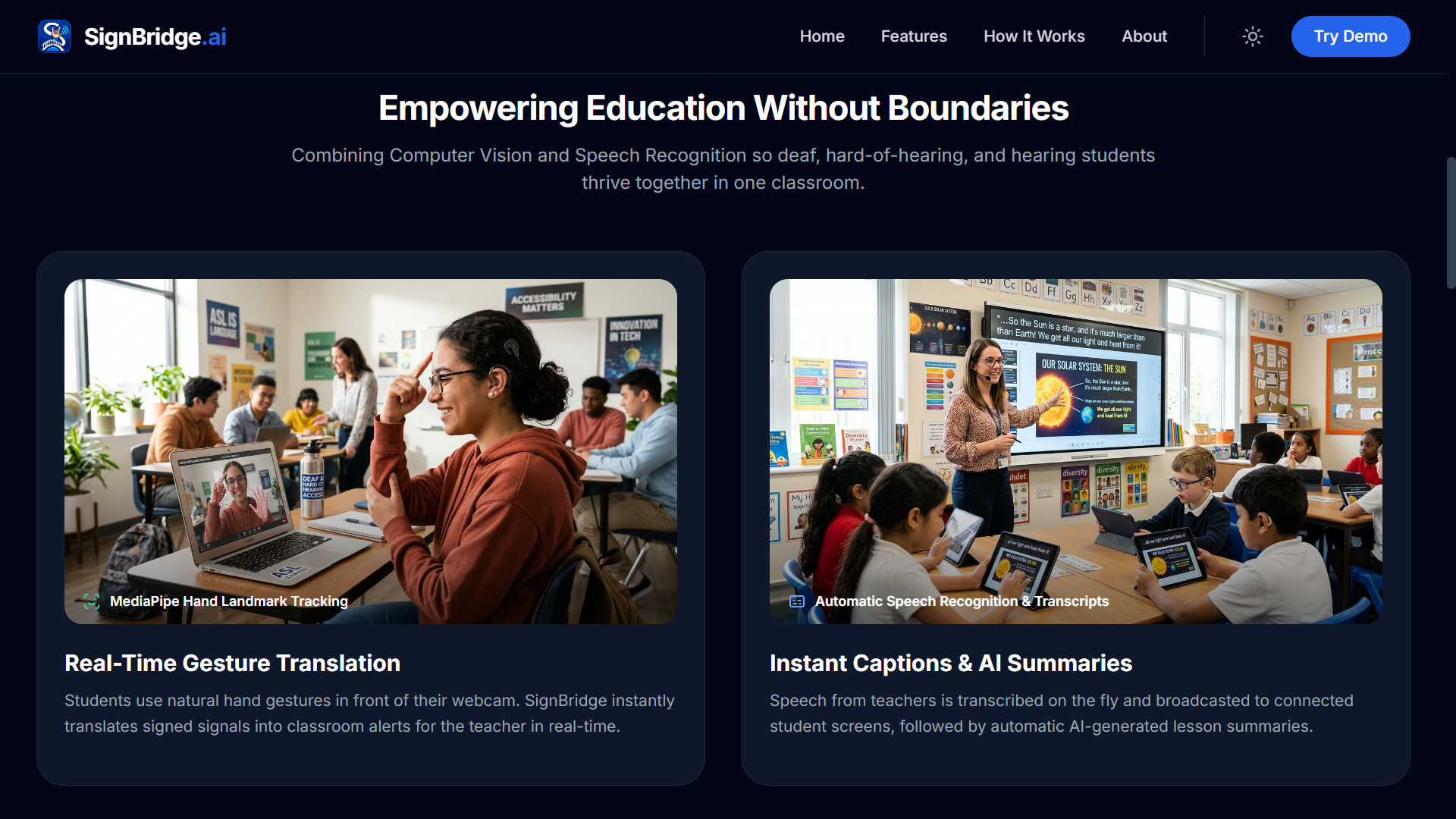
Landing Page Layout
-
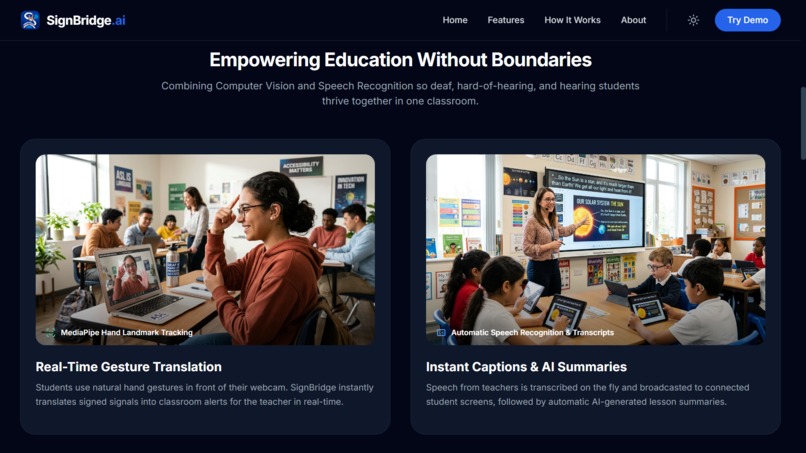
Landing Page Layout
-
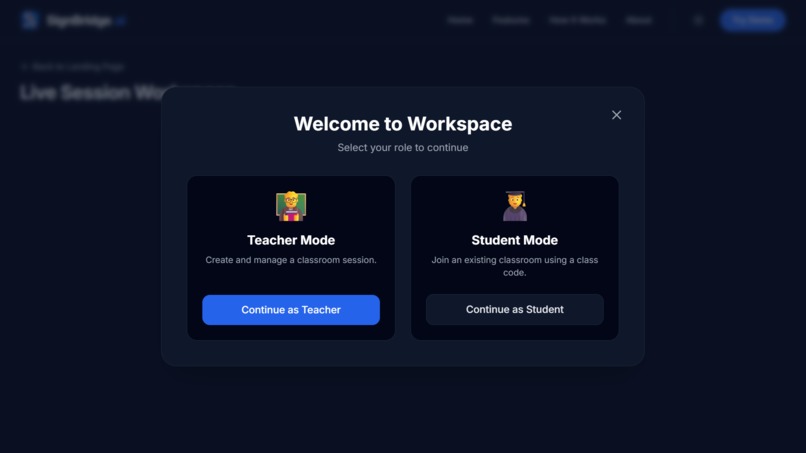
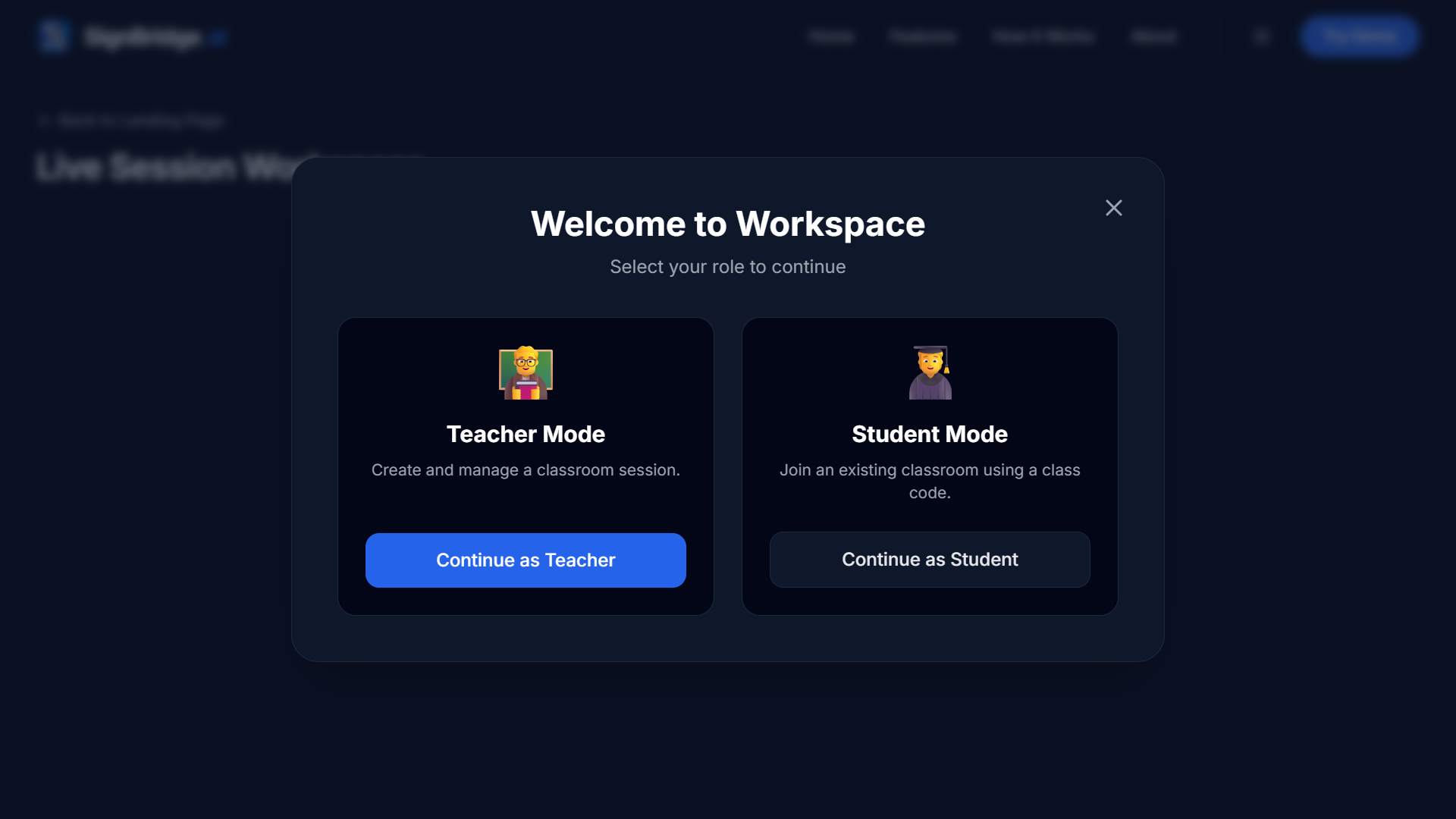
Select mode
-
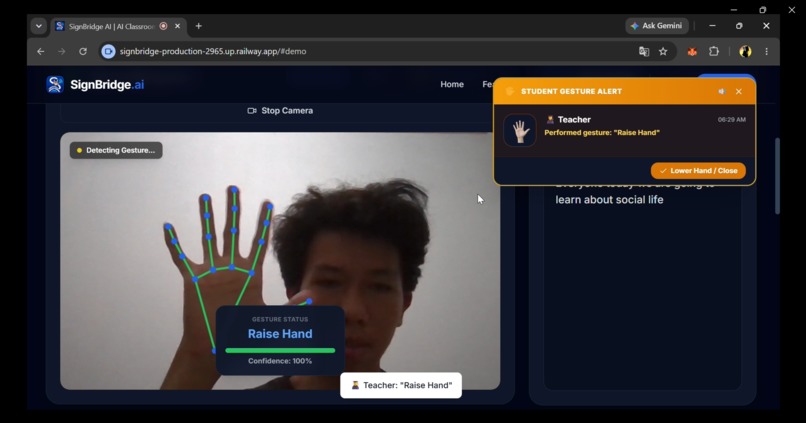
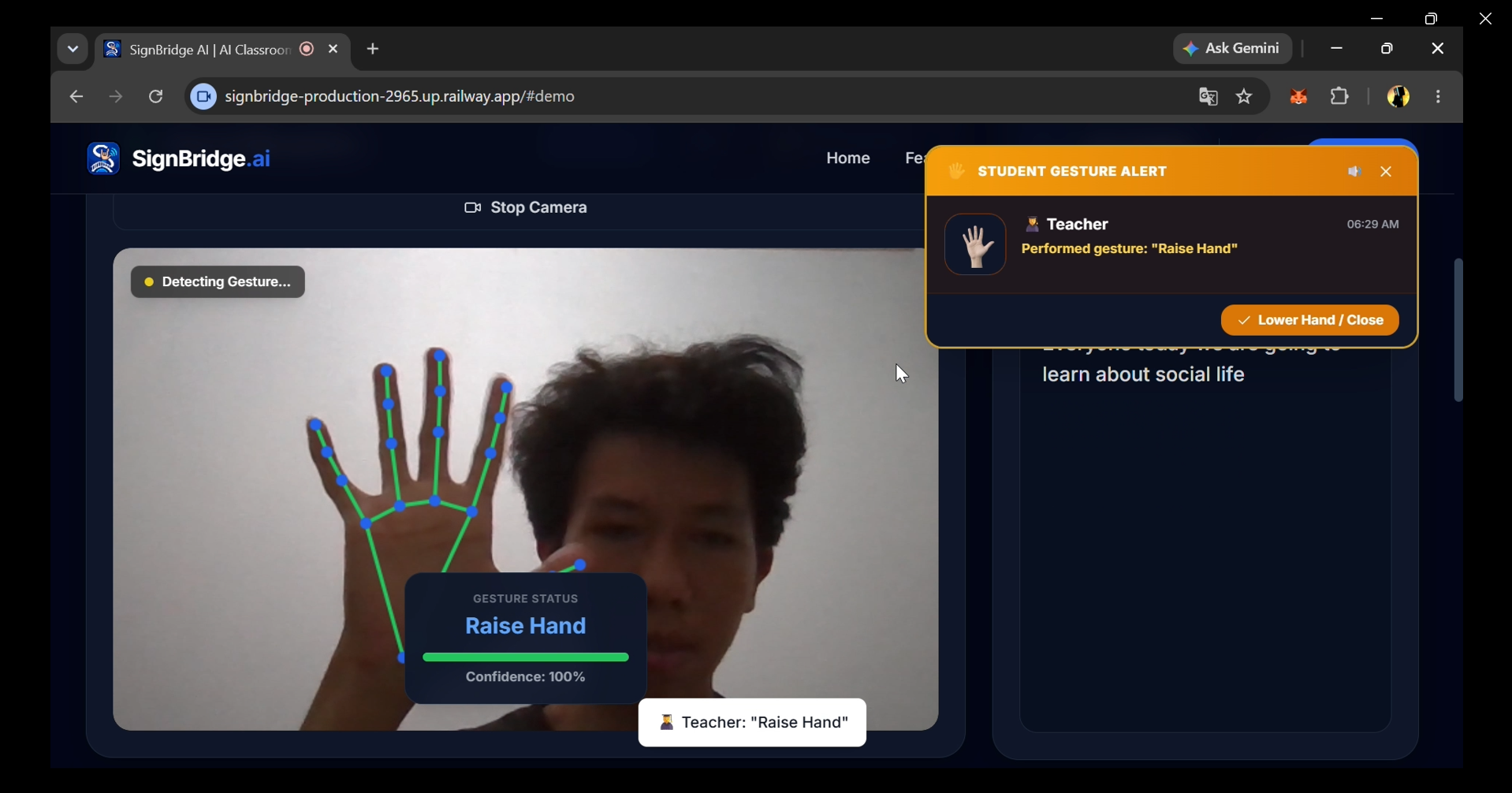
Gesture Recognition
-
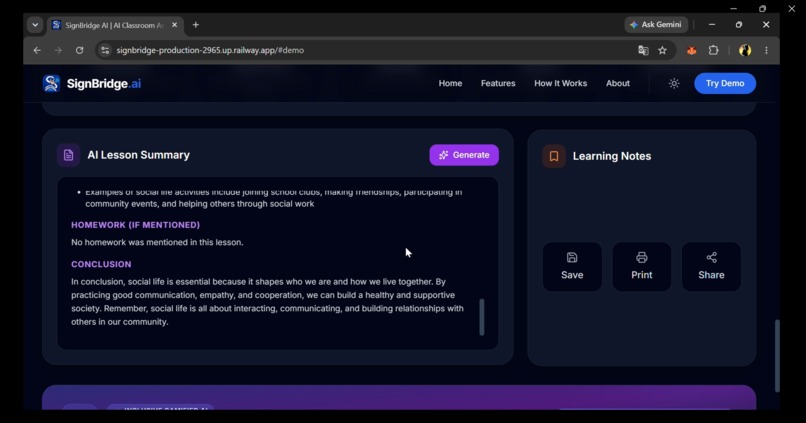
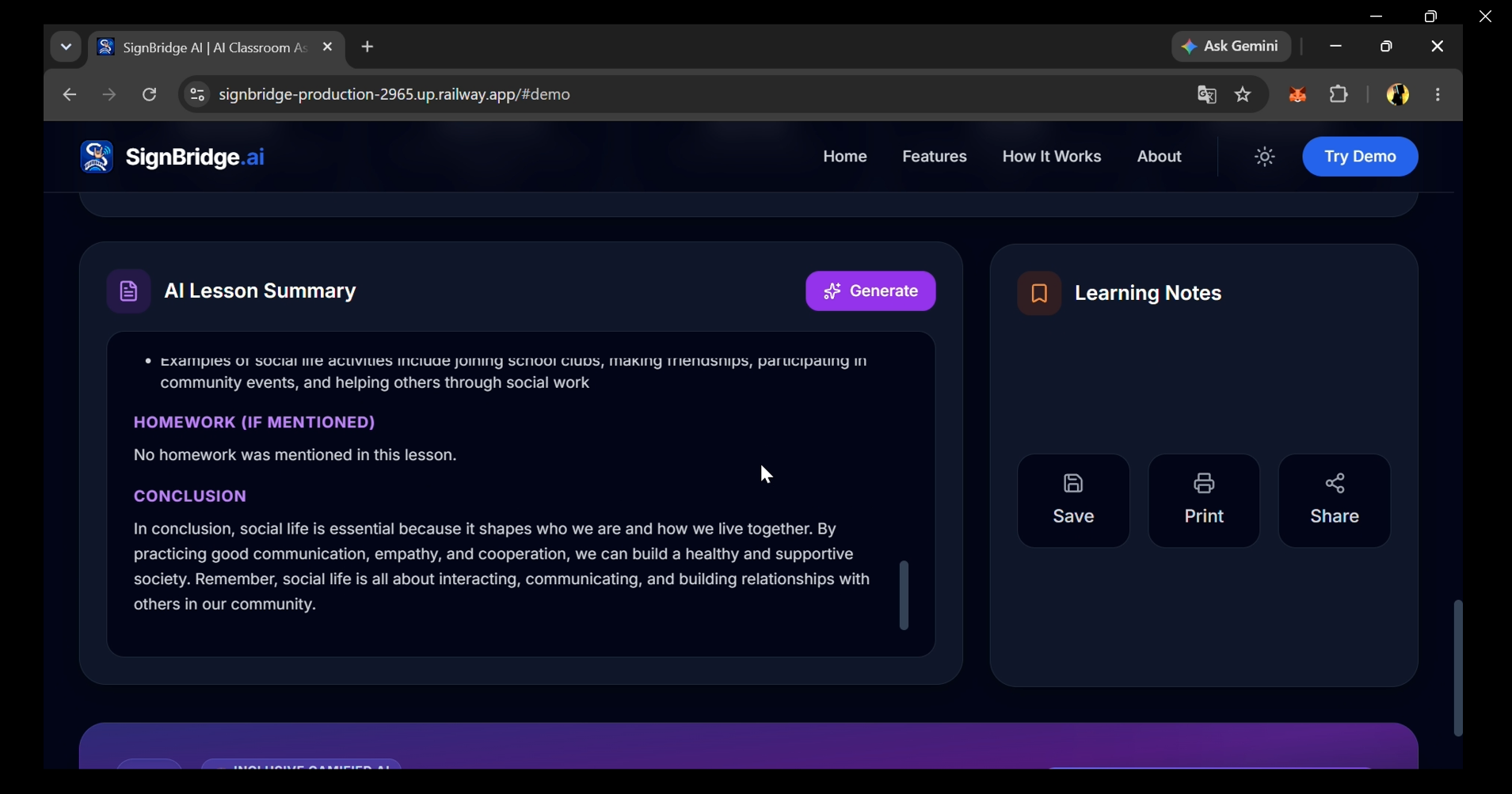
AI Powered Lesson Summary View
-
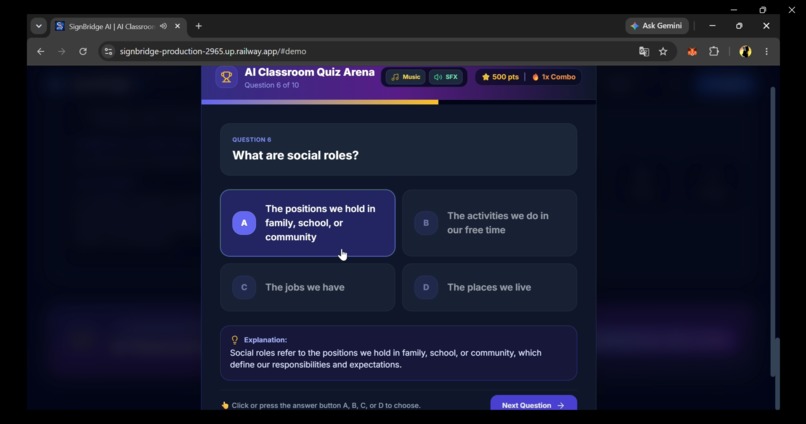
Quizzes based on AI generated summaries
-
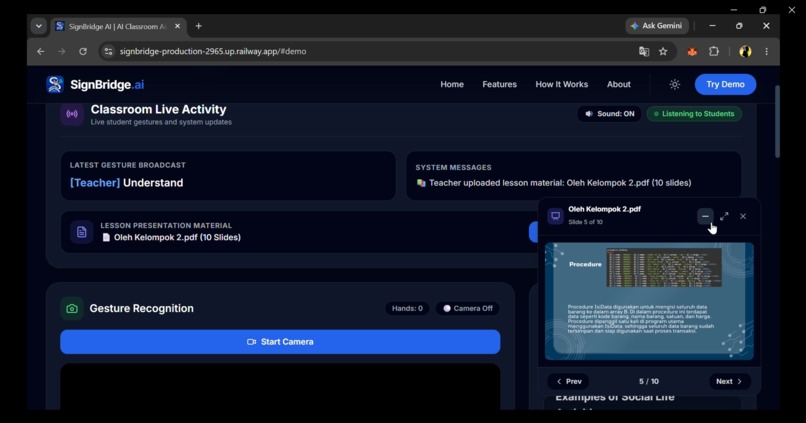
Slide view
Inspiration
In inclusive classrooms, Deaf and Hard-of-Hearing (DHH) students can face communication barriers. Certified human sign language interpreters are not always available for every class session, while traditional speech-to-text tools are mostly passive and one-way. When DHH students have a question or need clarification, communicating during a spoken lecture can be difficult.
I was inspired to build SignBridge AI to transform ordinary classroom devices such as laptops, Chromebooks, tablets, and smartphones into an active, two-way learning bridge. My vision is to help make sure every student has a practical way to participate in the classroom.
What it does
SignBridge AI is an end-to-end web platform that connects teachers and students in real time:
Two-Way Multi-Device Pairing: Teachers create a classroom with a 5-character class code, while students can join from tablets, or laptops without installing extra software.
Real-Time Speech-to-Text: Spoken teacher lectures are converted into live captions using the native Web Speech API and displayed on connected student devices.
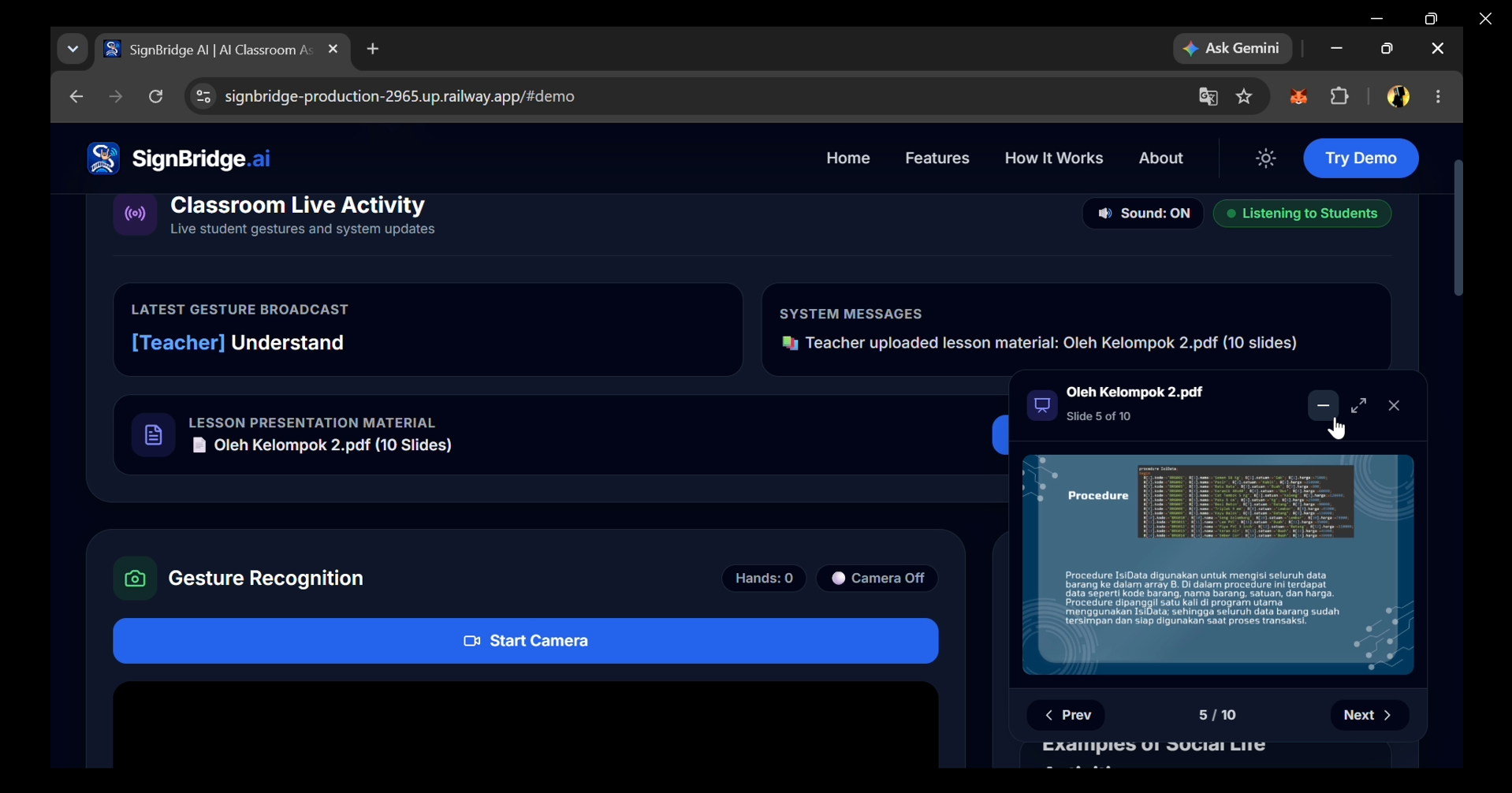
Sharing Live Lesson Slides: Teachers can share slide materials in real-time, automatically synchronizing them across students' screens.
Client-Side Hand Gesture Detection: Google MediaPipe Hands runs directly in the student's browser to recognize 15 classroom gestures, including Raise Hand, Need Help, Repeat Please, and Understood. When a gesture is detected, the teacher receives an immediate visual notification and audio alert.
AI Lesson Summaries: Groq with openai/gpt-oss-120b transforms lesson transcripts into structured summaries containing core concepts, key points, vocabulary, and takeaways.
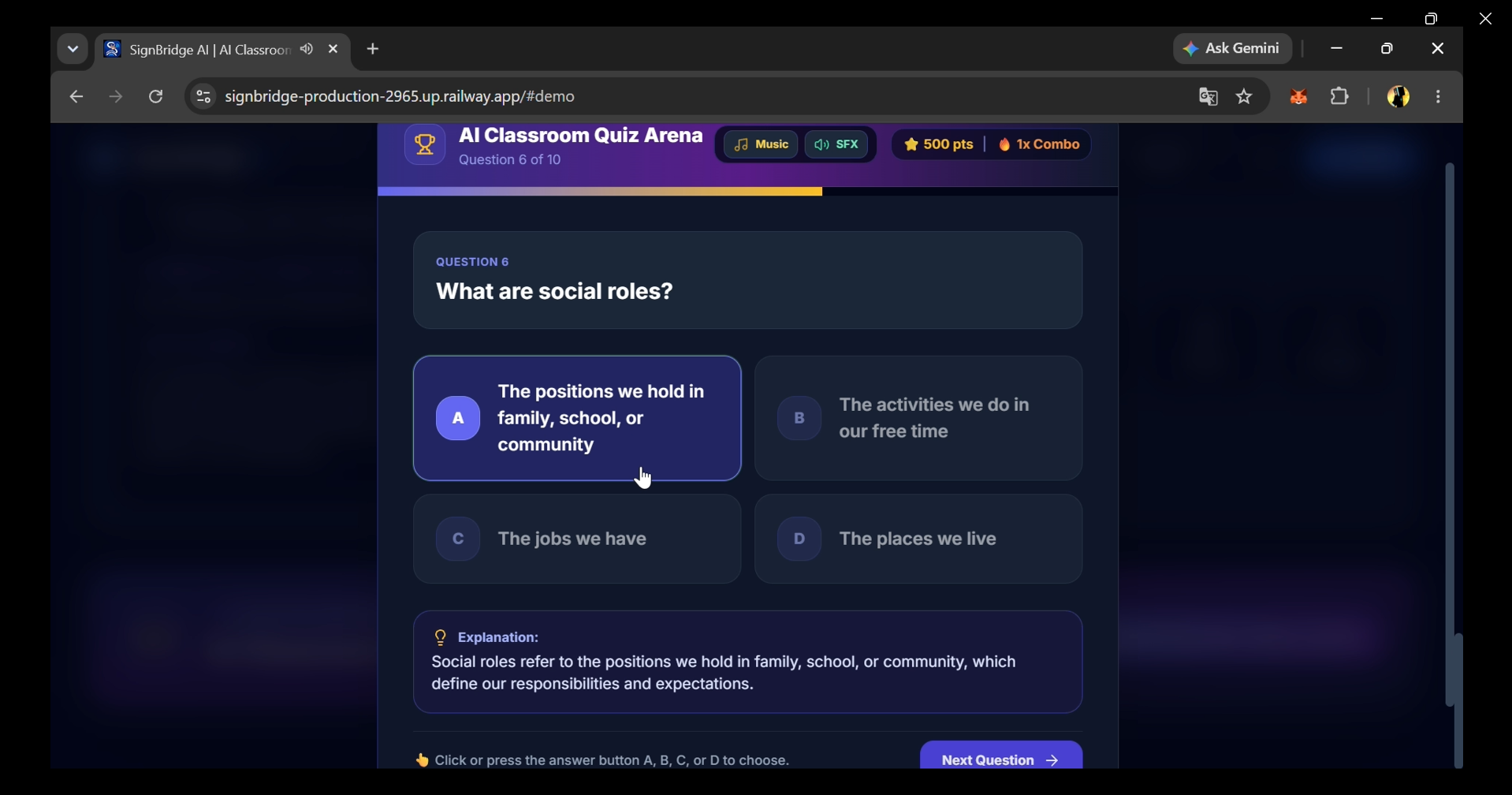
AI Classroom Quiz Arena: Teachers can generate a 10-question quiz based on the lesson material. Students can then play an interactive quiz with progress tracking, combo streaks, instant feedback, music, sound effects, and achievement badges.
How i built it
- Frontend & UI: React, TypeScript, Vite, Tailwind CSS, and Lucide Icons for the responsive classroom interface.
- Computer Vision: Google MediaPipe Hands running client-side in the browser for real-time gesture recognition.
- Large Language Model: Groq Cloud API with
openai/gpt-oss-120bfor lesson summaries and quiz generation. - Speech Recognition: Browser-native Web Speech API for live speech recognition and captions.
- Audio: Web Audio API for procedural background music, game sounds, answer feedback, and celebration effects.
- Realtime Networking: Supabase Realtime as the primary realtime backend, with Firebase Firestore available as a fallback for supported backend operations.
- Backend & Runtime: Node.js, Express, and Vite.
Challenges i ran into
Gesture Stability & False Positives: Hand gestures can fluctuate between frames, especially when the student's hand moves. I implemented landmark-based calculations together with debounce and cooldown logic to prevent repeated or accidental alerts.
Realtime Synchronization: Keeping captions, gesture alerts, summaries, and quiz states synchronized across multiple devices required careful state management and realtime event handling.
AI Output Structure: Turning spoken lesson transcripts into reliable summaries and structured quiz data required prompt engineering, output validation, and handling different transcript formats.
Accomplishments im proud of
Accessible Browser-Based Architecture: The platform works with common devices such as laptops, and tablets without requiring specialized assistive hardware.
Client-Side Gesture Processing: Hand gesture recognition runs directly in the browser, so student camera frames do not need to be uploaded to a server for gesture detection.
AI-Powered Learning Support: The same lesson material can be transformed into both a structured summary and an interactive quiz, helping students review the lesson in different ways.
Gamified Learning Experience: The Quiz Arena includes combo streaks, music, sound effects, instant feedback, progress tracking, and achievement badges to make reviewing lessons more engaging.
What i learned
- How to optimize real-time hand landmark tracking in the browser while keeping the interaction responsive.
- How to use prompt engineering and structured output validation for educational AI features.
- How accessibility-focused UX requires more than captions, including visual feedback, clear interactions, and alternative ways for students to participate.
- How different browser capabilities and device conditions can affect real-time speech recognition and computer vision.
What's next for SignBridge AI
- Teacher Analytics: Provides insights into student participation, frequently requested types of assistance, and quiz performance over time.
- Offline Classroom Mode: Developing local network synchronization for classrooms with limited internet connectivity.
- Broader Learning Support: Expanding AI-driven learning features—going beyond simple summaries and quizzes—to support a wider range of classroom activities.
- Create more educational games: To make children more enthusiastic about learning
Built With
- express.js
- firebase
- groq
- mediapipe
- node.js
- react
- supabase
- tailwindcss
- tensorflow.js
- typescript
- vite
- webaudioapi
- webspeechapi

Log in or sign up for Devpost to join the conversation.