-
-

Footer section
-
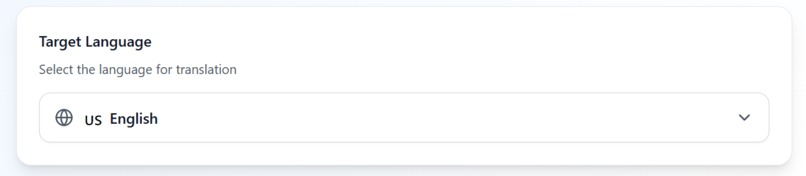
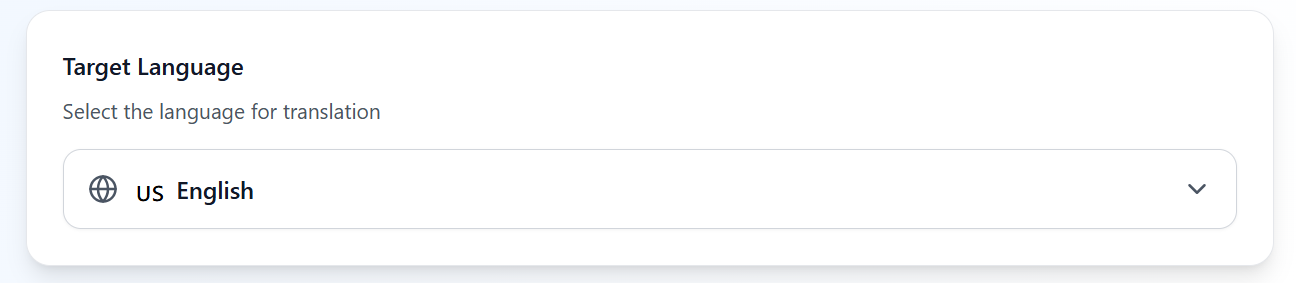
The language selector section. The User selects the language he wants to translate the signs to
-

The Header section
-

the camera button. Onclick it allows the user to start the camera.
-
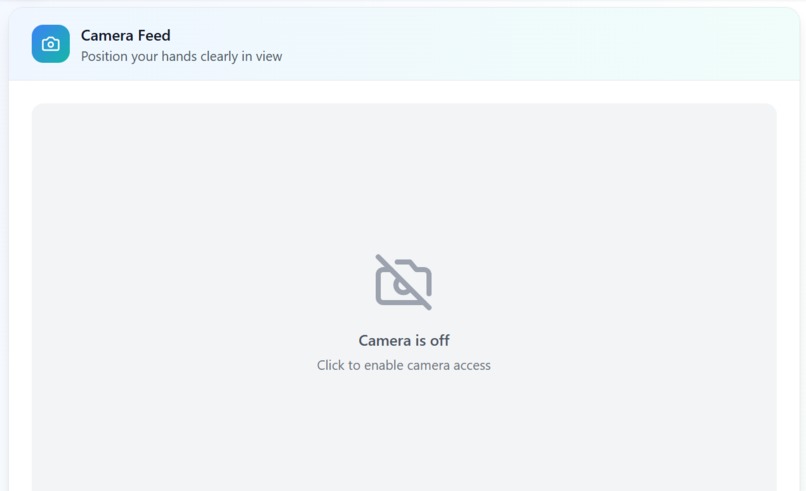
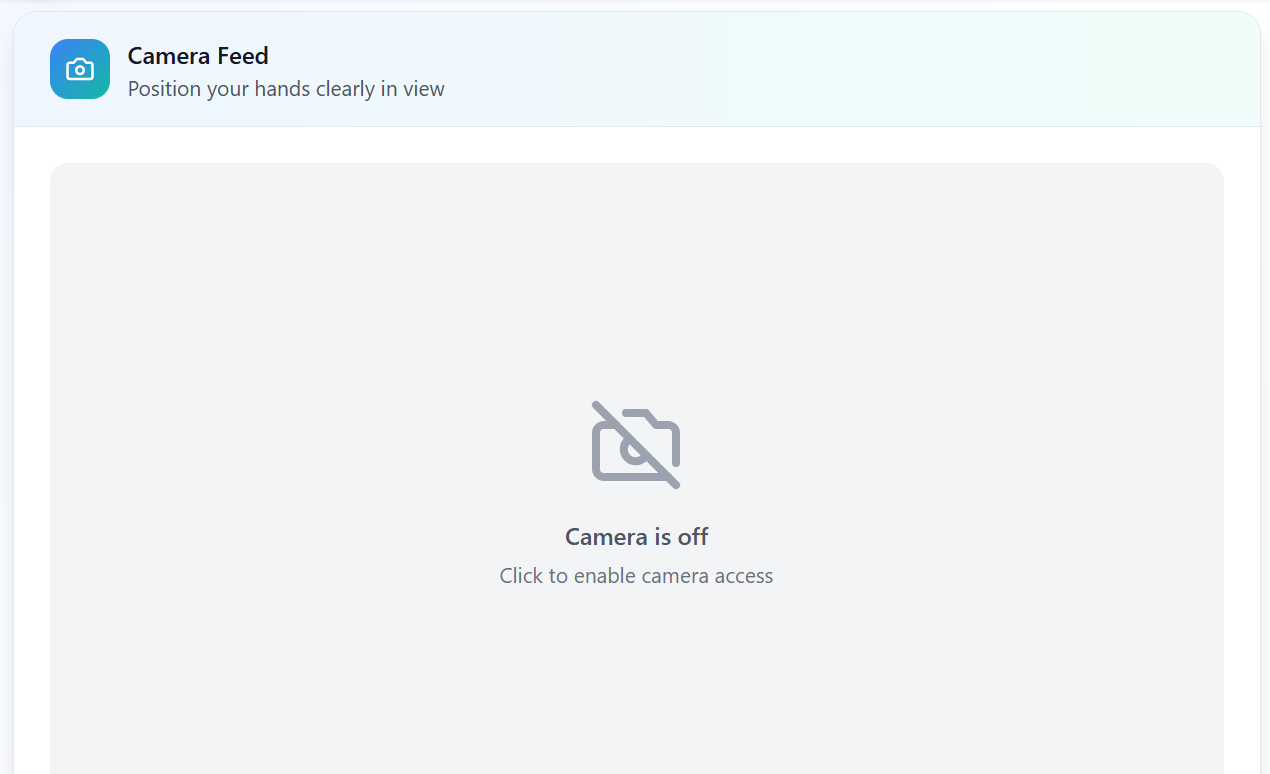
The camera feed section
-
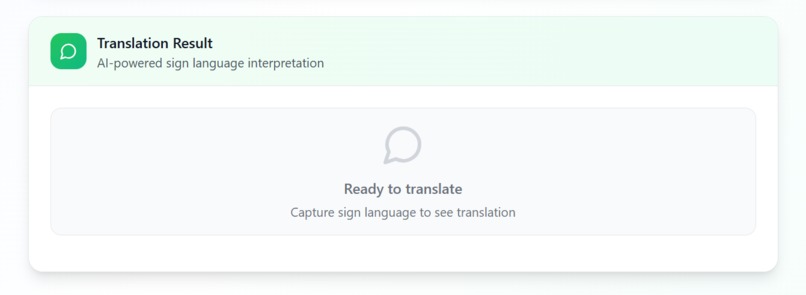
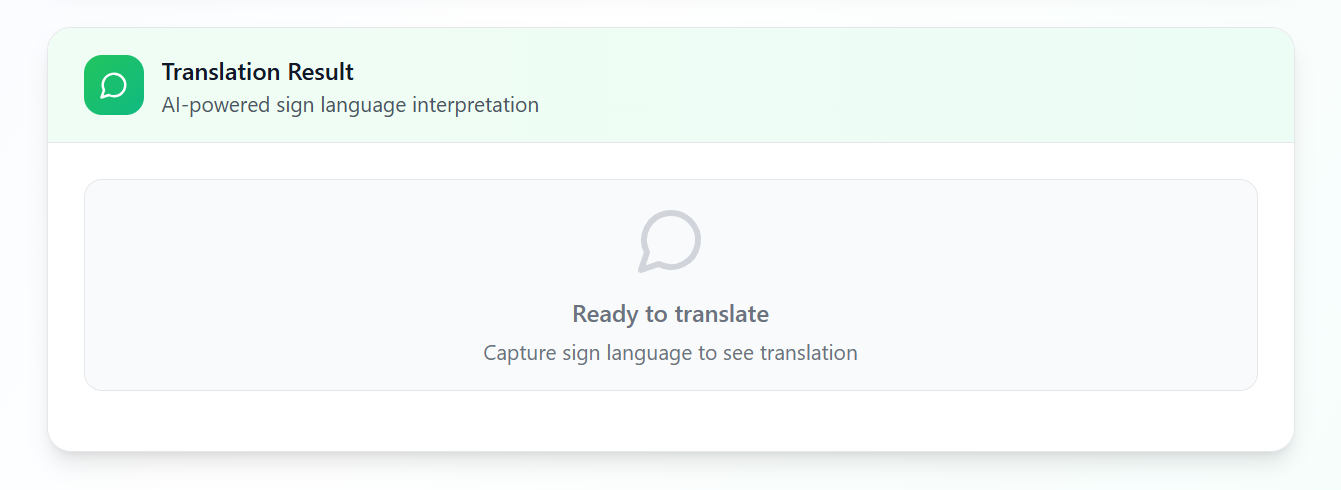
The translation section. Here the user will see the translation of the sign language in the selected language.
-
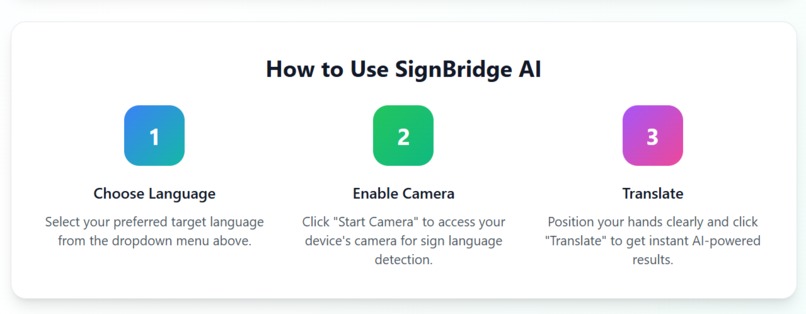
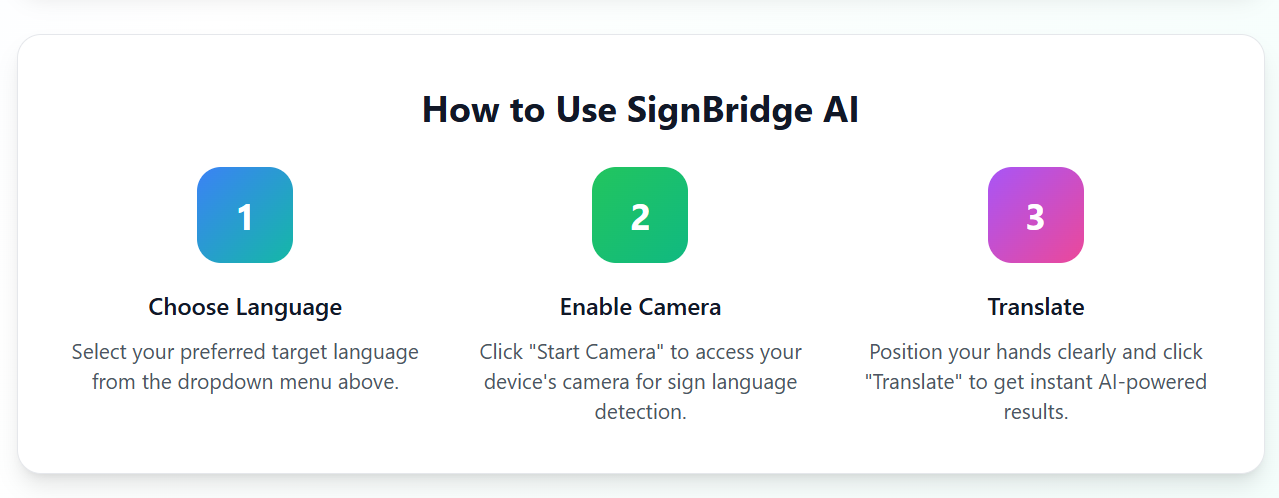
Guideline for the usage of the SignBridge AI



🚀 Inspiration Millions of deaf individuals face communication barriers daily — from clinics to customer service desks. We were inspired to build a simple, camera-based tool that enables sign language users to communicate instantly with anyone, without needing interpreters or expensive equipment.
🤖 What it does SignBridge AI uses a device’s camera to capture sign language gestures and translates them into text in real time using the Gemini API. It enables two-way communication by allowing hearing individuals to read signed conversations instantly.
🛠️ How we built it Frontend built using Vite + JavaScript
Real-time video processing via the device's web camera
Frame analysis and gesture detection handled via custom logic and sent to the Gemini API for sign-to-text conversion
Integrated into a clean, mobile-friendly interface using Tailwind CSS
🧩 Challenges we ran into Gemini API's image input limitations required creative workarounds for continuous gesture recognition
Ensuring fast and accurate frame capture without lag
Translating partial signs or unclear gestures into meaningful text
Managing API calls efficiently to avoid exceeding usage limits during testing
🏆 Accomplishments that we're proud of Built a fully functional MVP that works with just a browser and webcam
Delivered real-time, smooth sign-to-text translation
Kept the app lightweight, accessible, and easy to use on both desktop and mobile
Created a demo experience without needing expensive ML infrastructure
📚 What we learned How to maximize the Gemini API's multimodal capabilities
Efficient ways to process video input and extract meaningful frames
UX considerations for users with hearing impairments
The importance of lightweight AI solutions in accessibility tech
🔮 What's next for SignBridge AI Integrating reverse translation: text/voice to sign animations
Adding multilingual support
Deploying a PWA version for offline/low-data environments
Training a custom model for more accurate gesture interpretation
Partnering with schools and health centers for real-world testing
Built With
- geminiapi
- react
- tailwind


Log in or sign up for Devpost to join the conversation.