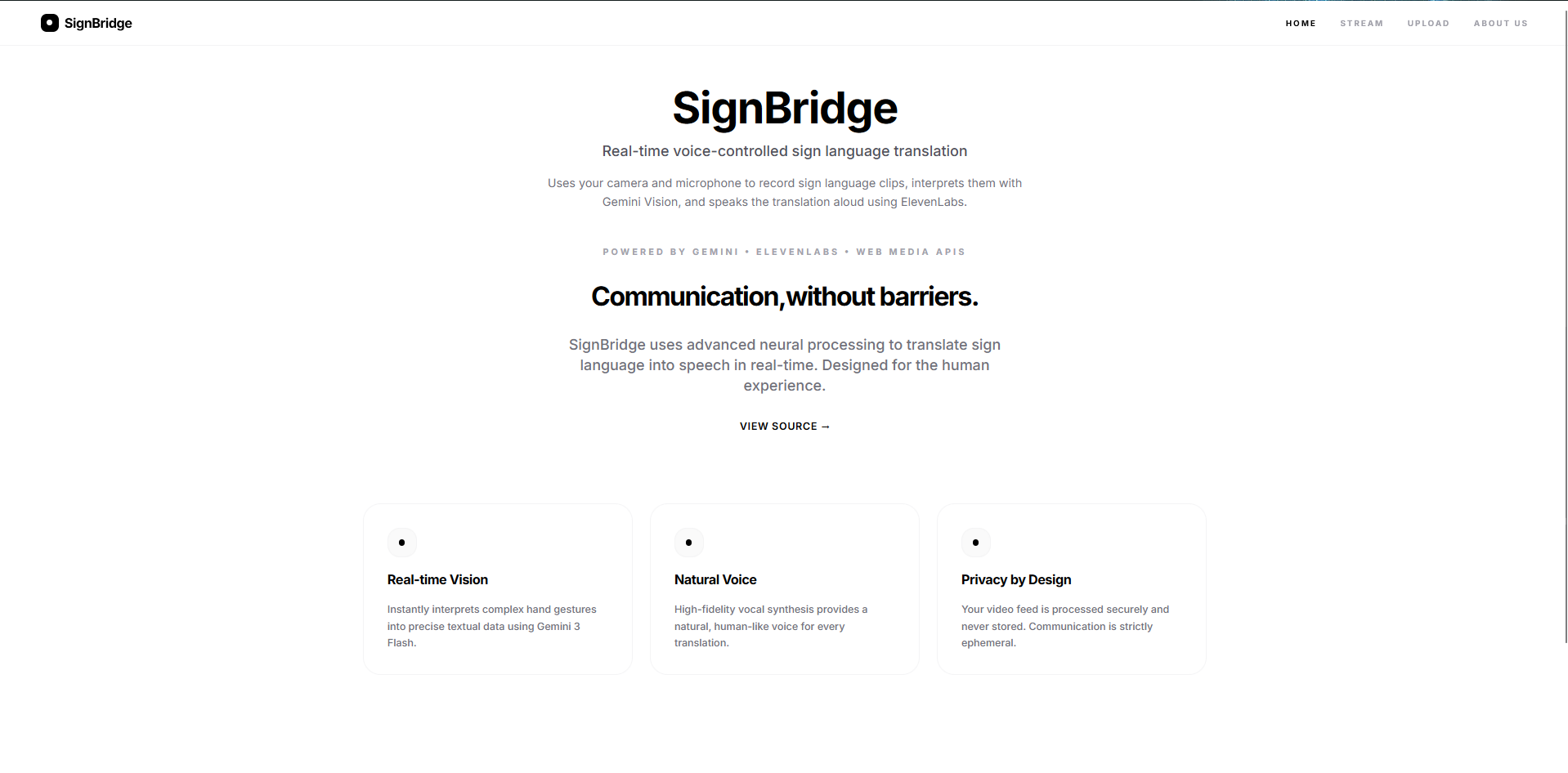
About the project
SignBridge started from a simple but frustrating gap we kept noticing: even when everyone wants to communicate, sign language often becomes a barrier because most hearing people don’t understand it, and many translation tools are either slow, awkward to use, or not designed for real-time conversations. We wanted a lightweight, browser-based experience that turns signing into clear text and, when needed, spoken audio so communication can flow naturally.
What inspired us
The inspiration came from thinking about everyday situations: asking for help, ordering food, or joining a conversation where interpreters aren’t available. We wanted to build something that feels like a “bridge” instead of a “demo”—something immediate, accessible, and practical.
How we built it
SignBridge is built as a modern web app focused on three stages:
Capture
- The app uses the browser camera (Web Media APIs) to capture frames or short clips.
- The goal is to keep the UX simple: turn the camera on, start AI, sign naturally.
Interpret
- We send captured visual input to a multimodal model (Gemini) with prompts tuned specifically for sign language interpretation rather than generic gesture labeling.
- We keep responses concise so the output is usable in conversation.
Speak (optional)
- For voice output, we generate speech so the translated message can be heard by others, enabling two-way interactions.
From a system perspective, you can think of the pipeline like:
$$ \text{Video/Frames} \;\rightarrow\; \text{Vision Model} \;\rightarrow\; \text{Text} \;\rightarrow\; \text{Speech} $$
Where latency matters. If we let frames pile up, the system becomes sluggish, so we use a timed capture approach (sampling every few seconds) and keep prompts short to reduce response time.
Challenges We Faced
Gesture vs. sign language ambiguity Some handshapes overlap with popular gestures. For example, the ASL “I love you” handshape can be misread as a “rock on” gesture. Fixing that required prompt tuning and clearer rules to prioritize sign language meaning.
Real-time constraints and latency Running “AI on every frame” is expensive and slow. We had to balance responsiveness with accuracy by sampling frames and keeping the model tasks focused.
API access and request limits Our requests to external APIs were often blocked or rate-limited. Handling these interruptions required retries, fallbacks, and careful error messaging to maintain a smooth user experience.
Error handling & environment setup In a browser app, API keys aren’t “magically available.” We had to make setup safer and clearer by validating missing keys early and providing friendly errors instead of confusing console stacks.
Media handling in the browser Recording short clips, managing codecs, converting blobs to Base64, and keeping memory usage reasonable took careful handling—especially to avoid breaking the user experience.
What we learned
- Prompting is product design: small changes in instruction (“prioritize ASL meaning over generic gesture labels”) can significantly improve usability.
- Real-time UX is about tradeoffs: accuracy, latency, and cost are linked; you can’t optimize all three at once without careful design.
- Reliability matters as much as “AI wow”: clear errors, stable media capture, and predictable app states are what make the demo feel like a real tool.
What we’re proud of
We built SignBridge to feel fast and approachable: a clean interface, straightforward controls, and an end-to-end flow from camera → interpretation → communication. Most importantly, it’s built around a real accessibility goal—helping people communicate when interpreters aren’t available.
Built With
- elevenlabs-api
- firebase
- gemini-api
- javascript
- react
- typescript

Log in or sign up for Devpost to join the conversation.