-
-
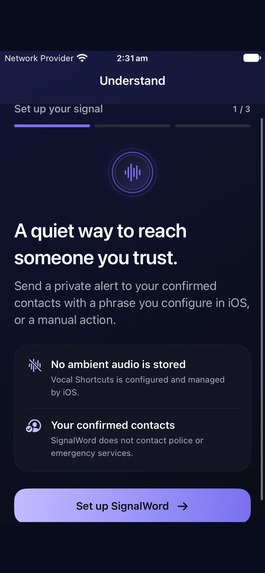
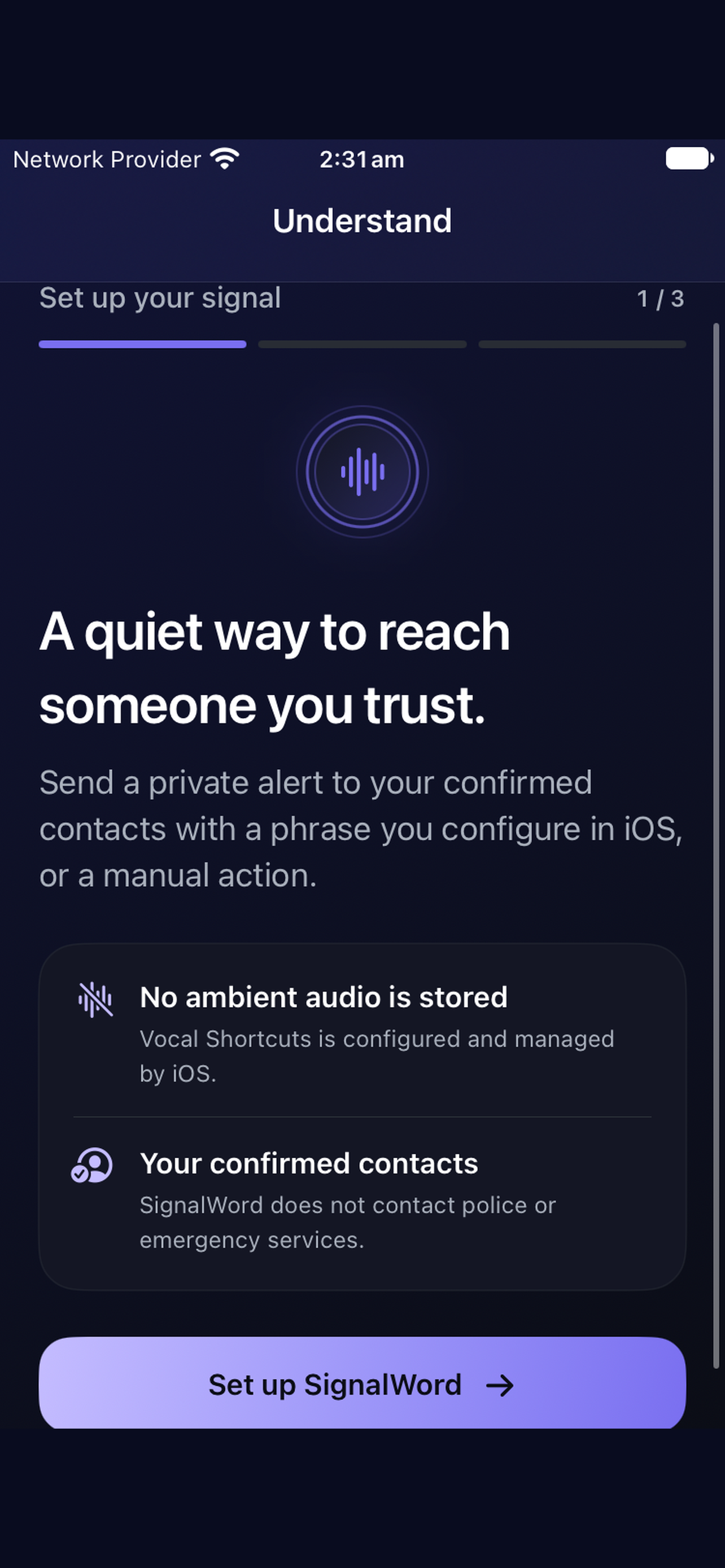
02_Understand_Setup
-
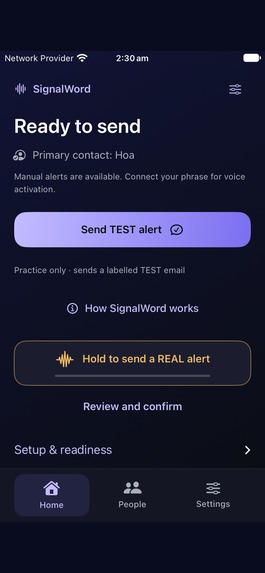
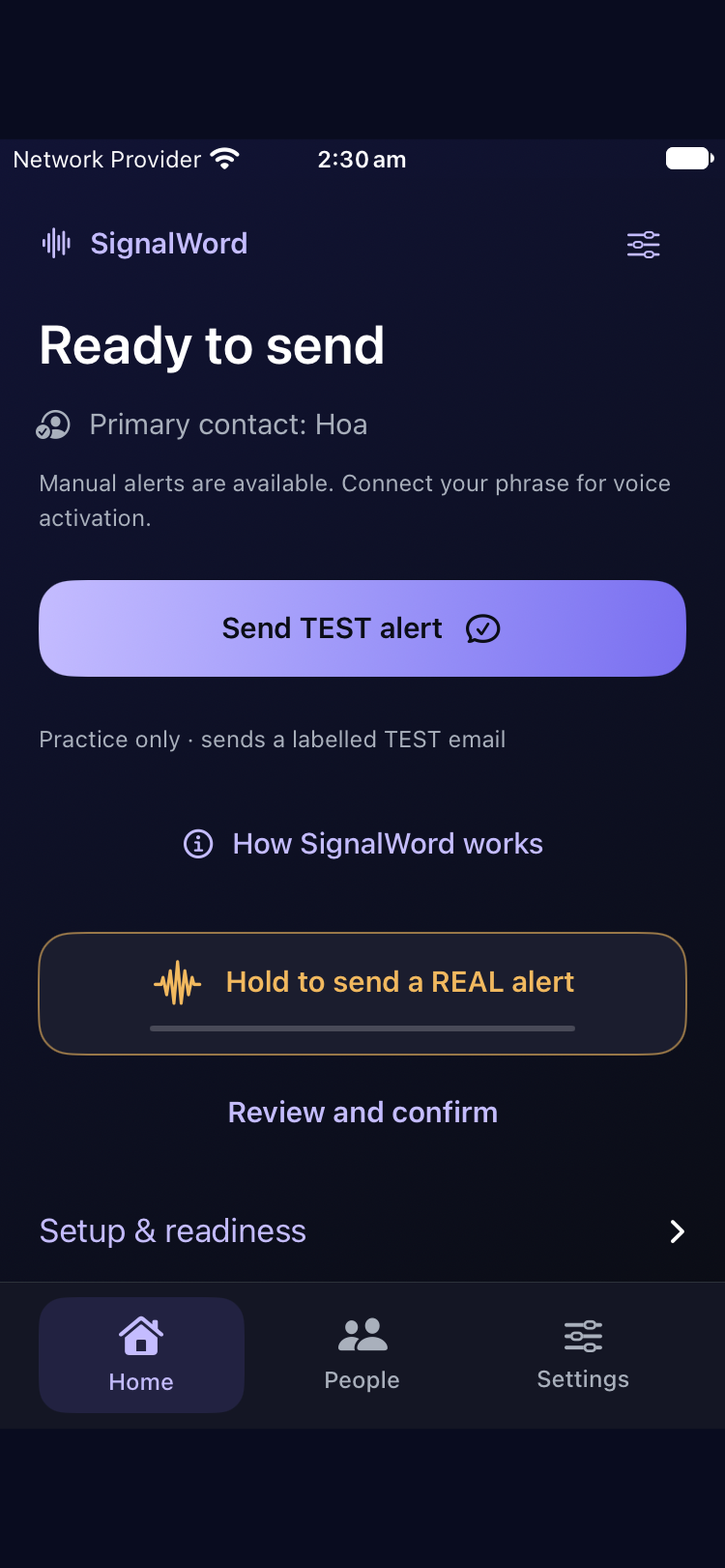
01_Home_Ready_to_Send
-
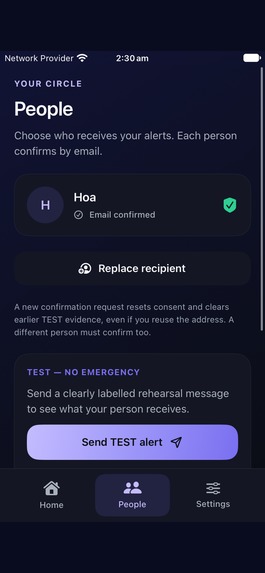
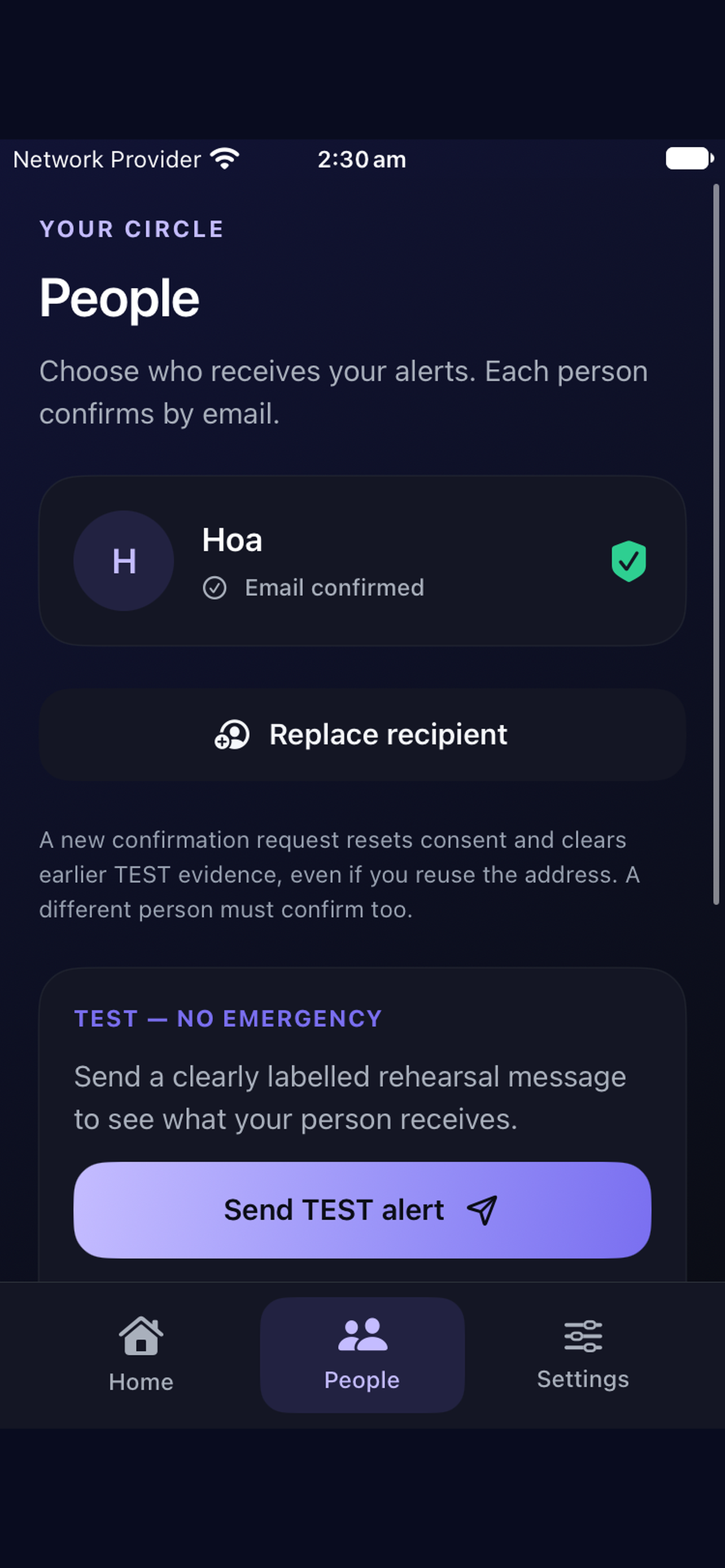
03_People_Confirmed_Contact
-
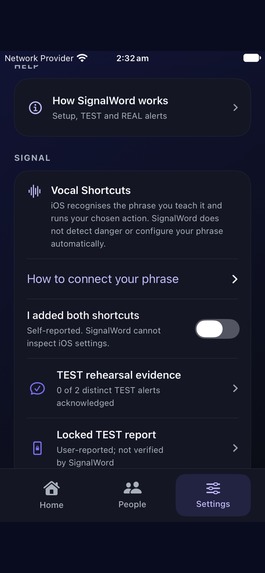
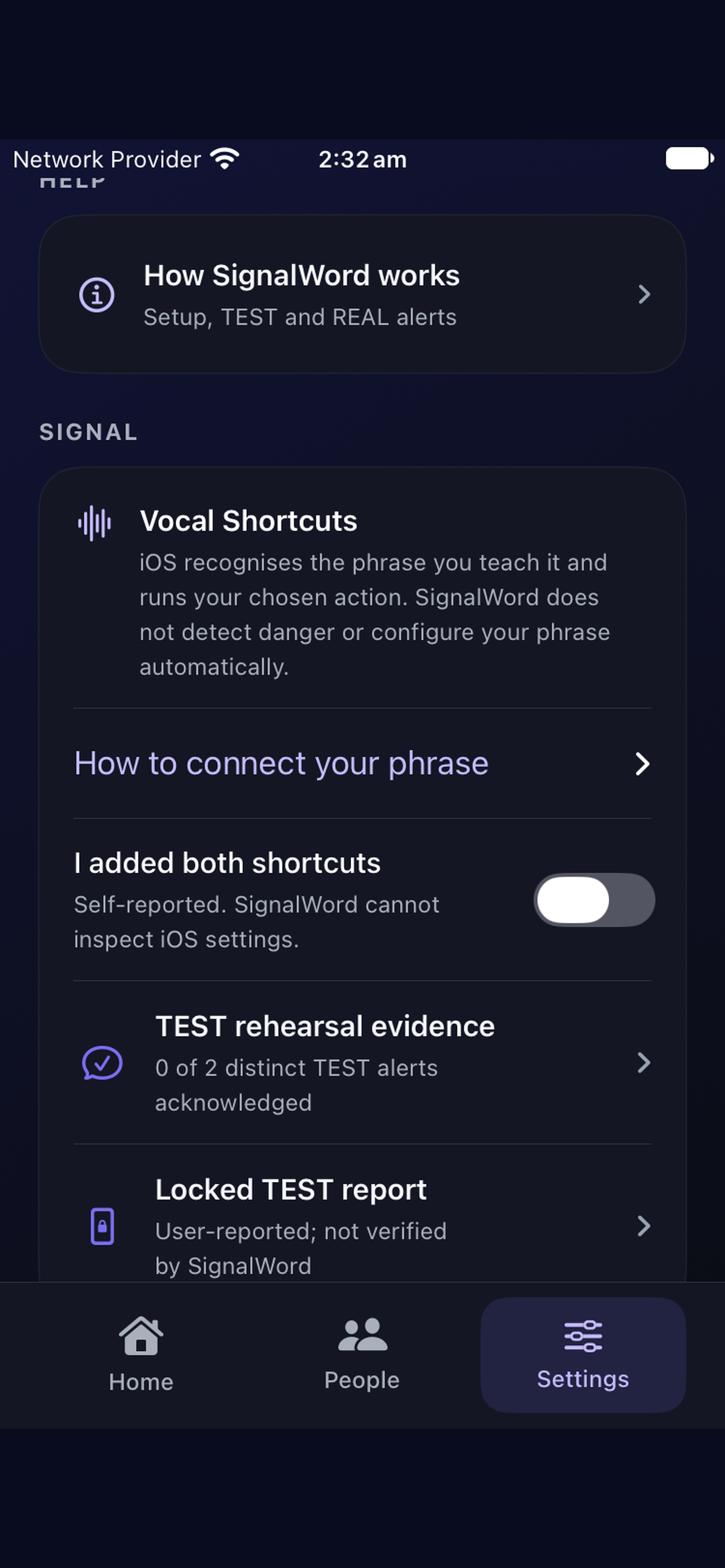
04_Vocal_Shortcuts_Settings
-
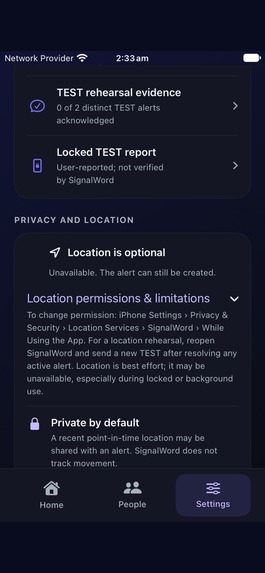
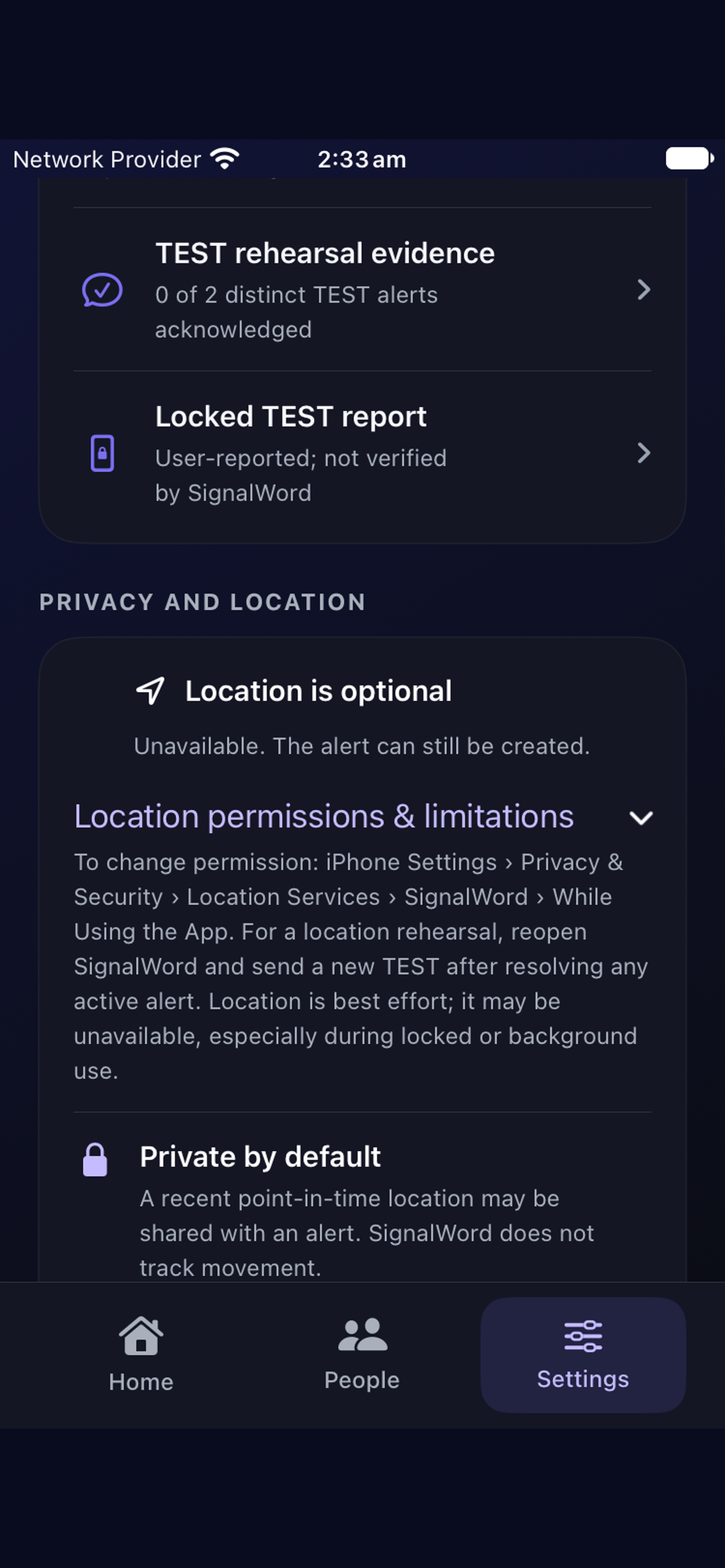
05_Privacy_Location
-
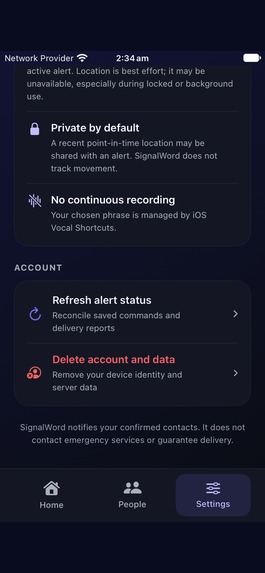
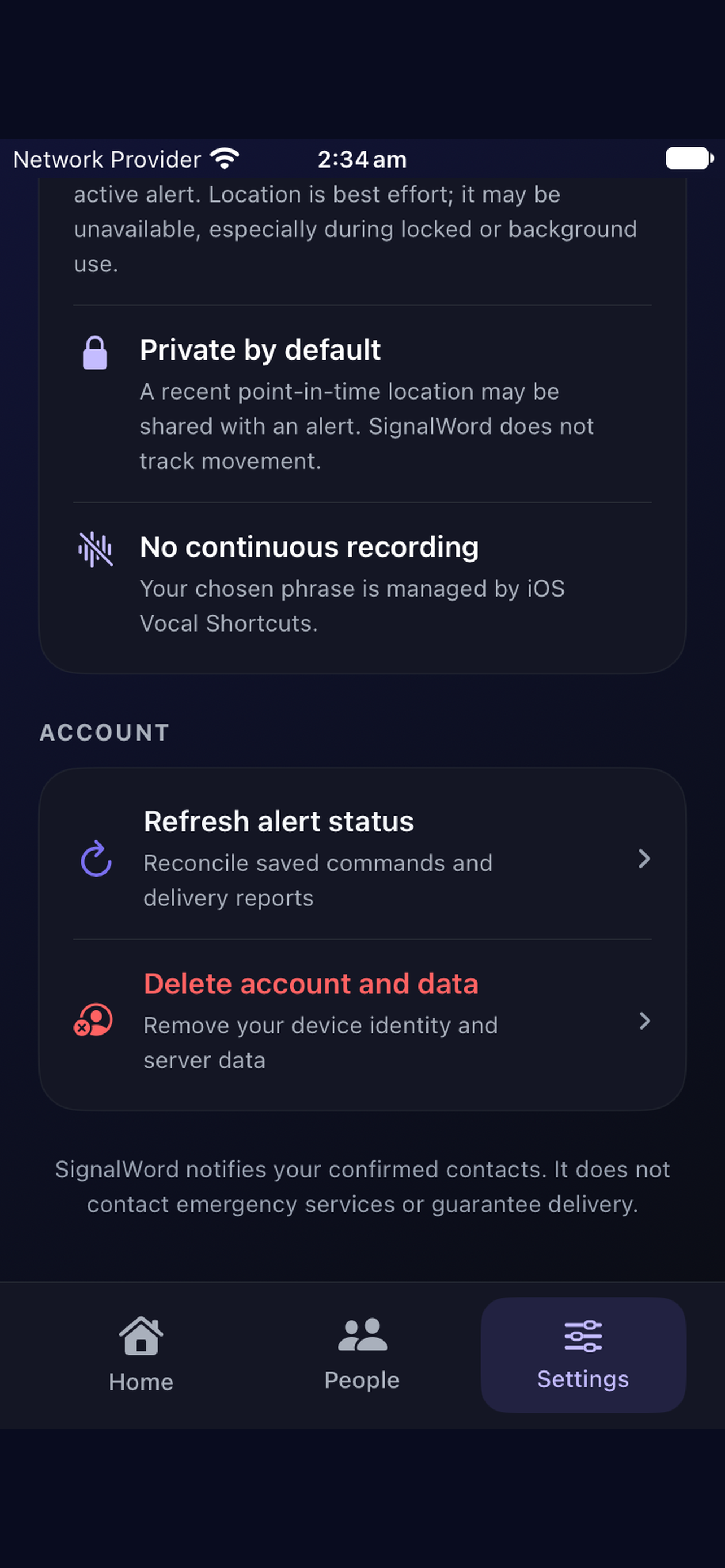
06_Account_Privacy
-
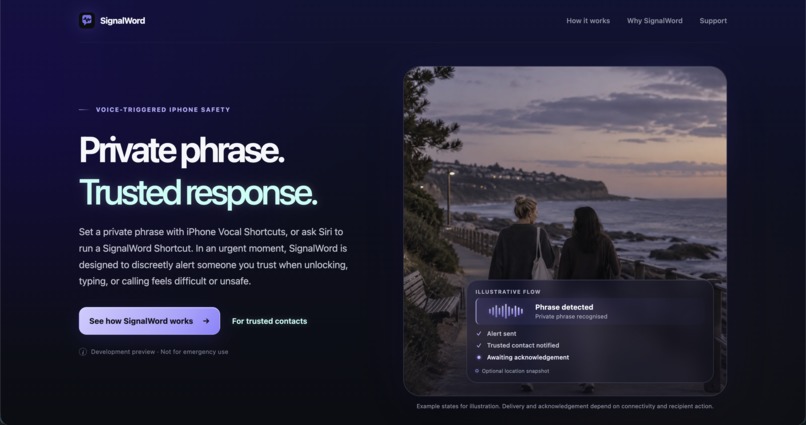
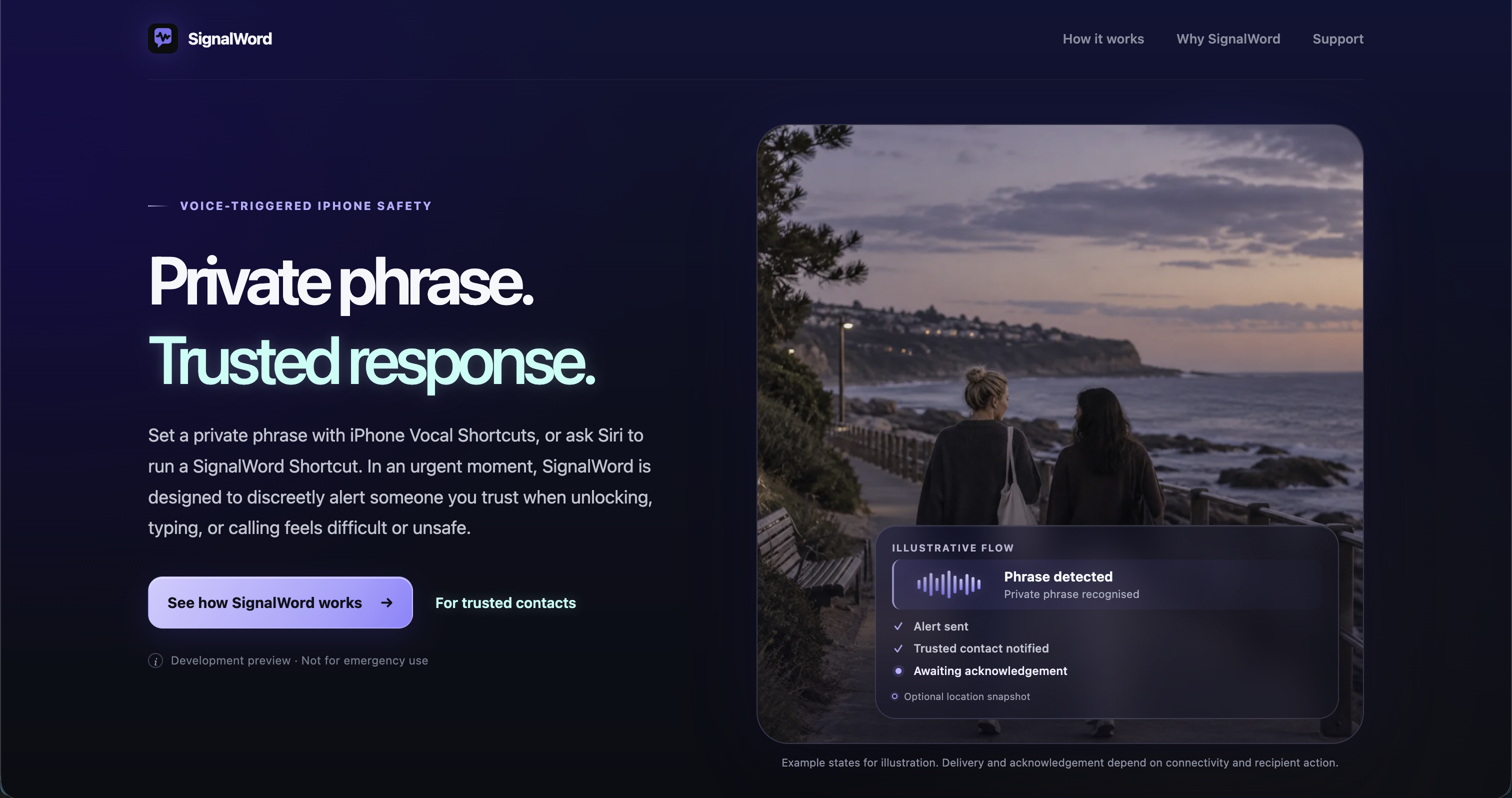
SignalWord - Web Home Page
-
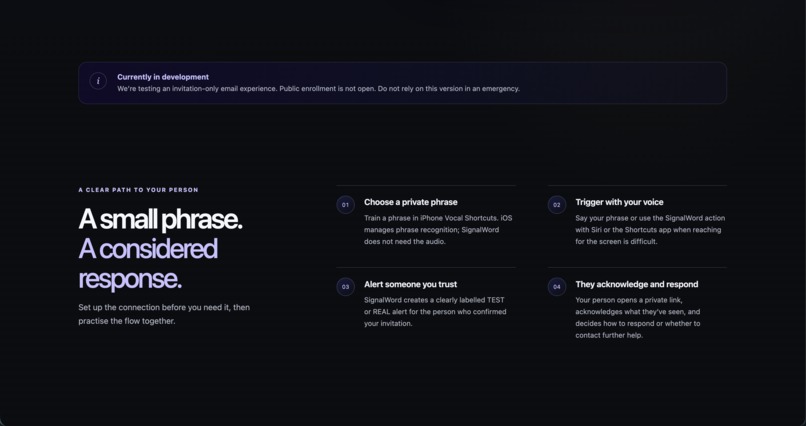
Home Page 1
-
Home Page 2
-
Home Page 3
-

App Icon
-
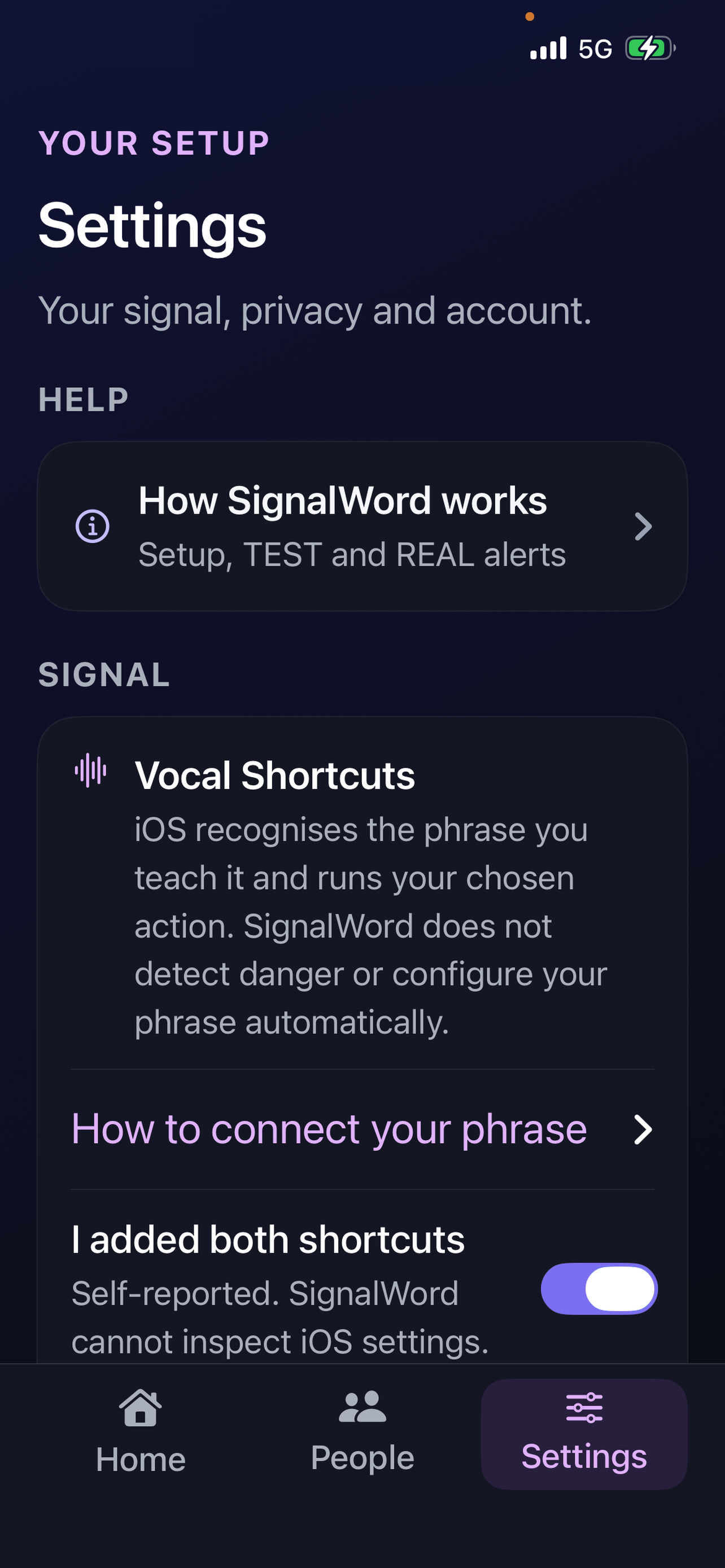
Settings_Vocal_Shortcuts
-
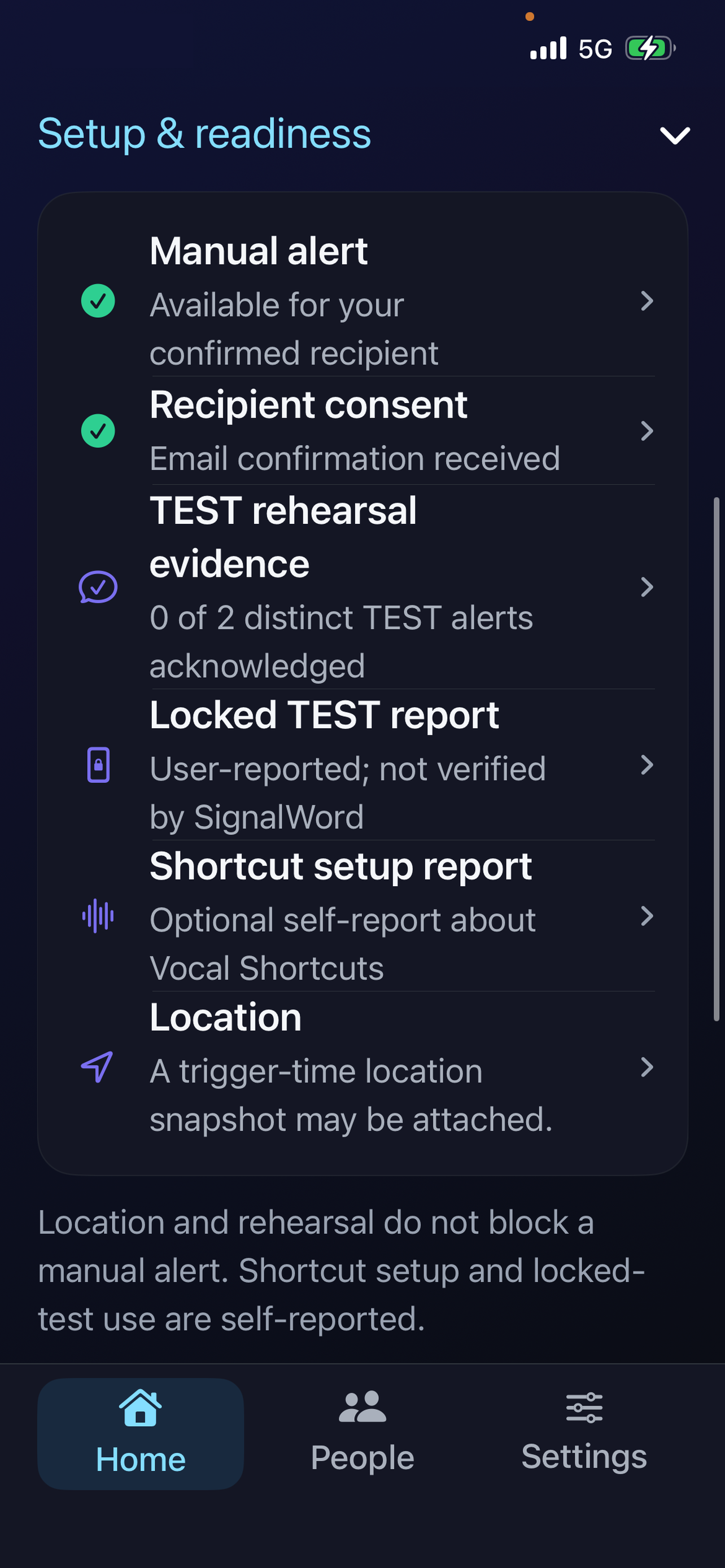
Setup_and_Readiness
-
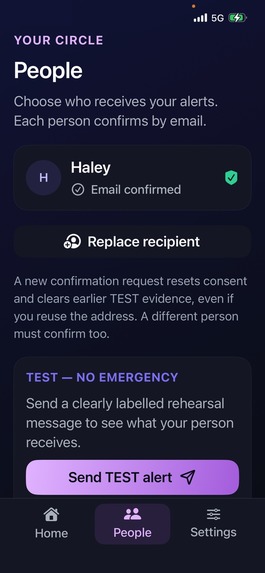
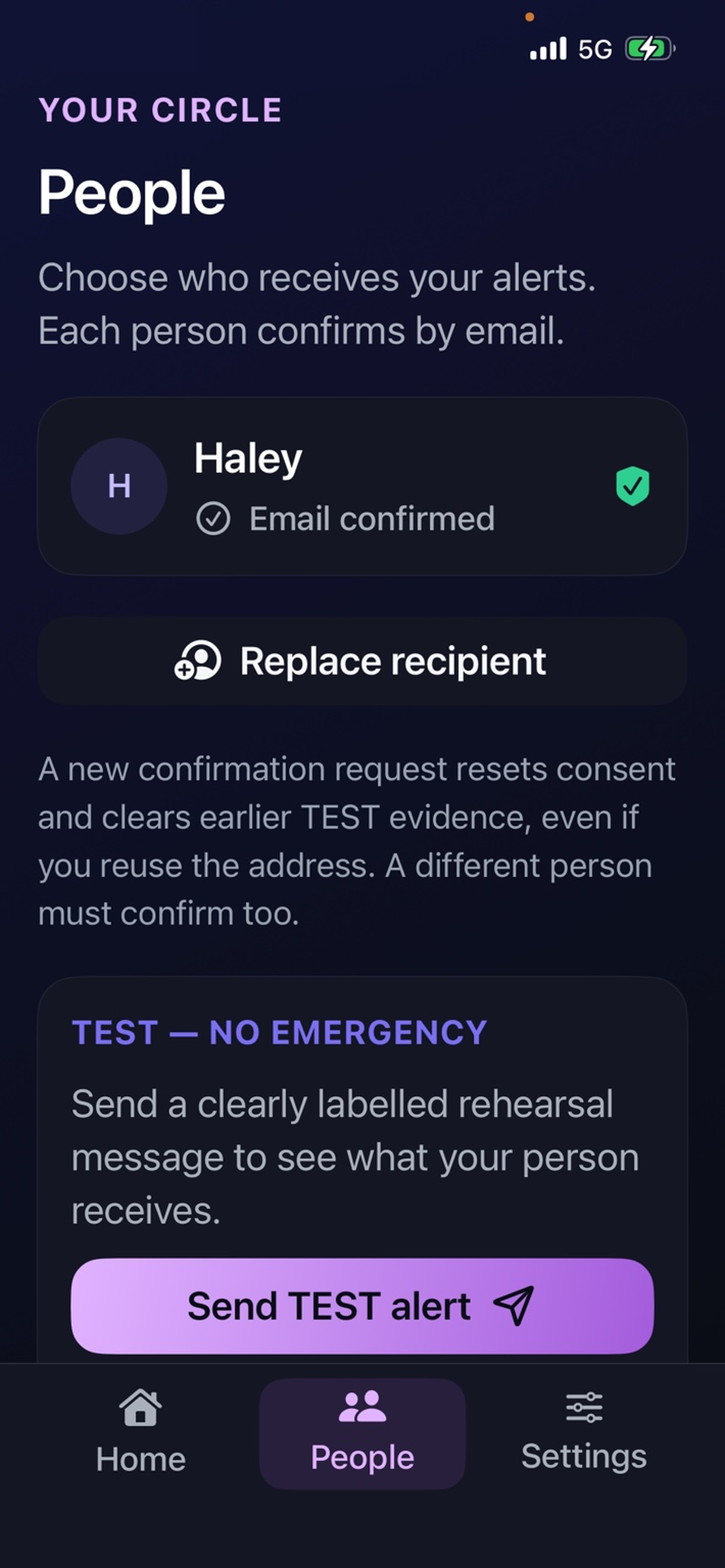
People_Confirmed_Recipient- lavender mode
A private phrase. A trusted response.
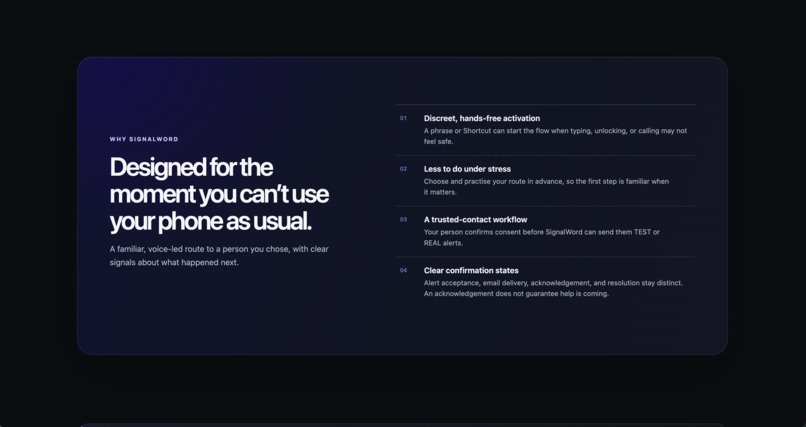
A phone can be within reach and still be impossible to use.
An older person has fallen and cannot stand up, but can still speak. Someone facing threats or coercion cannot safely make an obvious call. A person walking home wants a trusted friend to know if they miss an agreed check-in.
These situations share a difficult problem: asking for help may require actions that the person cannot comfortably or safely perform.
What inspired me
I was drawn to the gap between having a phone and being able to use it when something goes wrong. I wanted to explore how a person could prepare a simple way to notify trusted people before movement, attention or discretion became limited.
That led me to a simple question:
What if a phrase you had prepared in advance could start an alert to people you trust?
SignalWord is an iPhone app that connects a personal spoken trigger with consenting trusted contacts, private alerts and server-managed check-ins. It helps people prepare and practise a communication plan before they need it.
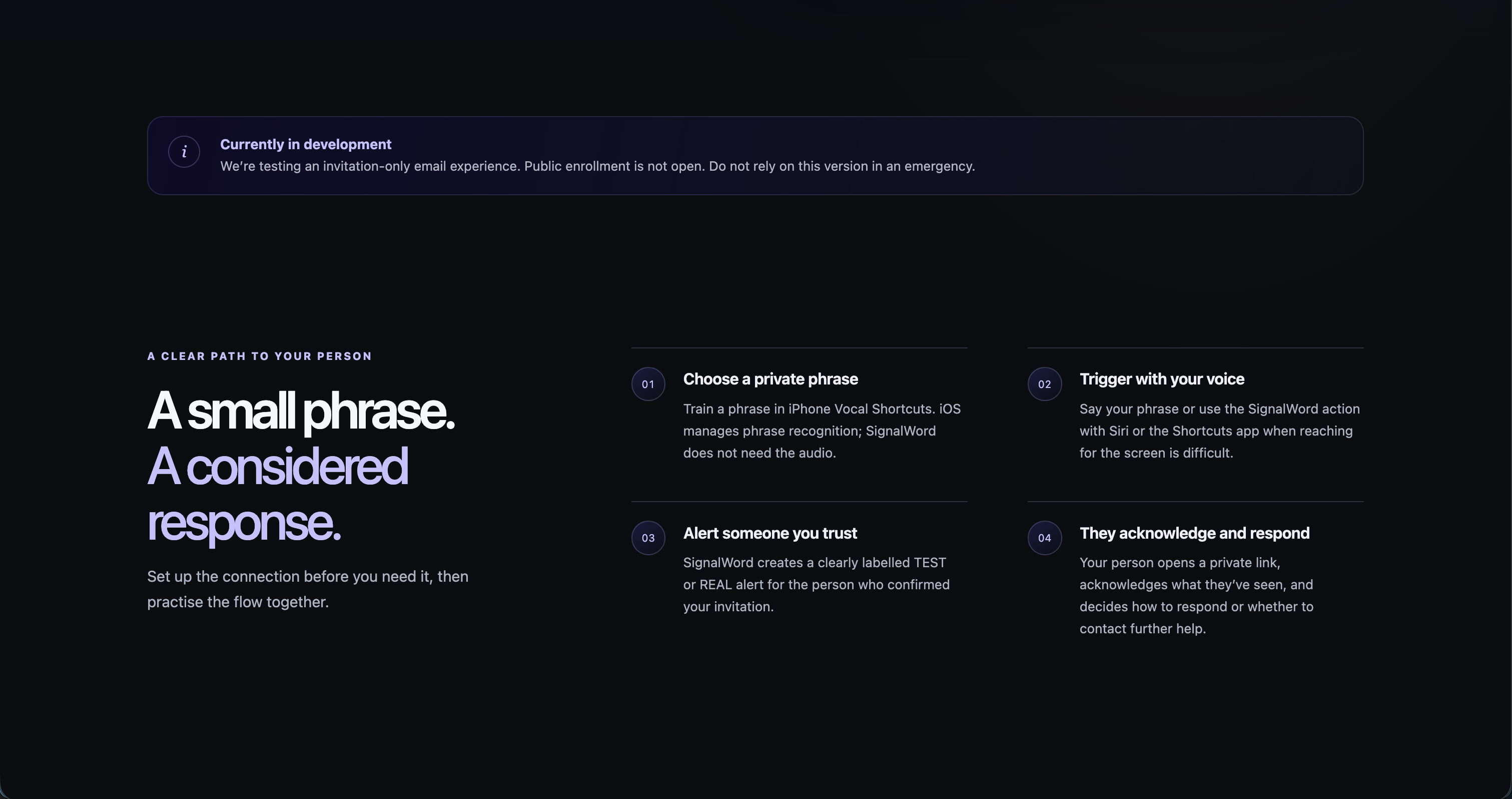
How it works
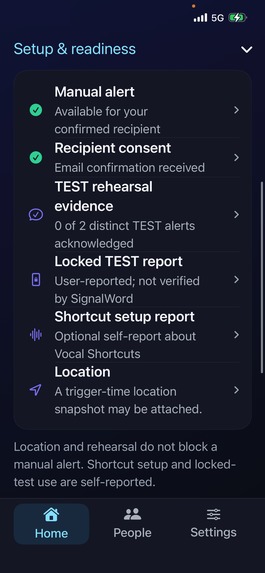
The user invites trusted contacts, who explicitly confirm their participation. Together, they can rehearse with clearly labelled TEST alerts.
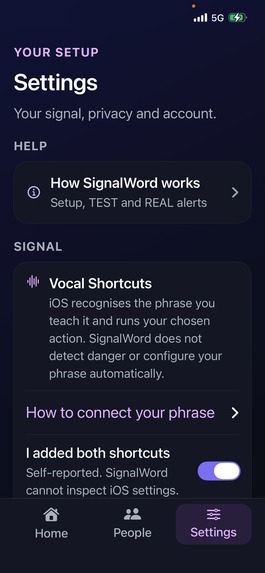
For voice activation, the user configures a personal phrase through Apple Vocal Shortcuts. When iOS recognizes the phrase, it invokes SignalWord’s alert action. SignalWord does not receive the phrase or record ambient audio.
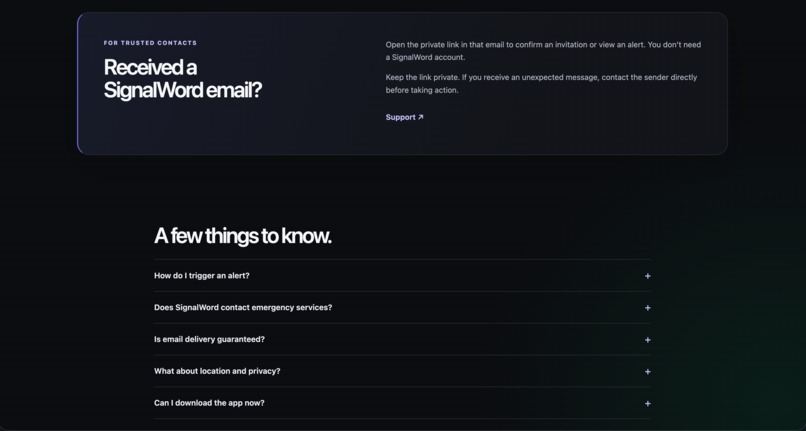
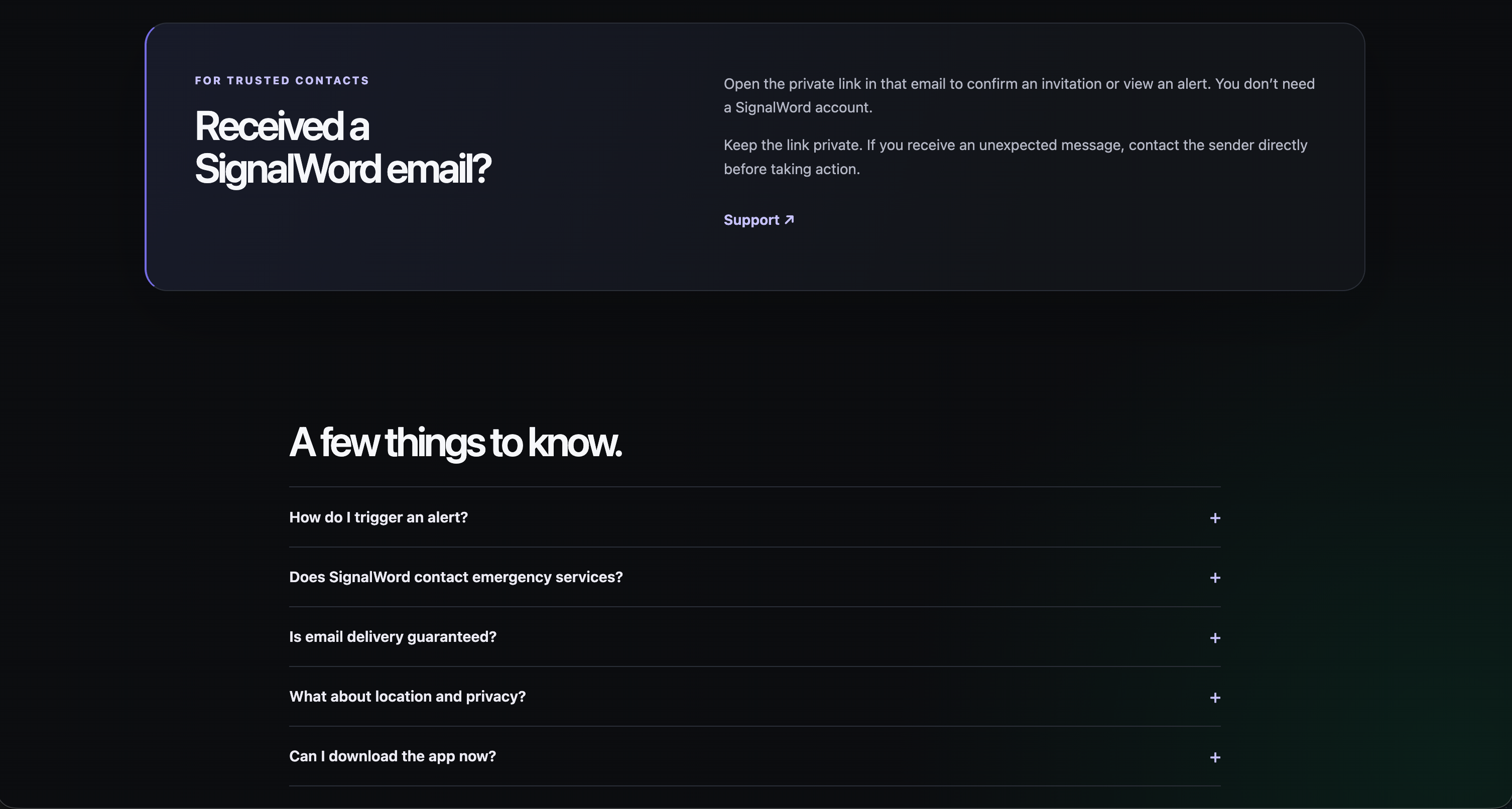
Contacts receive an email containing a private, expiring browser link. They can view the alert, see an optional time-stamped location snapshot and explicitly acknowledge it, without installing an app.
The sender can check the alert’s progress and resolve it separately. Acknowledgement means a contact has acknowledged the message; it does not promise that assistance is coming.
Users can also start a server-managed safety check-in. If its deadline is missed, the configured workflow can create an alert. Closing the app does not cancel the timer.
Voice activation requires prior setup, an available iPhone within hearing range and the necessary connectivity. SignalWord is a trusted-contact communication tool, not an emergency-dispatch service, and cannot guarantee delivery or assistance.
Why preparation matters
Sending a message is only one part of a useful safety workflow.
Who will receive it? Have they agreed? Will they recognize a rehearsal? What should they do next?
SignalWord makes those questions part of the experience:
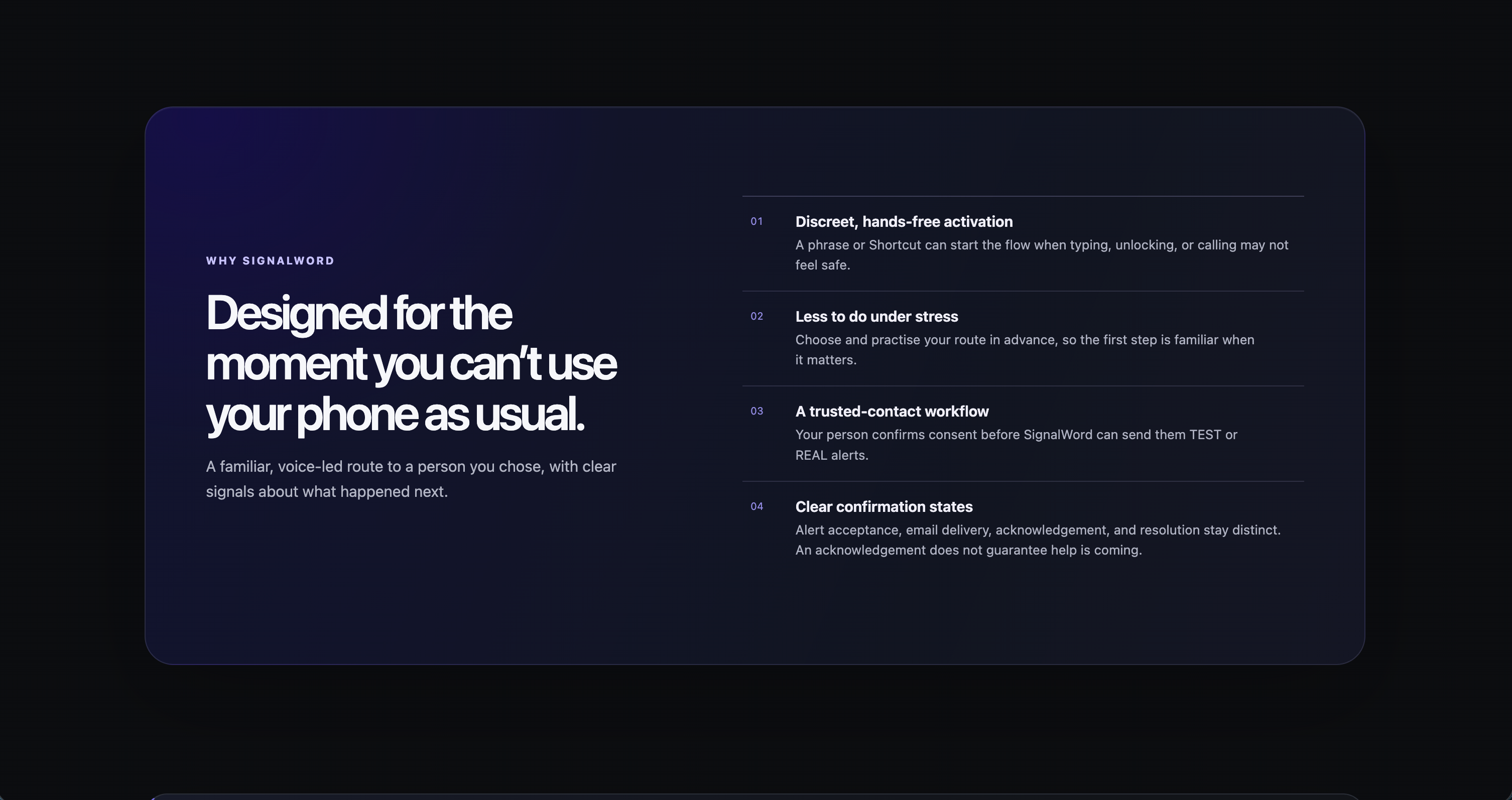
- Consent: contacts confirm participation and can withdraw.
- Rehearsal: TEST alerts let people practise without confusing a drill with a real incident.
- Context: recipients can receive a recent location snapshot when available.
- Clarity: delivery, acknowledgement and resolution remain distinct.
- Recovery: the sender can return to an interrupted workflow and understand its current state.
The potential value is especially meaningful when movement, attention or discretion is limited. For an older adult who can speak but cannot comfortably reach a nearby phone, a prepared voice action could reduce the steps needed to notify family. For someone under pressure, it could offer another way to start a previously agreed communication plan.
The goal is to reduce the effort of sending a clear signal, and the confusion for the person receiving it.
Safety stays free
I wanted a business model that respects the purpose of the product.
Core safety features are free. RevenueCat and Apple StoreKit power one optional, non-consumable Supporter Appearance purchase, unlocking Ocean and Lavender accents and a supporter card.
Supporters receive personalization. Purchasing does not change alert priority, delivery or access to help. Purchase restoration and status refresh are available in the app.
How I built it
I built the native iPhone experience with SwiftUI and App Intents, with Apple Vocal Shortcuts providing the configured voice trigger. Supabase authentication, PostgreSQL and Edge Functions handle accounts, contacts, alerts and check-ins. A React/TypeScript viewer gives recipients a browser-based way to acknowledge an alert, while Resend supplies email delivery and Cloudflare Turnstile protects verification flows.
I integrated RevenueCat and Apple StoreKit for the optional cosmetic purchase and restoration. I used Codex to assist with implementation, debugging, security review and test development, then checked the resulting behavior through automated tests and physical-iPhone testing. SignalWord does not use generative AI or a danger classifier at runtime.
The engineering challenge was keeping the experience trustworthy when requests are retried, connectivity changes or the app is interrupted.
I implemented idempotent commands, a durable delivery outbox, encrypted delivery payloads, scoped recipient links and explicit acknowledgement actions. Opening a link alone cannot acknowledge an alert.
Privacy shaped the architecture: spoken phrases stay under Apple’s system control, location is optional, recipient access expires, and billing identity remains separate from safety data.
Challenges I faced
The hardest challenge was preserving a trustworthy workflow when only part of an operation succeeds. A request can reach the server even if the phone never receives its response. Retrying must not create a duplicate alert. A delivery provider accepting an email is also different from a contact receiving or acknowledging it.
I addressed those boundaries with idempotent commands, a durable delivery outbox, explicit status transitions and recovery after interruption. I tested retries, account isolation, consent withdrawal and the separation between acknowledgement and resolution.
Voice activation introduced another constraint: the experience had to work within iOS's system capabilities. I used Apple Vocal Shortcuts and a narrow App Intent so phrase recognition stays under Apple's control, rather than building an app-owned background microphone.
I also had to make privacy and usability work together. Recipients need enough context to understand an alert, but should not gain access to unrelated account data. Expiring, scoped links and deliberate acknowledgement actions keep that boundary clear.
Finally, I needed to keep monetization independent of safety. Billing failures or an unowned supporter purchase must not block a safety action, so appearance entitlements remain separate from the alert workflow.
What I am proud of
I built the complete journey: preparation, contact consent, rehearsal, alert delivery, recipient acknowledgement, sender resolution and check-ins.
SignalWord 1.0, Build 8, has been tested on a physical iPhone through TestFlight. A device demonstration covers registration, login, contact consent, TEST acknowledgement and resolution, check-ins, supporter appearance, restoration and account deletion.
The clean, MIT-licensed source repository includes the app, backend, viewer, tests and evaluator instructions. Apple review is currently pending.
What I learned
I learned that for safety software, the words on screen are part of correctness. “Alert created,” “message delivered” and “contact acknowledged” describe different events. A reassuring interface must still tell the truth.
I also learned to treat preparation as part of the product. Consent and TEST rehearsals help both sides understand what a signal means before a stressful moment occurs. Privacy and reliability need to be designed into the workflow, not added after the interface is finished.
Testing taught me to distinguish evidence from assumptions: a passing automated test, a successful physical-device flow and a public store release each establish something different.
What's next
My next steps are structured usability testing with older adults and consenting trusted-contact pairs, accessibility improvements and carefully evaluated delivery options.
SignalWord starts with a small act of preparation: choose your people, practise your signal, and make the next step easier when reaching your phone is difficult.

