-
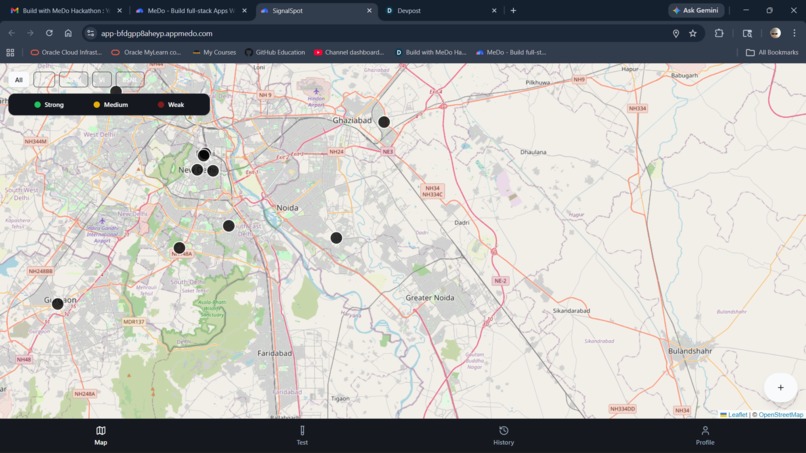
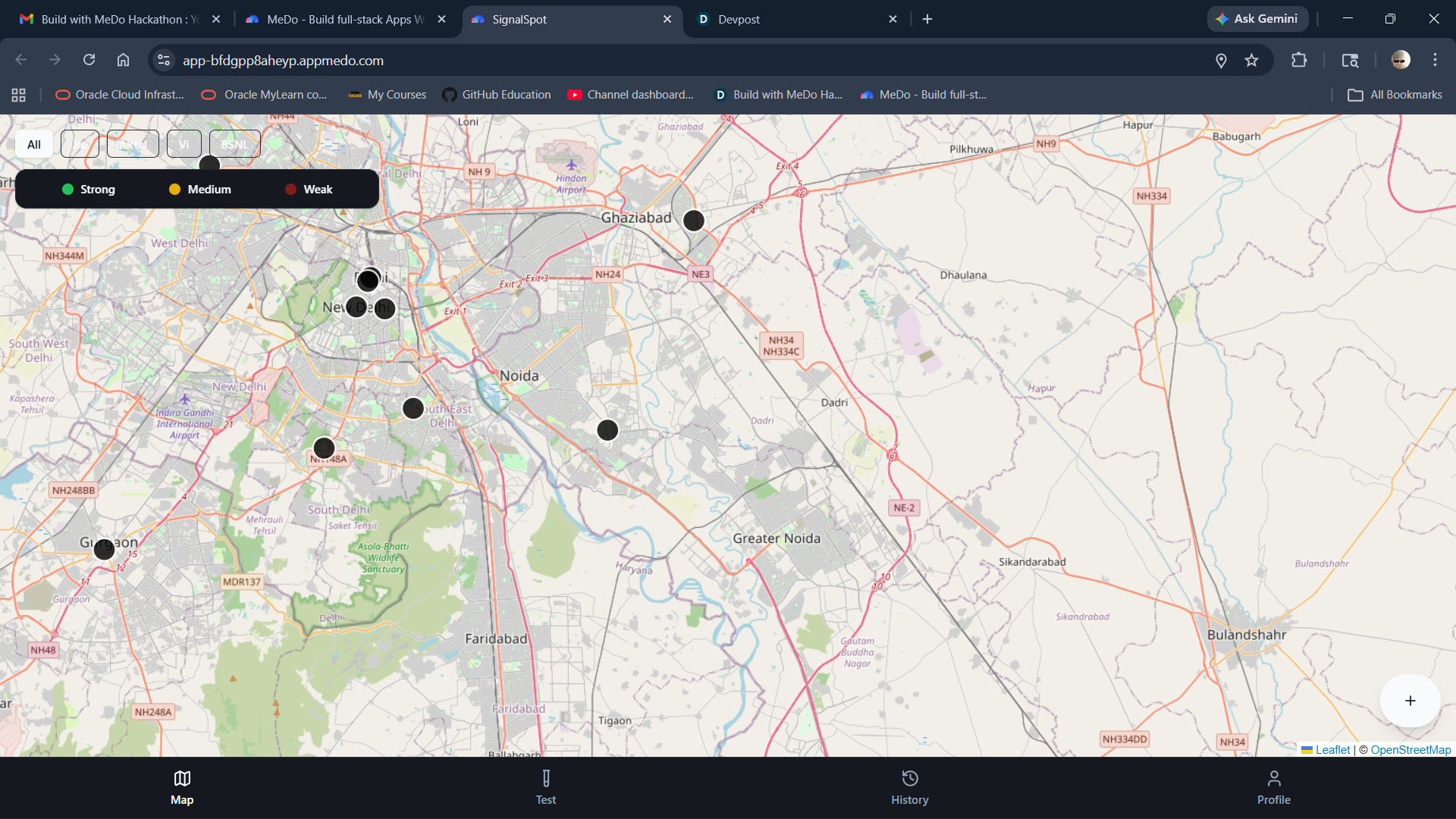
my web look
Inspiration
What it does# Requirements Document
1. Application Overview
1.1 Application Name
SignalSpot
1.2 Application Description
SignalSpot is a mobile-first Progressive Web App that helps users discover the best mobile network coverage areas nearby through crowd-sourced signal reports. Users can test their current signal quality, view color-coded signal markers on an interactive map, filter by carrier, and access their test history—all within a clean, fast, and offline-friendly interface.
2. Users and Usage Scenarios
2.1 Target Users
- Students in colleges and hostels
- PG residents
- Office workers
- Commuters
- Travelers
- Gamers who care about ping
- People living in weak network zones
2.2 Core Usage Scenarios
- Finding the best spot for mobile signal in a new area
- Comparing carrier performance at a specific location
- Checking signal quality before making important calls or video meetings
- Identifying weak signal zones to avoid
- Contributing signal data to help others in the community
3. Page Structure and Functionality
3.1 Page Structure Overview
SignalSpot App
├── Onboarding Screen
├── Main App Shell
│   ├── Map Screen (Tab 1)
│   ├── Test Screen (Tab 2)
│   ├── History Screen (Tab 3)
│   └── Profile Screen (Tab 4)
├── Result Screen
├── Empty State Views
└── Error State Views
3.2 Onboarding Screen
Purpose: Introduce the app and request location permission
Functionality:
- Display brief introduction explaining app purpose
- Show 2-3 simple slides highlighting key features
- Request browser geolocation permission with clear explanation
- Provide skip option to proceed to main app
- Store onboarding completion status in localStorage
3.3 Map Screen (Tab 1)
Purpose: Display interactive map with signal quality markers
Functionality:
- Display full-screen Leaflet map centered on user location
- Show color-coded signal markers:
- Green markers for strong signal
- Yellow markers for medium signal
- Red markers for weak signal
- Display carrier filter chips: Jio, Airtel, Vi, BSNL, All
- Show floating action button labeled Test Signal
- Display small info card showing:
- Best carrier nearby based on saved reports
- Last update timestamp
- Show marker legend explaining color coding
- Display current location indicator
- Handle marker tap to show report details in popup
- Show empty state message when no reports exist
- Support map pan and zoom gestures
- Load and display reports from localStorage
3.4 Test Screen (Tab 2)
Purpose: Conduct signal quality test
Functionality:
- Display large Start Test button
- Show current location and carrier selection
- Provide indoor/outdoor toggle option
- Display loading state with progress indicator during test
- Simulate realistic network measurements:
- Download speed (Mbps)
- Upload speed (Mbps)
- Ping/latency (ms)
- Signal score (0-100)
- Generate believable values with slight variation on repeated tests
- Show Cancel button during test
- Navigate to Result Screen upon completion
- Handle location permission denied state
- Handle no internet connection state
3.5 Result Screen
Purpose: Display test results and allow report submission
Functionality:
- Display test results in clean card format:
- Carrier name
- Download speed with unit
- Upload speed with unit
- Ping with unit
- Signal score with visual indicator
- Quality label: Excellent / Good / Fair / Poor / Dead zone
- Location coordinates or address label
- Timestamp
- Indoor/outdoor tag
- Provide Submit Report button
- Provide Retry Test button
- Save report to localStorage on submission
- Show confirmation message after successful submission
- Navigate back to Map Screen after submission
- Add submitted report marker to map
3.6 History Screen (Tab 3)
Purpose: Display user's previous signal tests
Functionality:
- List all saved tests in reverse chronological order
- Display for each test:
- Carrier name with icon
- Signal score and quality label
- Timestamp in readable format
- Location summary
- Provide delete button for individual items
- Provide Clear All History button
- Show empty state when no history exists
- Support pull-to-refresh gesture
- Load history data from localStorage
3.7 Profile Screen (Tab 4)
Purpose: Display user information and app settings
Functionality:
- Show anonymous user card or simple profile
- Display contribution count (total tests submitted)
- Show privacy policy text explaining data usage
- Provide Delete Local Data button with confirmation dialog
- Display app version information
- Show settings section with:
- Dark mode toggle
- Default carrier selection
- Notification preferences (if applicable)
- Provide About section with app description
3.8 Empty State Views
Purpose: Guide users when no data is available
Functionality:
- Map empty state: Display message No signal data here yet. Be the first to test.
- History empty state: Display message No tests recorded yet. Start testing to build your history.
- Include relevant call-to-action button
- Use friendly, encouraging tone
3.9 Error State Views
Purpose: Handle and communicate errors gracefully
Functionality:
- Location permission denied: Show message explaining why location is needed with retry option
- No internet connection: Display offline message with cached data access
- GPS unavailable: Show fallback message with manual location option
- Test failed: Provide retry button with error explanation
- Use clear, non-technical language
4. Business Rules and Logic
4.1 Signal Score Calculation
- Calculate signal score (0-100) based on:
- Download speed (weighted 40%)
- Upload speed (weighted 30%)
- Ping/latency (weighted 30%)
- Convert score to quality labels:
- 80-100: Excellent
- 60-79: Good
- 40-59: Fair
- 20-39: Poor
- 0-19: Dead zone
4.2 Test Data Generation
- Generate realistic simulated values for first version:
- Download speed: 1-100 Mbps range
- Upload speed: 0.5-50 Mbps range
- Ping: 10-200 ms range
- Add slight random variation (±10%) for repeated tests at same location
- Ensure values remain consistent with carrier and location context
- Label clearly as simulated network test
4.3 Report Clustering and Display
- Group nearby reports within 100-meter radius
- Display aggregated marker showing average signal quality
- Weight newer reports more heavily in aggregation
- Show individual reports when zoomed in closely
- Display report count in cluster marker
4.4 Carrier Filtering
- Filter map markers by selected carrier
- Show All option to display all carriers
- Persist selected filter in localStorage
- Update best carrier card based on active filter
4.5 Data Persistence
- Save all reports to localStorage with unique ID
- Store user preferences and settings
- Maintain test history with 100-item limit
- Implement data cleanup for reports older than 30 days
4.6 Geolocation Handling
- Request high-accuracy location when available
- Fall back to default city view if permission denied
- Use last known location if current location unavailable
- Display location accuracy indicator
4.7 Offline Behavior
- Cache app shell and core assets for offline access
- Allow viewing of previously saved reports without internet
- Queue new reports for submission when connection restored
- Display clear offline indicator in UI
5. Exception and Boundary Conditions
| Scenario | Handling |
|---|---|
| Location permission denied | Show explanation message, offer manual location entry, display demo map view |
| No internet connection | Display offline banner, allow access to cached data, queue pending submissions |
| GPS unavailable or inaccurate | Show accuracy warning, allow test with reduced confidence, suggest retry |
| localStorage full | Implement automatic cleanup of oldest reports, show storage warning |
| Repeated test at same location | Allow test but show slight variation in results, prevent spam submissions within 1 minute |
| No reports in current map view | Display empty state with call-to-action to test signal |
| Invalid or corrupted localStorage data | Clear corrupted data, show error message, reinitialize with empty state |
| Browser does not support geolocation | Show unsupported browser message, offer manual location entry |
| Map fails to load | Display error message, provide retry button, show text-based report list as fallback |
| Test interrupted or cancelled | Discard incomplete test data, return to Test Screen |
6. Acceptance Criteria
- App opens without errors in modern mobile browsers
- Map loads and displays correctly with user location centered
- Signal test flow completes successfully and generates realistic data
- Test results save to localStorage and persist across sessions
- History screen displays all saved tests accurately
- Markers appear on map with correct color coding
- Carrier filters work and update map display
- Bottom navigation switches between tabs smoothly
- Empty states display when no data is available
- Error states handle permission denial and connection issues gracefully
- UI is responsive and thumb-friendly on mobile devices
- App works offline with cached data
- Dark mode toggle functions correctly
- Delete data functionality clears localStorage completely
- App feels polished and professional even with simulated data
7. Out of Scope for This Release
- Real network speed measurement using external APIs
- User authentication and cloud data sync
- Social features such as comments or likes
- Push notifications
- Advanced analytics dashboard
- Admin panel or moderation tools
- Paid subscriptions or premium features
- Multi-language support
- Integration with Firebase or backend database
- Real-time collaborative features
- Complex gamification or rewards system
- Native mobile app versions
- Automated spam detection algorithms
- Export data functionality
- Sharing reports to social media
How we built it
Challenges we ran into
Accomplishments that we're proud of
What we learned
What's next for signalspot
Built With
- medo

Log in or sign up for Devpost to join the conversation.