-
-
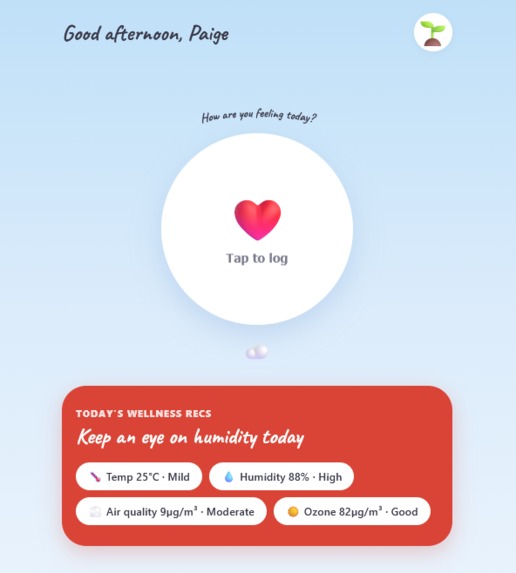
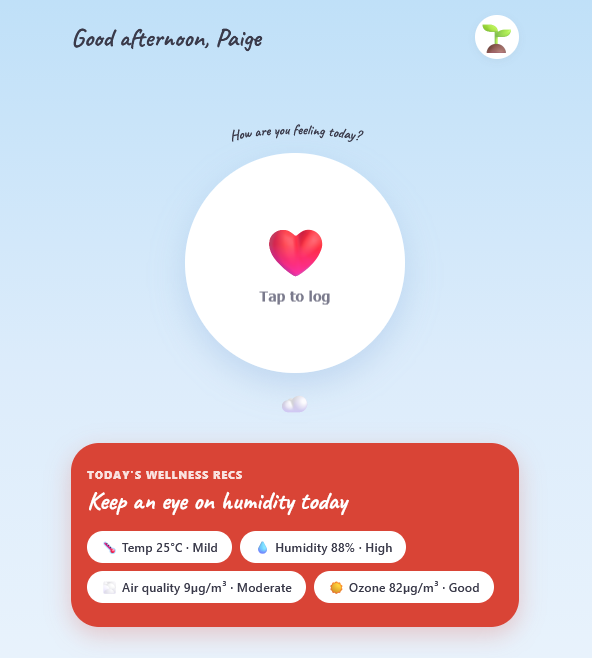
Home Page
-
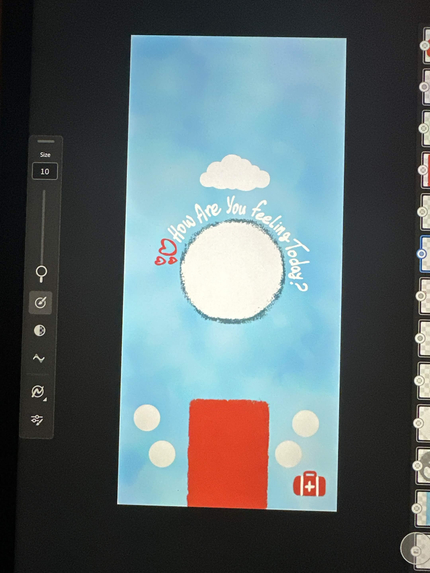
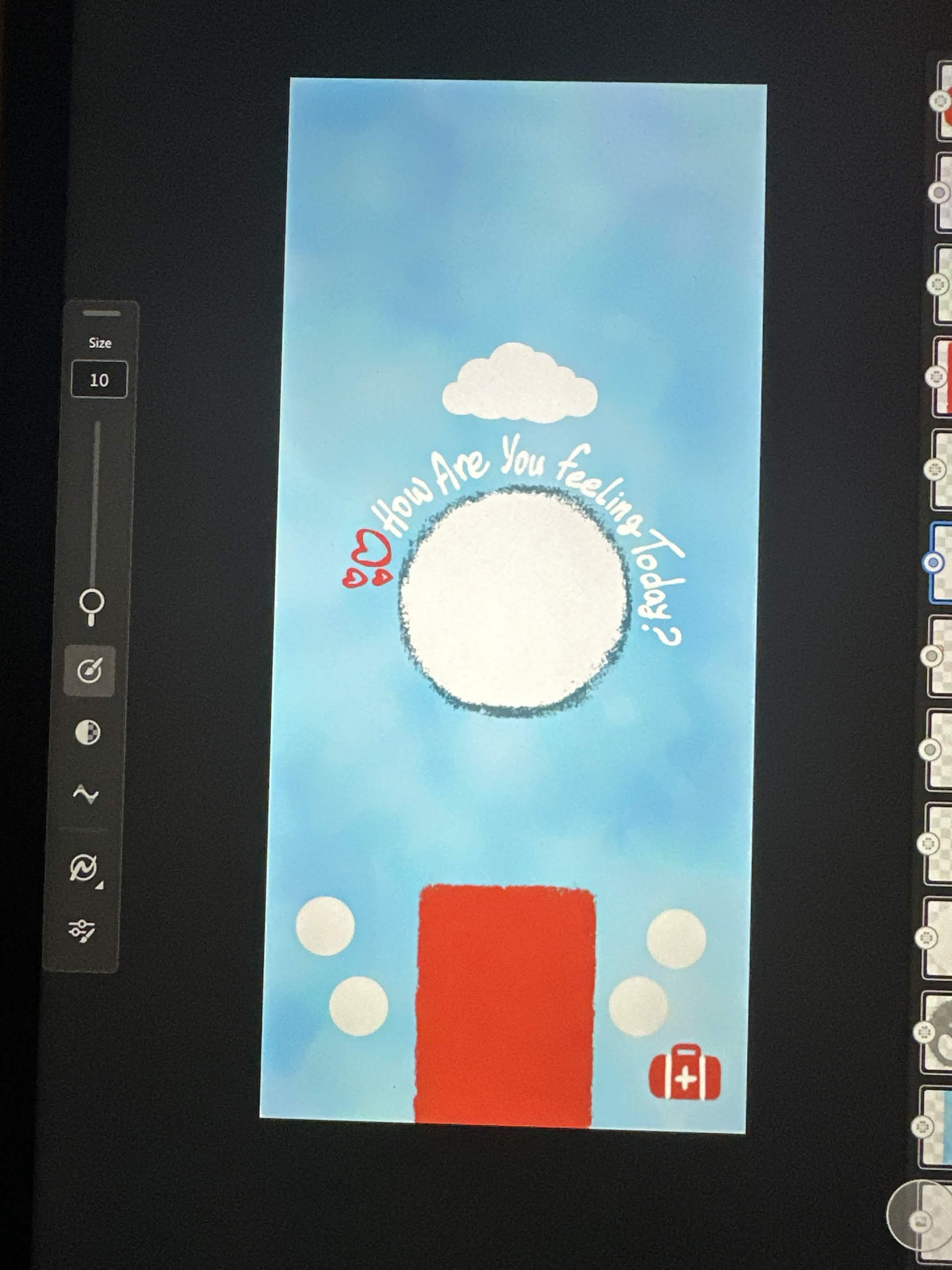
First Hand-drawn Draft
Inspiration
Signall was invented collaboratively between our three team members’ own experience with symptom tracking. We’re big nature lovers and we travel quite frequently so we’ve experienced firsthand what it’s like to adjust to new environments especially when you’re someone who struggles with seasonal allergies and chronic conditions that come with all sorts of environmental causes that doctors sometimes can’t quite seem to pin down.
Through our own experiences, we realized how difficult it can be to consistently track symptoms in a way that is actually useful. Traditional symptom tracking often asks people to remember and manually record countless details and most of the time leaves out what was happening around them when the symptoms occurred. We also explored this problem through secondary research, including community discussions and research articles, and found that this frustration extends beyond our own experiences.
https://www.reddit.com/r/Fibromyalgia/comments/1u43ahw/do_you_actually_manage_to_track_your_symptoms/ https://pmc.ncbi.nlm.nih.gov/articles/PMC13135879/?utm_
What it does
A symptom journal that’s aware of your environment and automatically connects what you're feeling with what's happening around you. Users can log a symptom episode without having to manually record every environmental detail. Signall captures contextual information such as weather, humidity, etc alongside the episode based on the user’s location. Our goal by building Signall is to make tracking your symptoms easy, useful, and more fun because no one deserves to struggle just to figure out what’s wrong with them. Signall makes it easier to document symptoms while preserving the environmental context that could help users identify patterns and have more informed conversations with their healthcare providers.
How we built it
We built Signall with React through Vite for the frontend, Node.js for the backend, MongoDB for data storage, and JWT authentication for user accounts. We also integrated environmental data APIs so that relevant information, such as weather and humidity, can be associated with symptom episodes. Human-centered design played a major role in how we approached the project. We started with a problem we had personally experienced, researched how other people experienced it, and designed the interface around reducing the amount of effort required from someone who is already dealing with symptoms. We also used Claude Code as a development tool to help us implement and iterate on our ideas. We also used ChatGPT for helping us navigate error messages during debugging. Our team created the initial visual direction and front-page design ourselves, then used Claude Code to help translate and refine those ideas in code.
Challenges we ran into
One of our biggest challenges was figuring out how to build something that was genuinely useful without making symptom tracking even more complicated. We wanted to be super intentional with every feature we were adding and making sure that all teammates were on the same page regarding what to prioritize, why, and the tradeoffs that come with every decision. We also ran into technical challenges while connecting the frontend, backend, authentication system, database, and environmental APIs. Getting all of these pieces to communicate correctly required a lot of debugging and iteration, especially since we didn’t have a lot of experience working with Auths, databases, etc.
Accomplishments that we're proud of
We are most proud that we turned a problem we had personally all experienced into something tangible that we could be helpful in our daily lives. We are also proud of building an end-to-end application with a frontend, backend, authentication, database, and environmental data integration within the time we had. More importantly, we had a blast building, testing, designing, and making design decisions, which truly made us proud of each other. We wanted technology to do the most work, and have the user have fun logging in their symptoms knowing that all of their environmental data is already saved and should be ready to download and hand over to their doctor.
What we learned
We learned that building to solve a real problem for real people goes beyond technical knowledge. It requires having empathy for your users and constantly going back to the problem statement and the “why” behind what you’re building.
Technically, we learned a lot about building and connecting the different pieces of a full-stack application. We worked with databases and MongoDB Atlas, learned how to manage and persist user and symptom data, worked with application state and authentication, connected environmental APIs, and spent a lot of time debugging when different parts of the application didn't communicate the way we expected.
What's next for Signall - Symptom Tracker
We spent a lot of time making intentional design decisions and researching the problem before and throughout the process. The next step for us would be to test Signall with real users. We want to see how people actually interact with the product, where they get confused, what feels intuitive, and what could be easier. From there, we want to use their feedback to continuously improve the UI/UX and iterate on the experience. We also want to expand the amount and variety of environmental data Signall can work with. With more data and more real-world symptom episodes, we can improve how accurately Signall identifies patterns between symptoms and environmental conditions. Ultimately, we want to keep iterating until SignALL feels effortless to use while providing information that is genuinely useful to both users and their healthcare providers.
What each of us contributed
Imane did product prioritization and feature decisions, designed the user experience and journey map. She also contributed to authentication, MongoDB Atlas setup and data management, environmental data integration. Aya routed pages together, was our primary asset designer, and set up back-end auth. Paige set up the general project skeleton, front-end auth, helped debugging/testing across the application.


Log in or sign up for Devpost to join the conversation.