-
-
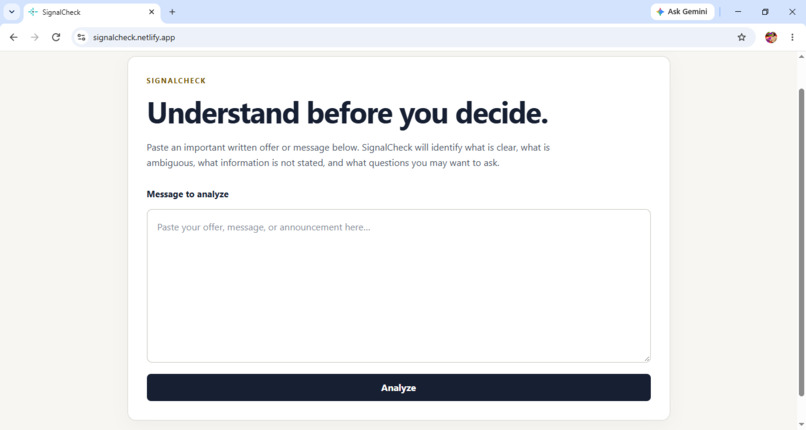
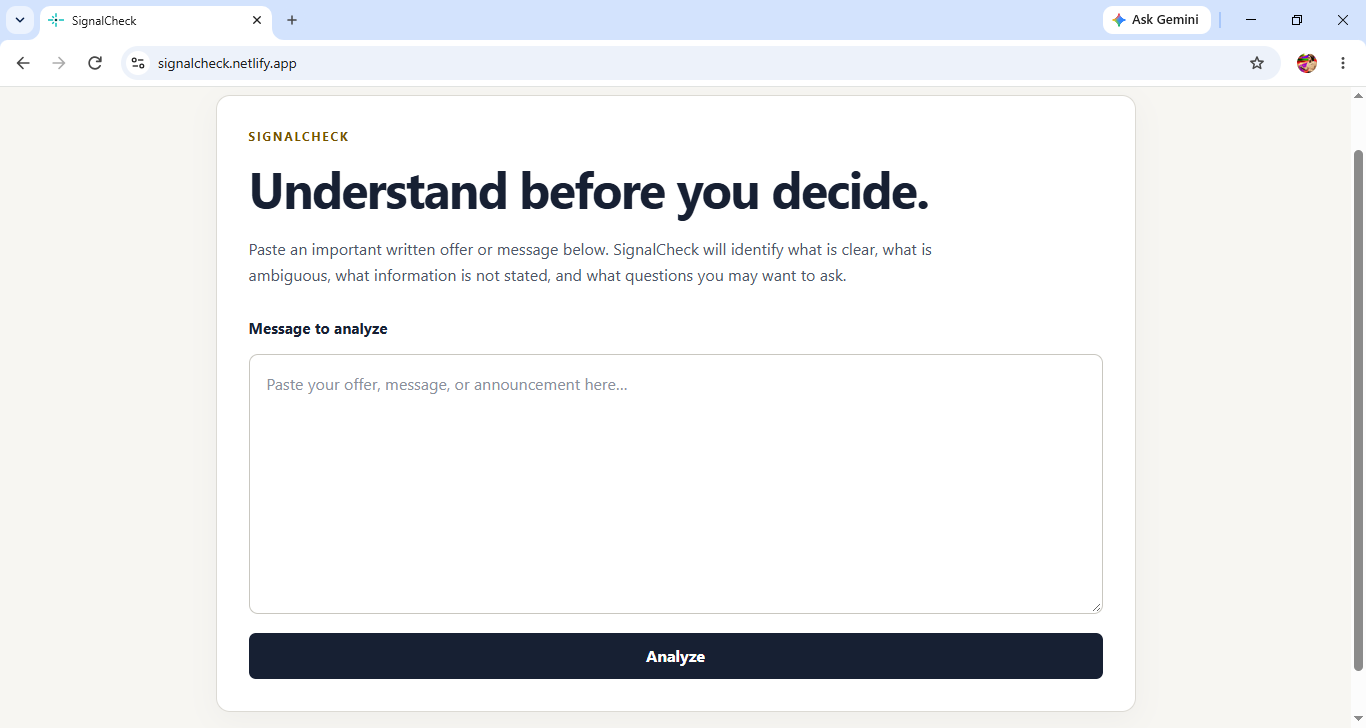
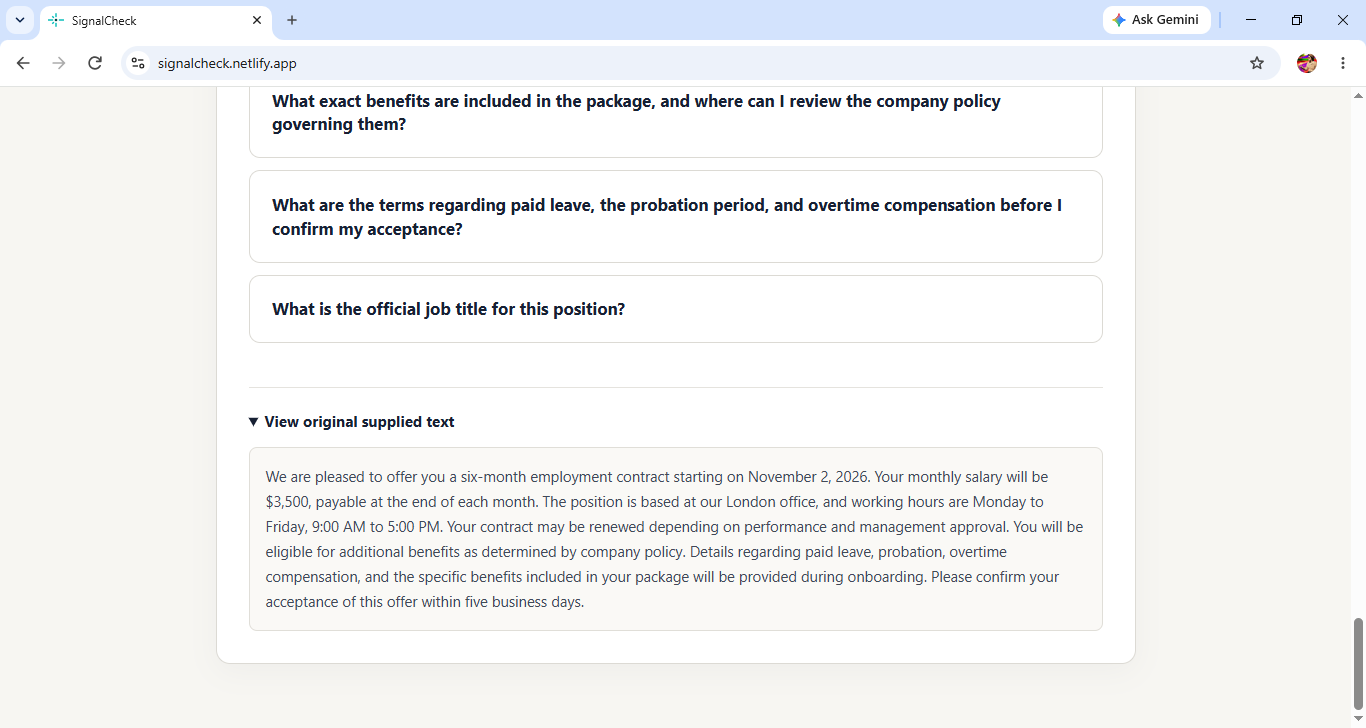
Start with the message. Paste an important written message to begin the analysis.
-
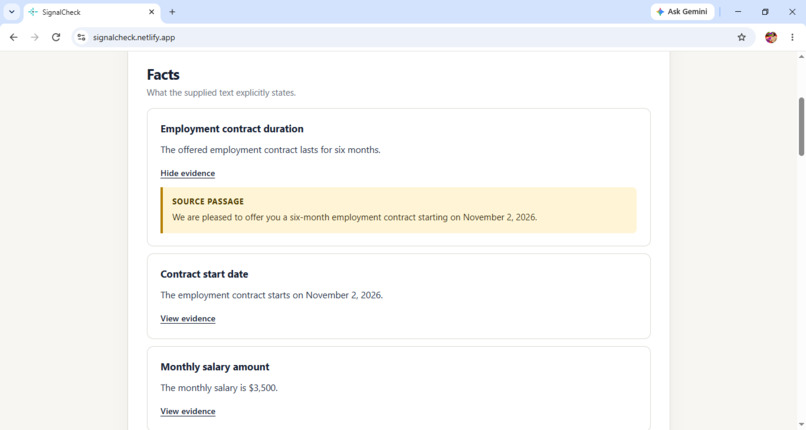
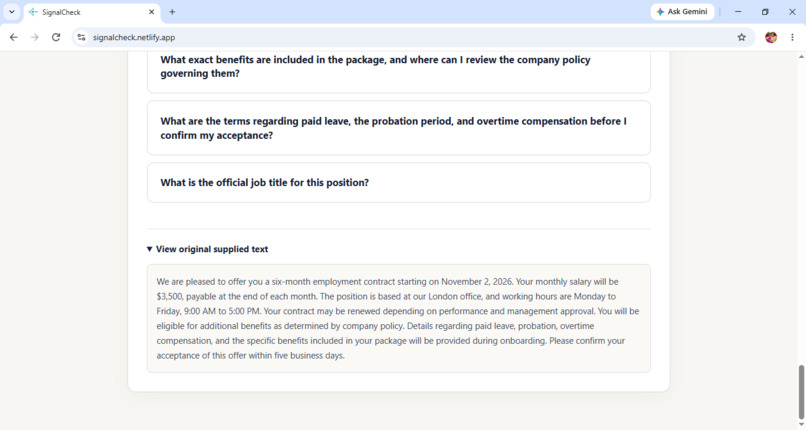
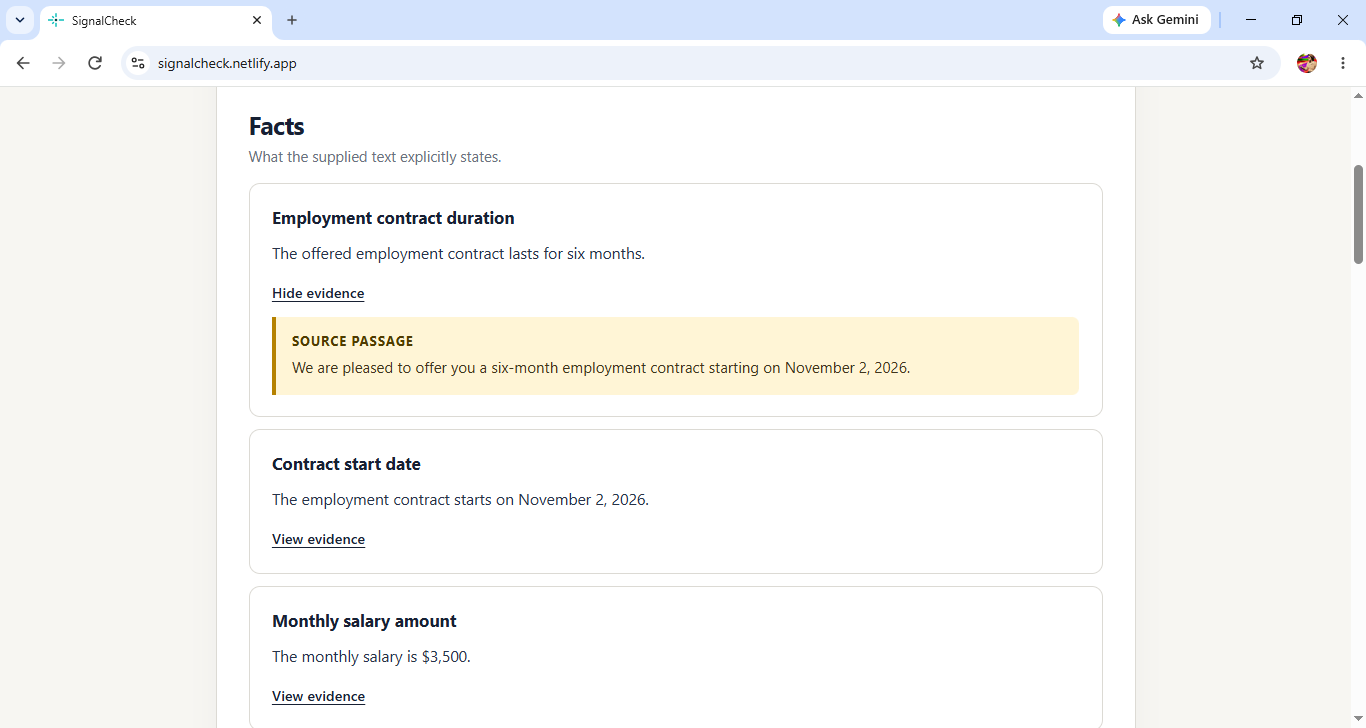
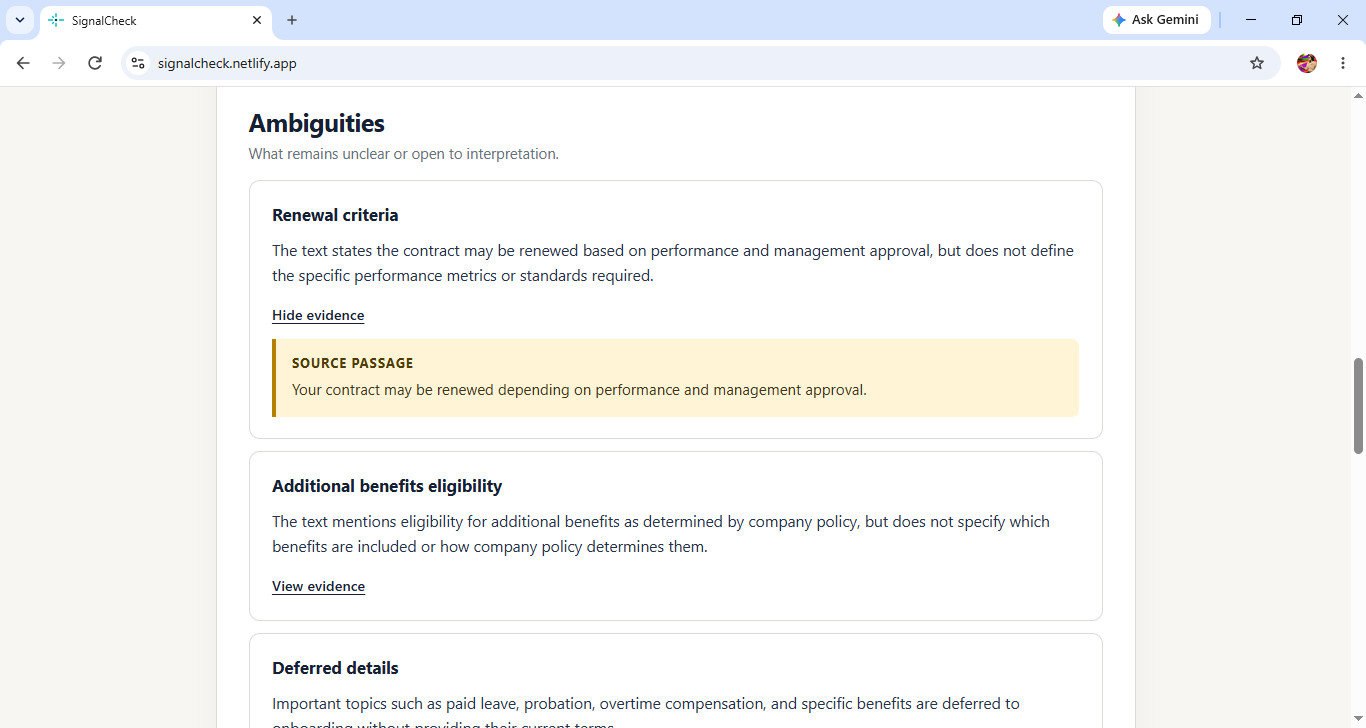
See the supporting evidence. Inspect the original passage behind a finding.
-
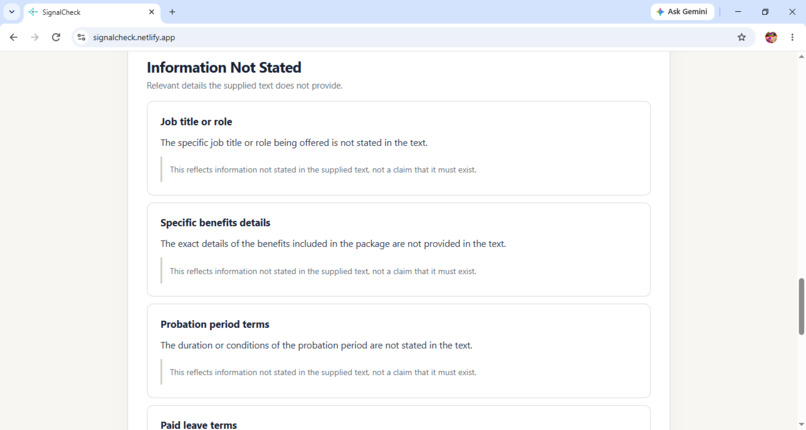
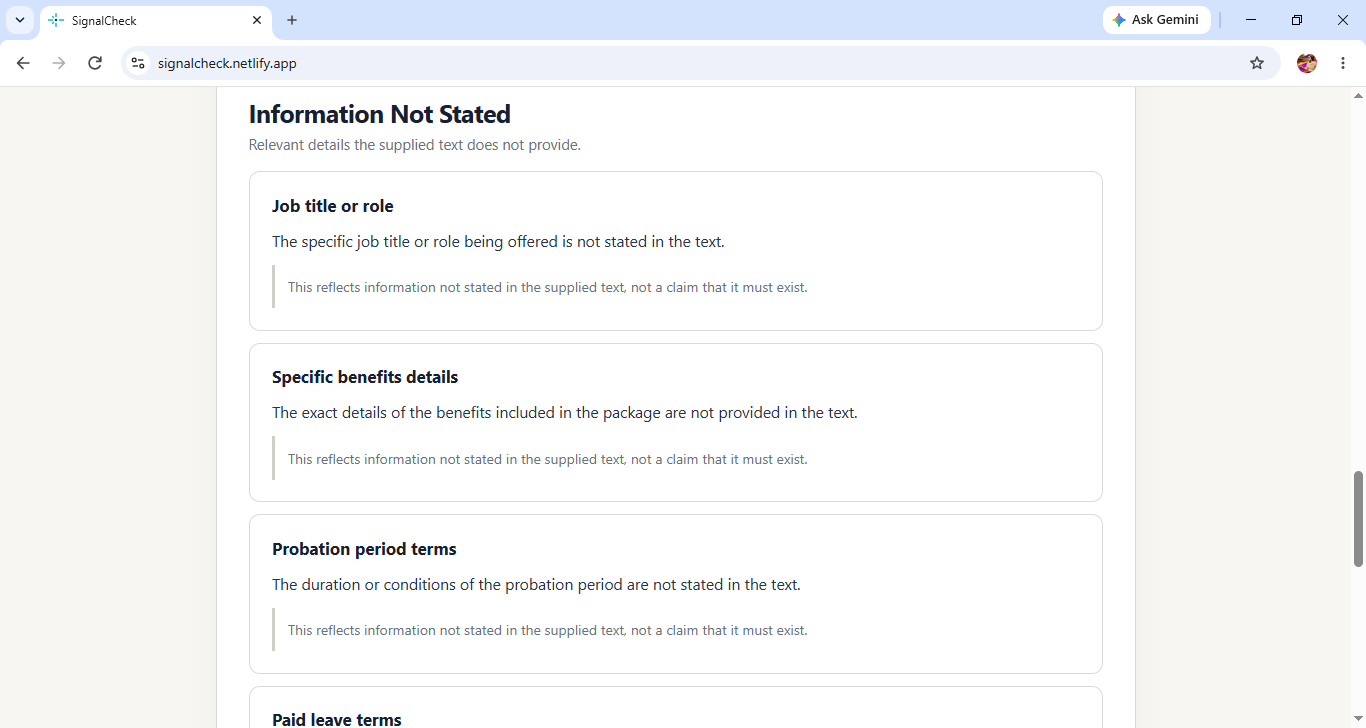
Spot missing details. Identify relevant information that the supplied text doesn't provide.
-
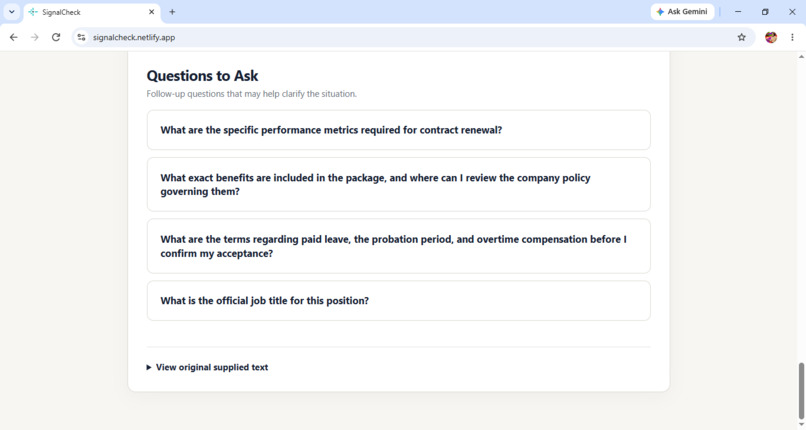
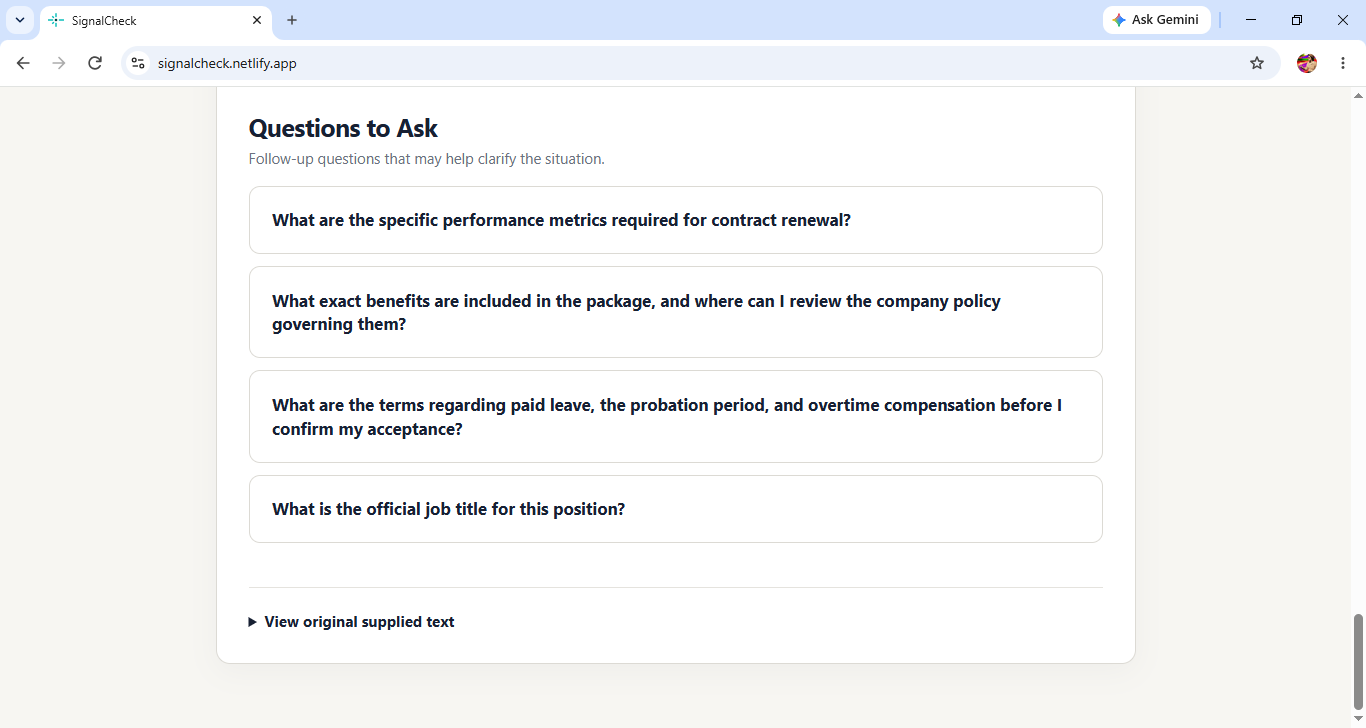
Know what to clarify. Review follow-up questions that may help resolve uncertainty.
-
-
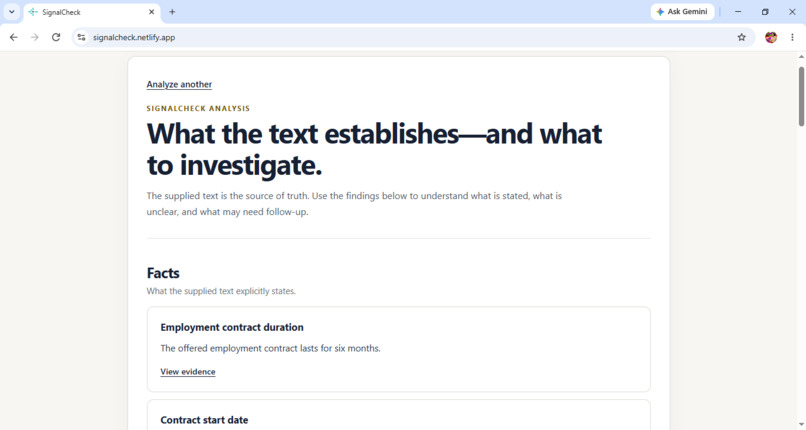
A clearer picture of the message. Review the findings organized into four categories.
-
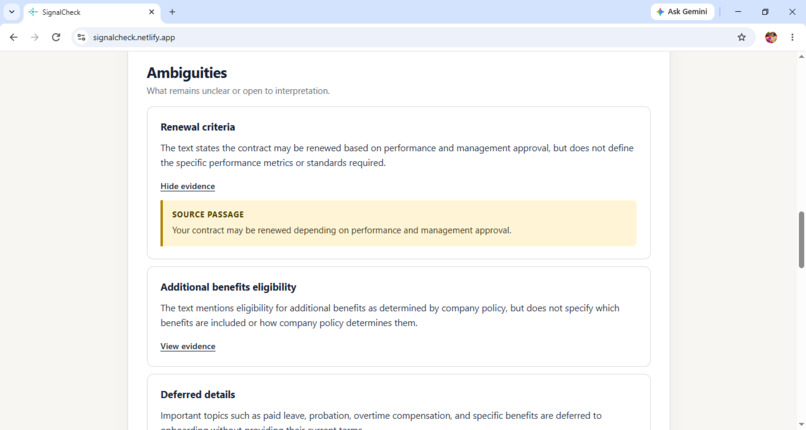
Identify what's unclear. See where wording or conditions leave room for interpretation.
Inspiration
Important messages, such as job offers, emails, and official announcements, can contain unclear conditions or leave out details that people need to understand. I wanted to build something that could help people examine these messages more carefully instead of relying on a quick first impression.
That idea led to SignalCheck, a tool designed to help people understand what a message actually says and what they may need to clarify.
What It Does
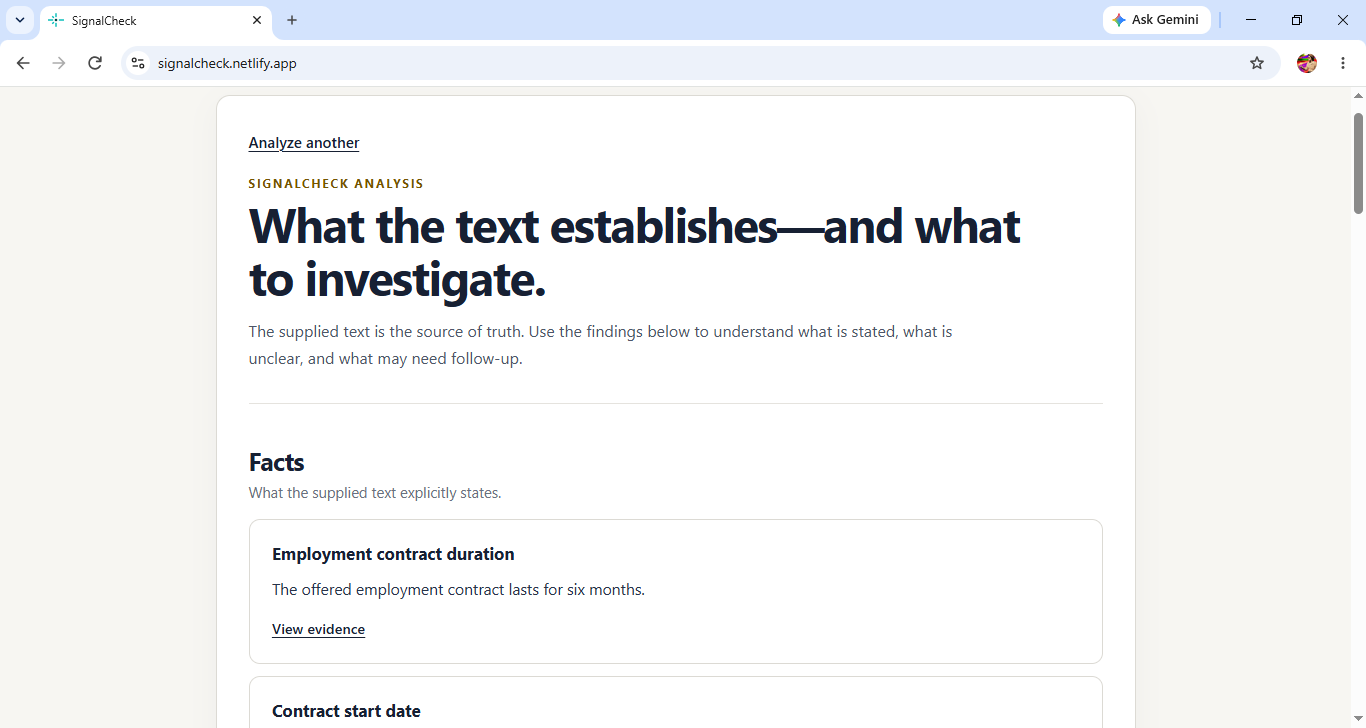
SignalCheck allows users to paste an important written message and analyze it using four categories:
-Facts: What the supplied text explicitly states.
-Ambiguities: What is unclear or open to interpretation.
-Information Not Stated: Relevant details that the message does not provide.
-Questions to Ask: Follow-up questions that may help clarify the situation.
The app can also show the original passage supporting a finding, allowing users to compare the analysis with the text they provided. SignalCheck is designed to support careful review, not to make decisions on behalf of users.
How I Built It
I built SignalCheck using React and Vite for the frontend, with Node.js and Express handling the backend. I integrated Google's Gemini API to generate structured analyses and used Zod to validate the expected response format.
I also implemented input-length limits and evidence validation to help ensure that findings presented as facts or ambiguities are supported by the supplied text. I deployed the application to Netlify so people can try it online.
Challenges and What I Learned
One of the major challenges I faced was making the analysis useful without treating every AI-generated statement as a fact. I also had to pay particular attention to checking evidence against the original message and keeping the different result categories distinct.
Deploying the backend as a serverless function was another part of getting the application working online. Through this project, I learned much more about integrating an AI API into a web application, validating structured AI output, handling deployment configuration, and testing the complete user experience.
Built With
- codex
- express.js
- geminiapi
- javascript
- netlify
- node.js
- react
- vite
- zod

Log in or sign up for Devpost to join the conversation.