-
-
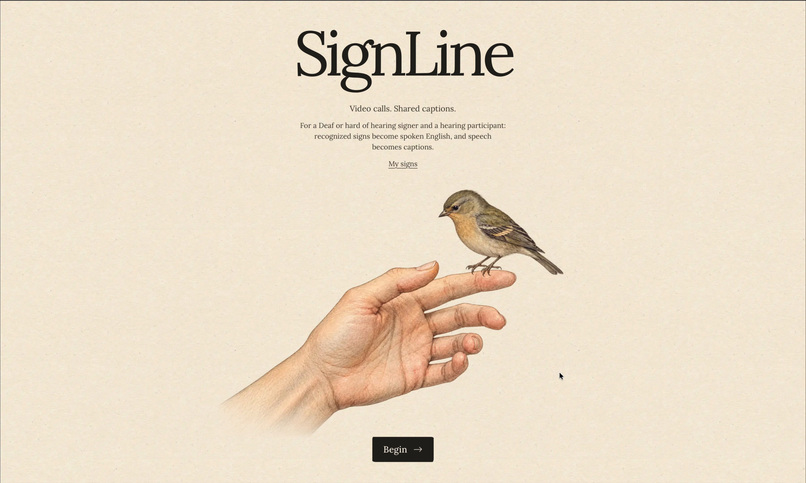
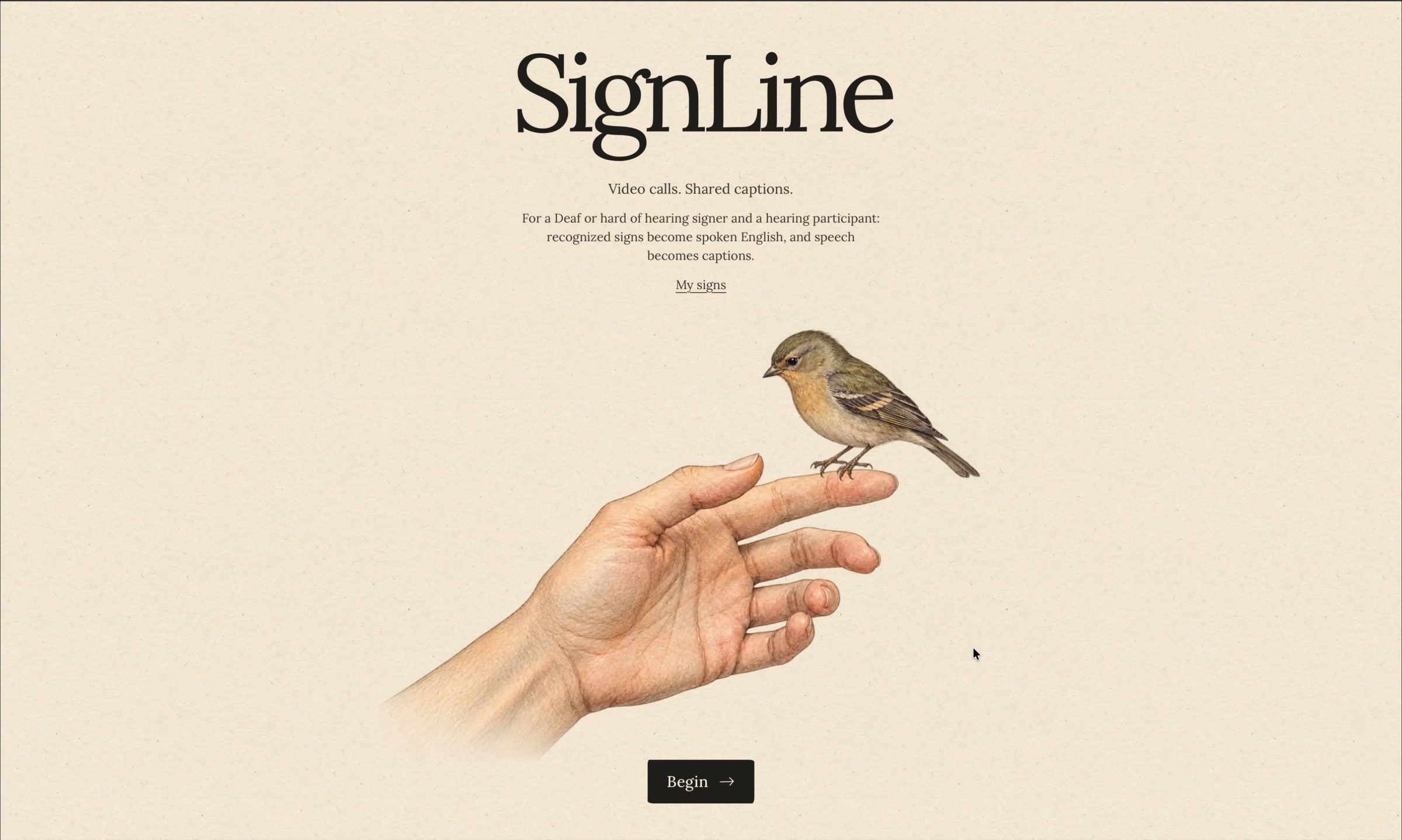
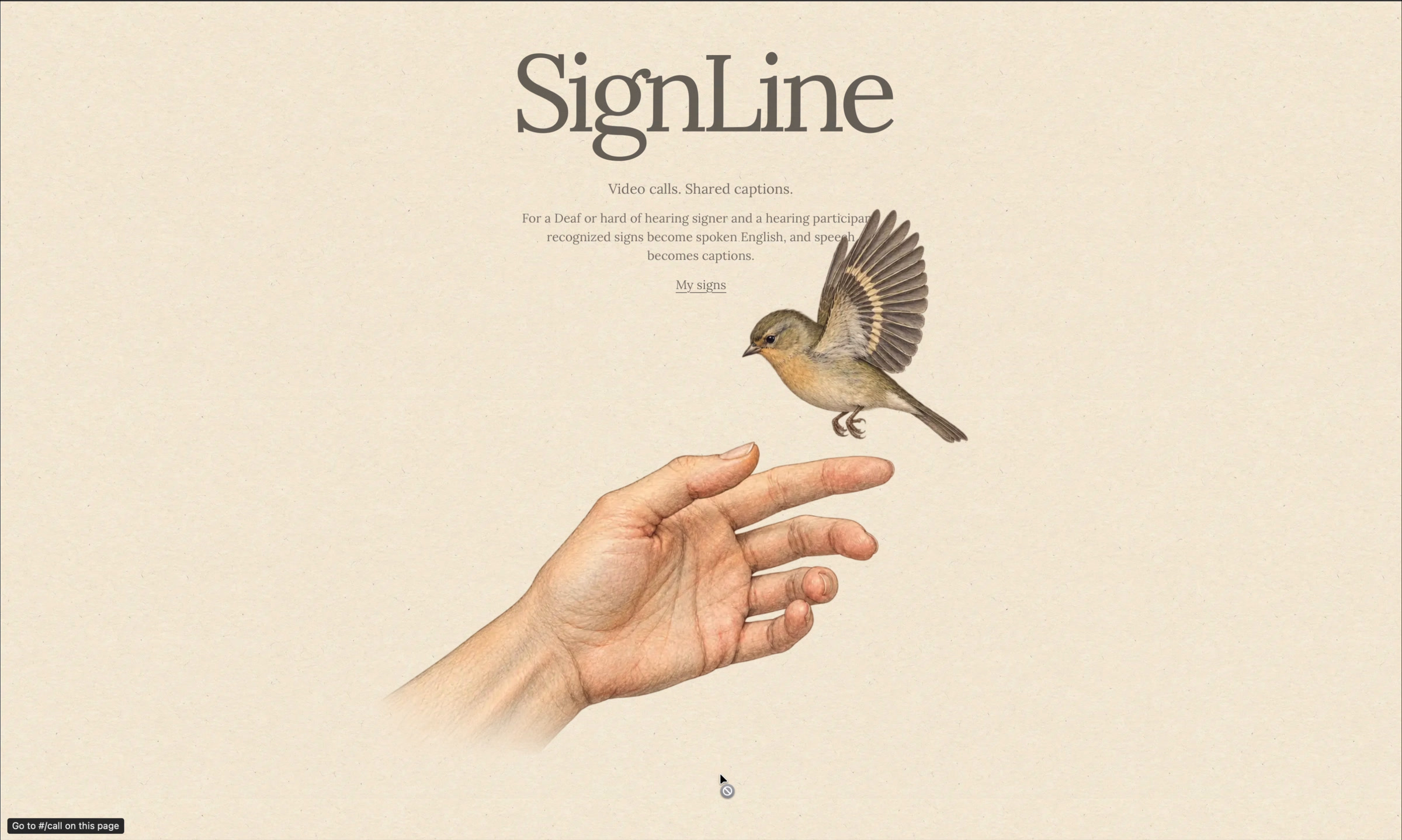
Home Screen
-
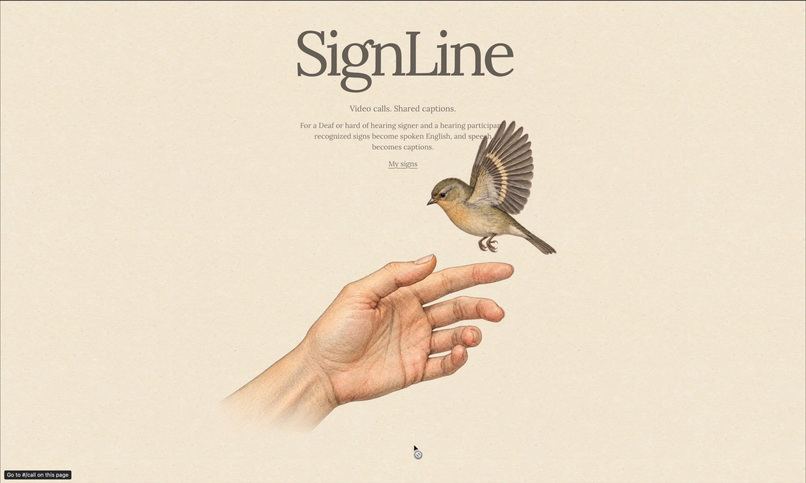
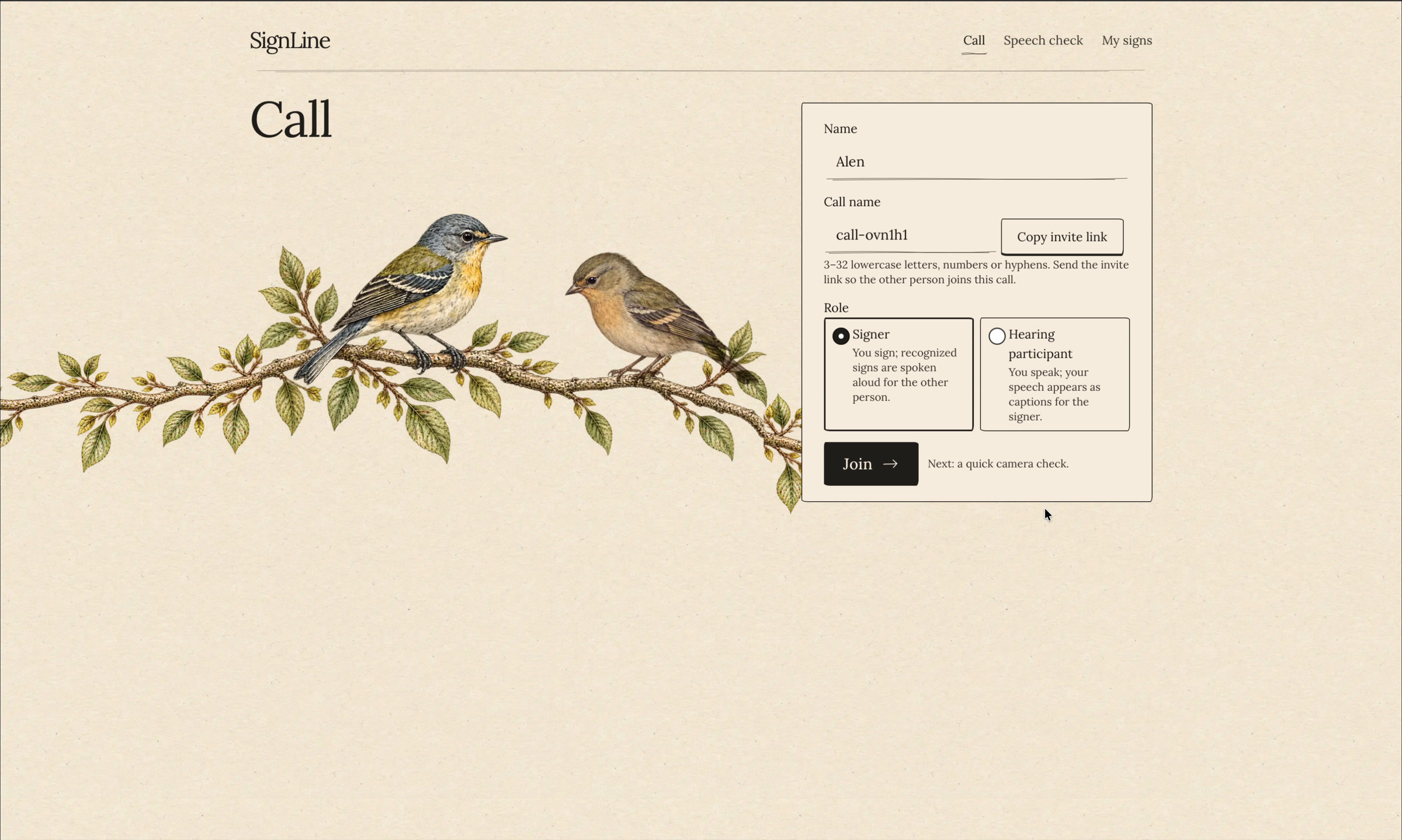
Transition To Call Page
-
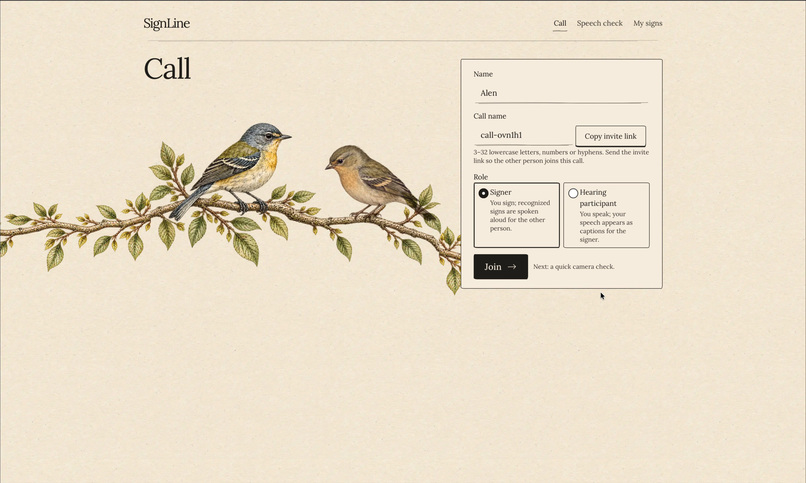
Call Setup
-
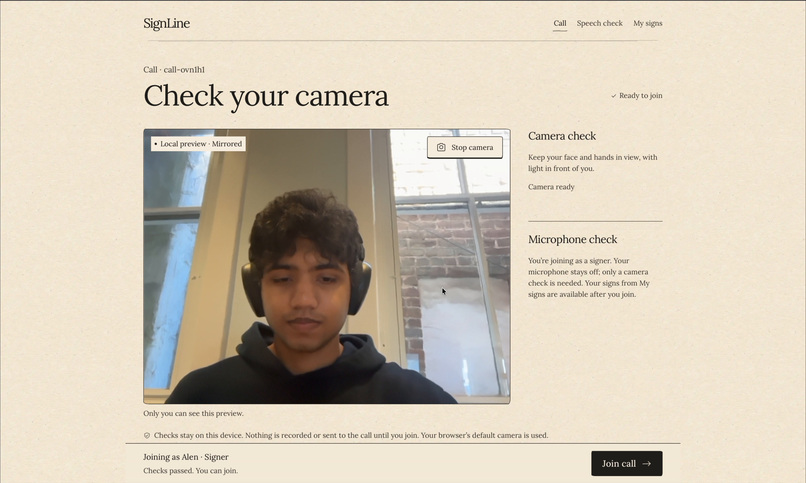
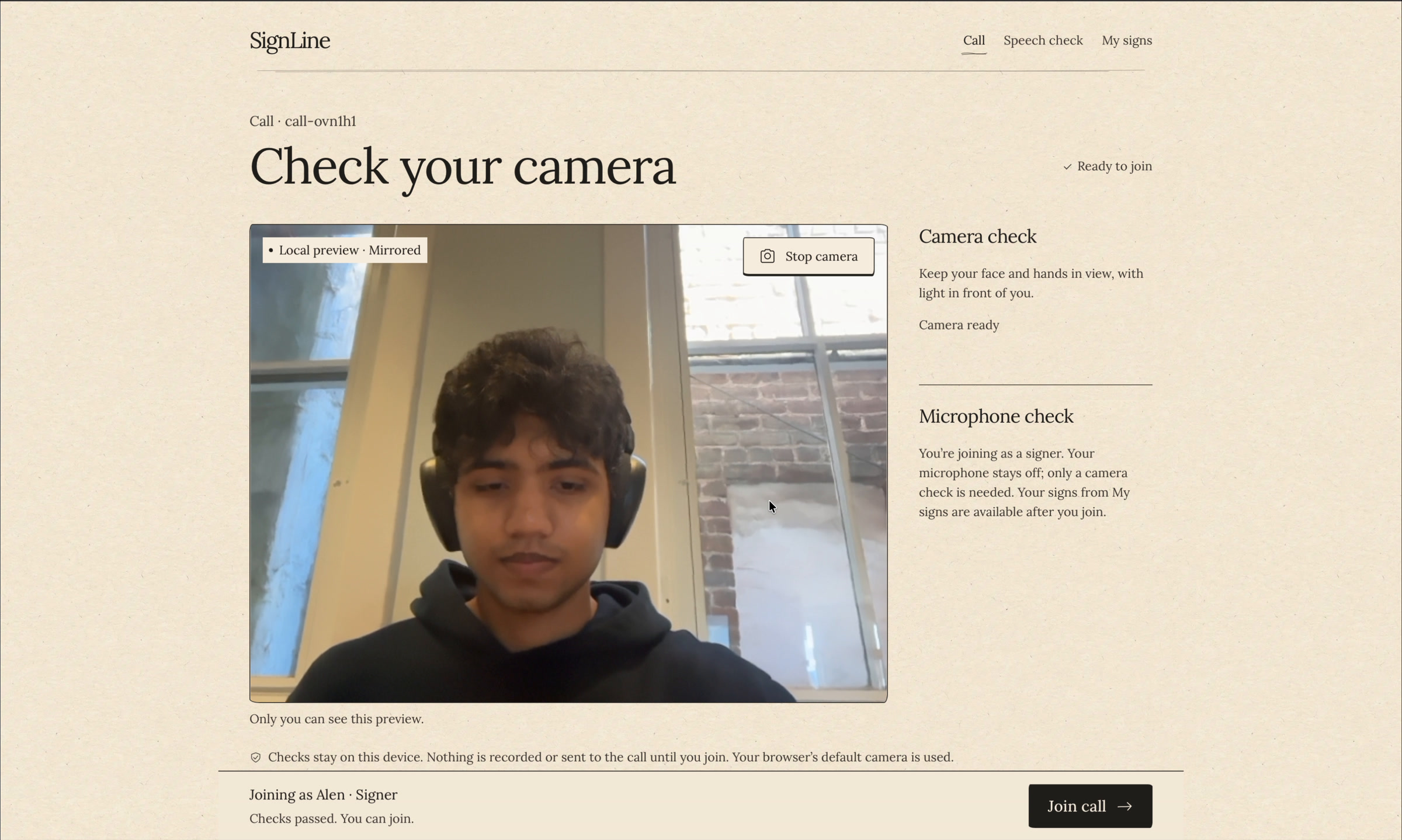
Camera Check
-
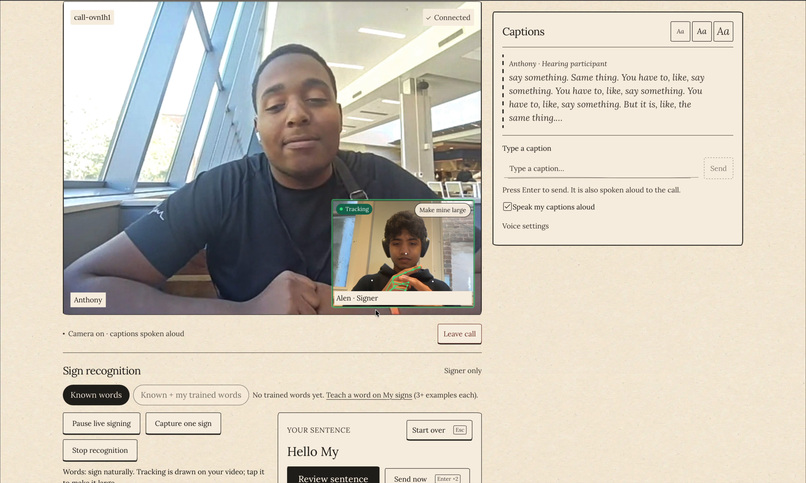
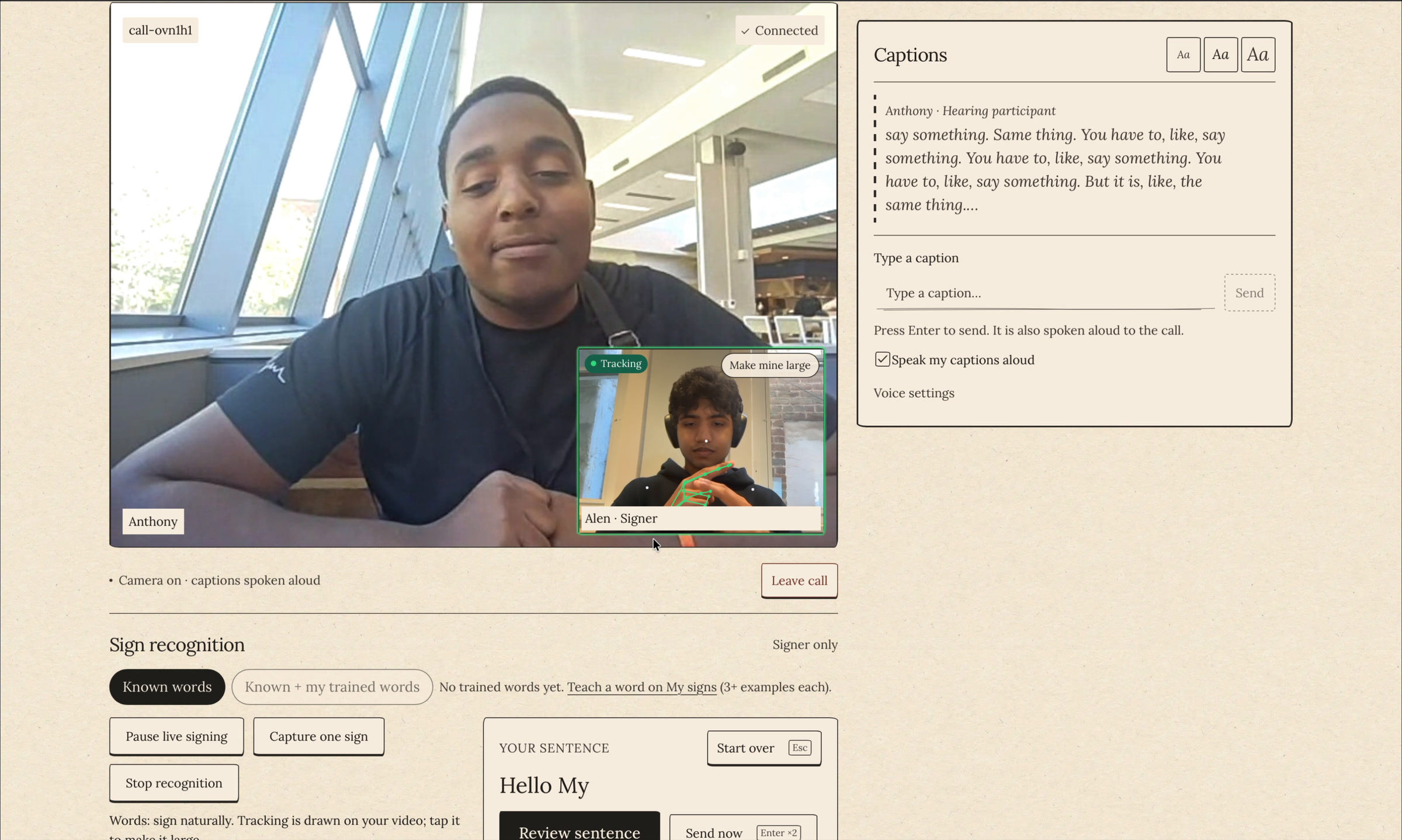
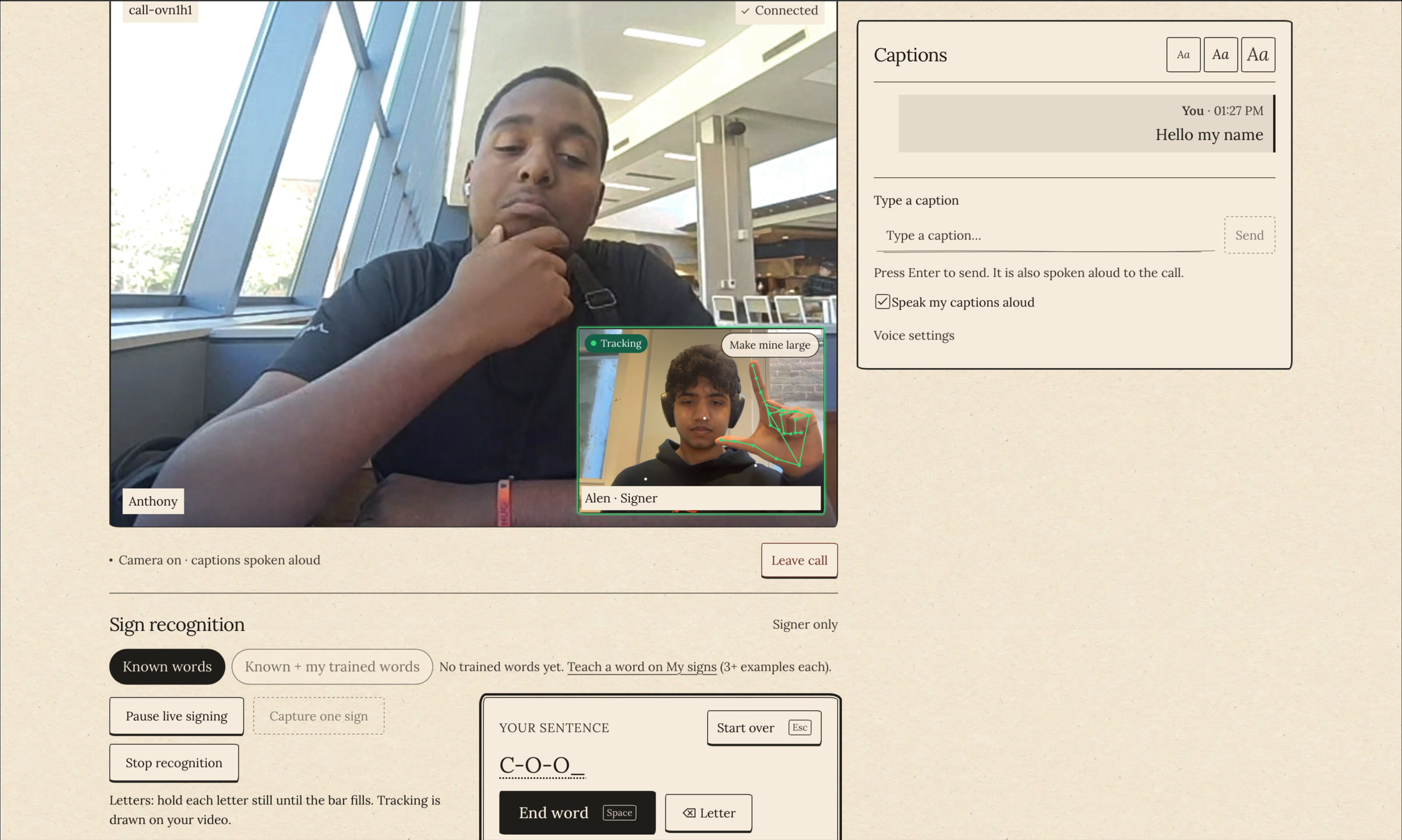
In Call---Signing Sentence
-
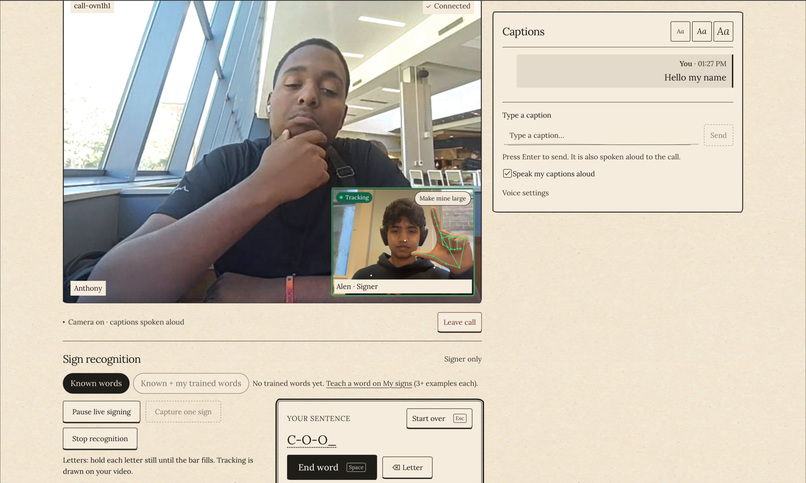
In Call---Fingerspelling
-
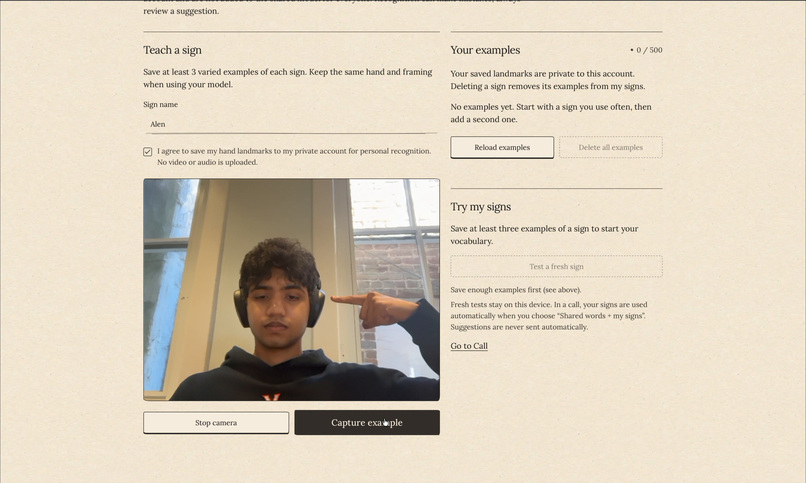
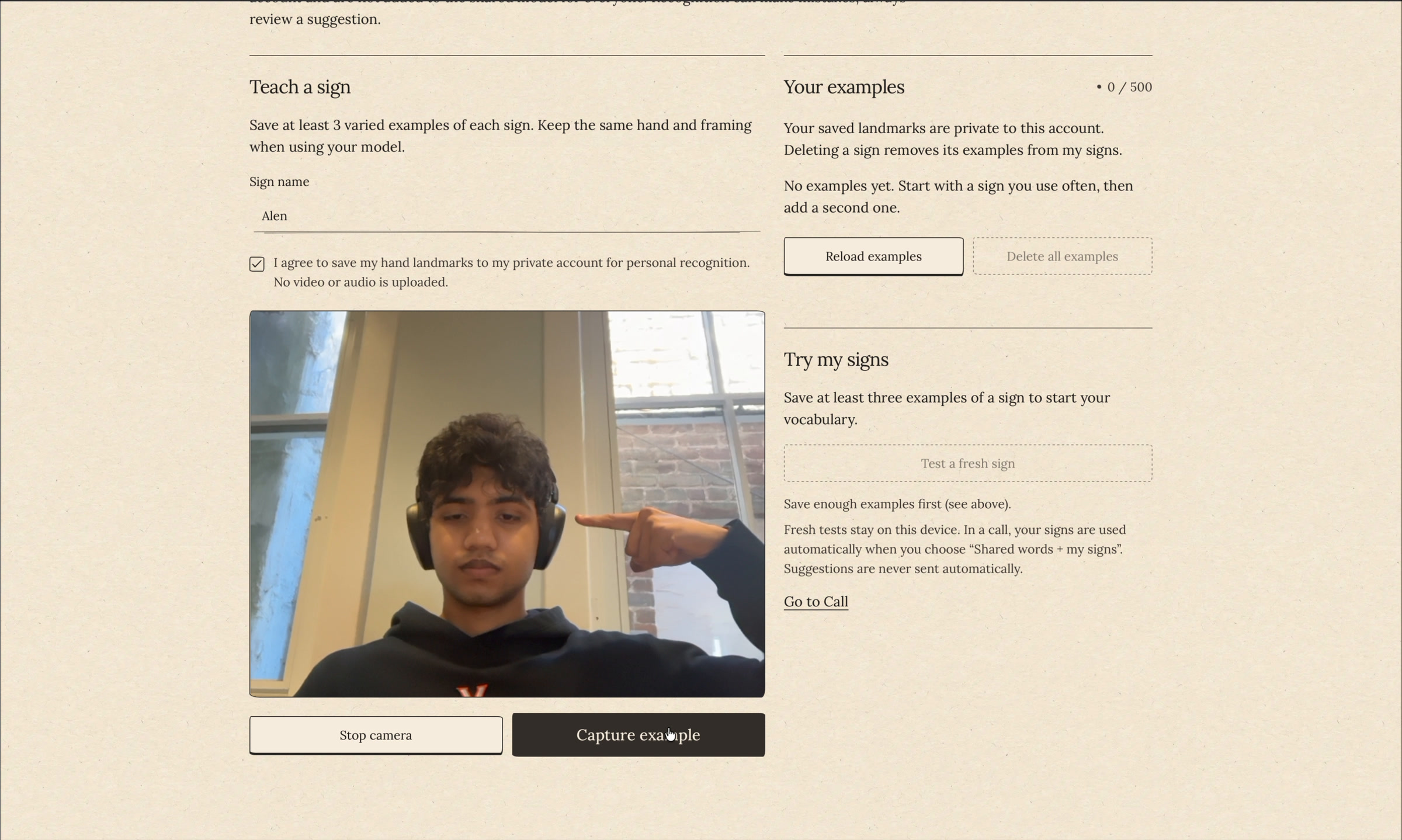
Training a Sign
-
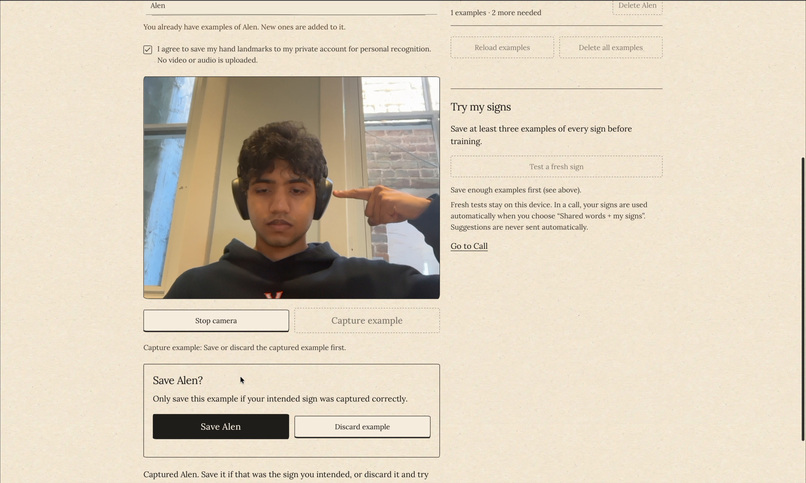
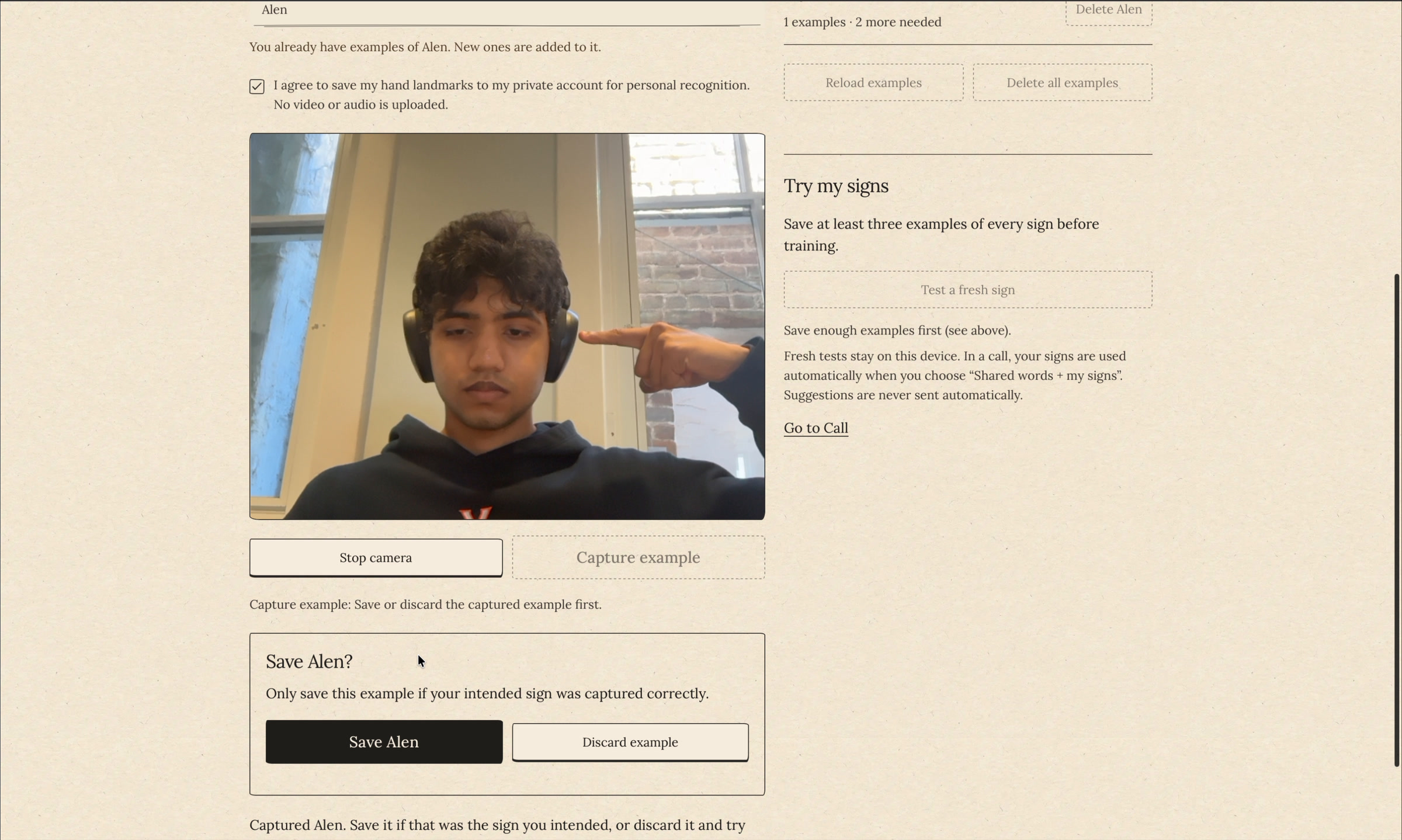
Saving Training Example
-
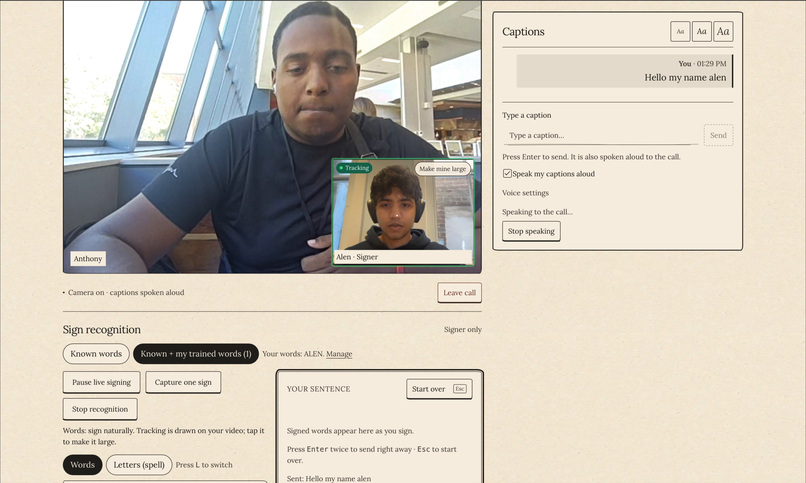
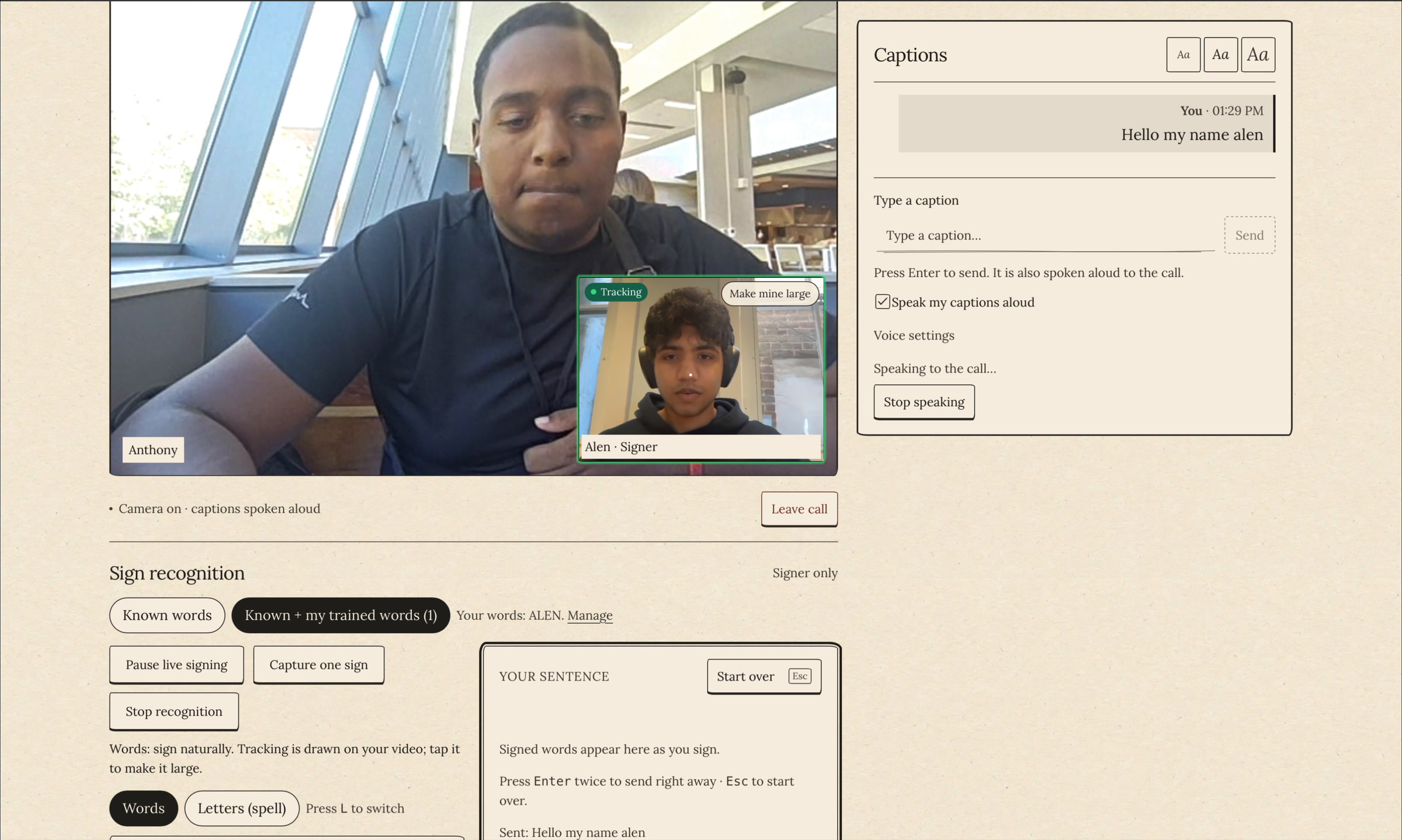
Trained Name Spoken in Call
-
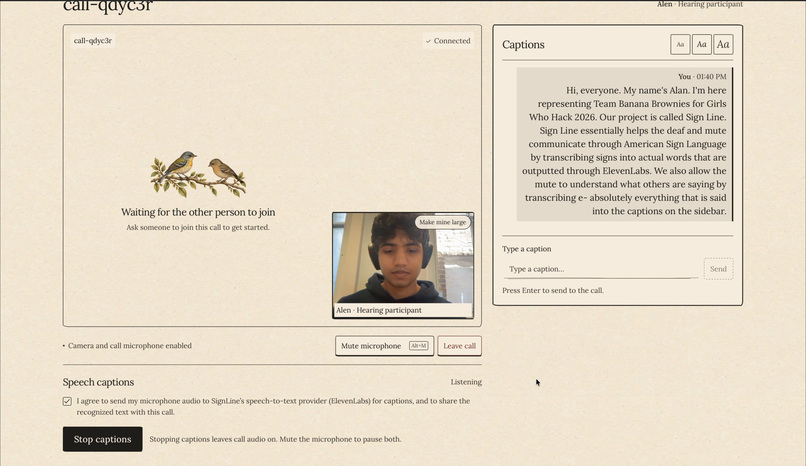
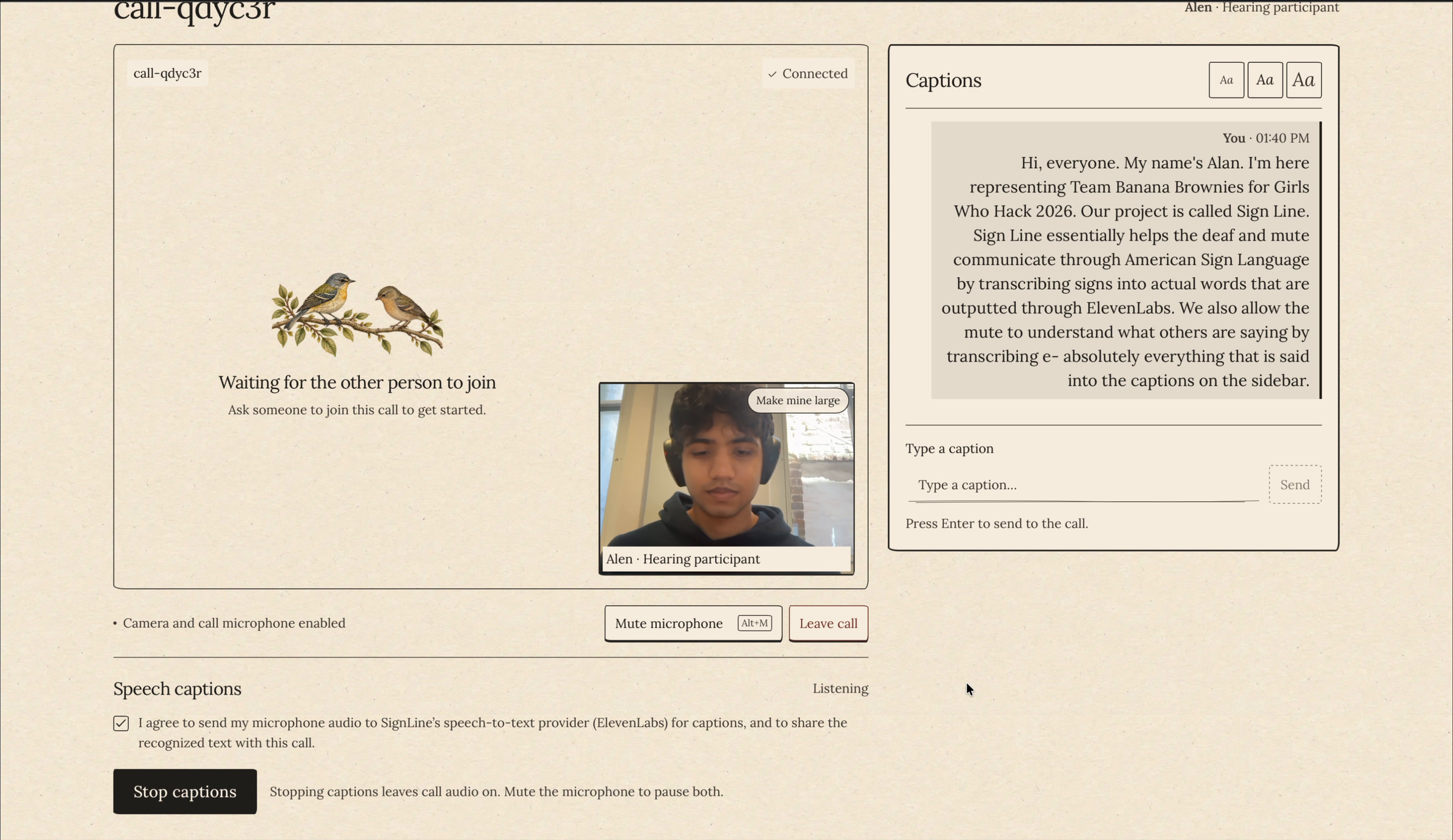
Speech Transcribed Live
-
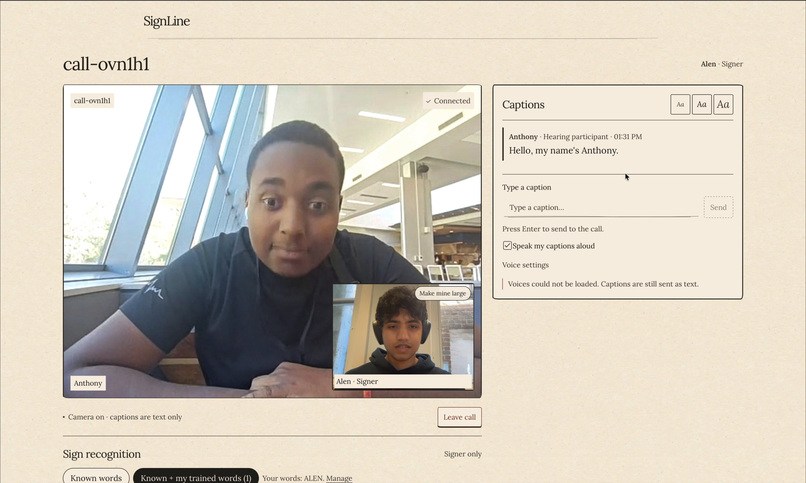
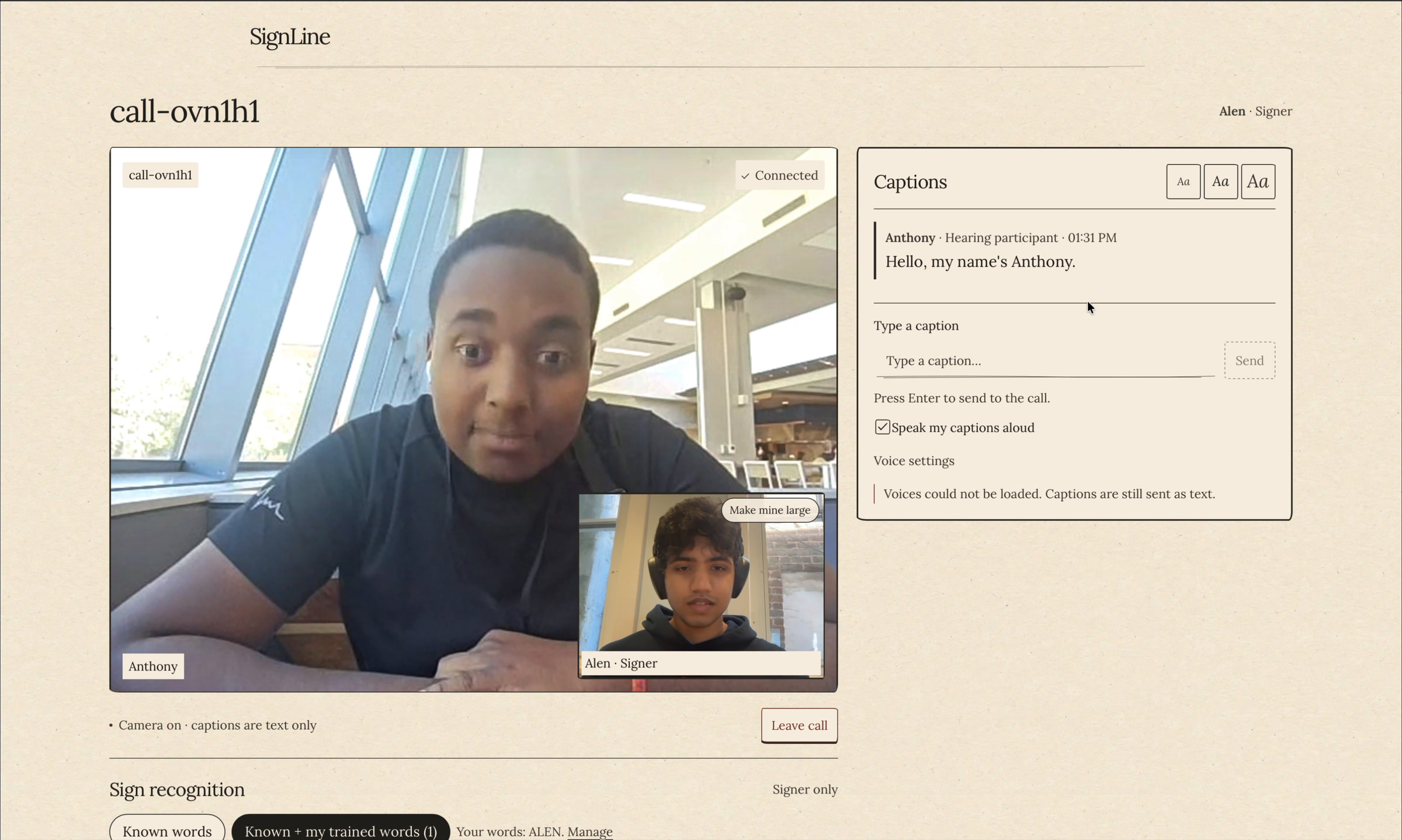
Call Partner Speech Captioned
Inspiration
SignLine was inspired by the communication gap that can arise in ordinary video calls between Deaf or hard-of-hearing signers and hearing participants. We wanted to make a small, honest accessibility tool that supports both directions of a conversation: signs can become an editable English caption and spoken message, while speech becomes shared captions for the signer.
What it does
SignLine is a two-person video-call experience with role-specific accessibility features. A signer can capture a supported isolated sign, review the model’s suggestion, edit it if needed, and send it as a caption; a hearing participant can use live speech captions. The project deliberately keeps the signer in control—recognition is a suggestion, not an automatic translation claim.
How we built it
We built SignLine around an on-device computer-vision pipeline rather than sending camera footage to a server. MediaPipe extracts 21 hand landmarks per frame; for the shared isolated-sign model, we subtract the wrist position from every landmark, producing 42 position-invariant features per frame. A 30-frame signing window therefore becomes a 1,260-feature vector that a browser-exported random forest classifies locally. For personalized signs, we normalize each capture by its RMS landmark magnitude and compare it to saved examples with Euclidean distance, while fingerspelling uses rotation- and scale-normalized hand shape features plus smoothing so a letter must be held steadily before it is emitted. The app rejects weak or ambiguous predictions and keeps every caption editable, treating machine learning as assistance rather than unquestioned translation. The web experience was built with React and TypeScript.
Challenges we ran into
The hardest problem was vocabulary versus reliability. A model with only a few signs can be much more dependable, but a useful communication tool needs names, uncommon words, and flexibility. Rather than pretending a small classifier understands unrestricted ASL, we designed confidence gates—requiring enough visible-hand frames, a strong top score, and separation from the runner-up—and kept typed editing available whenever the model is uncertain.
Accomplishments that we’re proud of
We are proud that we found practical ways to expand beyond a fixed shared vocabulary without overstating accuracy. Users can teach SignLine their own isolated signs with multiple examples, then the app uses a normalized nearest-neighbor comparison based on Euclidean distance. We also added fingerspelling as a fallback: hand landmarks are normalized for hand size and rotated into a common orientation, allowing letters to cover names and words that are not part of the trained word set.
What we learned
This project taught us that computer vision is not just “detect a hand and classify it.” Small details—mirroring camera frames, anchoring landmarks to the wrist, normalizing for hand size, requiring a steady hold, and smoothing predictions over time—make a major difference. We also learned that accessible AI needs careful product design: confidence scores are not accuracy guarantees, so confirmation, correction, and clear limits are essential parts of the system.
What’s next for SignLine
Next, we want to collect more consented training data, evaluate on held-out signers, and grow the shared vocabulary without sacrificing precision. The overall roadmap includes two-hand, body-relative features over 32-frame sequences, a Conformer-based model with scaled attention, and better decoding for fingerspelling and longer sign sequences. Most importantly, we want to validate the experience with real users and keep improving it as a communication aid.
Built With
- css
- dockerfile
- html
- javascript
- plpgsql
- python
- typescript


Log in or sign up for Devpost to join the conversation.