-
-
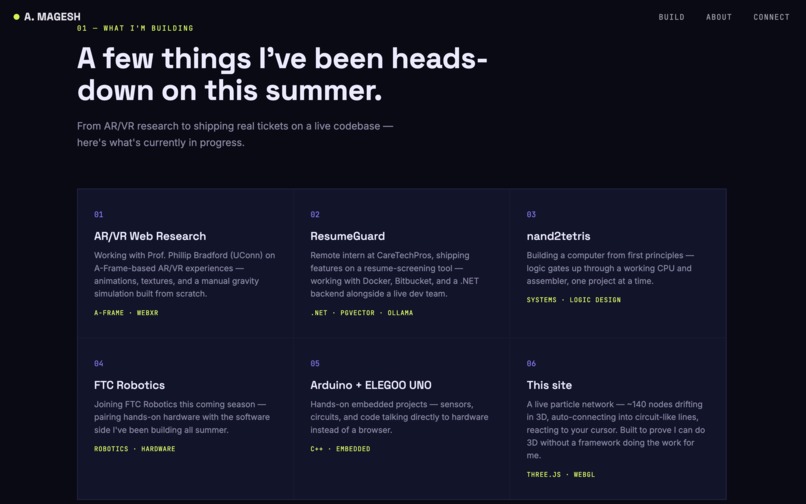
What i've been working on this summer
-
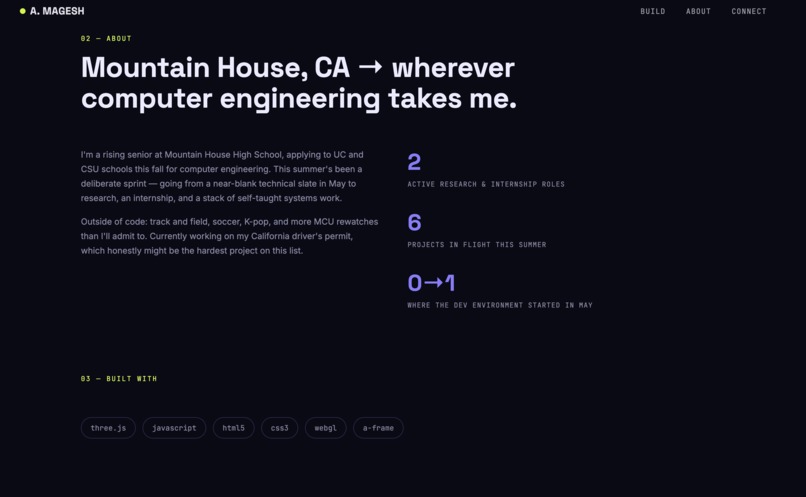
about myself
Inspiration
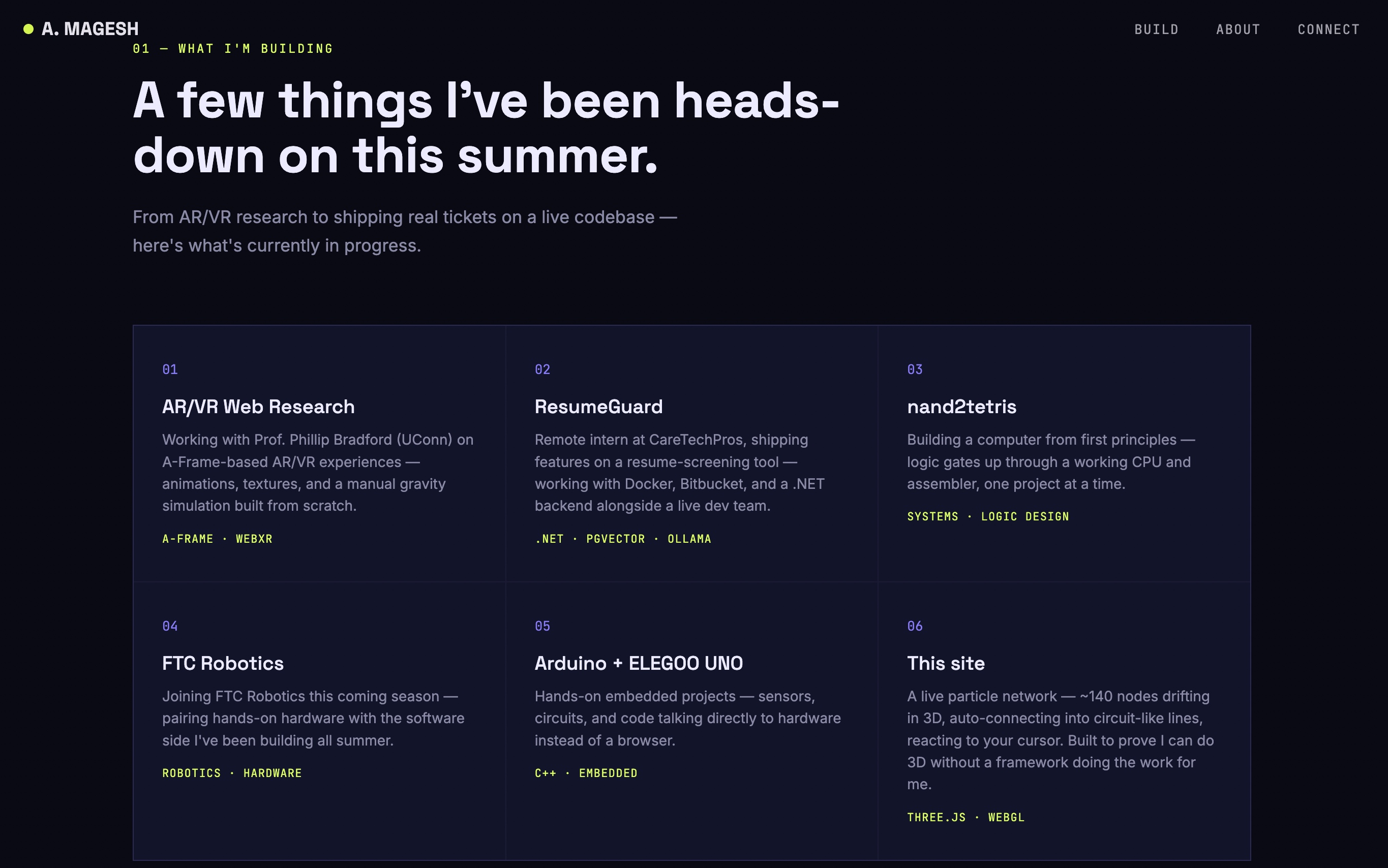
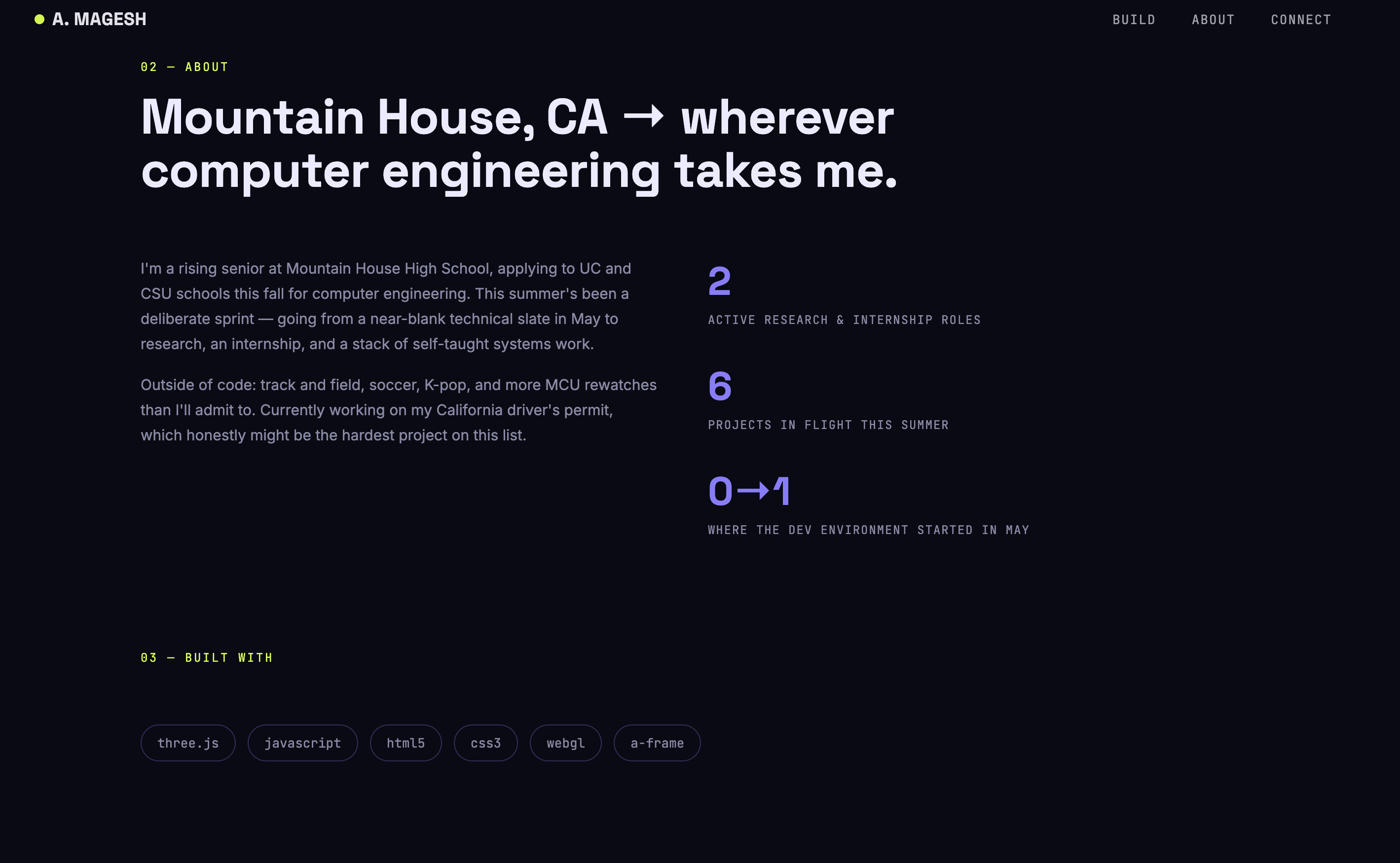
I've been working with a professor this summer (Phillip Bradford at UConn) on AR/VR stuff using A-Frame — building animations, messing with a manual gravity simulation, that kind of thing. When I saw this hackathon I kind of wanted to prove to myself I could build something in 3D without leaning on A-Frame doing the heavy lifting for me. No models, no images, no textures. Just code.
What it does
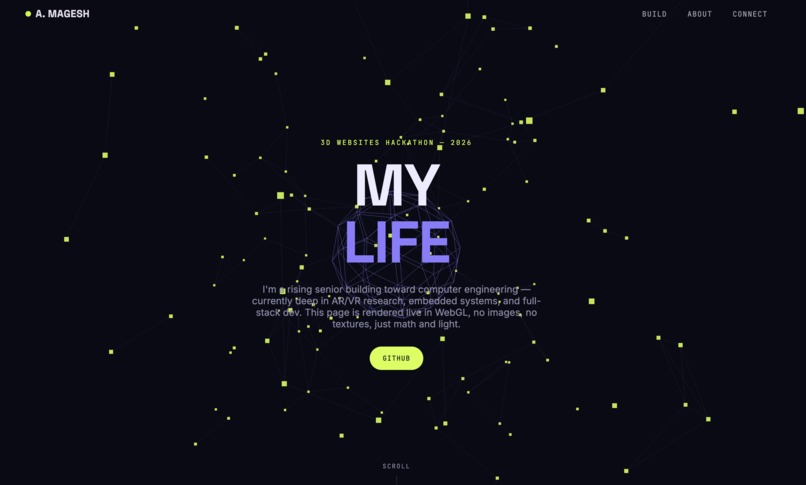
It's a single page with a live particle scene running in the background — around 140 little nodes floating around in 3D space, and whenever two of them get close enough, a line draws between them. So you get this circuit-looking pattern, except it's not a static image, it's actually being recalculated while you watch. There's a wireframe shape sitting in the middle that slowly spins, and the whole thing leans toward wherever your mouse is, so it feels like it's paying attention to you instead of just running in a loop.
How I built it
I used Three.js off a CDN, no build tools or anything, just one HTML file. The nodes are stored in a buffer and I update their positions every frame instead of remaking the whole thing, which matters a lot for performance. For the lines, I just check the distance between every pair of nodes and connect the ones that are close enough — which is a pretty dumb $O(n^2)$ way to do it, but at ~140 nodes it's fine. If I had more time I'd switch to something smarter like a spatial grid so it could handle way more nodes without lagging.
Challenges I ran into
Honestly the biggest thing was that I've only ever used A-Frame, which hides basically all the Three.js setup behind the scenes. So this was the first time I had to actually set up the scene, camera, and renderer myself, and it made me realize how much A-Frame was doing for me that I didn't notice.
Also my first version recalculated every single line every single frame and it was noticeably laggy, so I had to figure out that I could just do that recalculation on a timer instead of constantly. Small fix, big difference.
And the mouse interaction felt bad at first — the camera would just snap directly to wherever the cursor was, which looked jittery and kind of cheap. I ended up lerping toward the cursor position instead of setting it directly, which made it feel way smoother, almost floaty.
What I learned
Mainly that a lot of what A-Frame does under the hood is stuff I can actually understand now — entities and components in A-Frame basically map to meshes and materials in raw Three.js. Also just how much of "this feels good to interact with" comes down to easing and interpolation instead of the actual geometry. And that performance in 3D is less about how much stuff is on screen and more about how often you're recalculating things you don't need to.
What's next
I want to swap out the distance-check for something that scales better, and actually hook the center shape up to real content — like clicking it opens project info, similar to what I've been prototyping in A-Frame already.

Log in or sign up for Devpost to join the conversation.