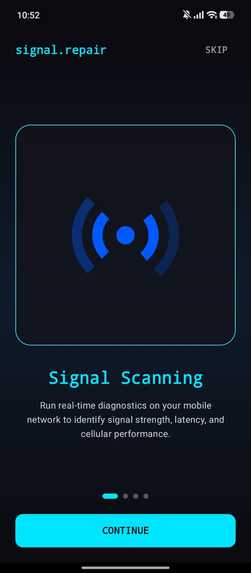
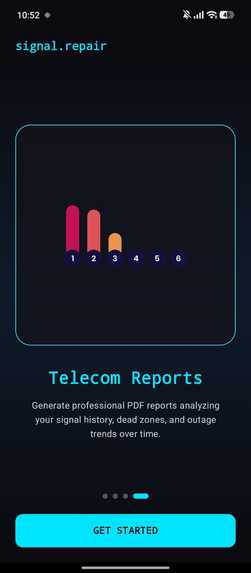
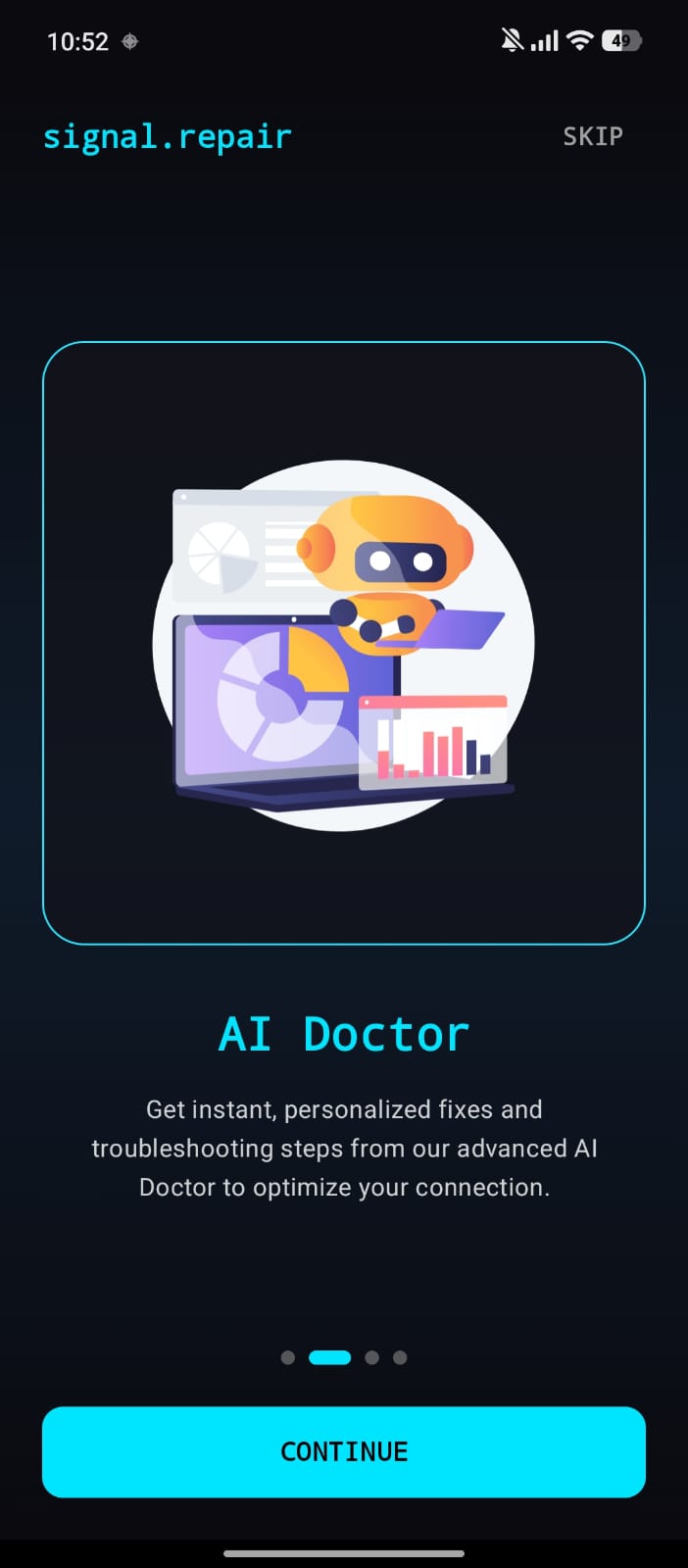
Signal.repair is a cutting-edge utility app designed to monitor, diagnose, and forecast wireless and cellular connectivity issues on Android devices. By leveraging real-time telemetry extraction, statistical trends, linear regression modeling, and AI-powered diagnostics, this app enables users to optimize their connection parameters and predict failures before they occur.
Key features include:
- Real-time Telemetry Dashboard: live metrics such as RSRP, RSRQ, RSSI, SINR, carrier details, and bandwidth speeds
- Predictive Failure Alerts: background monitoring service utilizing linear regression trend forecasting to alert users of impending network degradation or handoff instabilities
- AI Signal Doctor: integrated with the Groq API Engine to provide tailored troubleshooting recommendations
- Telecom Diagnostic Reports: downloadable PDF summaries of local connection stability and signal histories
- P2P Diagnostics Sharing: seamless sharing of local connection parameters over a local network
The app's architecture is built using Jetpack Compose, featuring a modern design with smooth glassmorphism, dark mode styling, and clean charting. The high-level system topology is as follows:
- Telemetry Core: collects data from TelephonyManager, WifiManager, and Active Ping/Speed Test
- Background Service: processes data using SignalMonitorService, SignalPredictor ML, and Alert Notifications
- Presentation Layer: surfaces data through DashboardViewModel, ReportViewModel, and Doctor Screen, with AI integration via GroqApiService
The tech stack includes:
- UI Framework: Jetpack Compose
- Architecture: MVVM + Repository Pattern
- Dependency Injection: Dagger Hilt
- Database: Room SQLite
- Network Client: Retrofit 2 & OkHttp 4
- AI Integration: Groq API
- Charts: Vico Chart Engine
- PDF Generation: iText Core
- Local Storage: Jetpack DataStore Preferences
To get started, ensure you have:
- Android SDK 26 or higher
- Android Studio Jellyfish or newer
- A Groq API Key (optional)
Then, clone the repository, configure environment variables, and open the project in Android Studio. Build and run the app to experience the power of signal.repair.
Built With
- kotlin

Log in or sign up for Devpost to join the conversation.