-
1
-
2
-
3
-
4
-
5
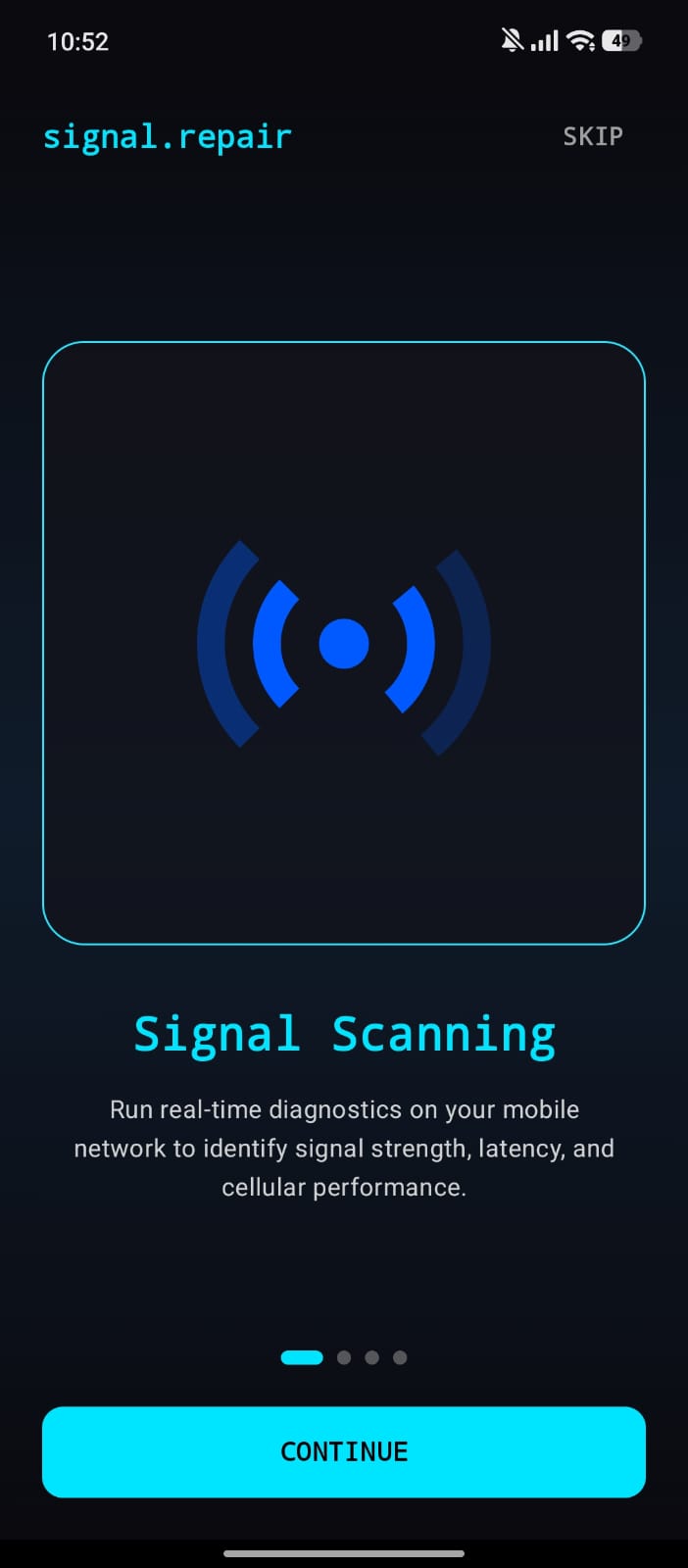
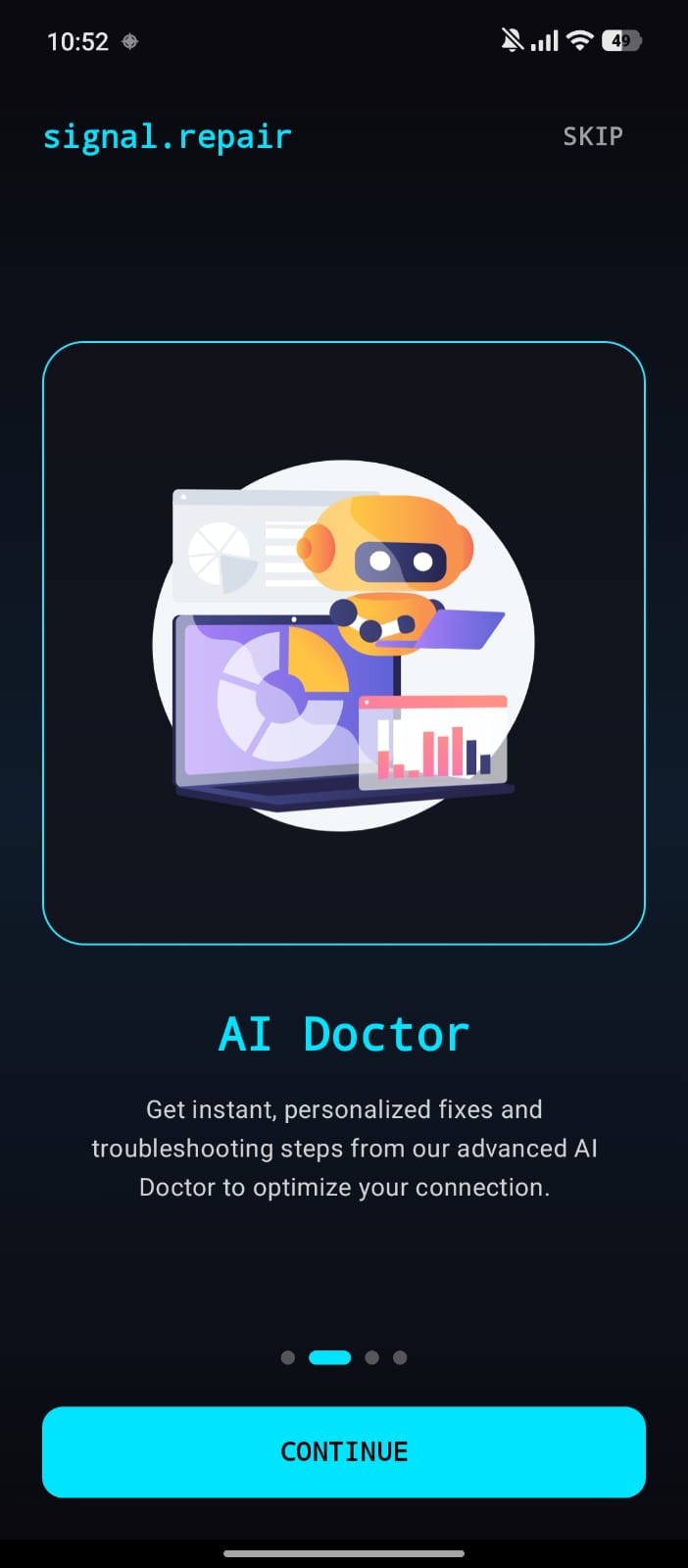
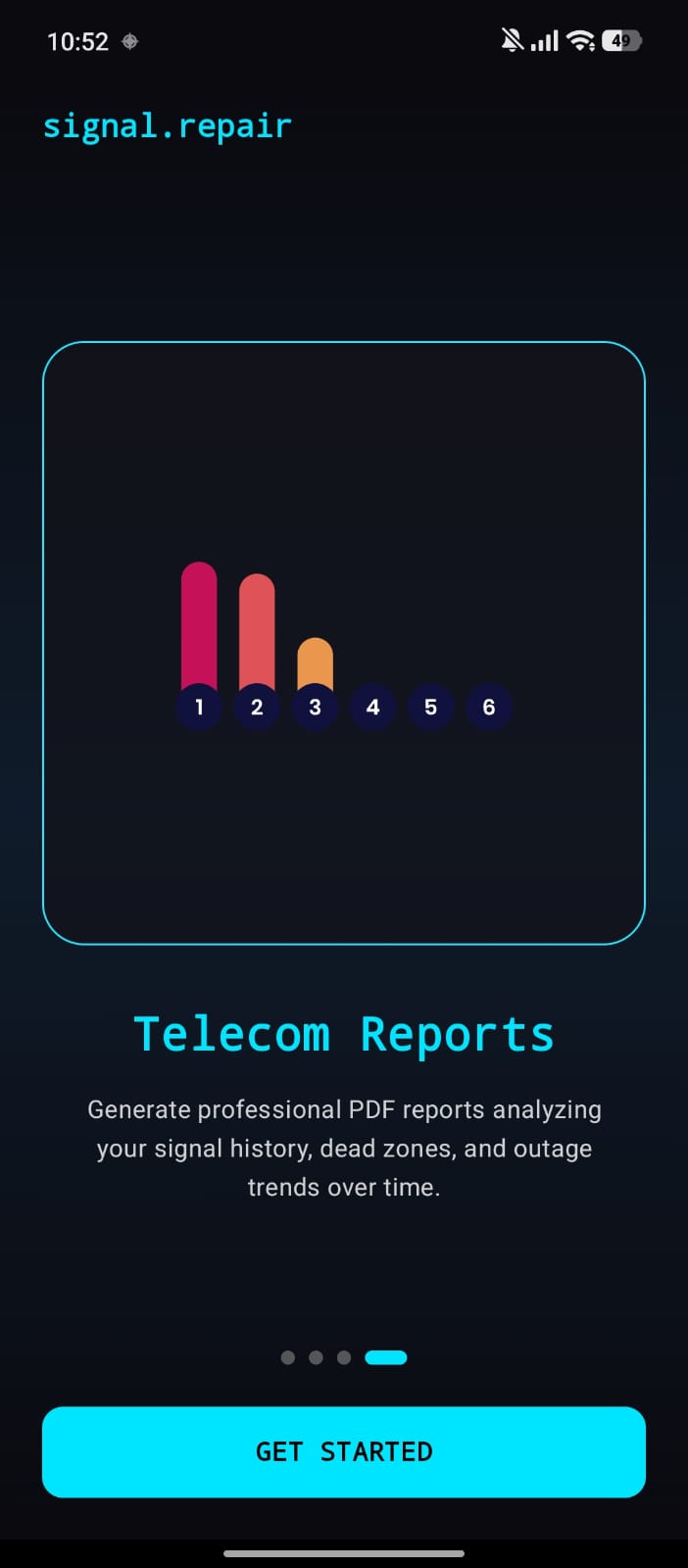
🔍 Overview signal.repair is a utility app designed to monitor, diagnose, and forecast wireless and cellular connectivity issues on Android. It uses real-time telemetry extraction, statistical trends, linear regression modeling, and LLM-powered diagnostics to help users optimize their connection parameters and predict failures before they happen.
⚡ Key Features
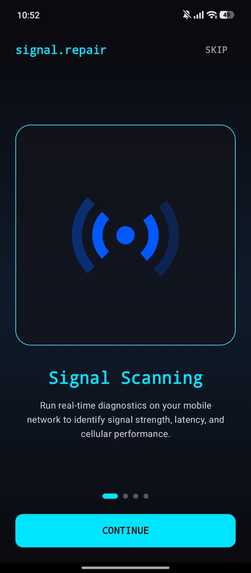
- 📊 Real-time Telemetry Dashboard: monitor live metrics like RSRP, RSRQ, RSSI, SINR, carrier details, active cell tower identifier, Wi-Fi link status, and real-time bandwidth (download/upload speeds and ping latency).
- 📉 Predictive Failure Alerts: a background monitoring service runs linear regression trend forecasting on telemetry logs, alerting users to network degradation or handoff instabilities minutes before they occur.
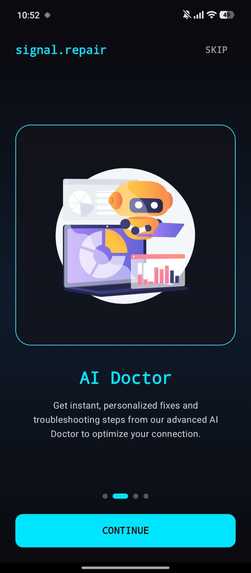
- 🧠 AI Signal Doctor: integrated with the Groq API Engine to read signal health snapshots and provide tailored troubleshooting recommendations.
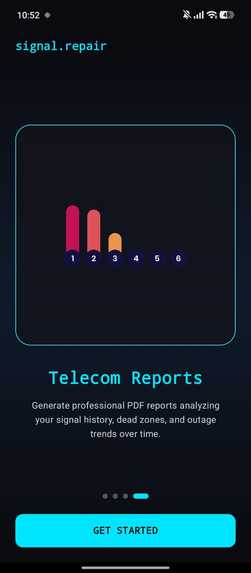
- 📋 Telecom Diagnostic Reports: generate and export downloadable PDF summaries of local connection stability, signal histories, and diagnostics.
- 🔗 P2P Diagnostics Sharing: quickly broadcast local connection parameters and receive reports over a local network.
- 🎨 Modern Design: built using Jetpack Compose, featuring smooth glassmorphism designs, dark mode styling, and clean charting using Vico.
🏗️ Architecture and Data Flow Below is the high-level system topology representing how data is collected, monitored, analyzed, and surfaced in signal.repair:
graph TD
    %% Telemetry Sources
    subgraph Telemetry Core
        TC[TelephonyManager] --> SDC[SignalDataCollector]
        WC[WifiManager] --> SDC
        NT[Active Ping/Speed Test] --> SDC
    end

    %% Storage and Background Processing
    subgraph Background Service
        SDC --> SMS[SignalMonitorService]
        SMS --> SP[SignalPredictor ML]
        SP -->|High Risk Trend| AN[Alert Notifications]

        SMS -->|Save Snapshot| SR[SignalRepository]
        SR --> RDB[(Room Database)]
    end

    %% UI and Output
    subgraph Presentation Layer
        RDB --> DVM[DashboardViewModel]
        RDB --> RVM[ReportViewModel]

        DVM --> DS[Dashboard Screen]
        RVM --> RS[Report Screen]
        RVM -->|iText Engine| PDF[Exported PDF Report]

        %% AI Integration
        SM[SettingsManager DataStore] -->|Dynamic Key| GAS[GroqApiService]
        RDB --> GAS
        GAS --> DrS[Doctor Screen]
    end

    classDef core fill:#00E5FF,stroke:#333,stroke-width:2px,color:#000;
    classDef storage fill:#ffab00,stroke:#333,stroke-width:2px,color:#000;
    classDef ui fill:#9c27b0,stroke:#333,stroke-width:2px,color:#fff;

    class SDC,SMS,SP core;
    class RDB,SR storage;
    class DS,RS,DrS,PDF ui;
🛠️ Tech Stack
- UI Framework: Jetpack Compose
- Architecture: MVVM (Model-View-ViewModel) + Repository Pattern
- Dependency Injection: Dagger Hilt
- Database: Room SQLite (Local Persistence)
- Network Client: Retrofit 2 & OkHttp 4
- AI Integration: Groq API (REST API)
- Charts: Vico Chart Engine
- PDF Generation: iText Core
- Local Storage: Jetpack DataStore Preferences
🚀 Getting Started
📋 Prerequisites
- Android SDK 26 (Android 8.0 Oreo) or higher
- Android Studio Jellyfish / Koala or newer
- A Groq API Key (optional, for AI features) from the Groq Console
🔑 Local Environment Setup
Clone the Repository:
git clone https://github.com/your-username/signalrepair.git
cd signalrepair
Configure Environment Variables: Copy the template
.env.examplefile to.env:cp .env.example .envInsert your Groq API Key inside
.env:GROQ_API_KEY=gsk_your_actual_groq_api_key(Note:
.envis automatically added to.gitignoreand will never be pushed to your version control).Open in Android Studio and wait for Gradle sync to complete.
**Build and Run
Built With
- kotlin

Log in or sign up for Devpost to join the conversation.