-
-
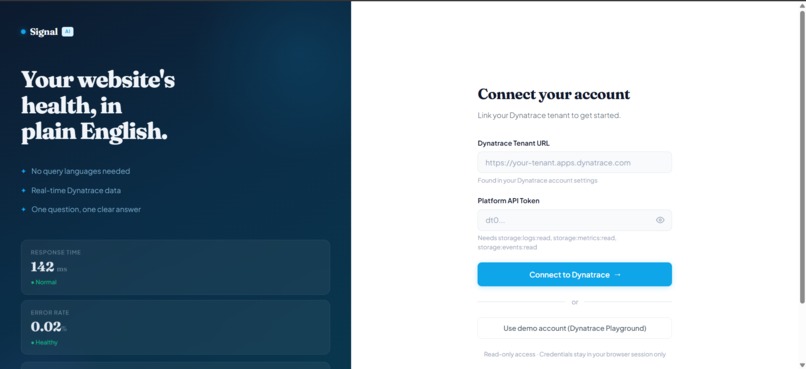
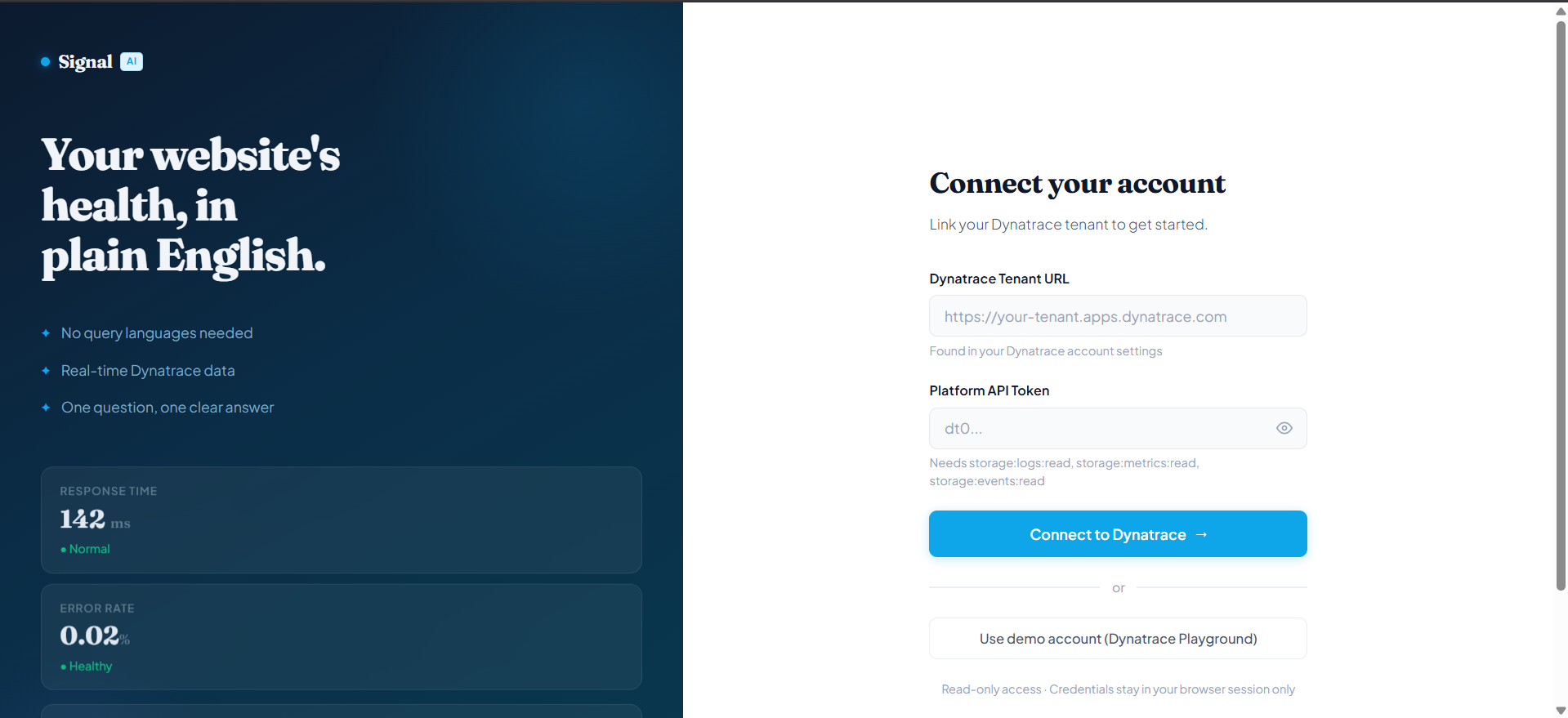
Connect screen: paste your Dynatrace tenant URL and read-only API token, or use the built-in Playground demo with one click.
-
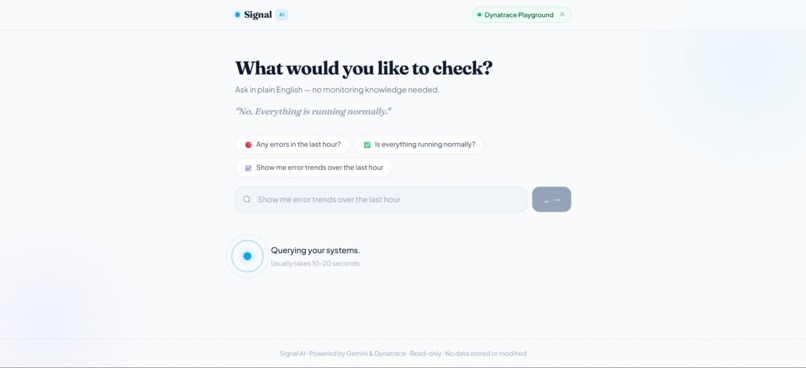
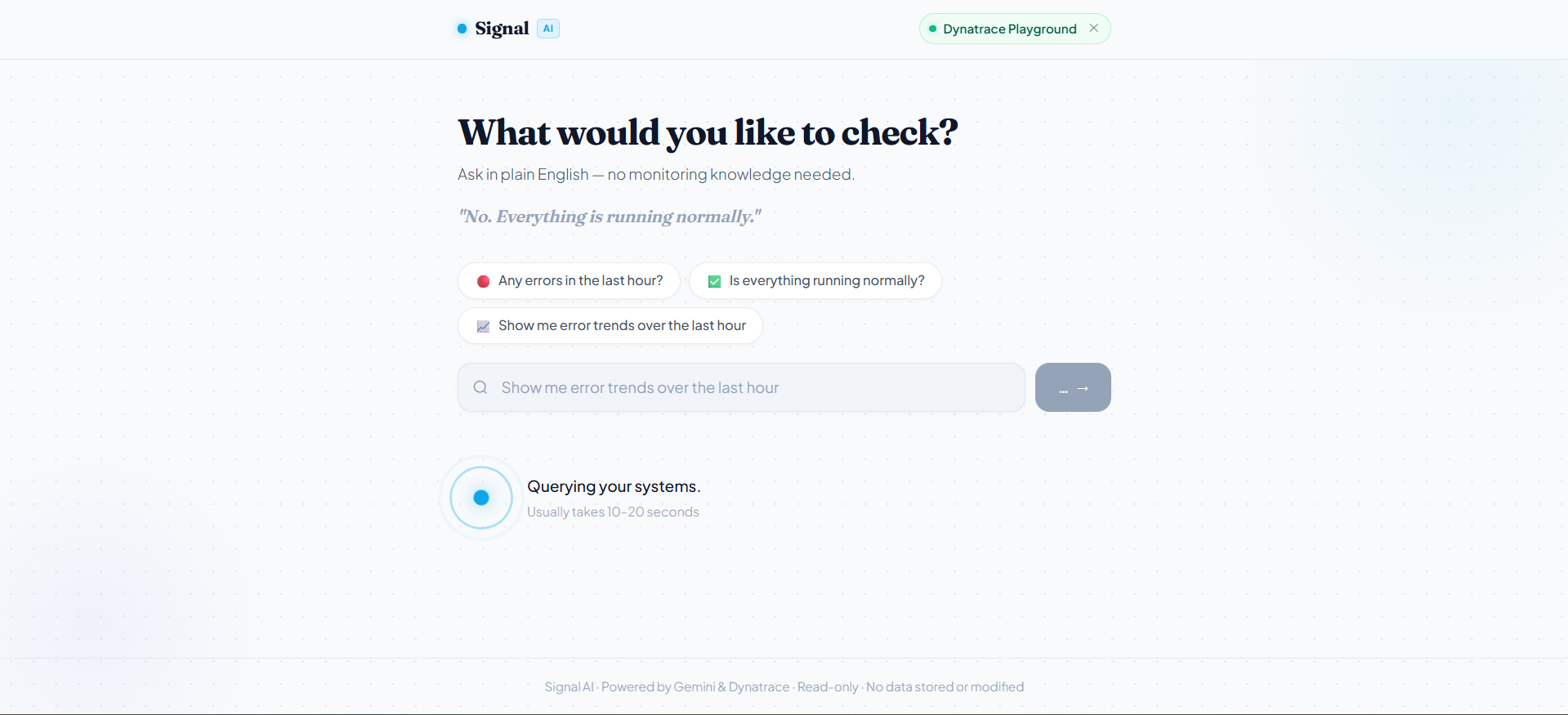
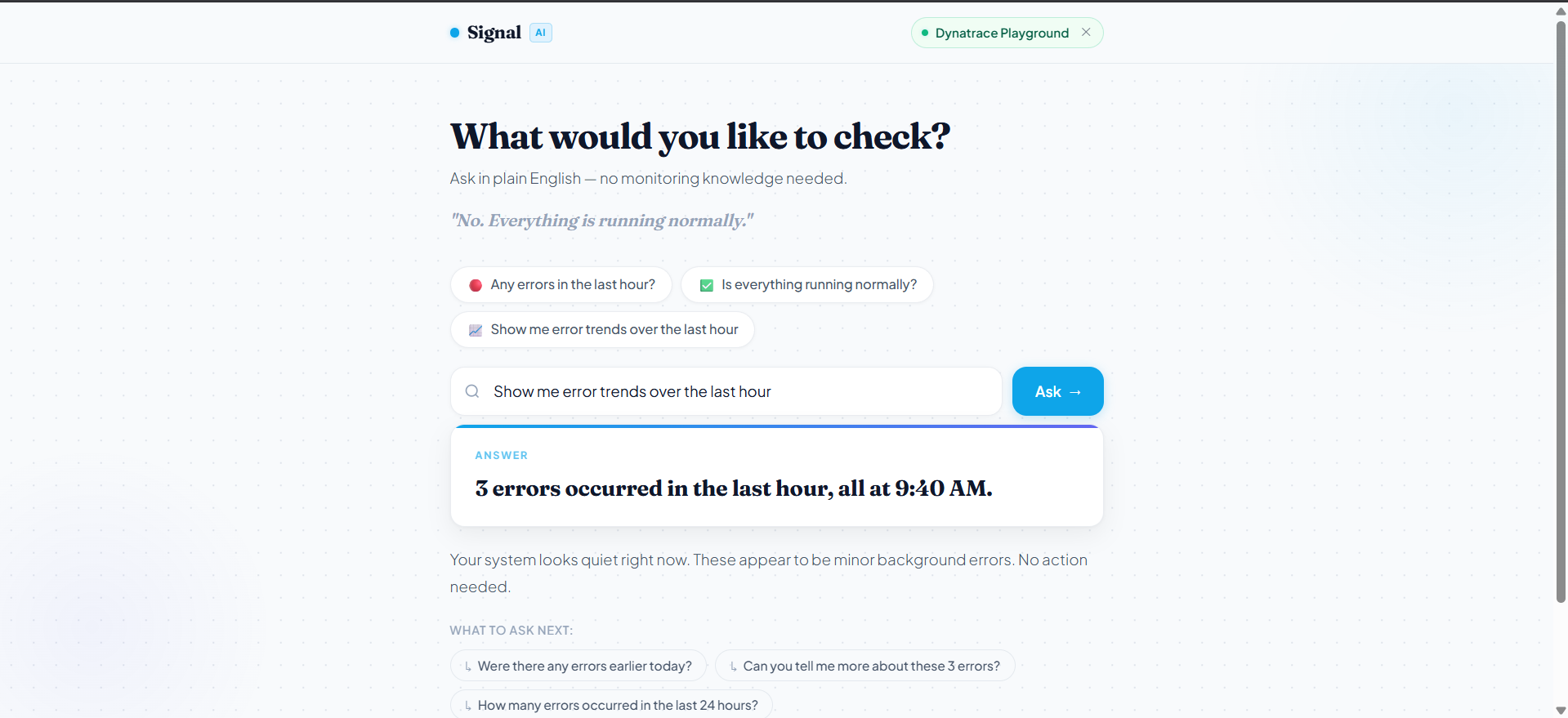
Ask anything in plain English. The agent queries live Dynatrace data and returns a real answer in under 20 seconds.
-
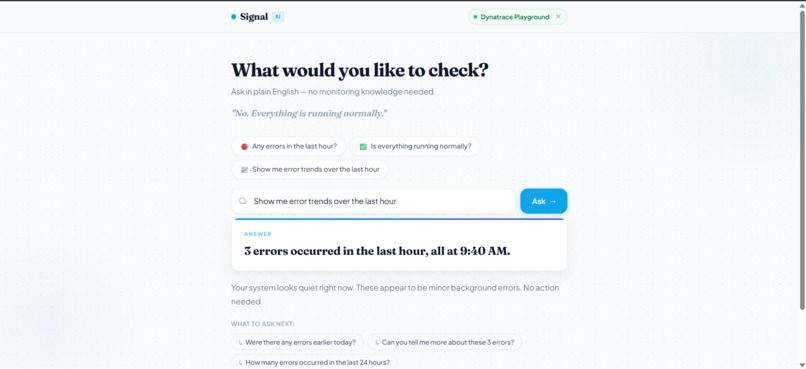
Every answer has a direct headline, a plain-English explanation, an optional chart, and follow-up chips to keep investigating.
## Inspiration
I kept thinking about a specific person: a founder who built something with engineers, and now needs to know if it is working. She can open Slack. She can message her team. But she cannot open Dynatrace.
Dynatrace captures everything about a system's health errors, latency, traffic, active problems. But it is built for engineers who know what DQL is. The gap is not a data problem. The data is all there. The gap is linguistic.
I wanted to close that gap with one text input and one clear sentence back.
## What It Does
Signal AI lets non-technical users ask plain-English questions about their system:
"Were there any errors last night?"
And get a direct answer:
"Yes. 224 errors were recorded overnight." "Most relate to application restarts and SSL handshake failures these often resolve on their own. Worth monitoring over the next hour."
Every answer has a headline (YES/NO or a number, max 20 words), a paragraph with context and a recommendation, an optional chart (line or bar), and 2-3 follow-up chips generated from the actual data returned so a user who does not know what to ask next always has a next step.
The agent handles 8 question types: errors, latency, traffic, security, comparison, breakdown, complaint/crash, and business-specific. It also handles out-of-scope and destructive requests with clean refusals.
## How I Built It
Architecture: Browser → FastAPI (Cloud Run) → Google ADK LlmAgent → Gemini 2.5 Flash (Vertex AI) → Dynatrace Grail REST API
Every question goes through a fixed 5-step loop in the system prompt: extract intent → write DQL query → execute → validate → translate to plain English.
The agent has two tools: run_dql() for log and event queries, and get_problems() for
Davis AI-detected alerts. Both hit the Dynatrace Grail REST API directly via httpx.
I used an eval-driven development approach: 10 fixed questions, scored 0/1/2 per answer. Every prompt change was measured against the eval set before committing.
Eval progression:
- Baseline: ~8/20
- After safety hardening: 12/20
- After chart + uncertainty work: 16/20
- Final against live Cloud Run: 18/20
## Challenges
The MCP gateway was not available on my trial tenant. The original architecture used
the Dynatrace MCP gateway (platform-reserved/mcpgateway). Trial tenants return 404 on
that endpoint. I pivoted to direct Dynatrace Grail REST API calls which turned out to
be simpler, more debuggable, and one fewer moving part in production.
Prompt engineering for consistent structure is harder than it looks. Getting Gemini to reliably output HEADLINE/PARAGRAPH/CHART/FOLLOWUP in the right format, every time, across all question types, required many iterations. A single ambiguous rule caused unpredictable output across multiple question types at once.
The agent needed hard rules, not just instructions. The model would confidently produce plausible-sounding but wrong answers without explicit guards "never say Mostly yes to a crash question", "never put breakdown details in the headline", "never claim to see checkout events when the data is Windows system logs". Each failing eval question revealed a missing rule.
Timing queries broke silently. "When did these errors happen?" should produce a time-series. But a content-filtered time-series query (filtering by error type inside the time bucket) returns empty and causes a wrong "No." answer. Adding a specific TIMING question type that strips content filtering fixed this but only after tracking down why the eval score dropped after what looked like an improvement.
## Accomplishments
- 18/20 on the automated eval against the live Cloud Run URL
- A working two-screen UI with dynamic follow-up chips, bar/line charts, and full mobile support at 375px
- Zero XSS surface: all agent output rendered via
textContent, neverinnerHTML, enforced by design - The Dynatrace token never appears in code, logs, git history, or environment variables only in GCP Secret Manager
- A non-technical user can get a real answer from real Dynatrace data in under 20 seconds with no setup
## What I Learned
The hardest part of building an AI agent is not the AI it is the contract between the model's output and the rest of the system. Every time the model produces output in a slightly different format, the parser breaks silently and the frontend shows nothing. Building a strict output format and a parser that validates every field (chart type must be "line" or "bar", followup must be a JSON array, headline must be one line) was the single most important structural decision.
I also learned that eval-driven iteration is the right loop for agents. Without a fixed test set and a numeric score, prompt tuning is guesswork. With it, every change has a measurable result and you know exactly which question type you broke.
## What's Next
- Connect to real application-level instrumentation (not just Windows system logs)
- Multi-turn conversation memory for follow-up questions
- Configurable alert thresholds so the agent knows what counts as "normal" for each user
- A webhook mode: agent proactively sends an answer when a threshold is crossed
Built With
- chart.js
- css
- dql
- dynatrace-grail-rest-api
- fastapi
- gcp-secret-manager
- gemini-2.5-flash
- google-adk
- google-cloud-run
- html
- httpx
- javascript
- python
- vertex-ai

Log in or sign up for Devpost to join the conversation.