Inspiration
We observed that while there are platforms offering e-signature services, the integration of advanced AI-driven facial verification as an additional layer of security is often missing. This gap motivated us to develop a solution that not only simplifies the e-signature process but also instills confidence in users about the authenticity and security of their transactions.
What It Does
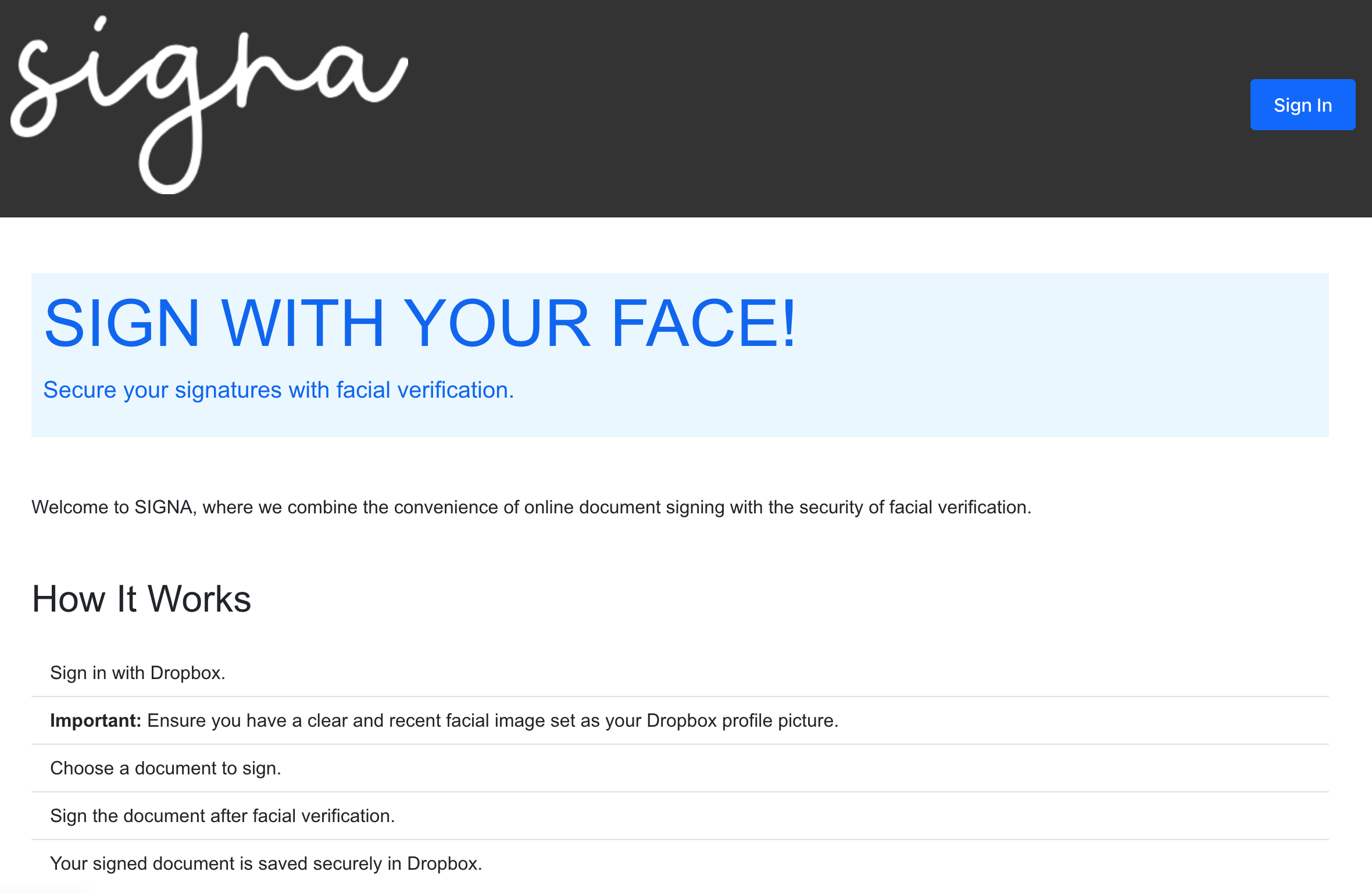
Our project seamlessly integrates electronic signature functionality with advanced facial recognition technology to provide secure and efficient document signing experience:
User Authentication: Users initiate the process by signing in with Dropbox, ensuring a secure environment for document transactions.
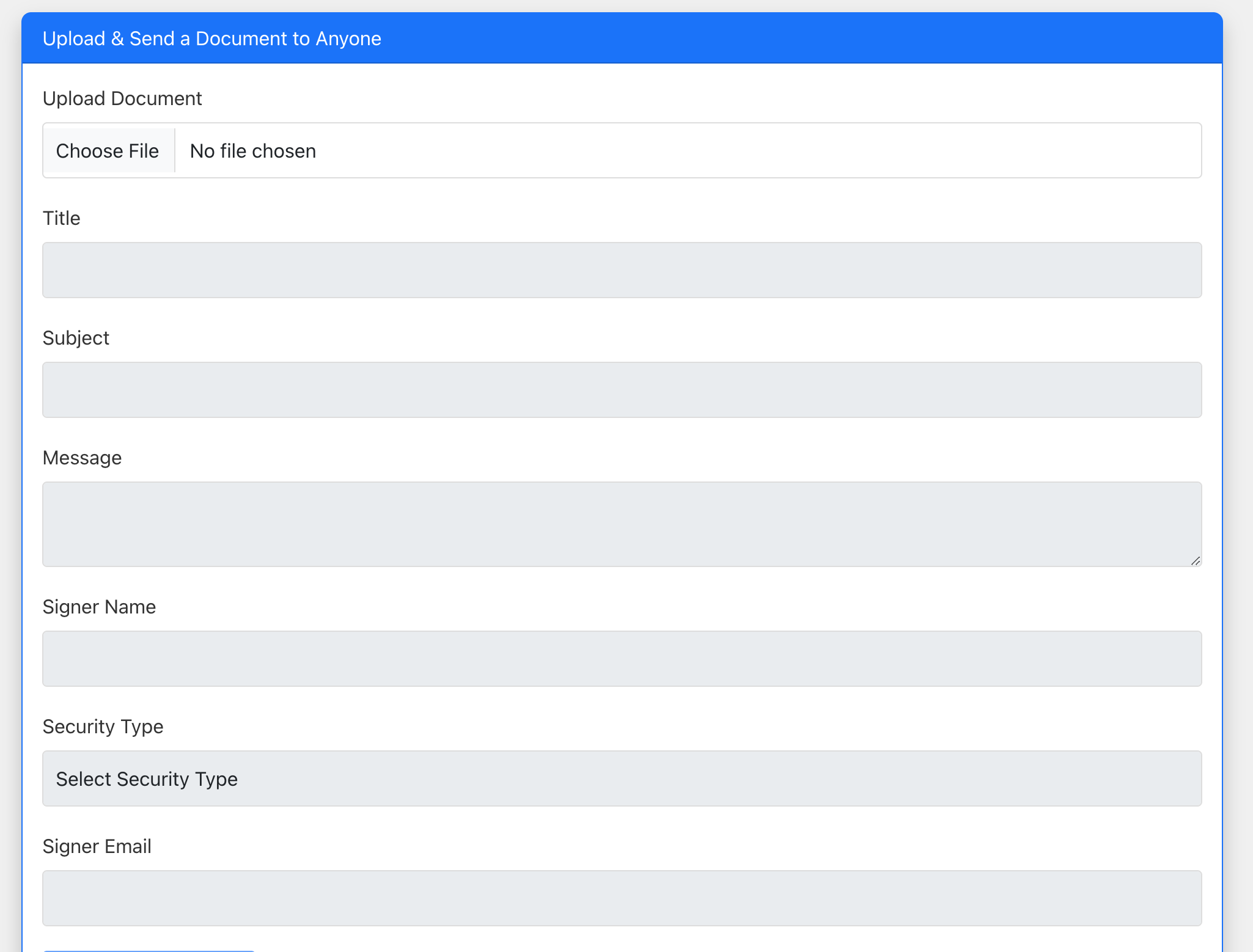
Document Upload & Selection: Users can easily upload or select a document they wish to sign from their Dropbox account.
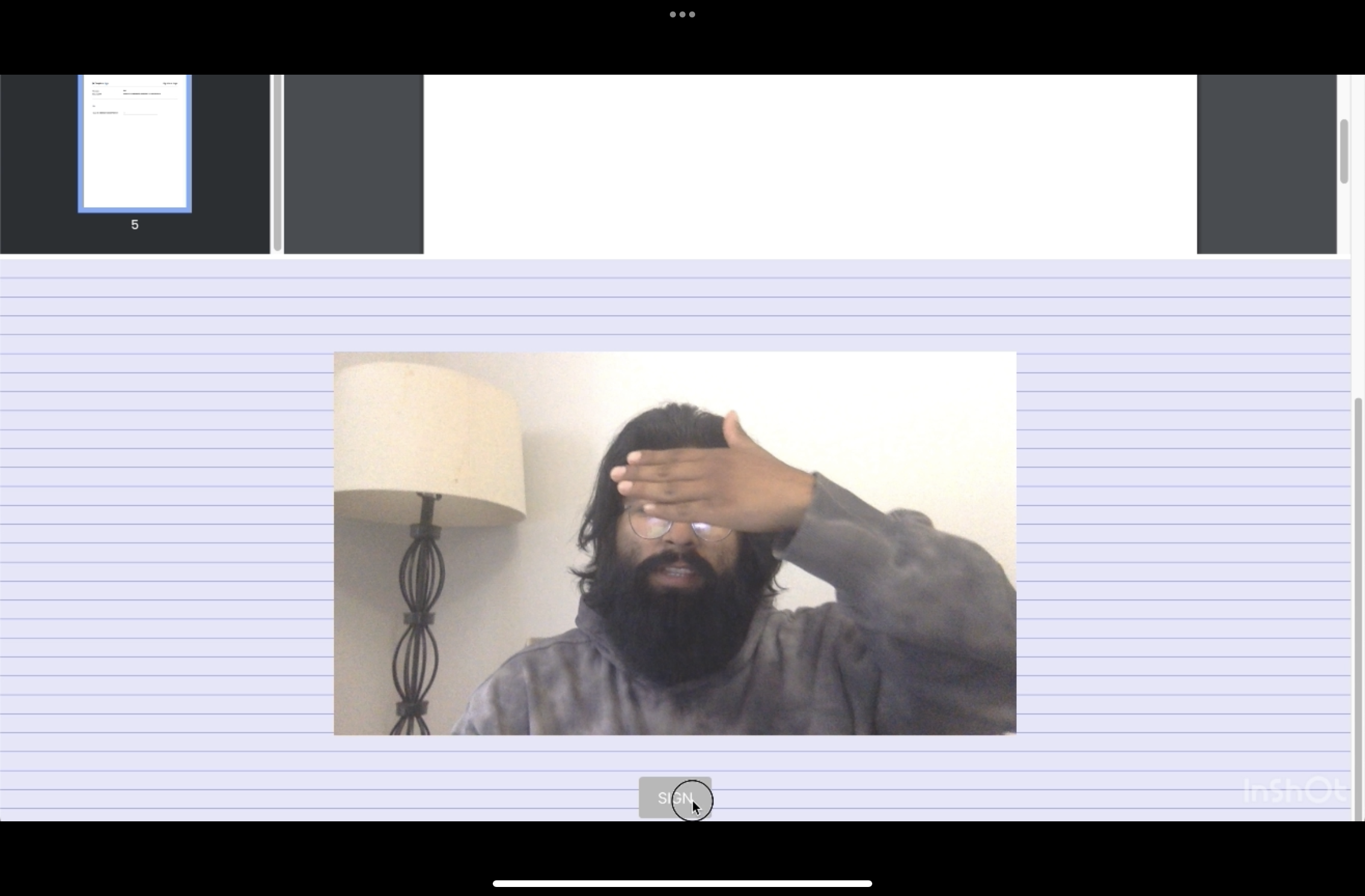
Facial Verification: Before signing, users undergo a facial verification process. The system compares the user's live video feed with the image on their Dropbox profile, ensuring that the person signing is the legitimate account holder.
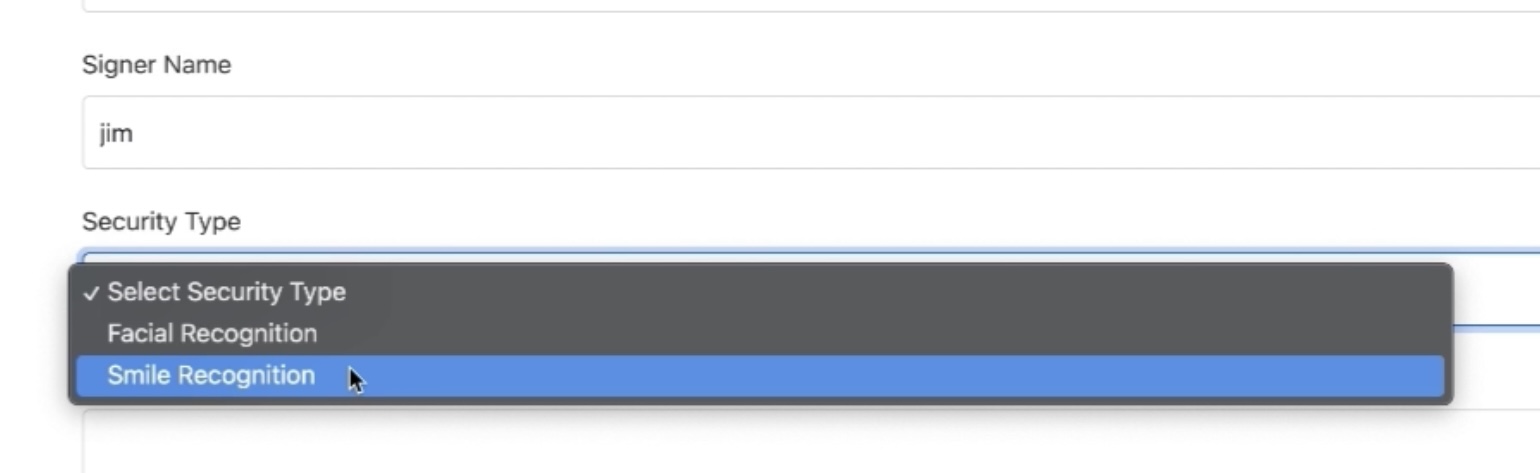
Security Options: Users can choose between different security types for signing, including Facial Recognition and Smile Recognition, providing flexibility in how they wish to be verified.
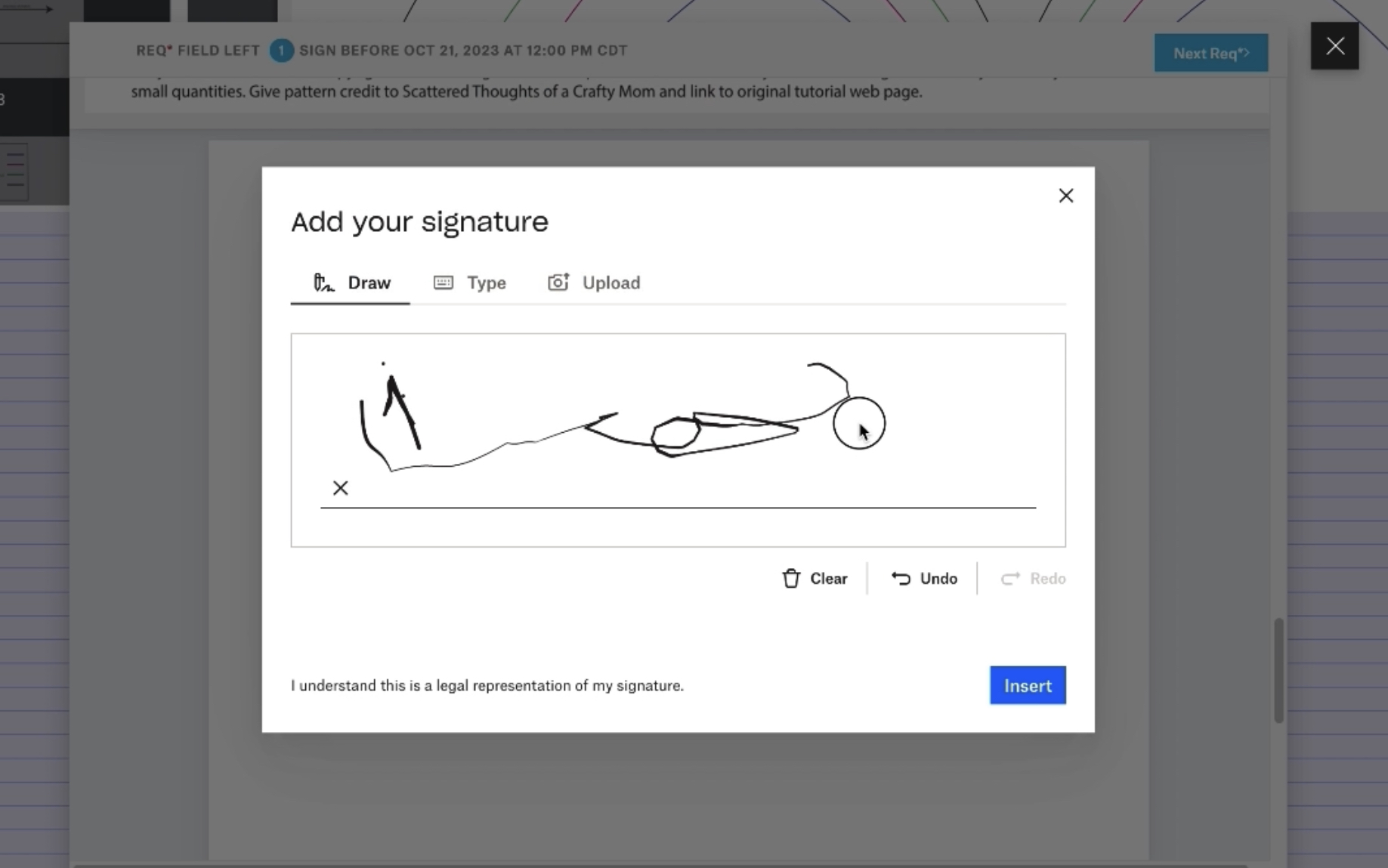
Document Signing: Upon successful verification, users can proceed to sign the document electronically. The interface is user-friendly, making the signing process quick and straightforward.
Secure Storage: After signing, the document is securely stored back in the user’s Dropbox account. No sensitive information or ID is stored on our end, ensuring user privacy and data security.
Status Tracking: Users can easily track the status of their documents, whether they are pending or completed, providing clear visibility into their transactions.
How we built it
We brought together a bunch of cool tech to make this app work smoothly and efficiently:
React.js: The whole frontend magic happens with React.js. It’s dynamic, it’s responsive, and it lets us create a user interface quickly. We played around with hooks and contexts to keep our app state under control.
HelloSign API: This is where the electronic signature magic happens.
Dropbox API: We’re using Dropbox for all our document storage needs. Users sign in, upload, and save documents securely in their Dropbox, making the process seamless and secure.
face-api.js: For the facial recognition part, we leaned on face-api.js. It’s a fantastic library that offers slick face detection and recognition features, which we used for verifying users before they get to sign the documents.
Firebase: Our backend is Firebase. It’s real-time, it’s fast, and it securely handles all the data transactions and storage without us having to worry about the nitty-gritty of server management.
Challenges we ran into
Facial Recognition Integration: Implementing facial recognition was a bit of a head-scratcher. We wanted it to be accurate and responsive, ensuring it doesn’t falsely recognize or reject users. Tuning the face-api.js library to work seamlessly and accurately was a challenge that took a fair bit of experimentation and tweaking.
User Experience: Crafting a user experience that was intuitive, and straightforward, was always at the forefront of my minds. Balancing the technical requirements with a UI that made sense to the users required constant iteration and feedback.
Security Considerations: Handling documents requires a high level of security, for example I wanted to make the signing process seamless, and instead of having the user upload an ID for facial verification it would use their profile image. Saving the user's facial recognition video was also an idea, but for security purposes I decided not to implement it.
Accomplishments that we're proud of
I successfully integrated a facial recognition system that is not only accurate but also responsive. It provides an additional layer of security without compromising the user experience, making the signing process both secure and user-friendly.
What we learned
This project was a great learning opportunity, and I believe the knowledge and skills acquired during this process will be invaluable in my future development endeavors.
Facial Recognition Technology: We delved deep into the intricacies of facial recognition technology, understanding how it works and how to implement it effectively for user authentication purposes.
Debugging and Problem-Solving: Throughout the project, we encountered various challenges and bugs. We learned how to effectively debug our code, search for solutions online, and implement fixes that resolve the issues without causing new ones.
Working with APIs: I gained more insights into how APIs function, how to handle their responses, and how to troubleshoot when things don't go as planned.
What's next for signa
iOS Application Development:
mobile application for iOS devices. This application would offer users the flexibility to sign and send documents securely from their iPhones and iPads, enhancing accessibility and convenience for users on the go.
Enhanced Security Measures:
Video Verification: Give users the option to temporary save the video of the signers face verification for more security and then delet it after confirmation.
ID Verification (Without Storage): For users who prefer an extra layer of security, we plan to introduce a feature where users can verify their identity using a government-issued ID. Importantly, Signa will not store any ID information, ensuring users' sensitive data remains private and secure.
Advanced Facial Recognition: We aim to implement advanced facial recognition algorithms and technologies to make the verification process even more secure and accurate, reducing the risk of fraud and unauthorized access.
User Experience Enhancements: Continuous improvements to the user interface and experience are planned, with a focus on making the platform more intuitive, user-friendly, and efficient for all users, regardless of their tech-savvy level.
Legal Compliance and Industry Standards: Ensuring Signa is compliant with international legal standards and industry requirements for digital signatures and data protection is crucial. We'll be working diligently to stay abreast of and adhere to all relevant laws and regulations.

Log in or sign up for Devpost to join the conversation.