-
-
Project Logo
-
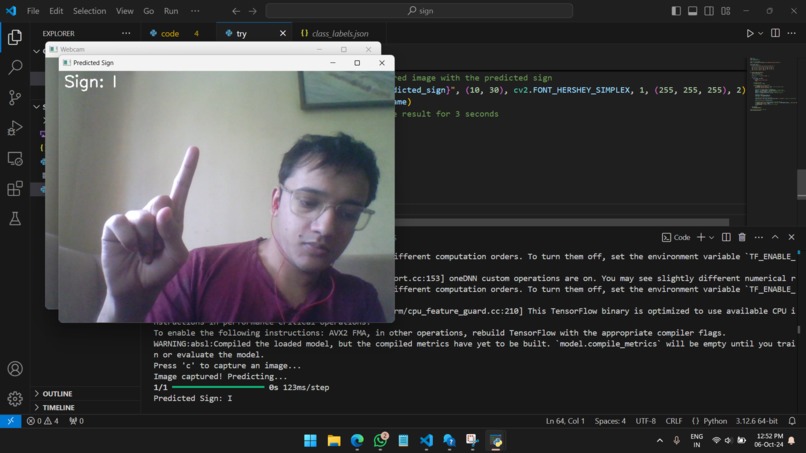
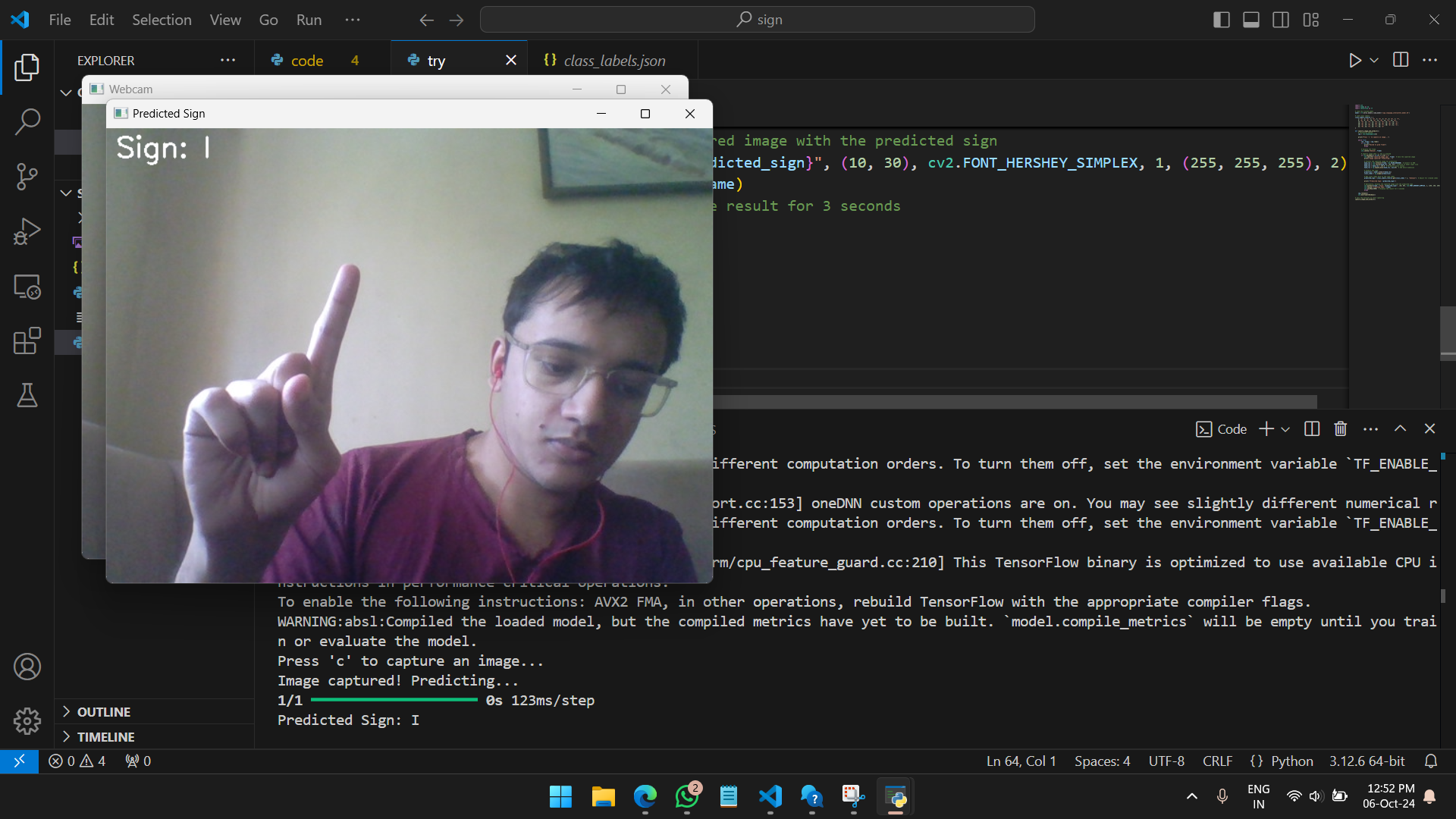
Project Screenshot
Indian Sign Language Interpreter
Hackathon: The Dev Challenge
Project Overview
This project aims to develop an AI-driven system that interprets and translates sign language gestures in real-time using a webcam. The system is designed to make education more accessible to deaf or hearing-impaired students by recognizing and converting Indian Sign Language (ISL) into readable text.
Key Features
- Real-Time Gesture Recognition: The system captures hand gestures via a webcam, processes them, and predicts the corresponding ISL alphabet or number.
- Indian Sign Language Support: The model supports recognition for the ISL alphabet (A-Z) and numbers (1-9).
- User-Friendly Interface: Displays both the captured image and the predicted sign on the screen, making it easy to use.
Technologies Used
- TensorFlow: For loading the pre-trained model and making predictions.
- OpenCV: For capturing webcam images and displaying the video feed in real-time.
- NumPy: For image processing and handling large datasets.
Key Challenges
- Dataset Limitations: High-quality datasets for Indian Sign Language (ISL) are limited. The model may struggle to generalize and accurately predict gestures due to small or unbalanced datasets.
- Variation in Gestures: ISL gestures can vary in terms of style, speed, and regional dialects. Capturing these variations is critical for improving the model's accuracy.
- Real-Time Processing: Achieving real-time recognition without delays requires optimizing the model to ensure fast processing without compromising on performance.
Dataset
The model uses a dataset of hand gestures corresponding to ISL letters (A-Z) and numbers (1-9). The dataset can be:
- A pre-trained model file (
.h5). - A custom dataset captured using the webcam.
Future Work
- Improve model accuracy by collecting a larger and more diverse dataset.
- Implement continuous recognition for interpreting multiple signs in sequence.
- Expand the system to support additional languages or dialects.
How to Run
- Download the project files along with the dataset.
- Run
code.pyto build and train the model. - Run
try.pyto capture images using your webcam and make predictions.

Log in or sign up for Devpost to join the conversation.