Inspiration
The inspiration for this project came from the increasing demand for easy-to-use AI-powered video editing tools. With advancements in machine learning, I wanted to create an app that could enhance and modify videos using simple text commands. My goal was to make video editing accessible to non-experts by leveraging the power of AI for tasks like video upscaling and background removal.
What it does
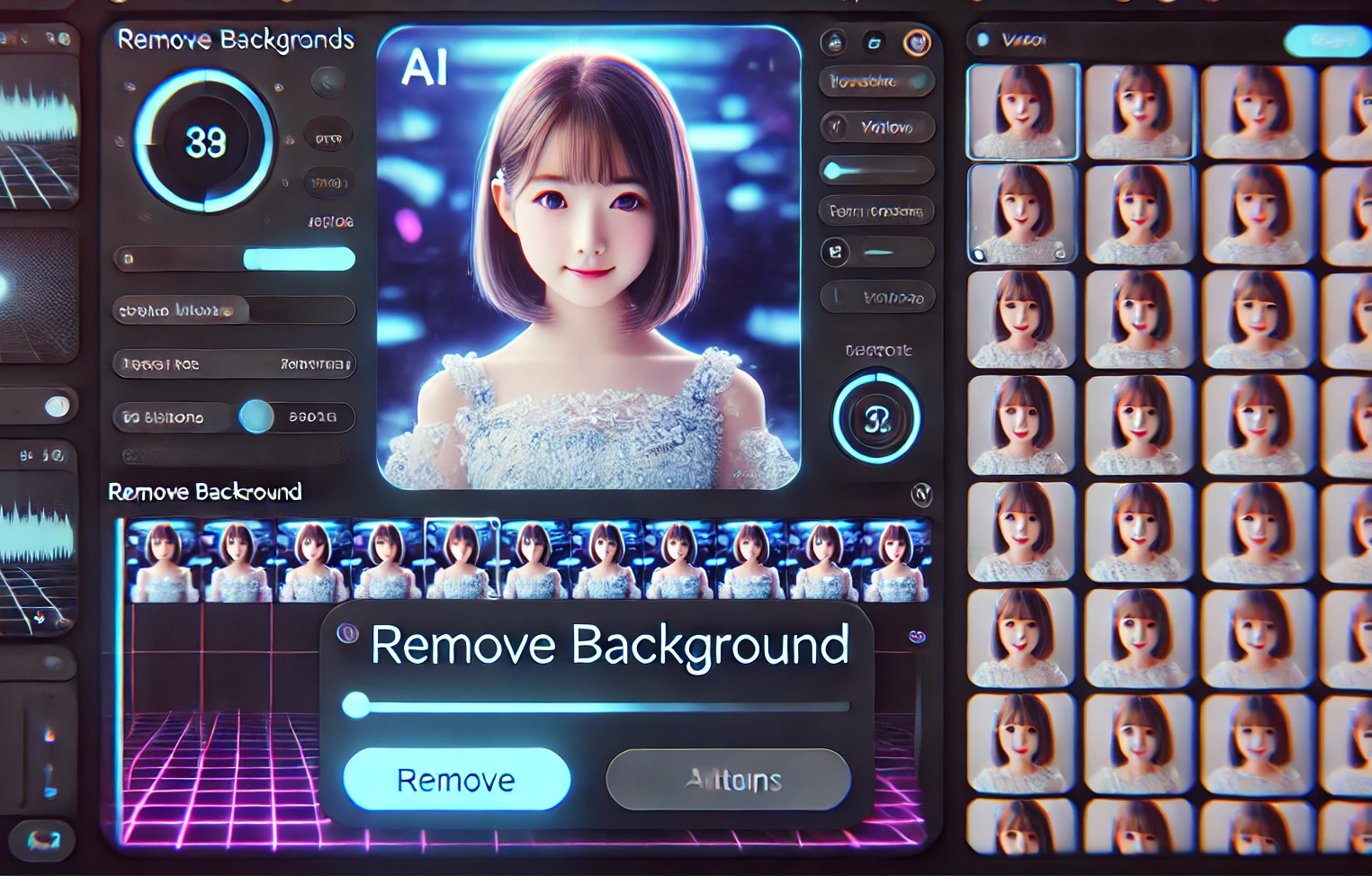
The app allows users to upload a video or use a webcam for real-time video processing. By entering a command like "upscale" or "remove background," users can apply machine learning models to their videos. The app processes each frame of the video and displays the enhanced or modified video in real time. It leverages Qualcomm AI Hub models for video upscaling and background removal, making the app efficient and user-friendly.
How we built it
We built the app using Python and the following key libraries:
- Streamlit for creating the interactive web interface.
- OpenCV for capturing and processing video frames.
- Qualcomm AI Hub models for video upscaling and background removal.
- GPT for interpreting user commands and linking them to the appropriate processing models.
The app allows users to either upload a video or use their webcam, enter a command, and watch the video being processed in real-time.
Challenges we ran into
We faced several challenges during development:
- Real-Time Video Processing: Ensuring smooth and lag-free video processing, especially when applying AI models to each frame.
- Model Optimization: Integrating Qualcomm AI Hub models into the app and ensuring they ran efficiently in a real-time video processing environment.
- Command Interpretation: Using GPT to accurately interpret diverse user commands and map them to the correct video processing actions.
- Webcam Compatibility: Ensuring that webcam functionality worked across different devices and browsers.
Accomplishments that we're proud of
- Successfully integrated Qualcomm AI Hub models into the app for video upscaling and background removal.
- Built a fully functional app that processes videos in real time and applies machine learning models efficiently.
- Created a user-friendly interface with Streamlit that allows users to easily interact with the app.
What we learned
Throughout this project, we learned how to:
Optimize machine learning models for real-time video processing. Most time taking was enabling platfrom optimization by installing SDK https://qpm.qualcomm.com/#/main/tools/details/qualcomm_ai_engine_direct
Integrate pre-trained models into production applications.
interpret natural language commands and translate them into specific actions within the app.
Overcome challenges related to webcam compatibility and real-time video streaming.
What's next for Video AI hub on Windows
The next steps for this project would be to enhance other real time capabilities within the app. This would involve:
- Expanding the AI models to support object detection in videos while just pointing to the objects , allowing users to automatically detect and label objects in their footage.
- Optimizing the app for better performance on Windows
- Adding more features like video cropping, effects, and advanced editing tools to make the app even more powerful and versatile. User ease commands like "hey Qualcomm, trim fiorst two minutes fo video " etc without choosing sliders etc


Log in or sign up for Devpost to join the conversation.