Inspiration
Most hearing people can't understand sign language, and most deaf or mute individuals can't easily express themselves in spoken or written words. Human interpreters are scarce, expensive, and rarely available on demand — hospitals, schools, offices, and public services almost never have real-time tools to bridge that gap. We wanted to build something that closes this gap instantly, for free, using just a browser and a camera.
What it does
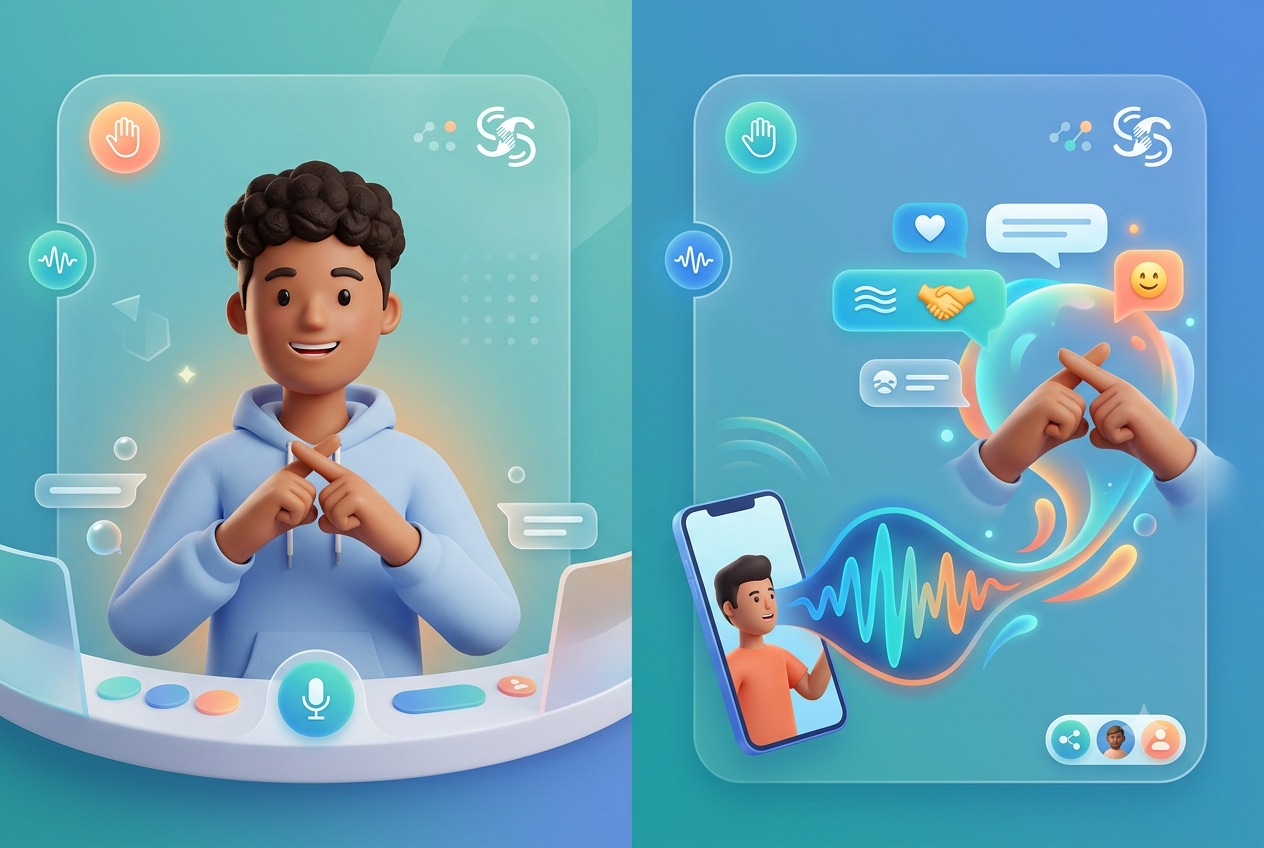
SignBridge is a two-way, real-time sign language communication platform:
- Words → Signs: Converts typed or spoken input into animated sign-language gestures via an avatar, so a deaf user can understand a hearing person.
- Signs → Words: Uses the camera to recognize hand signs and converts them into text and speech, so a hearing person can understand a deaf/mute user.
- Runs entirely in the browser — no extra hardware, no app install — usable in hospitals, schools, offices, and daily life.
- Supports multiple spoken languages and regional sign variants, plus a "Learning Mode" so hearing users can pick up common signs.
How we built it
- Frontend: React.js, HTML5, CSS3, and WebRTC for webcam capture and real-time UI.
- Backend: Python (Flask/Django) / Node.js API services.
- AI/ML: MediaPipe and OpenCV for hand tracking, TensorFlow/PyTorch for gesture classification.
- NLP & Speech: Speech-to-Text and Text-to-Speech APIs, plus NLP for sentence parsing and sign mapping.
- Data: MongoDB/Firebase for the sign-language dataset, gesture library, and language dictionaries.
- Pipeline: Words→Signs goes through NLP processing → sign mapping engine → avatar/video output. Signs→Words goes through gesture recognition (AI/ML) → sign-to-text mapping → text/speech output. Both run live in the browser.
Challenges we ran into
- Achieving low-latency gesture recognition so the conversation feels natural rather than delayed.
- Mapping full sentence grammar (not just word-by-word signs) — sign language grammar doesn't map 1:1 with spoken language.
- Finding and structuring enough sign-language gesture data to train an accurate classification model.
- Making the whole pipeline (camera, ML inference, avatar rendering) run smoothly in a browser with no extra hardware.
Accomplishments that we're proud of
Building a working two-way pipeline — both speech/text-to-sign and sign-to-speech/text — that runs entirely in-browser, with support for multiple languages and an avatar-based sign renderer.
What we learned
Real-time computer vision and NLP integration in the browser, the complexity of sign language grammar versus spoken language, and how to design accessible tools for real-world settings like hospitals and classrooms.
What's next for SignBridge
- Mobile app version for iOS and Android
- Full sentence-level sign grammar support
- A larger, community-sourced sign-language dataset for higher accuracy
- Offline mode for low-connectivity areas
- Integration with video calling apps for live interpreted conversations
