-
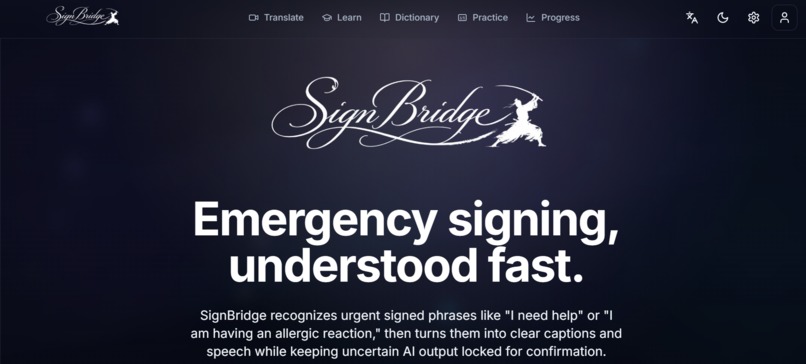
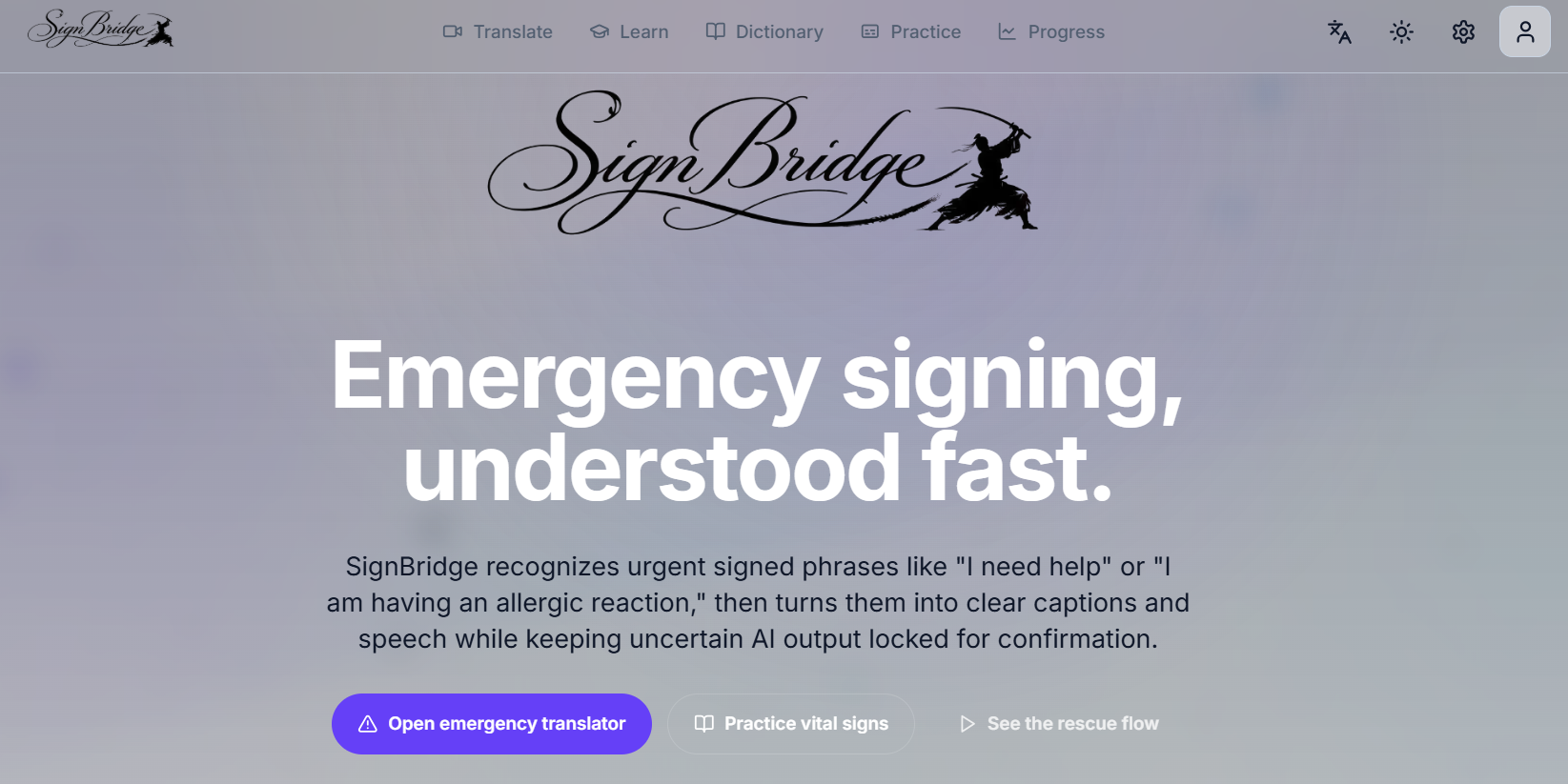
Homepage
-
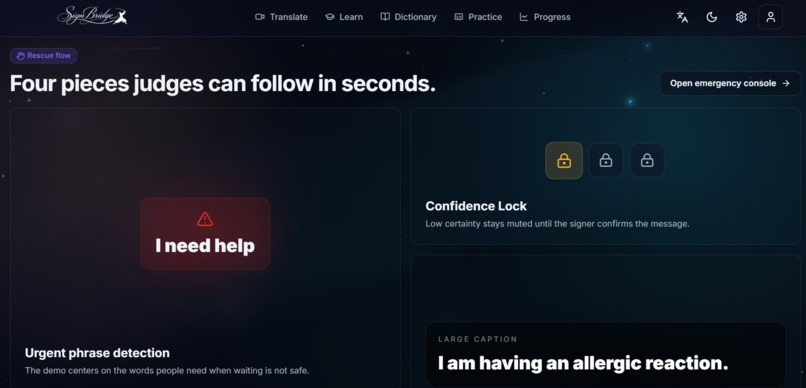
Homepage 2
-
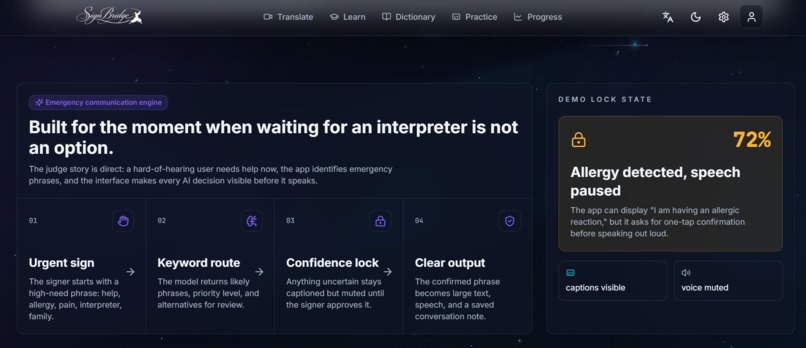
Homepage 3
-
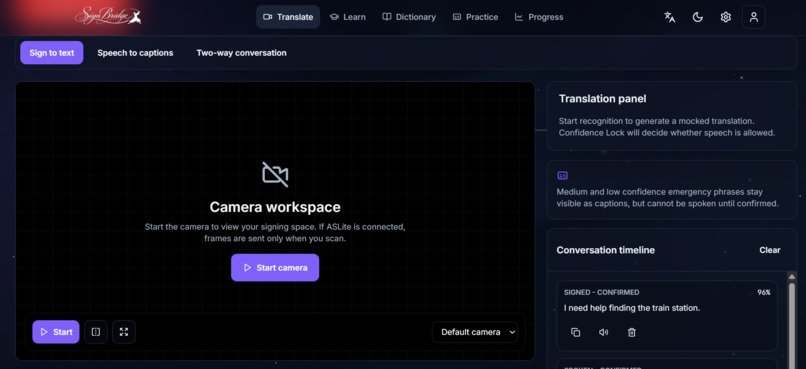
Translate page
-
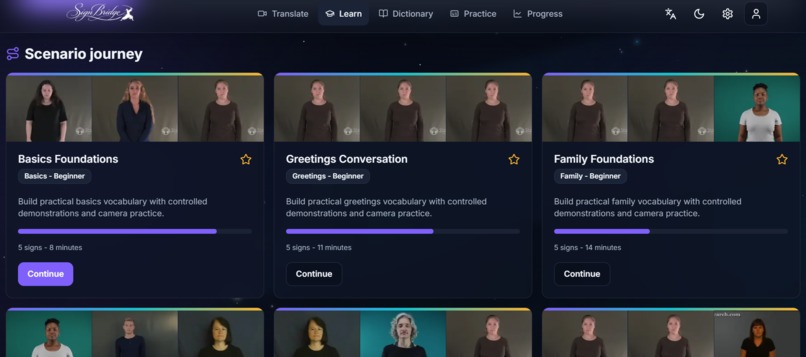
Learn page
-
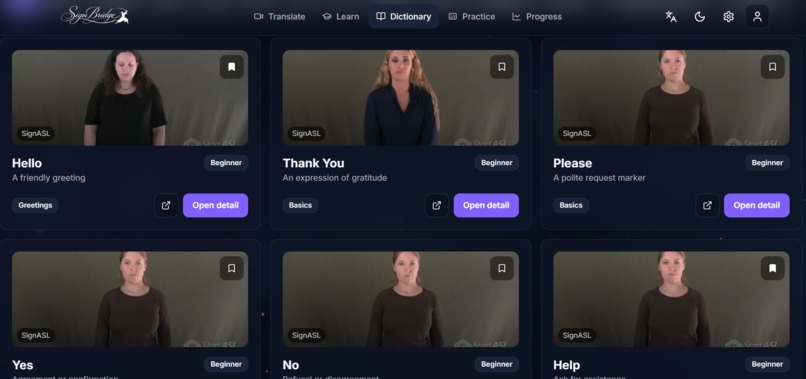
Dictionary page
-
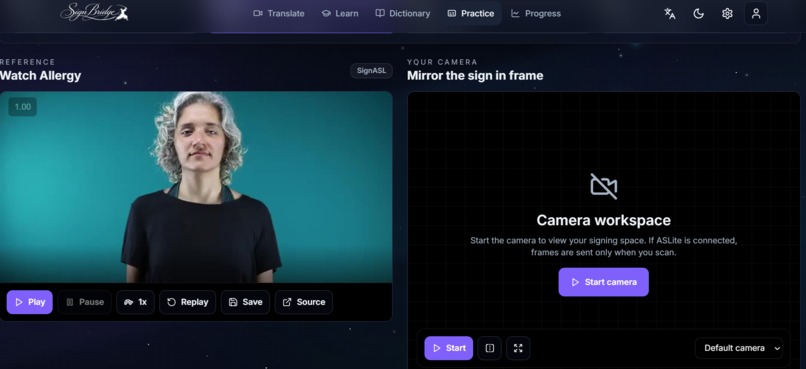
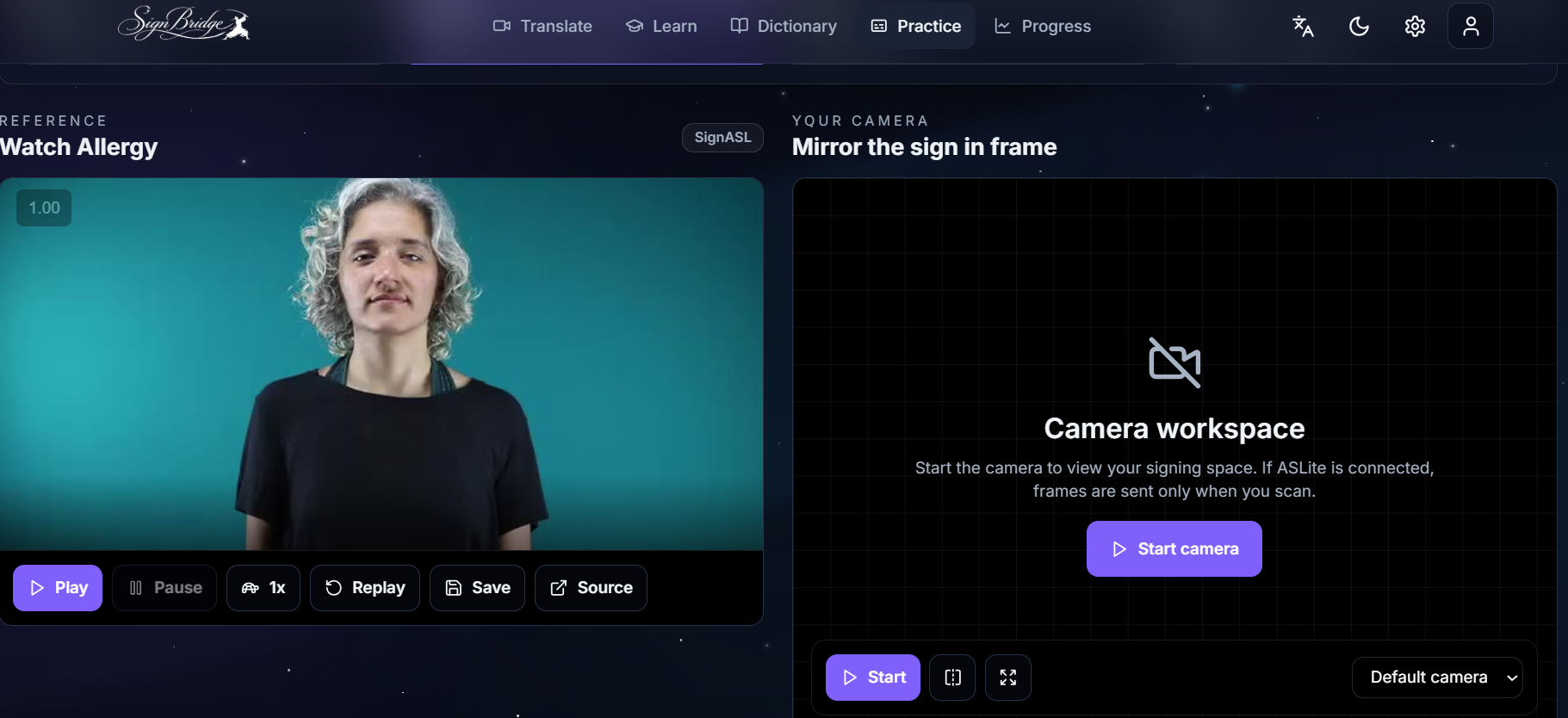
Practice Page
-
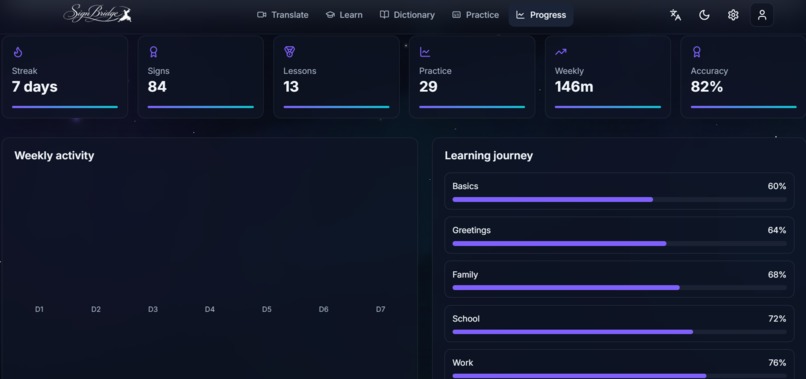
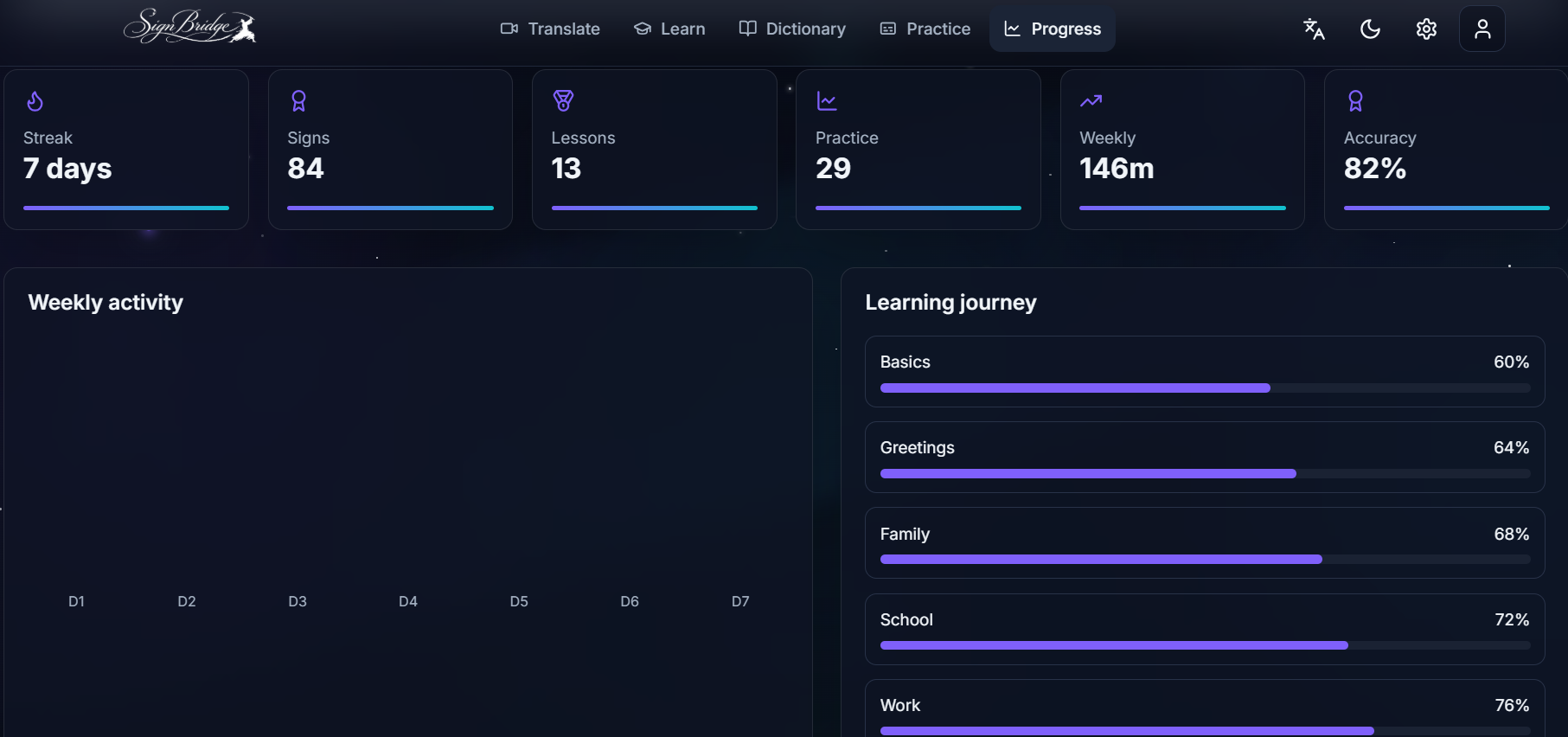
Progress Page
-
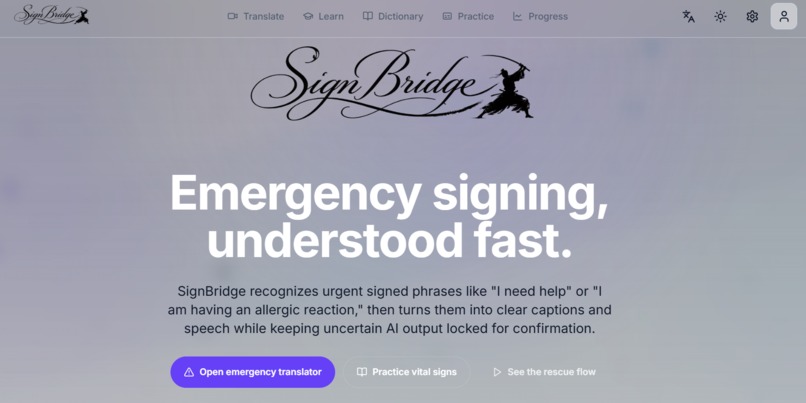
Light Mode
-
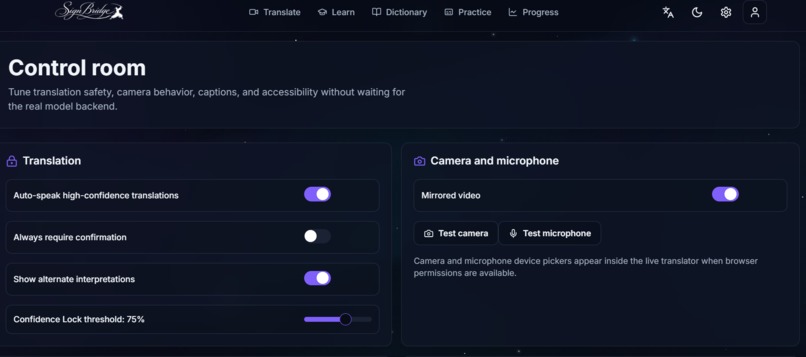
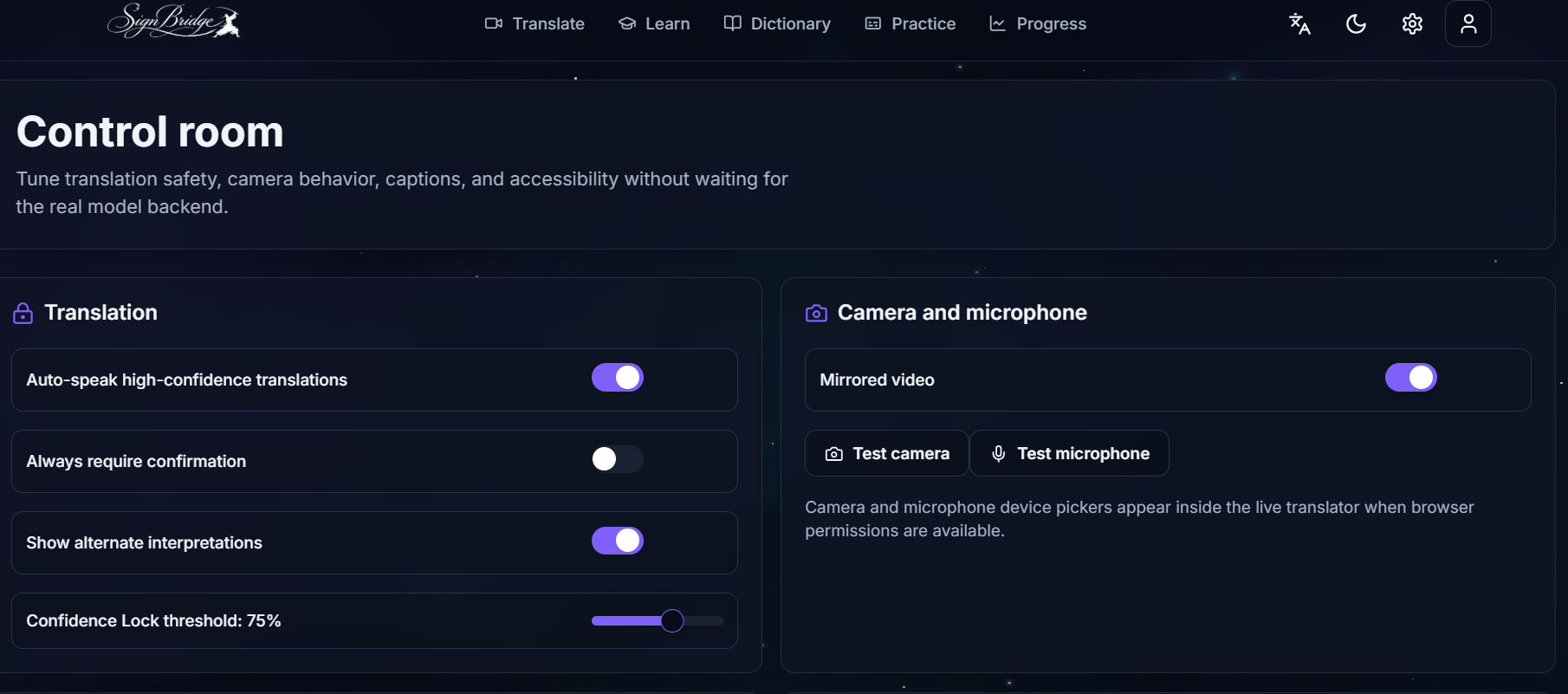
Settings Page
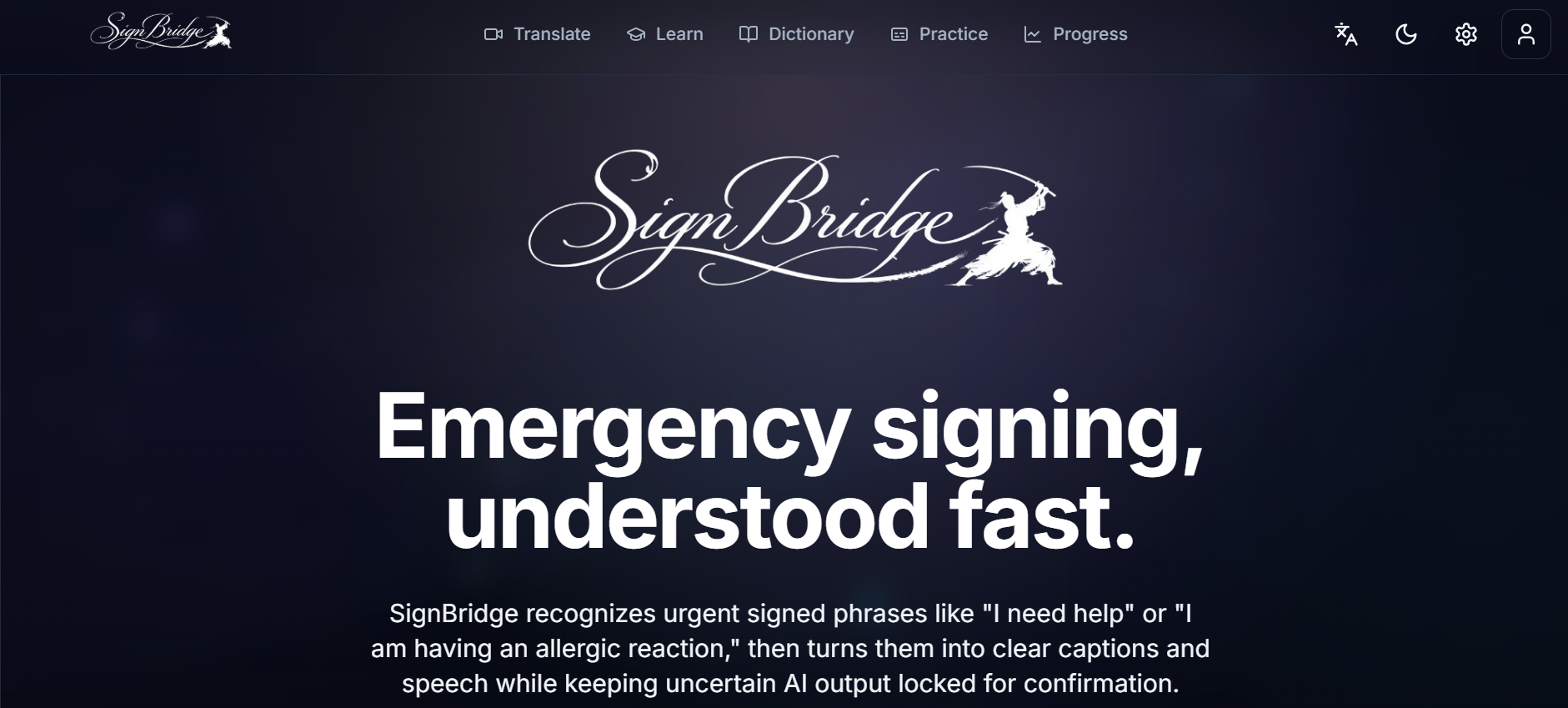
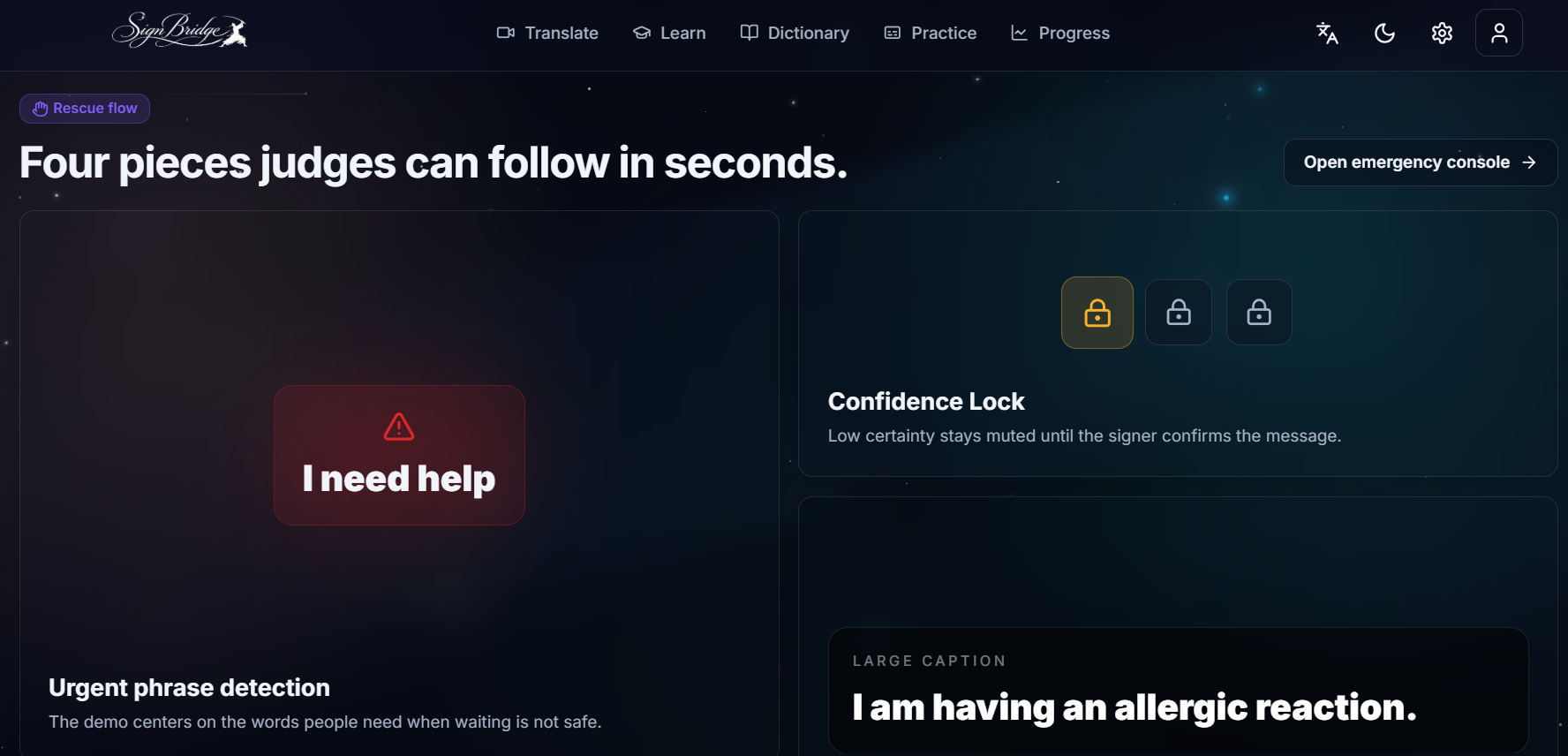
Inspiration
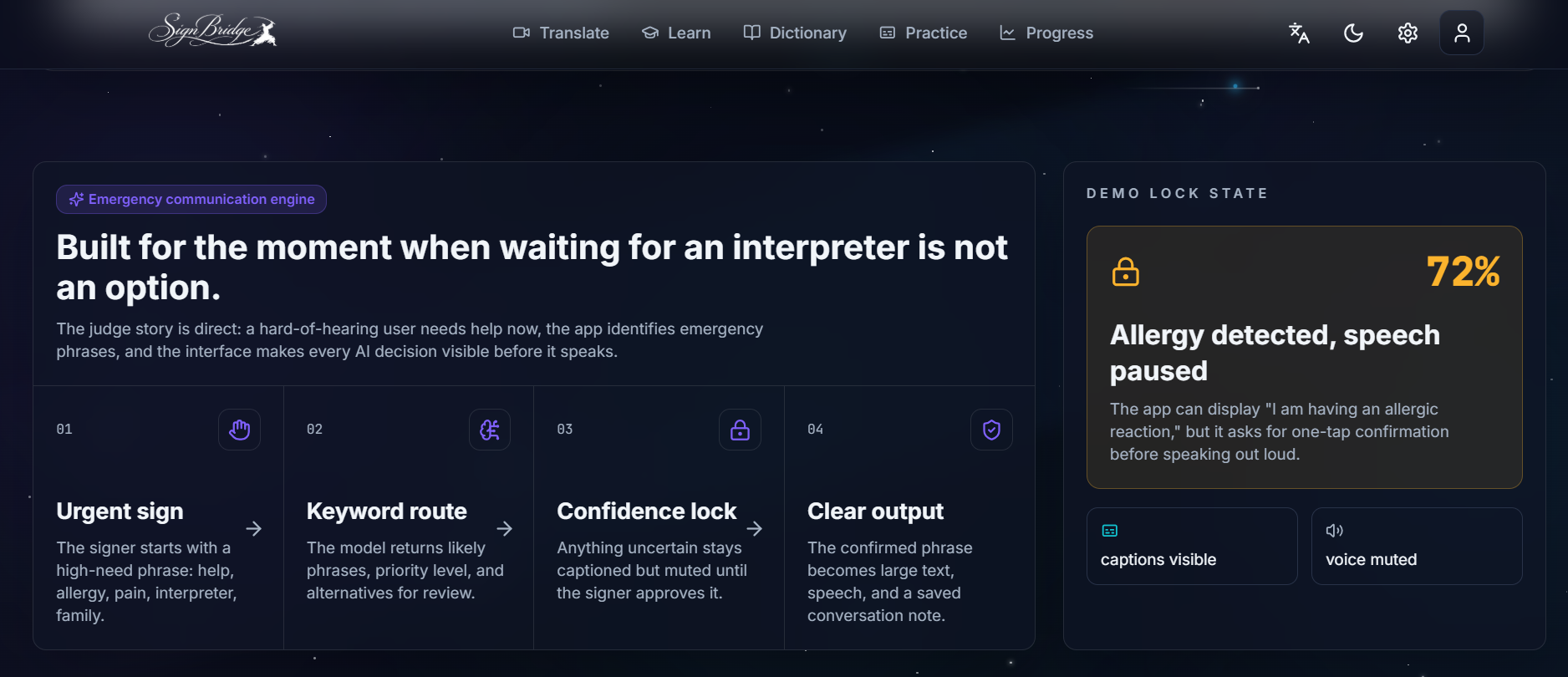
We built SignBridge for moments when communication cannot wait. If someone who is deaf or hard of hearing is in an emergency and no interpreter is nearby, even simple phrases like “I need help,” “I am having an allergic reaction,” or “please call my family” can become hard to communicate quickly.
What it does
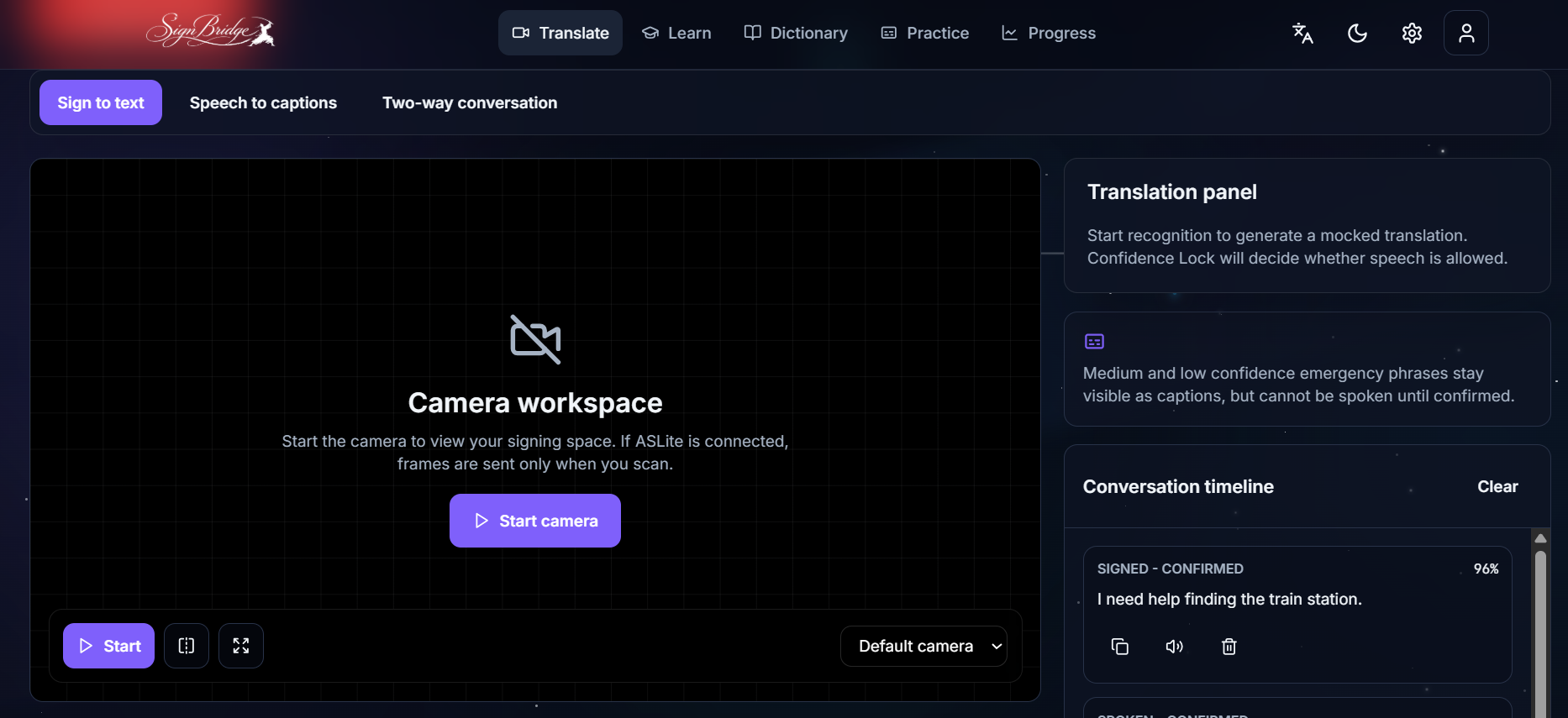
SignBridge is an emergency-first ASL communication and learning app. Users can learn and practice important signs, browse a visual dictionary, and use a camera-based translation flow designed for urgent situations. The app also includes Confidence Lock, which prevents uncertain AI output from being spoken until the user confirms it.
How we built it
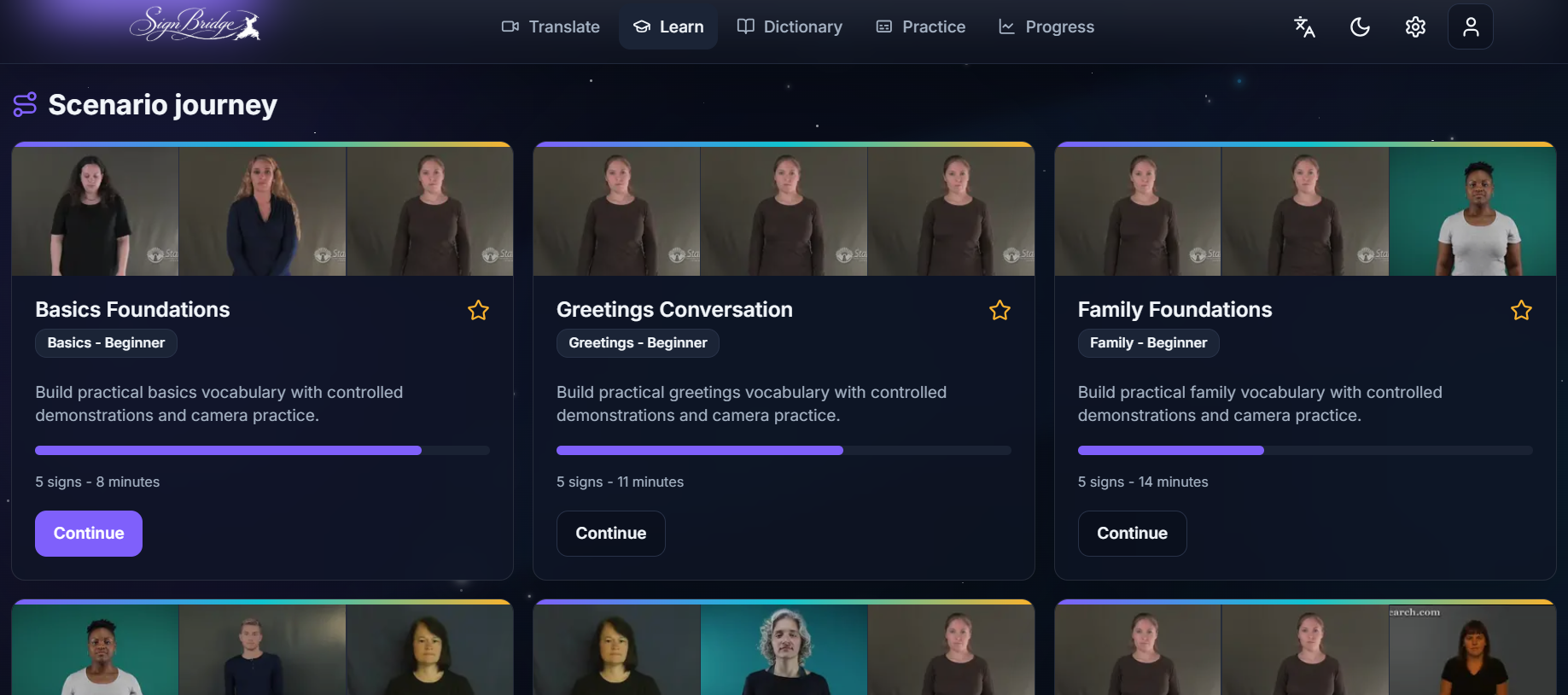
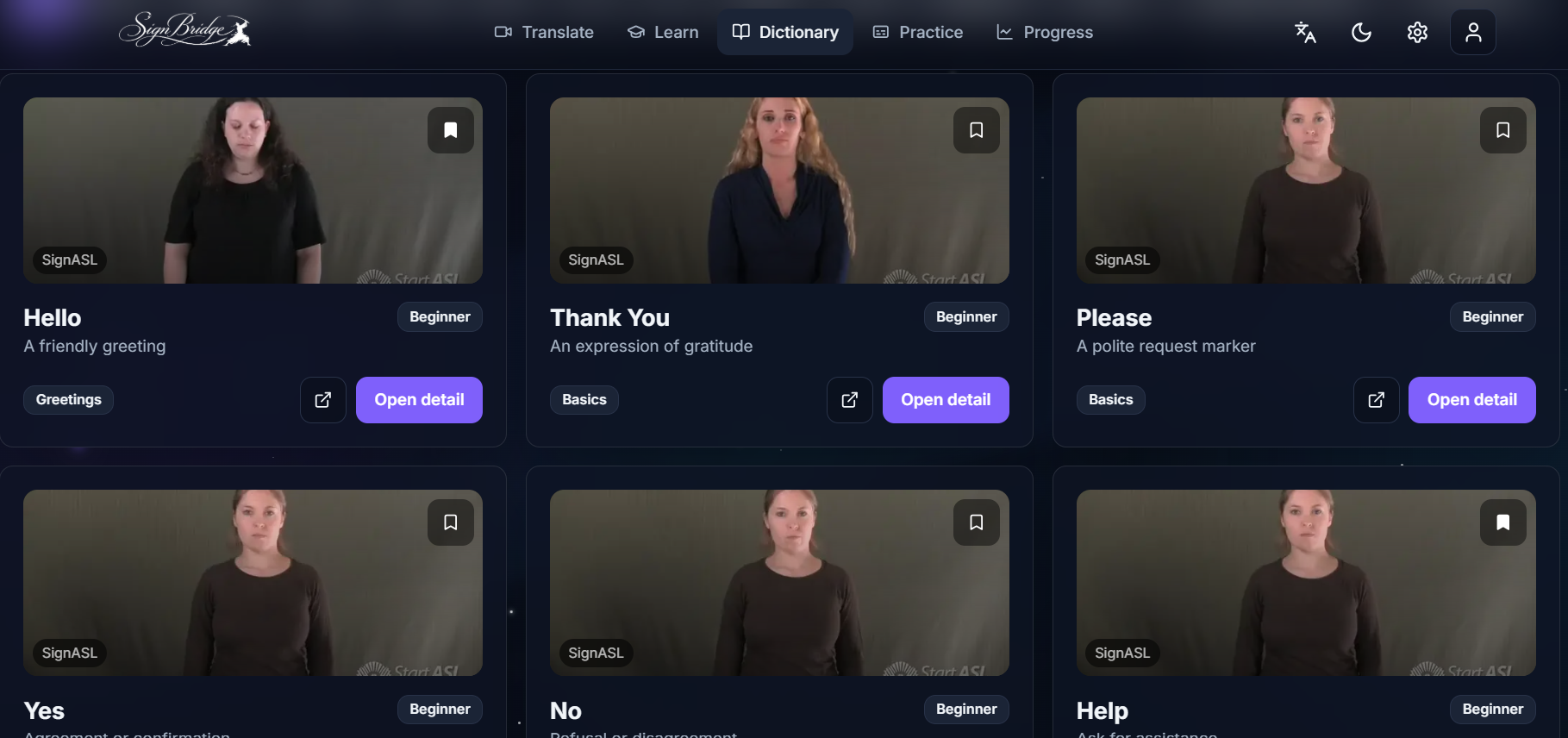
We built the frontend with Next.js, React, TypeScript, Tailwind CSS, and Vercel. The app includes an ASL dictionary, lesson pages, practice mode with camera preview, emergency translation UI, and scaffolding for a hosted model backend.
Challenges
The hardest part was designing around safety. In emergencies, a wrong translation can be worse than no translation, so we focused on clear confirmation states instead of blindly trusting AI output. We also worked on making the UI feel polished, calm, and easy to use under stress.
What we learned
We learned how important accessibility design is beyond just adding features. The product needed to feel fast, readable, and trustworthy, especially for users in high-pressure situations.
What's next
Next, we plan to finish connecting the trained ASL recognition backend, improve phrase detection for emergencies, add more signs, and test with real users.
Built With
- accessibility
- ai
- asl
- computervision
- fastapi
- huggingface
- machine-learning
- next.js
- opencv
- python
- react
- speechsynthesis
- tailwindcss
- typescript
- vercel
- webrtc


Log in or sign up for Devpost to join the conversation.