-
-
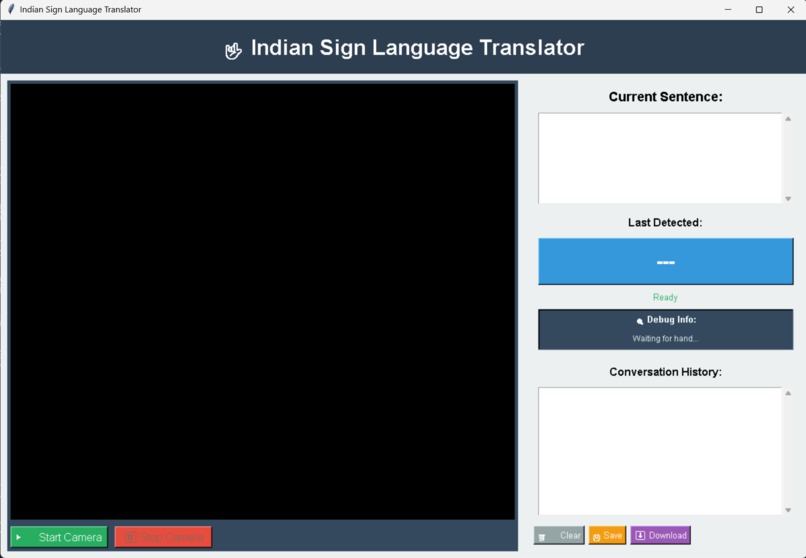
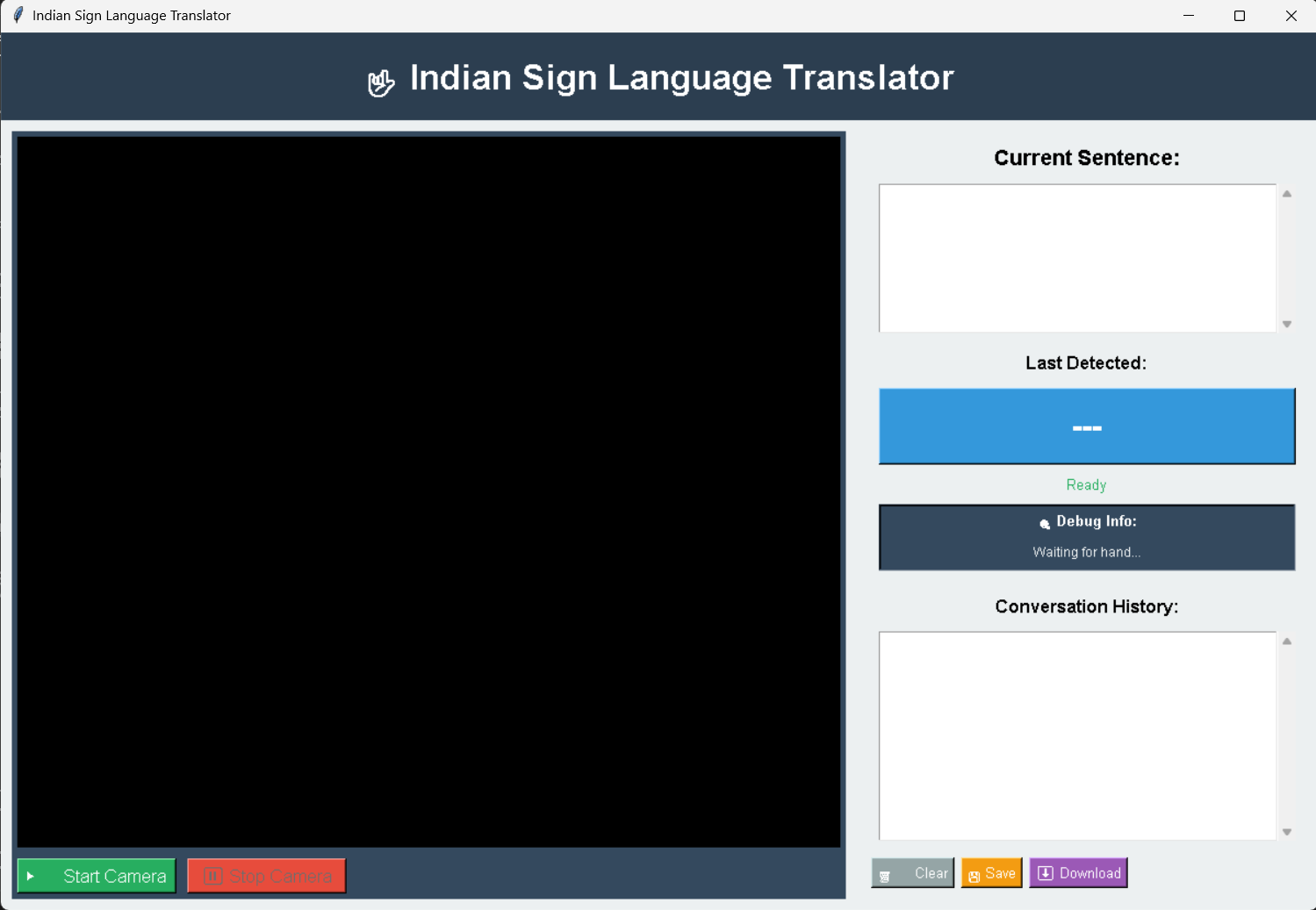
its the sign to text page you can live translate signs and also save the conversation for later use
-
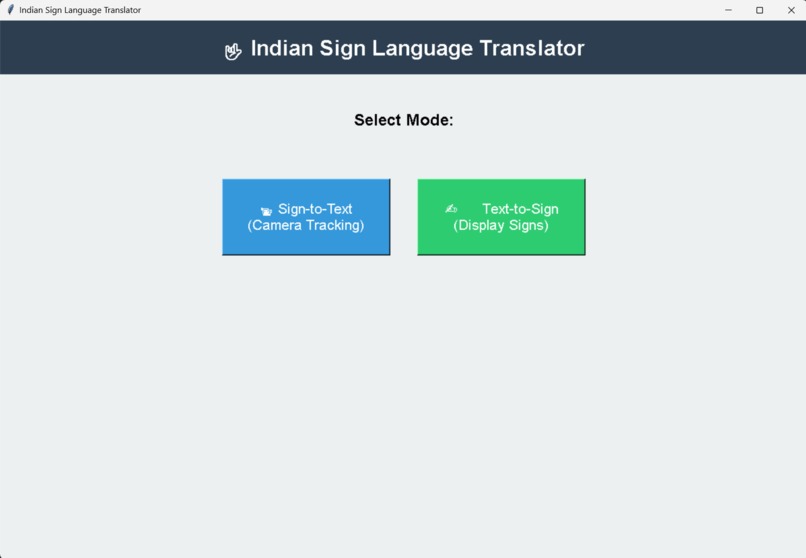
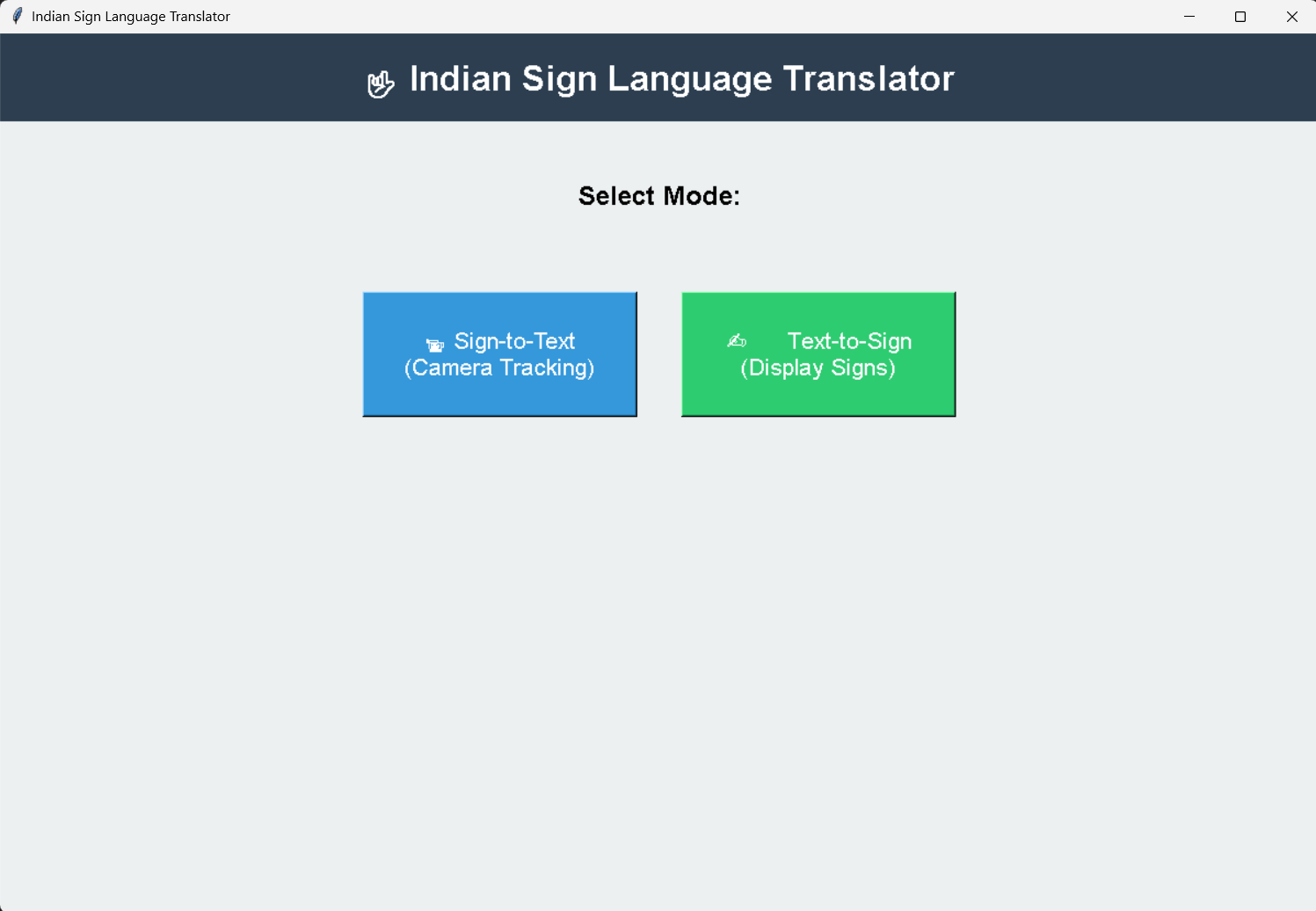
first page while running the program
-
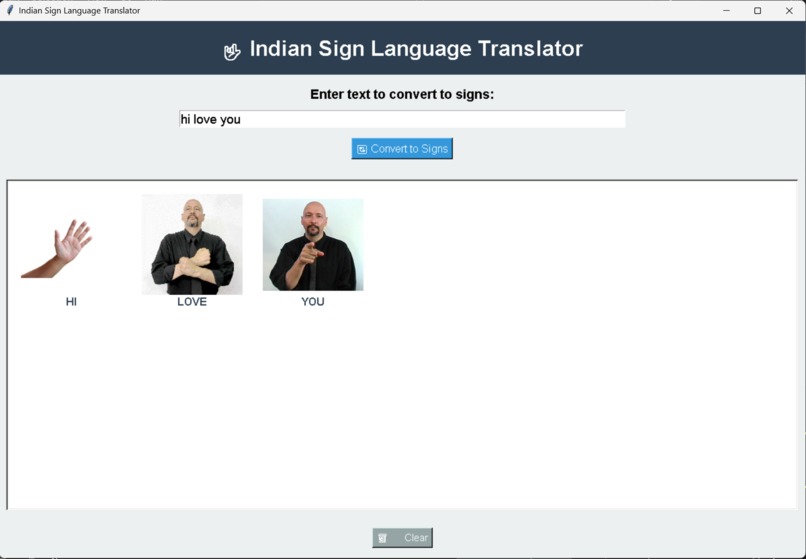
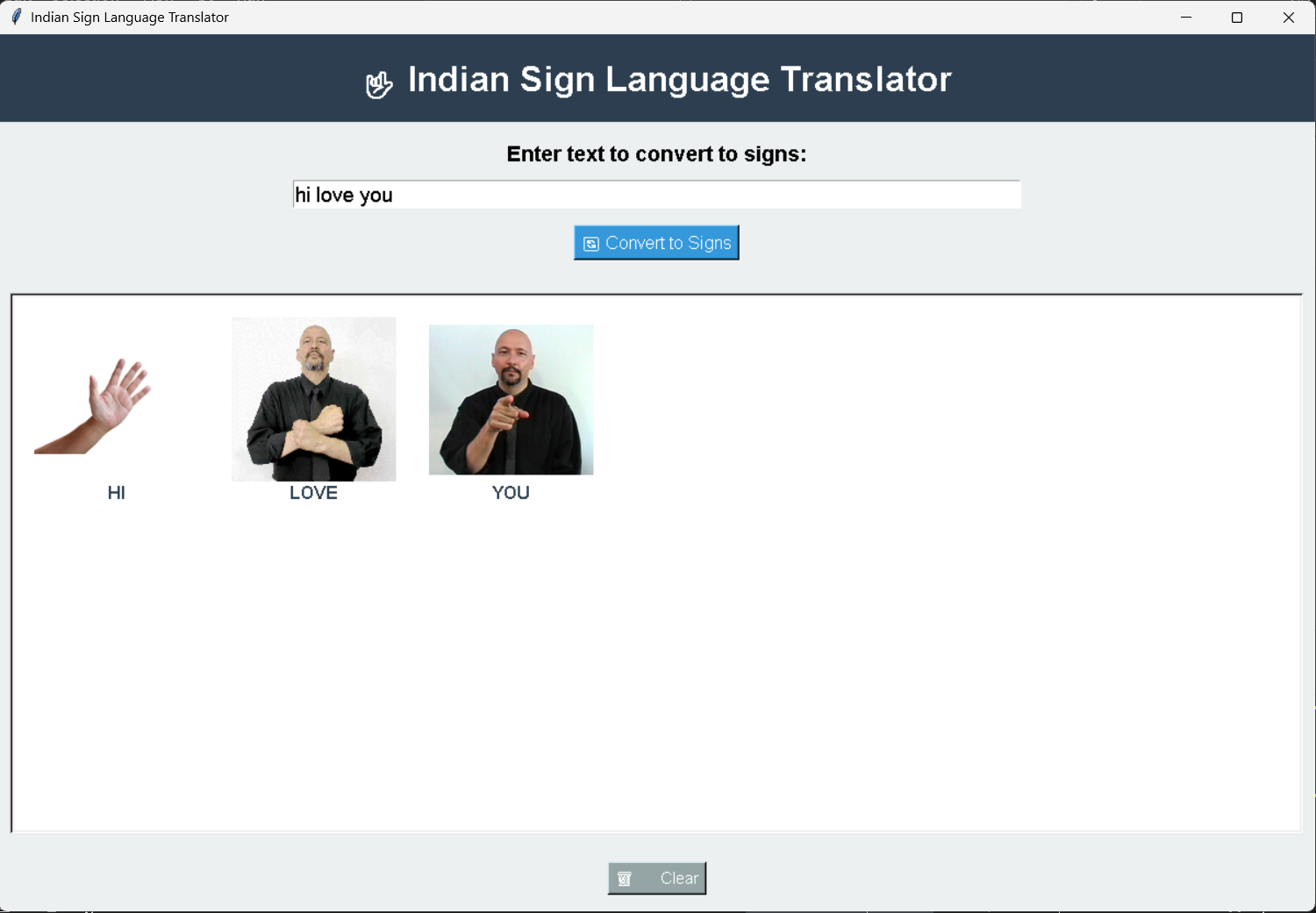
its the text to sign page where you can type a message and a image containing of signning language explaining the word is shown
Inspiration
Communication is a fundamental human right, yet millions of individuals who rely on Indian Sign Language (ISL) face a significant "translation gap" in daily interactions. We were inspired by the idea of using Computer Vision to turn a standard webcam into a bridge—allowing hearing individuals to understand ISL in real-time and helping ISL users see their language represented and validated through technology.
What it does
Sign.sense is a dual-mode communication tool:
Sign-to-Text: Uses MediaPipe and OpenCV to track hand landmarks and translate ISL gestures into English text and full sentences in real-time.

Text-to-Sign: Converts written English into a visual sequence of ISL signs, pulling from a local library of sign media to help users learn or visualize the language.

Conversation History: Allows users to save and download translated dialogues for future reference.
How we built it
The application is built using Python and a robust stack of libraries:
MediaPipe: For high-fidelity hand landmark detection and tracking.

OpenCV: To handle real-time video processing and frame manipulation.

Tkinter: To create a clean, accessible, and user-friendly GUI.

Pandas: For managing and loading sign language datasets from Excel.

Pillow (PIL): For rendering and scaling sign language imagery within the interface.
Challenges we ran into
One of the biggest hurdles was gesture stability. In early versions, "flickering" occurred where the model would jump between signs too quickly. We solved this by implementing a gesture buffer system that requires a sign to be detected consistently for multiple frames before it is officially recognized. We also had to build a custom MediaPipe Adapter to ensure the code worked across different versions of the MediaPipe API (Solutions vs. Tasks).
Accomplishments that we're proud of
We are particularly proud of the Real-time Debugging UI. By visualizing which fingers are "extended" or "flexed" directly on the dashboard, we made the system transparent and easier to calibrate. Successfully implementing the Text-to-Sign grid layout, which dynamically wraps images based on sentence length, was another significant UI win.
What we learned
We gained deep insights into spatial mathematics—specifically how to calculate hand orientation and palm direction using 3D coordinate vectors. We also learned the importance of UX in accessibility tools, realizing that a "cooldown" period is necessary between detections to allow users to transition naturally between signs without triggering accidental input.
What's next for Sign.sense
Dynamic Gesture Recognition: Moving beyond static signs to recognize motion-based signs (e.g., signs that involve waving or moving across the chest).
Cloud Integration: Creating a community-driven database where users can upload new sign images to expand the vocabulary.
Mobile Deployment: Porting the logic to a mobile app using Mediapipe's lightweight models for on-the-go translation.
Built With
- claude
- github
- google-cloud
- google-text-to-speech
- mediapipe
- python
- visual-studio

Log in or sign up for Devpost to join the conversation.