-
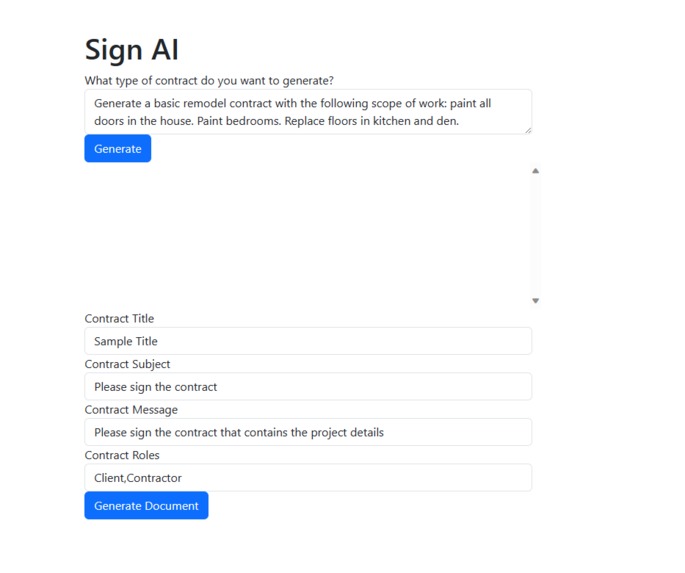
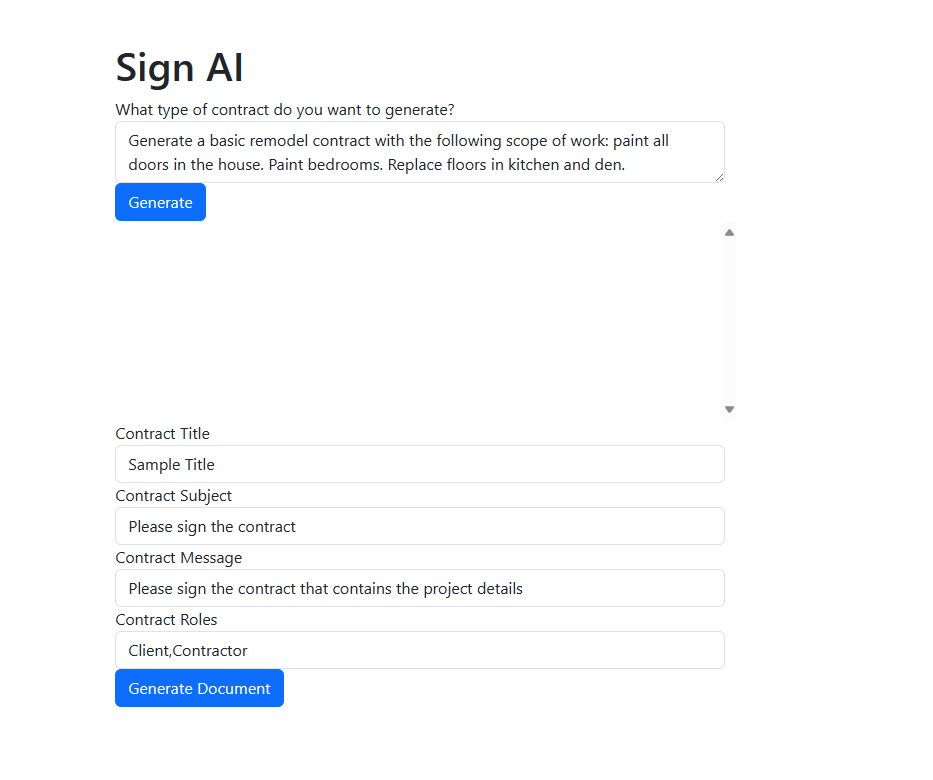
Initial page to generate a contract based on user prompt
-
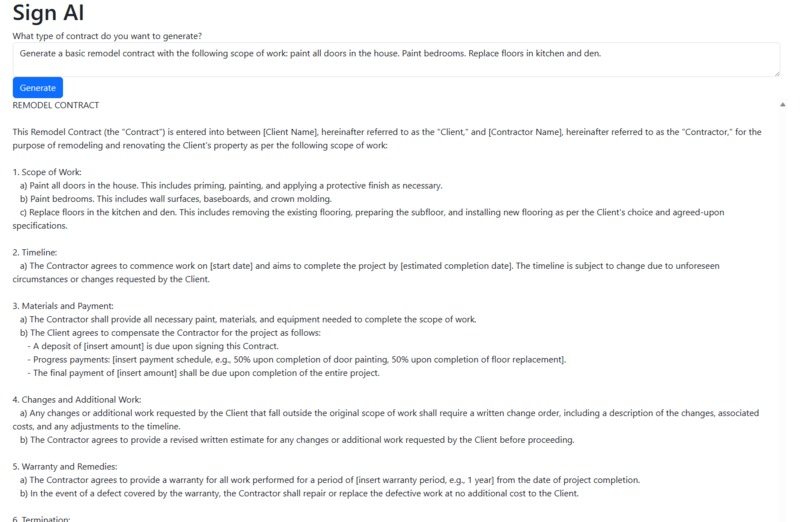
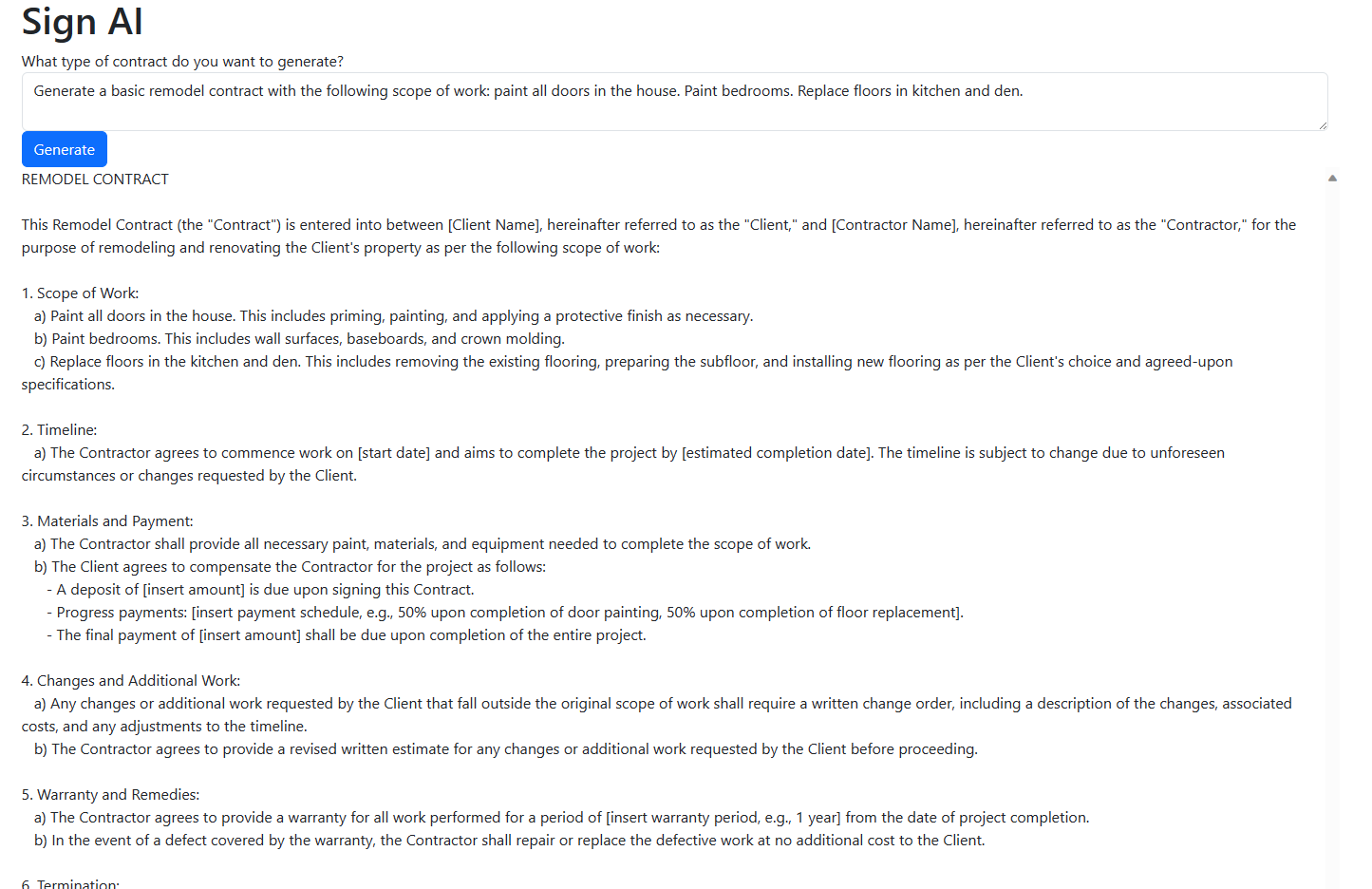
Sample contract generated by OpenAI
-
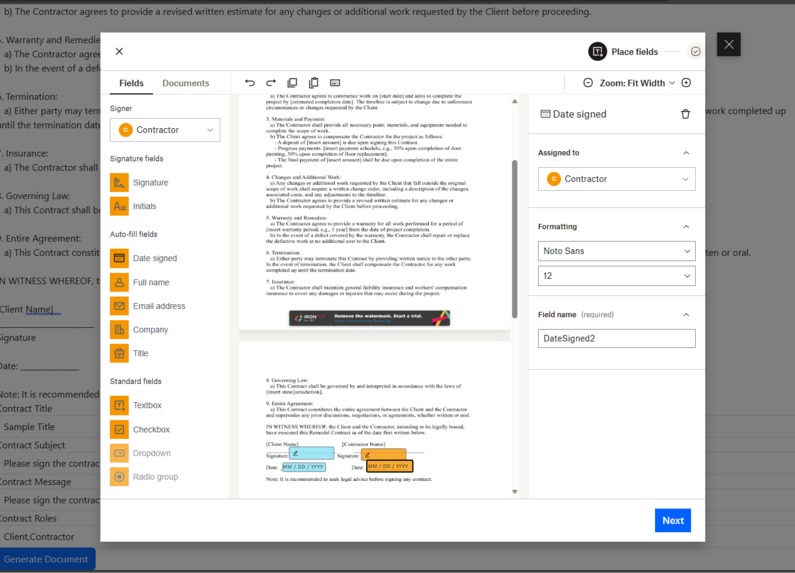
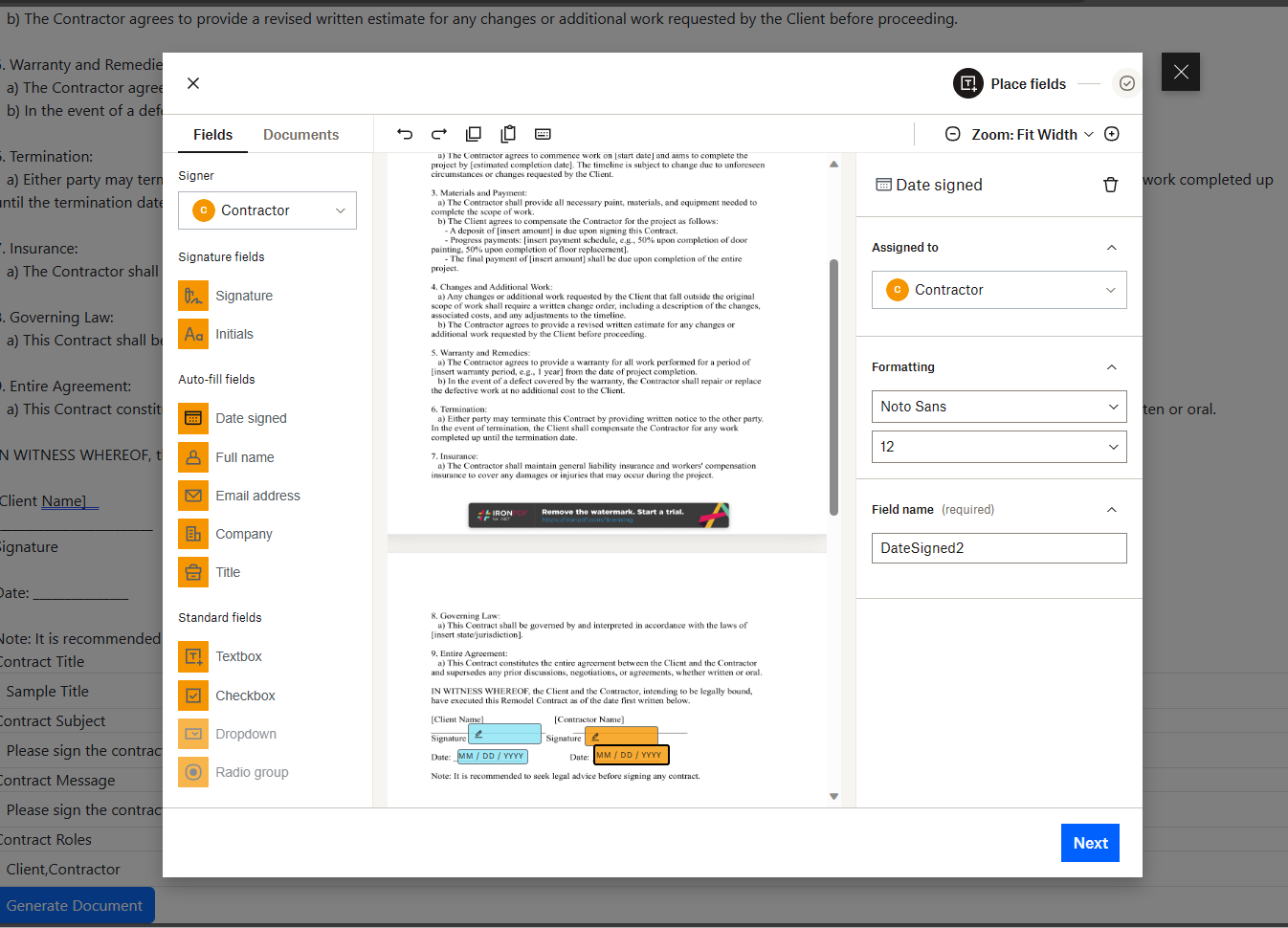
Dropbox Sign template creation with contract information
-
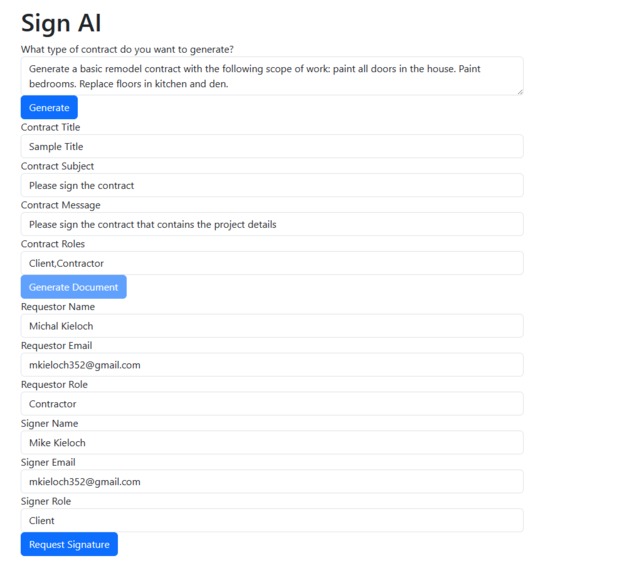
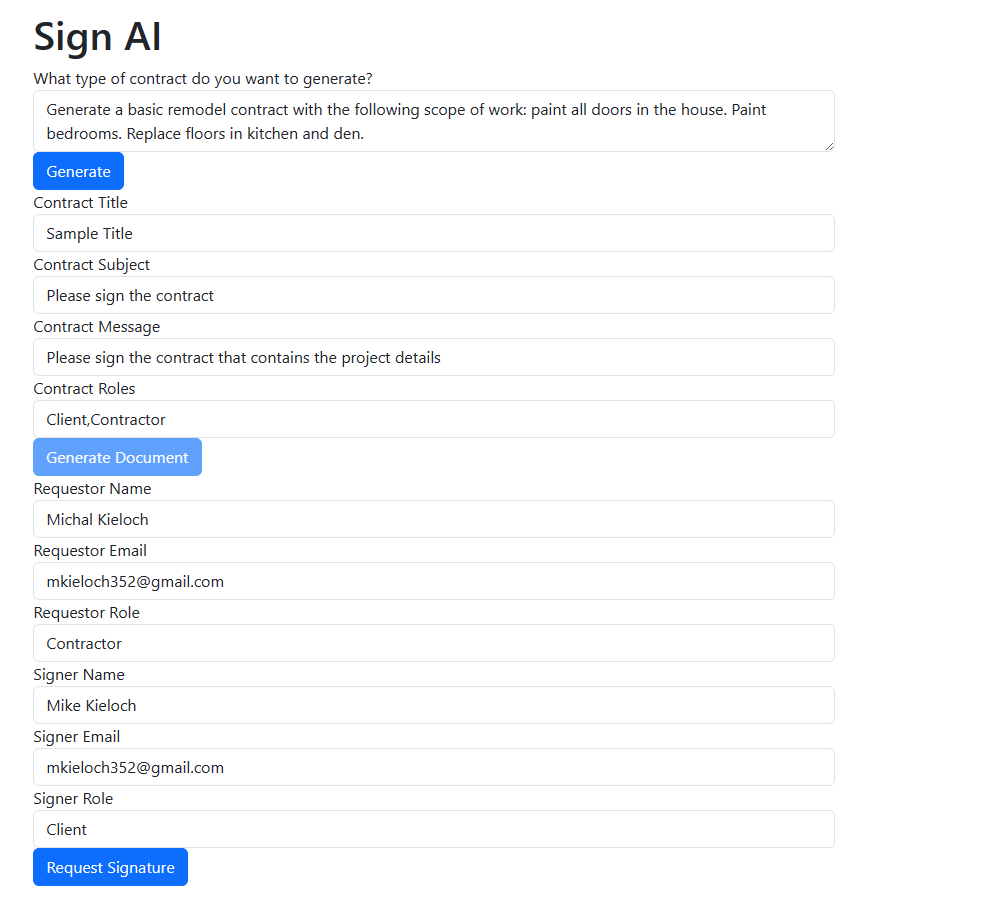
Form for signature request to client
-
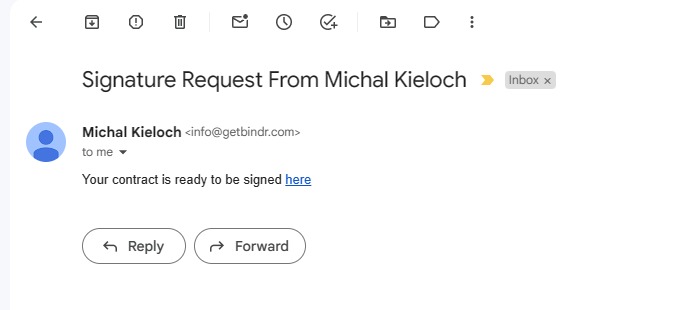
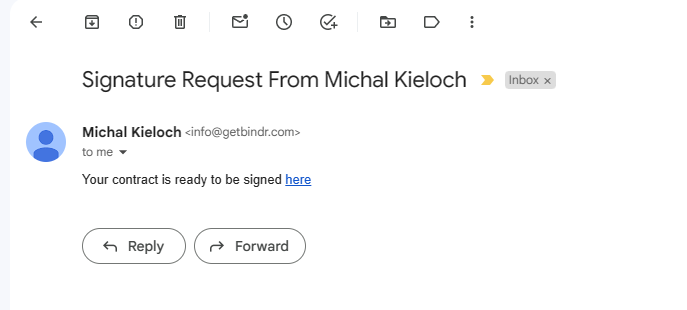
Signature request email
-
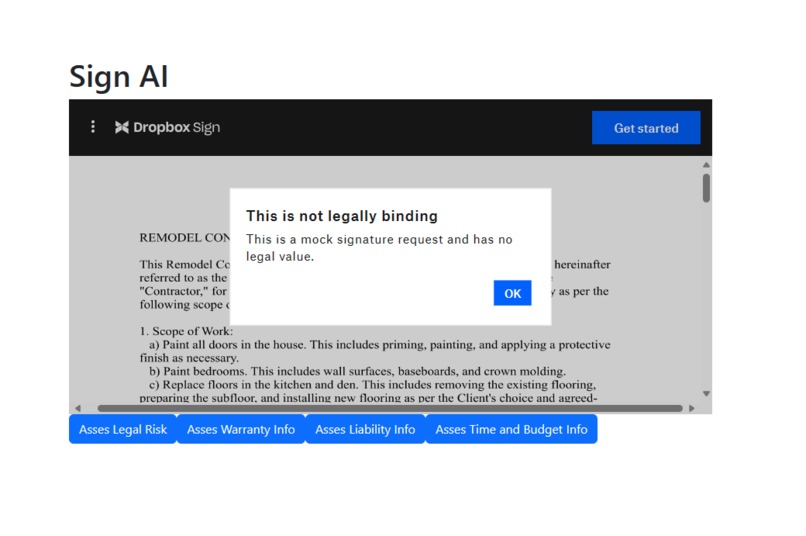
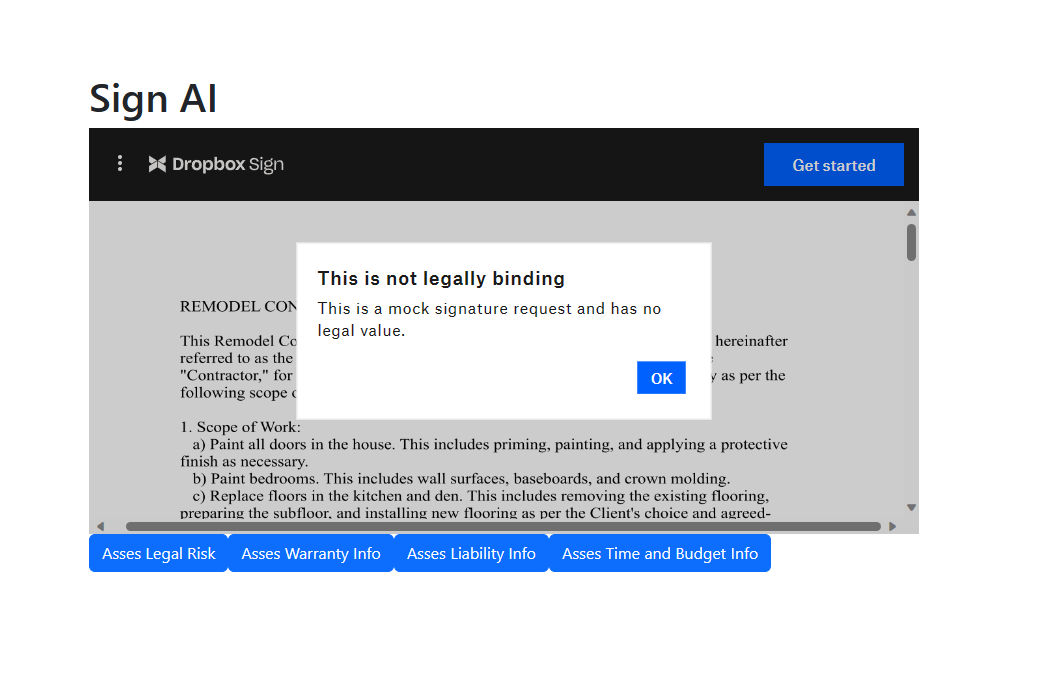
Client signature flow
-
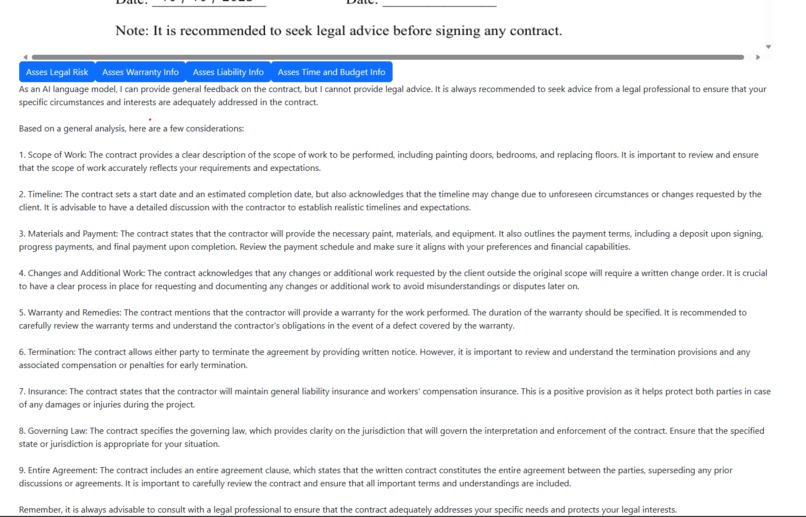
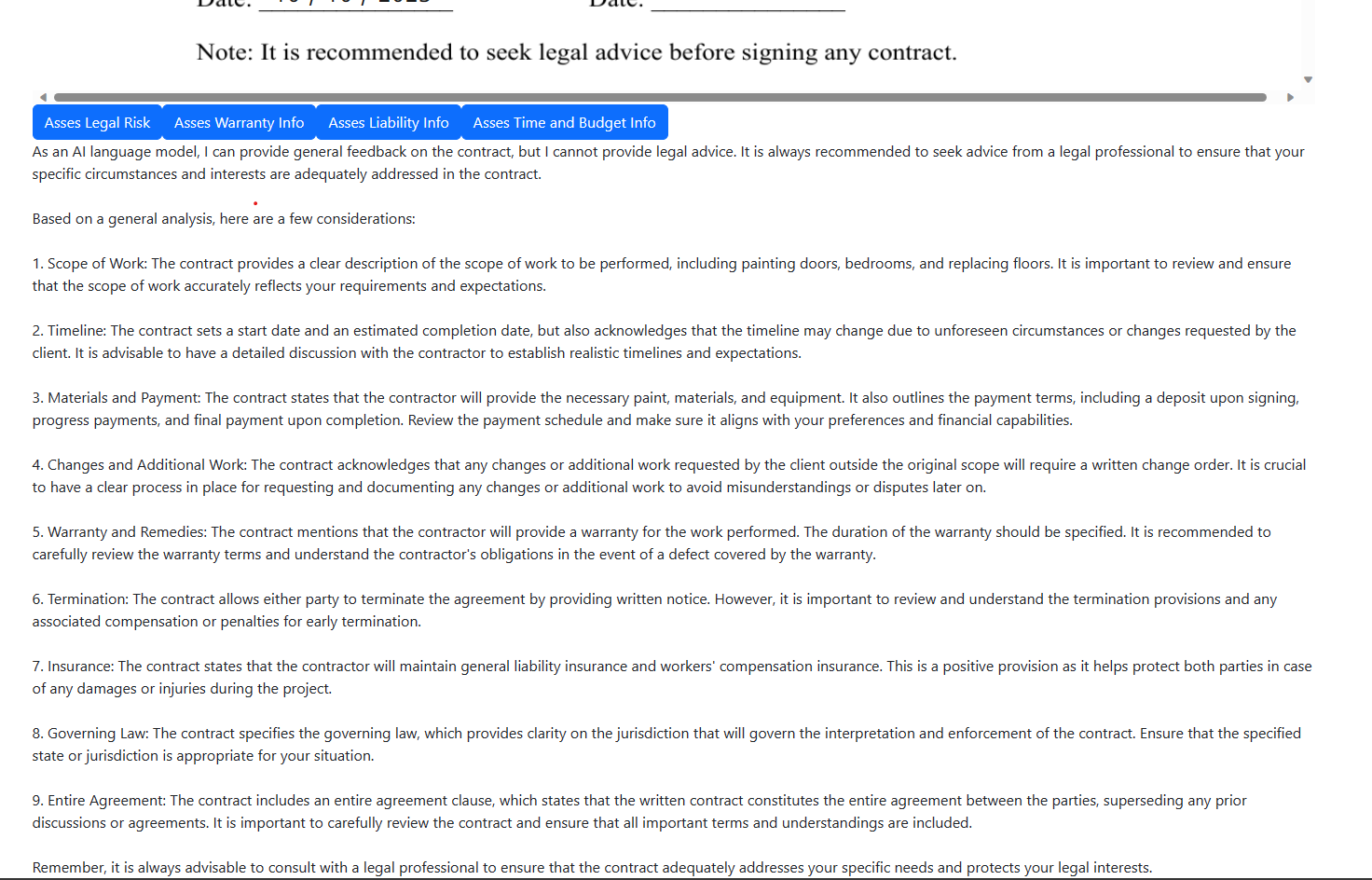
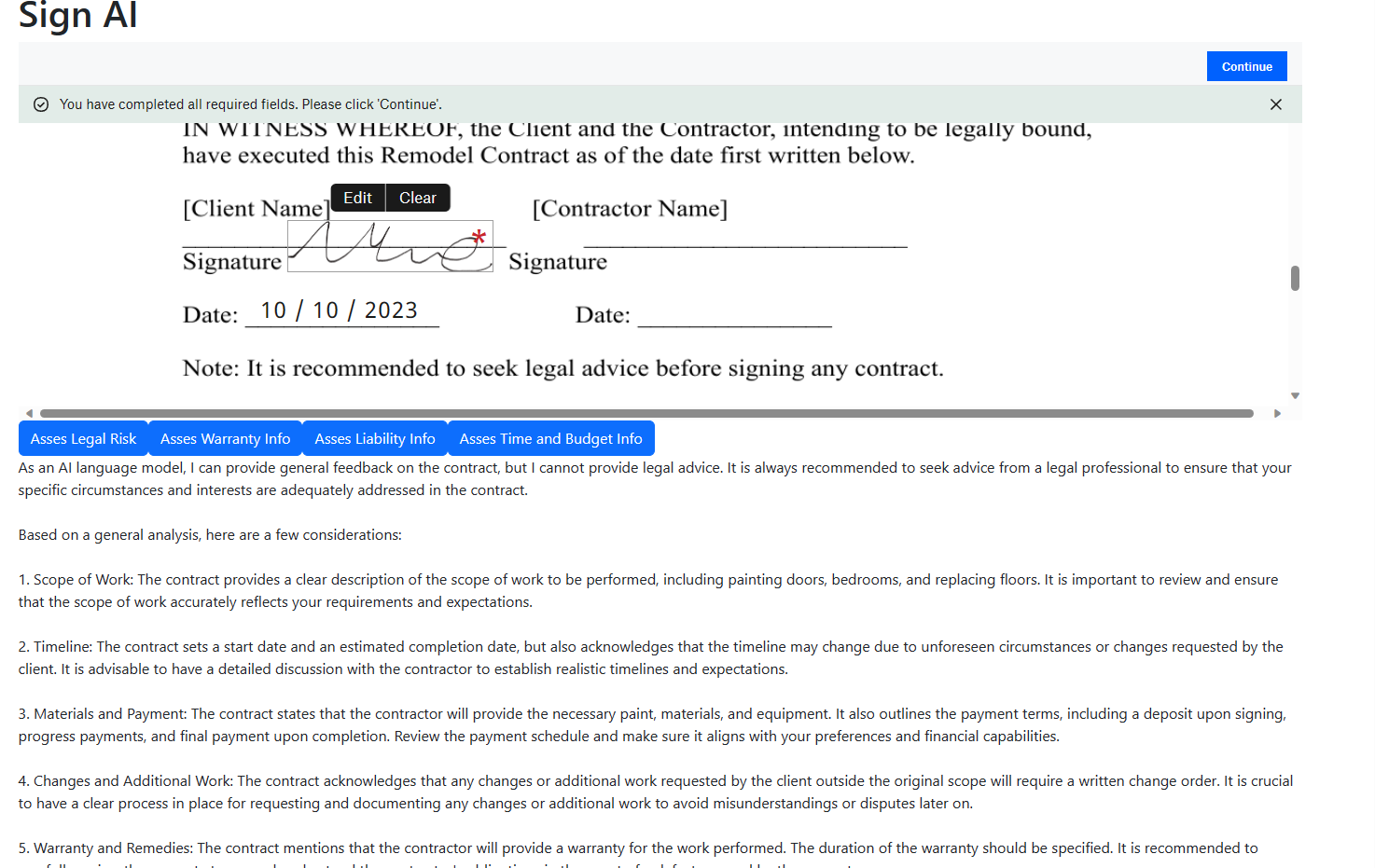
Response from OpenAI regarding the legal risk of the contract
-
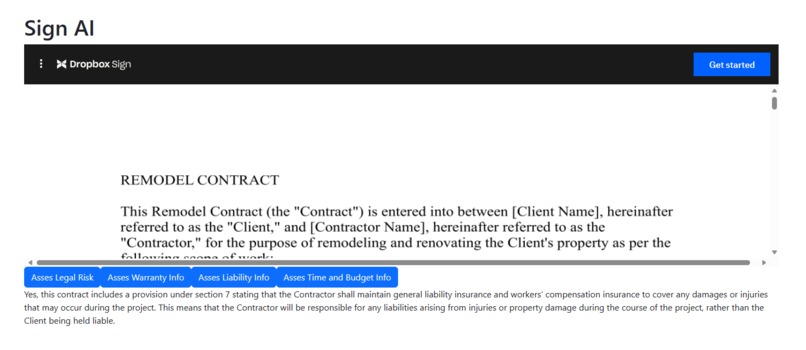
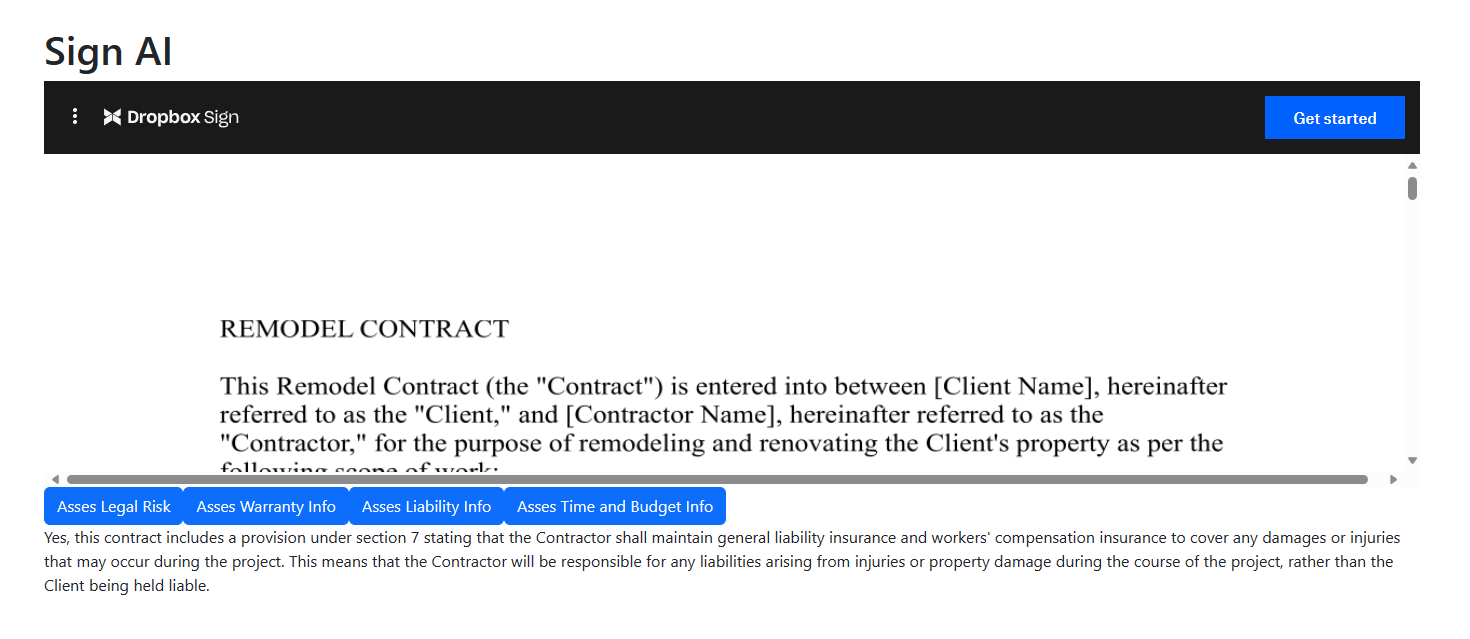
Response from Open AI regarding liability
-
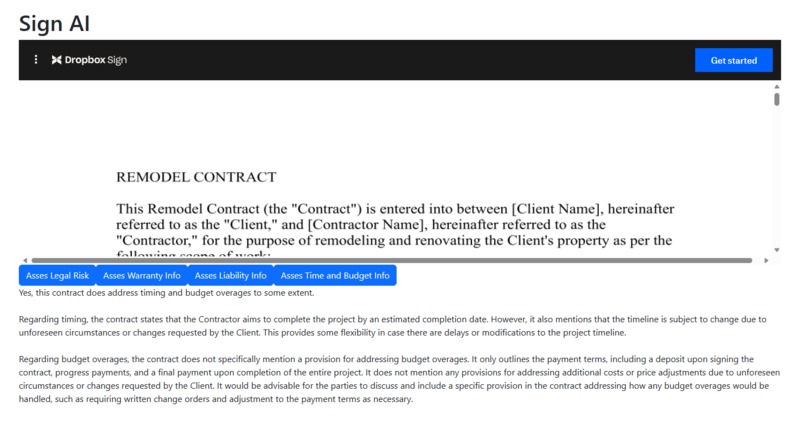
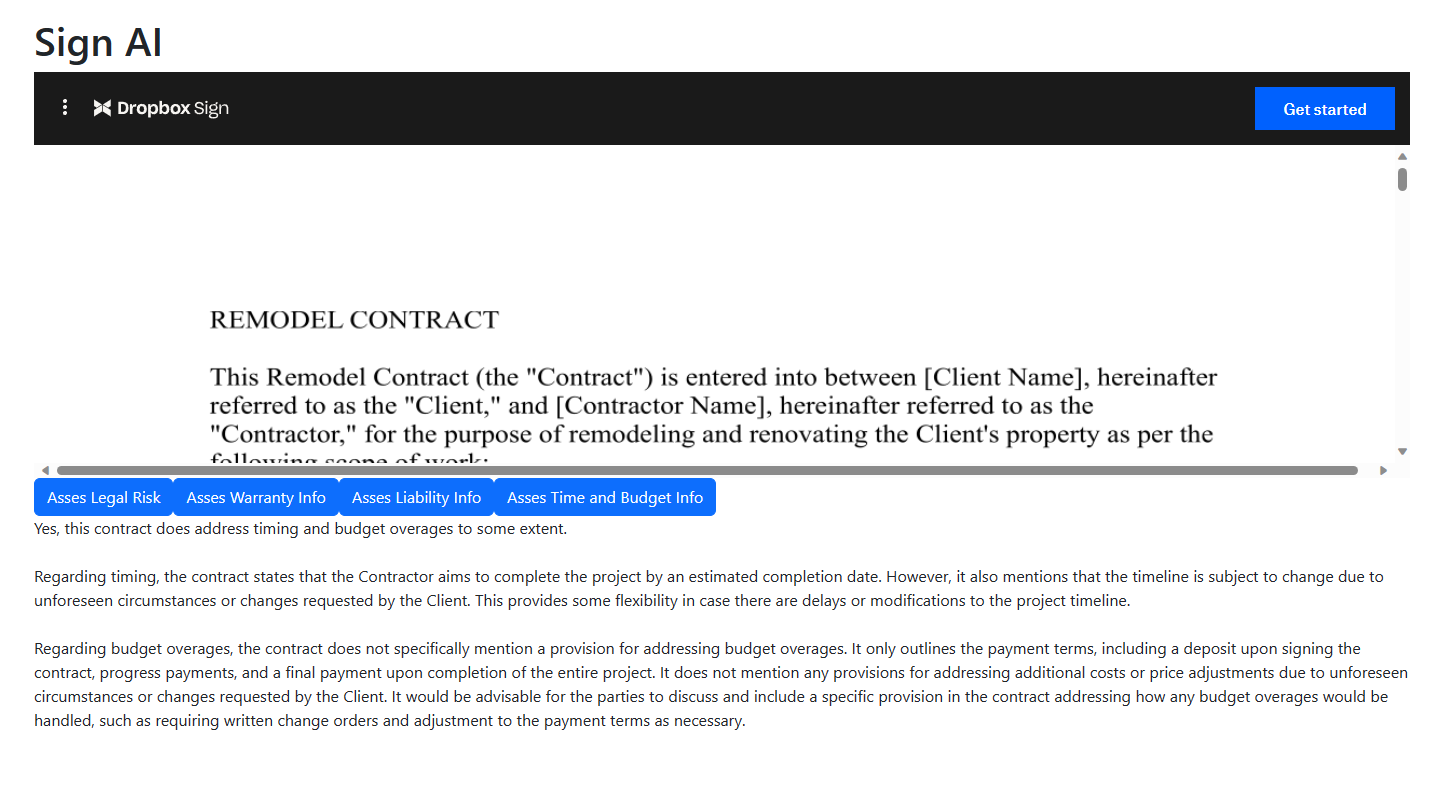
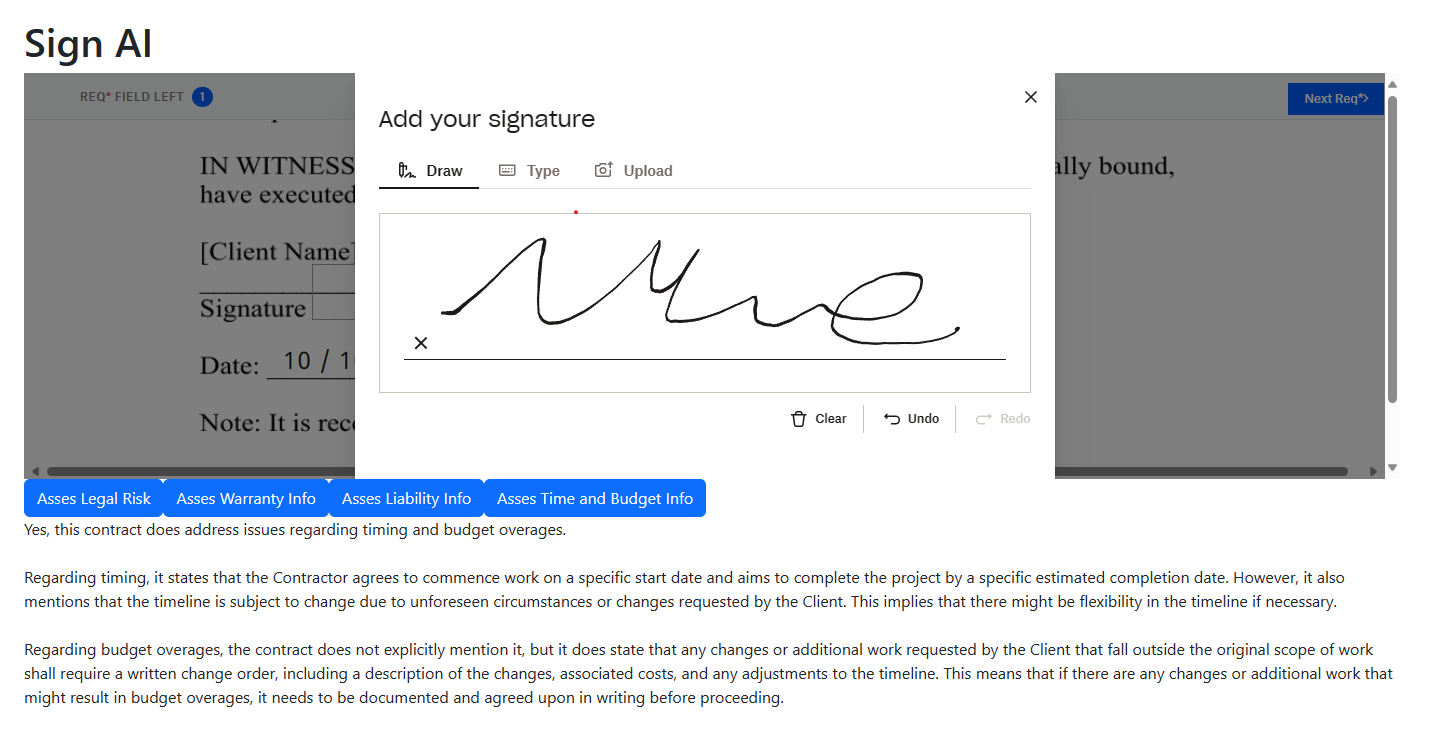
Response from Open AI regarding timing and budget of the project
-
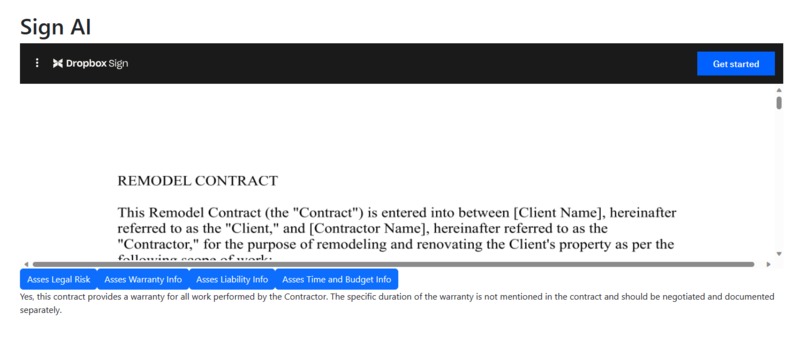
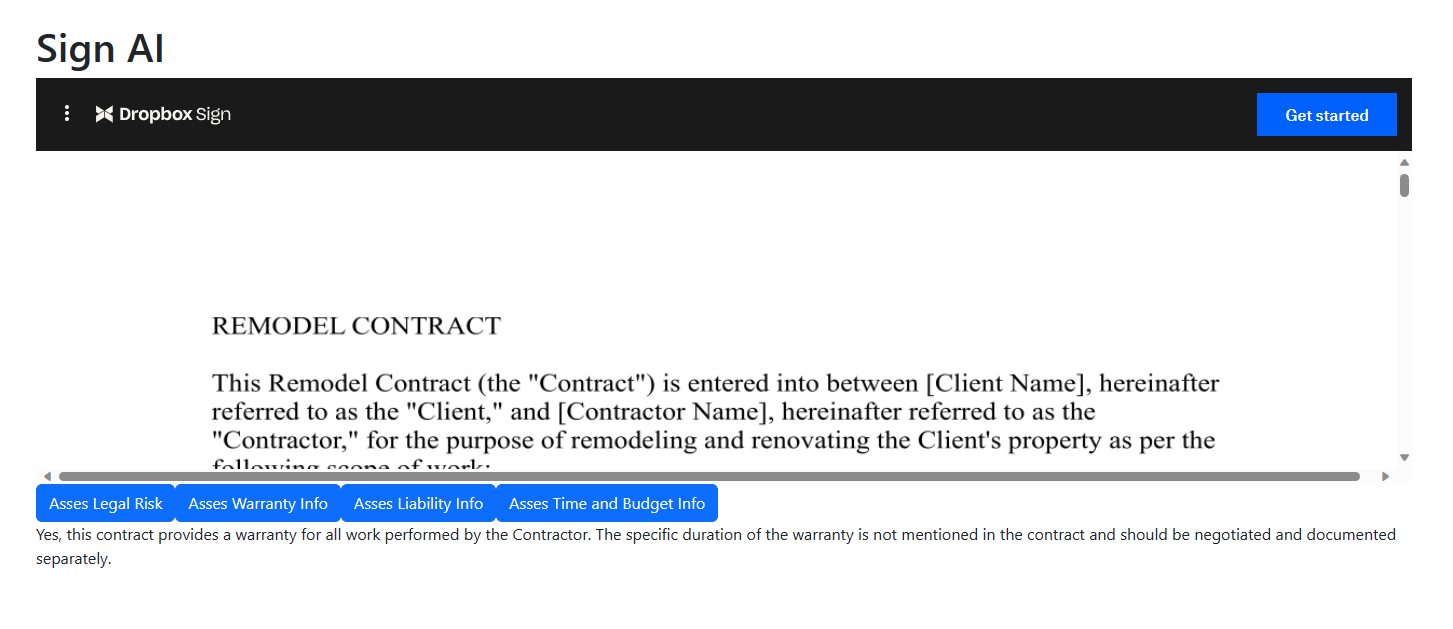
Response from OpenAI regarding warranty provided in the contract
-
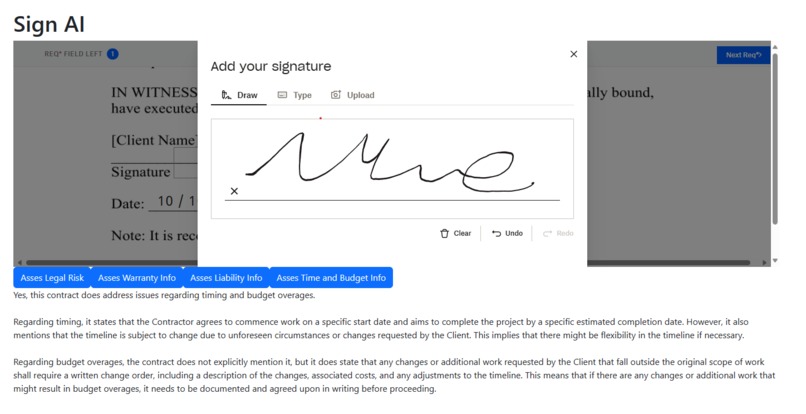
Dropbox Sign user signature
-
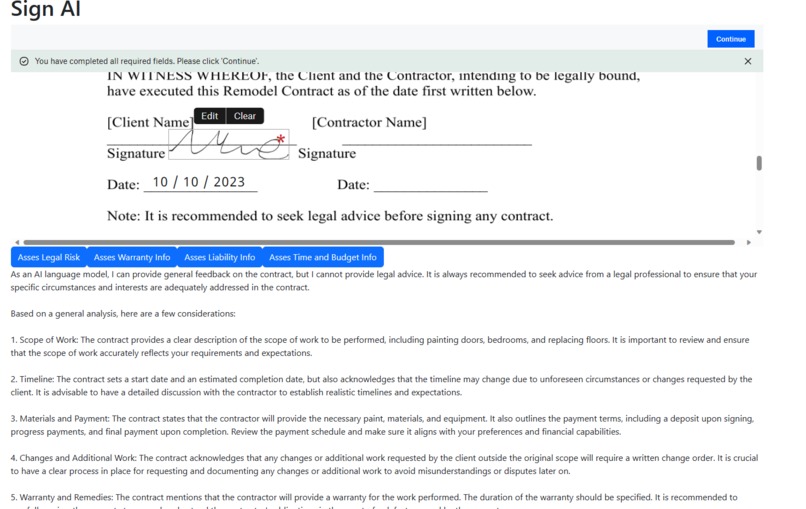
Completed and sign contract
Inspiration
My inspiration comes from a bad experience with a contractor this past summer. My wife and I hired a contractor to do a renovation project which ended being a disaster. In hindsight, we should have done more due diligence and asked the contractor to provide a better contract but at the time we didn't know any better. When I saw the announcement for this hackathon, it all clicked. I thought to myself, "what if you could ask an AI platform to generate a contract for you with your requirements and the standard content that goes into a contract". Even if it was just a start, it's much faster than trying to come up with a contract from scratch. And that's where Sign AI was born.
What it does
Sign AI has two component: contract generation and contract review/signature. Contract generation involves a user asking the app to generate a contract based on a set of requirements. Ex. Generate a construction contract with the following scope of work: paint 3 bedrooms, remove carpet in the den, and replace 2 windows in the kitchen. The app invokes the AI platform (OpenAI) with an instruction to generate a contract based on the user's requirements. The user can then view the text, make any necessary changes, and send the contract to another user or client to obtain a signature via Dropbox Sign. It's that easy and the process takes as little as a couple of minutes. Contract review is for a user that is receiving a contract to be signed. The user opens the contract that needs to be signed and is presented a screen with pre-defined prompts the user can use to review the contract. An example would be checking the contract for any legal risk the user might be assuming after signing or if the contract provides any type of warranty for the work being performed. Being able to ask these questions and review the contract is something user's typically don't have access to. While some users may seek advice from legal counsel, not all do because of the additional cost involved. This tool would put user's at ease. Note: this app/AI does not replace any lawyer or legal advice and should only be used for demo purposes.
How we built it
The front-end is built in Vue3 and powered by an ASP.NET Core backend with SQL Server as the database, all hosted on Azure. I integrated the OpenAI API to provide the generative AI functionality.
Challenges we ran into
The main challenge was coming up with a good use case to really help the user receiving a contract that needs to be signed. The signer is usually not familiar with contract terms and may not know all of the right questions to ask before signing. Having an AI tool that helps the user get more clarity and information goes a long way.
Accomplishments that we're proud of
Building a tool that not only I but many other people would benefit from. As a homeowner, having many projects around the house sometimes requires me to hire another person or company to do the work. Independent contractors and small business may not all have a contract process in place like bigger companies do and as a homeowner, I want to make sure I am covered. As a contractor, I would also benefit from this tool to make sure I would be covered for things like non-payment or changing the scope of work. I think this tool would benefit both sides.
What we learned
Generative AI platforms can provide assistance in many areas that I did not even think of. If used correctly, it can be a very useful tool since it's trained on such an incredible amount of information and all it needs to provide help is a simple prompt.
What's next for Sign AI
Here is a list of things that I would do to enhance the current proof of concept:
- Contract categories - Help users ask the right questions by detecting the type of contract they are being asked to sign and generating pre-defined questions they can ask about the contract
- Amendments - Allow users to suggest amendments for certain sections of the contract, send the amendments back to the requestor, have the requestor update the contract and send back for a signature.
- User verification - For more sensitive contracts/agreements, implement face and photo ID verification to make sure the intended signer is actually the person signing the contract. User's would verify using the webcam on their pc or phone, show a photo id that would be scanned to find the user's name, and facial recognition to match the photo in the id to the live view of the user
Demo Link: https://www.loom.com/share/ddb130c9f2814ac9a5e5d04d706eb369?sid=2a0b2ac1-e2c9-4d77-b6dc-e83e947bcf6f
Built With
- asp.net
- azure
- openai
- sql
- typescript
- vue3

Log in or sign up for Devpost to join the conversation.