-
-

(It takes a) Village-- by Sigma
-
-
-

Prototype link: Prototype link (Please submit a link to a playable prototype, not a link to your design file) Link
A video demo with a maximum of 3 minutes: Please prioritize walking through the app you designed, explaining key features – information about your research and design process should be included in the free response answers Youtube Video
Responses to questions about the user research and design thinking process
1. Describe your project (Max 150 words)
In a world moving faster than ever, the distance between generations is growing and the struggle to stay connected has become universal. For multi-generational and immigrant families, this gap is often widened by a mismatch in digital habits and language barriers, making it easy for organic, daily connection to slip away. **Village is a multigenerational app designed to be accessible for all ages designed to reclaim this connection by making day-to-day exchanges effortless and enjoyable. The app transcends language and technical barriers through visual storytelling and a dedicated space for family moments for users to keep forever.
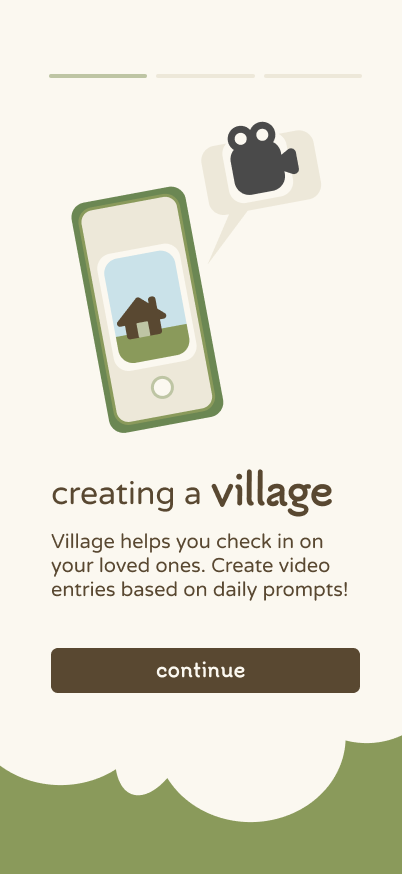
Village allows users to share daily snapshots, like a morning coffee or a cute selfie, reframing communication from a planned effort into a shared digital front porch. The app fosters continuity and belonging because, as we like to say, it takes a village to bridge generational gaps.
2. Describe your research process and findings. If you conducted any surveys or interviews, please include the survey form and/or interview questions here. If you conducted secondary research by pulling from online sources, please include a link to your sources. (Max 500 words)
Step 1: Defining the Problem Space Our research began with a core mission of dismantling age-based assumptions and uncovering the shared human needs buried beneath the generational and digital divides. Rather than validate a pre-existing idea, we leaned into uncertainty, asking: “How does the definition of 'connection' change as we age?” and “Why do current social platforms fail to keep multi-generational families in a shared rhythm?” By prioritizing "extreme users"—the very young and the very old—we aimed to identify the universal barriers that middle-ground users often overlook. This phase narrowed our focus to family-based relationships, specifically looking at how distance and technology can turn a "village" into a series of isolated individuals. We gathered a total of 7 responses in our survey and conducted 6 30-minute interviews, both of which used the same set of questions.
Step 2: Data Collection We conducted qualitative interviews and surveys to capture lived experiences. Abena and Veronica interviewed their grandparents—spanning Ghanaian and Chinese cultural contexts—while Sahasra distributed a survey to younger participants. Our questions explored daily interactions, assumptions about other generations, communication tools used or avoided, and desires for better connection: From the survey, we found the majority of our elderly respondents preferred being reached out to rather than initiating, believing that they might be bothering the younger generation. Despite this, they all welcomed to the idea of increased communication with younger generations and were pleased to have the opportunity to speak with different generations. We prioritized collecting verbatim quotes, as well as noticing the unsaid, thus facilitating the analysis stage of our research process.
Step 3: Analysis & Sense-Making We analyzed our data by organizing quotes into themes and annotating them with “I wonder” statements. Several patterns emerged consistently across age groups and cultures: Different communication preferences (face-to-face vs. digital, texting vs. calling) often lead to misunderstanding.
- Older generations value storytelling, wisdom-sharing, and service, while younger generations prioritize speed, convenience, and emotional openness.
- Both groups expressed a desire for connection but felt unsure how to initiate or sustain it without feeling intrusive, dismissed, or misunderstood.
- Distance—both physical and emotional—amplifies generational gaps, especially when technology feels intimidating or impersonal. These insights led us to define our core opportunity: creating a space that encourages mutual learning, not one-sided teaching, through low-pressure, emotionally meaningful communication. Additionally, our group’s unique immigrant backgrounds helped us narrow down our intended audience: grandparents and grandchildren separated by age and geography. Step 4: Acting on Insights From our findings, we developed our How Might We statement: “How might we facilitate communication between family members separated by age and distance so that grandparents and their grandchildren can mutually learn from each other?” Our proposed solution is a video-based app where grandparents and grandchildren can send short, personal check-in videos to one another, delivered as a phone widget. By centering asynchronous, face-driven storytelling, the concept reduces technological barriers while fostering empathy, continuity, and reciprocal connection across generations.
3. Describe your most important design decisions. What research findings and/or user testing results led you to make these decisions? (Max 500 words)
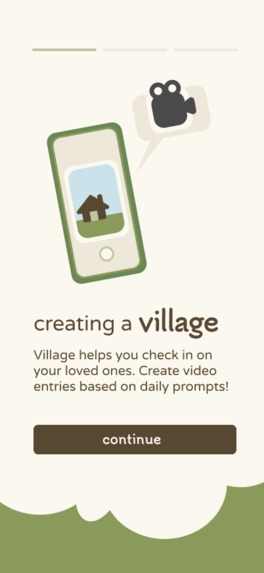
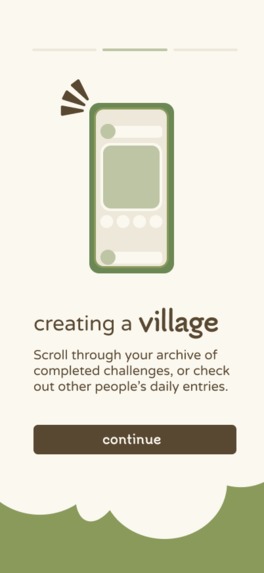
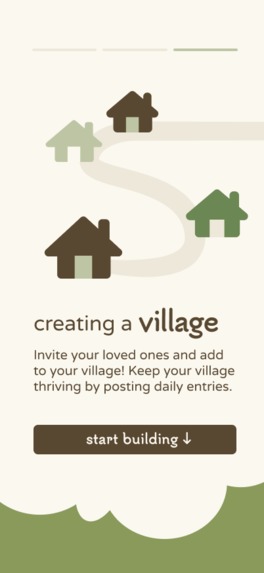
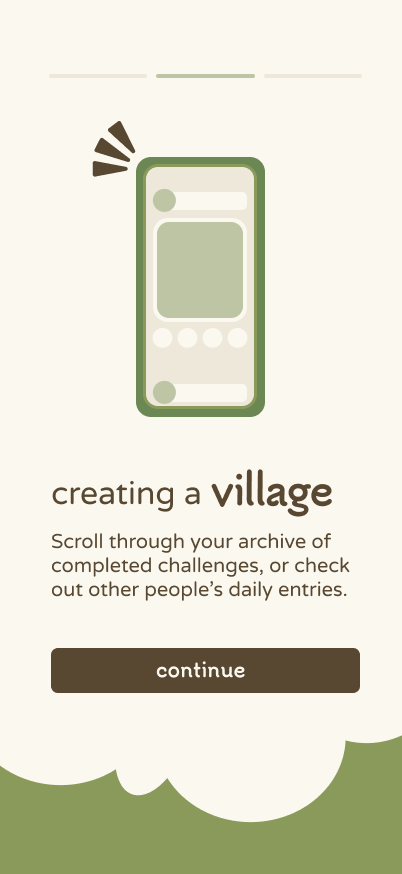
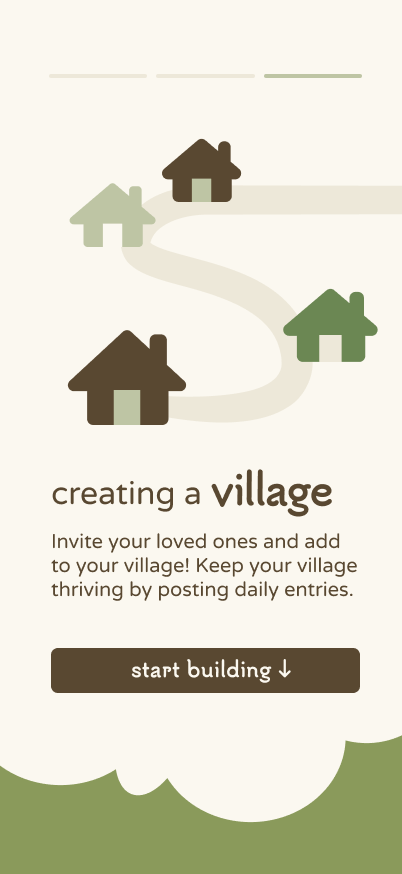
The most persistent question throughout our brainstorming process was: how do we meaningfully reach and include older users? Younger users are generally comfortable downloading new apps and adapting quickly, but our interviews showed that many older adults are hesitant to adopt new technology unless it feels clearly useful, familiar, and emotionally valuable. In addition, our research revealed that older participants didn’t have a problem with social media itself—they were frustrated by how it has replaced real-life conversations, or even voice-based connection. This insight guided several of our most important design decisions. Widget-first experience: We chose to make the most basic interaction–any simple video message– live in a phone widget rather than requiring users to open a full app. The widget acts as a constant, effortless reminder to stay connected without asking too much. This reduces friction for older users and reframes the experience as a gentle check-in rather than “another social app.” It also supports younger users’ existing phone habits, meeting both generations where they already are. Video with transcription: We prioritized video as the primary communication format because many participants—especially older ones—valued seeing facial expressions, tone, and emotion. Video feels closer to “real” conversation than text, and is often the most viable option for intergenerational families separated by distance. To ensure accessibility, we paired video with automatic transcription, accommodating hearing loss, preference for reading, or language differences. This decision supports inclusivity without forcing users into a single mode of communication. Accessibility-first design: Our interface decisions were intentionally shaped around aging-related needs if needed: large, readable text, minimal visual clutter, and high-contrast elements. Furthermore, these features are fully customizable so that users can adjust settings based on their own preferences. The app is easy on the eyes, using a soft, welcoming green to signal calm and trust rather than overstimulation or urgency. These choices reduce cognitive load and make the experience feel safe and approachable for all ages. “Village” graphic for motivation: To reinforce the idea of shared care rather than obligation, we introduced a “village” visual metaphor that represents everyone you’re connected to. This framing emphasizes mutual learning and community, aligning with our insight that older users want to feel valued, not “checked on.” Archive of memories: Finally, we included an archive of past videos and photos. This transforms everyday check-ins into a growing record of shared history, reinforcing long-term emotional value rather than short-term engagement.
4. If applicable, describe how you utilized AI in your design process in detail. Please explain where AI fit into your workflow, which tools you used, and the specific purpose AI served at that stage. Include a concrete example of how AI influenced a design decision. (Max 500 words)
In the early stages of our research process, we used AI to help streamline our thoughts, develop learning goals, and come up with some research questions, which we later reworked ourselves. But when it came to the actual prototype and finished product, we didn’t use any AI in the design process. All three of us worked on the Figma prototype for a total of 12 hours combined, and only used AI for assistance during some writing prompts.
Built With
- figma

Log in or sign up for Devpost to join the conversation.