-

Sightline: AI-powered navigation assistance for the visually impaired
-
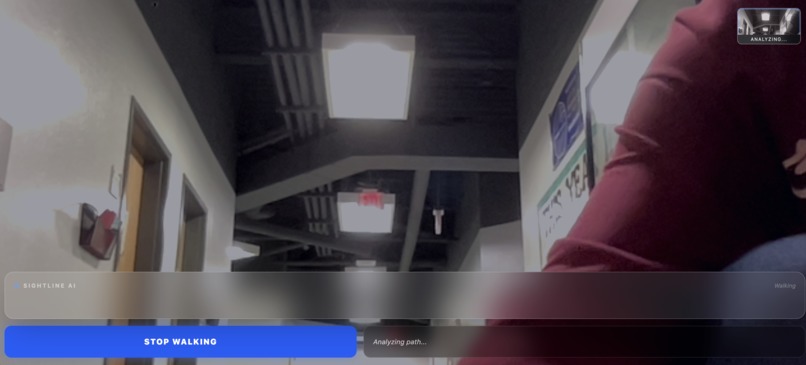
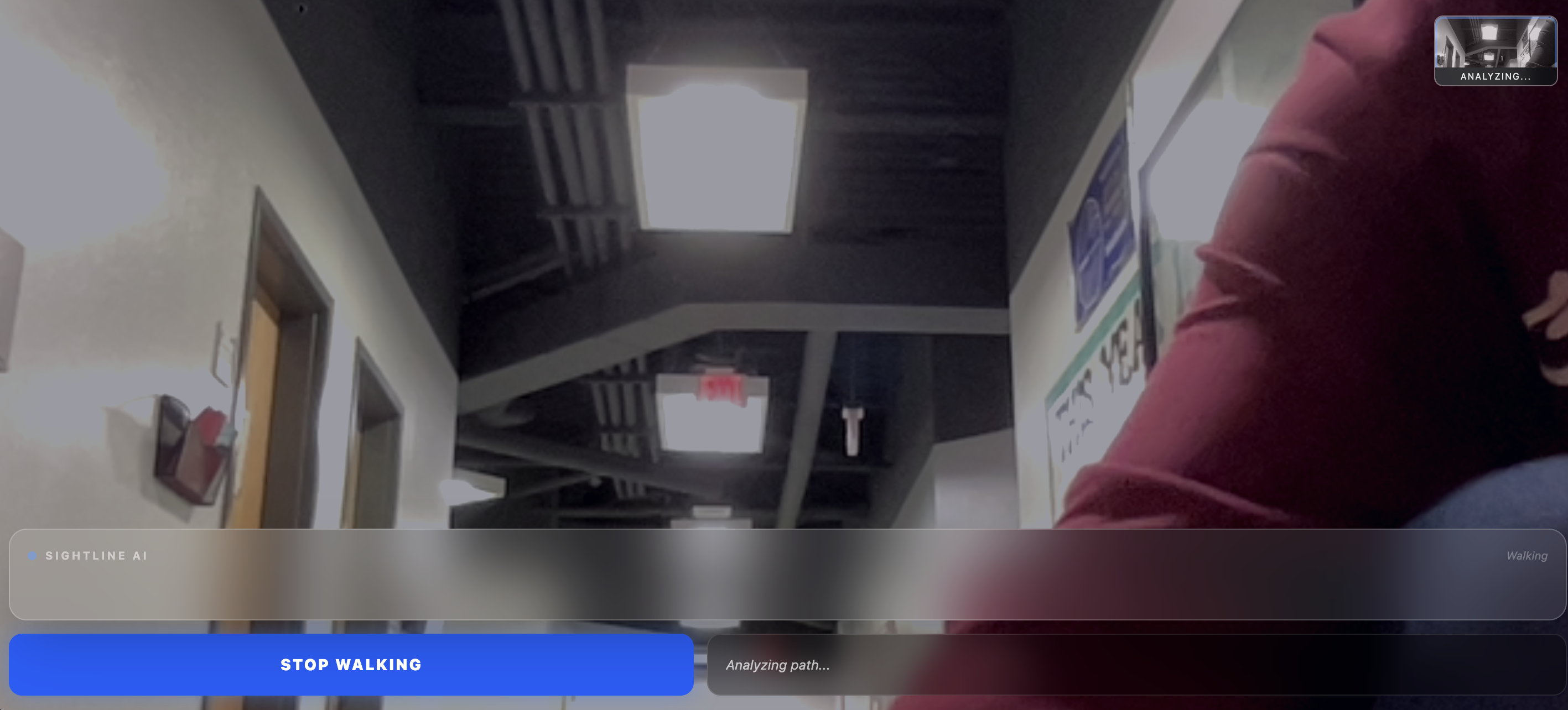
Initial screen analyzes camera adat
-
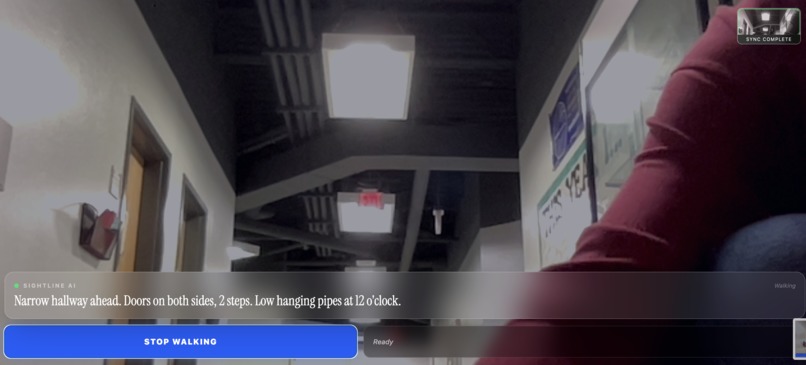
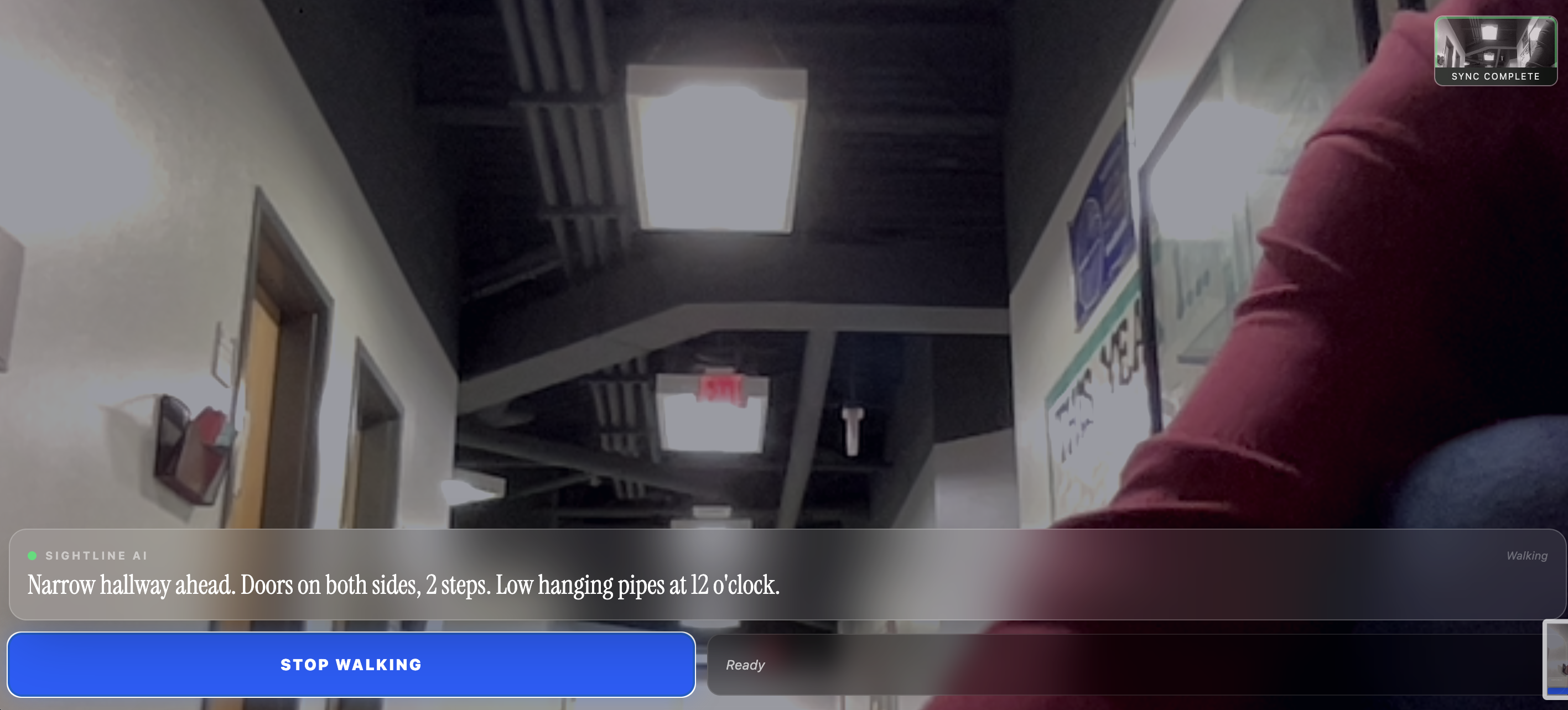
Text describes environment as text-to-speech feature reads it out loud

Inspiration
There are over 2 billion people worldwide living with vision impairment. This makes navigating unfamiliar spaces difficult and sometimes dangerous. Recent studies indicate that nearly 46% of older adults with severe vision impairment suffer from falls annually, and 40% of the blind community experience head-level collisions every year. Cane are very good at detecting ground-level obstacles, but they can't detect objects jutting out at eye or chest level. I wanted to build a solution that helps people suffering from visual impairments gain a true understanding of their environment to prevent collisions.
What it does
Sightline is an AI-powered guide that runs entirely in your browser. It takes a continuous stream of smartphone data and provides a voice updates describing the environment. The first sentence describes the overall environment and reads visible signs via OCR. The second sentence acts as a radar and points out possible hazards and obstacles. By evaluating an AI-generated hazard score, the phone delivers physical vibration pulses. If an obstacle is very close there is instant physical feedback before the voice even finishes speaking via haptics.
How I built it
The frontend is built with React, Vite, TypeScript, and Tailwind CSS. The UI is specifically optimized for landscape mobile use to allow users to hold the phone naturally while walking. For the backend, a Node.js and Express server handles the heavy lifting. It is tunneled to the mobile device using Pinggy and ngrok. For the VLM, I used the Featherless API to run the Gemma-3-27b-it model and parse the video data into a JSON script, which is then streamed to ElevenLabs (using the Flash v2.5 model) to generate natural text-to-speech.
Challenges I ran into
Initially, Safari blocked continuous narration because it wasn't triggered by a direct screen tap every single time. To solve this issue I created a Global Audio Object that unlocks during the initial button press, and then swaps the audio source for all subsequent 8-second intervals without being muted by the browser. Additionally, it was challenging to figure out how to manage asynchronous API calls because sometimes a new snapshot is sent before the previous voice finishes speaking. This required a lot of state management to avoid race conditions.
Accomplishments that I'm proud of
I'm proud of building a pipeline with three different sensory outputs, specifically, visual outputs via the screen flashes, auditory outputs for the environment narration, and tactile outputs by using web haptics, and turning those into a single, cohesive accessibility tool.
What I learned
I learned a lot about cross-origin resource sharing (CORS) over multi-port tunnels, and how to effectively manage React state for continuous hardware access. I also learned how to create a multi model pipeline and process the video data to optimize for latency, which is something I want to keep improving as it could still be better.
What's next for Sightline
The next immediate step for Sightline is getting true zero-latency. Currently, Sightline relies on cloud APIs, which adds a slight delay in narration for processing times. I want to achieve a response time fast enough to be genuinely useful for real-time walking navigation. Switching to edge computing onto the smartphone might help with this. Combined with WebSocket audio streaming, this would allow for continuous spatial mapping.
Built With
- elevenlabs
- express.js
- featherless
- gemma
- ngrok
- node.js
- pinggy
- react
- tailwind-css
- typescript
- vite
- web-haptics-api

Log in or sign up for Devpost to join the conversation.