-
-
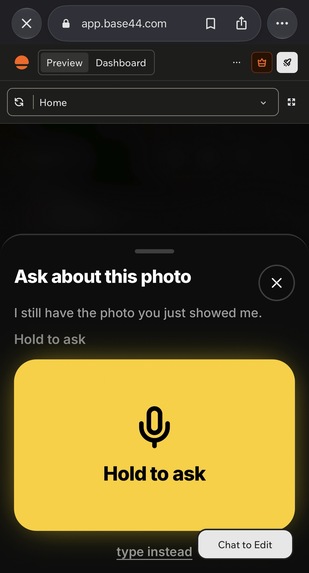
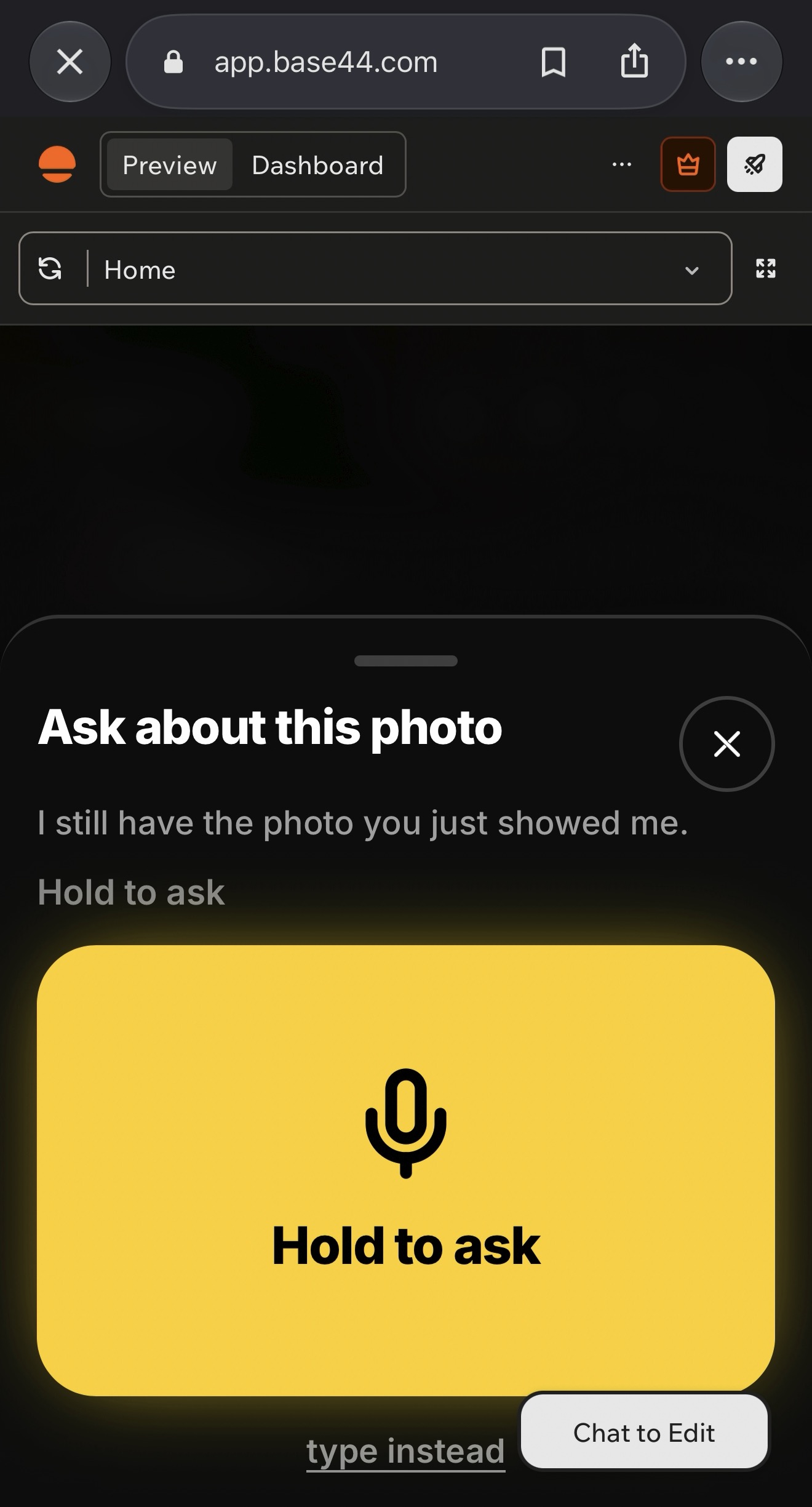
Hold to ask a follow-up question by voice about the same photo. No typing needed.
-
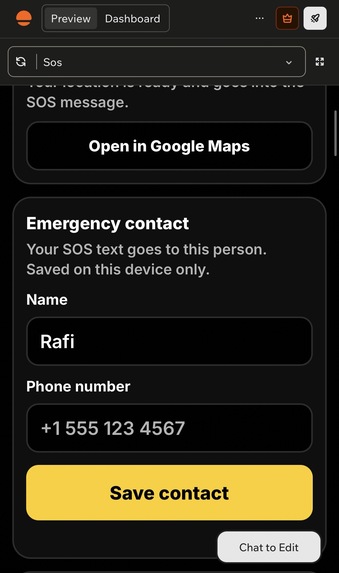
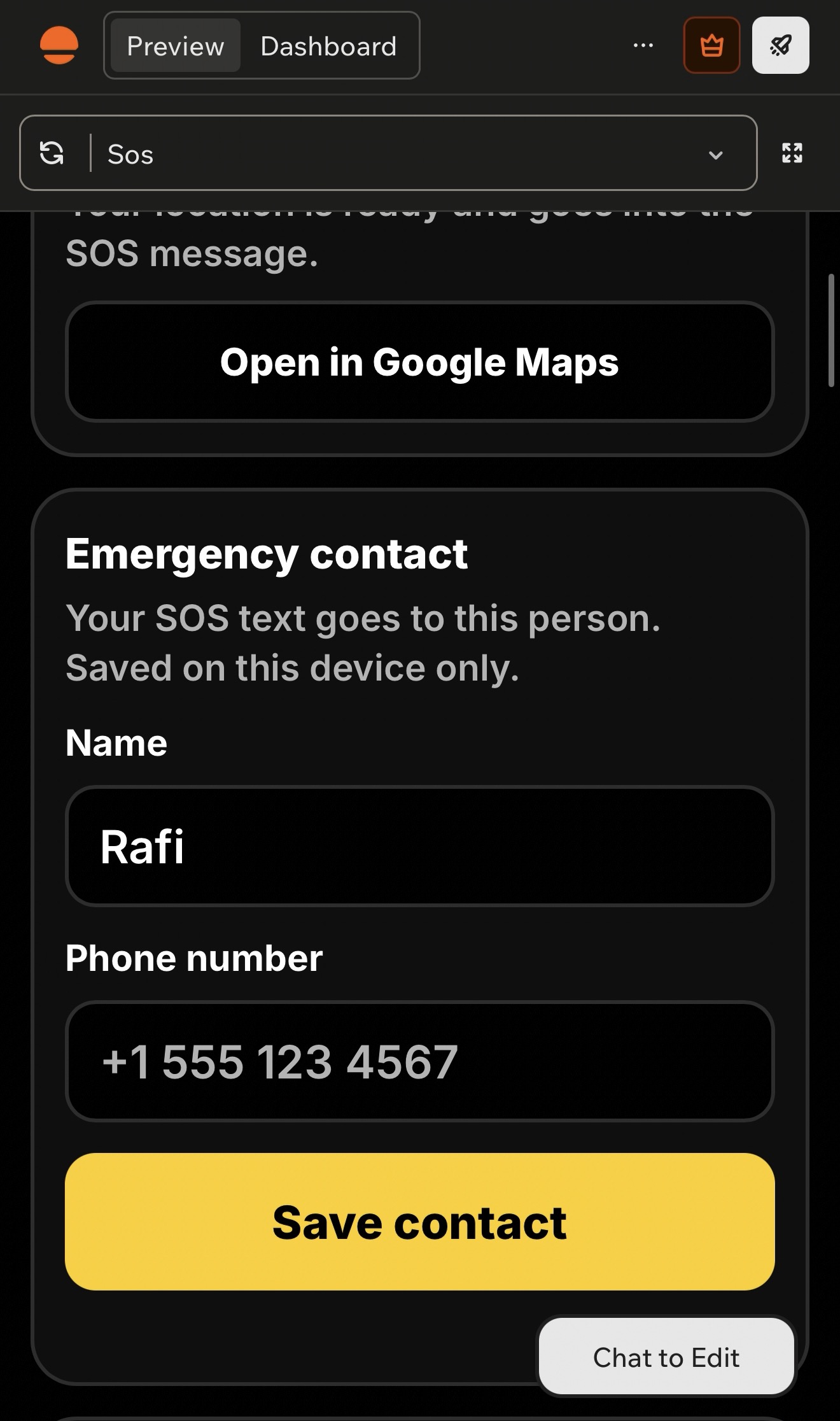
SOS: save an emergency contact, and one tap sends your GPS location and a description of your surroundings.
-
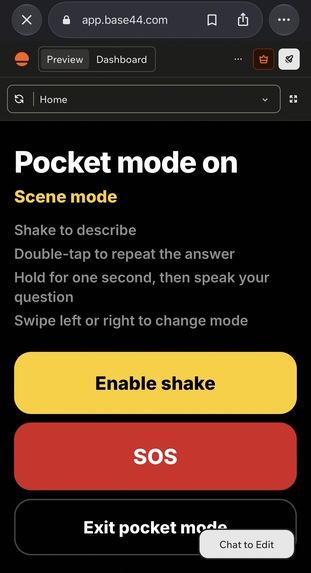
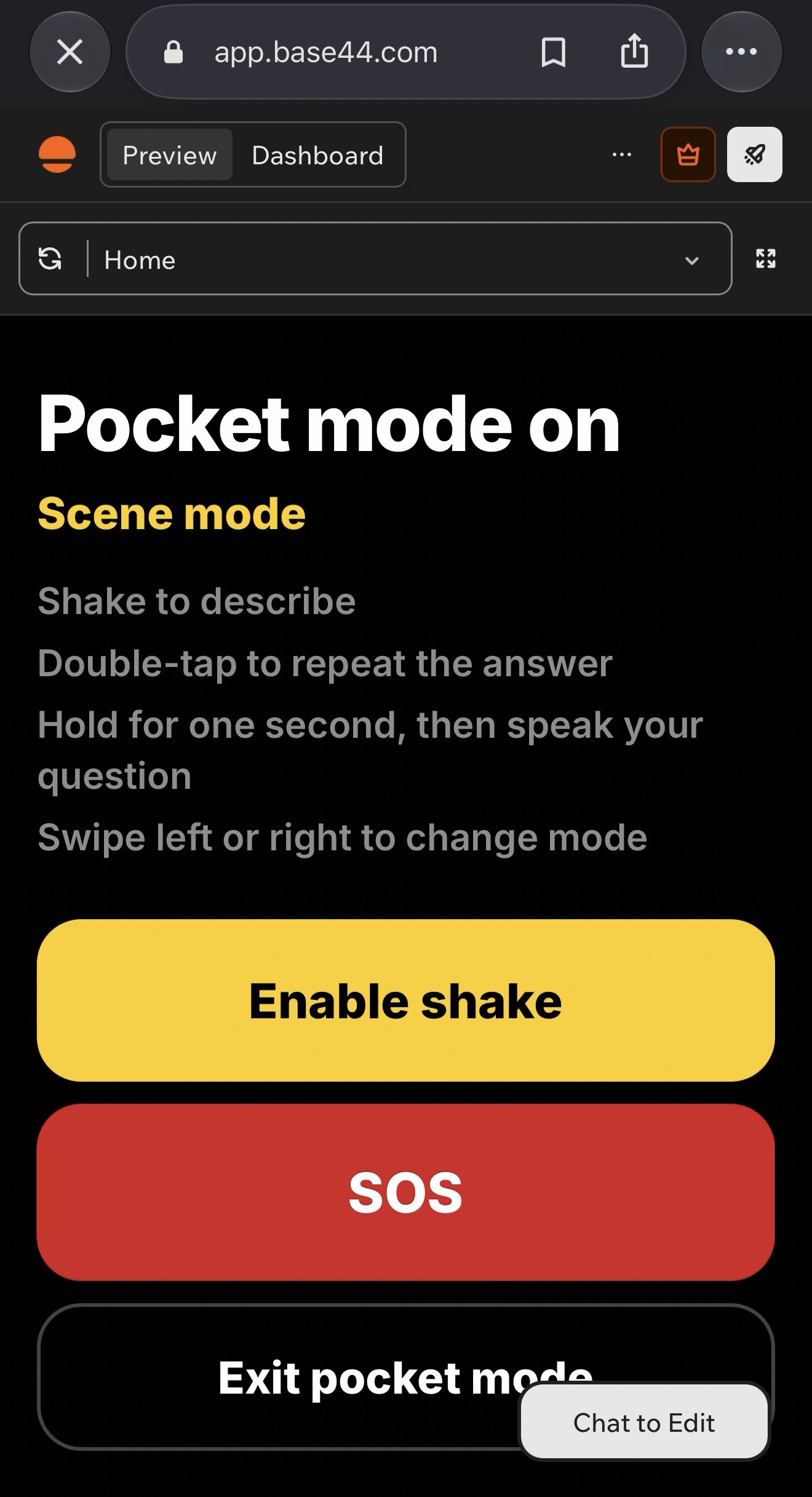
Pocket mode is fully hands-free: shake to describe, double-tap to repeat, hold to ask, and swipe to change mode.
-
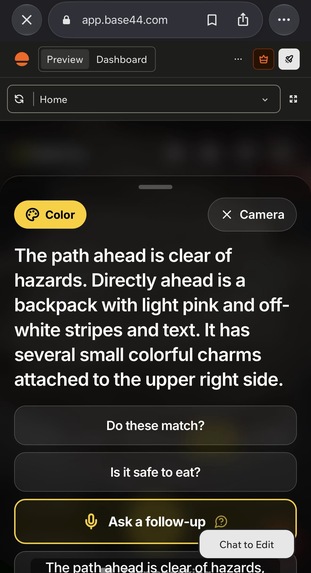
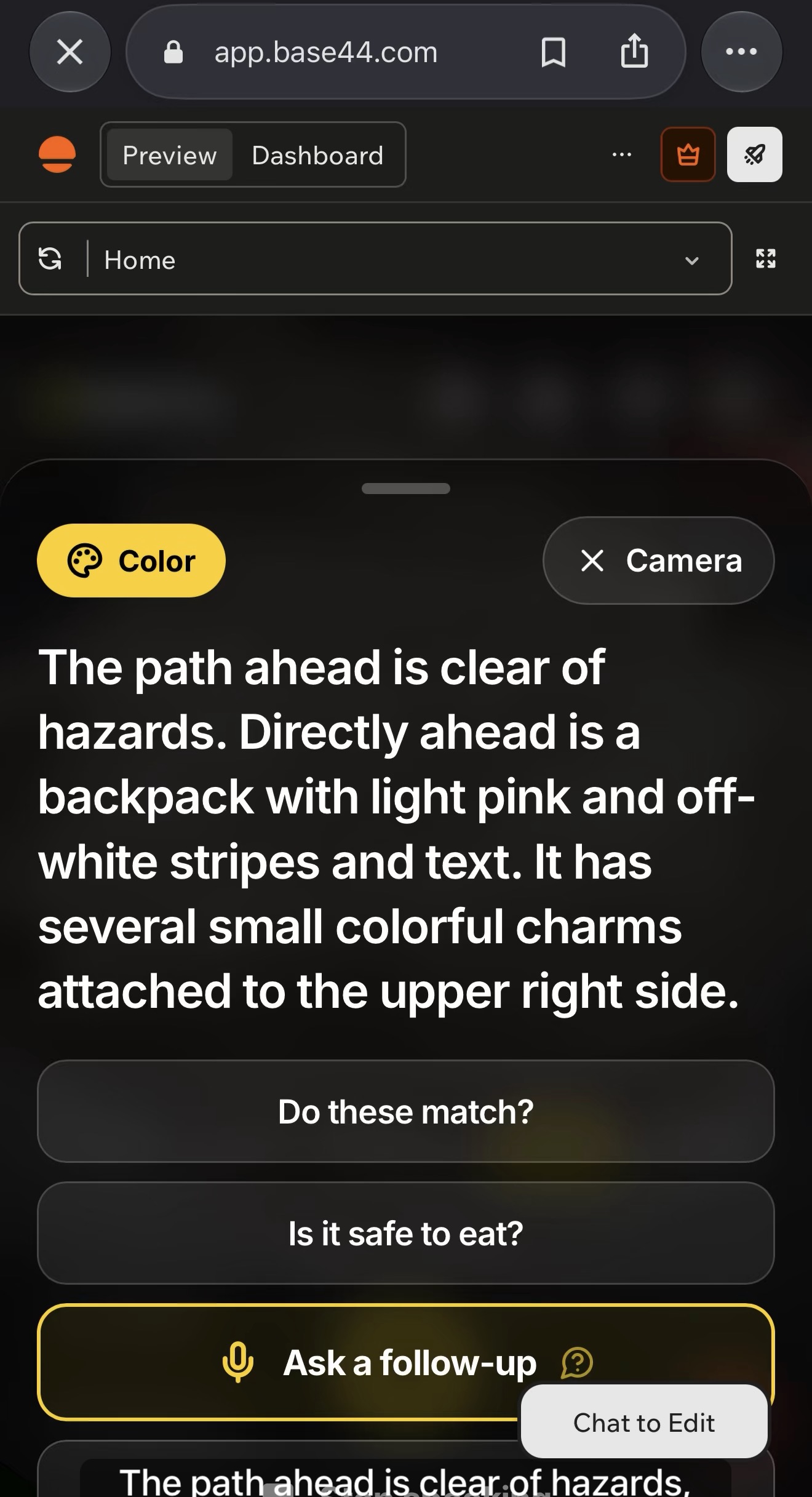
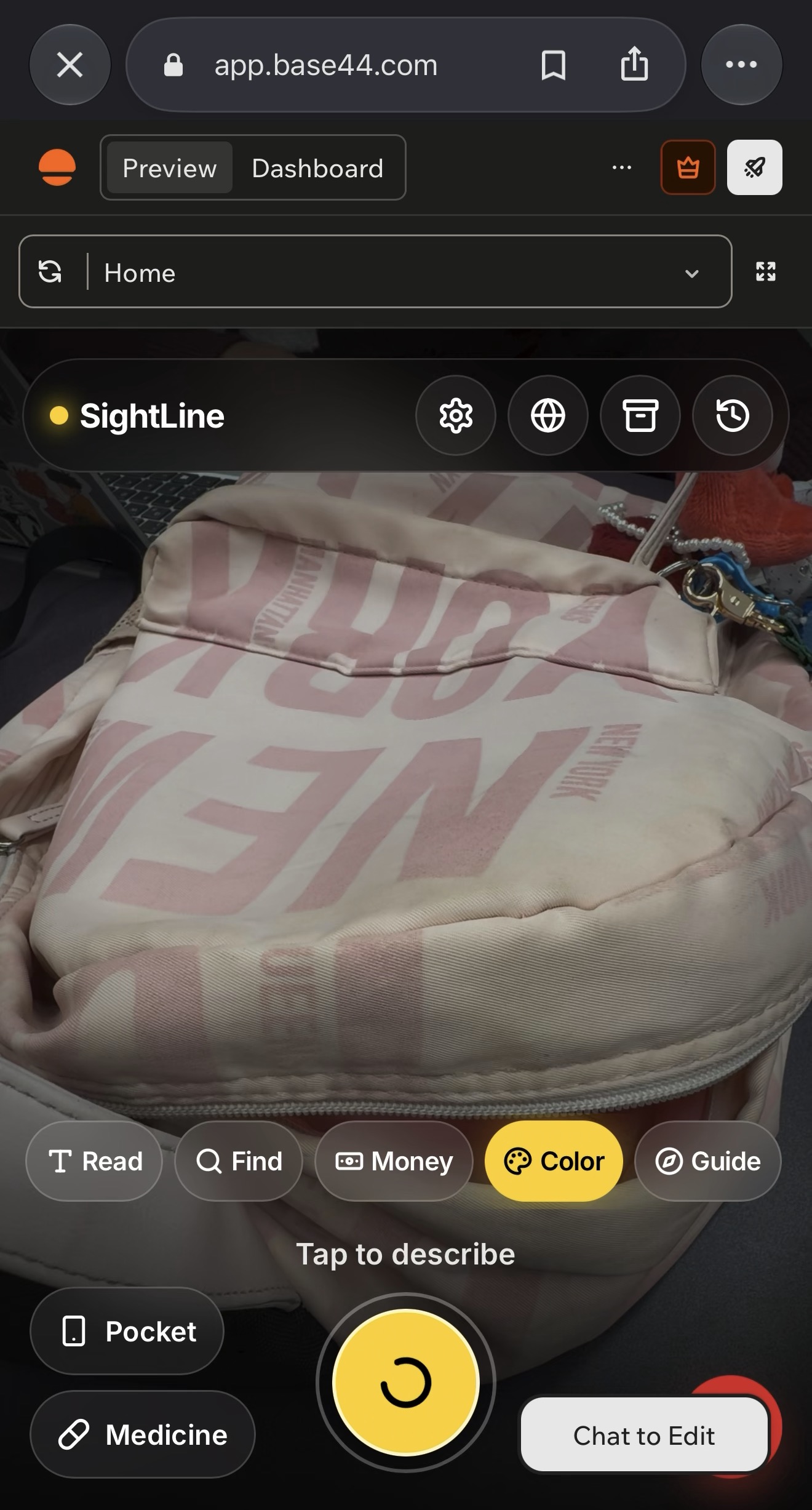
Color mode names colors and patterns, and can check whether clothes match or food is safe to eat.
-
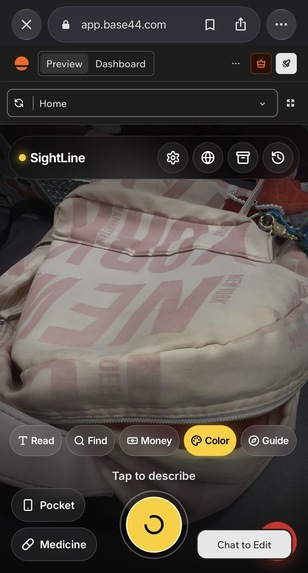
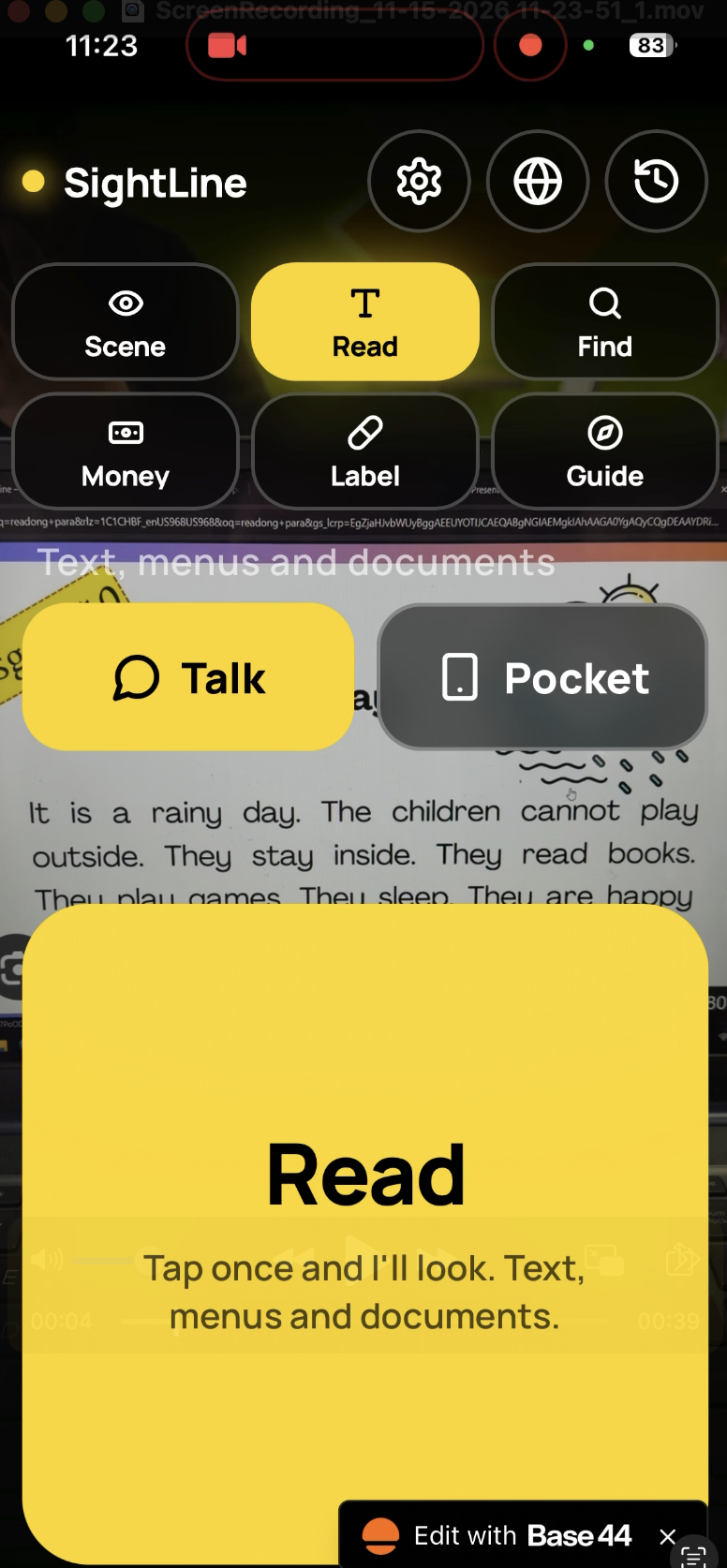
A full-screen camera with one-tap modes (Scene, Read, Find, Money, Color, Guide). Tap anywhere to hear what’s in front of you.
-
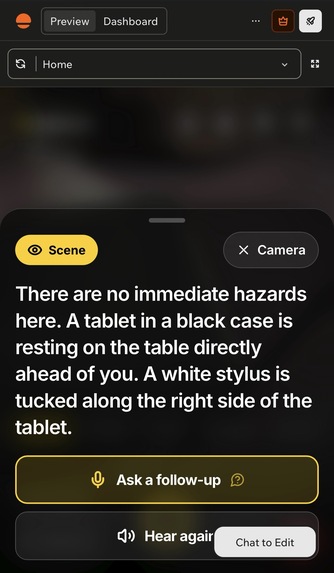
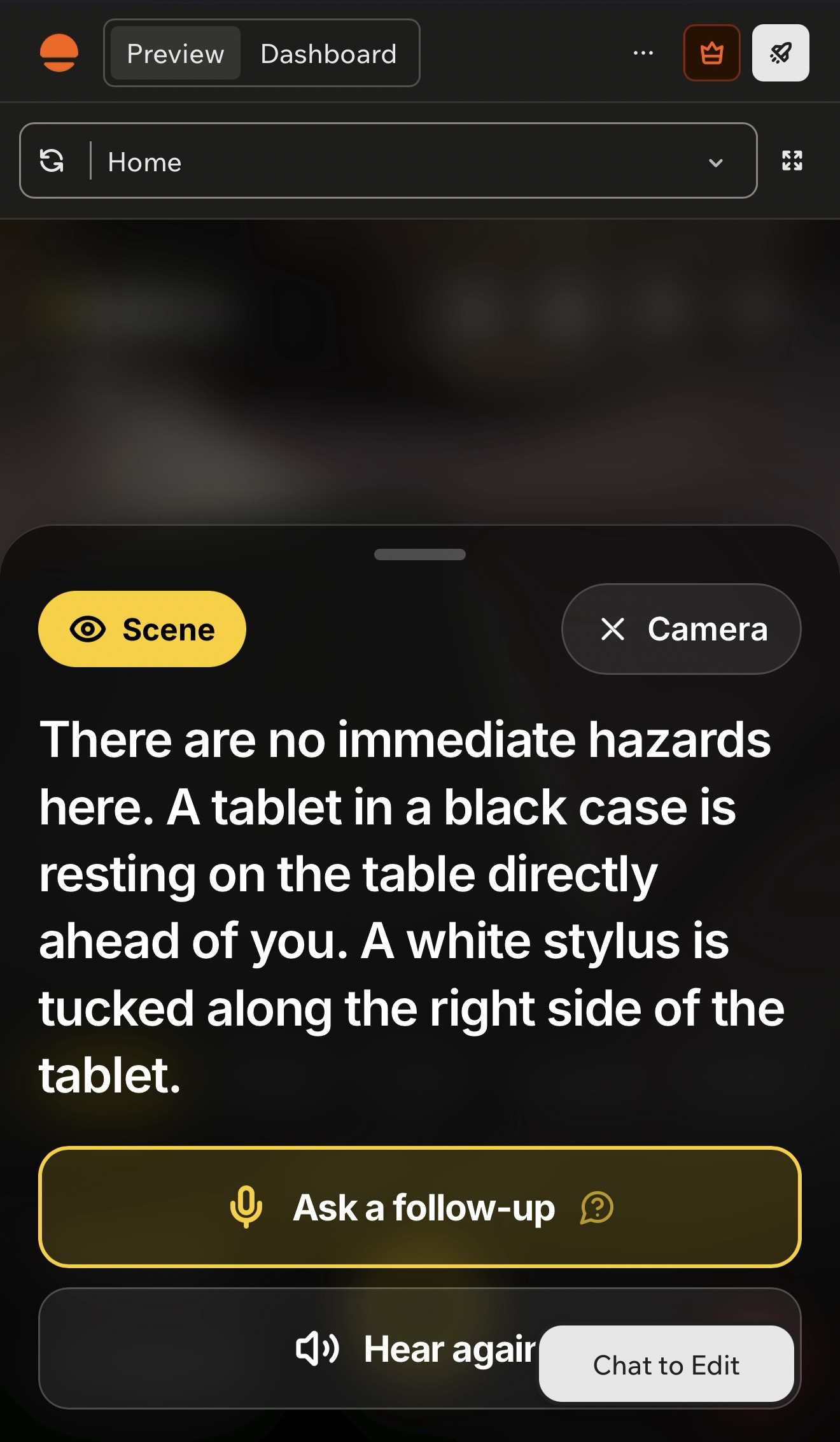
Scene mode speaks a short description with safety first and left, right and ahead directions, in a natural ElevenLabs voice.
-
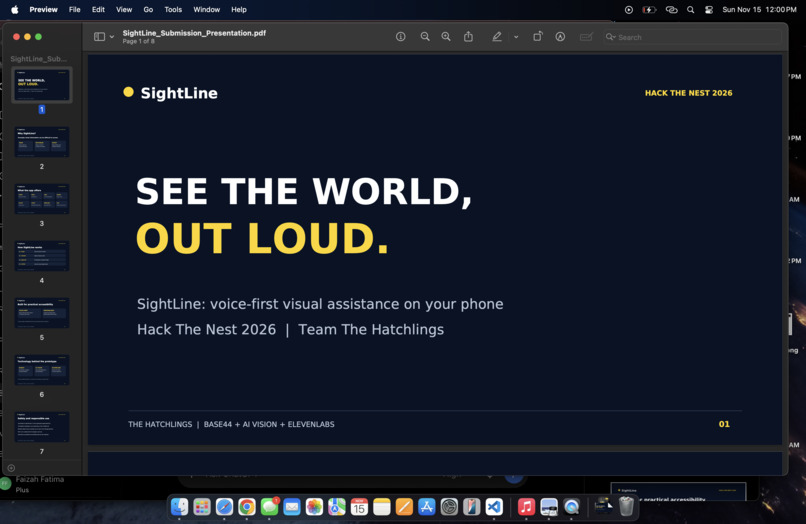
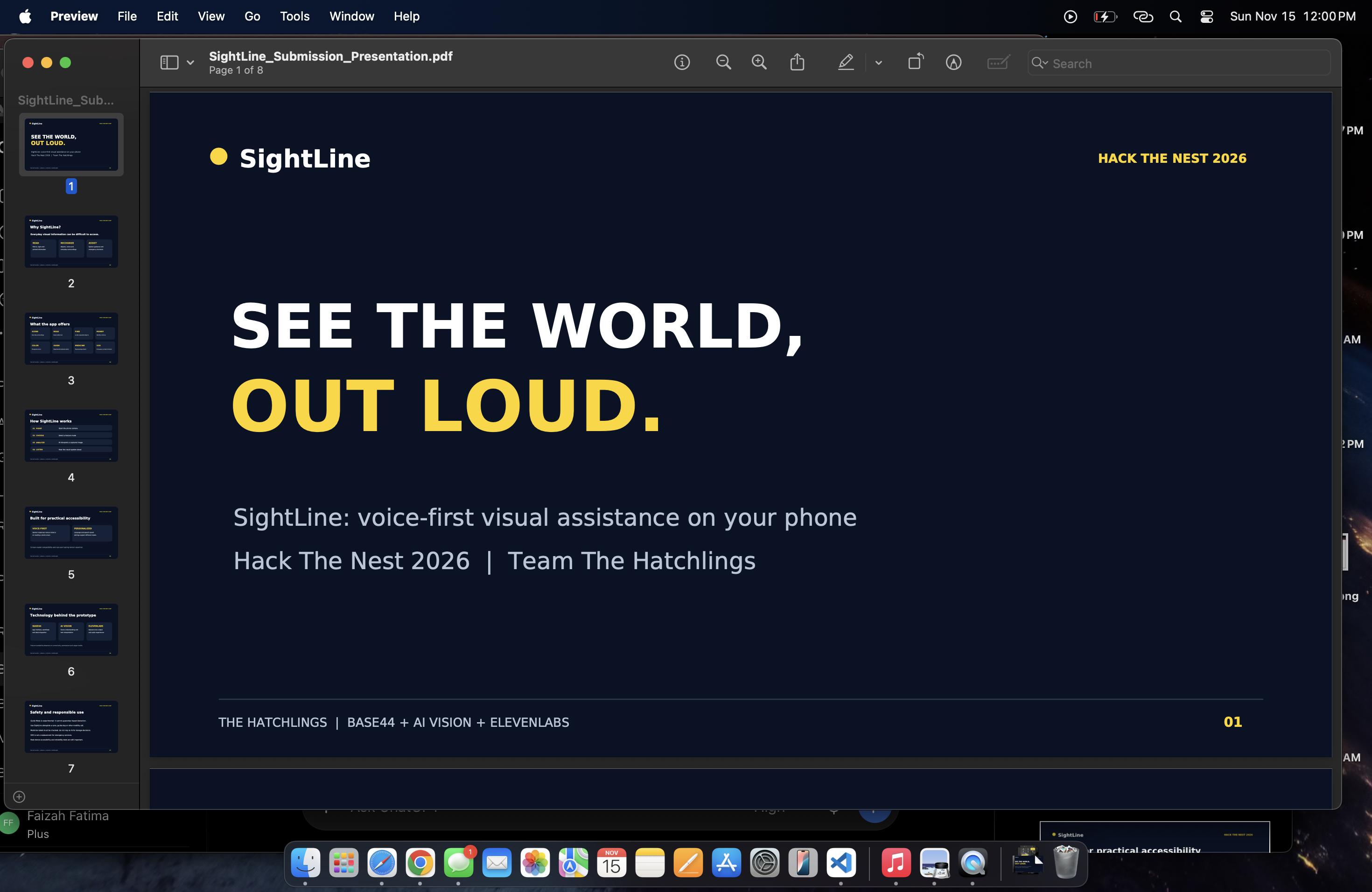
Cover photo
-
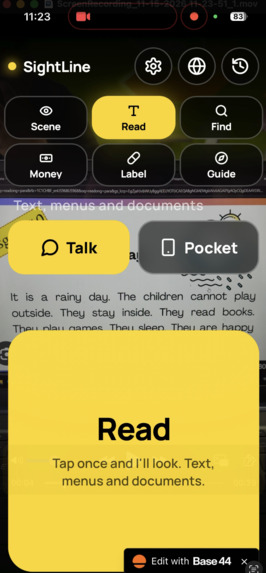
Homepage
-
Inspiration
At least 2.2 billion people worldwide live with a vision impairment (WHO). Everyday tasks like reading a menu, checking a medicine label, counting money, matching clothes, or walking around an obstacle still often mean asking someone else for help. We wanted to build a free, voice-first assistant that works on any phone, in any language.
What it does
SightLine turns a phone camera into a talking guide. Tap anywhere on the screen and it speaks what it sees.
- Scene – describes surroundings, safety issues first, with left/right/ahead directions
- Read + Document helper – reads text, summarizes letters and bills, and tells you what you need to do and by when
- Find – tells you if an object is visible and where
- Money – identifies bills and coins
- Color – identifies colors, helps sort laundry and match clothes, and checks whether food looks fresh or spoiled
- Medicine – reads medicine and food labels, warns about expired items, and answers "What is it for?" / "Any warnings?" using trusted web sources (with citations)
- Guide – real-time obstacle alerts while walking, using on-device AI
- Voice follow-ups – hold to ask anything about the same photo
- Pocket mode – shake to describe, double-tap to repeat, swipe to change mode, completely hands-free
- SOS – sends your GPS location and a description of your surroundings to an emergency contact
- 30+ languages with automatic language detection
- Sound cues for capturing, thinking, success and obstacle warnings
How we built it
- Base44 – the full app: UI, backend functions, secrets, database (history and SOS alerts) and hosting
- ElevenLabs – Text to Speech (Flash v2.5 and Multilingual v2), Speech to Text (Scribe) for spoken questions with language detection, and Sound Effects for the audio cues
- Google Gemini 3.5 Flash – vision for every camera mode
- Exa Answer API – trusted web lookups with sources for medicine and product questions
- TensorFlow.js COCO-SSD – on-device object detection for instant Guide alerts
Challenges we ran into
- We ran out of Base44 integration credits mid-build, so we moved vision to our own Gemini backend function. That also made it faster, since photos skip the upload step.
- Guide mode was too slow through the cloud, so we moved obstacle detection onto the phone and only check the cloud every 8 seconds for stairs and doors.
- iPhone Safari needs explicit permission for motion sensors and pauses the camera when the microphone starts, which took several rounds of fixes.
Accomplishments that we're proud of
A working, accessible app with 11 features built in under 24 hours by a team of four. Everything works by voice, with large touch targets, screen-reader labels and a fully hands-free Pocket mode.
What we learned
How to design for blind users: short spoken answers, safety first, directions instead of descriptions, and never relying on the screen alone. We also learned how to combine on-device and cloud AI to balance speed and accuracy.
What's next for SightLine
- Talk mode – a fully hands-free, real-time conversation using ElevenLabs Agents (in progress)
- Personal memory ("remember my blue mug")
- Testing with blind and low-vision users, and an App Store release
Built With
- base44
- elevenlabs
- exa
- gemini
- javascript
- react
- tensorflow.js


