-
-
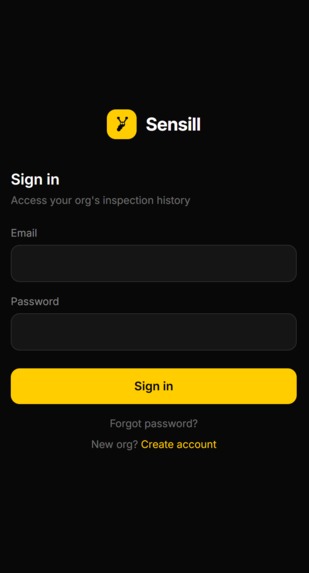
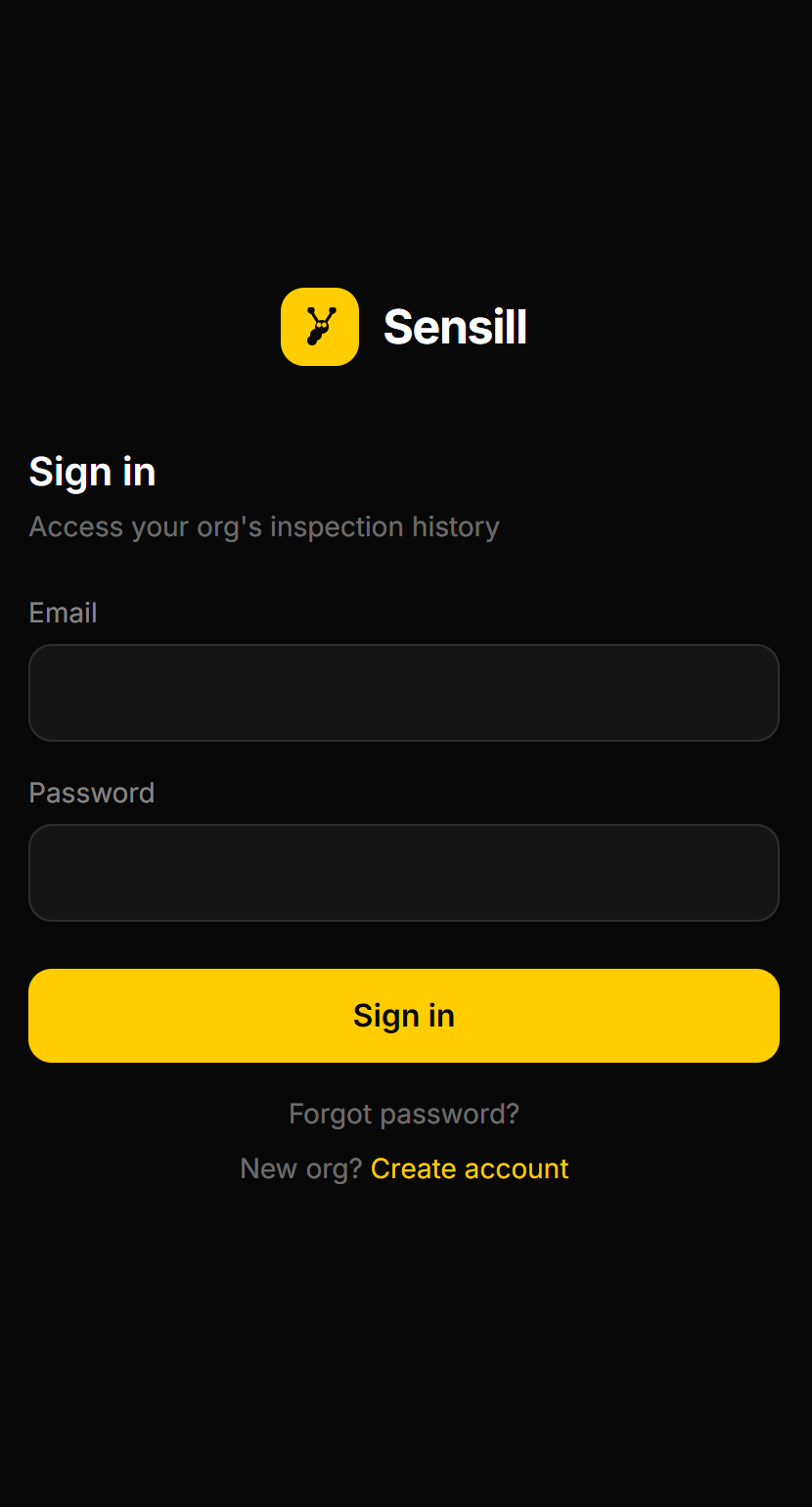
Sign In Screen
-
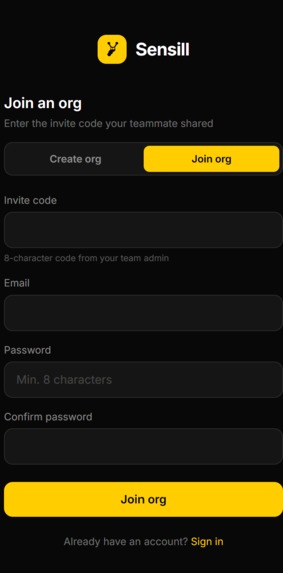
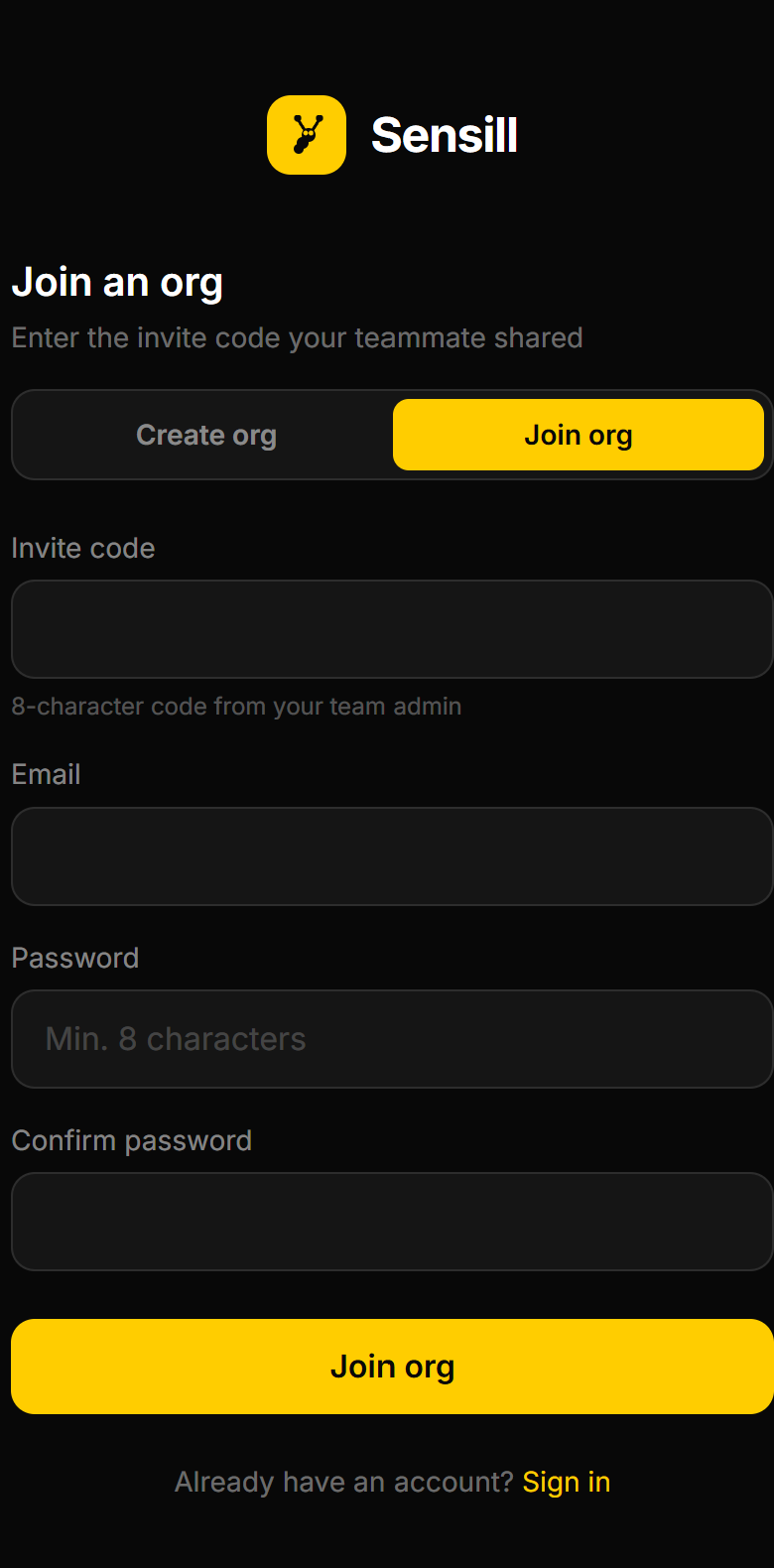
Join Team Screen
-
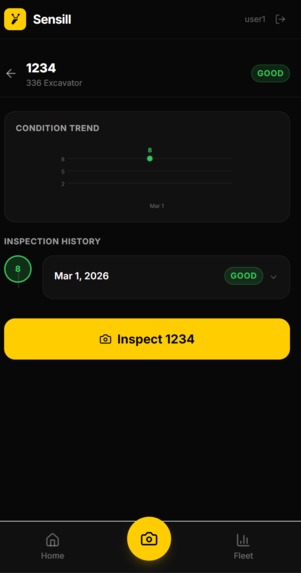
View Analysis
-
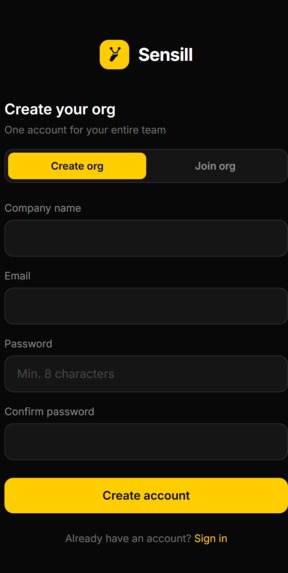
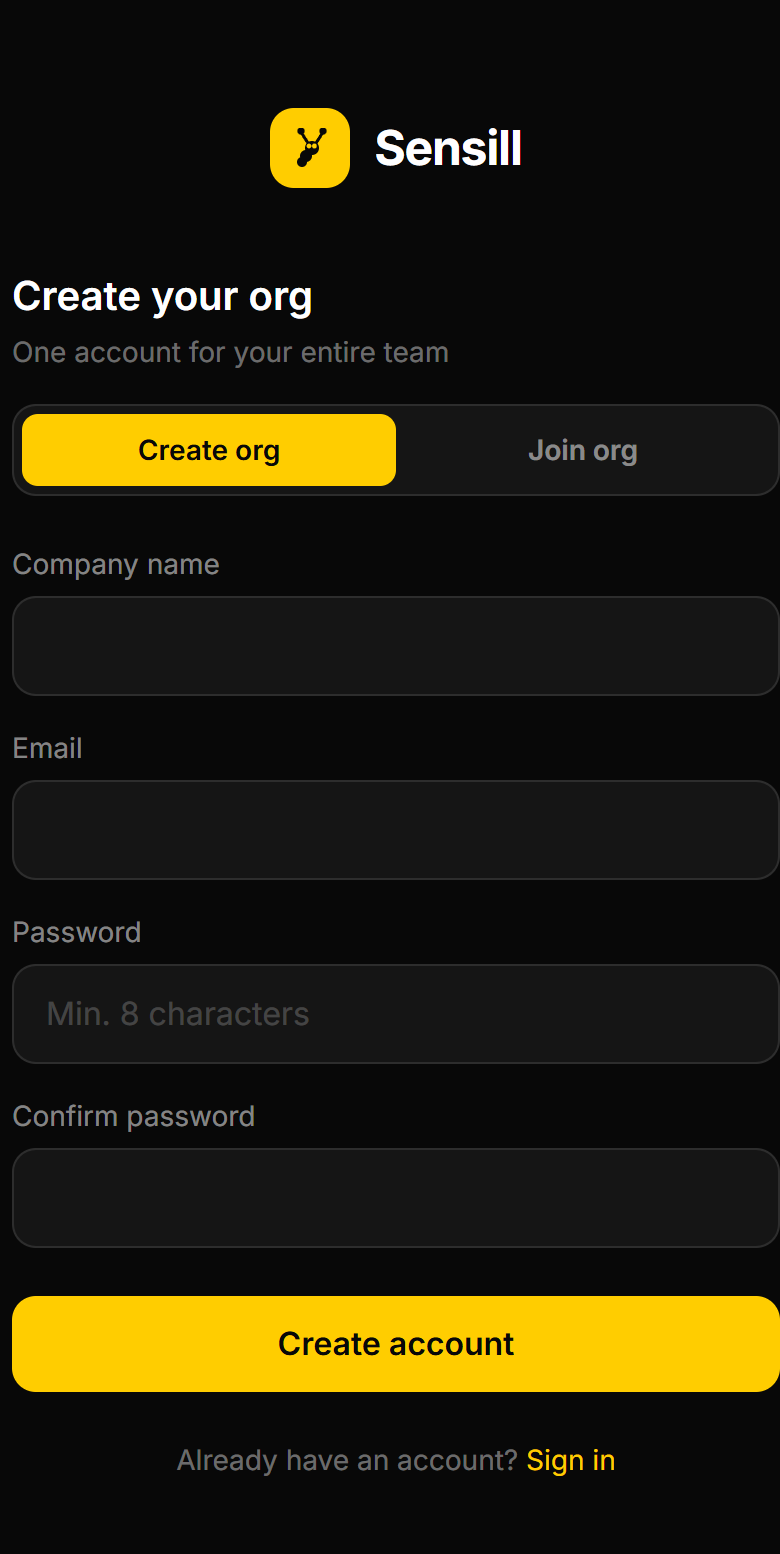
Create Account Screen
-
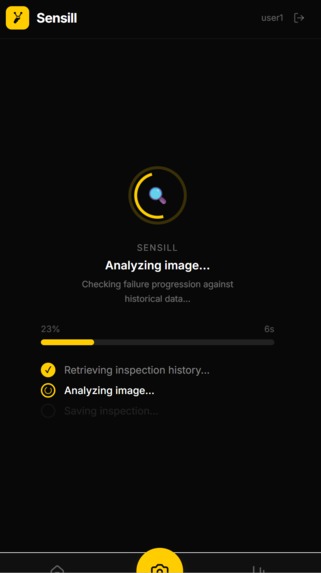
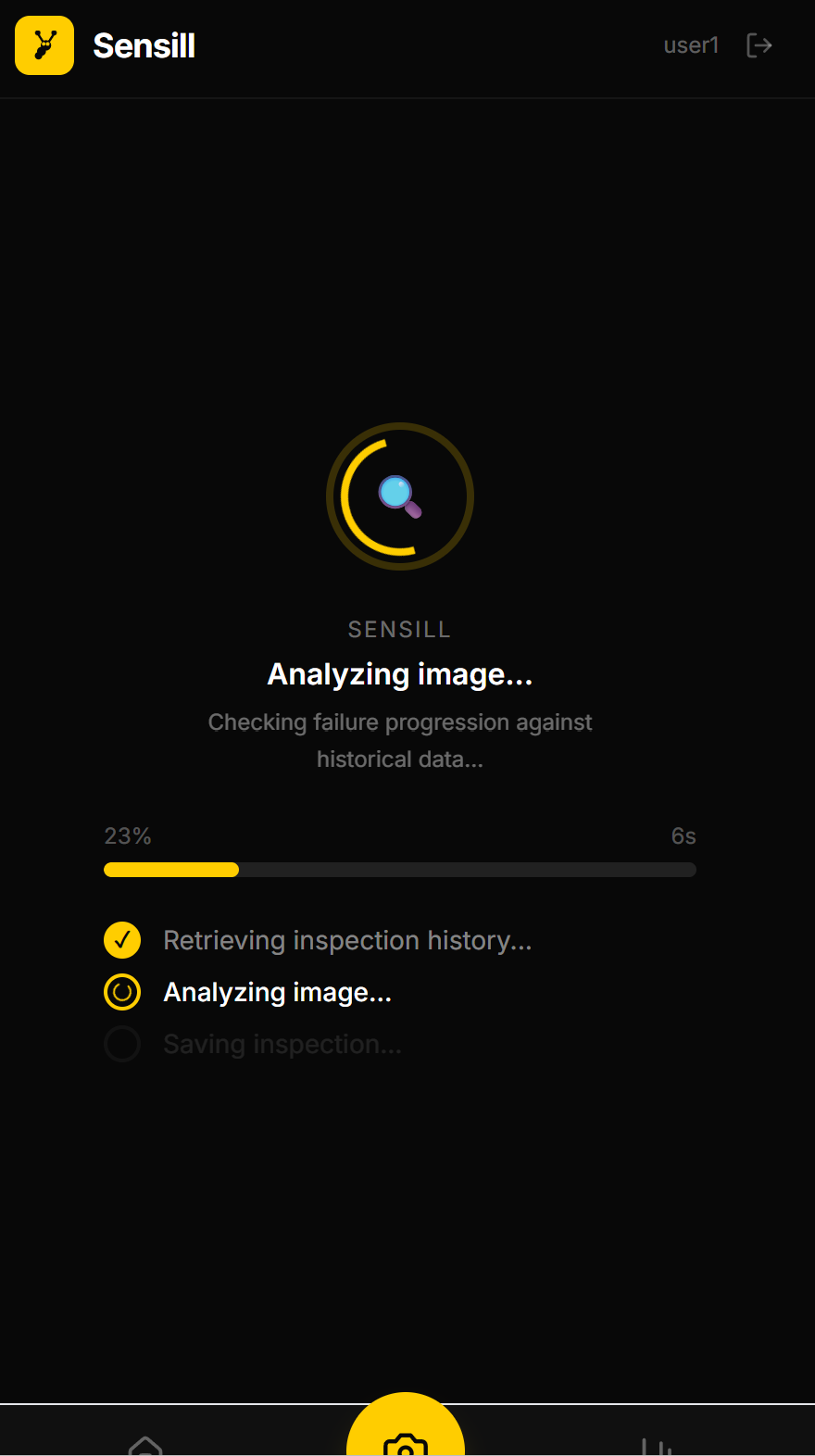
Loading Screen
-
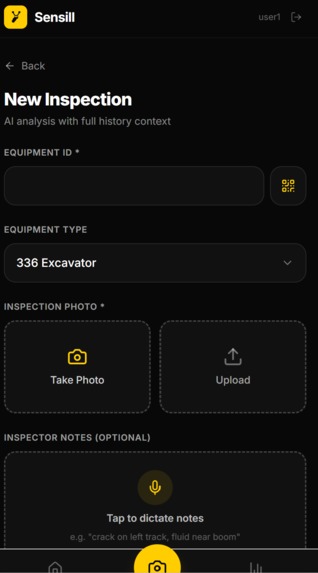
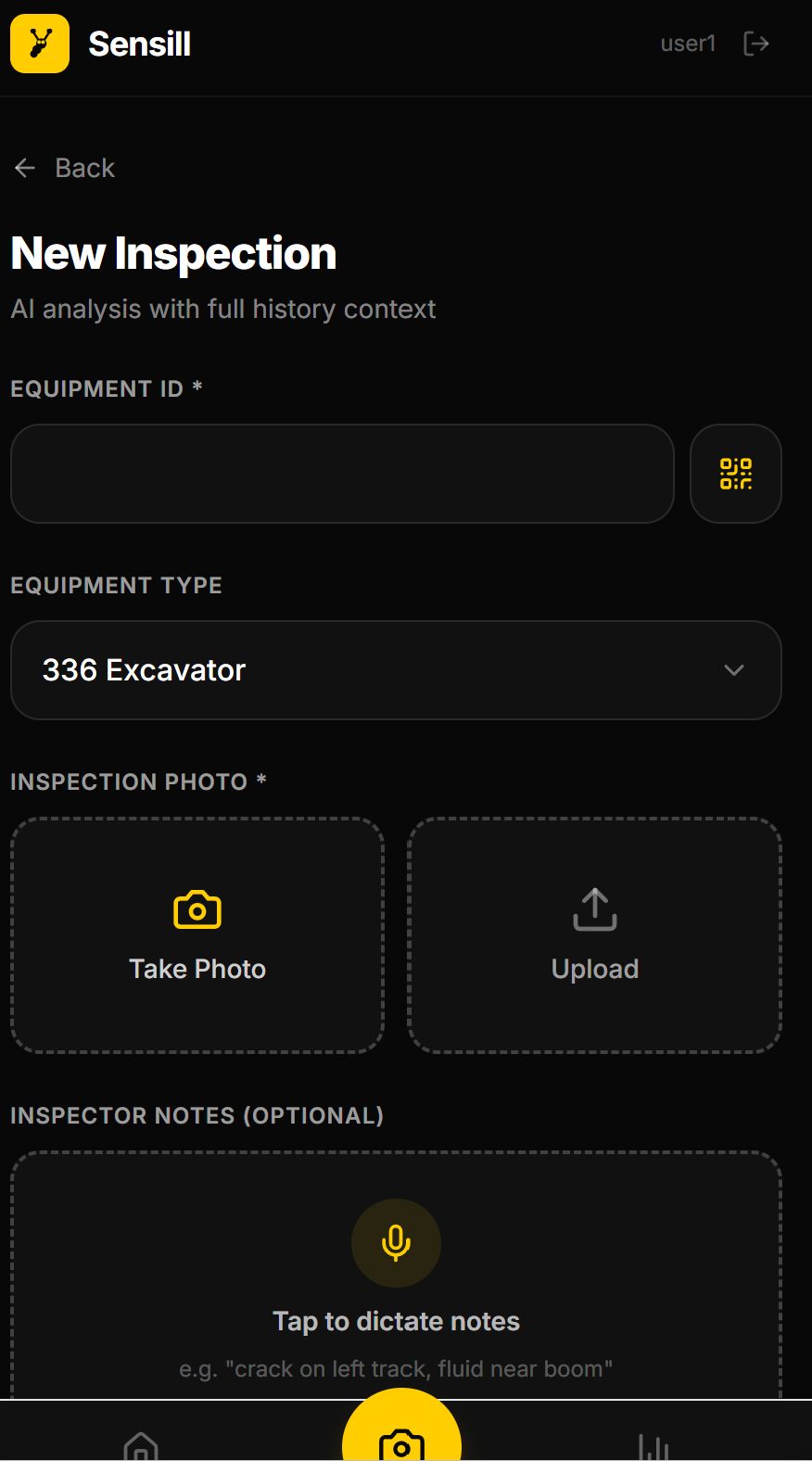
New Inspection Screen
-
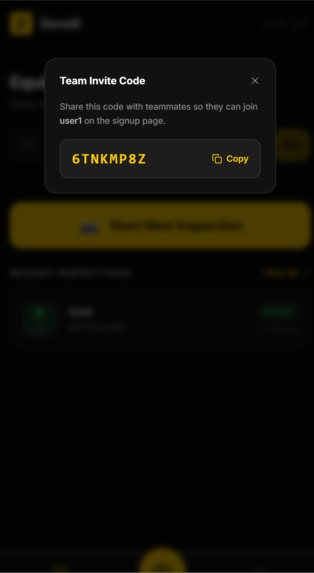
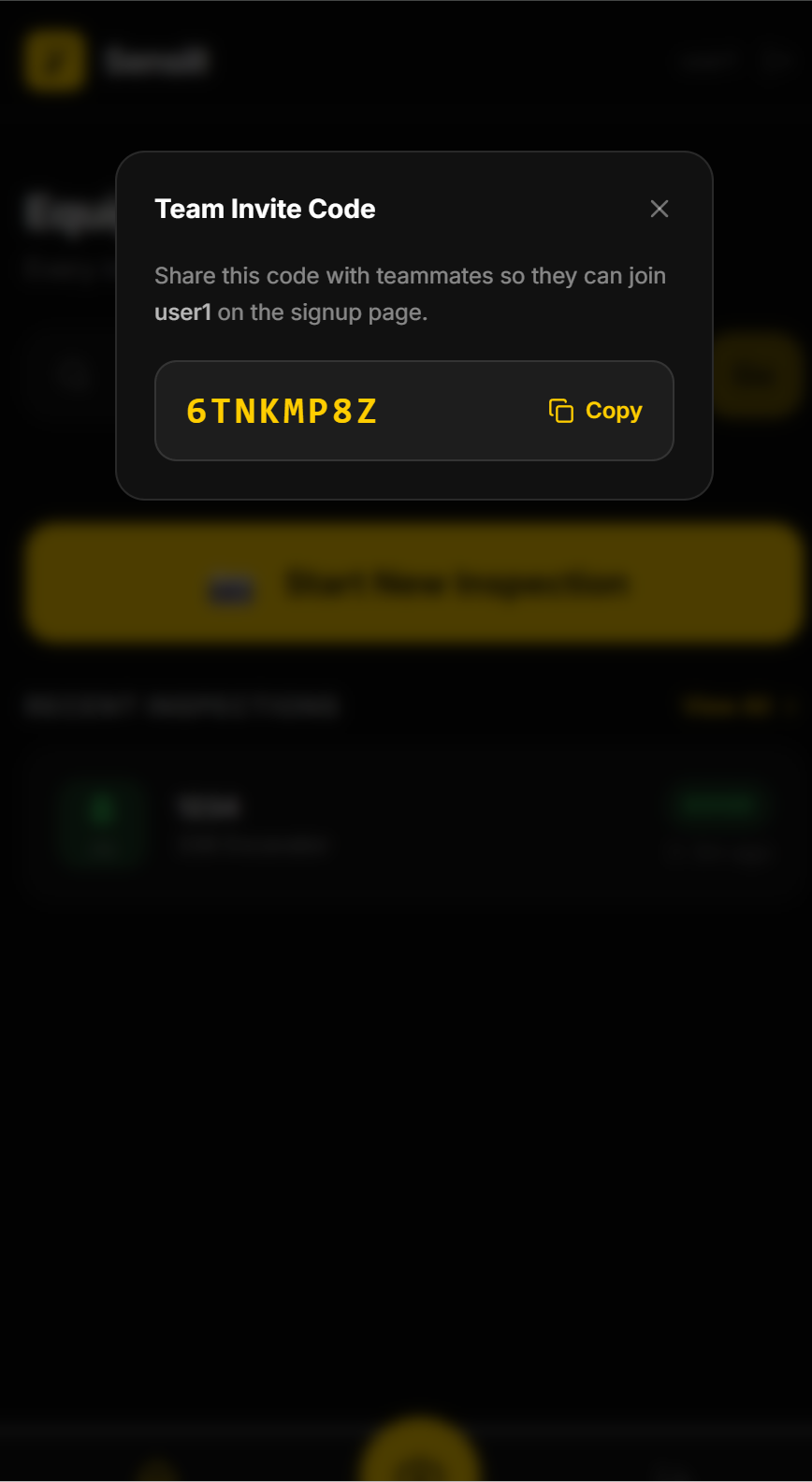
Join Code Screen
-
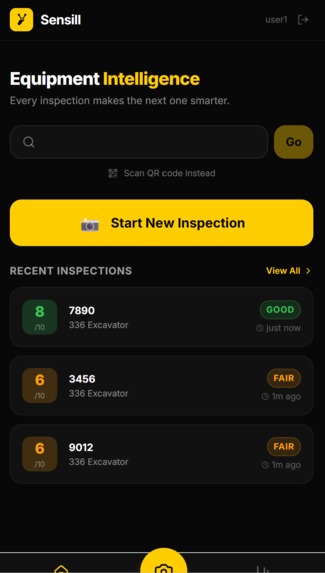
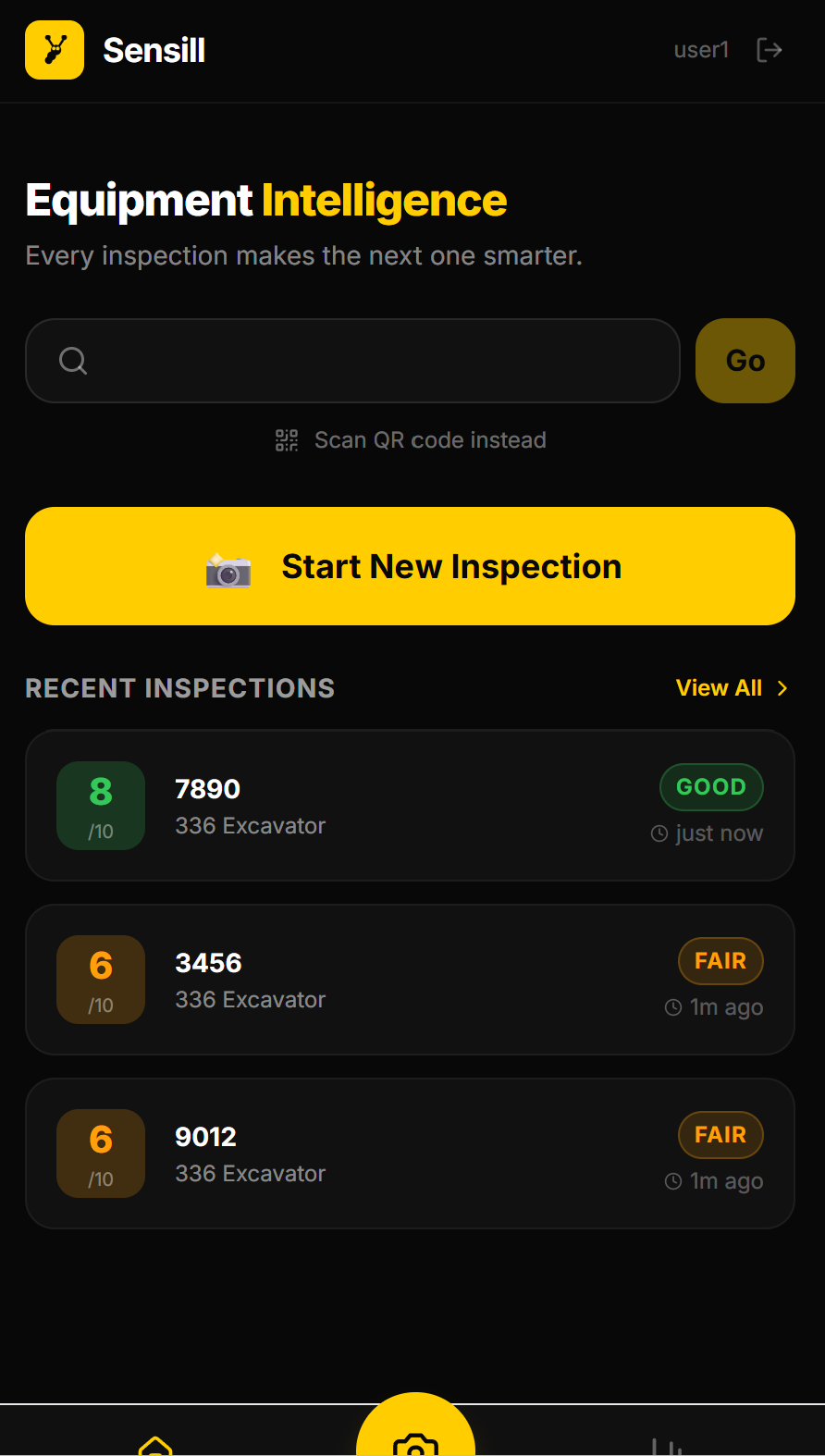
Home Screen
-
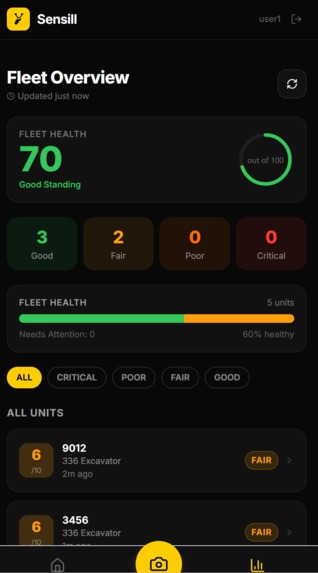
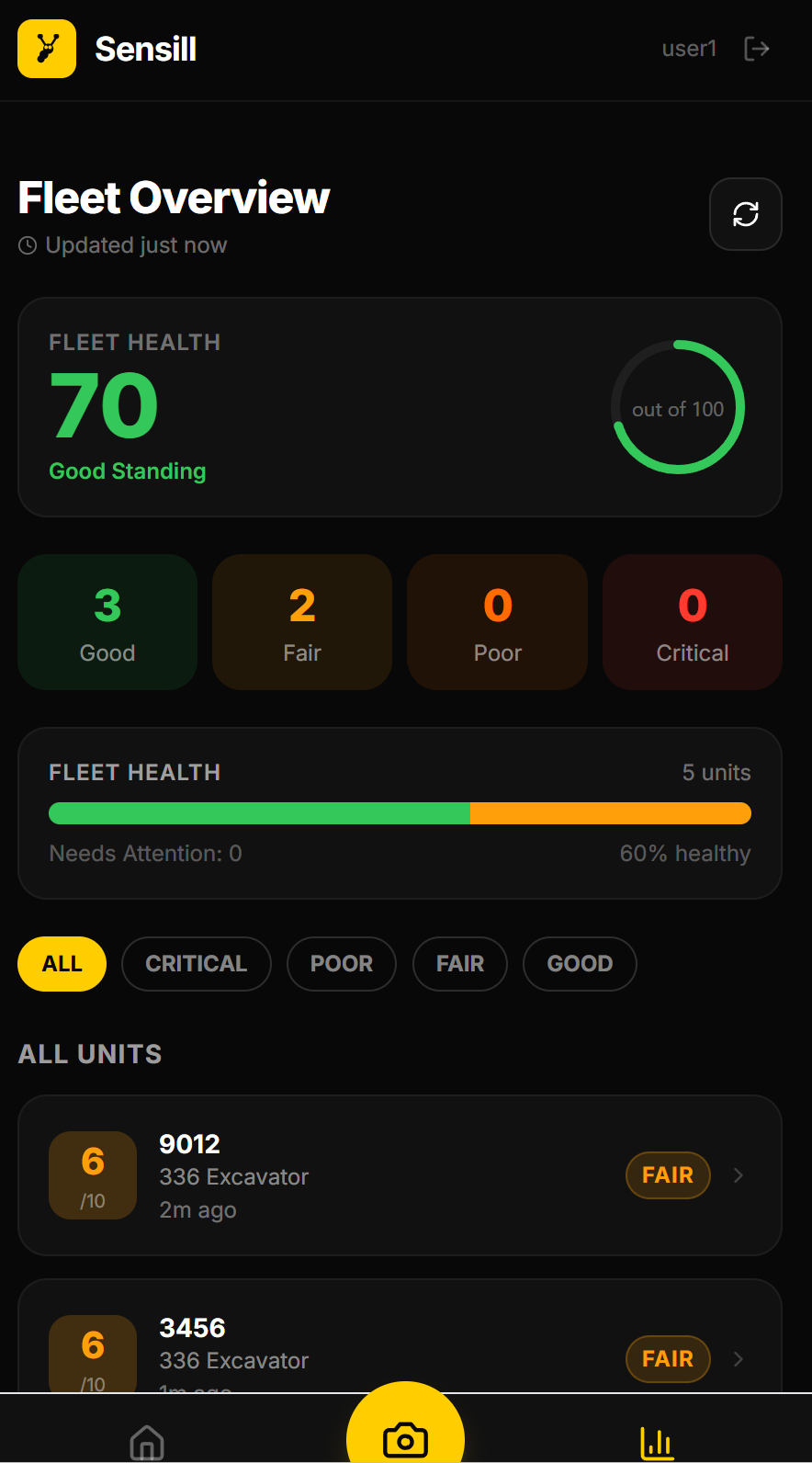
Fleet Screen
-
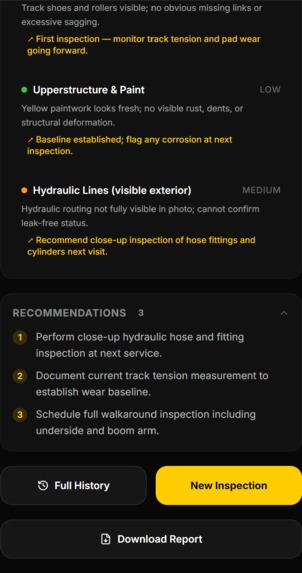
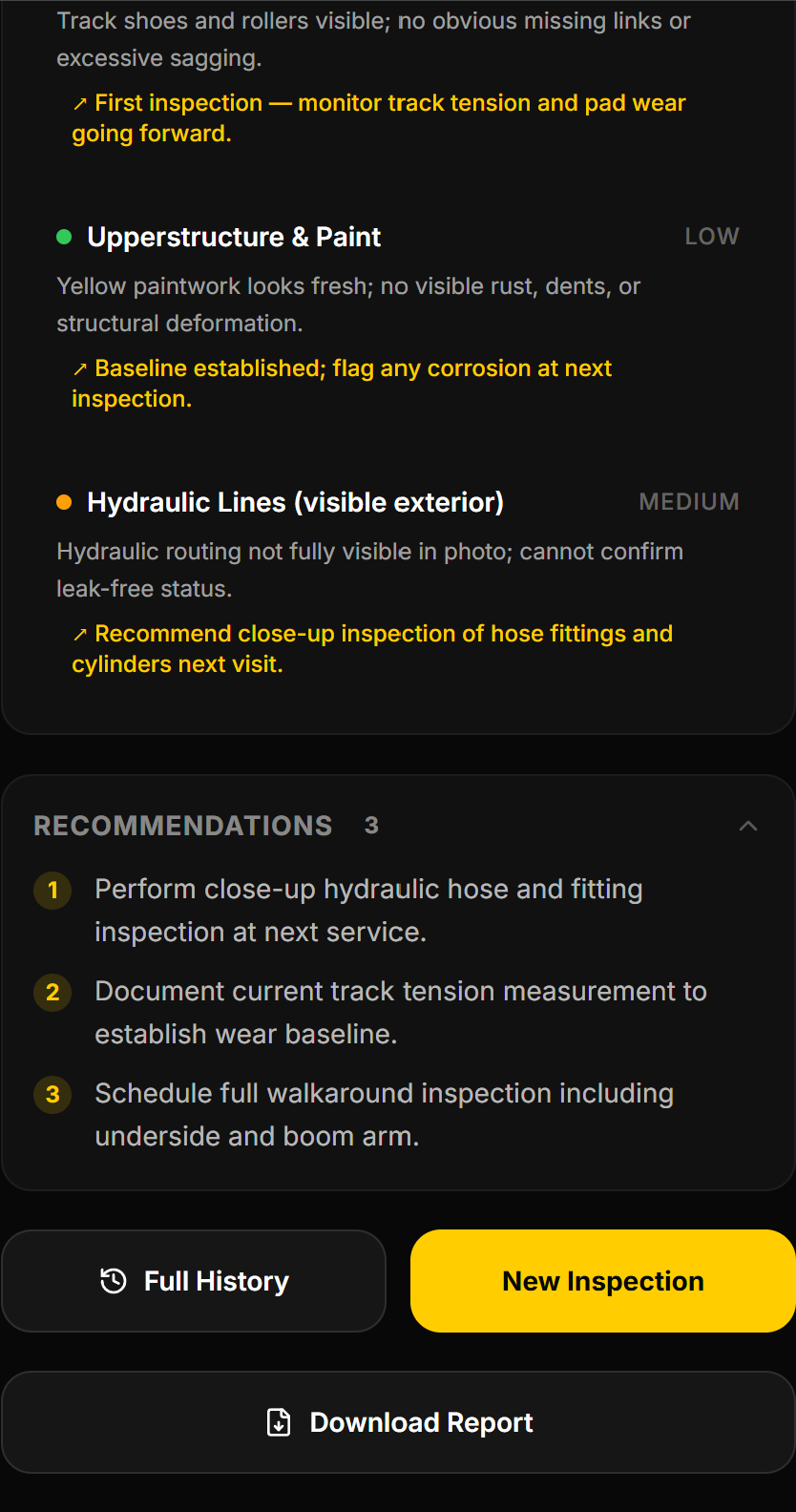
Machine Analysis 2
-
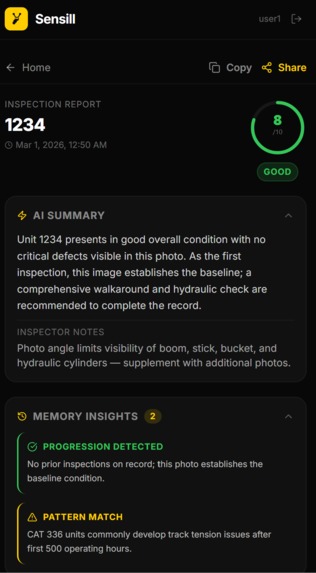
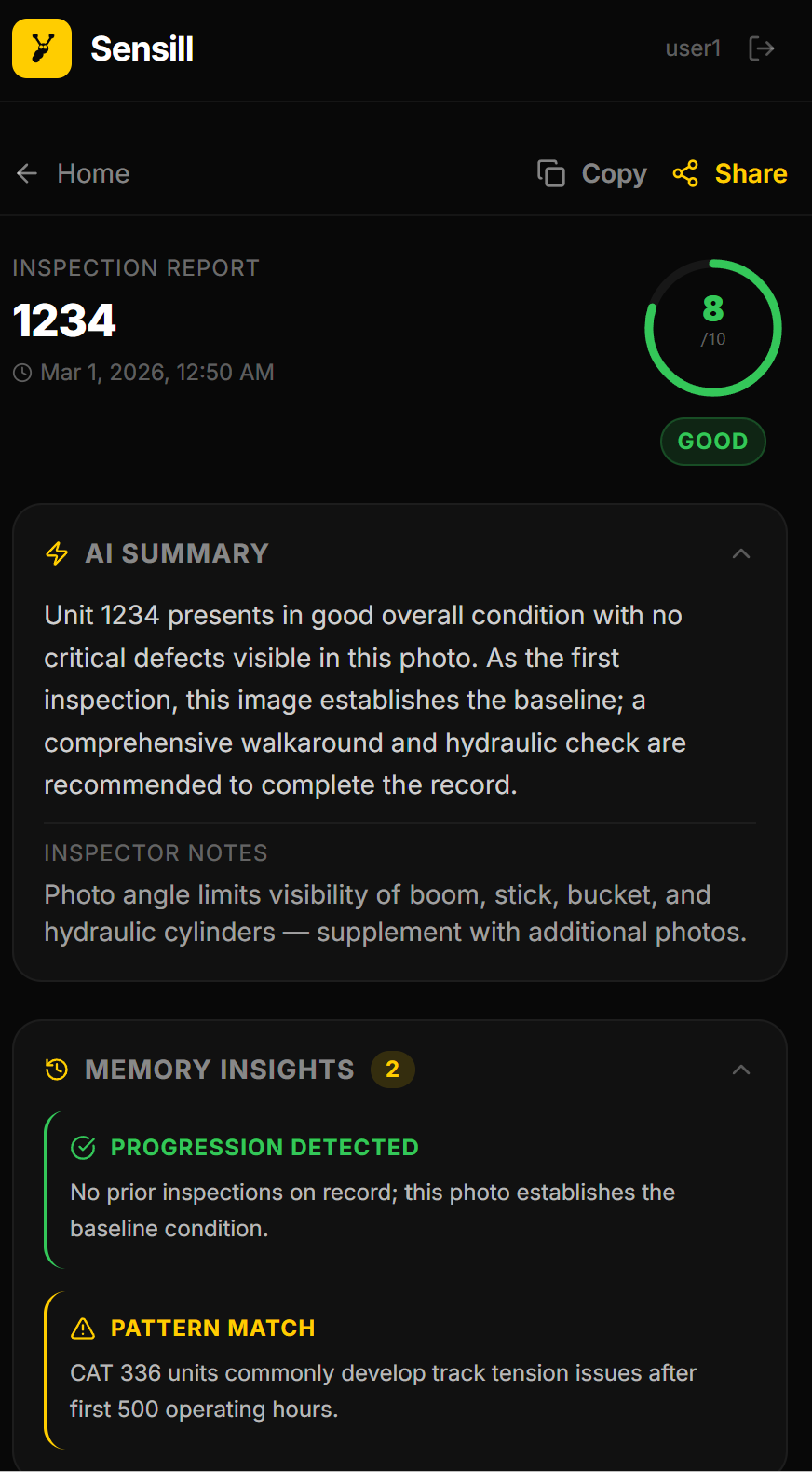
Machine Analysis 1
-
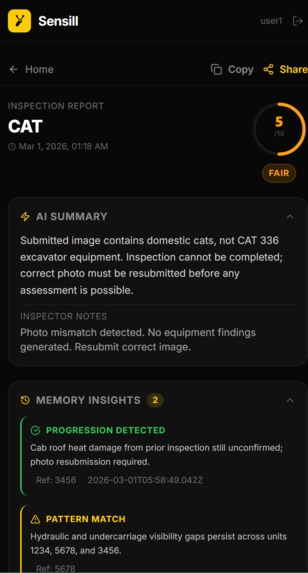
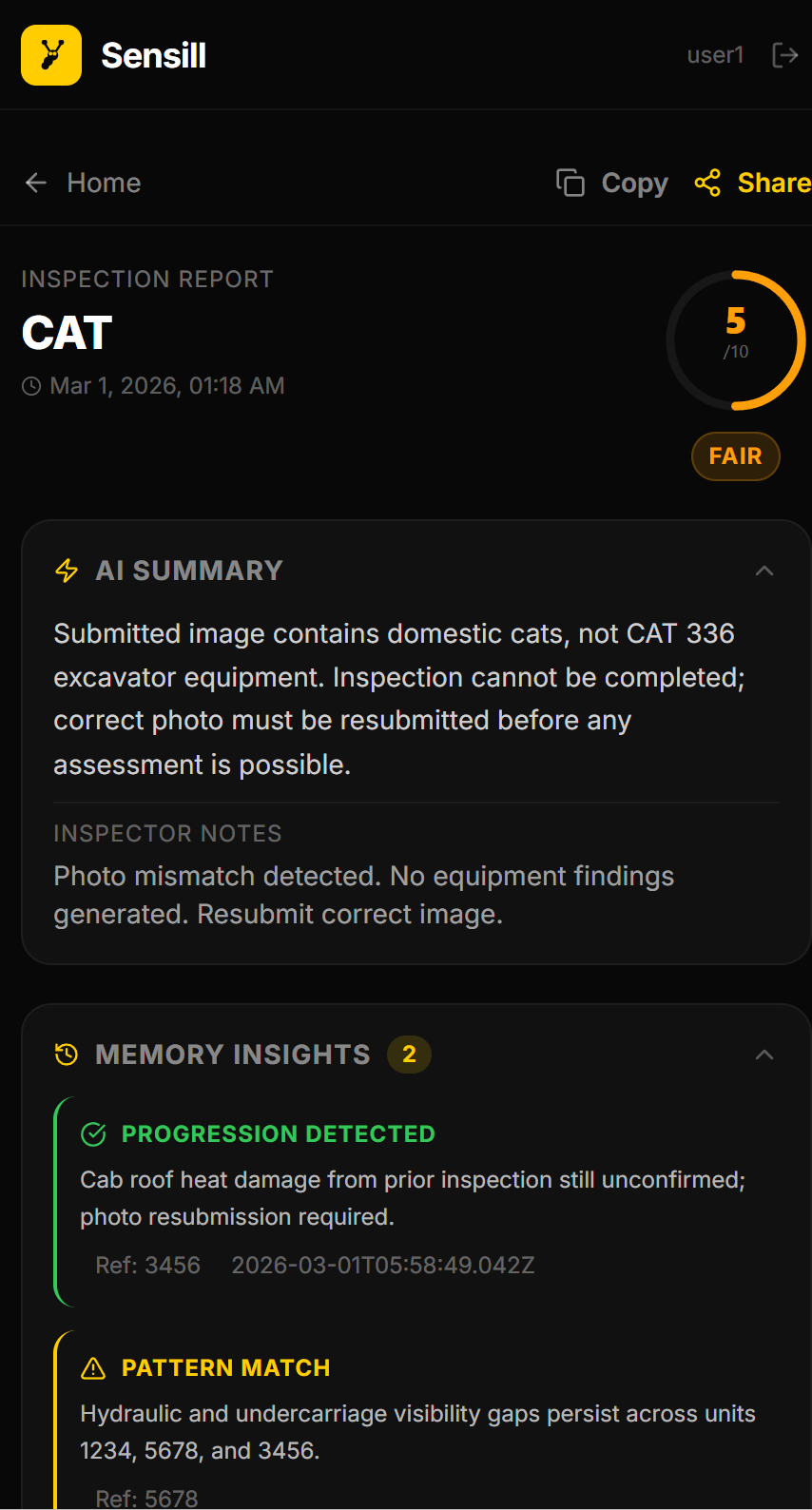
Incorrect Analysis 1
-
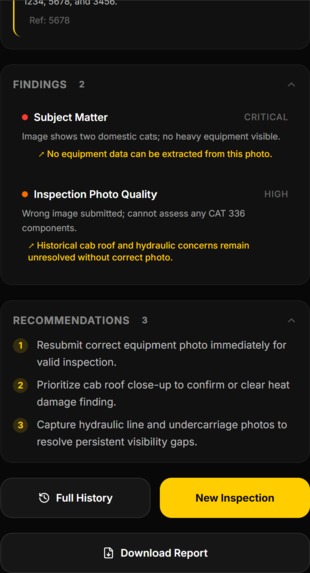
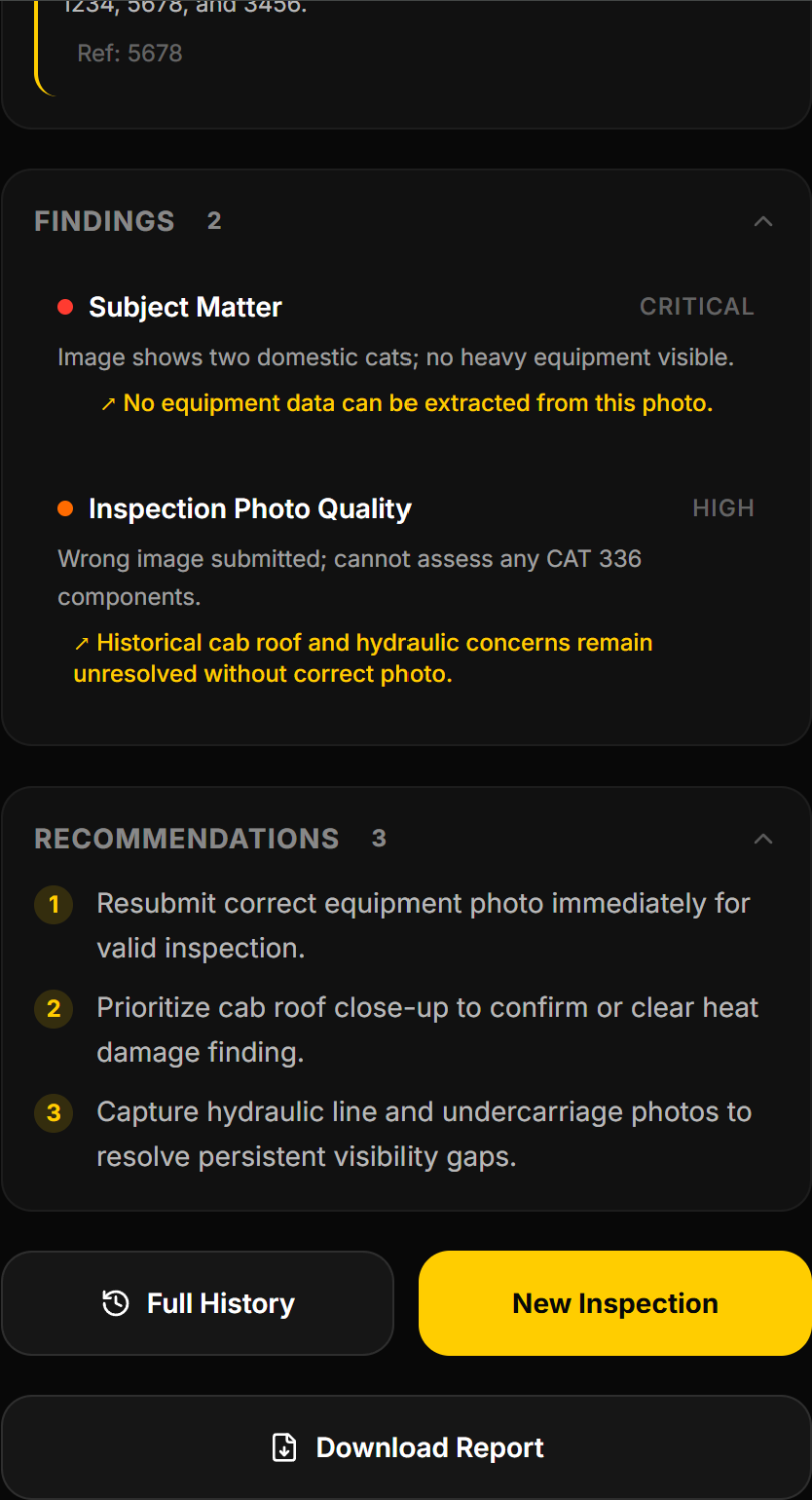
Incorrect Analysis 2
-
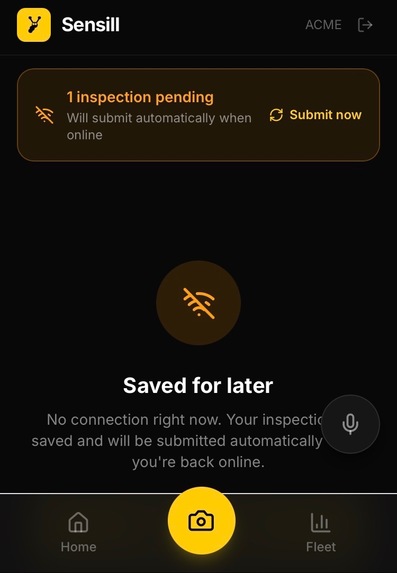
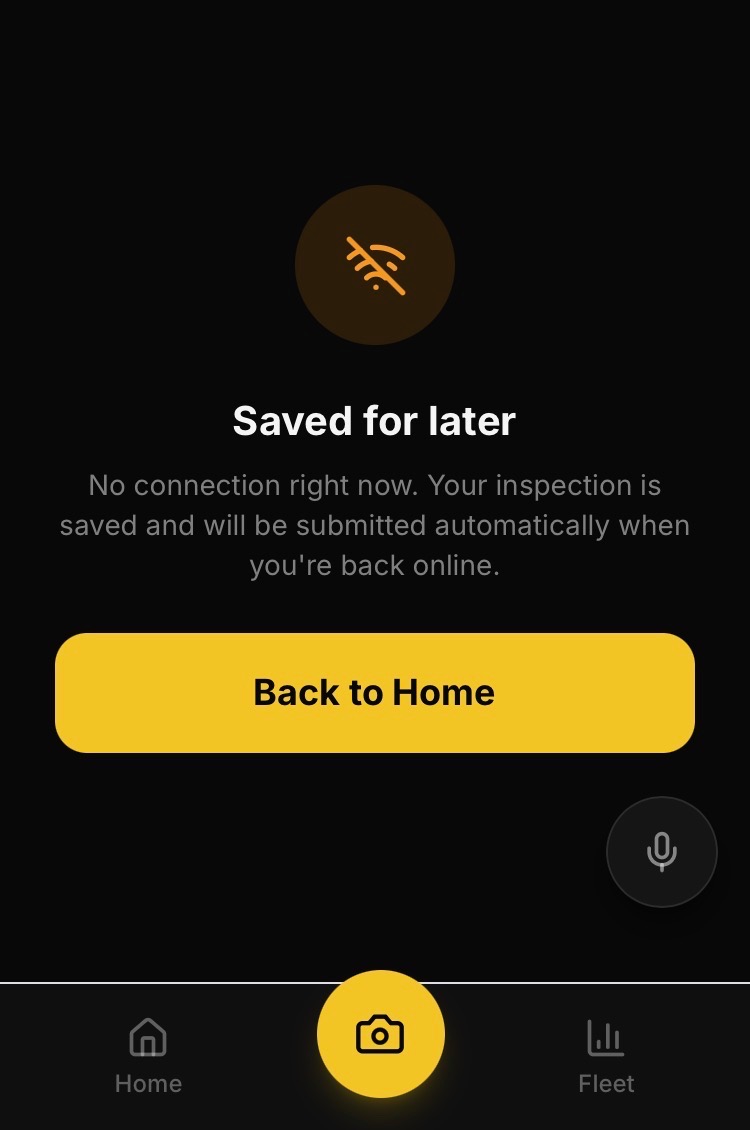
Offline Queueing 0.5
-
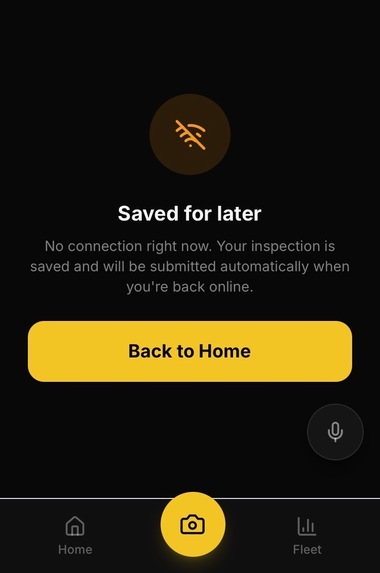
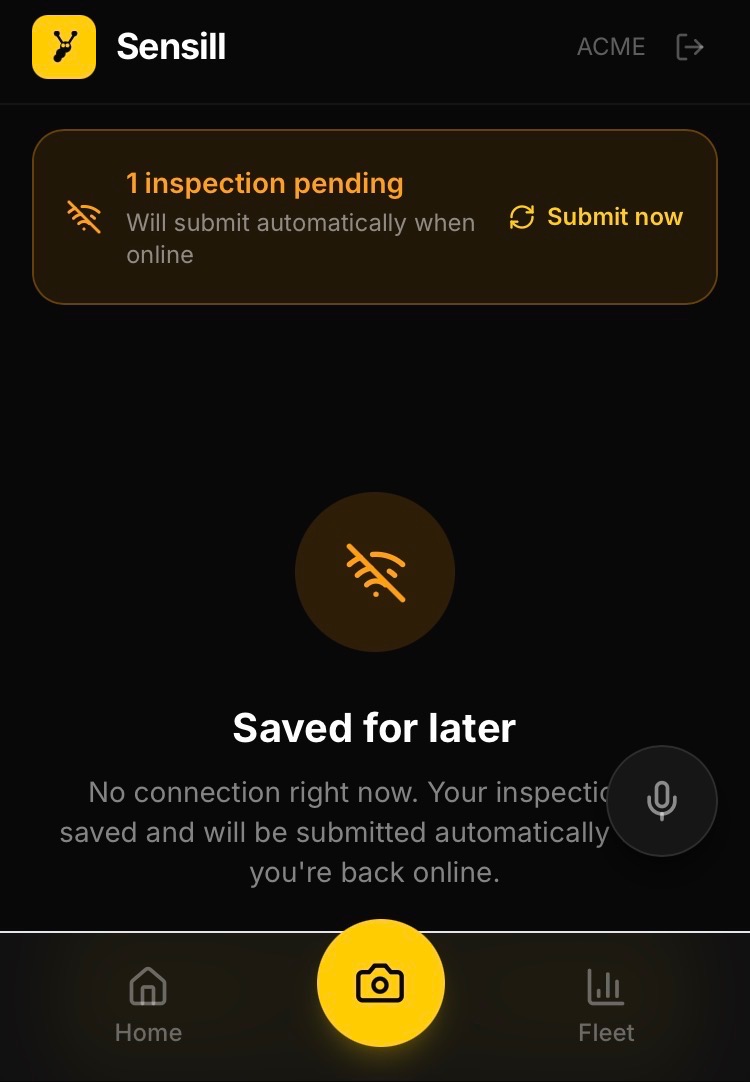
Offline Queueing 1
-
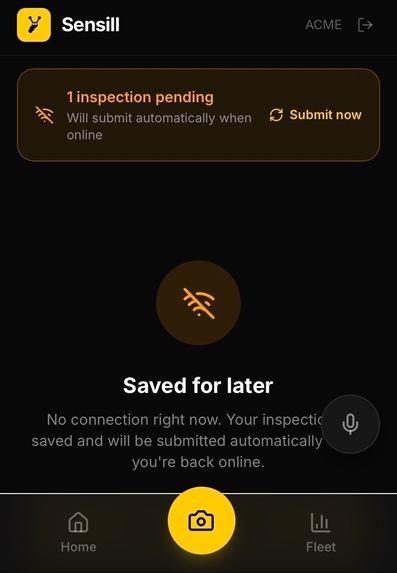
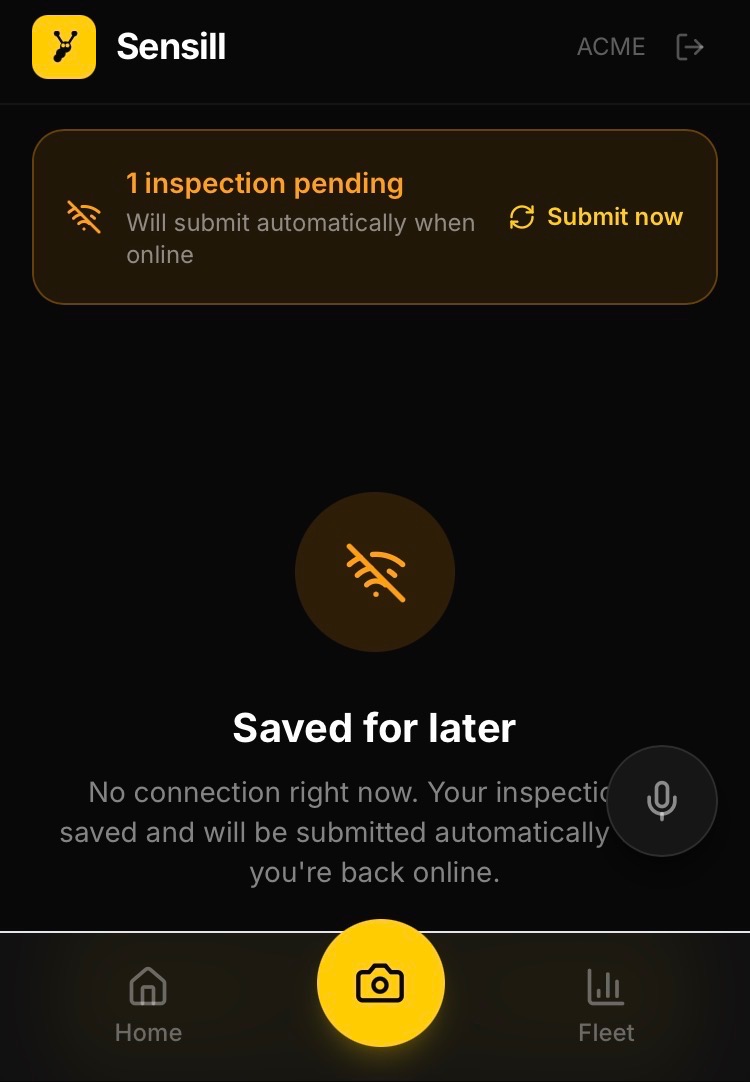
Offline Queueing 2
-
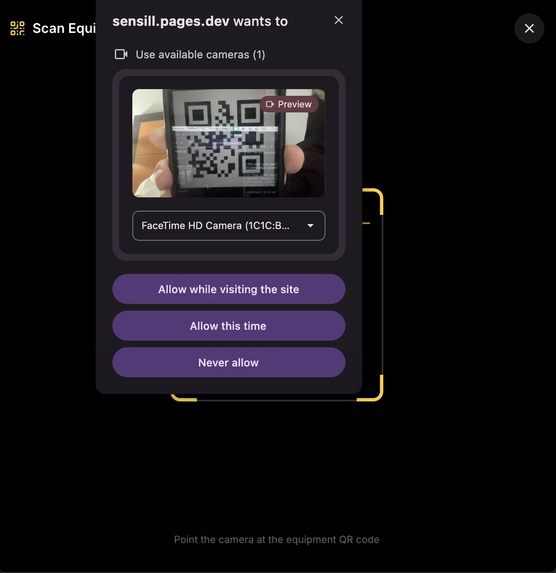
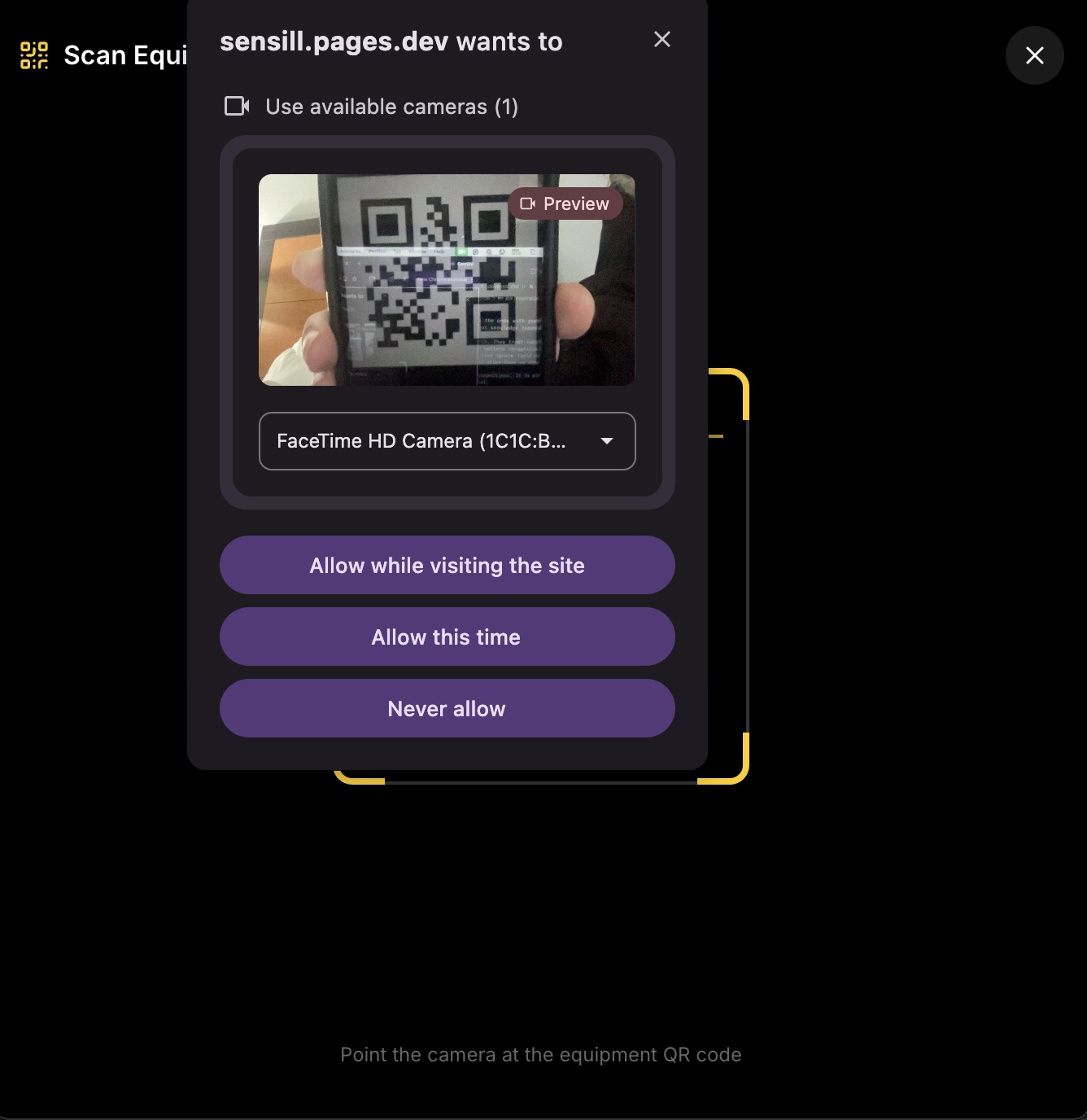
QR code working
-
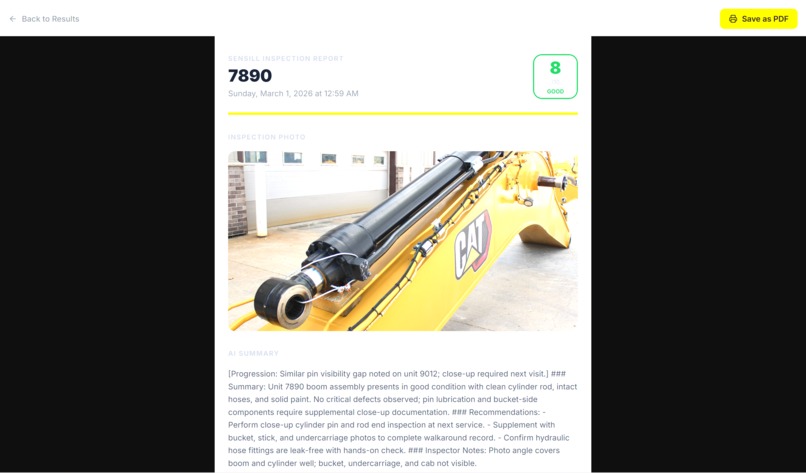
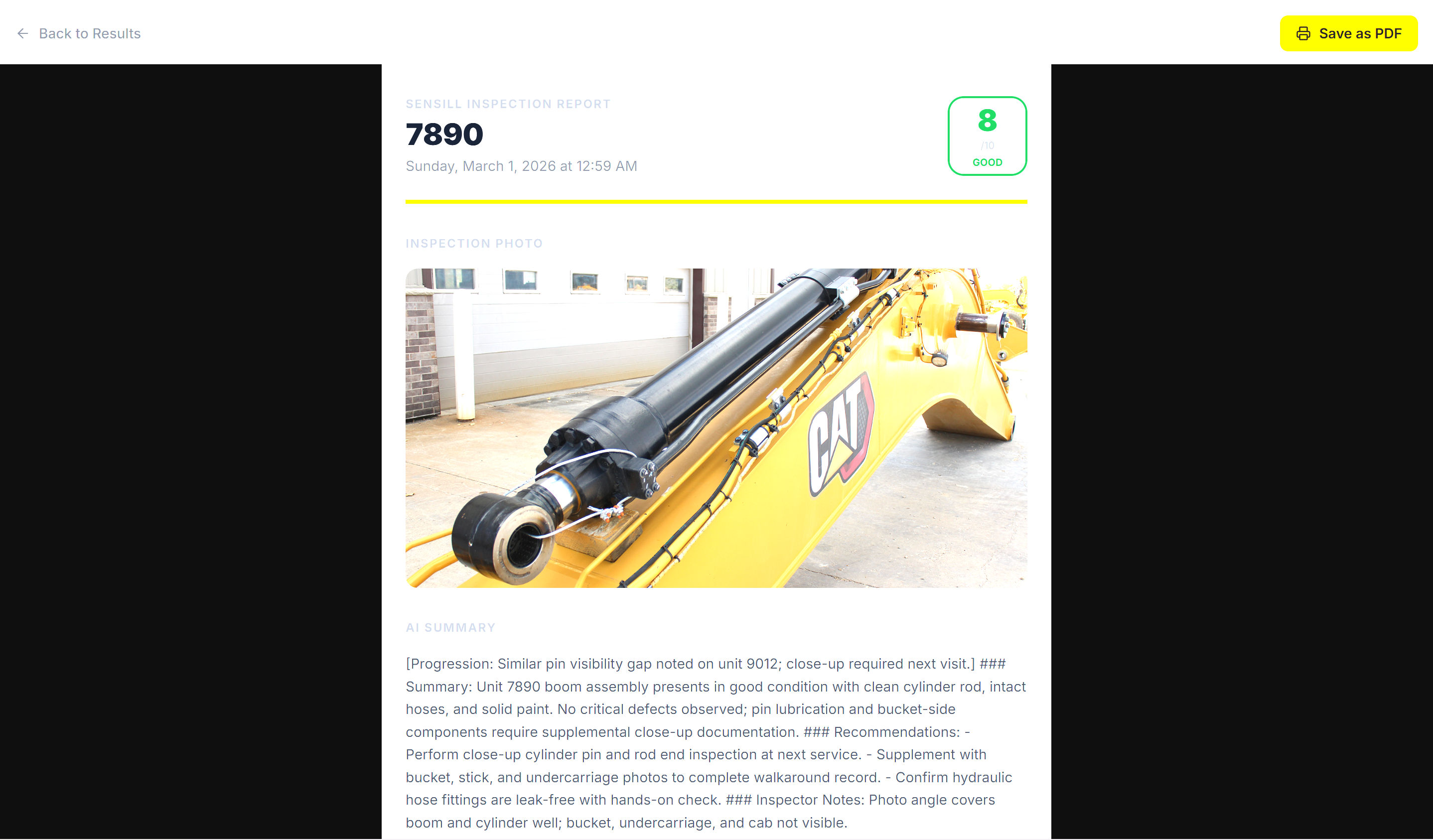
Download PDF Screen
Inspiration
Heavy equipment failure costs $250,000+ per day in lost production. A single missed hydraulic fault on a CAT excavator can cascade into a full drivetrain replacement — the kind of failure that shuts down a mining site for weeks. The mechanics who catch these early are the ones with years of experience on that specific fleet. When they leave, that knowledge leaves with them.
Most inspection tools make this worse. They treat every submission as a standalone event with no memory, no pattern recognition, and no connection to what happened on other units. They also ignore field reality: inspectors wear gloves, work in direct sunlight, and often have no signal.
The root problem is not a lack of inspections. It is a lack of institutional memory. Sensill was built to fix that.
What it does
Sensill is an AI-powered heavy equipment inspection platform that gives every inspector the
pattern recognition of a 20-year veteran, and gives every fleet a memory that never retires.
Detailed feature breakdown:
QR Code Scanning: Field inspectors scan a QR code on the equipment to instantly pull up the unit ID, no typing required. This keeps things fast and accurate, especially when wearing gloves on a job site.
AI-Powered Visual Inspection (Claude): Inspectors take a photo of the equipment and Claude analyzes it for faults, wear, and damage across hydraulics, undercarriage, and structural components. Each finding is rated LOW to CRITICAL with a condition score out of 10.
Supermemory, Inspections That Learn Over Time: Every inspection is stored in Supermemory, a semantic memory layer that lets the AI reference past reports on the same unit and similar failures across the whole fleet. By inspection 50, the system can recognize a hydraulic fault is following the exact same failure pattern seen on a different unit months earlier, before it becomes critical.
Offline Queue: If a field inspector loses connectivity, inspections are saved locally to the device and automatically submitted the moment the connection returns. No data is lost, and inspectors never have to retry manually.
Fleet Dashboard: A live overview of every unit in the fleet ranked by health score, showing which machines are in good shape and which need immediate attention. Critical units are surfaced first with color-coded condition indicators.
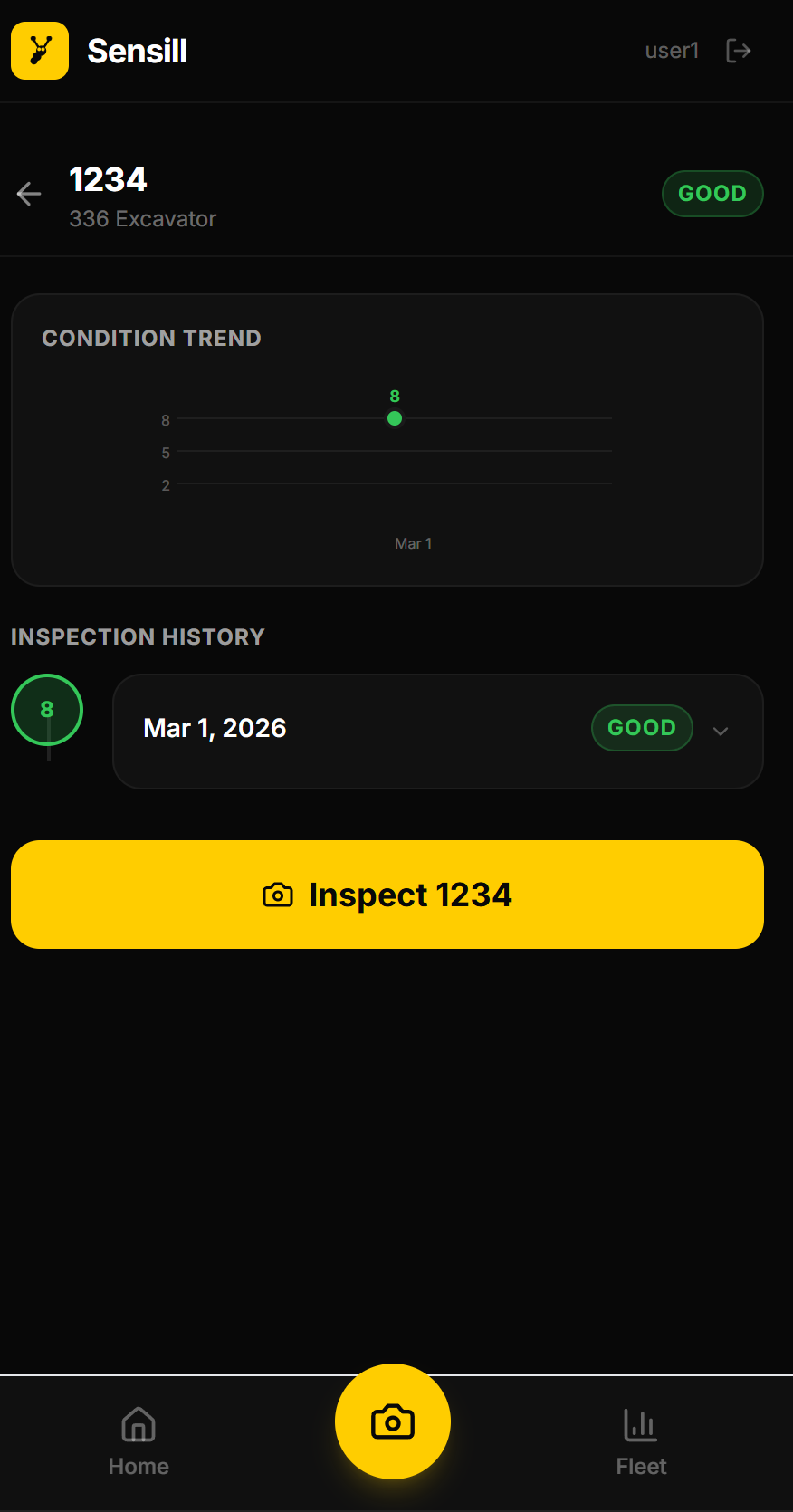
Inspection History & Trend Tracking: Every unit has a full inspection timeline with a condition score graph over time, so managers can see whether a machine is improving, stable, or deteriorating. Trend arrows and expandable entries show exactly what changed and when.
PDF Report Download: Any inspection can be exported as a clean, print-ready PDF report including the photo, AI findings, severity ratings, recommendations, and inspector notes. It's formatted for sharing with maintenance teams or keeping on file.
How we built it
We built Sensill around two constraints: it has to work in the field and get smarter over time. Every technical decision flows from those two things.
The frontend is a mobile-first React PWA built with Vite and Tailwind CSS — installable to a home screen, dark-themed for outdoor readability, and designed to work without a reliable connection. Field-focused inputs like QR scanning, voice dictation, and equipment ID autocomplete are built in as first-class features.
Recap: For storage, we used Cloudflare KV for auth and fleet caching, R2 for inspection photos, and Supermemory for semantic inspection history. Supermemory is what makes the memory layer work — Every inspection is tagged by equipment ID, fleet, and condition, so the right context gets retrieved at query time, not everything at once.
Challenges we ran into
A big challenge was working in parallel with branches and avoiding merge conflicts. We were both touching the same files (especially core pages and API code), so conflicts happened often. We fixed this by using small, focused branches, merging frequently, and agreeing on clear file ownership and naming so changes were easier to combine.
Another challenge was getting the API and Cloudflare set up stably online. Local code worked, but deployment issues like route paths, env vars, bindings, and CORS could break the live app. We solved this by standardizing our Cloudflare setup (Workers + Pages + Wrangler), using a clear /api routing pattern, verifying KV/R2 bindings, and keeping secrets/config consistent across local and production.
Browser compatibility for voice and QR features: The Web Speech API and Barcode Detection API behave differently across browsers. For example, QR scanning only works reliably in Chrome due to limited Safari support for the native Barcode Detection API, while voice dictation was initially broken on Safari until we tracked down a webkit-specific workaround that got it working across all major browsers. We added feature detection and manual fallbacks throughout, so the core inspection flow always works regardless of what the browser supports.
Accomplishments that we're proud of
AI that learns over time: each inspection uses history and fleet patterns.
Works offline: inspections queue locally and auto-sync when back online.
Strong Cloudflare stack: Pages + Workers + KV + R2 with live progress streaming.
Secure multi-tenant design: all data isolated by organization (tenantId).
Real field UX: QR scan, voice input, dashboard trends, and PDF reports.
What we learned
End-to-end product building: taking an app from idea to a deployed system.
Data and API integration: connecting app logic with memory/search systems and external services.
Cloud + backend fundamentals: deploying and debugging real services on Cloudflare.
Secure system design: implementing true multi-tenant data isolation (tenantId).
Team engineering skills: managing branches, merging conflicts, and shipping together.
What's next for Sensill
Universal QR scanning across all browsers: Right now, QR scanning relies on Chrome's native Barcode Detection API. We want to bring it to Safari and every other browser, so any inspector on any device can scan without thinking about which browser they're on.
A native iOS and Android app: A Progressive Web App gets you far, but a real app means push notifications, background sync, better camera access, and a presence on the App Store.
Push notifications for critical findings and sync events: When an inspection comes back CRITICAL, the maintenance manager should know immediately, not the next time they open the app. Real-time alerts for urgent findings and offline queue sync completions turn Sensill from a logging tool into an active safety system.
Video inspection input: Inputting short video clips can capture motion, sound, and multiple angles. Leading to a context that can better catch a hydraulic leak that only shows under load, or a rattling undercarriage that looks fine standing still.
End note!
Sensill is just getting started. The more it's used, the smarter it gets! And the gap between what a new inspector catches and what a 20-year veteran catches gets smaller every time. The goal is simple: make sure no fleet ever loses a machine to something it should have seen coming.
Built With
- anthropic-claude-api
- barcodedetector-api
- cloudflare-kv
- cloudflare-pages
- cloudflare-r2
- cloudflare-workers
- css
- framer-motion
- html
- idb
- indexeddb
- javascript
- jwt
- mediadevices-api
- react
- resend-api
- server-sent-events
- supermemory-v3-api
- tailwind-css
- typescript
- vite
- vite-plugin-pwa
- web-crypto-api
- web-speech-api
- workbox
- wrangler


Log in or sign up for Devpost to join the conversation.