-
-
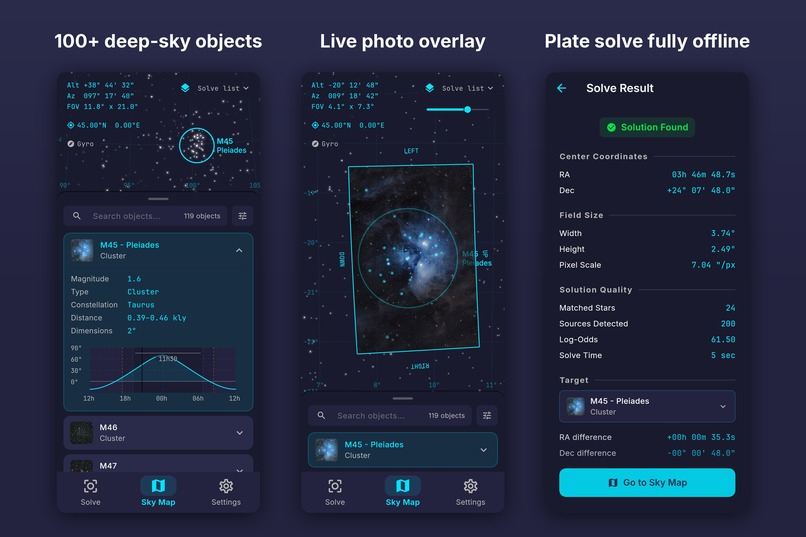
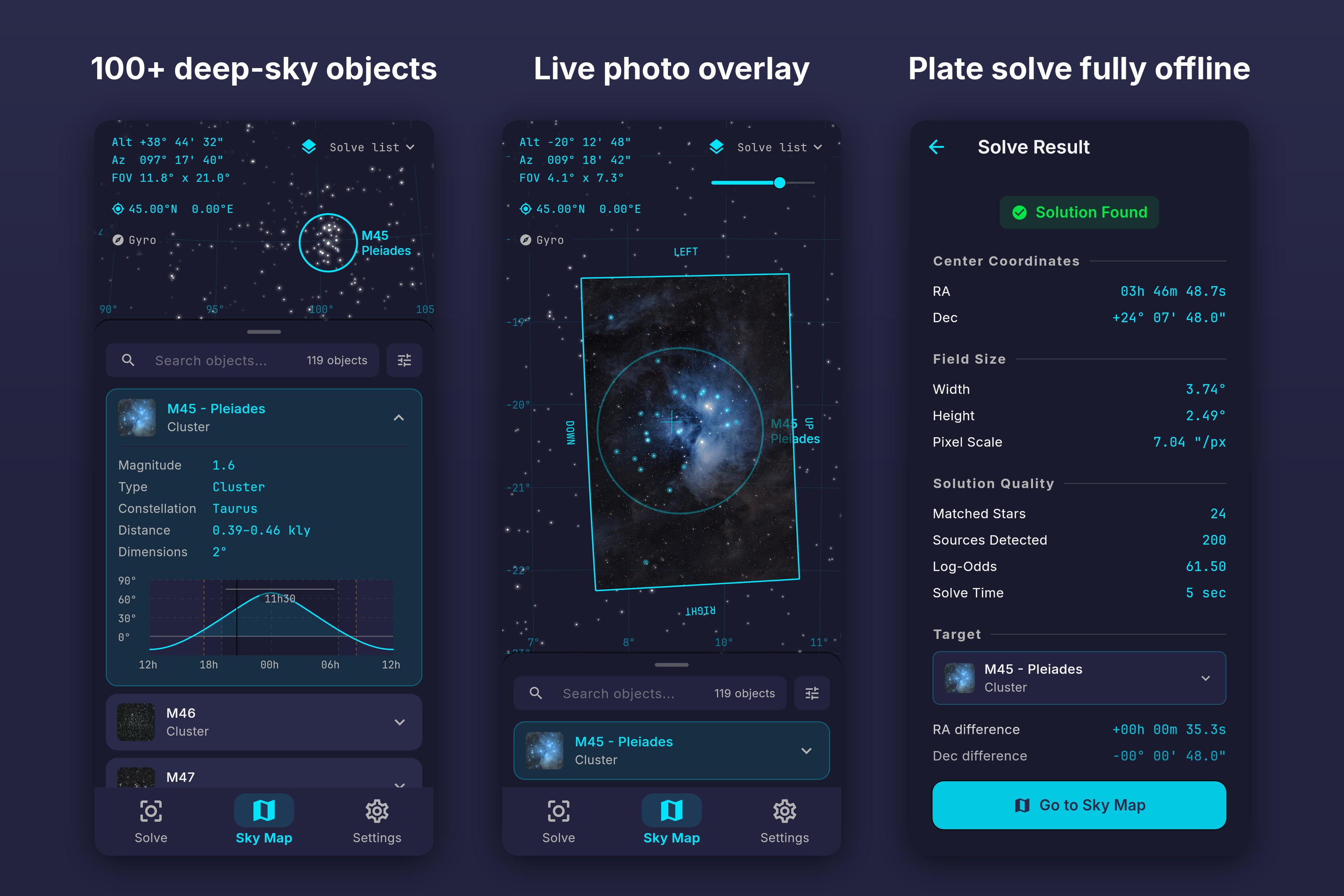
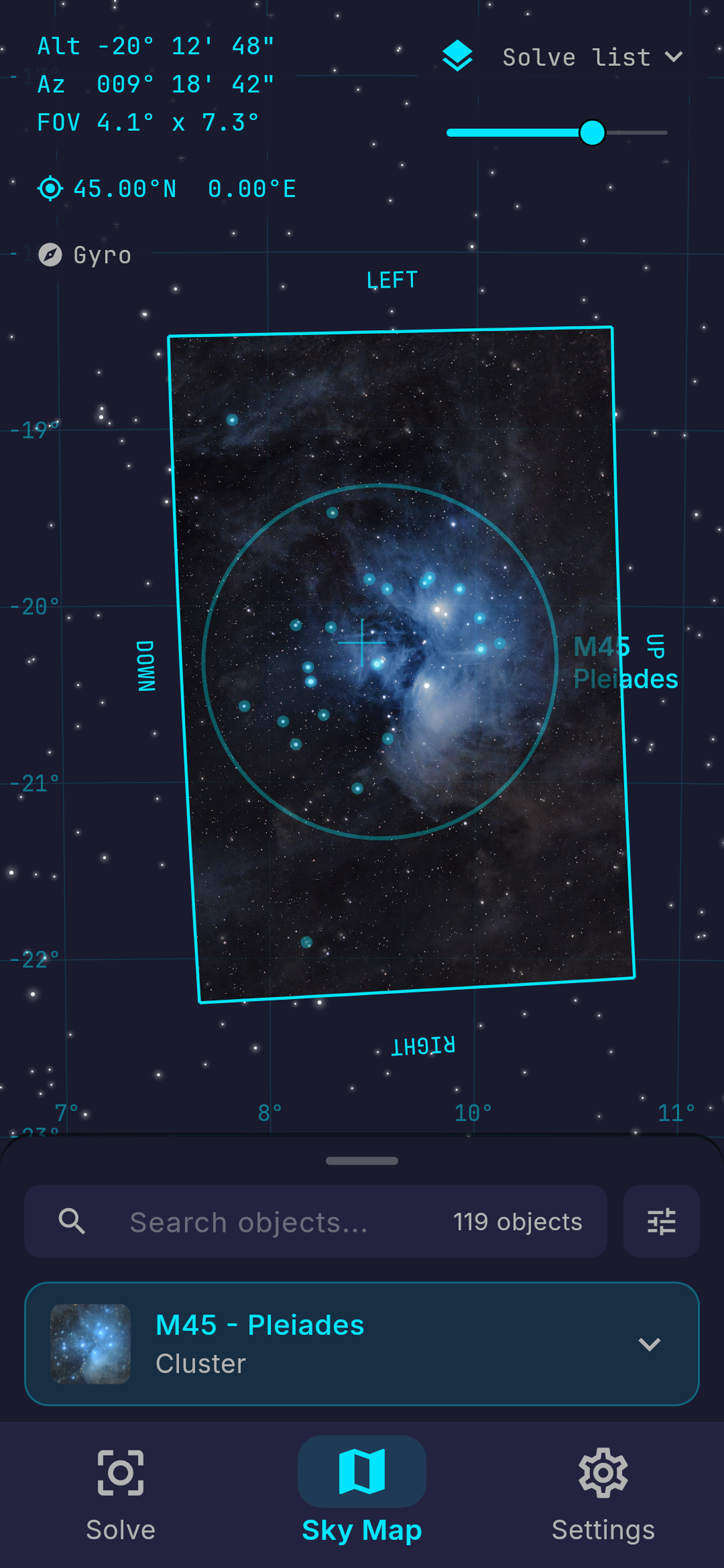
Pick a target, solve a picture, and see your frame directly on the sky map.
-
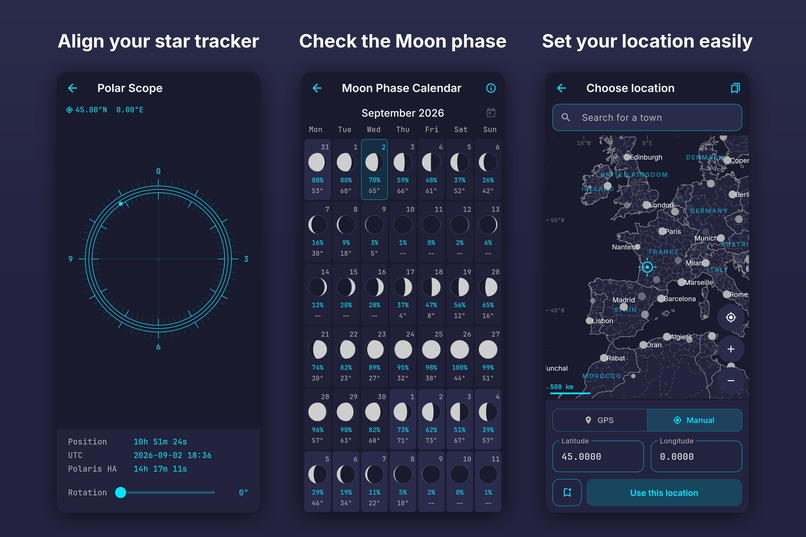
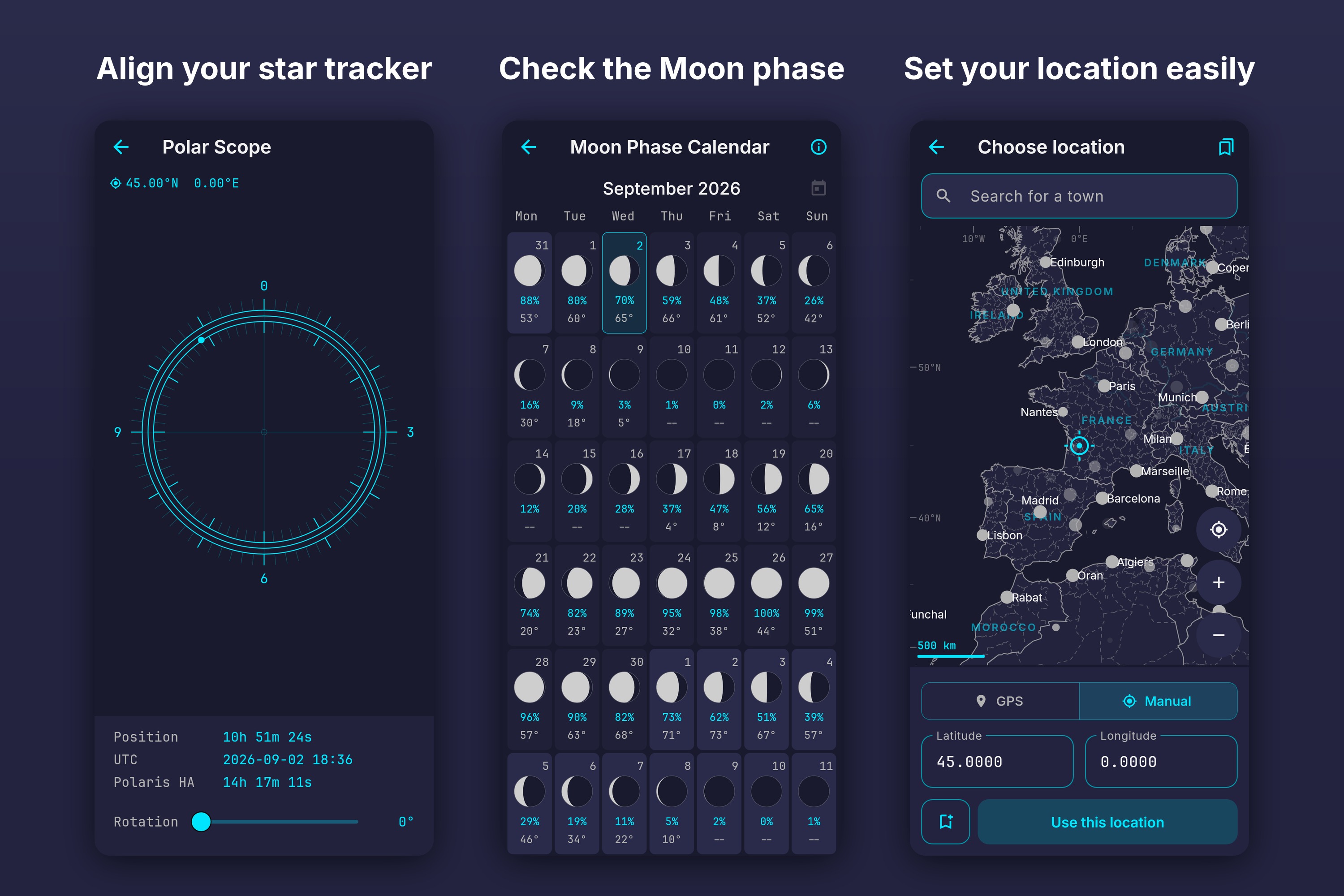
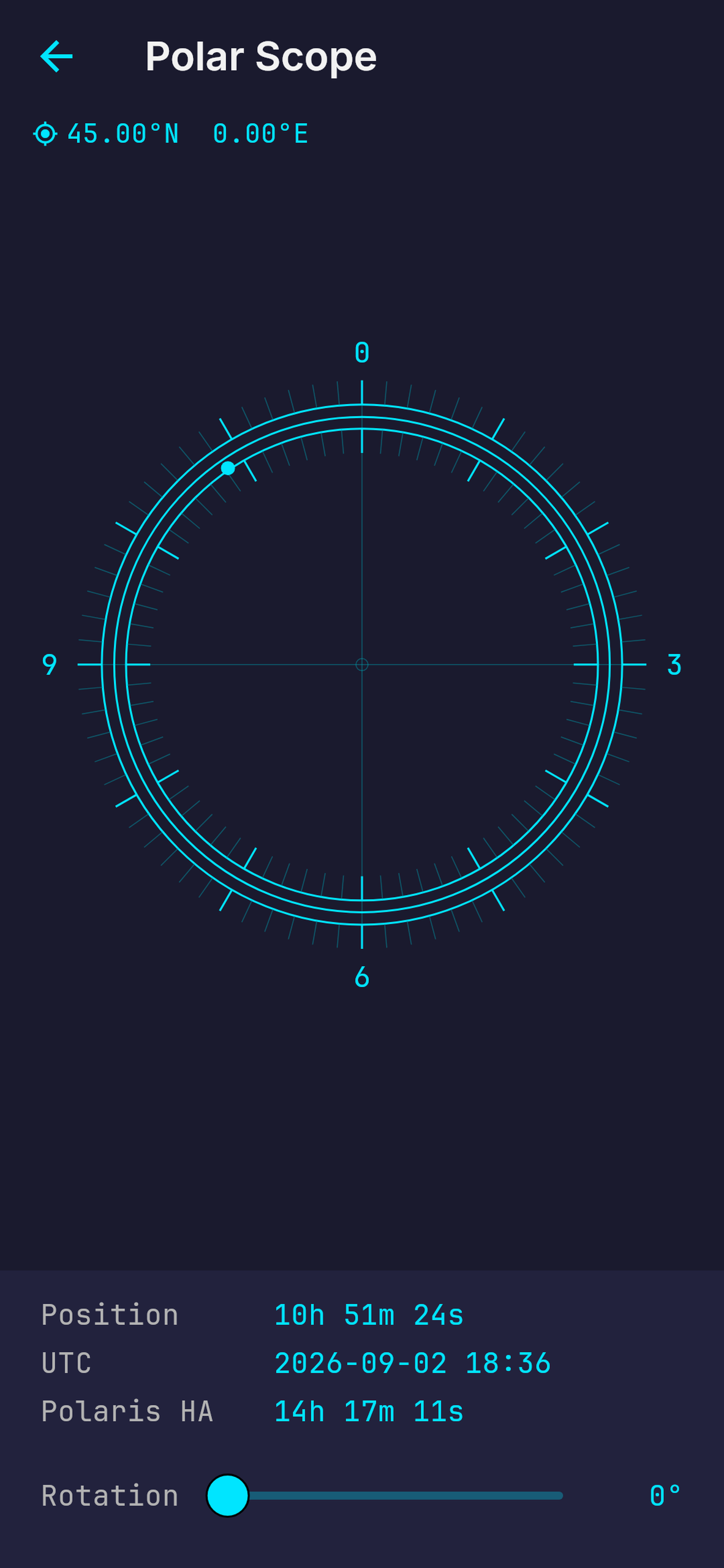
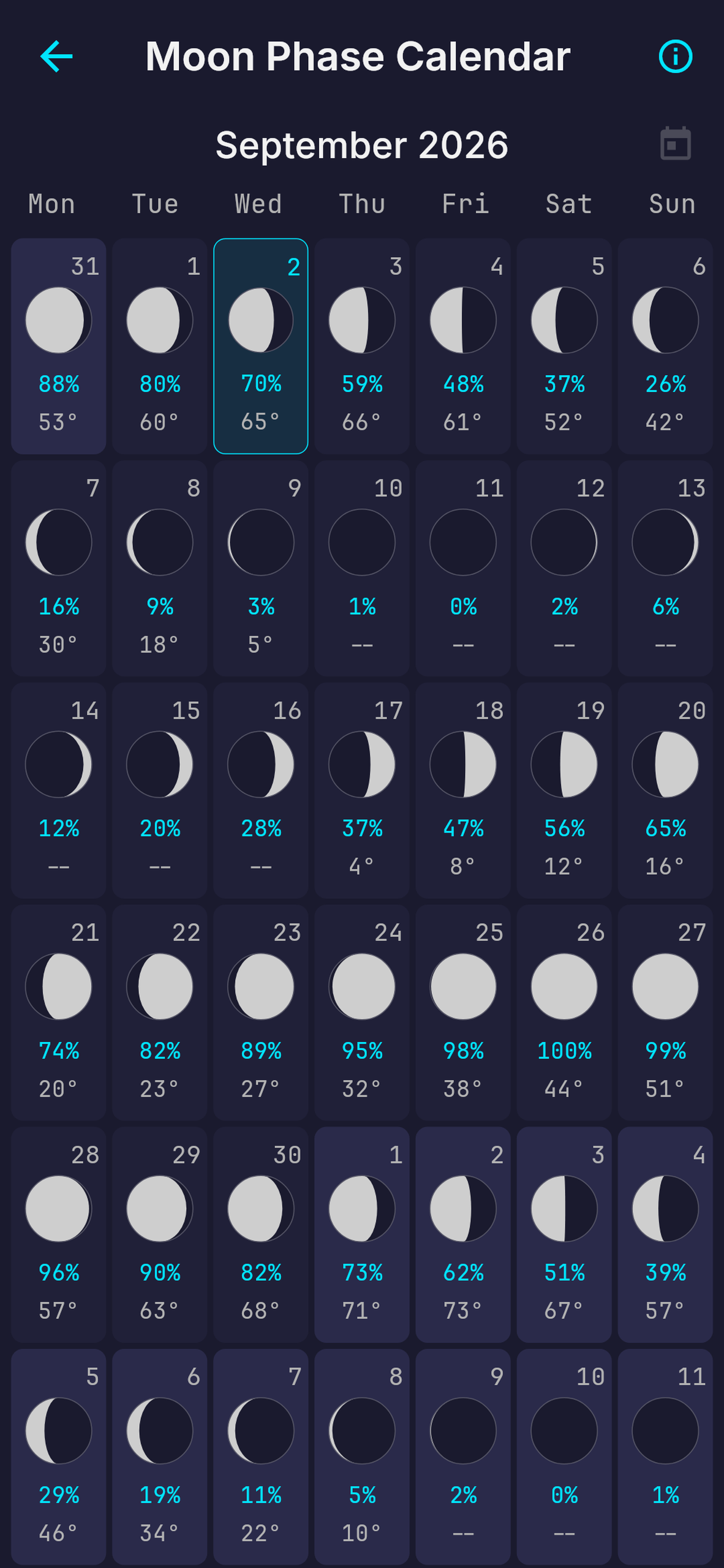
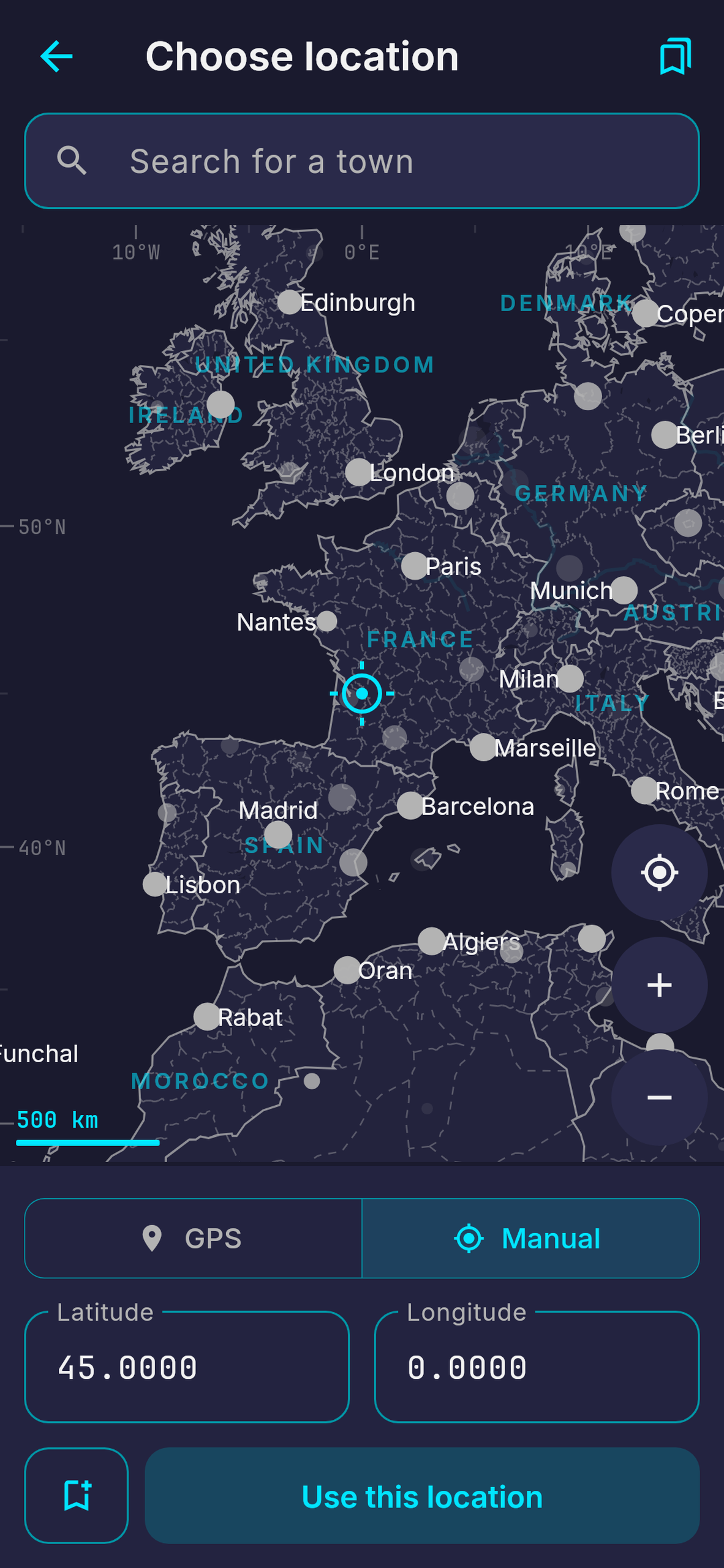
Multiple field tools in one app: a polar scope, a Moon phase calendar, and an offline world map to set your location.
-
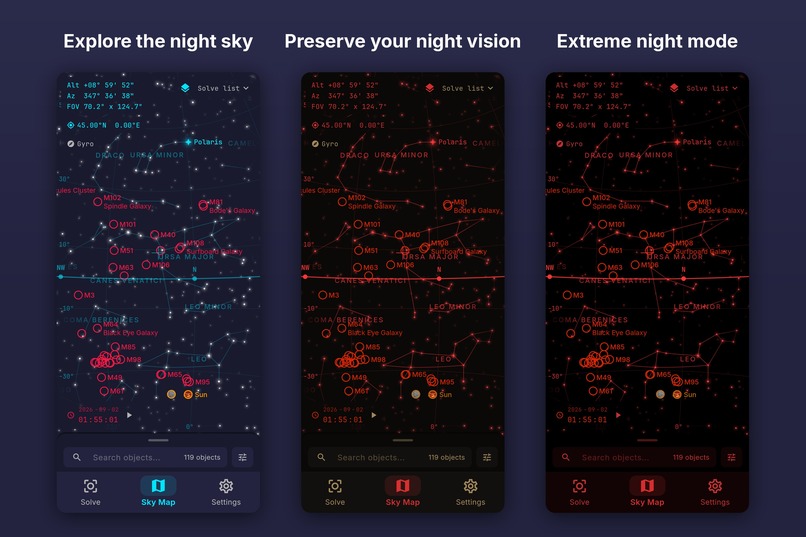
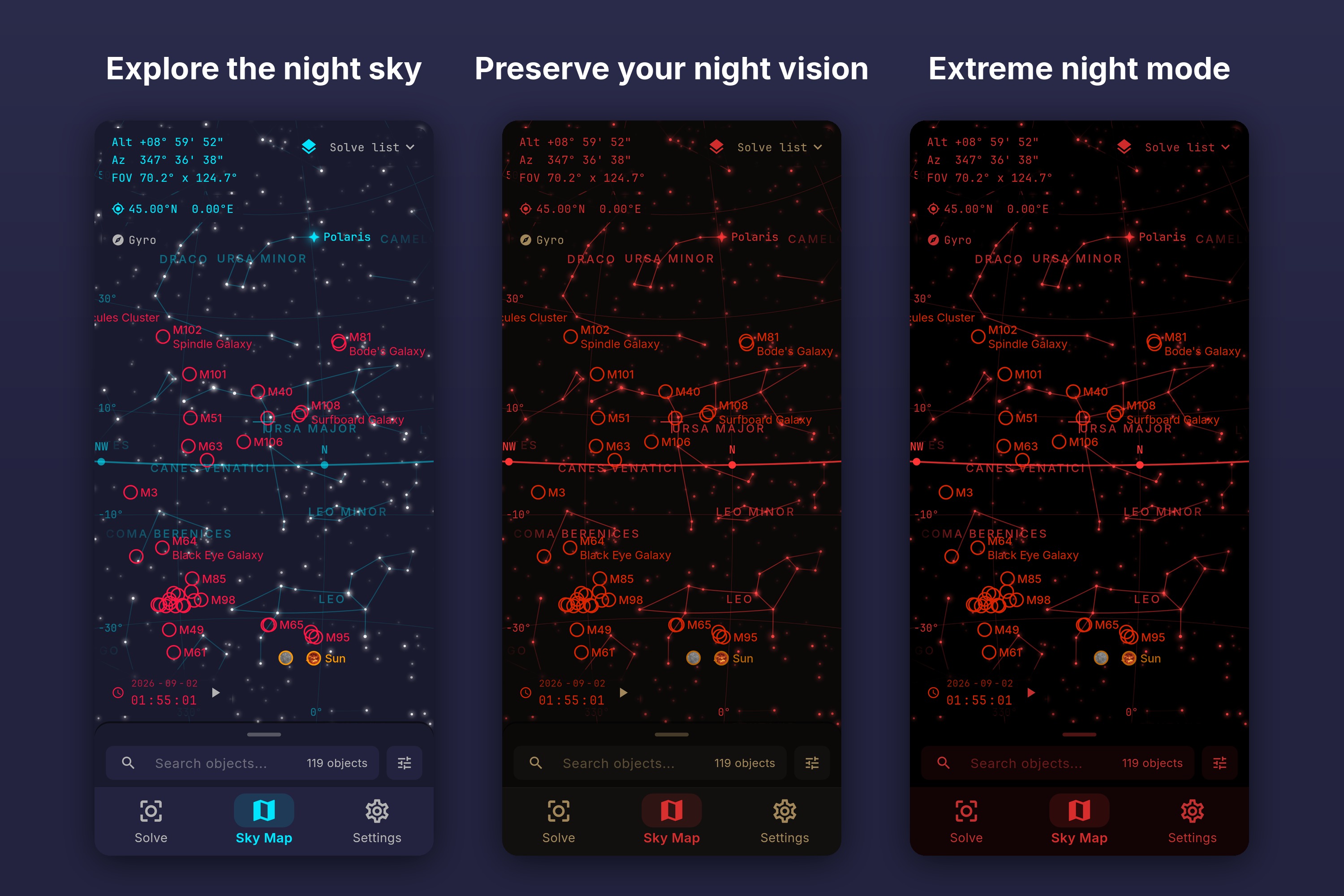
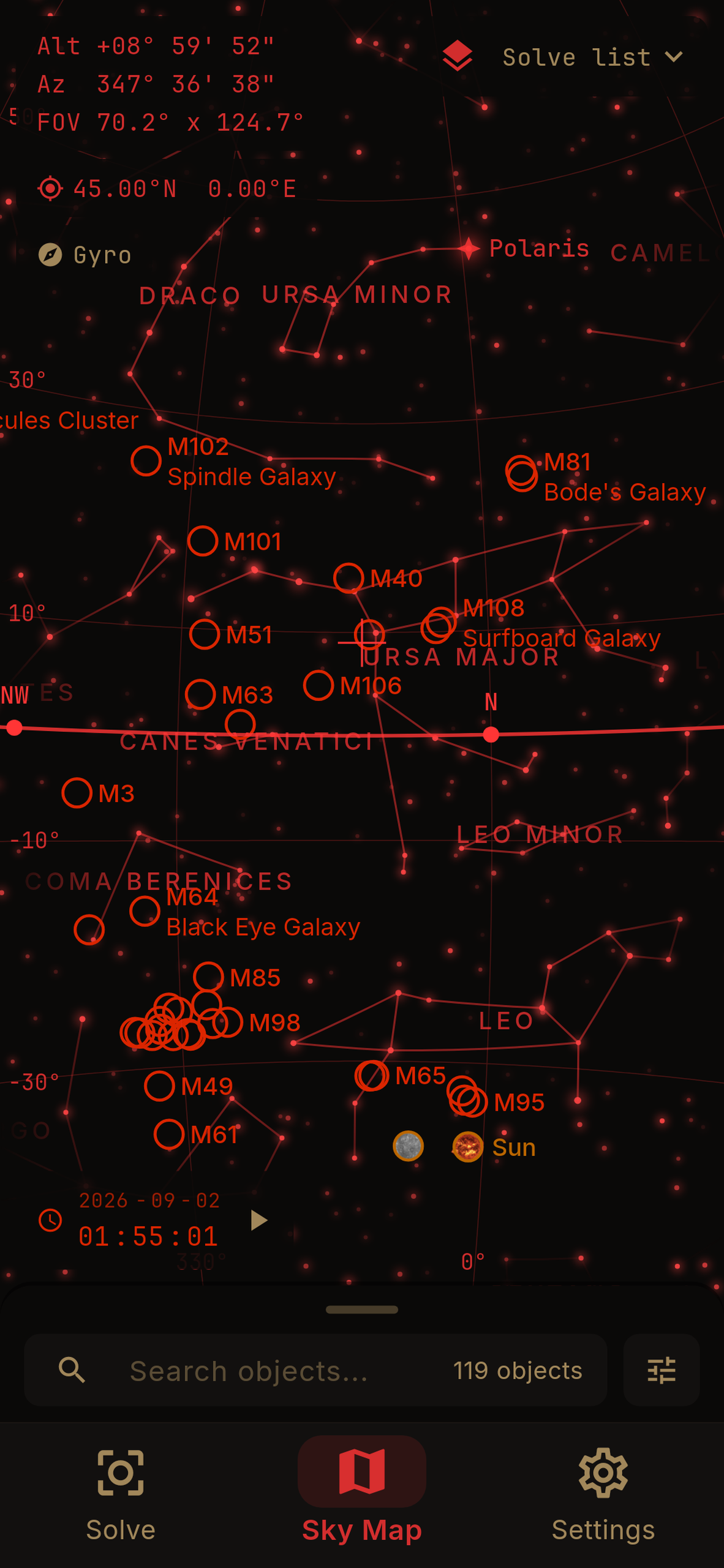
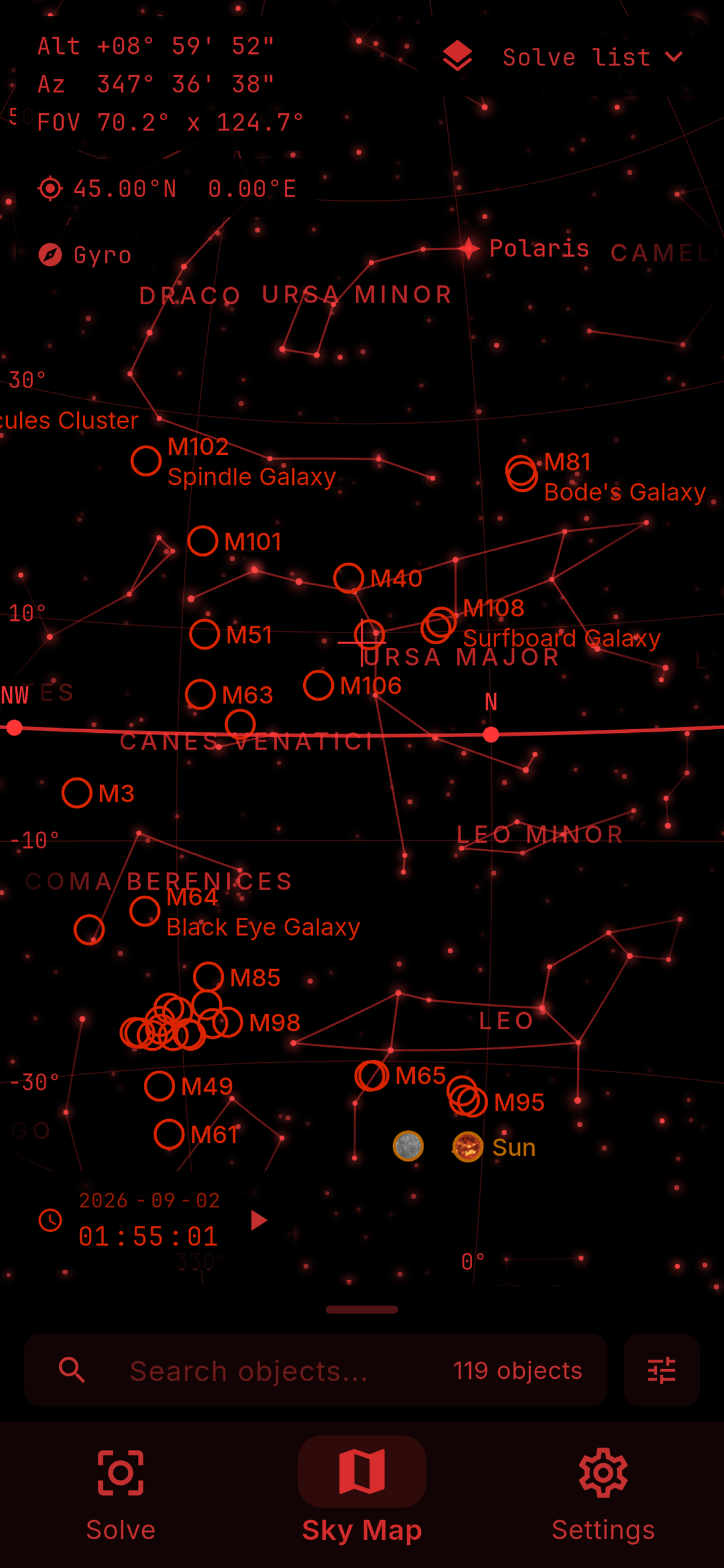
A day mode for planning, a night mode that turns on at sunset, and a deep red mode for improved dark adaptation.
-
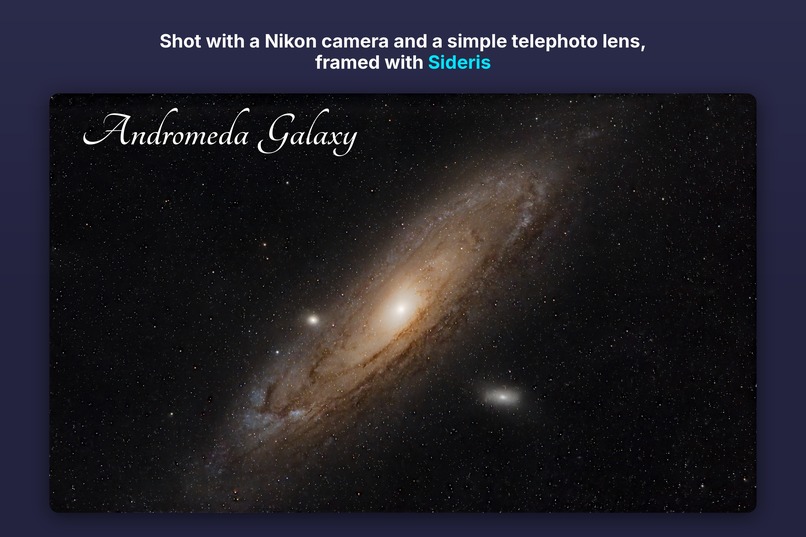
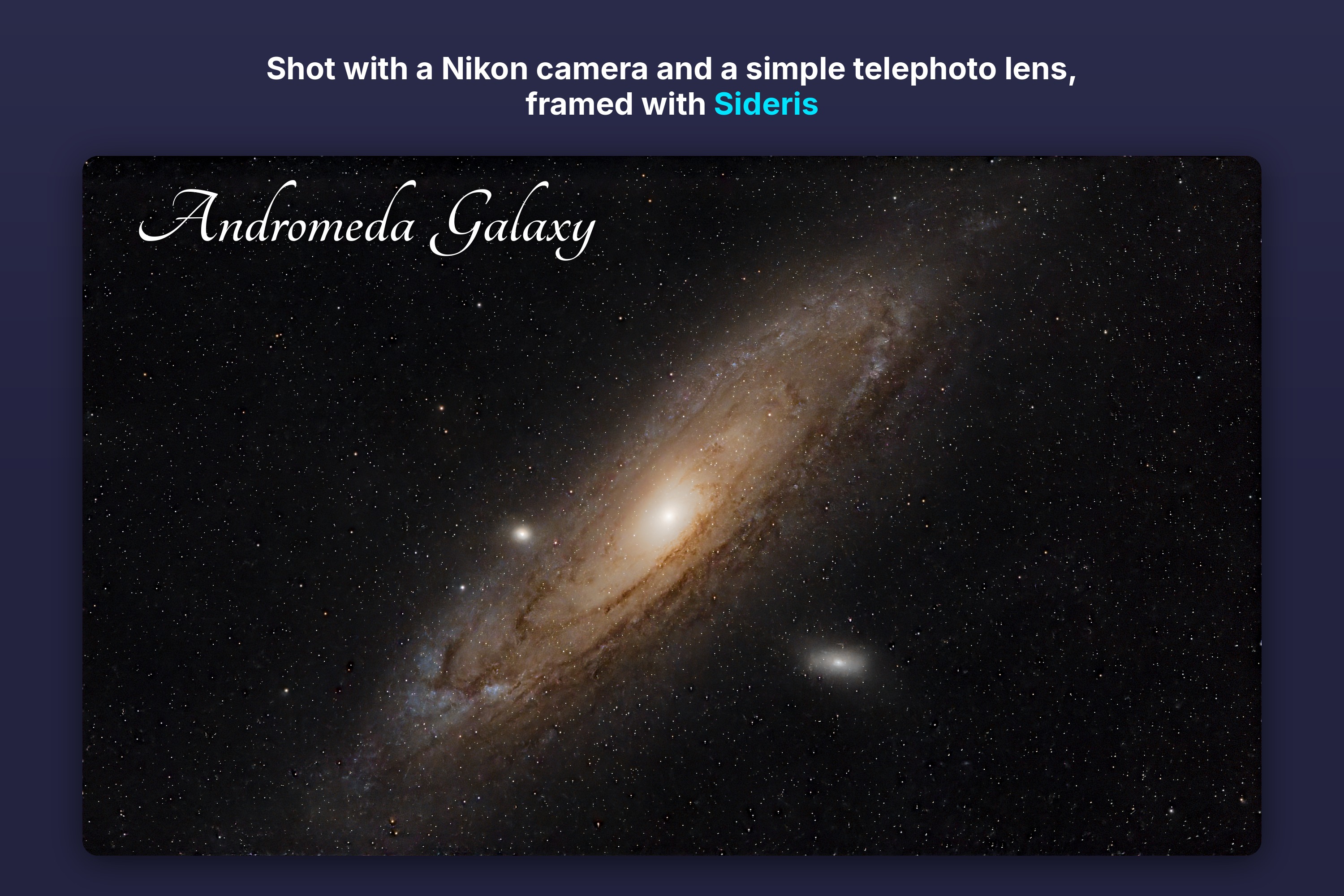
My own shot of the Andromeda Galaxy, framed using Sideris.
-
Sideris app icon
-
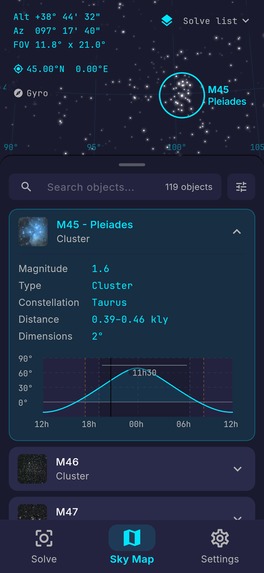
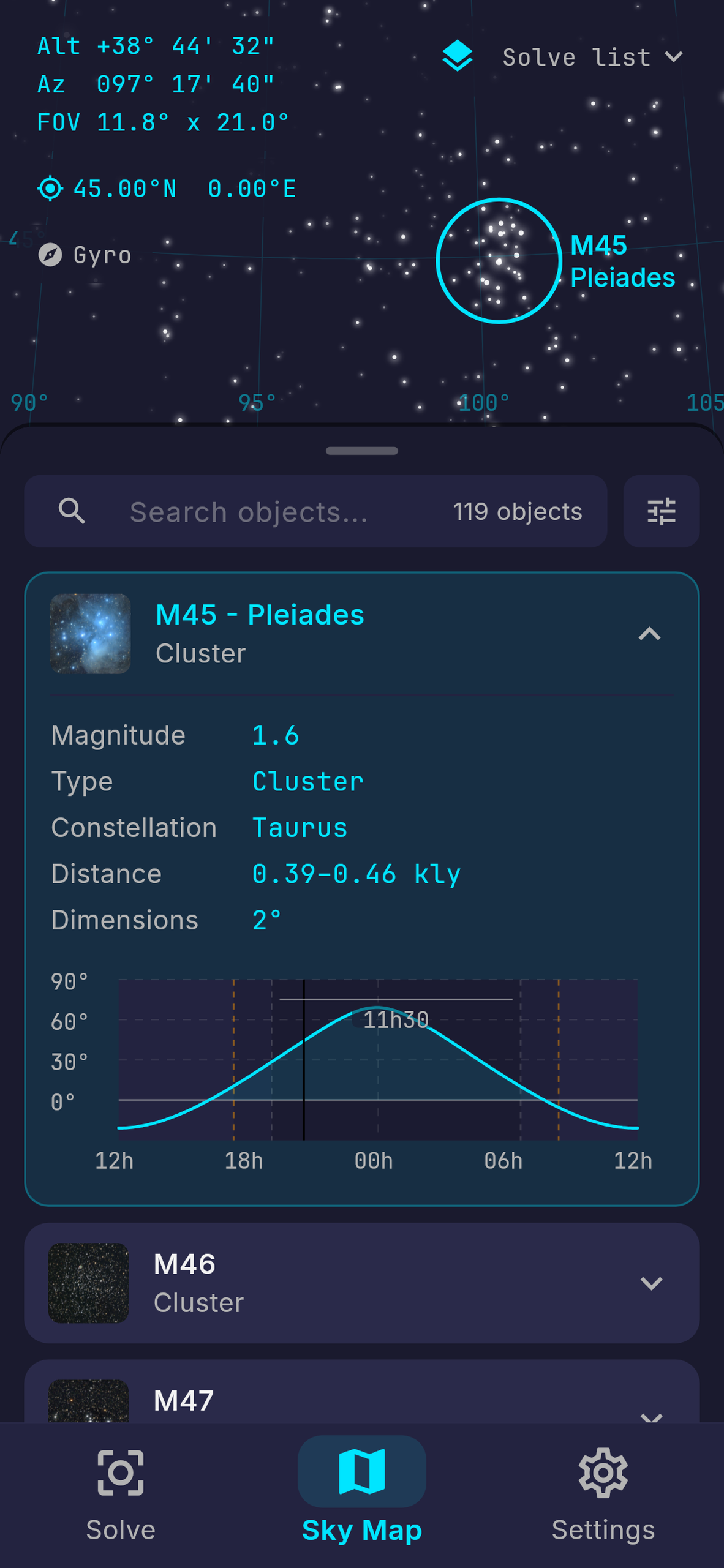
Deep-sky object details
-
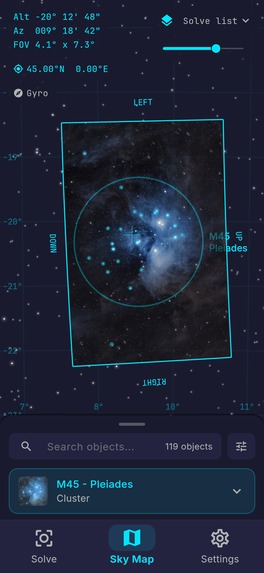
Solved photo on the sky map
-
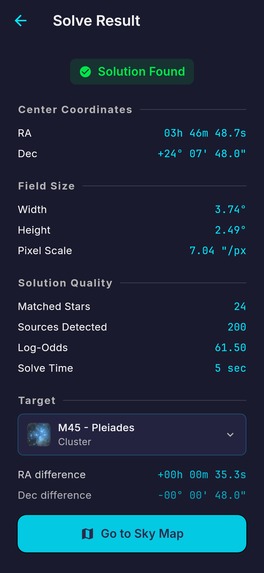
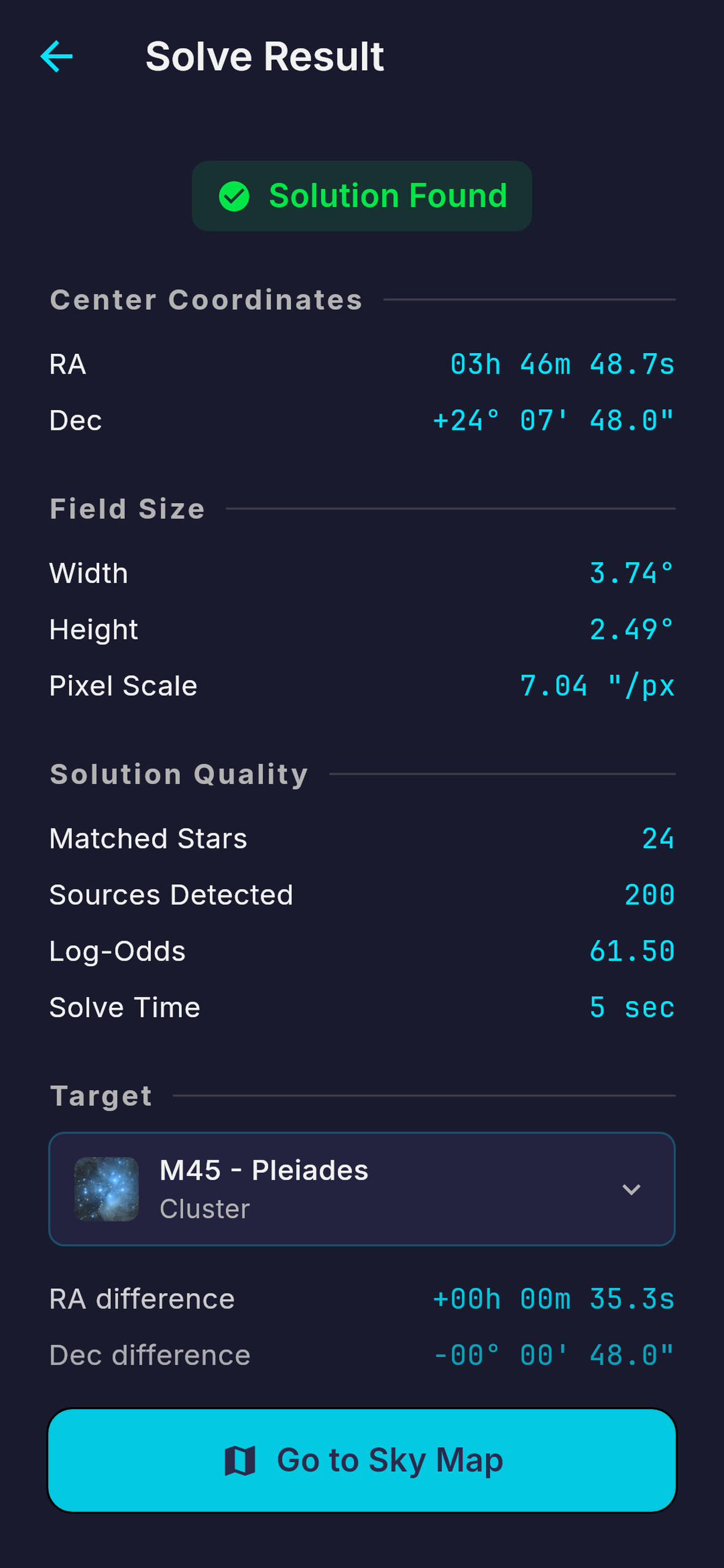
Plate solve result
-
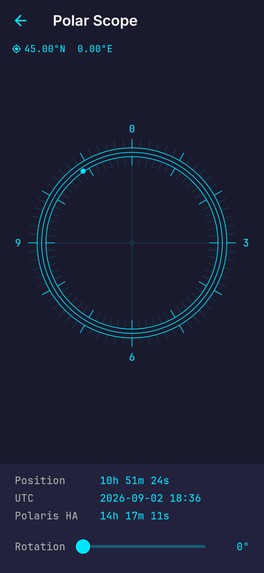
Polar scope for tracker alignment
-
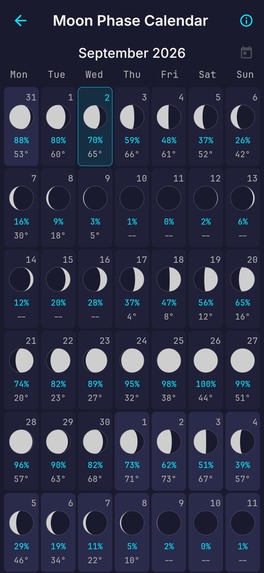
Moon phase calendar
-
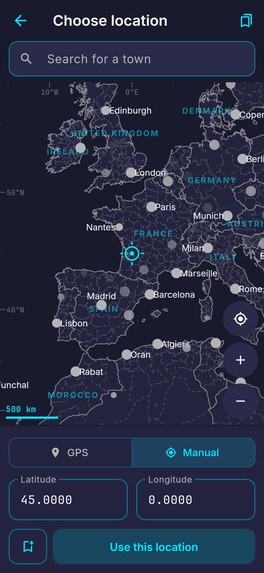
Offline location map
-
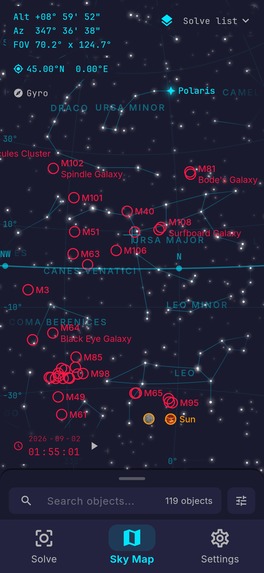
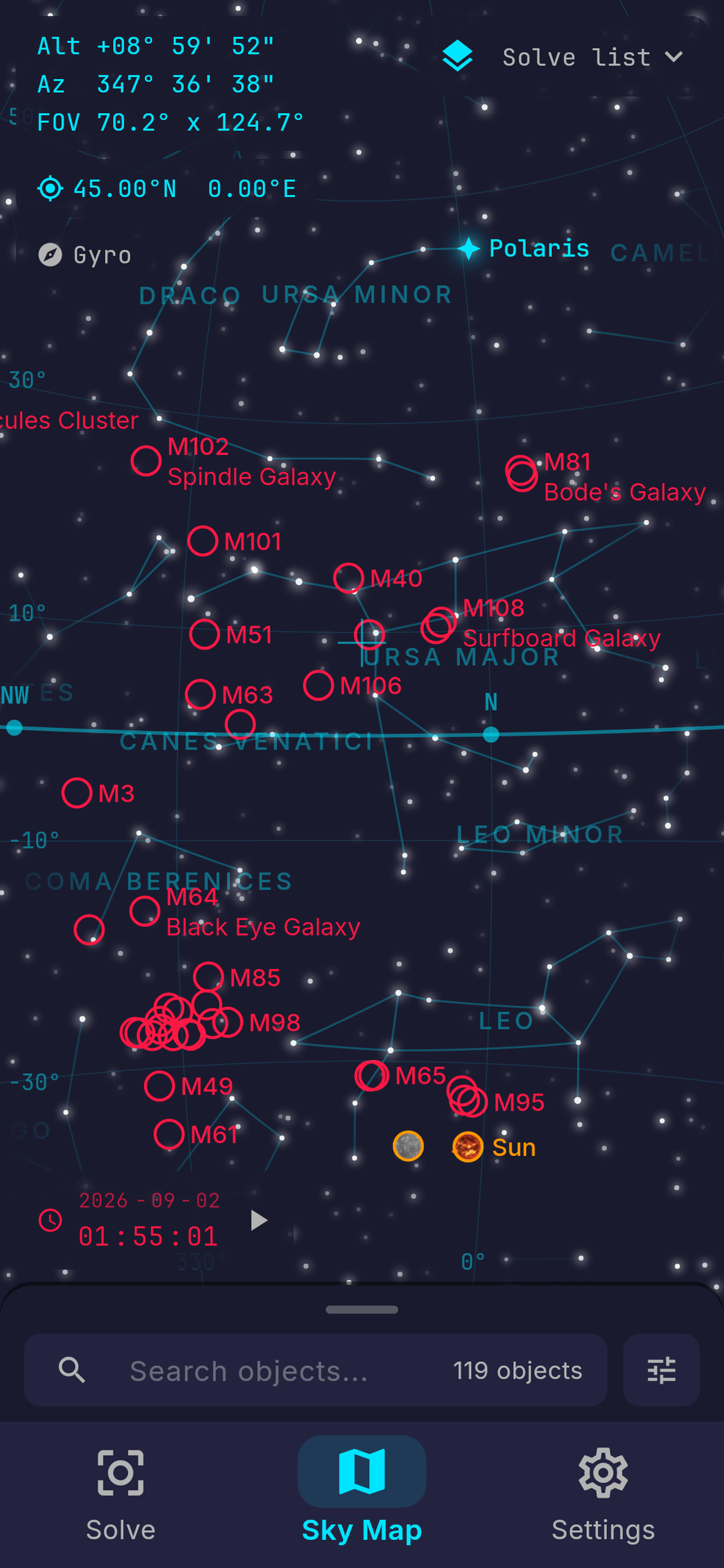
Sky map in day mode
-
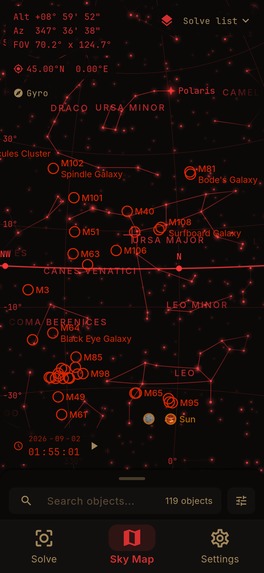
Sky map in night mode
-
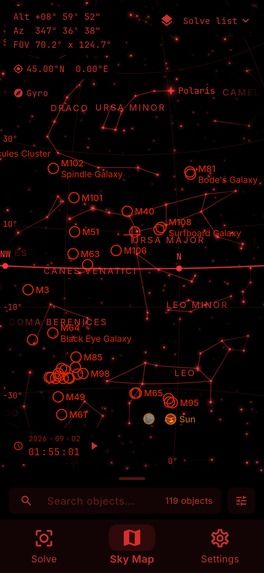
Sky map in deep red mode
Inspiration
Almost everything worth photographing in the night sky is invisible to the naked eye.
Two years ago I started astrophotography with very simple gear. The nights under the stars were wonderful, but finding small, faint targets without an automatic go-to mount was the hardest part.
I stumbled upon a YouTube video that showed a clever workaround: photograph your camera screen with your phone, and upload it to a plate-solving website to see where you are pointing. It worked well, but the process was slow, cumbersome, and needed an internet connection that dark sites rarely have. So I built a prototype app, for myself at first. Then I learned about the Shipaton 2026 challenge, and it motivated me to turn it into a real product that other astrophotographers could use as well!
What it does
Take a test shot, photograph the camera screen, and Sideris plate solves it on your phone, fully offline. It shows where the camera is pointing, how far you are from your target, and lays your frame on an interactive star map, among the stars, galaxies and nebulae around it.
How I built it
I built everything around one rule: it has to be as straightforward as possible and work in a dark field with no signal.
- The whole solver runs locally: I adapted a desktop open-source engine (Astrometry.net) to run on a phone, with a few hundred thousand stars packed inside the app.
- Everything else is on board too: the star map, the 110 Messier objects with their preview photos, even the world map for choosing a location if your GPS is down.
- One-time unlock: you get free solves to try it, then a single purchase through RevenueCat unlocks it for good (no account, no subscription).
Design
Sideris is mainly used at 2 am, in the cold and the dark, so every detail counts.
- Night mode turns on by itself at sunset, from the real sun altitude and your GPS position, because night vision is crucial for any stargazer.
- Your photo is drawn precisely on the sky map, exactly where the camera pointed, with smooth animations and fading.
- A guided tutorial walks you through two real solves before you ever go outside.
Challenges
- A phone photo of a small camera screen is a terrible astronomical image: glare, moiré, blur, angle, etc. The solver must cope with all of this, and the tutorial teaches how to take a good one.
- Fitting a desktop solver into a phone, within its memory, power and size limits. I had to dig into complex low-level code.
- A free trial that survives a reinstall, without accounts and without tracking, to respect the user's privacy.
- Learning from user feedback in an offline app: when the solver fails, the user can choose to send me the photo in one tap; it waits in the app and is sent automatically once the phone is back online, so every failure can improve the solver.
What I learned
Sideris is my first app. It started as a simple personal prototype, but I quickly learned that building for yourself and building for others are two different worlds. I also learned that the details you notice at 2 am in the cold matter more than anything you can plan at your desk, wrapped in a warm blanket.
What's next
- A smarter, more robust solver based on user feedback.
- A light pollution map to help choose a darker site.
- More languages, starting with French (my native language) to improve accessibility.

Log in or sign up for Devpost to join the conversation.