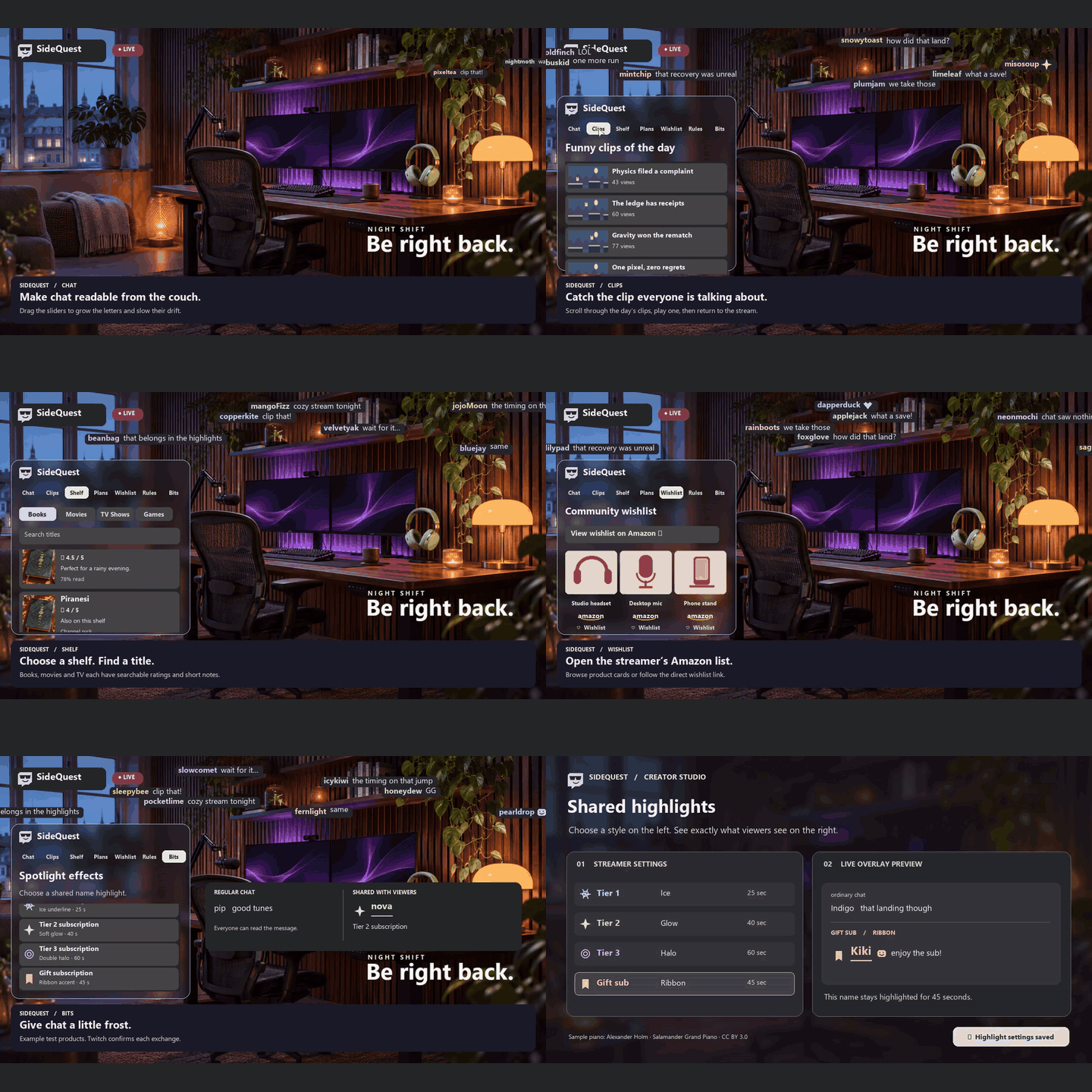
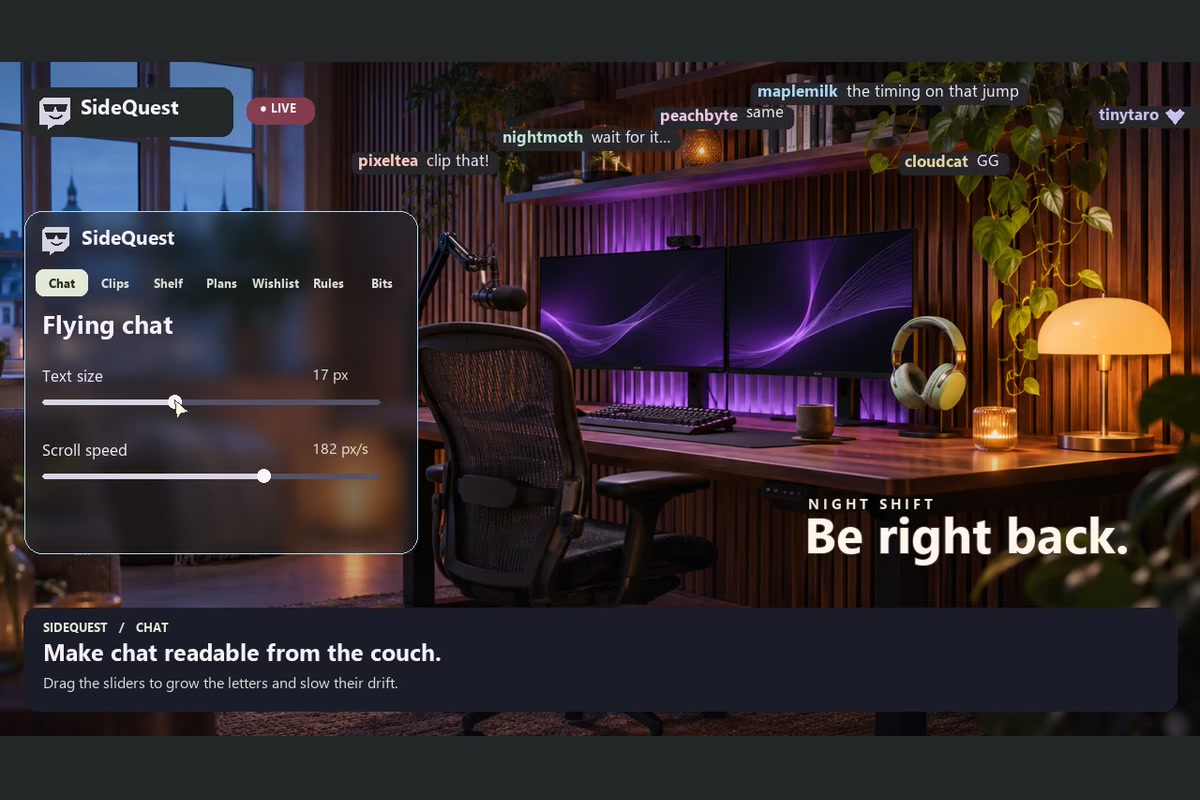
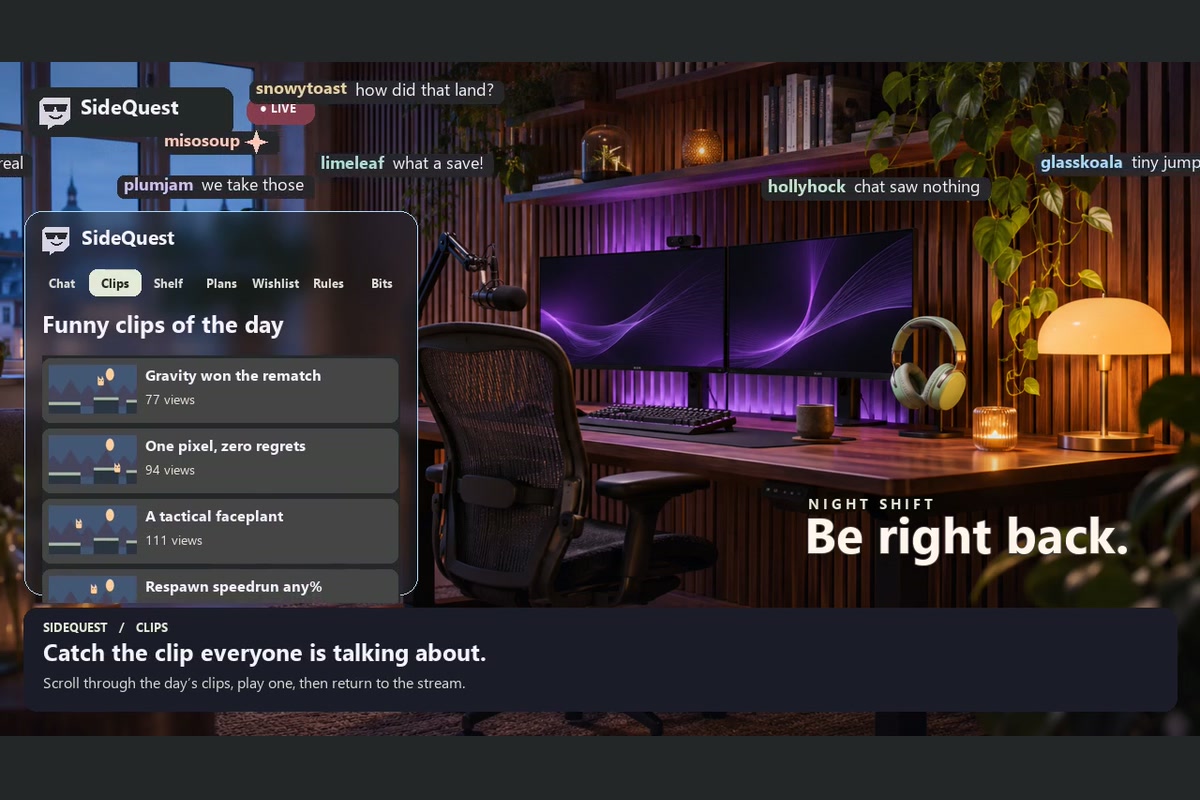
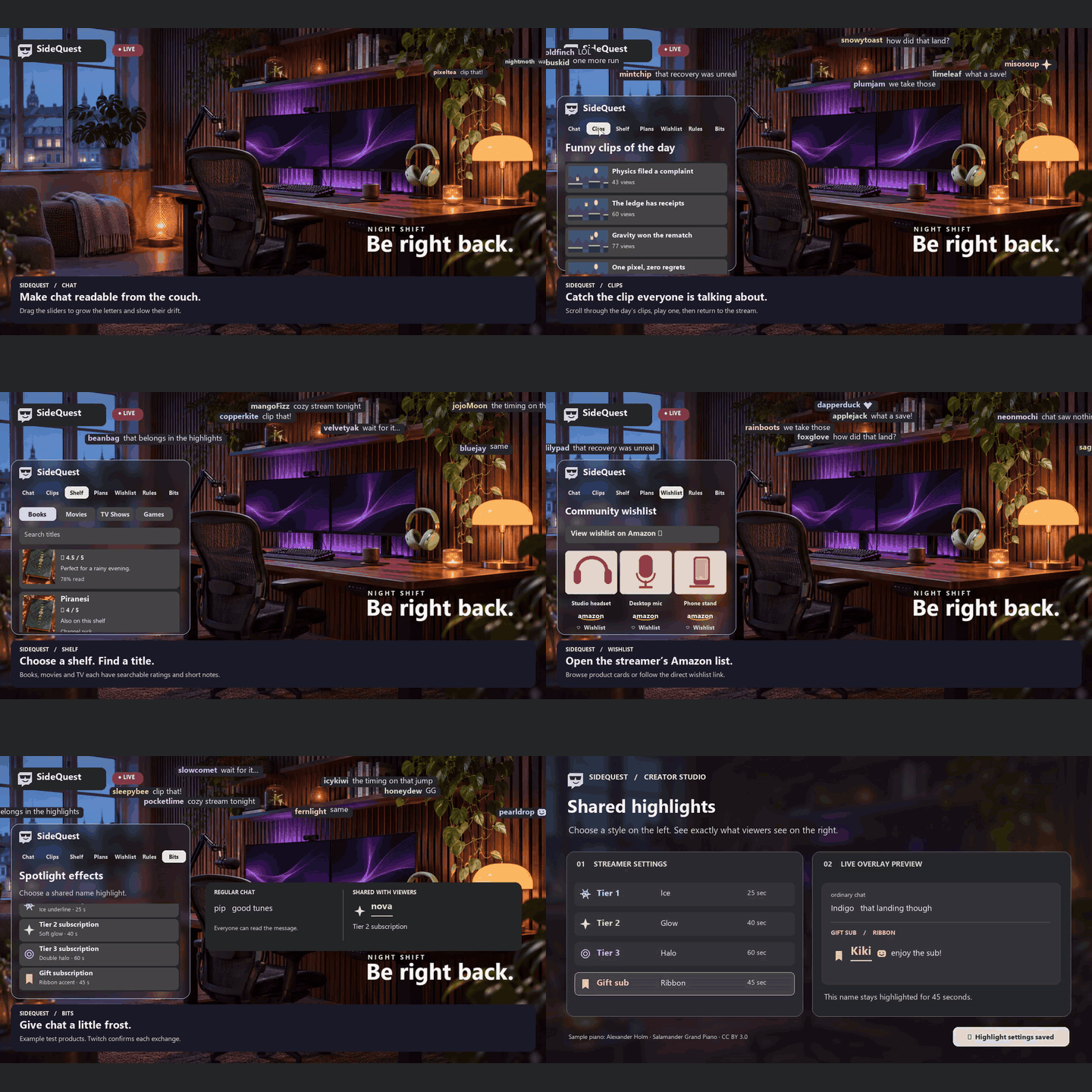
Sidequest started with a couch problem. From across the room, I could see what the streamer was playing, but I couldnt read what everyone was laughing about in chat. I wanted to bring those messages onto the video and let each viewer decide what felt comfortable. Someone on a TVsized screen might want two big, slow-moving lines. Someone at the desk might prefer small text in one corner or no overlay at all.
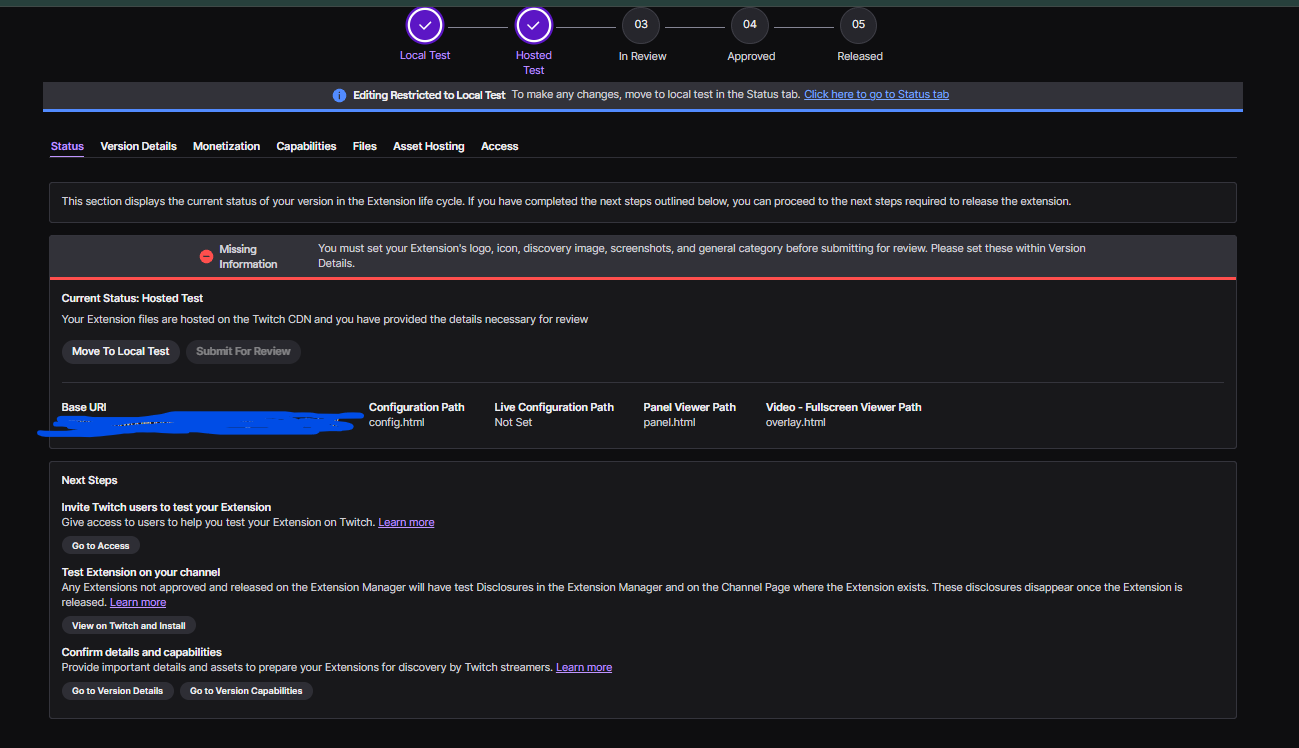
Sidequest is in private Hosted Test, so judges need tester access to use the extension on your channel. But i have video and theguide for more. What it does
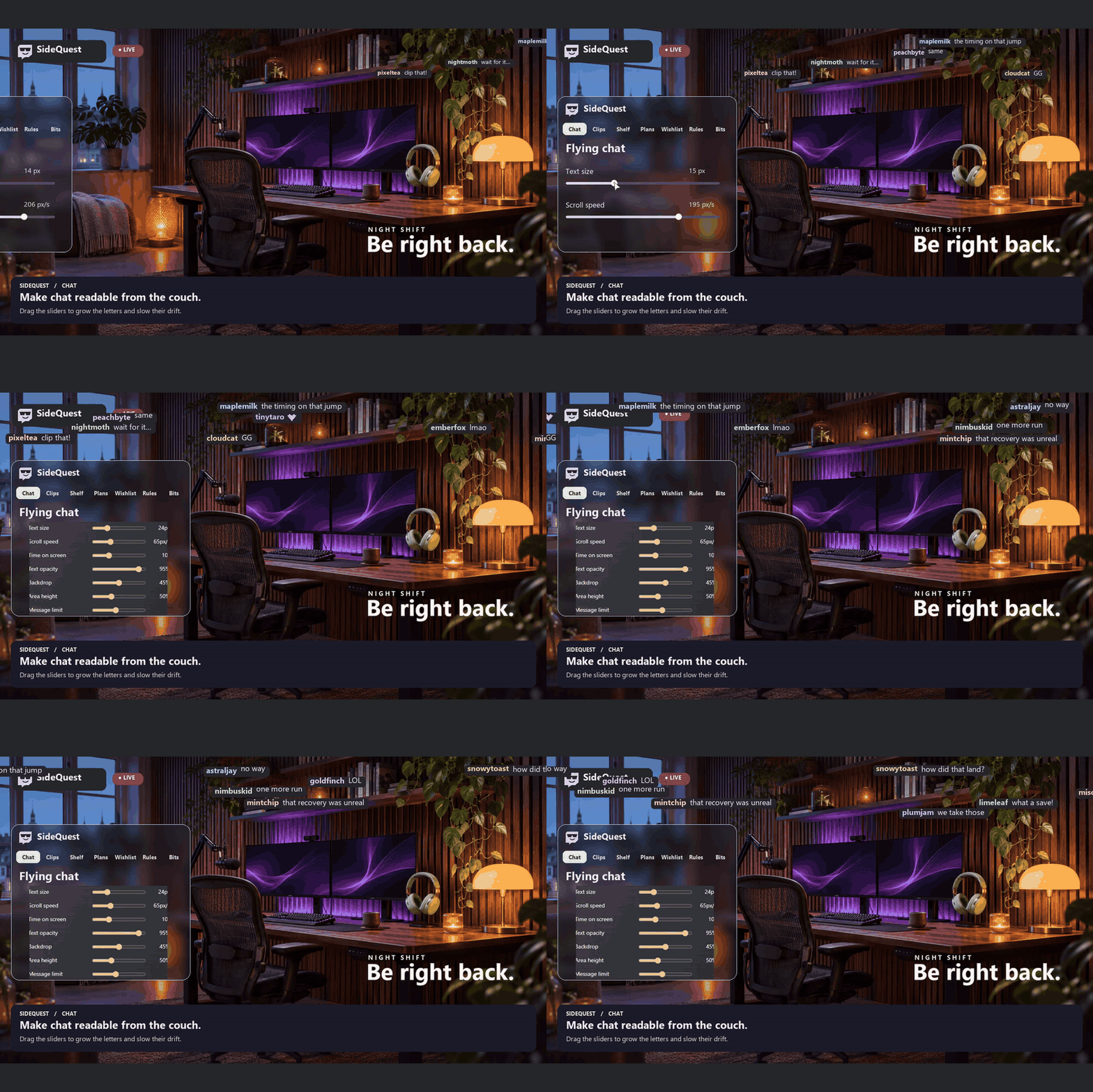
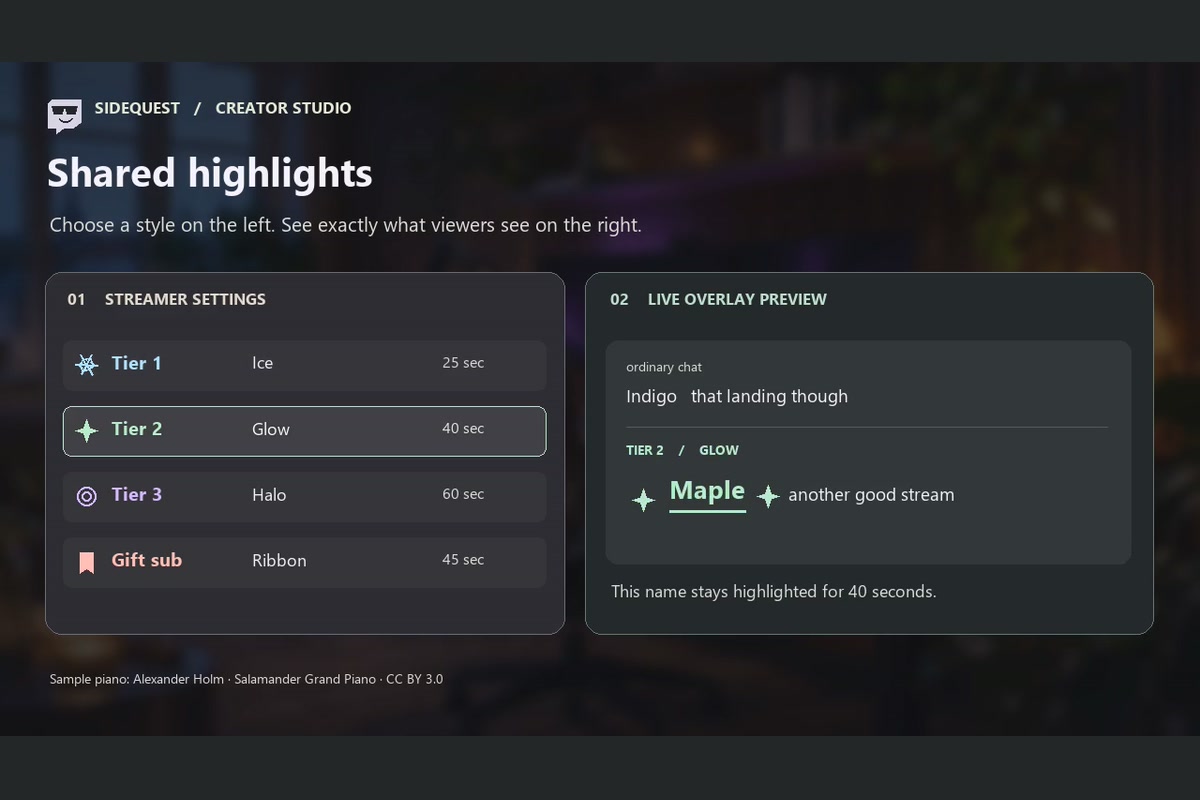
Sidequest is a Twitch extension that gives viewers their own layer over the stream. They can resize floating chat, adjust its speed, switch to stationary text, choose where it appears, and hide usernames or role icons.
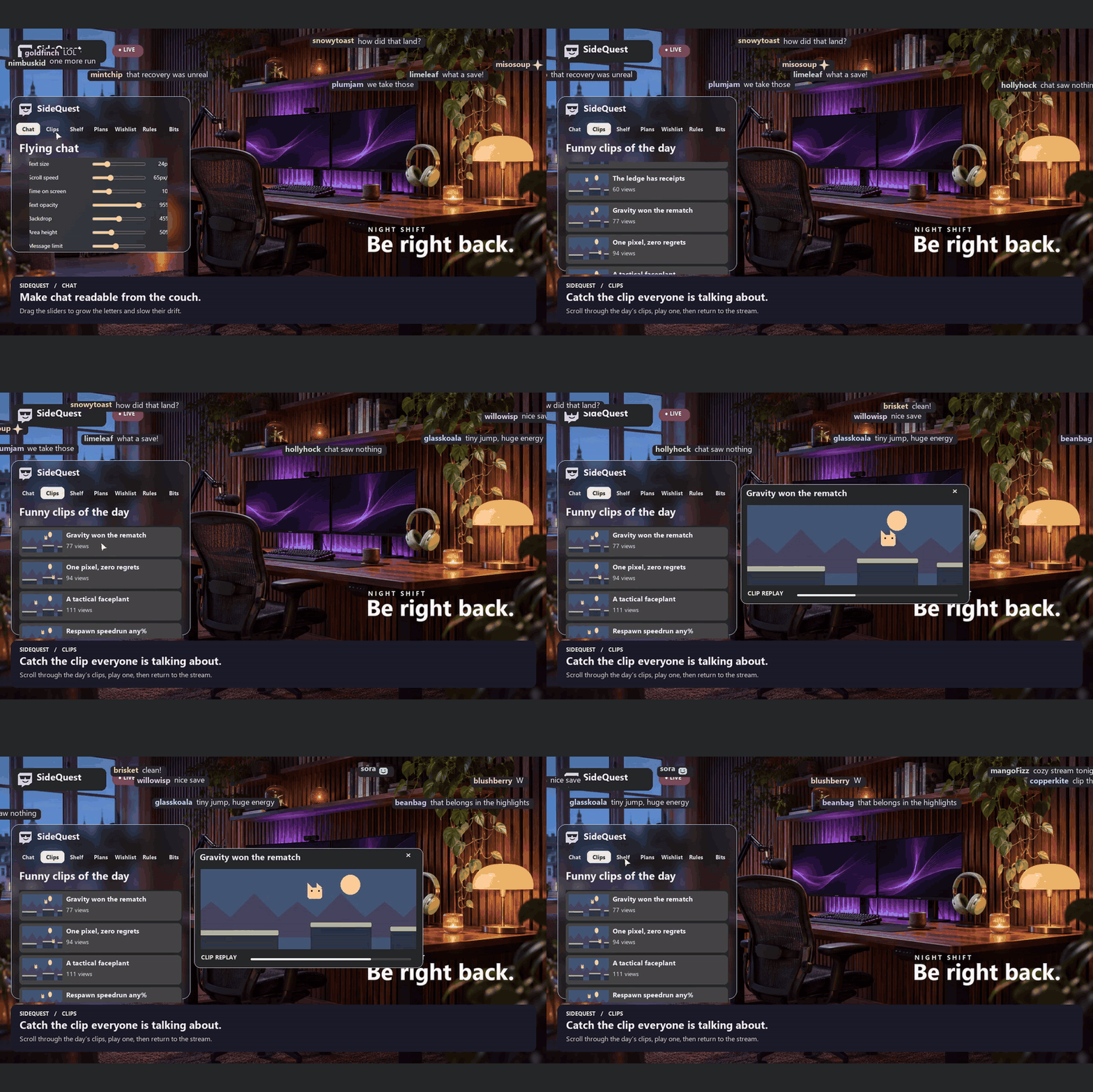
It also helps with a familiar question in chat: “Does anyone have the clip?” A moderator or approved helper can type hashtag or !clip followed by a title or clip link. Viewers get a ping they can open inside Sidequest while the stream stays in view. With Unfinished Business, a streamer can take that moment further: viewers vote on a twist, the streamer attempts it, and the original clip and sequel become a two-chapter story on the Lore Map.
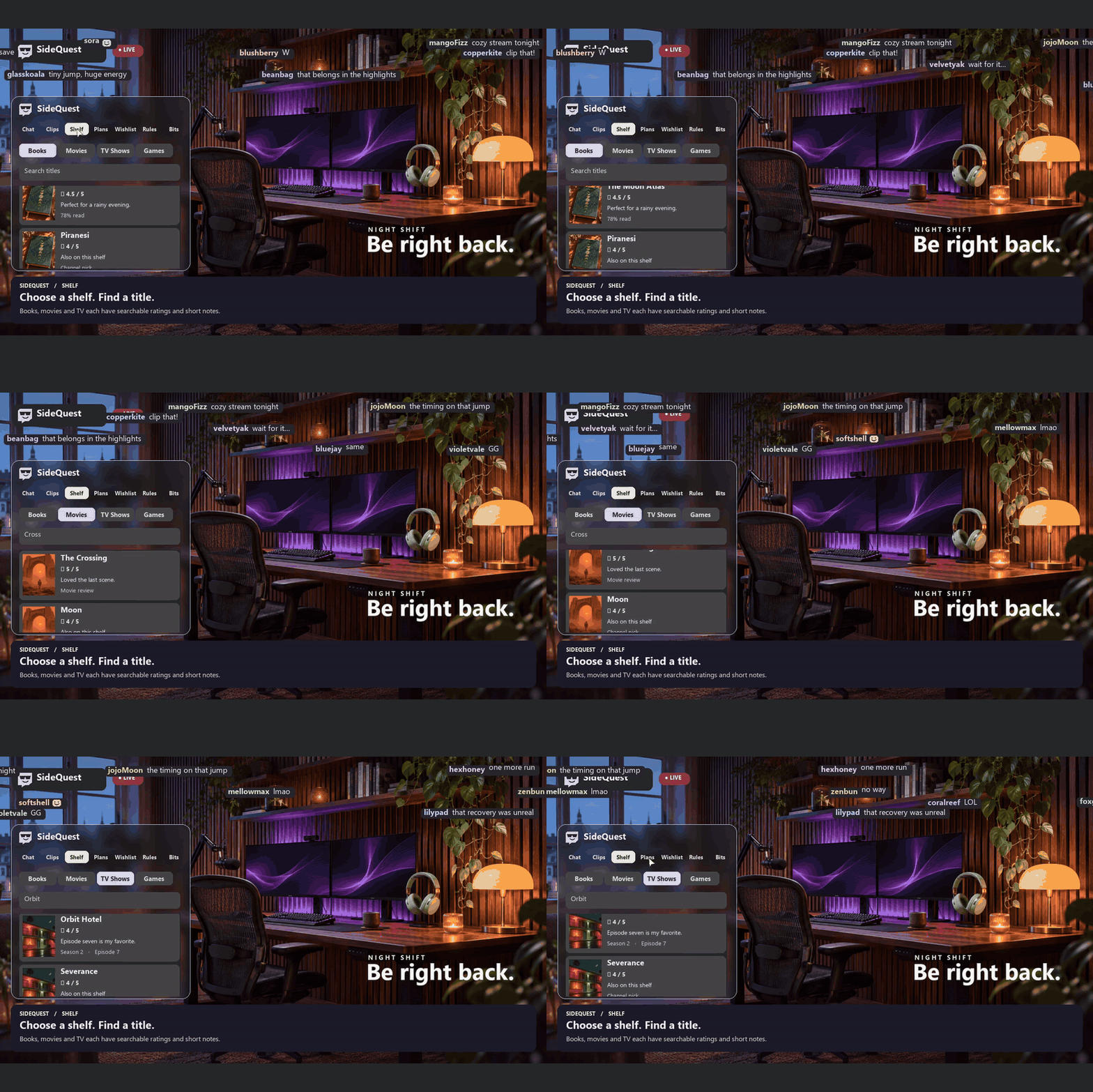
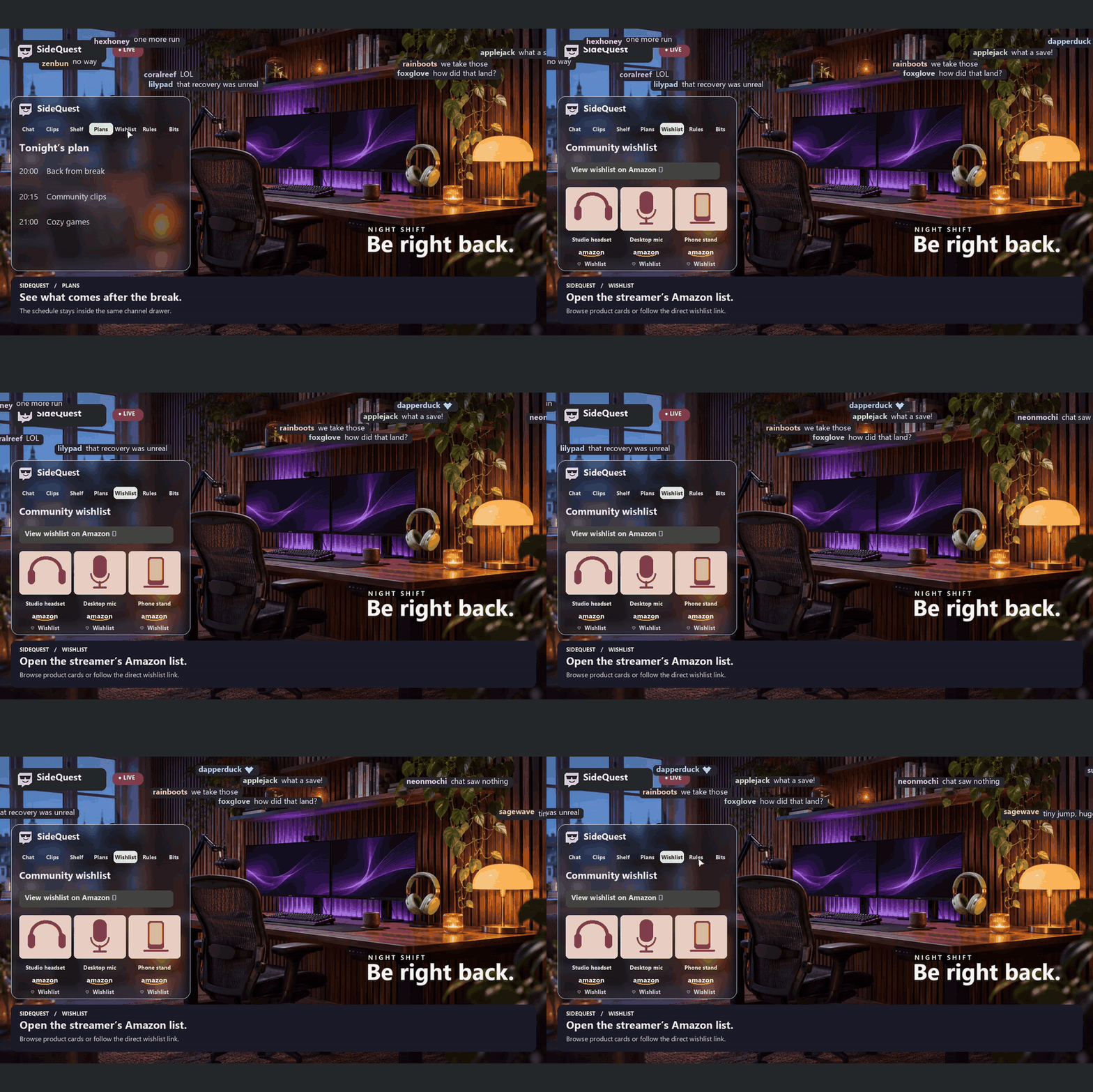
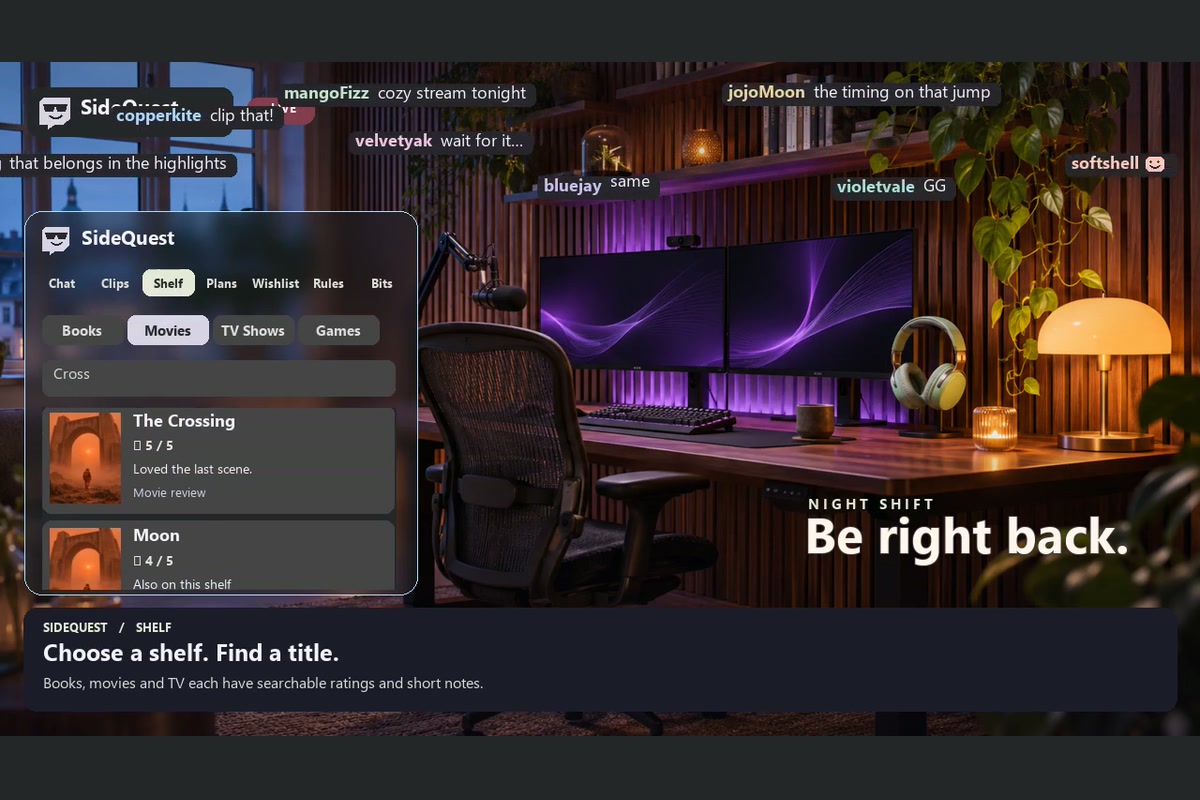
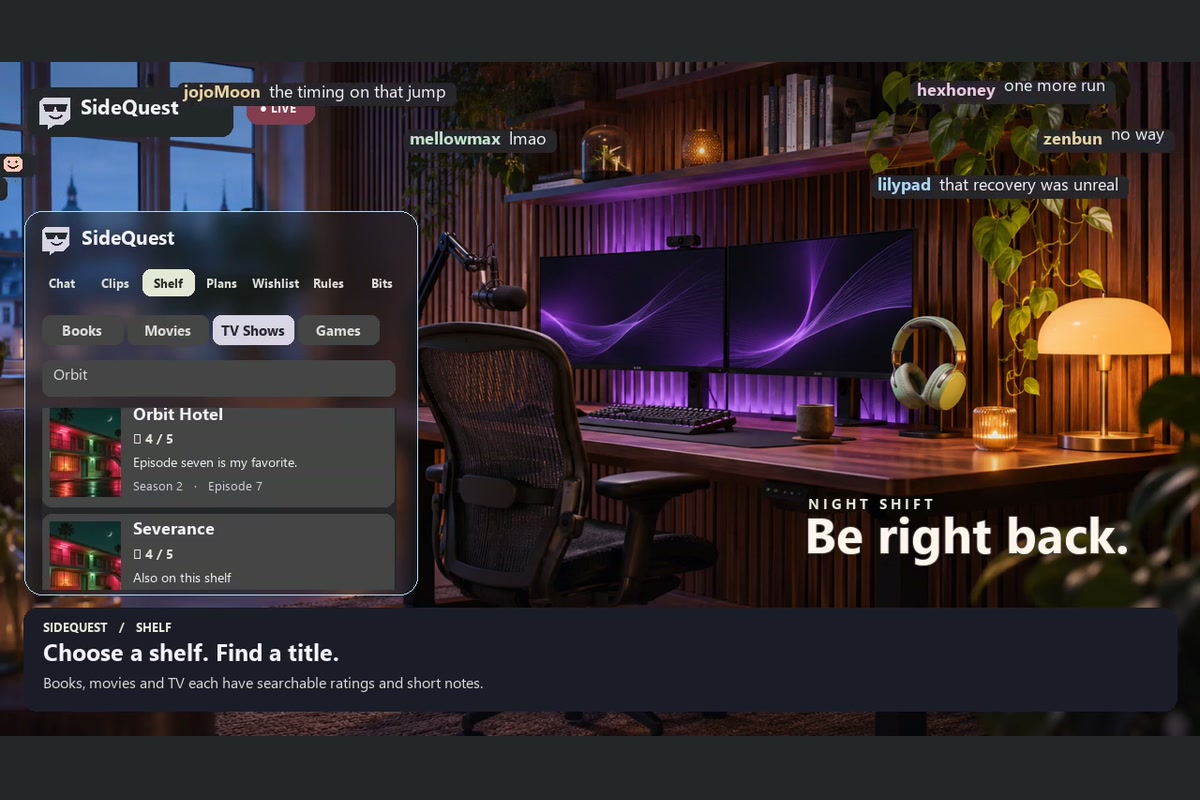
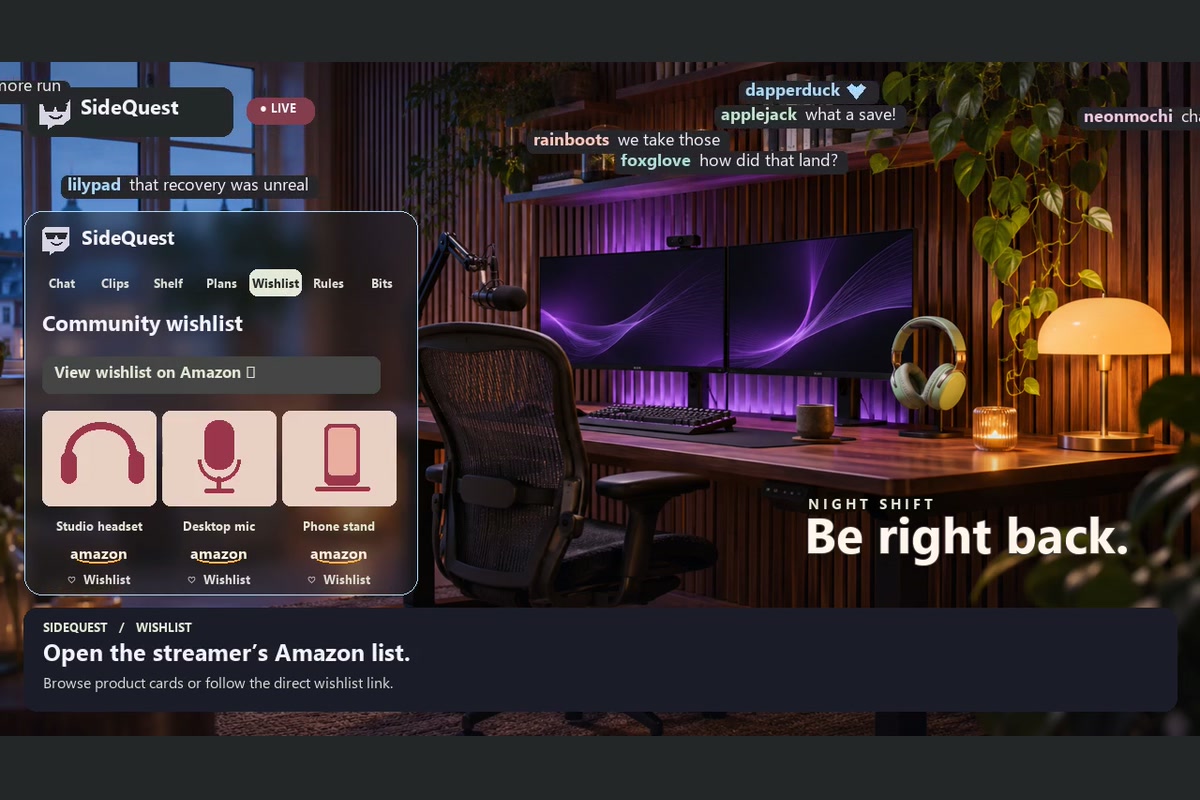
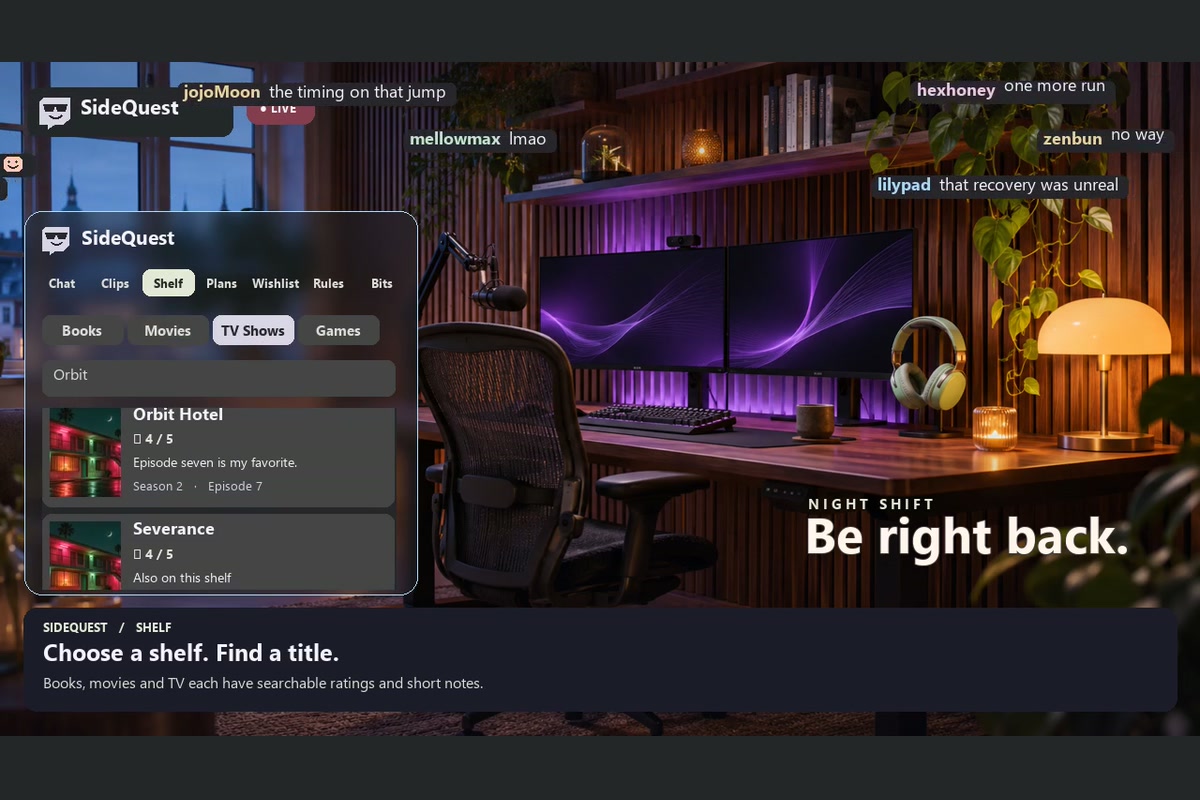
The same idea works for quieter moments. If someone asks what the streamer is reading, !book Dune can open the matching entry on their Shelf. Streamers can curate books, games, and movies, preview edits before publishing, and choose which pages viewers see. They can also share an Amazon wishlist as picture cards without prices. The current build refreshes those cards when the streamer imports an updated copy of the list. How I built it
I started with a simulated Twitch channel so I could test moving chat over gameplay before going live. I built the panel, video overlay, and streamer dashboard in JavaScript, then connected the extension to Twitch’s Clips API and a Node.js chat relay. The relay reads channel chat, checks who can issue commands, and passes messages and pings to the extension. Each viewer’s browser handles the animation and remembers their preferences.
Challenges and what I learned
The trickiest bug looked like a success: the chat preview animated perfectly, but typing in real Twitch chat put nothing on the video. The preview had proved that the animation worked. It hadn’t proved that a message could travel from Twitch through the relay to a viewer. Testing on a live channel exposed that gap and led me to add a visible connection status and test the whole journey, including whether a moderator’s deletion removes a floating message.
I also learned how personal readability is. Making text bigger helps from the couch, but fast movement can still make it hard to follow. Giving viewers separate controls for size, speed, density, and placement mattered more than finding one perfect default.
What’s next
The private test runs with a relay on my PC. The next milestone is a shared hosted service so another streamer can install Sidequest, connect Twitch, and customize their channel without running software themselves.
Built With
- 2.0
- 7tv
- animations
- api
- betterttv
- codex
- css3
- extensions
- helix
- html5
- irc
- javascript
- node.js
- oauth
- openai
- sqlite
- web
- websockets
