Inspiration
SidekickBar was born out of a personal frustration constantly having to switch between my workflow and a browser tab just to ask a quick question to an AI assistant. As my use of AI tools grew more diverse (Copilot, Claude, Perplexity, and others), I realized I needed a single, streamlined way to interact with all of them without leaving my current context. That’s when the idea of a multi-agent sidebar that stays out of the way, but close at hand came to life.
What it does
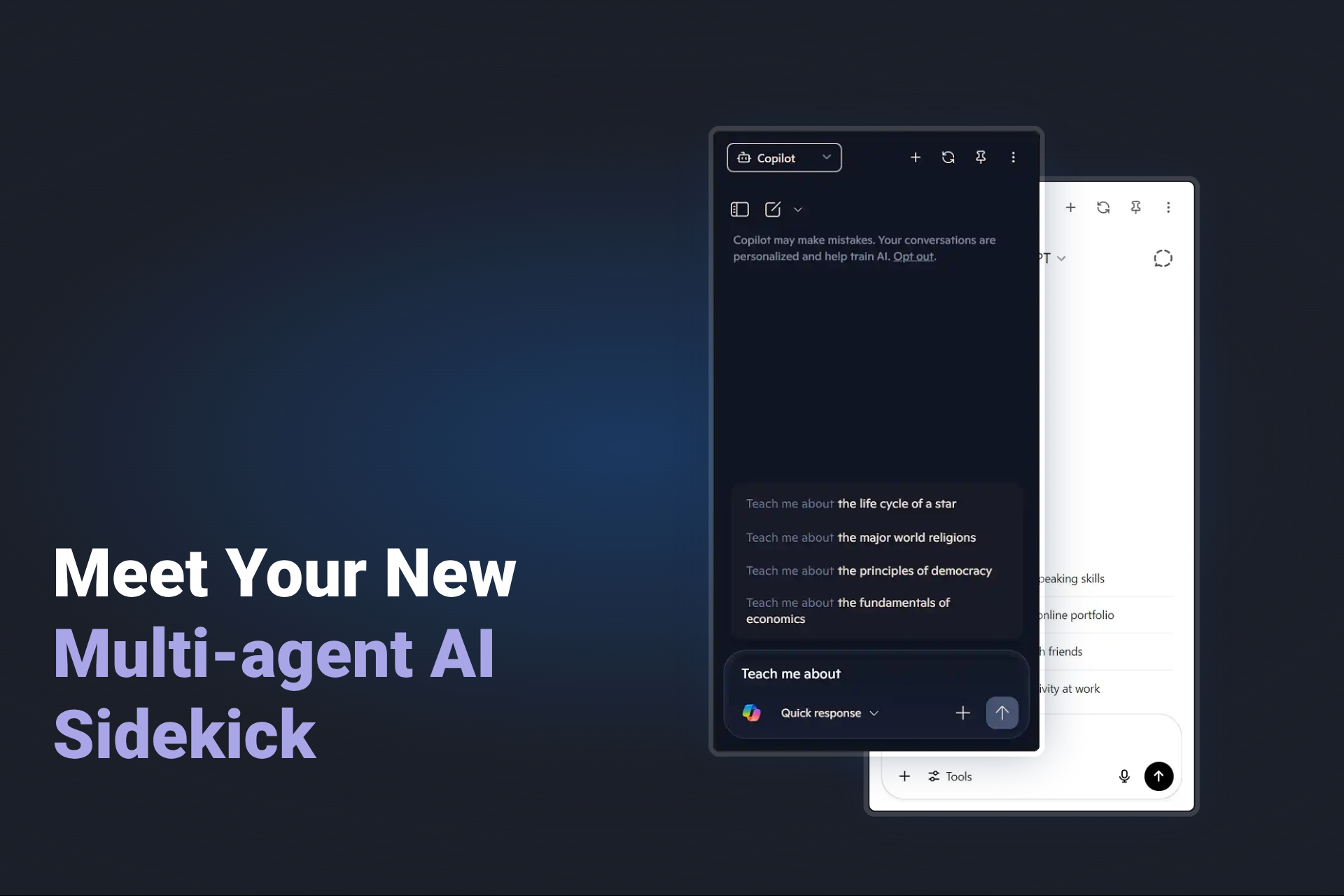
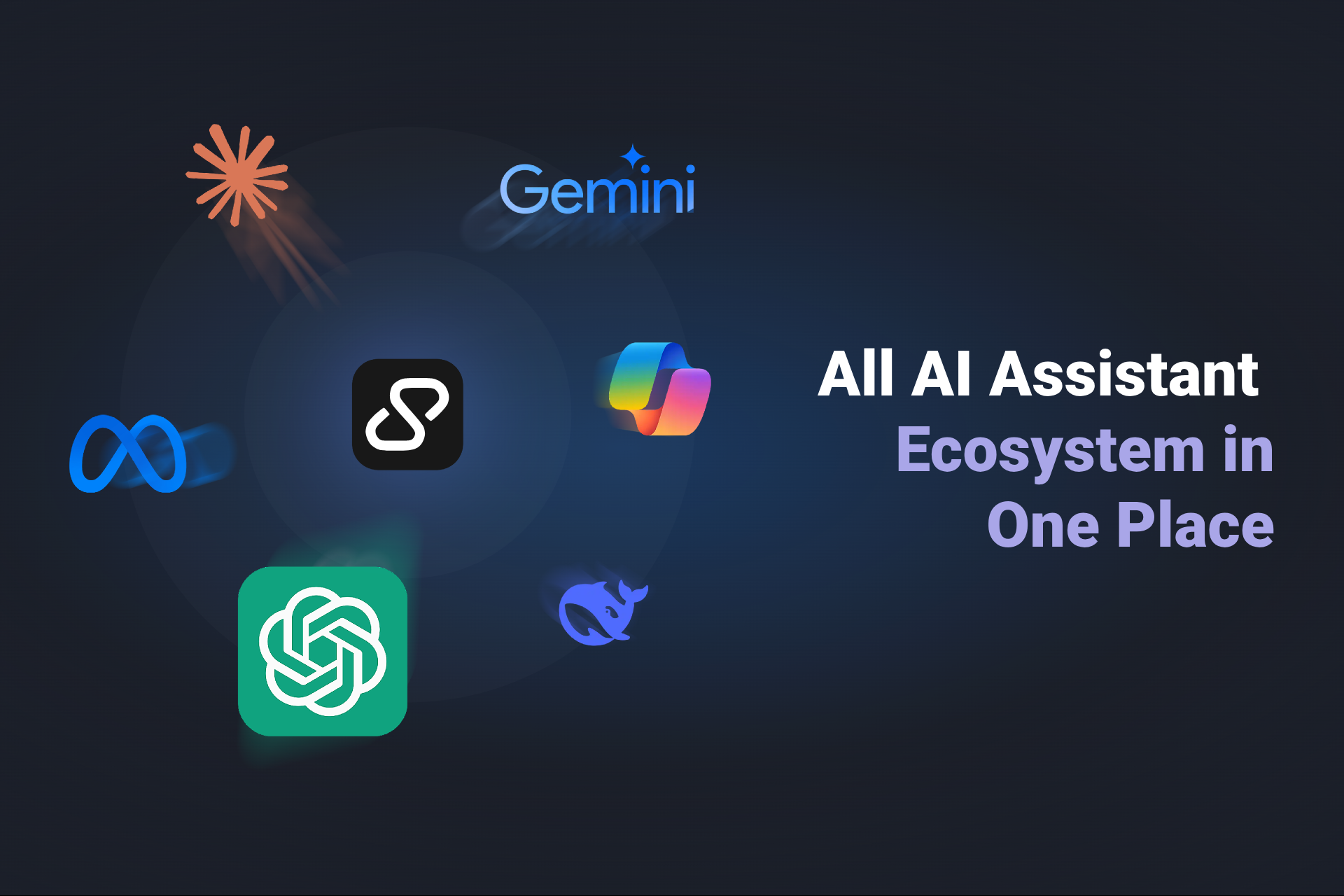
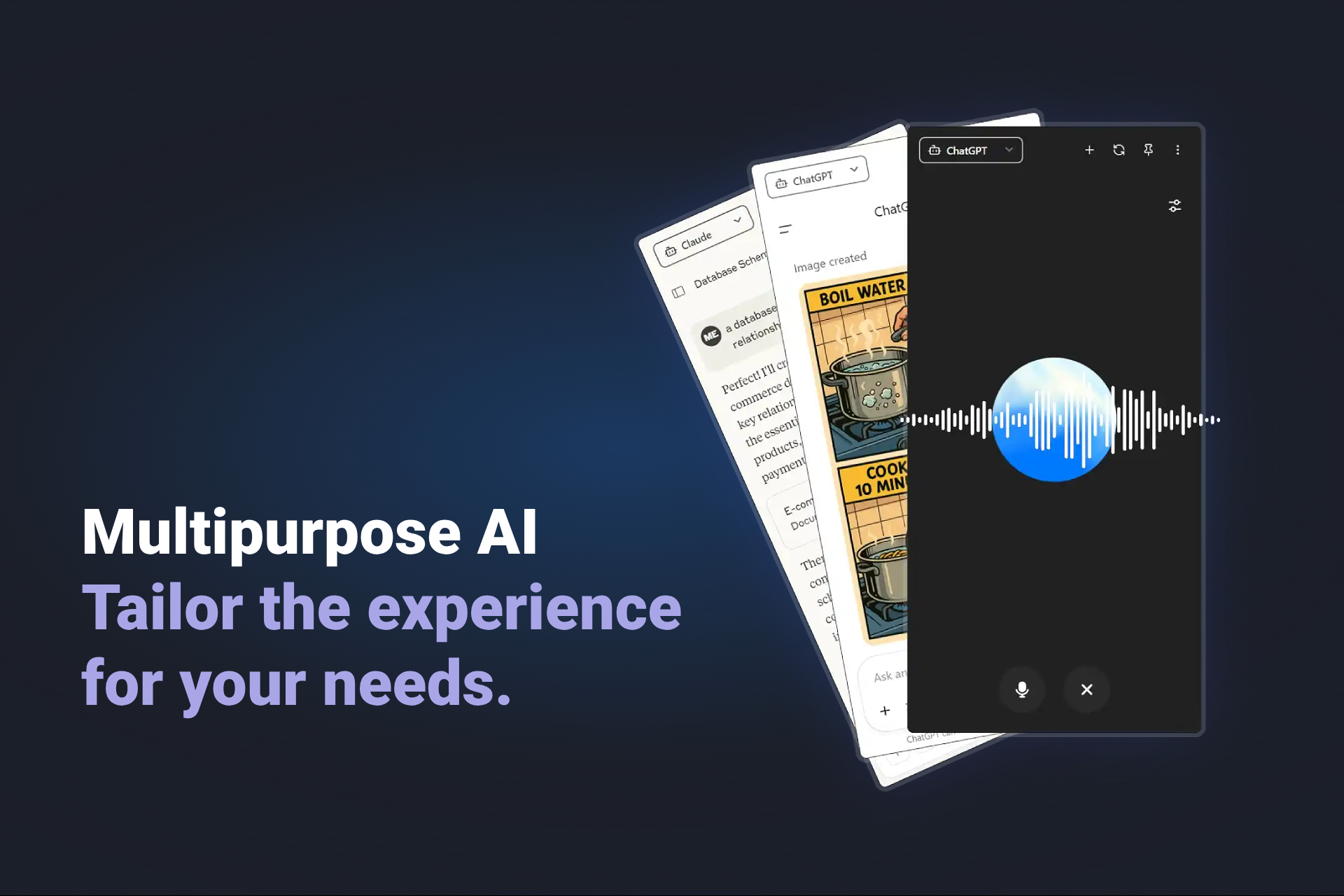
SidekickBar is a cross-platform desktop sidebar that lets users interact with multiple AI assistants in one place. You can authenticate directly with services like Claude, Perplexity, Poe, and even local assistants like Open WebUI with no middleware or API keys required. It supports multiple agents at once, customizable hotkeys, drag-and-drop file support, voice control, and a minimal, distraction-free interface tailored for focused work.
How I built it
The app is built with Electron (Electron-Vite), Svelte and TailwindCSS. I used webviews to embed AI web apps securely while retaining control from the main process, such as customizing the user agent or injecting scripts when necessary. GitHub Actions handle cross-platform builds for Windows, Linux, and macOS. Svelte’s reactivity helped create a lightweight interface that responds seamlessly to backend signals.
Challenges I ran into
One of the biggest hurdles was handling authentication flows and CAPTCHAs from within webviews, especially when dealing with services like Google Sign-In or Poe behind Cloudflare. Managing traySystem behavior and window animations across multiple operating systems also took some OS specific tweaking. And of course, figuring out how to structure the multi-agent layout while keeping things clean and intuitive took lots of iteration.
Accomplishments that I'm proud of
I’m proud of building something that genuinely improved my own workflow and now hopefully others’ too in a month of work. Integrating local and online assistants in a single, polished UI without relying on APIs or external servers was a big win. Getting cross-platform builds fully automated was another milestone that made the project feel complete and production-ready.
What I learned
This project deepened my understanding of Electron’s capabilities and quirks, especially around inter-process communication and webview security. It also showed me how effective Svelte can be for make a simple UI, and reinforced the value of keeping infrastructure simple when trying to ship fast.
What's next for SidekickBar
Looking ahead, I want SidekickBar to go beyond just being a bridge to AI assistants. One idea I’m exploring is building a way to store reusable prompts and share contextual information between assistants, so switching between them doesn’t mean starting from scratch each time. I'm also interested in letting users inject data directly from their system context—like selected text, files, or clipboard content—into conversations, making the assistant feel more embedded in the workflow rather than floating alongside it.
Ultimately, the goal is to make SidekickBar more than just an AI panel—it should become a true sidekick: reactive, context-aware, and seamlessly integrated with how you work.
Built With
- electron
- svelte
- tailwind


Log in or sign up for Devpost to join the conversation.