Inspiration
We've all done it — sit down to check one thing and look up two hours later. We wanted something that actually catches that moment, not another screen-time report you check once and ignore. So instead of a passive dashboard, Sidekick watches for the moment you go idle and puts a real, talkable AI companion in front of you right then — while you're already paused, not after the damage is done.
What it does
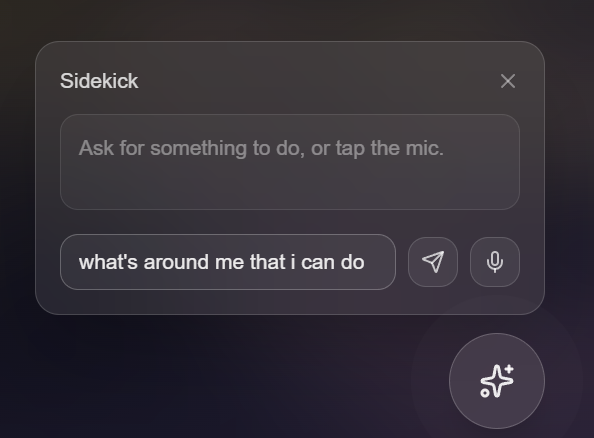
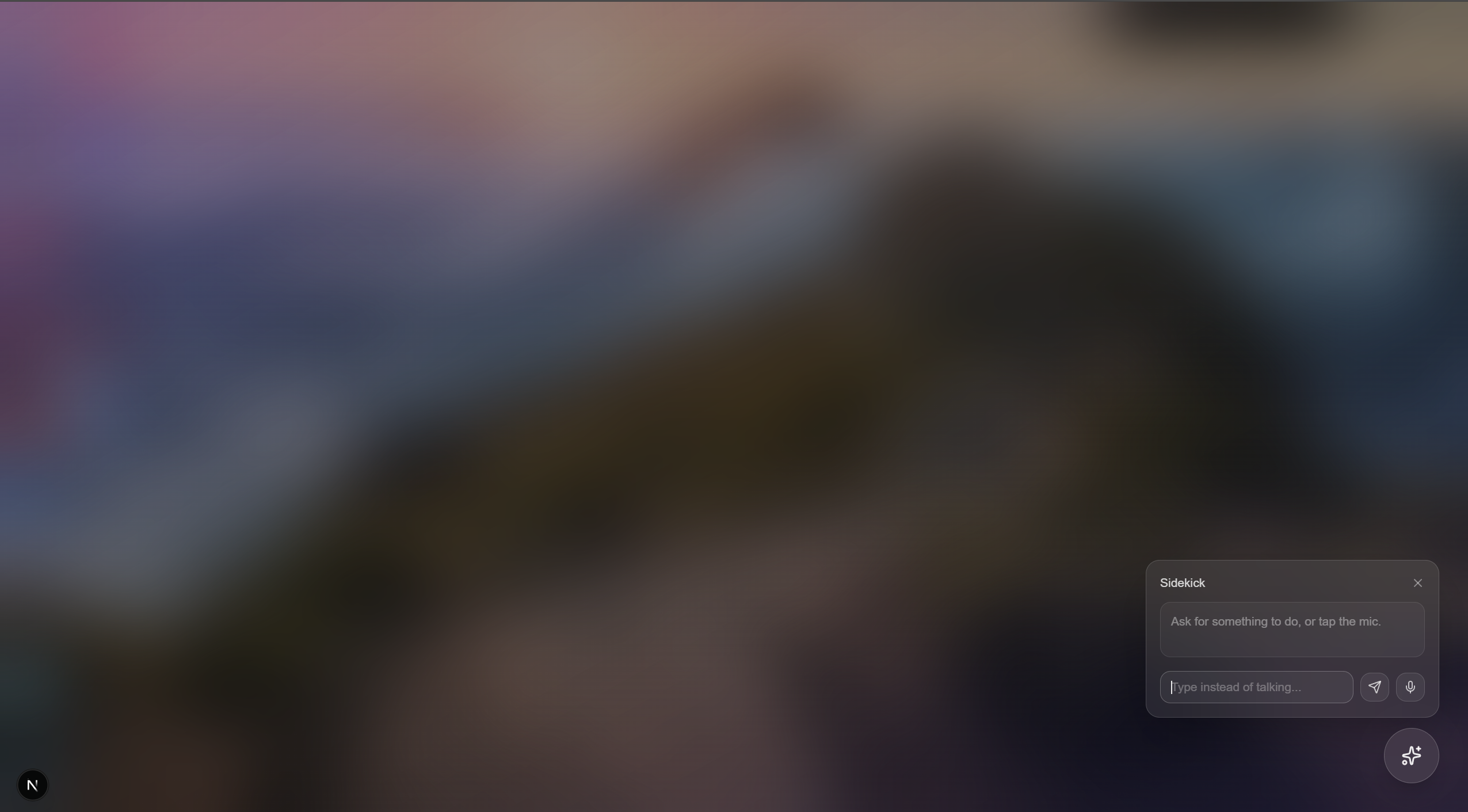
Sidekick runs quietly in the background on Windows, tracking idle time. The moment you step away or pause, it captures and blurs your screen, then opens a frosted-glass overlay with an AI you can talk or type to. Ask it what to do instead of going back to the same tab, and it gives you a real, personalized suggestion — spoken back to you with natural voice, not just text. Mark it "did it" or "skip," and Sidekick remembers, building a streak of actual follow-through over time. A live dashboard shows your current and best streaks, a day-by-day chart of what you followed through on versus skipped, and your full suggestion history.
How we built it
- Backend: FastAPI, with Tiger Data (TimescaleDB/Postgres) storing streaks, suggestions, and outcomes. Backboard gives the agent persistent memory across sessions via a per-user thread, so it actually remembers context between conversations instead of starting cold every time. ElevenLabs converts every suggestion into real spoken audio.
- Frontend: Next.js and Tailwind for both the overlay UI and a live
dashboard. The overlay itself isn't a browser tab — it's a native window
via
pywebview, triggered by a Python script polling Windows' idle-time API, so it can appear on top of literally anything you're doing, regardless of which app has focus. - Voice: push-to-talk using the Web Speech API for live transcription, paired with ElevenLabs for the AI's spoken replies.
Challenges we ran into
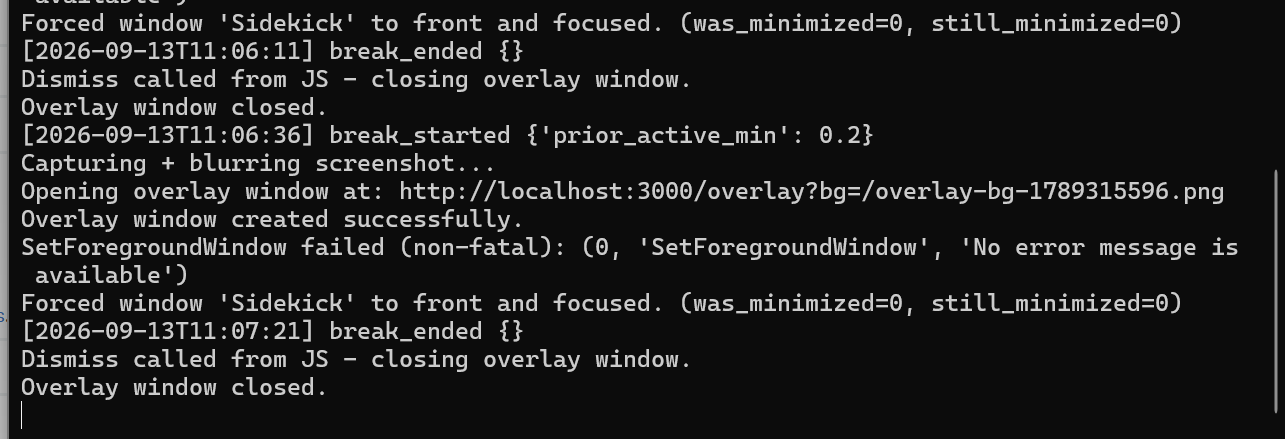
The overlay window not actually coming to the front was the hardest bug of
the entire build. Windows has a built-in "foreground lock" that blocks
background processes from stealing focus from whatever app you're actively
using — so even with the window correctly marked topmost, it would
sometimes get silently minimized by Windows and just flash in the taskbar
instead of appearing. Fixing it took forcing a proper SW_RESTORE,
re-asserting topmost z-order directly via the Win32 API, and using the
AttachThreadInput trick to borrow foreground permission from whatever
app currently had it.
We also discovered partway through that voice input straight-up doesn't
work inside a pywebview window — Chromium-based embedded webviews
(WebView2 on Windows) don't support the browser's network-backed speech
recognition service at all, the same limitation Android's embedded WebView
has. Rather than build a whole custom audio pipeline under time pressure,
we leaned into typed input as the overlay's primary path and kept voice
input working in a real browser tab.
Accomplishments that we're proud of
Getting a genuinely native, always-on-top, idle-triggered overlay working on Windows from a background Python script — not a browser extension, not a foreground app you have to keep open — feels like a real systems-level win. And end to end, the whole loop actually works: idle detection triggers the overlay, you talk or type to a real AI with persistent memory, it speaks back with real audio, and your streak updates live on a dashboard pulling from the same database.
What's next for Sidekick
Wake-from-sleep detection (not just idle-timeout), pattern recognition across suggestion history to make recommendations smarter over time, and solving voice input inside the overlay itself — likely by capturing raw audio and sending it to a proper speech-to-text service instead of relying on the browser's built-in recognition.
Built With
- backboard
- elevenlabs
- fastapi
- nextjs
- ngrok
- postgresql
- python
- pywebview
- react
- tailwindcss
- timescaledb
- typescript
- webspeechapi
- webview2

Log in or sign up for Devpost to join the conversation.