Inspiration
I wanted a fast, private study assistant that doesn’t rely on the cloud. Chrome’s new Prompt API with Gemini Nano made it possible to build an AI that runs entirely on-device.
What it does
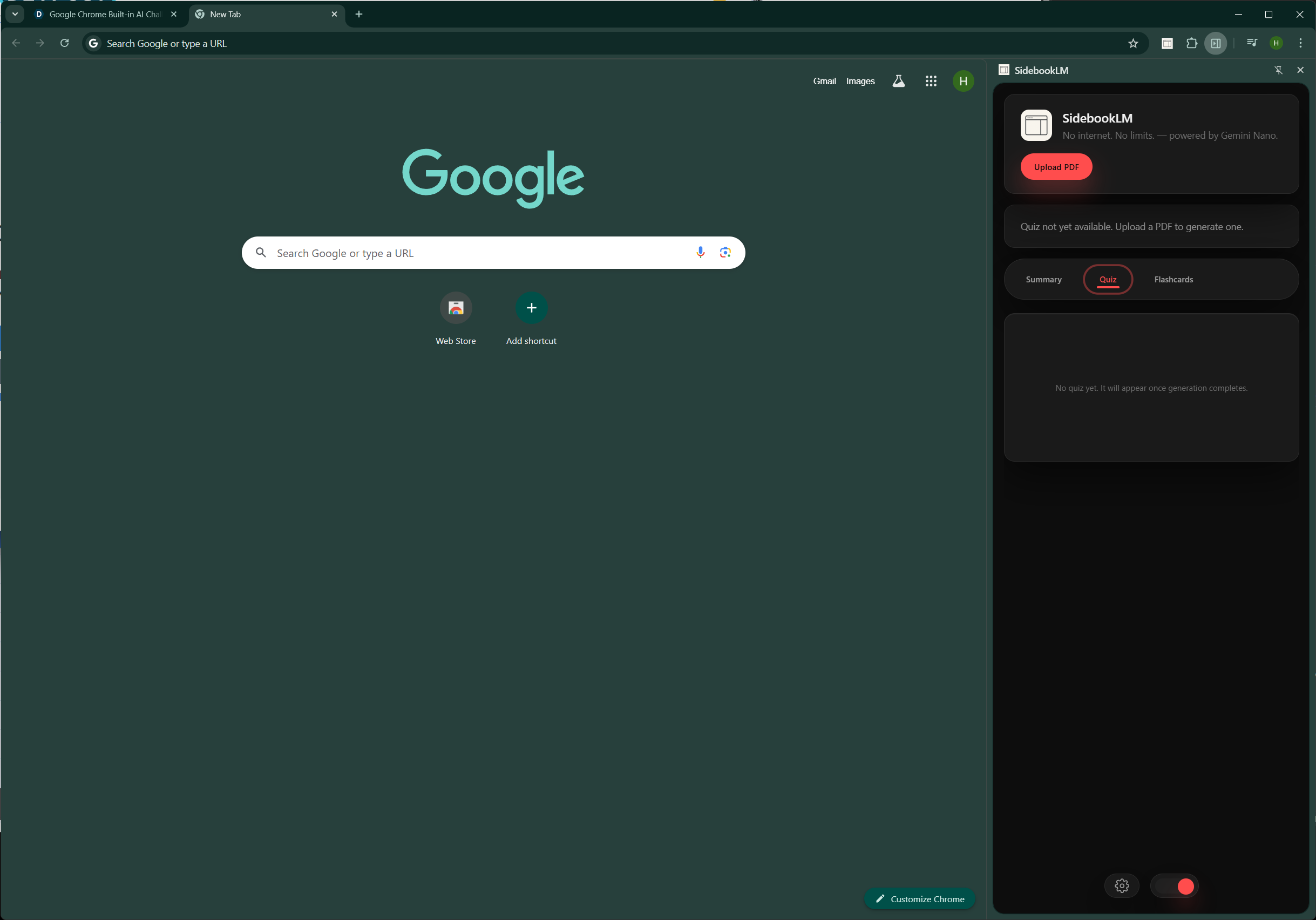
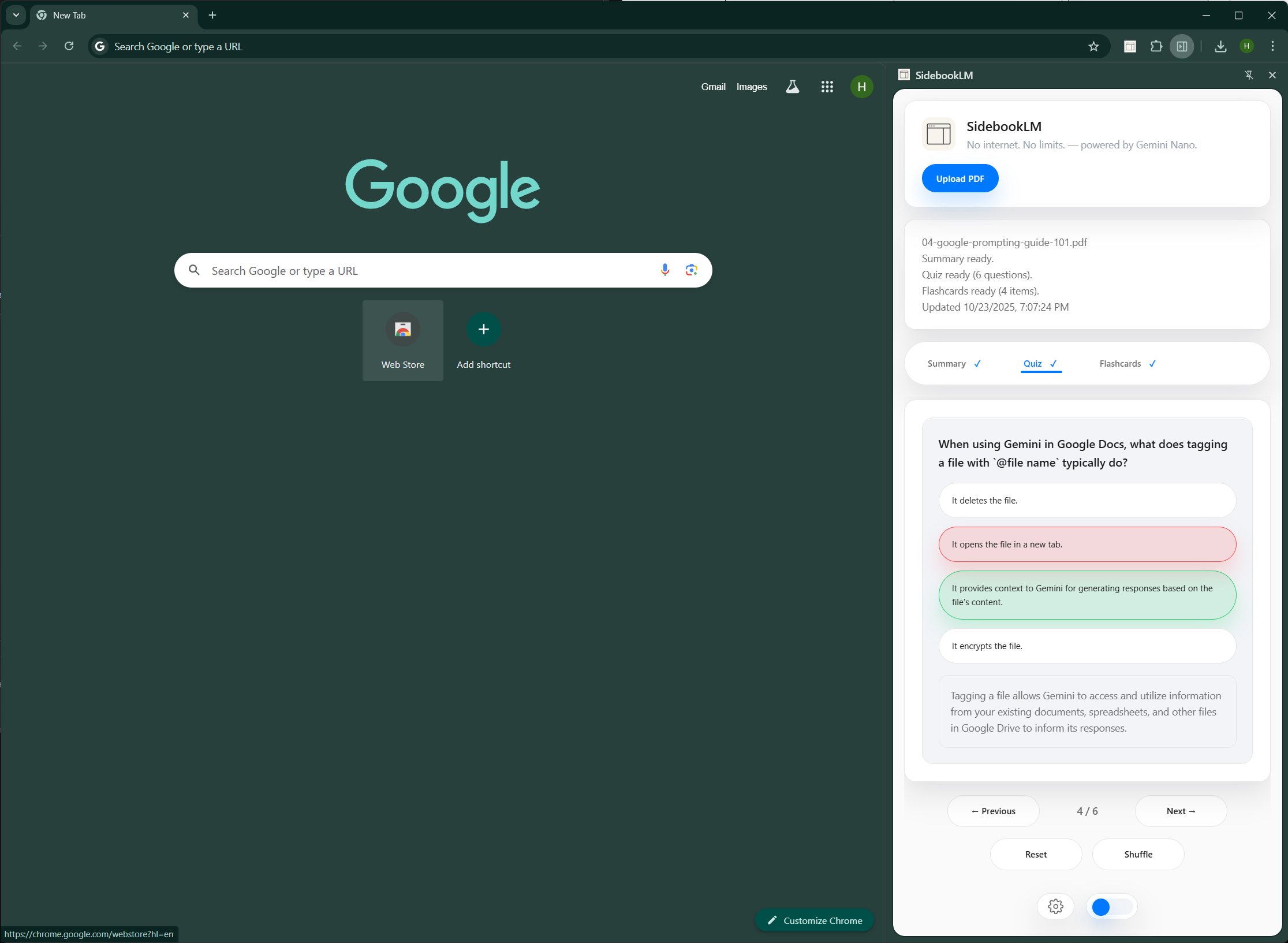
SidebookLM converts any PDF into a summary, quiz, and flashcards, all inside Chrome’s side panel — no internet or upload required.
How we built it
Built with Manifest V3, PDF.js for document parsing, and Chrome’s Prompt API for local AI inference using Gemini Nano. The UI is made with HTML, CSS, and JS, styled for a clean side panel experience.
Challenges we ran into
Integrating PDF parsing with the Prompt API context size limits and managing UI state between modes (Summary, Quiz, Flashcards) were the toughest parts.
Accomplishments that we're proud of
Running generative AI entirely offline in a browser extension — fast, private, and self-contained.
What we learned
How to leverage Chrome’s on-device Gemini Nano and structure prompts for efficient summarization and question generation.
What's next for SidebookLM
Publish it to the store
Built With
- chrome
- css
- css-frameworks-&-libraries:-pdf.js
- gemini
- html
- javascript
- pdf.js
- storage
- tailwind
- tailwindcss-(for-styling)-platform:-chrome-extension-(manifest-v3)-with-side-panel-api-ai-engine:-chrome?s-built-in-prompt-api-powered-by-gemini-nano-(on-device)-build-tools:-vite-(for-bundling)-apis:-chrome-runtime
- vite

Log in or sign up for Devpost to join the conversation.