-
-
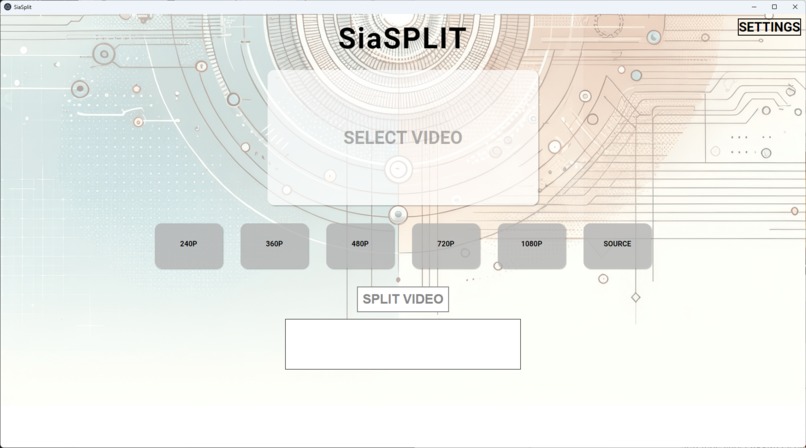
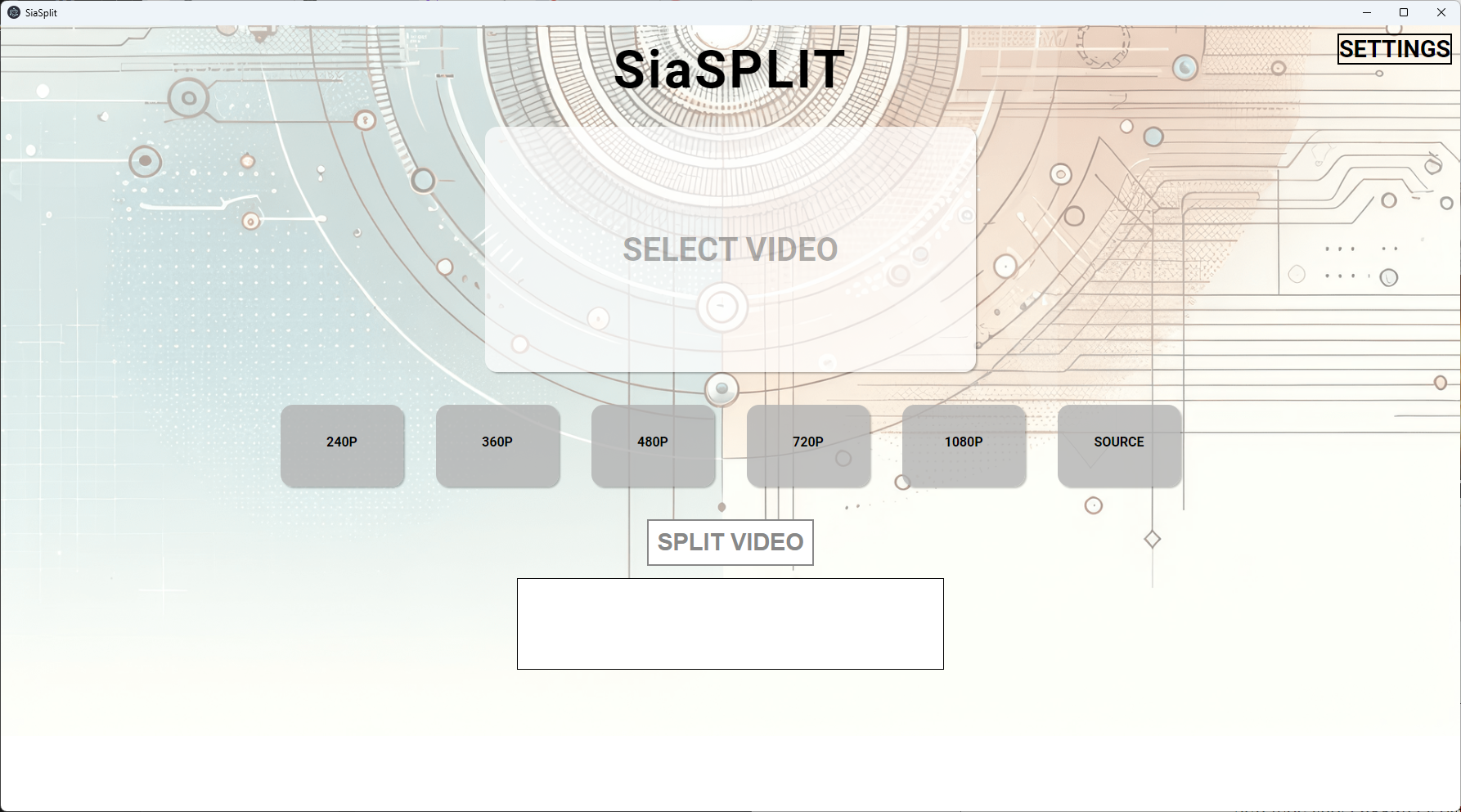
Landing page for the app
-
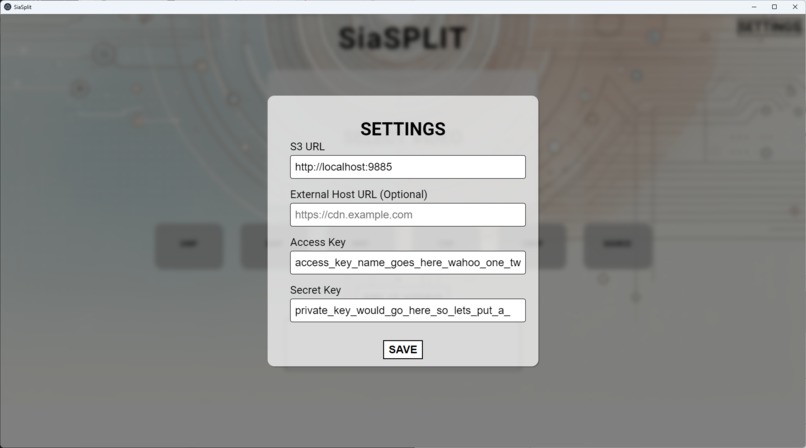
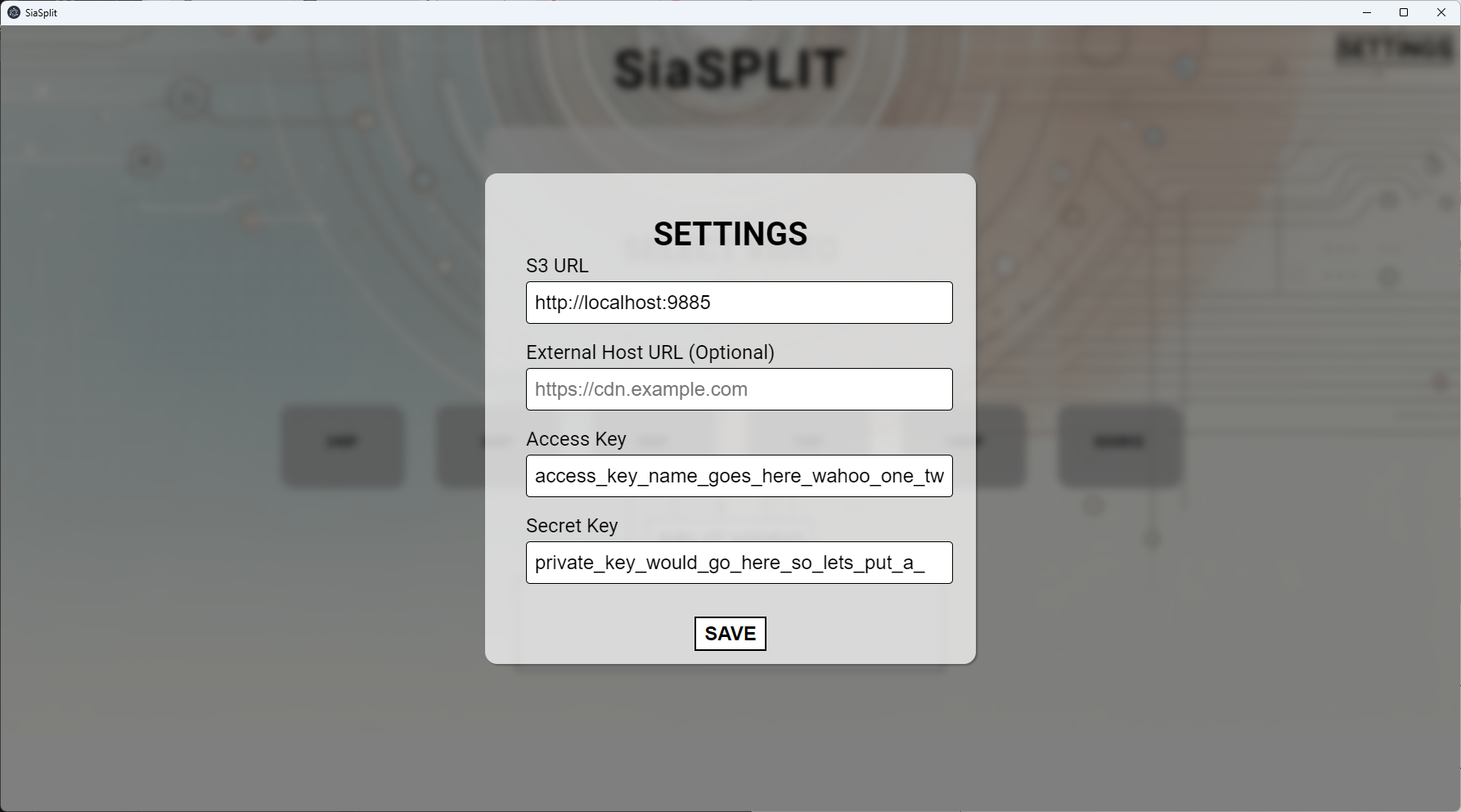
Settings page
-
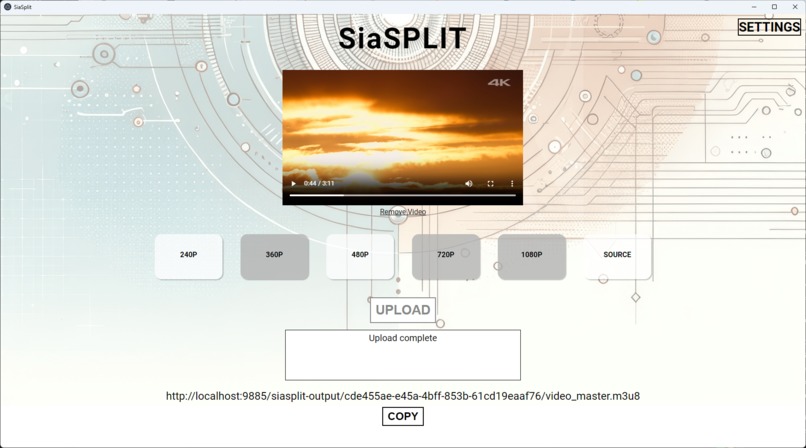
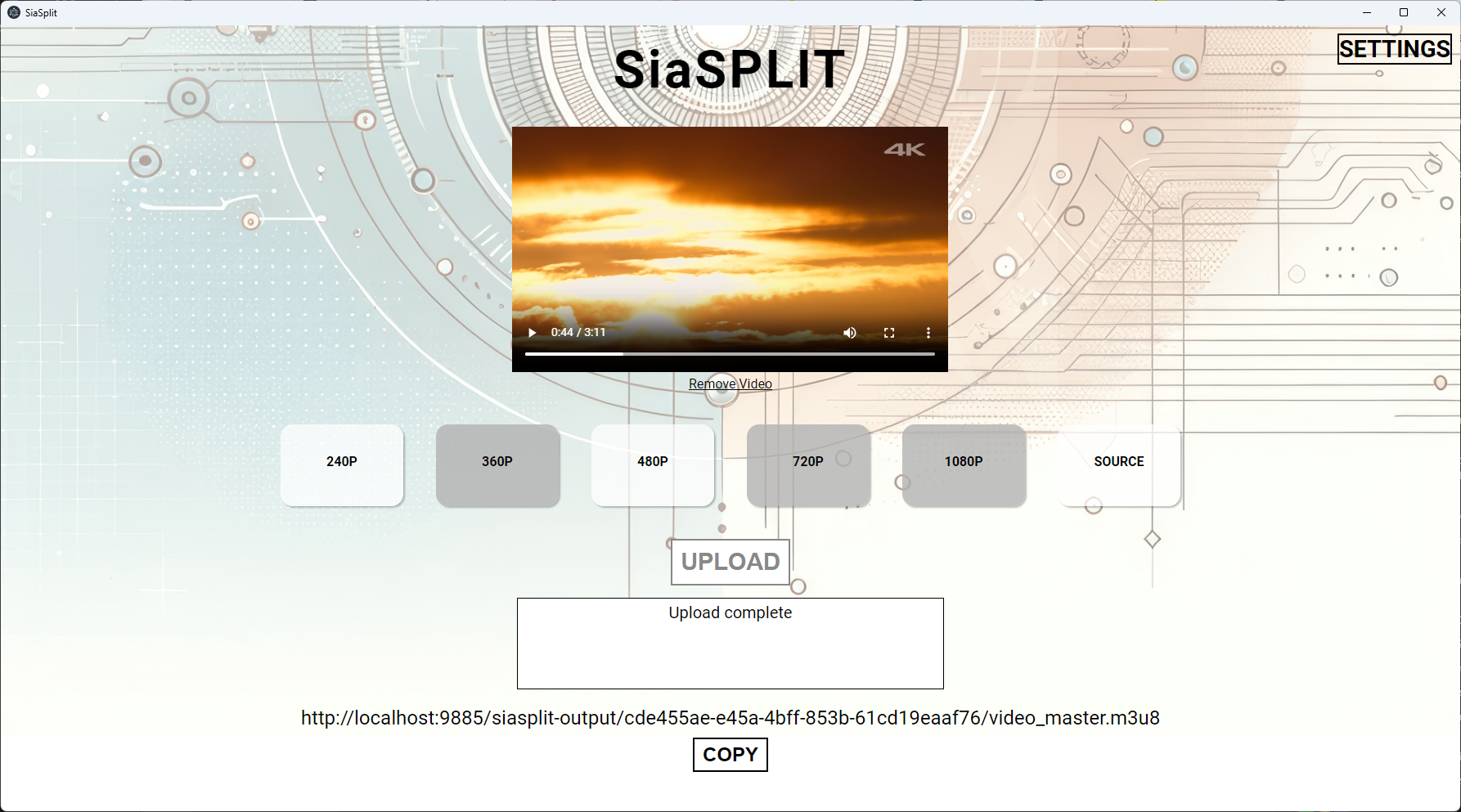
Page once video has been uploaded
-
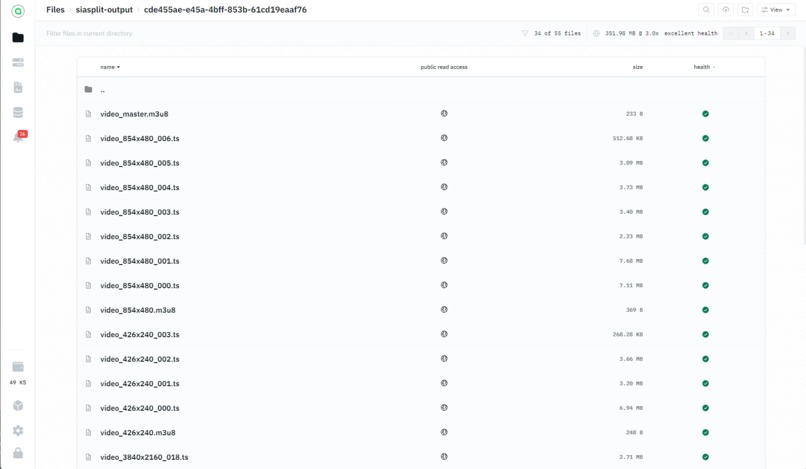
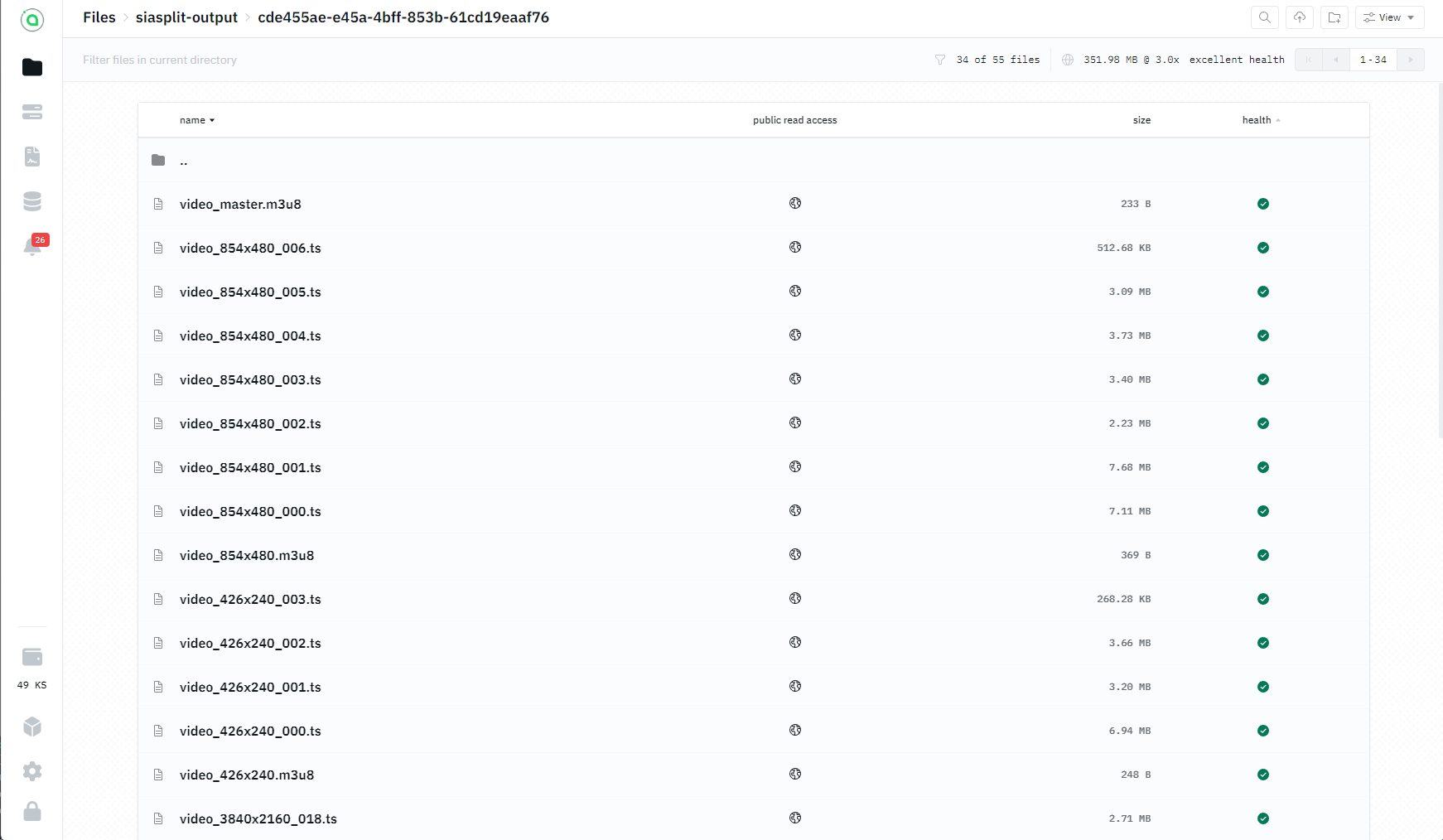
Files created and uploaded to renterd
-
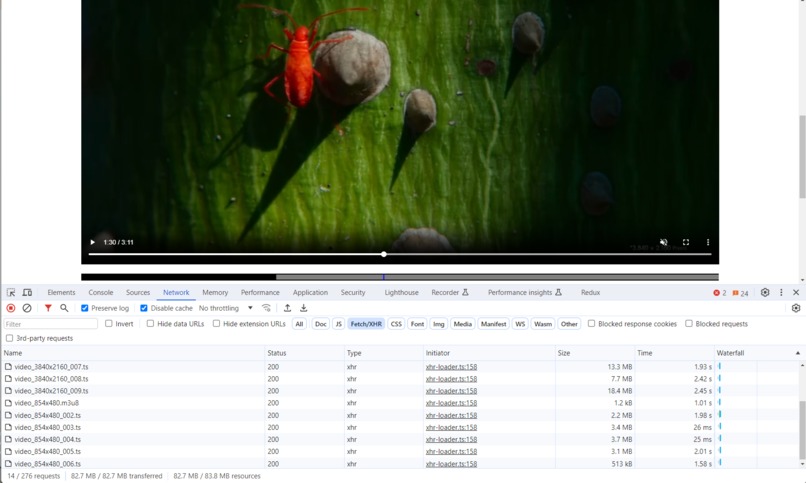
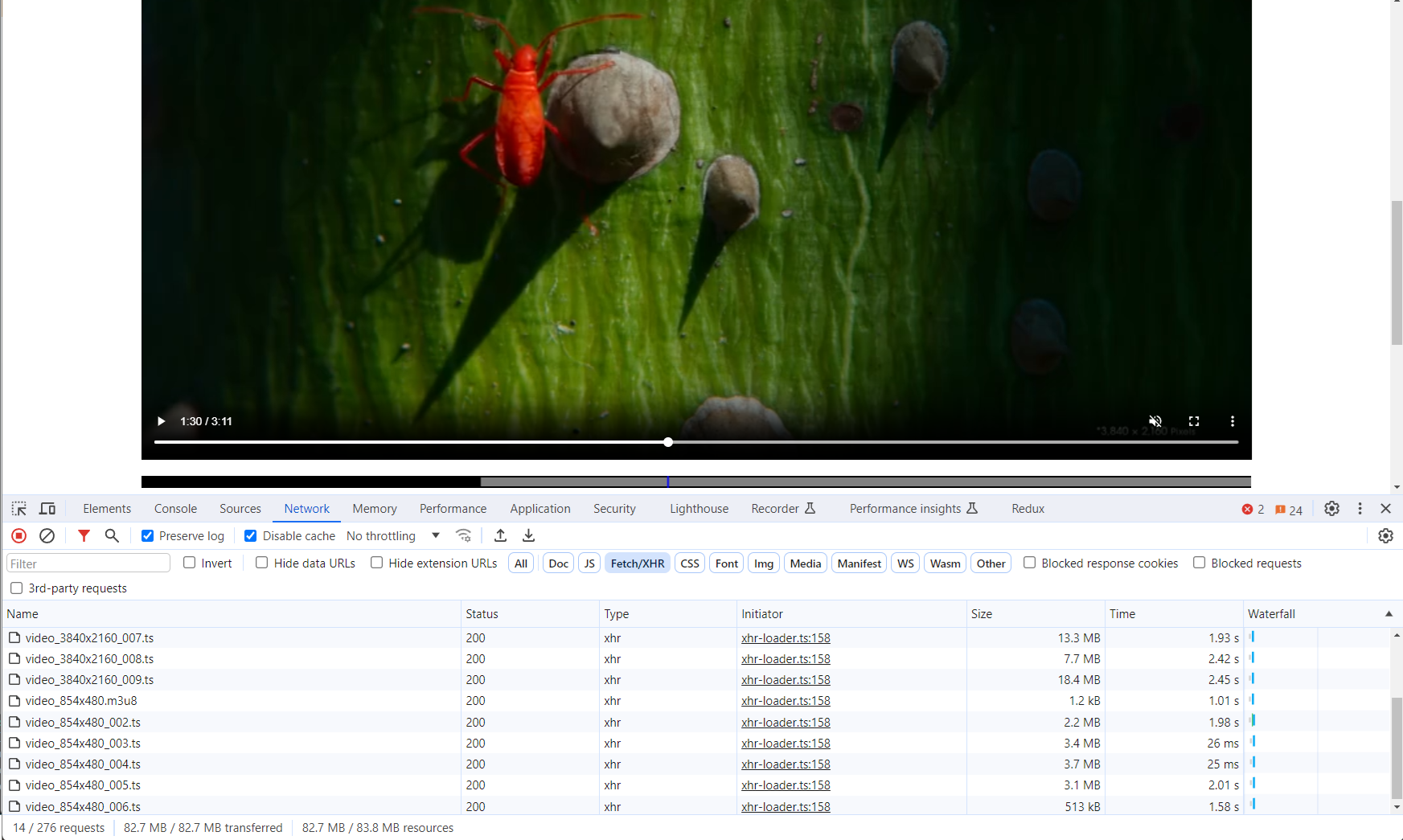
Example network tab when watching a HLS video
Inspiration
I enjoy building apps related to video, and always struggle to find cost efficient ways to host video over the internet to users, looking at Sia's pricing vs something like s3 would be a much more efficient place to store the videos, and combining that with how HLS works would mean a really fast and cost efficient solution.
What it does
Using a desktop application to harness the user's own hardware, it takes an input of a video (mp4, webm etc.), and let's the user choose what quality levels they want to serve to their audience, and then splits the video into .ts video chunks (aiming to be ~4MiB in size in order to not waste storage space on the Sia network) and creates the relevant manifest files.
Once it's done this, it lets the user upload it to Sia using the exposed s3 endpoint from renterd, using the minio tool, it stores all these videos in a specific folder, and then gives the user the link to the master manifest file, which they can then serve to their user's over HTTP.
Using a smart web player, this will allow the user to select what quality level they want to see, and be able to adapt to the user's internet to give them the best quality they can view without causing any buffering issues. It'll send it in small chunks, so if the user only watches part of the video, they're only downloading a few of the chunks.
How we built it
It's built using electron as this is cross platform, and a tool I'm very familiar with.
It uses ffmpeg to generate a script that will take the input video file, and re-encode it into .ts chunks with a HLS manifest file. Before doing this, using the expected bit rate of each quality level, it will attempt to best guess how long each chunk should be to try and be as close to 4MiB as possible, which should lead to cost efficiency over Sia, and fast downloads for the end user.
It expects the user to already be running renterd, either locally or on a server, which they then input the s3 url to the app's settings, and that's what minio uses to know where to upload it.
Once all the files are uploaded, the user is given the manifest file, this is what's needed for web players to send the video files to the end user. The user will also need to make sure this bucket has turned on public read access if they want to distribute the video publicly.
Challenges we ran into
When I found out about the 4MiB minimum size I had to change my approach, as initially all the chunks for lower quality levels were around 100-200KiB in size, which would have cost ~20x as much to host in Sia rather than buffing them out to be 4MiB each.
The solution ended up being quite simple, with the ability to easily tweak it if the restrictions of the network change in the future
    const SIA_MIN_CHUNK_SIZE_IN_BITS = 4 * 1024 * 1024 * 8;

    let hlsTime = 10;

    if(videoBitRate && audioBitRate) {
      const totalBitRates = (parseInt(videoBitRate) * 1000) + (parseInt(audioBitRate) * 1000);
      console.log('total bit rate', totalBitRates);
      const numberOfSeconds = Math.floor(SIA_MIN_CHUNK_SIZE_IN_BITS / totalBitRates);
      console.log('number of seconds', numberOfSeconds);
      hlsTime = numberOfSeconds;
      if(hlsTime < 10) {
        hlsTime = 10;
      }
    }
Accomplishments that we're proud of
Having a full e2e solution that works, and being able to actually watch the video in a generic HLS video player was cool. I haven't actually made my own HLS videos before, I've only ever used managed solutions that do that for me, so figuring out the correct ffmpeg commands to run and seeing it generate each chunk one by one was really cool to see.
What we learned
I haven't used decentralised storage before, so actually understanding how the storage side of it all works: the redundancies, the encryption etc. was really interesting.
Also getting really stuck into ffmpeg and understanding what each parameter is doing, which ones are needed, and which make the whole process more efficient was great to see.
What's next for SiaSplit - Serving HLS videos over Sia Network
One thing would be to make it cross platform, at the moment it specifically runs the mc.exe file, so making it run the correct file for each platform should let it work anywhere.
It would also be cool to make it work as an API instead of as a GUI, to allow it to run on a remote server, instead of hogging resources on a local computer.
Giving the app the option to spawn the renterd daemon itself instead of having to rely on the user setting that up themselves would make it much more user friendly to lesser technical people as well.

Log in or sign up for Devpost to join the conversation.