-
-
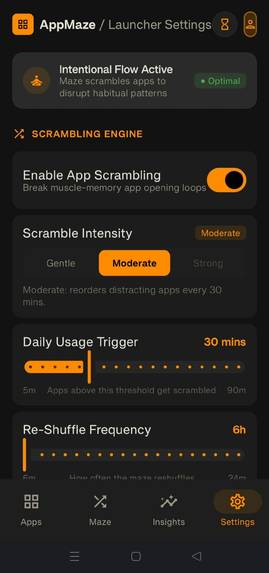
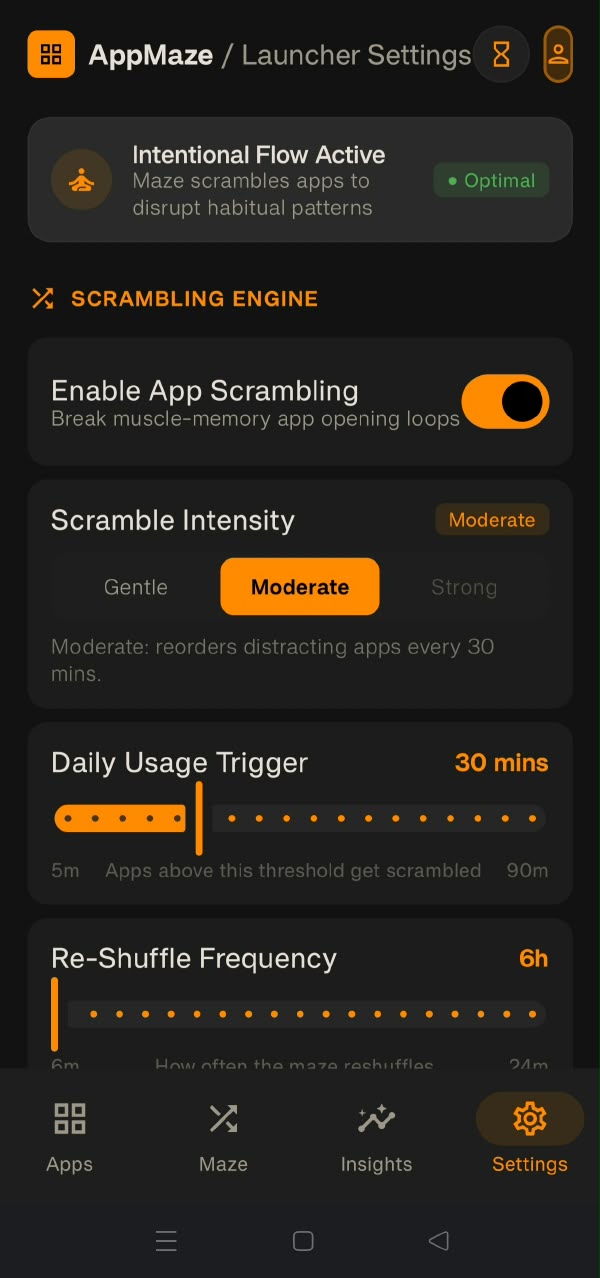
Settings
-
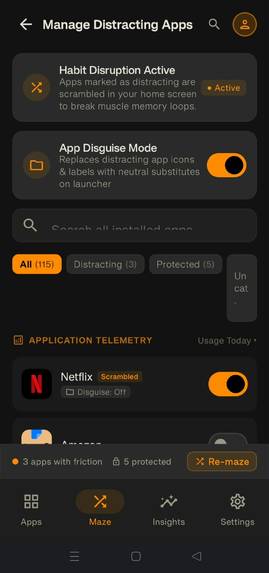
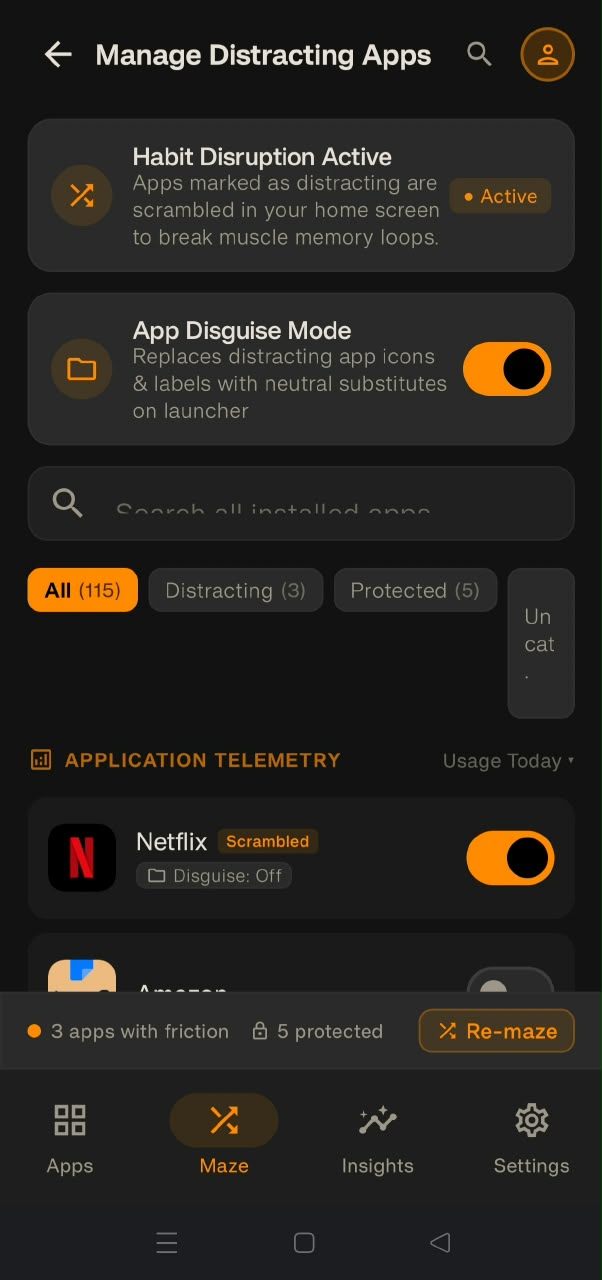
App Manager Screen
-
Insights Screen
-
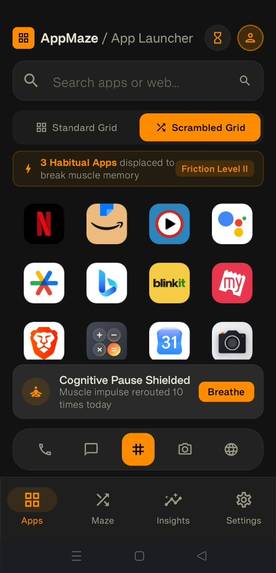
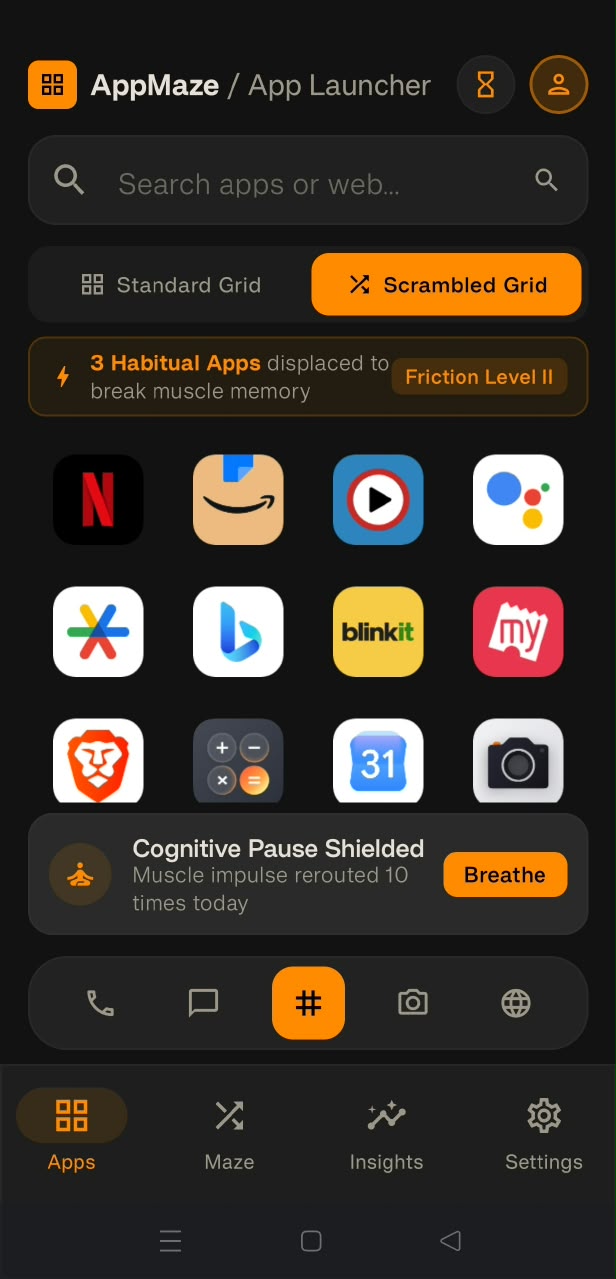
Home Screen
-

Logo
Inspiration
We've all had the experience of picking up our phone to check the time and somehow ending up 20 minutes deep in Instagram — not because we decided to, but because our thumb already knew where the icon was. Most digital-wellbeing apps fight this by blocking access outright, which usually just gets uninstalled the first time it's inconvenient. We wanted to try something gentler: keep the app fully accessible, but break the automatic, thoughtless tap by changing where it lives.
What it does
AppMaze is a fully functional Android home screen launcher that periodically rearranges the position of apps you've marked as distracting. Nothing is blocked — every app is one tap away — but your muscle memory can't carry you there anymore, so opening it becomes a small, conscious decision instead of a reflex.
- Smart scrambling at three intensities (Gentle, Moderate, Strong), tuned to how much movement and how often
- On-device usage tracking that scores each app's "distraction level" based on daily screen time — nothing leaves the device
- An intervention dialog that shows your usage for that app before you open it, with an always-available "Open Anyway" — we never wanted this to feel punitive
- A dashboard showing today's screen time, top apps, and AppMaze's measurable impact (scrambles triggered, estimated time saved)
- Disguise mode, so a distracting app's icon and label can be swapped for a neutral placeholder on the grid, removing the visual pull entirely while the real app still opens normally underneath
- Essential apps (Phone, Settings, Emergency) are always protected and never scrambled or disguised
How we built it
AppMaze is a native Android launcher built in Kotlin with Jetpack Compose and
Material 3. It uses PackageManager to enumerate installed apps and register
as a real HOME activity, UsageStatsManager for on-device screen-time data,
Room for persistence (app positions, usage events, per-app settings), and
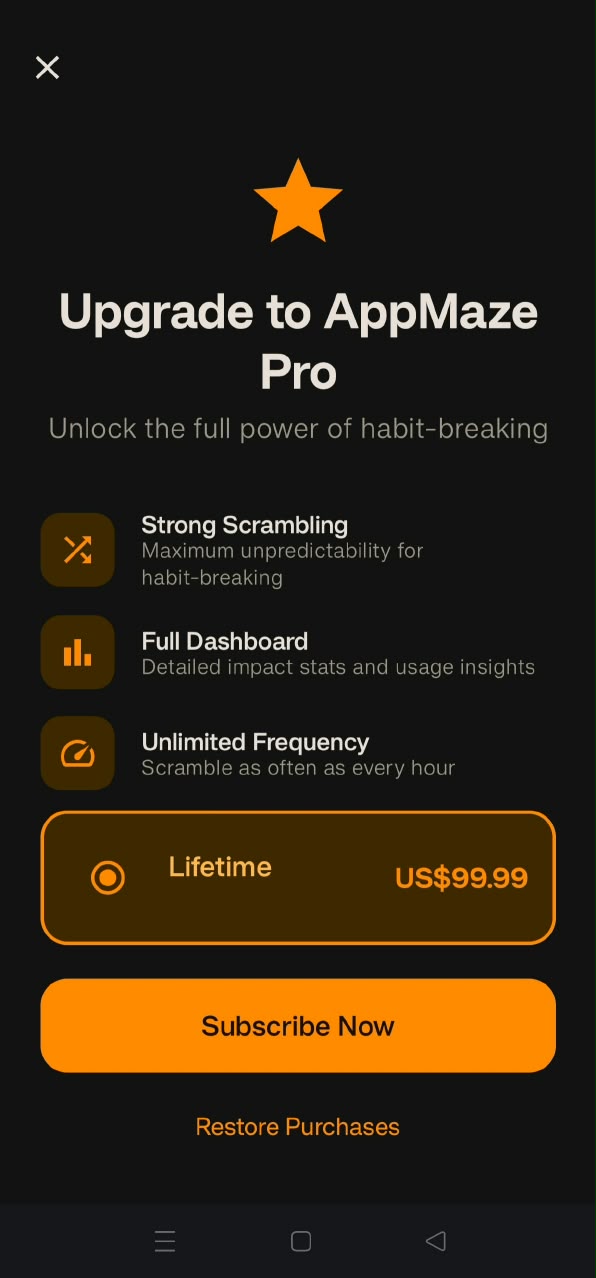
DataStore for user preferences. RevenueCat powers [describe your paywalled
feature here] as an in-app purchase, letting us monetize without touching any
of the on-device privacy guarantees.
Challenges we ran into
- Getting scrambling to feel like friction, not chaos — too aggressive and it's just annoying, too subtle and it does nothing
- Handling
UsageStatsManager's permission model gracefully, since Usage Access has to be granted manually in system settings and the app needs to work sensibly before that happens - Making sure essential apps (dialer, settings) are never touched by scrambling or disguise, even under edge cases like zero marked apps or rapid app switching
- Wiring a real purchase flow through RevenueCat without it feeling bolted onto an otherwise fully local, no-login app
What we learned
Building a real Android launcher taught us how much "home screen" behavior
is baked into the OS — becoming the HOME activity meant handling
back-button quirks, launcher-chooser edge cases, and permission flows
(Usage Access has to be granted manually in system settings) that a normal
app never has to think about. We had to treat "permission denied" as a
first-class state rather than an edge case, since the app still needed to
work sensibly without it.
The bigger surprise was behavioral, not technical: we assumed hiding or graying out distracting apps would be the stronger lever, but it turned out that breaking muscle memory through position alone was enough to insert a real moment of hesitation before opening an app. That's what pushed us to add Disguise Mode later — scrambling position wasn't always enough when an app was still instantly recognizable by its icon, so removing the visual pull entirely became a necessary companion feature rather than a nice-to-have.
We also learned how easy it is for "digital wellbeing" features to tip into feeling judgmental. Small wording choices in the intervention dialog — like framing it as "Take a Break" instead of something more shame-based — noticeably changed how the friction felt during testing, even though the underlying mechanic hadn't changed at all.
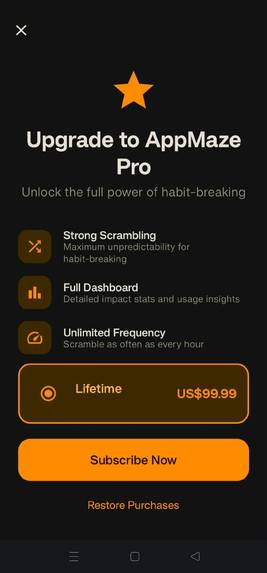
Finally, integrating RevenueCat pushed us to think carefully about monetization for a privacy-first, no-login app: the goal was a paywall that felt proportionate to one specific feature, without compromising the "everything stays on-device" promise the rest of the app makes.
What's next for AppMaze
- Home-screen widget support
- A background service option for more consistent scrambling timing
- iOS is architecturally impossible for a launcher, but we're exploring a companion "focus mode" for iOS using Screen Time APIs
Built With
- android
- android-datastore
- coroutines
- jetpack-compose
- kotlin
- material-design-3
- revenuecat
- room
- stateflow


Log in or sign up for Devpost to join the conversation.