Shrtct
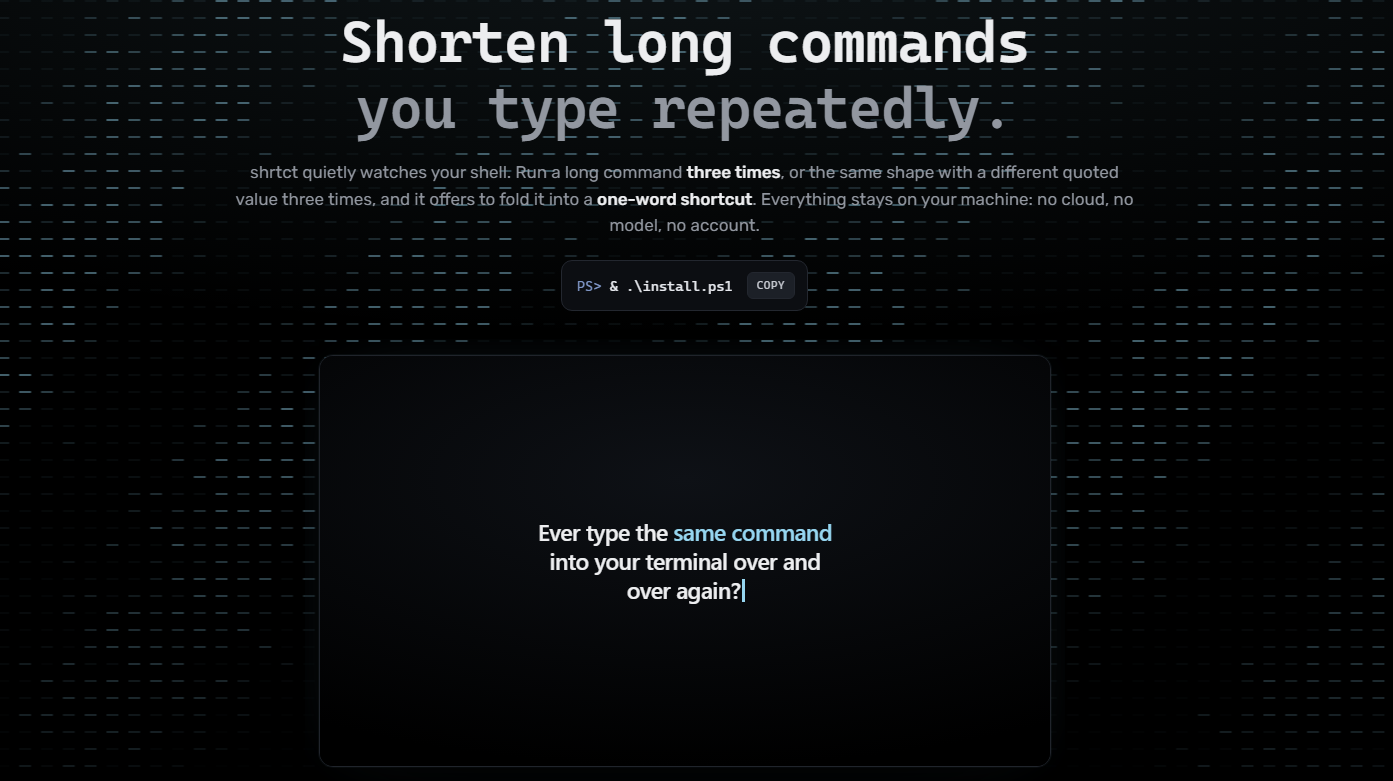
Identifies repetitive commands that are long. Automatically suggests creating a shortcut for it. Something that seems obvious but not been done like this before. Not another chatgpt wrapper, instead it uses clever tricks to solve this problem many of us even have.
Inspiration
I do a lot of things via my terminal such as run claude sessions and deploy websites (like vercel CLI) and some of these commands get very long and tedious, so I built a tool that suggests shortcuts automatically and sets it up for you instantly.
What it does
Overview
Checks to see if you repeatedly type a command into PowerShell (3 times repeated) and asks if you want a shortcut, takes a name (or default generated name) and saves it as an alias so you can shorten commands from a sentence to one word.
Full description
Connection to theme: Automation
shrtct automates a tedious process: identifying which commands you type the most, aliasing it, etc. Instead, it watches how you actually work (in the terminal), notices the repetition, and does the setup for you, you just say yes and pick a name. The thing being automated is the act of recognizing that a command should be automated, saving time. It's a very small thing but improves quality of life and is widely applicable. Sits locally and is editable (public repo on github)
How we built it
Built with PowerShell and Python (I know Python well, AI assisted with PowerShell). Landing page built with HTML.
2 main files (+1 install file) shrtct.ps1: front end - it hooks function global:prompt so it runs on every prompt, pulls the last command out of Get-History. It also provides the shrtct command itself and the manager window (which is a CLI in this case) shrtct.py: backend - it does all the observing, decides whether a command is worth shortcutting, generates the name, and writes out the PowerShell function for each shortcut.
I originally hooked into PSReadLine to capture commands, but it would silently stop firing after a while — no error, it just quietly died. Moved to polling Get-History from the prompt function instead, which is less elegant but actually works every single time.
Data lives in three files in ~/.shrtct/: store.json (the history and counts), shortcuts.ps1 (the generated functions, dot-sourced into your shell), and pending.json (the offer waiting for a yes/no). Detection is a rolling window over timestamped history — for chains, every 3-to-5 length sub-run of recent commands gets counted, and I check whether a run "keeps going" into a longer one before offering it, so you get the offer on the last command of the ritual rather than partway through it.
AI Usage
I know python fairly well and did not use AI to write the core logic of the python script, though it did help fix errors and refine (some of the longer comments were used to tell me what was wrong and fix it). For powershell, I only knew very little so AI helped me with it, though the logic was, again, mine. The website (html landing page) was done by AI, however it is not part of the core logic and a side product, which I believe is ok. I have even added claude as a contributor on github (for one of the sessions where it made the most edits). I can disclose more if needed, though I did come up with most of the code myself, AI helped with refining, errors and syntax.
Biggest Challenge
Windows messed up quotes and this caused me a lot of issues with the commands that take parameters. This took a bit for me to realize and instead we had to use base 64 encoding to pass it to python rather than doing it simply (AI helped me with this challenge).
What's next for Shrtct
This is a demo product and currently only works on powershell, we hope to eventually expand into others like command prompt and bash.

Log in or sign up for Devpost to join the conversation.