ShowOnce
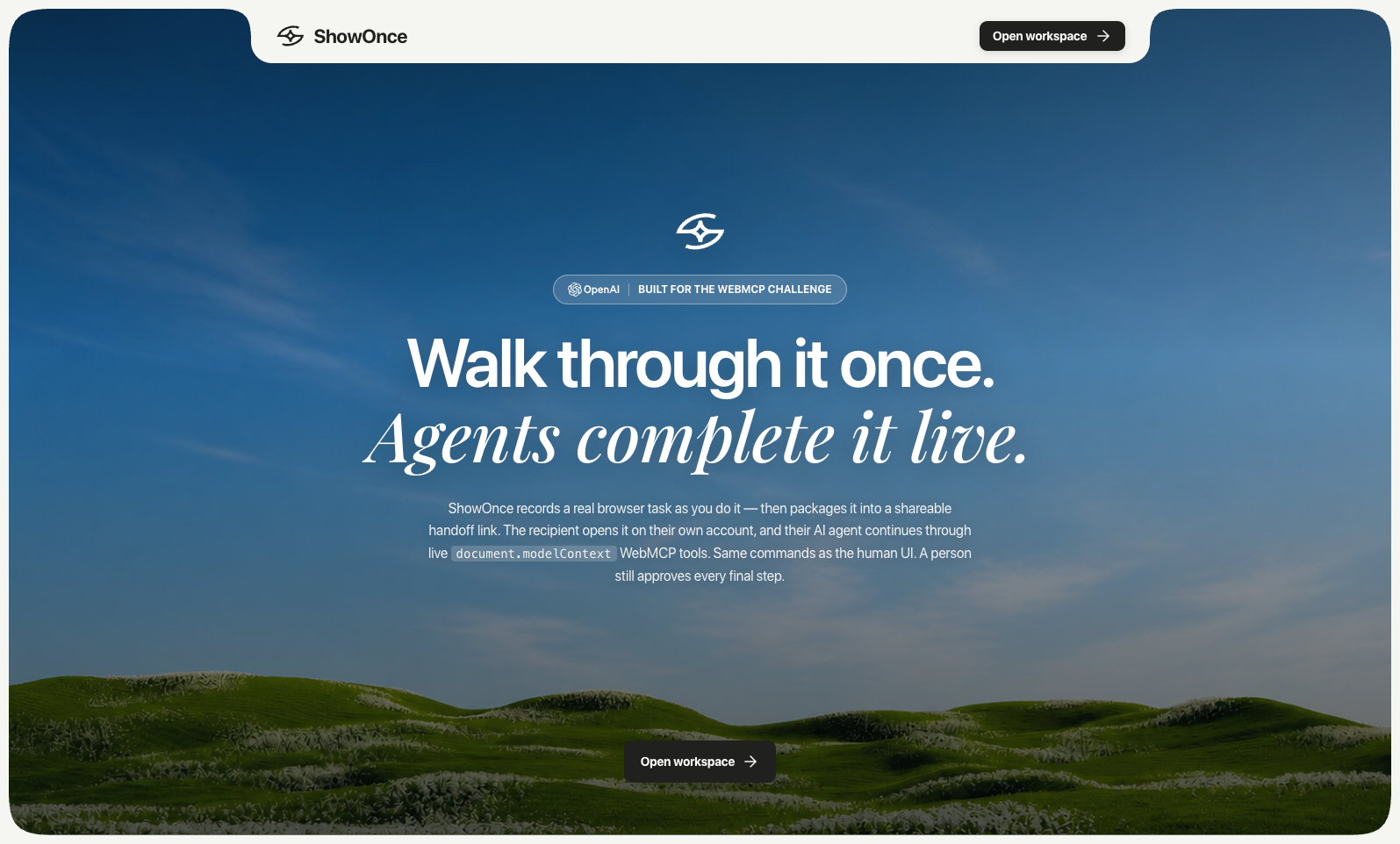
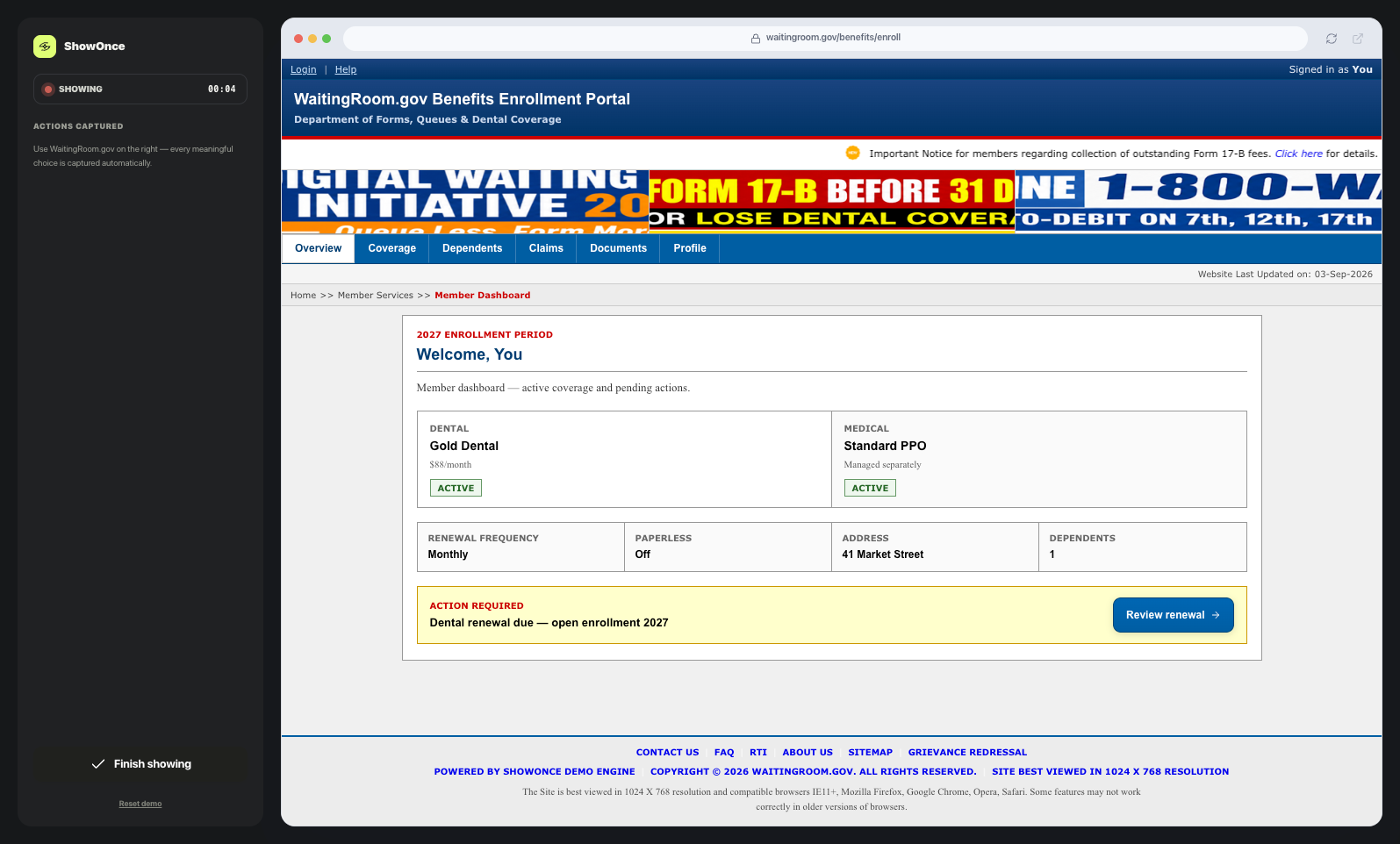
WebMCP is how any site exposes capabilities. ShowOnce is what makes delegation safe — record once, hand off a portable procedure, agent executes within scope, human approves the irreversible step. WaitingRoom.gov is our stress-test UI modeled on real legacy portals (India Post PLI, NIC, PIB) — not a greenfield app.
Built for the WebMCP Challenge.
The problem
Remote web help today relies on screenshots, phone calls, screen sharing, remote control software, or handing over a password. Screenshots lose context. Screen sharing and remote control require both people to be free at the same time and give one person full access to the other's session. Credential sharing gives up account security entirely. None of these let a second person's own agent pick up where the first person left off, on the second person's own account.
What ShowOnce does
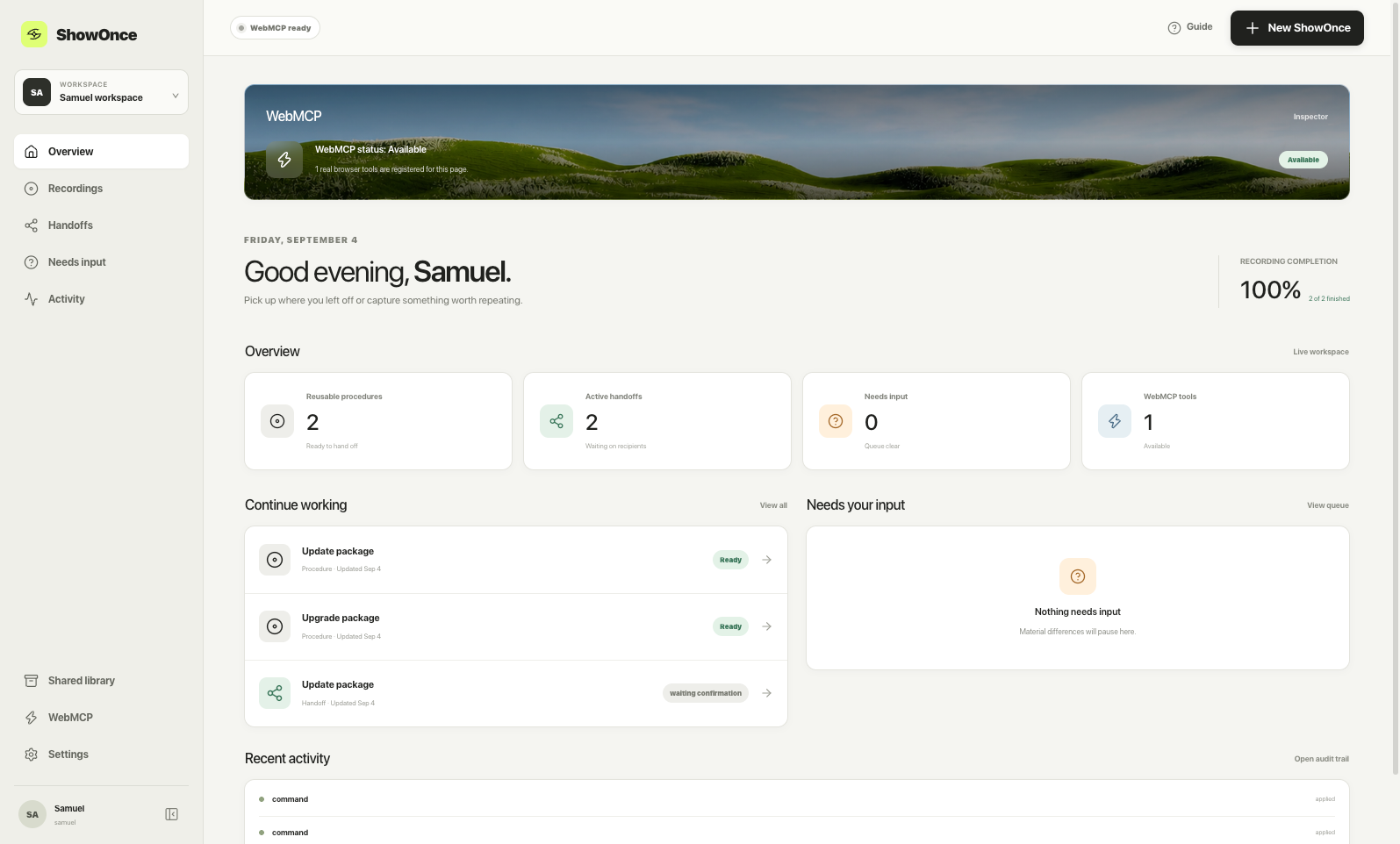
A sender demonstrates a real task once, live, inside a fully interactive connected demo application called Northstar Benefits (an employee benefits portal). ShowOnce does not screen-record or ask the sender to pick steps manually: because the demo app's UI and ShowOnce both call the same shared domain command layer, every meaningful action the sender takes (selecting a plan, changing a preference, confirming an address) is automatically captured as a semantic event. Those events are compiled into a portable, sanitized procedure — intent only, no selectors, credentials, sessions, or screenshots.
A recipient opens the resulting handoff link. They can act on it directly in the same live app, rendered against their own account state, or they can ask a WebMCP-capable agent (for example, ChatGPT's in-app browser, or Chrome with WebMCP enabled) to "do what [the sender] showed me." When an agent is used, it invokes real document.modelContext tools registered by ShowOnce — the exact same commands the human UI uses — so the visible, live Northstar Benefits app updates in front of the recipient as the agent works. Nothing is simulated or faked. ShowOnce compares the demonstrated procedure against the recipient's actual state and decides, deterministically, what still applies, what can be safely applied, what differs materially, and what must be left for a human to decide.
For any consequential, identity-bearing action — actually submitting the renewal — an agent can get the recipient all the way to a final reviewable summary, but no further. A human must check a personal attestation checkbox and click "Confirm & submit" themselves. That single click is the only human step, and no WebMCP tool can ever perform it.
How WebMCP is used
- Real
document.modelContext.registerTool(...)registrations, made client-side once the recipient route mounts (seesrc/webmcp/registerTools.ts). - Strict JSON Schemas for every tool's input, with no free-form or untyped arguments.
readOnlyHintanduntrustedContentHintannotations so a calling agent knows which tools only read state and which tools are handling handoff-authored content.AbortController-based lifecycle: tools are registered with a scoped signal and unregister themselves cleanly when the recipient route unmounts.- A single shared
executeCommand()domain layer used by both the human UI and every WebMCP tool, so there is exactly one implementation of the business logic behind "select a plan" or "set paperless" — not a UI code path and a separate agent code path. - A human-only, atomic final step: WebMCP tools can read state, apply safe preferences, and prepare a renewal summary, but the
recipient_attestationsemantic event that authorizes submission can only ever be issued by a human clicking a button in the browser —executeCommand()refuses it outright if the source is'webmcp'.
Built With
- cloudflare
- openai
- tanstack
- vercel
- webmcp

Log in or sign up for Devpost to join the conversation.