
Inspiration
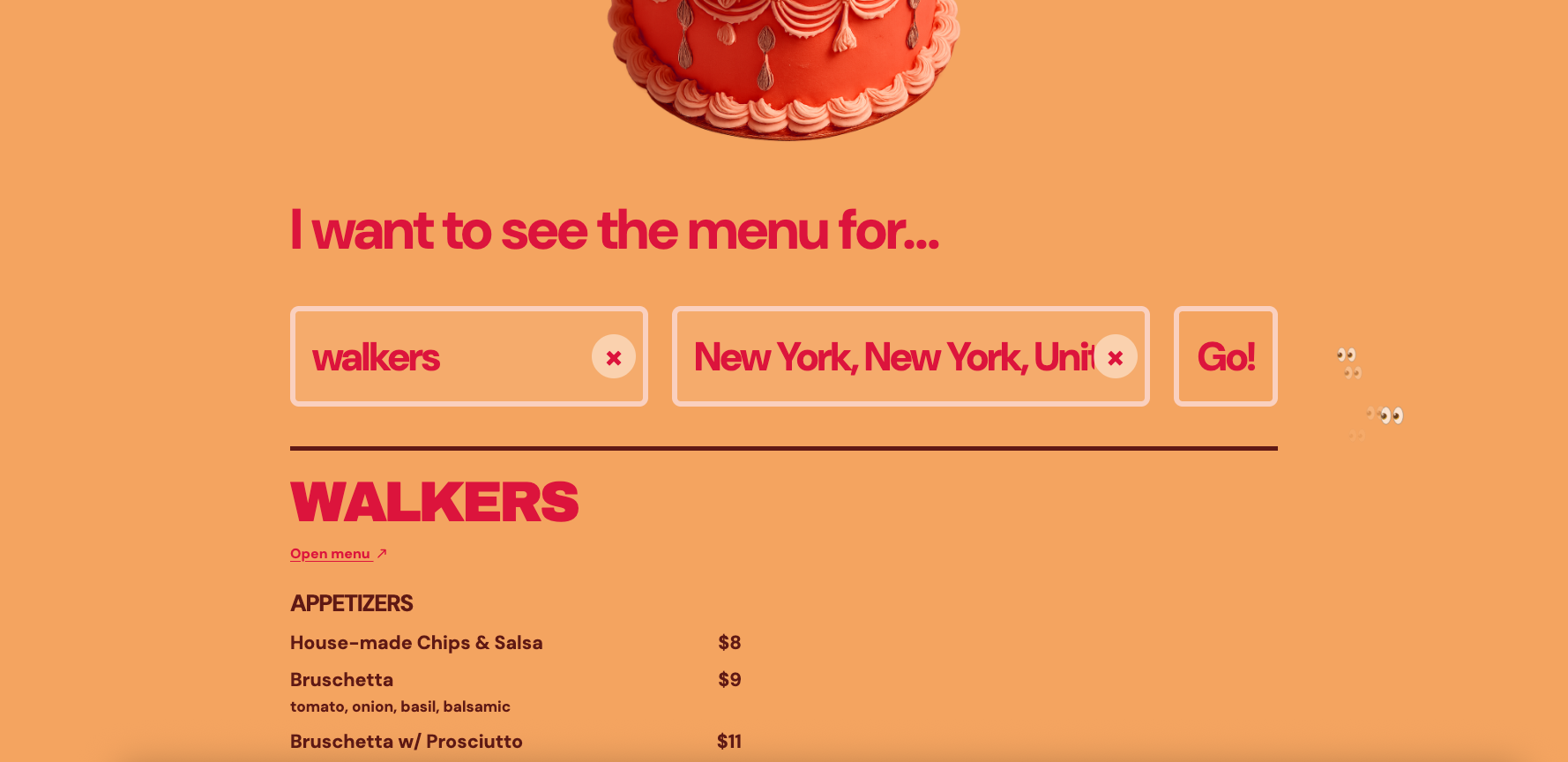
Finding a restaurant's menu should be simple, but it rarely is. Some places bury it deep in their website, others host it exclusively through platforms like Toast or Square. There's no single, consistent way to just find the menu! I wanted to build one tool that cuts through all of that. With "Show Me the Menu", you type in a restaurant and get the menu, linked straight from the source.
What it does
It's a search tool that finds restaurant menus quickly by locating the menu link directly from the restaurant's own website, regardless of where the menu actually lives, whether that's a page on their website or a Square or Toast ordering page.
How I built it
Built with a React and Vite frontend, backed by a Node.js and Express menu-search service deployed as a Vercel Function. The app uses OpenAI’s Responses API with web search to locate each restaurant’s official website, then uses Cheerio to inspect menu-related pages and pdf-parse to extract readable PDF menus. Open-Meteo provides worldwide location suggestions. The interface is responsive for mobile and desktop, and includes direct Toast Tab and Square menu fallbacks when a live ordering menu is available. Built collaboratively in Codex with GPT-5.6.
Challenges I ran into
The biggest challenge was the sheer inconsistency of how restaurants publish their menus. There's no standard. Some use embedded iframes, some link out to third-party POS systems, some render the menu dynamically with JavaScript, and some just upload a PDF. Handling all of those cases reliably meant accounting for a lot of edge cases.
What I learned
- Serverless deployments behave differently from local development because of cold starts, regional latency, and function limits.
- Restaurant websites are all structured differently, so combining web search, HTML parsing, PDF extraction, and fallback links makes the results more reliable.
What's next
Next, I plan to add caching for recent restaurant searches so repeat lookups are faster and use fewer API calls. Cached menus will include a last-checked timestamp and refresh automatically on a schedule.
Built With
- codex
- css
- javascript
- openaiapi
- react
- vite
