-
-
More than a recorder: ShotX combines capture, scanning, on-device text tools, built-in viewing and private storage in one Android app.
-

The 1024 × 1024 ShotX app icon, supplied uncropped for Shipaton review.
-
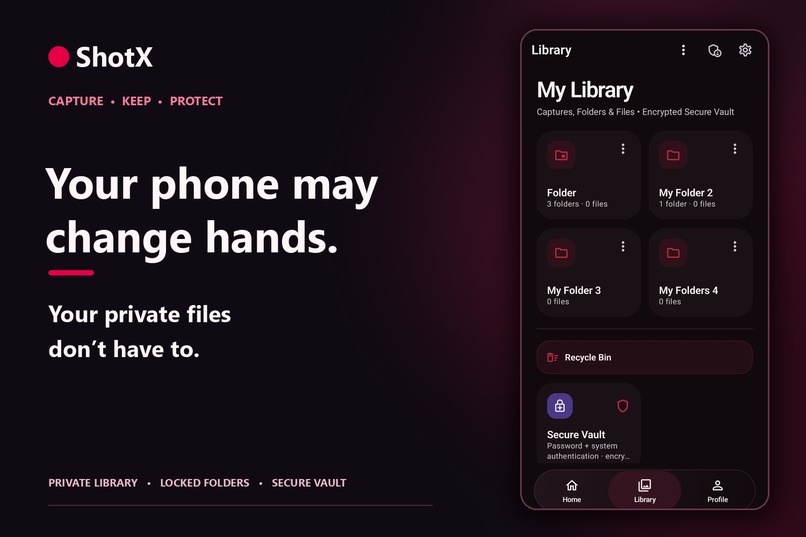
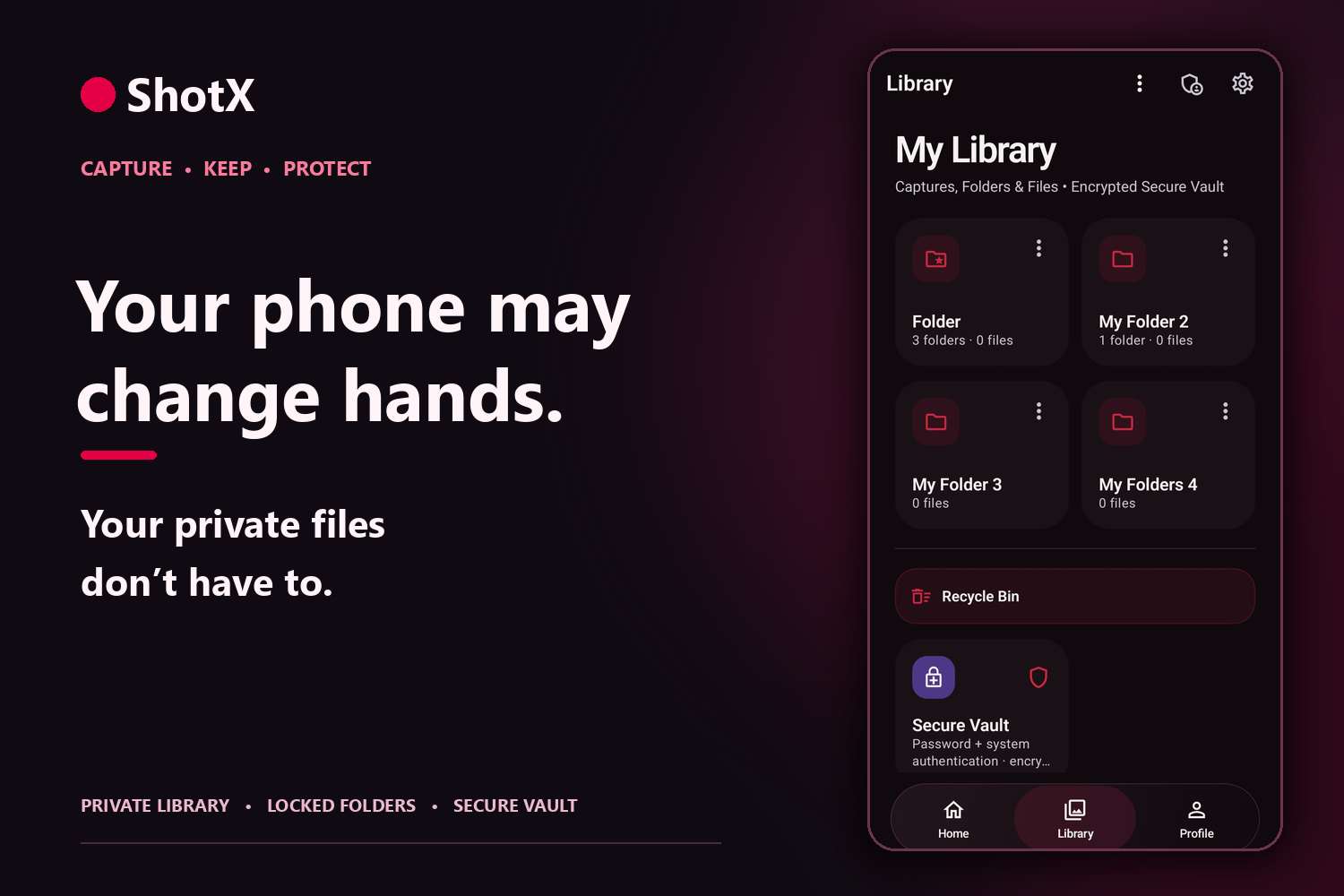
Choose what stays in your private Library, what gets locked, and what belongs in the encrypted Secure Vault.
-
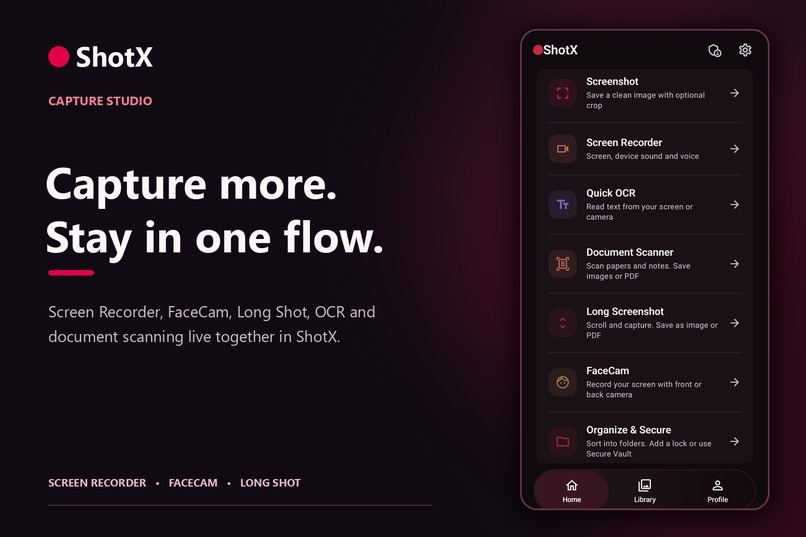
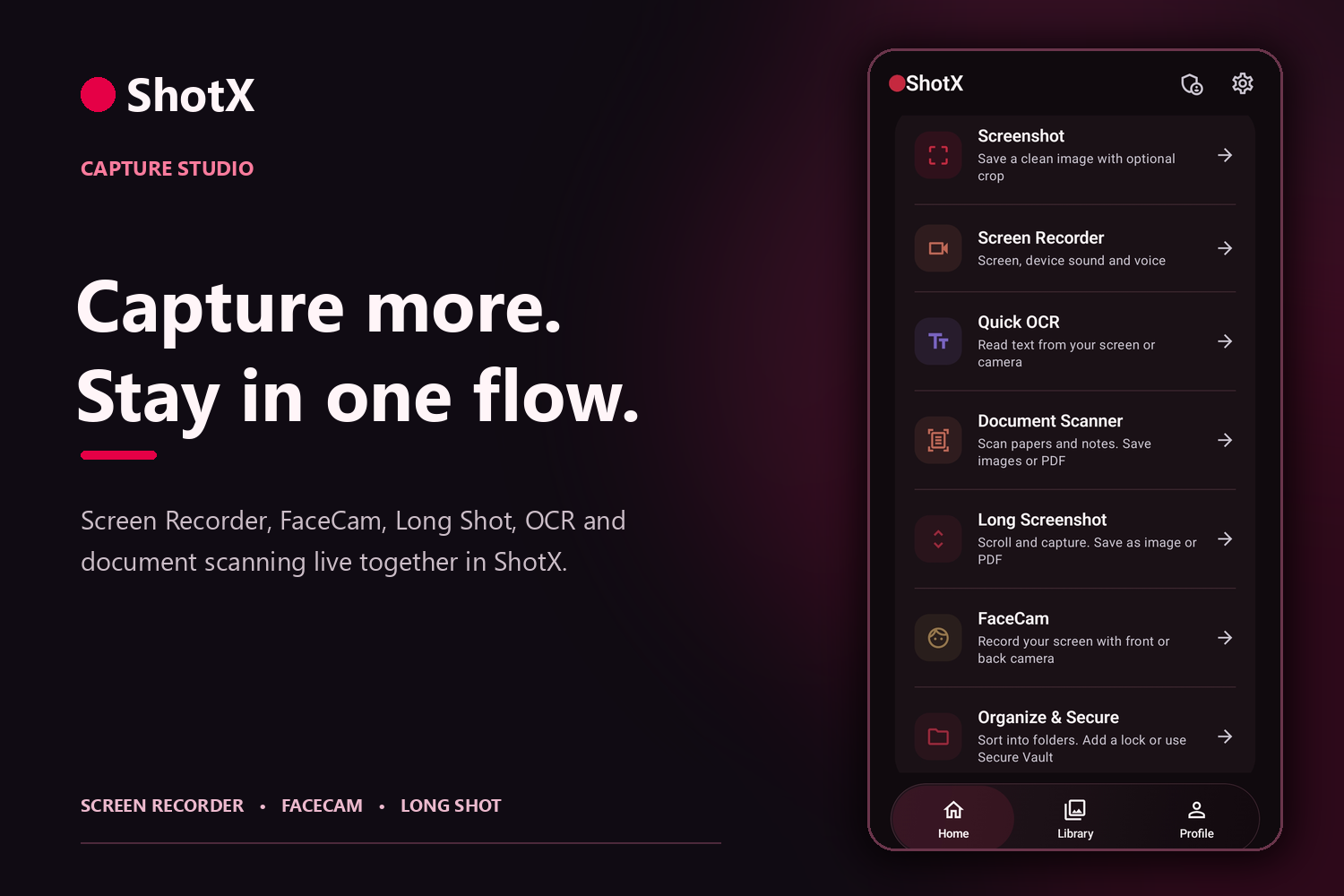
Screenshots, Screen Recorder, FaceCam, Long Shot, document scans and OCR are ready from one ShotX home screen.
-
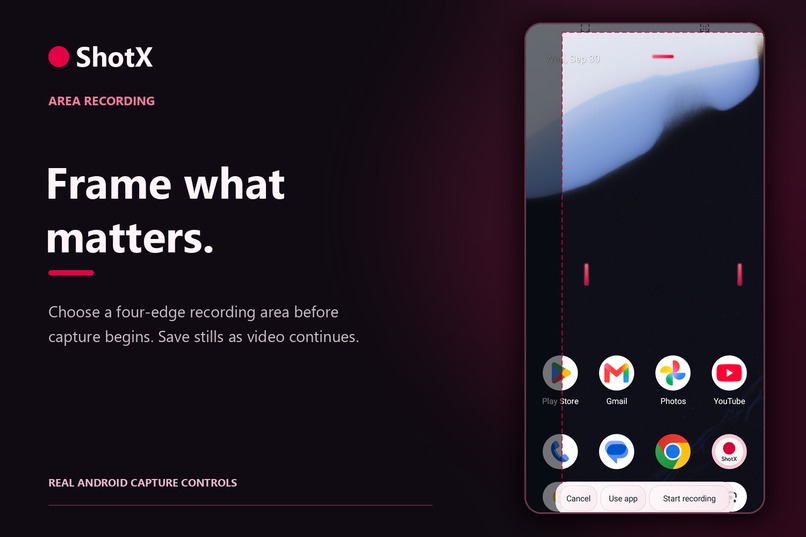
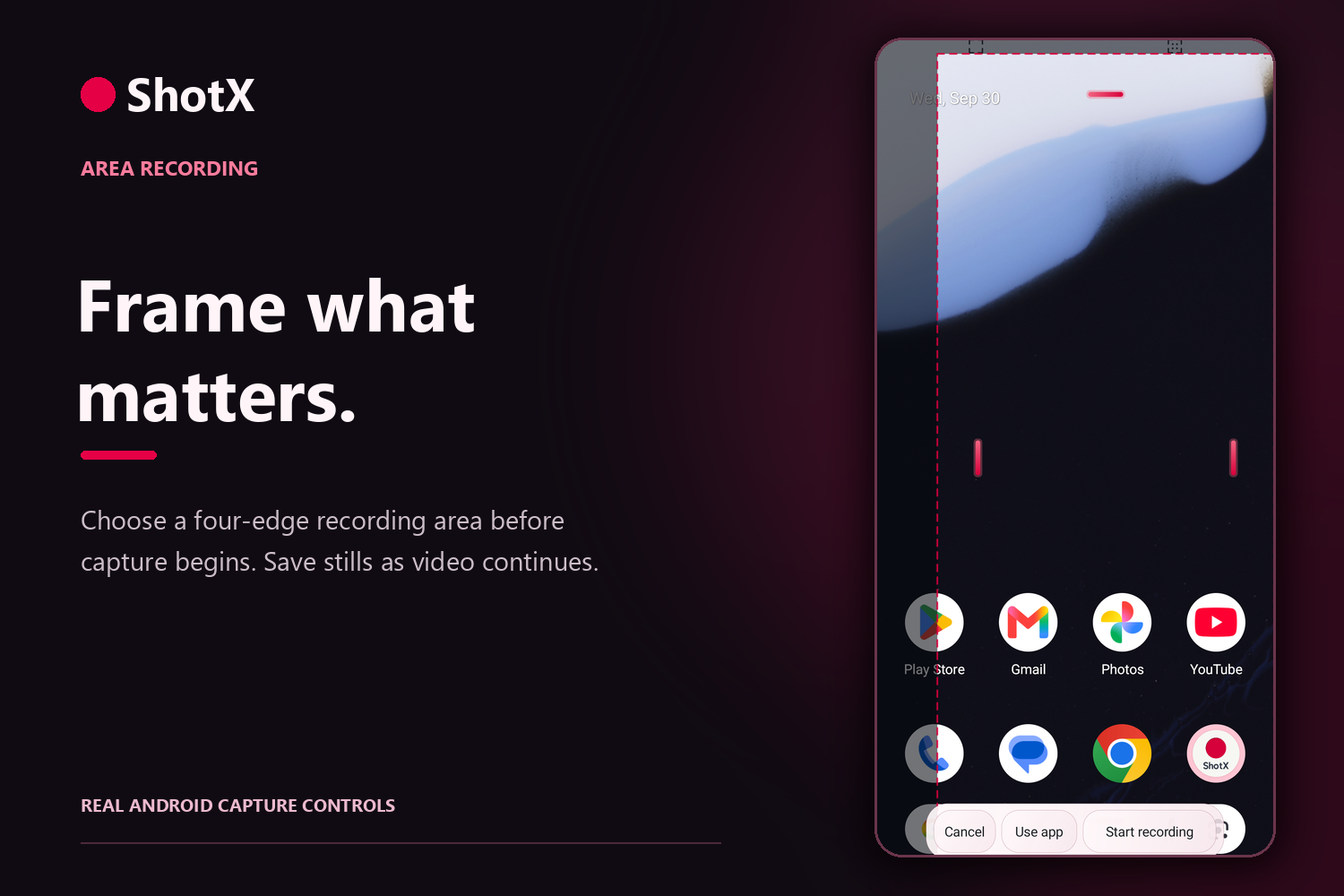
Frame a four-edge recording area before starting. Capture separate still images while video keeps recording.
-
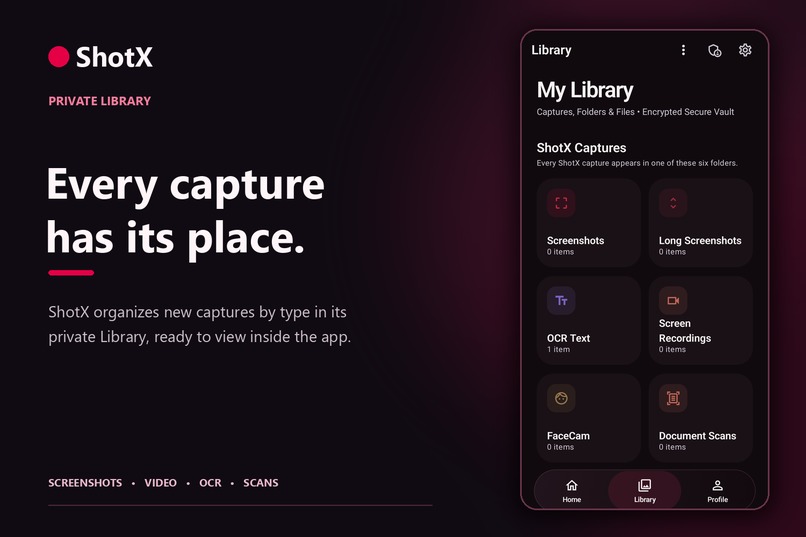
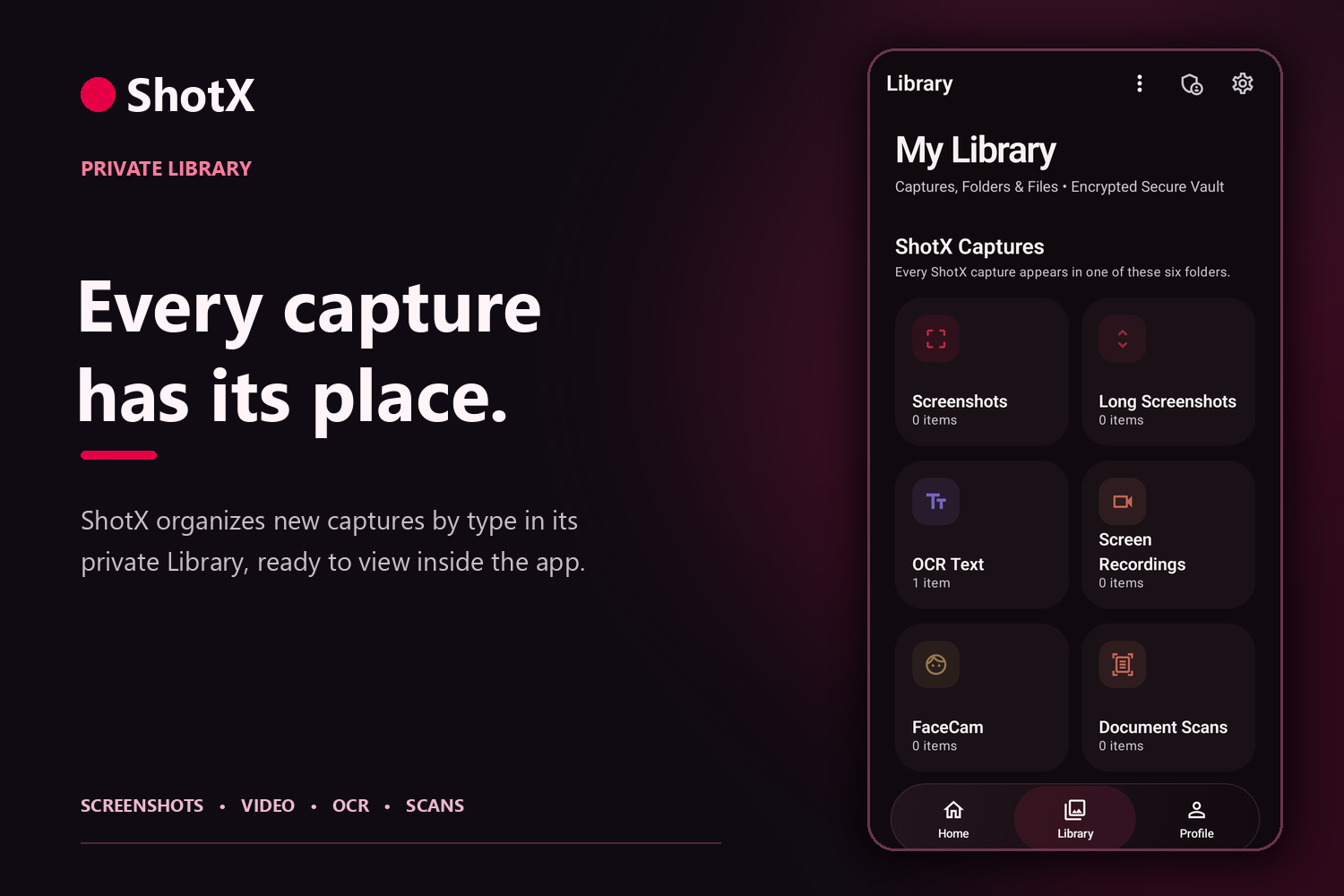
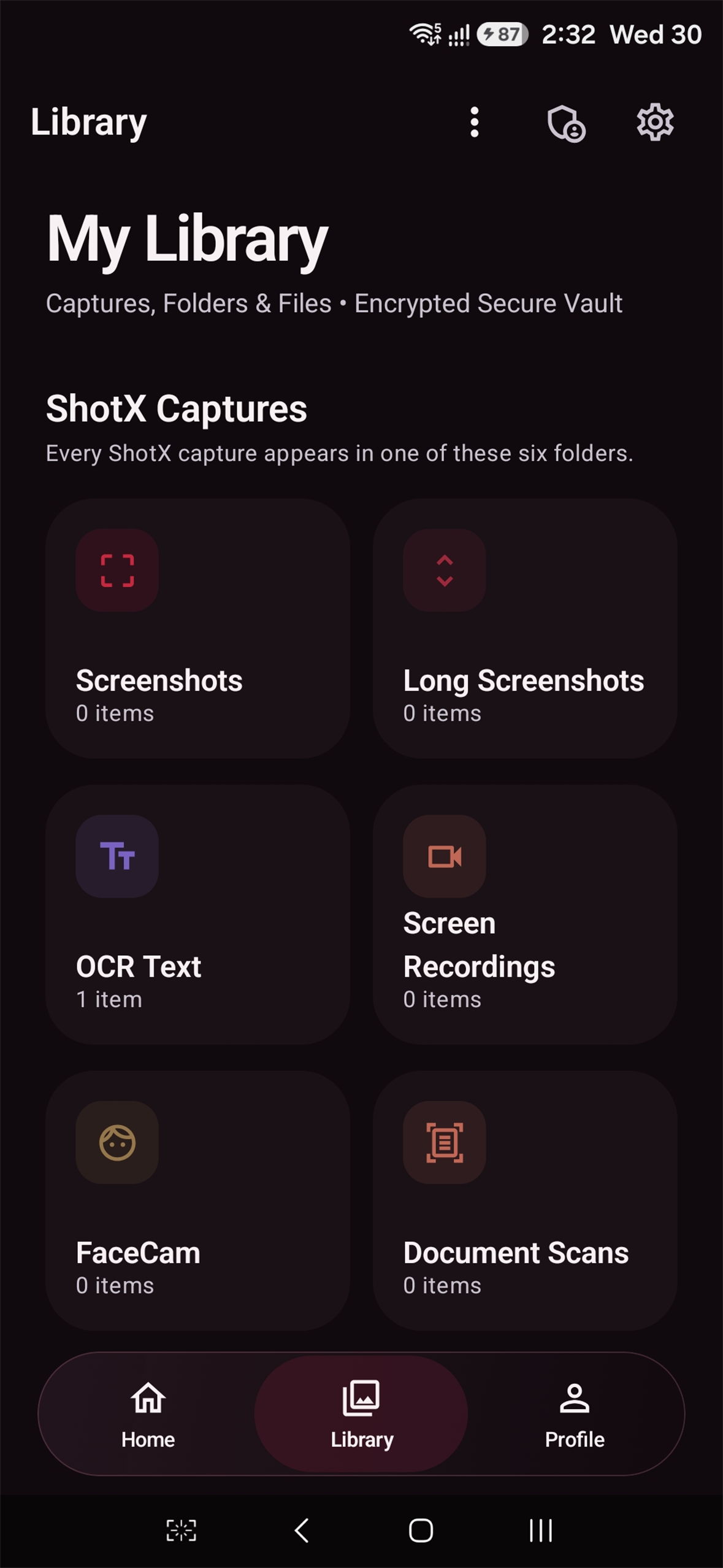
New captures are grouped by type in the app-private Library. Open images, videos and PDFs in ShotX’s built-in viewers.
-
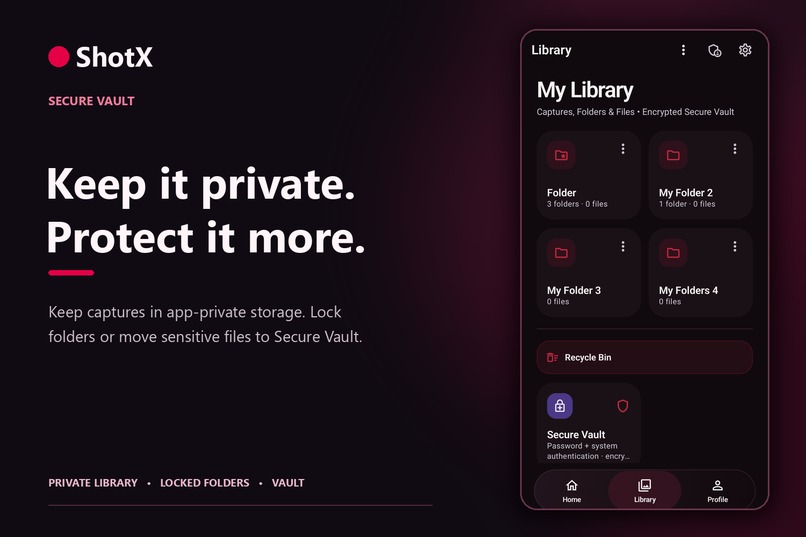
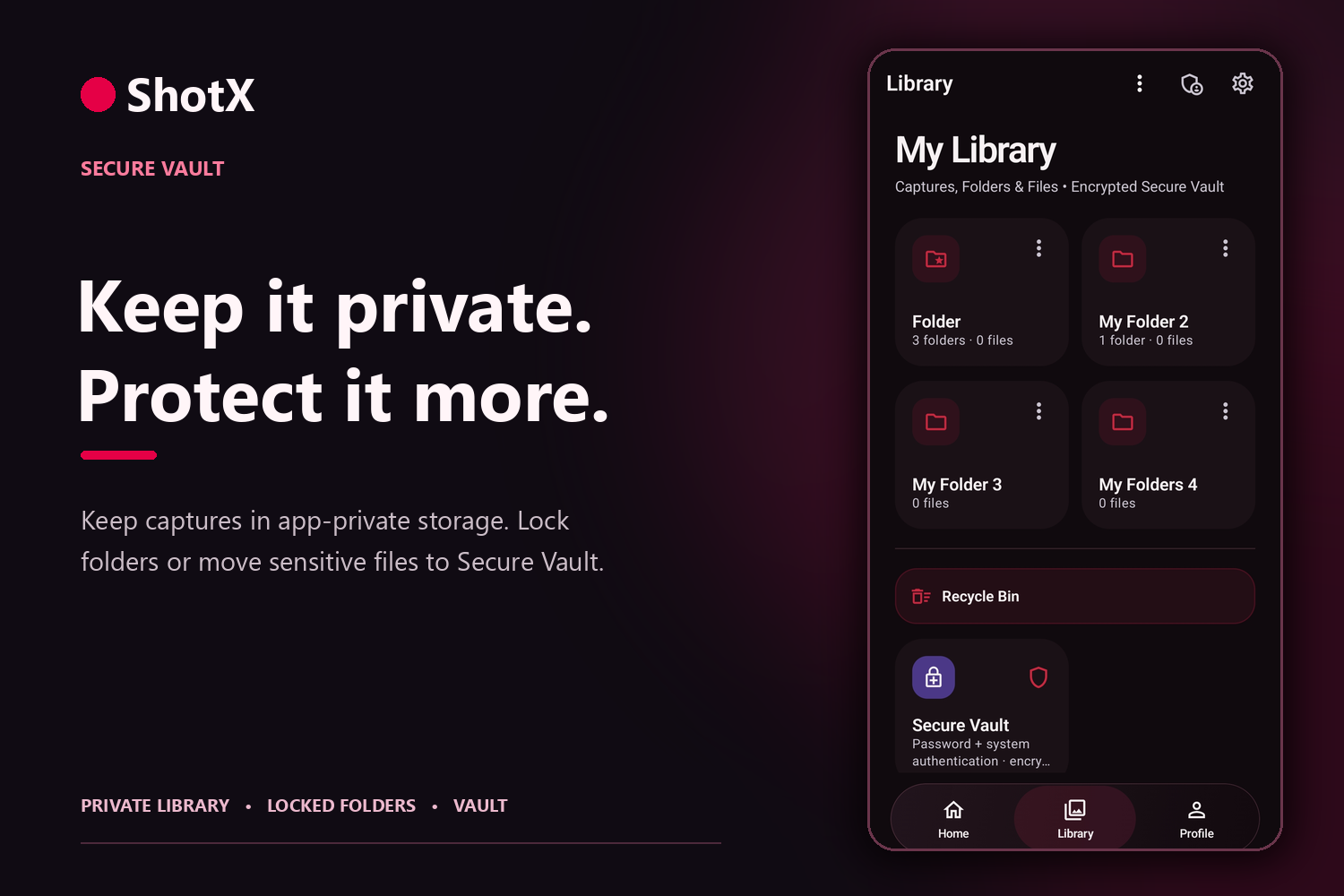
Organize private files in folders. Lock selected folders with device authentication, or move them to encrypted Secure Vault.
-
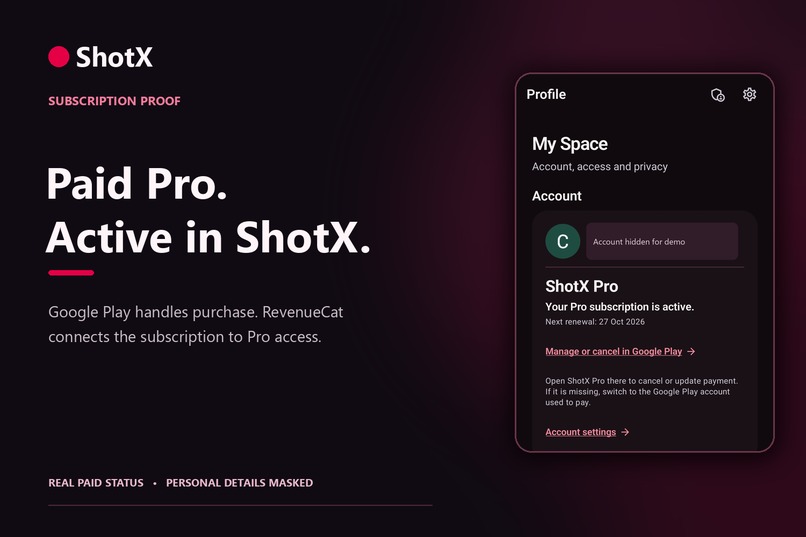
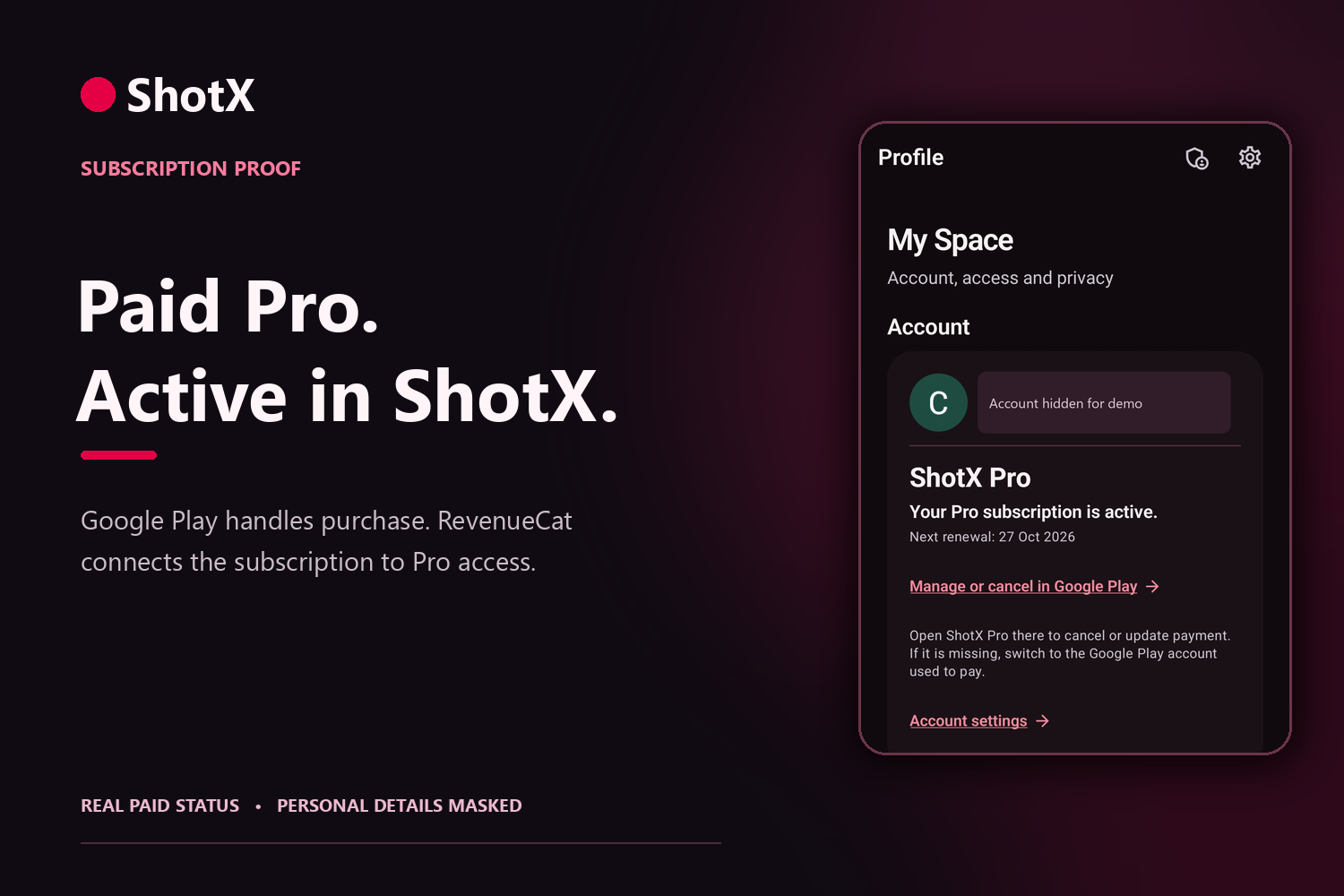
A real Google Play Pro purchase is active in ShotX. RevenueCat links the paid subscription to access; account details are masked.
-
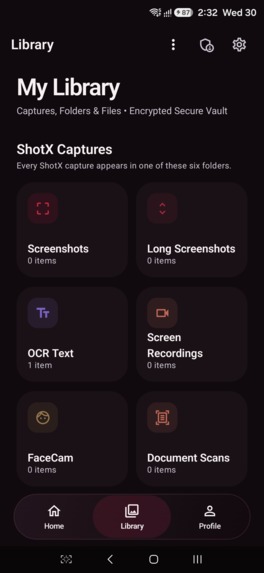
Unframed ShotX Library screenshot: captures are organized by type and kept inside the app.

Inspiration
Your phone may change hands. Your private files don’t have to.
We built ShotX around a simple idea: capturing something, finding it later and keeping it private should feel like one experience. A screen recording should not require another app to play it. A scanned document should not have to appear in a public gallery. And when a file is especially personal, you should be able to give it stronger protection.
What it does
ShotX is an Android capture, viewing and private-storage app. It brings together screen recording, FaceCam, screenshots, Long Shot, document scanning and on-device text recognition.
Before a screen recording starts, users with floating controls enabled can select a four-edge recording area. The resulting video focuses on that chosen area. While recording continues, the floating screenshot button can quickly save separate still images. That is especially useful for catching moments during gameplay without stopping the video. Recording also supports pause and resume.
Everything ShotX captures is organized by capture type in its private Library instead of being added automatically to the phone’s Gallery. ShotX also has its own image viewer, video player and document/PDF viewer. Users can review supported files inside the app without passing them to a separate viewer.
Privacy has three layers:
- Private Library: New ShotX captures stay in app-private storage and are organized automatically. Sharing or exporting takes an explicit action.
- Locked folders: Users can protect selected Library folders with their phone’s existing biometric or screen-lock authentication.
- Secure Vault: Users can move selected images, videos and documents into encrypted storage that requires authentication to open.
For imported files, ShotX keeps a private copy; the original can remain at its source unless the user chooses removal and that removal succeeds. ShotX does not upload capture content or Vault files to its backend by default.
How we built it
We built ShotX in Kotlin with Jetpack Compose. Android’s supported screen-capture APIs power recording and screenshots, while CameraX supplies FaceCam video. Long Shot joins scrolling sections with bounded memory use. ML Kit supports scanning and on-device text recognition, and Media3 powers in-app video playback.
The private Library uses app-owned storage. Protected folders and Secure Vault use Android-backed authentication, with encrypted storage for Vault files. Cloudflare handles a small security service for verified access, while RevenueCat and Google Play handle subscription products and purchases. These services do not serve as a cloud library for people’s captures.
Challenges we ran into
The recording controls had to stay usable over other apps without appearing in the saved video. We also had to make the selected recording area and rapid screenshots work alongside an active recording particularly useful in fast-moving games.
Long Shot needed to produce tall results without keeping an entire page in memory. Private viewing brought another challenge: decrypted Vault previews must be handled carefully and cleaned up when the protected session ends. Throughout the app, we had to respect Android’s consent and protected-content rules instead of promising capture where Android does not allow it.
Accomplishments that we're proud of
ShotX lets someone capture a moment, watch or view it inside the same app, and choose how much protection it needs. The selected-area recorder, screenshots during recording, built-in viewers, automatically organized Library, locked folders and encrypted Secure Vault work toward that single experience.
What we learned
Convenience is part of privacy. People are more likely to keep files in a protected space when saving, organizing and viewing them is easy. We also learned that clear consent and accurate limits build more trust than absolute promises about security or capture.
What's next for ShotX: Screen Recorder Suite
As of 1 October 2026, ShotX’s production submission is in Google Play review. The app is available to approved internal testers, but its public Play listing is not live. We are finishing broader device testing, subscription purchase and restore validation, reviewer access and policy checks before public release. We will continue refining capture reliability, in-app viewing and the protected-file experience using tester feedback.
Built With
- android
- compose
- jetpack
- kotlin
- revenuecat

Log in or sign up for Devpost to join the conversation.