Inspiration
Shipping something and then explaining it well are two completely different skills. Every time we've launched a side project, the gap between "it works" and "here's a video that makes people want to try it" has been the same story: no time, no editing skills, no budget for a freelancer. Most solo builders end up posting a static screenshot and hoping for the best, even on platforms where a 15-second video is what actually stops someone mid-scroll.
We wanted to close that gap entirely — not with another video editor, but with something that needed no editing at all.
What it does
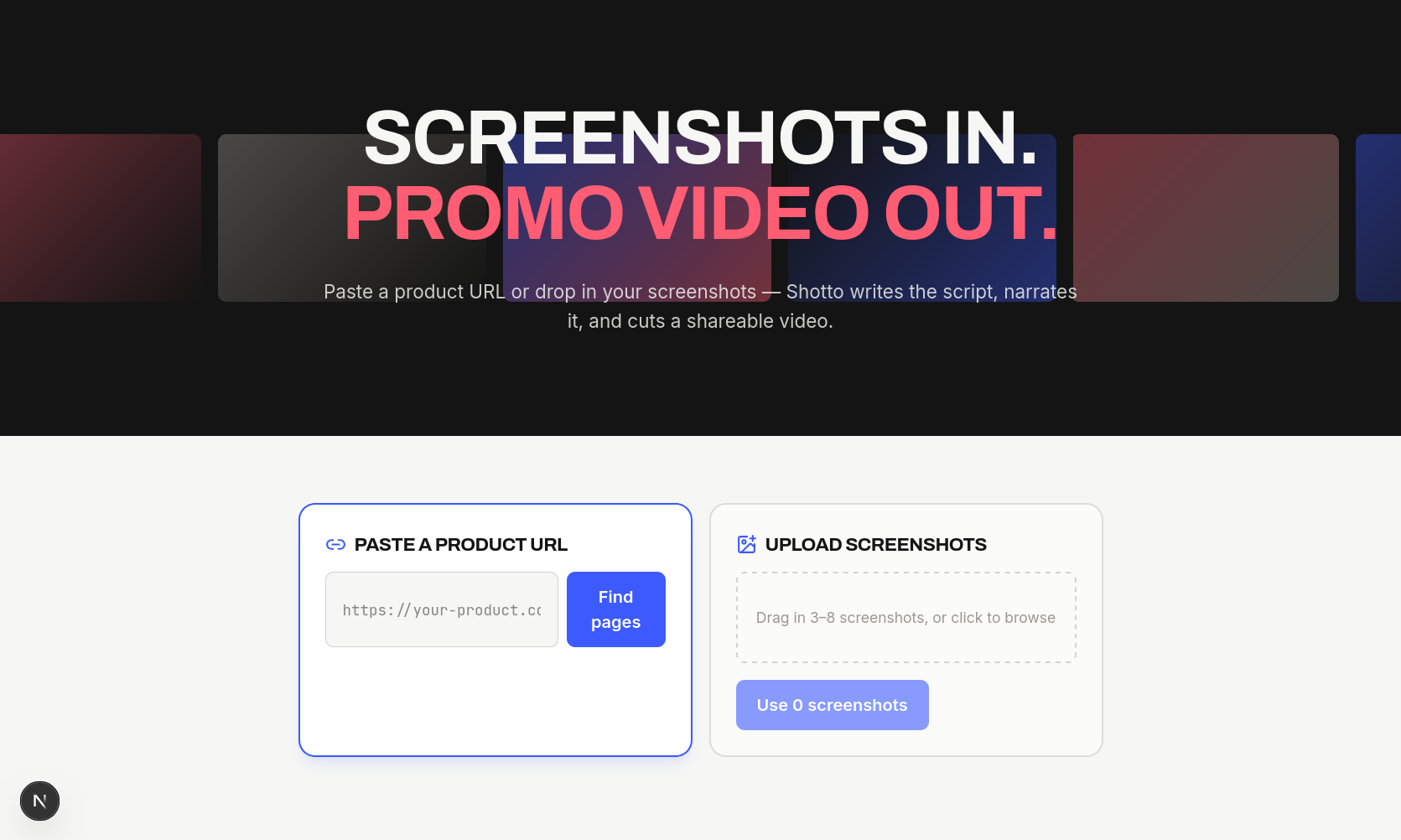
Shotto turns a product's screenshots into a short, narrated promo video. Paste a product URL and it captures the key pages automatically; upload your own screenshots instead if you want more control. From there:
Gemini looks at the screenshots, figures out what the product actually does, and writes a scene-by-scene script — order, captions, and narration lines, in whatever tone you pick (professional, playful, or hype) ElevenLabs turns each narration line into audio, and the actual length of that audio becomes the scene's real timing, so the video breathes with the voiceover instead of following a guessed duration Remotion composes it all — Ken Burns pans on each screenshot, animated captions, transitions — and renders a finished MP4
End to end: paste a URL, get a video, no timeline, no editing software.
How we built it Next.js for the frontend and API routes Firecrawl to capture screenshots from a live URL (map the site, screenshot the pages that matter) Gemini (multimodal, schema-constrained structured output) to turn screenshots into a storyboard ElevenLabs (Flash v2.5, for low latency) for per-scene narration Remotion to compose and render the final video server-side Cloudinary as the single object store for screenshots, narration audio, and the finished video Fly.io, deployed via Docker, running the whole thing as a persistent container rather than a serverless function Challenges we ran into
The biggest one had nothing to do with AI — it was hosting a video renderer at all. Remotion needs headless Chromium to render, and that flatly does not fit inside a Vercel-style serverless function (Chromium alone nearly fills the size limit). We ended up moving to Fly.io specifically so Remotion could run as a normal long-lived process, and even then had to get the Dockerfile right — Alpine-based images make Remotion's renderer noticeably slower, so we had to switch to a Debian base.
The other real challenge was timing. Our first version guessed scene durations, and every video felt slightly off no matter how we tuned it. The fix was to stop guessing entirely: generate the narration audio first, and let its real duration drive the video's timing.
Accomplishments that we're proud of
Getting the full pipeline — screenshots in, narrated video out — working end to end inside a single Next.js app, with three different AI providers (Gemini, ElevenLabs, and Firecrawl's own page understanding) contributing to one coherent output instead of feeling bolted together.
What we learned
That the hardest infrastructure problems in an "AI video" product usually aren't the AI part — they're the boring parts around it: where does headless Chromium actually run, where do screenshots and audio files durably live, and how do you keep a render pipeline's timing honest instead of hand-tuned.
What's next for Shotto Auto-highlighted UI callouts — Gemini flags the specific button or element being described, and the video draws attention to it Multiple visual themes, so the video's look matches the product being promoted Multi-language export, since ElevenLabs already supports narration in 70+ languages Multiple aspect ratios in one click, for YouTube, TikTok, and Instagram from the same storyboard
Built With
- cloduinary
- next.js
- remotion

Log in or sign up for Devpost to join the conversation.