## Inspiration
Every film production starts with location scouting — driving to remote spots, taking reference photos, and trying to communicate a spatial vision through flat images and shot lists. Directors sketch blocking diagrams on paper. DPs squint at phone photos to plan lighting. ADs build call sheets in spreadsheets with no spatial context.
We asked: what if a filmmaker could type an address, walk into a photorealistic 3D replica of that location, block their entire scene — and have AI write the call sheet?
## What it does
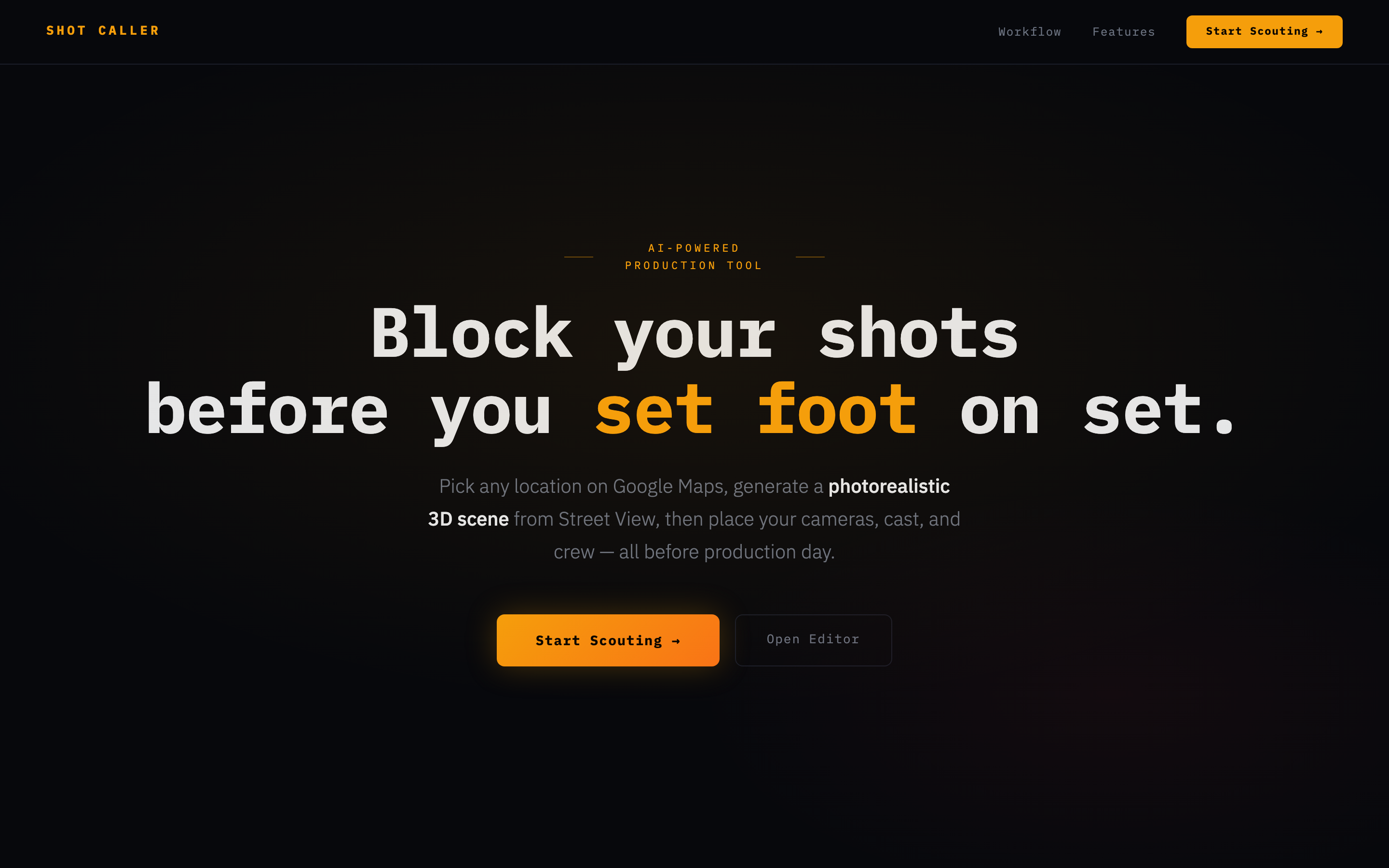
Shot Caller is a WebXR production planning tool with four modes from a single URL:
- Scout — Search any address on Google Maps. We fetch 24 Street View images and send them to World Labs' Marble API, which generates a photorealistic Gaussian splat of the real location.
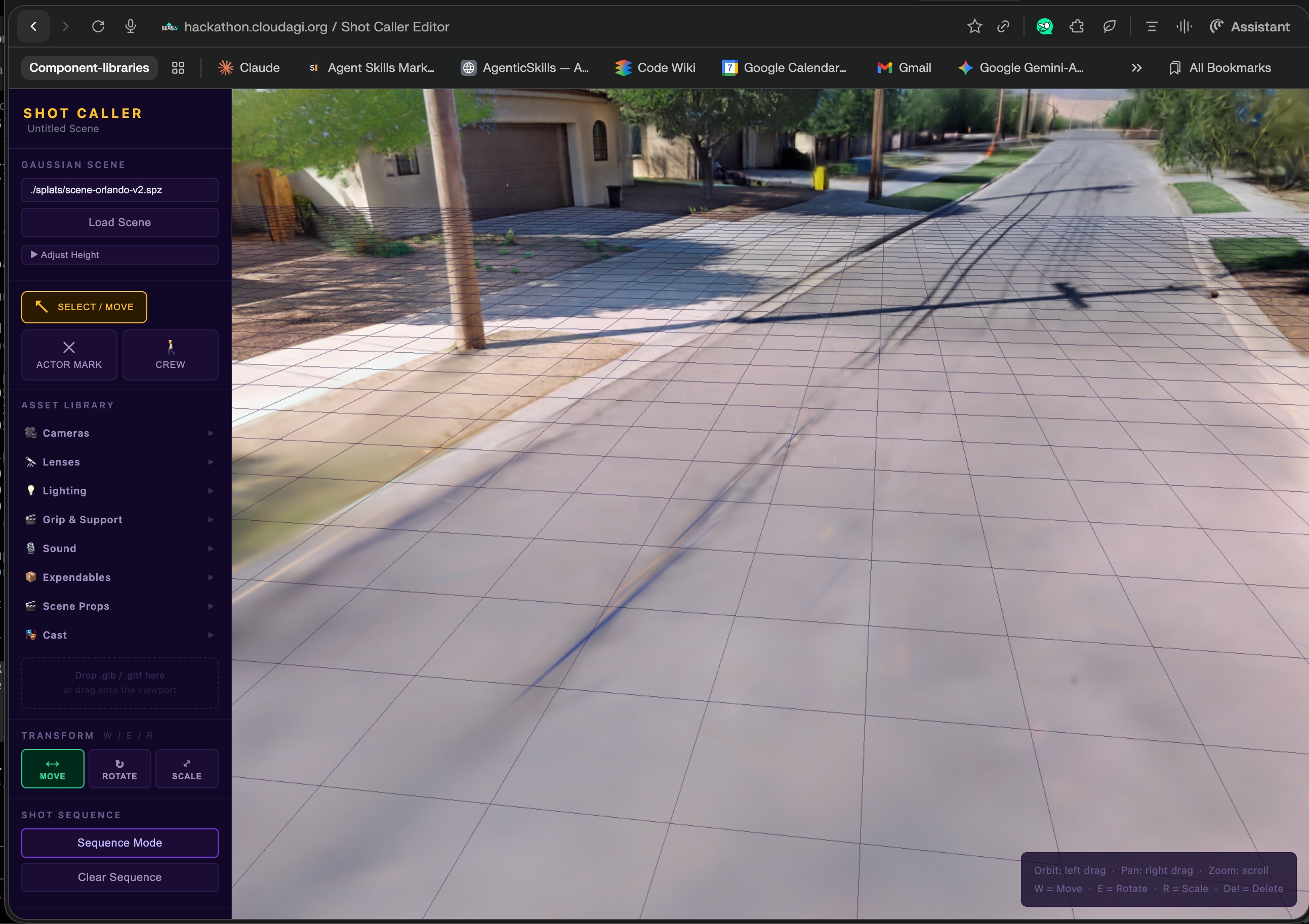
- Editor — Place cameras with FOV cones, lights with color temperature, cast marks, crew positions, and equipment (dollies, c-stands, cranes) in the 3D world. Group elements into setups and sequence your shots.
- VR Preview — Open the same URL on a PICO headset. WebXR auto-detects and you walk through your blocked scene at real-world scale.
- Call Sheet — Claude AI analyzes your blocking plan, reasons about shooting order, equipment needs, and department dependencies, then exports a professional PDF call sheet.
## How we built it
- 3D Editor: Three.js r181 with custom production element classes. SparkJS 2.0 for real-time Gaussian splat rendering.
- World Generation: Google Street View API captures 24 images per location (8 headings × 3 pitches). World Labs Marble API converts them into .spz Gaussian splat files with collision meshes.
- VR: IWSDK (ElixrJS) for WebXR integration with PICO controller locomotion. Same scene data renders at real-world scale.
- AI: Claude API (claude-sonnet-4-6) powers the call sheet planner — it analyzes placed elements, minimizes lighting turnaround between setups, and generates structured shooting schedules. Mastra Framework handles multi-turn AI intake conversations.
- Backend: Express 5 + TypeScript with Zod validation. Vercel KV for scene persistence.
## Challenges we ran into
- Getting Gaussian splats to render inside a WebXR session without z-fighting between SparkJS and Three.js required careful WebGL context sharing.
- Not every location has Street View — we built coverage validation to warn users before triggering expensive API calls.
- Translating editor positions (meters) to feel spatially correct when physically walking in VR required calibration on real PICO hardware.
- Making Claude generate useful call sheets meant teaching it production logistics — why setup B follows A (shared lighting rig), why grip arrives before camera (crane setup time).
## Accomplishments that we're proud of
- End-to-end pipeline: Type a real address → get a walkable 3D world → block your scene → get an AI call sheet. It all works.
- Single URL, multiple surfaces: Desktop editor and VR walkthrough from the same deployment — user-agent detection routes PICO headsets to immersive mode automatically.
- Production-grade tools: Cameras with accurate FOV cones, lights with Kelvin color temperature, setup grouping, shot sequencing — tools a real DP would recognize.
## What we learned
- World Labs' Gaussian splats are production-ready for spatial planning — the collision meshes enable real VR locomotion.
- WebXR on PICO handles Three.js + splat rendering surprisingly well. The platform is mature enough for real tools.
- AI agents need domain context. Generic LLM calls produce generic output — structured scenes with typed elements and catalog-matched equipment made the call sheets genuinely useful.
## What's next for Shot Caller
- Voice-to-scene: directors describe their vision verbally, AI places elements automatically
- Multi-user collaboration: director, DP, and AD block together from different locations
- Generative 3D assets via Meshy API for custom props and set pieces
- VR hand tracking for gesture-based element placement
- Real-time physically-based lighting simulation
Built With
- anthropic-sdk
- claude-ai
- express.js
- gaussian-splatting
- google-maps
- google-street-view
- iwsdk
- jspdf
- mastra
- node.js
- pico
- sparkjs
- three.js
- typescript
- vercel-kv
- vite
- webxr
- world-labs-marble-api
- zod


Log in or sign up for Devpost to join the conversation.