-
-
-
Main interface
Inspiration
As a designer and developer, I often find myself switching between tools like VS Code, Figma, Chrome, and Terminal — and struggling to remember the right keyboard shortcuts for each. I wanted a fast, offline, visually clear library of shortcuts I actually use daily.
The idea was to make something simple yet elegant: minimalistic, responsive, dark-mode by default, and built to be useful without relying on AI or server logic. Since the One-Shot Competition at Bolt.new encouraged creative use of prompt engineering, I decided to challenge myself to create an entire, fully functional app with a single prompt.
What it does
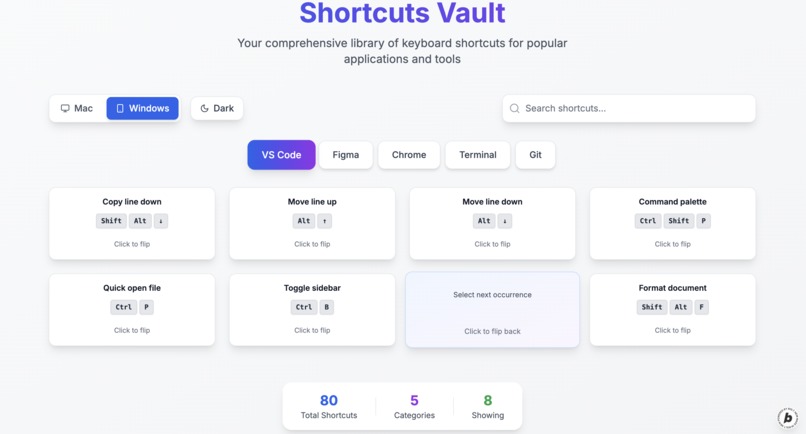
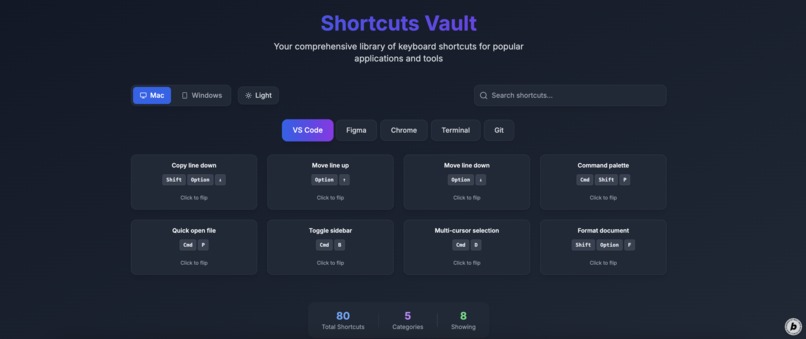
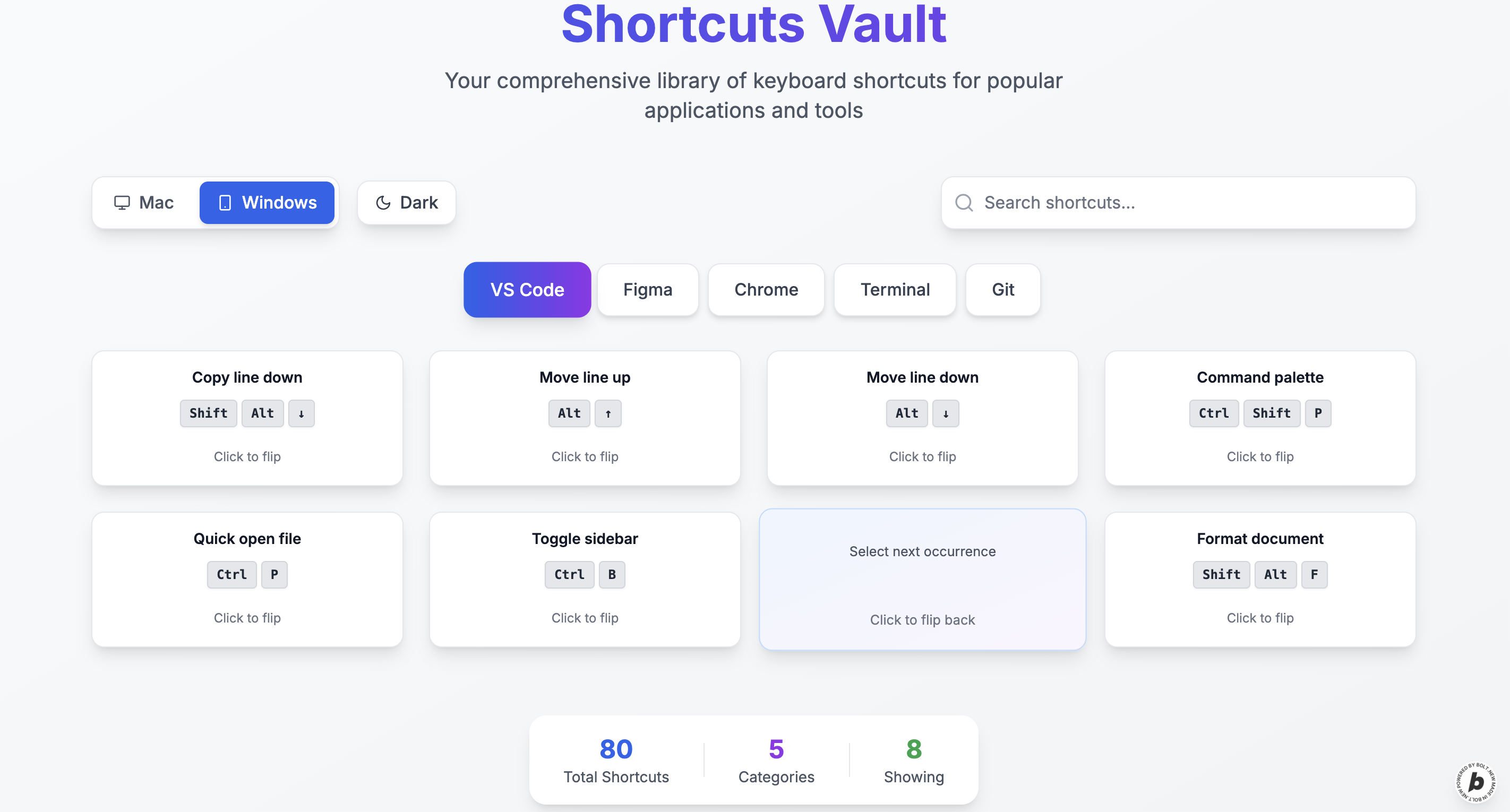
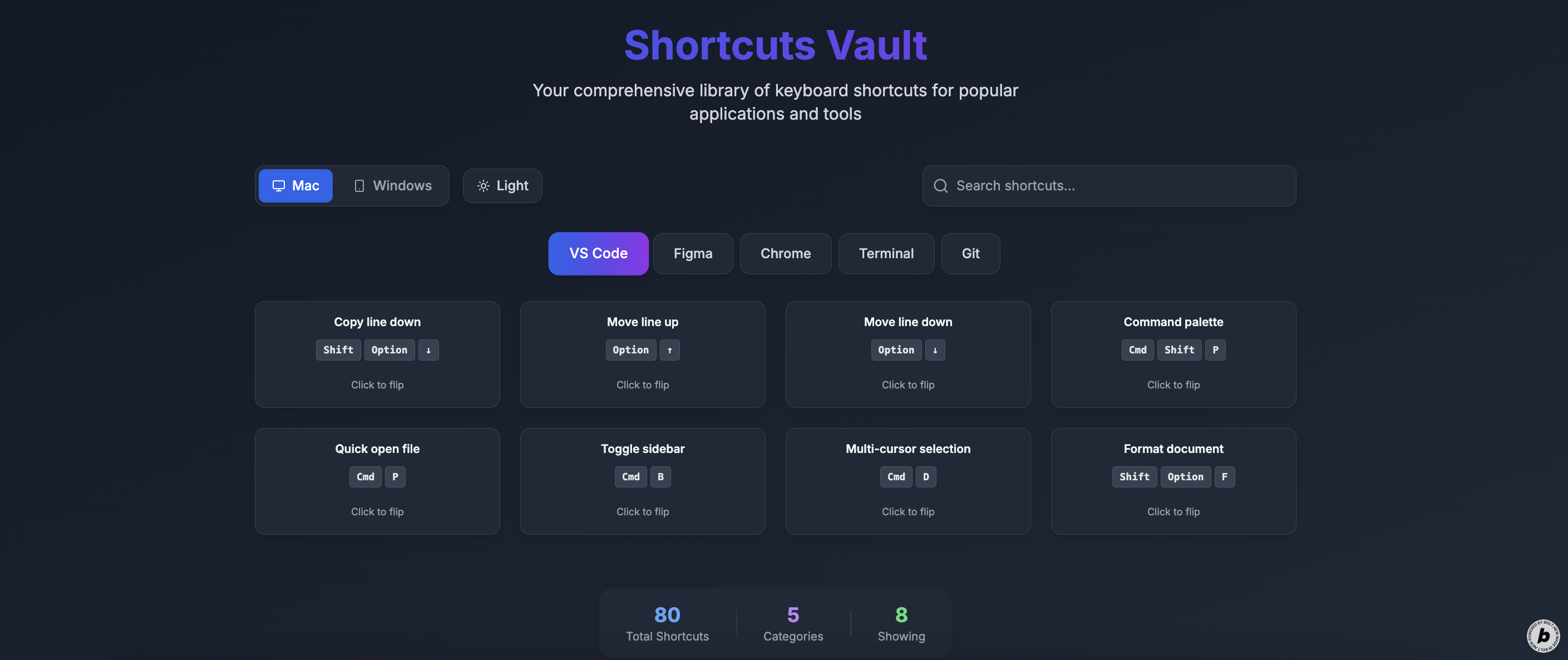
Shortcuts Vault is a local web app that displays categorized keyboard shortcuts for different tools and platforms (Mac/Windows). It features:
- Tabbed categories (VS Code, Figma, Chrome, etc.)
- A platform toggle (Mac / Windows)
- Search functionality
- Beautifully styled keyboard keys ()
- Responsive grid layout with animated shortcut cards
- Flip animation to reveal alternate keys or extra info
- Light/dark theme toggle, dark by default
- All shortcuts are stored as local arrays, making the app fully offline and super-fast.
How we built it
The project was created on Bolt.new using a single natural language prompt. Bolt generated a full Next.js + Tailwind CSS app structure with reusable React components.
Here's how the key features were built:
- useState and useEffect for local filtering and toggling
- Component-based layout (ShortcutCard, Tabs, ThemeToggle, etc.)
- Tailwind classes for smooth animations, layout, and dark mode
- tags styled to mimic real keyboard keys
- Flip animations using Tailwind and custom CSS
There is no backend or AI integration — everything is client-side and prompt-driven.
Challenges we ran into
Designing a rich UI with only one prompt — no iterative refinements or extra logic afterward
Ensuring accessibility and clean keyboard rendering across screen sizes
Making the flip animation feel natural while still being easy to implement
Keeping all shortcut data readable, searchable, and flexible within arrays
Accomplishments that we're proud of
Building a complete and beautiful app with only one prompt
Crafting a real-world utility tool that's fast, minimal, and usable offline
Combining design finesse with prompt engineering under tight constraints
Creating smooth UI/UX interactions like flipping cards and animated themes
What we learned
Prompt engineering is a powerful tool for full app generation when used with precision
Even without AI logic, simple tools can feel smart with the right UX
Constraints (like "no AI") can actually boost creativity and focus
What's next for Shortcuts Vault Add custom shortcut creation with local storage
Introduce a “learn mode”: guess the shortcut from the action
Enable PDF export or printing of selected categories
Add more tools/categories like Notion, Photoshop, Excel, etc.
Shareable links for favorite shortcuts or sets
Built With
- next.js
- tailwind
- typescript

Log in or sign up for Devpost to join the conversation.