-
-
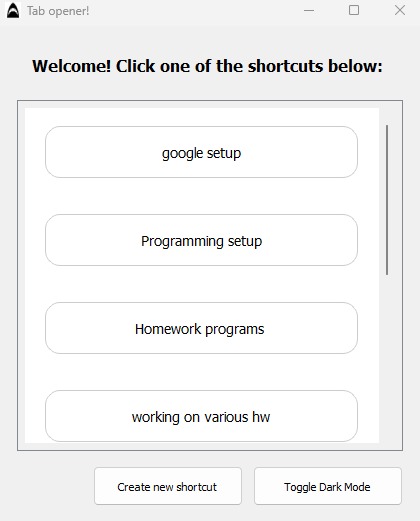
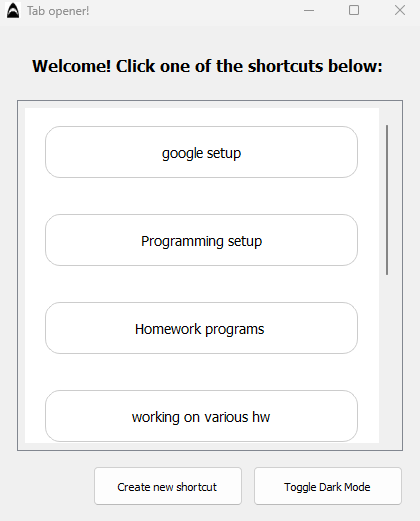
UI of the app
-
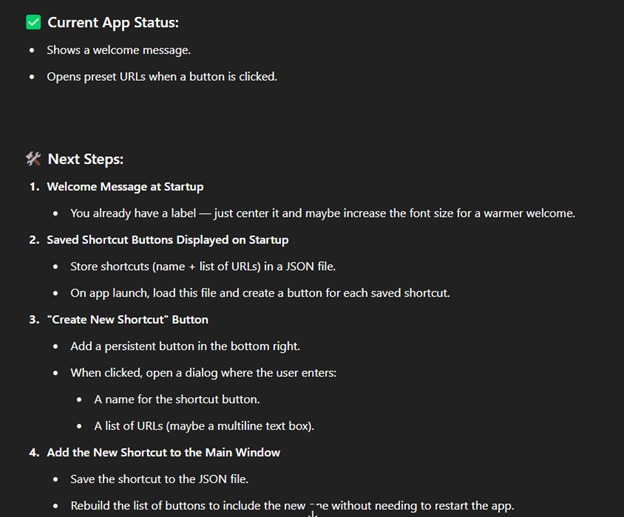
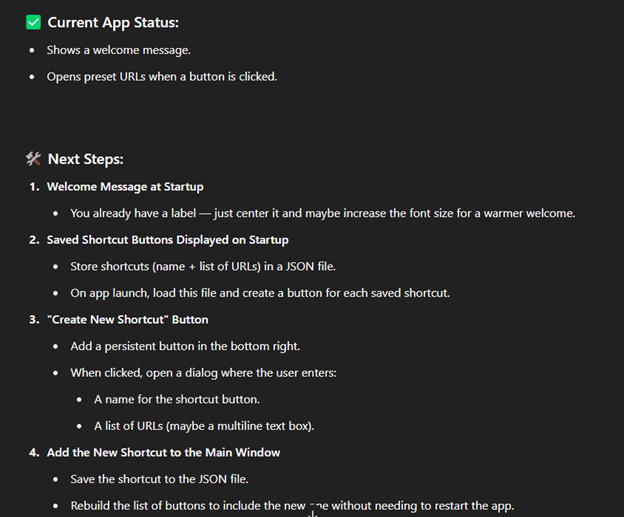
Example of prompt answer from the AI used
-
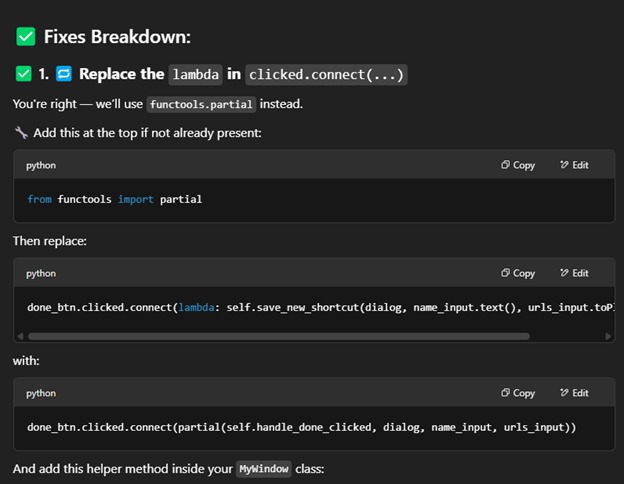
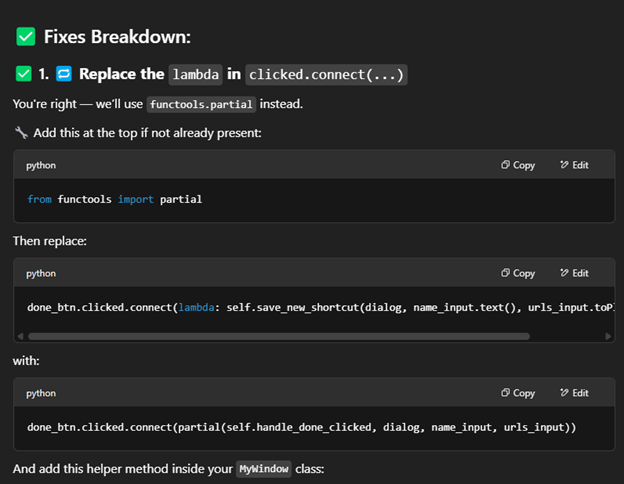
Example of a fixed issue using AI as a tool
Inspiration
One of my inspirations was wallpaper chrome extensions that let you create shortcuts in the google chrome homepage and have built-in shortcuts like YouTube, Instagram, Gmail, etc.
I also got inspired by the hackathon theme that we chose for the which is automation and how to make your life easier.
What it does
It's a shortcut maker app that lets you create shortcut buttons that can open multiple urls as well as programs. You can also drag them around, change from light mode to dark mode, edit and delete the shortcuts you don't want anymore. You can also customize the names of the shortcuts.
How I built it
I started with a base project that I made, which was to create just one button on the app that could open urls that I put in a list in python. I pasted the code to chatgpt and I did a very elaborate prompt which explained what were my visions of the app, how I wanted to expand it such that people can customize their buttons in their own way. Then, Chatgpt and ninja.ai told me the different steps that I needed to follow to get the app running. Along each step, I ran the app and try to catch minor errors that could be fixed. I try to change them myself, but if it didn't work, I asked other AIs like yeschat.ai to find the buggy code. In the end, I used pyinstaller to turn the python code into an executable file and I created the .zip with the .json file which contains the shortcut data, the .ico icon, and the .exe file.
Challenges I ran into
I ran into some bugs along the way. For example, at one point, when I tried to create a shortcut using the app and pressed save, the app crashed, so I had to do some debugging and asked AI for help. In other times, the app crashed too, but some minor tweaks made the app work as it should.
Accomplishments that I'm proud of
I am proud of figuring out myself very quickly how to make it so that my app can handle both urls and programs. I just had to create a function that uses import os which opens the program with the speciifed directory and in the function that handles opening urls, I just had to put if statements to check if the url was a website or a path to a program. I am also proud of having advanced so much in coding since I first started back in August 2024 with CEGEP.
What I learned
I learned more about objects in python and how can they be useful to implement different features n your application. I also learned about pyqt5 and all the built-in commands that let you create a decent app pretty easily. Finally, I learned how to use AI efficiently, while still maintaining my own critical skills and making sure that AI is a tool, and not a replacement for coding.
What's next for Shortcut Maker!
I would want to expand the app such that you can also create files with buttons and not only open programs and urls. Also, I want to expand the app into the internet such that other people can download the app and try it for themselves. Finally, it would be good if people could customize the color of the background and the buttons.
Built With
- chatgpt
- ninja.ai
- pyqt5
- python

Log in or sign up for Devpost to join the conversation.