-
-
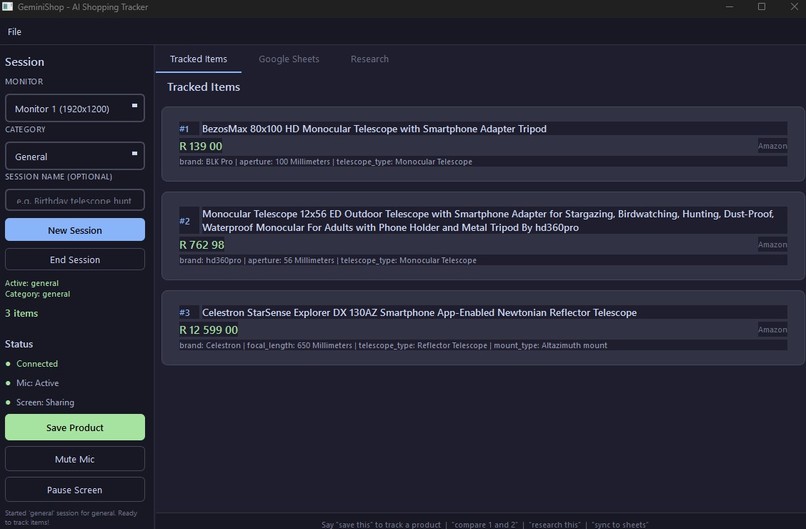
Captured products
-
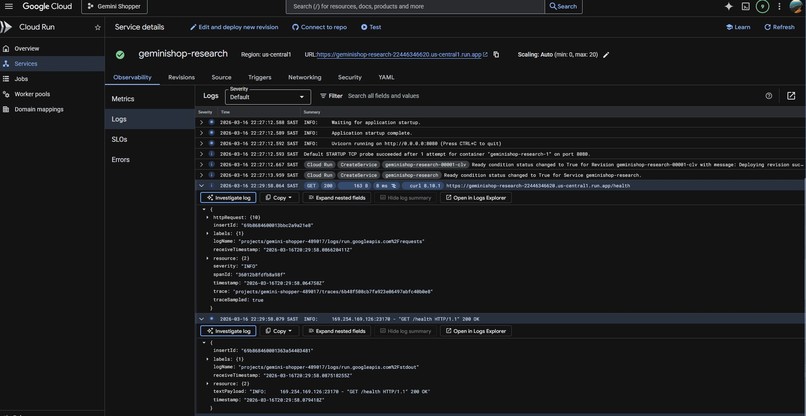
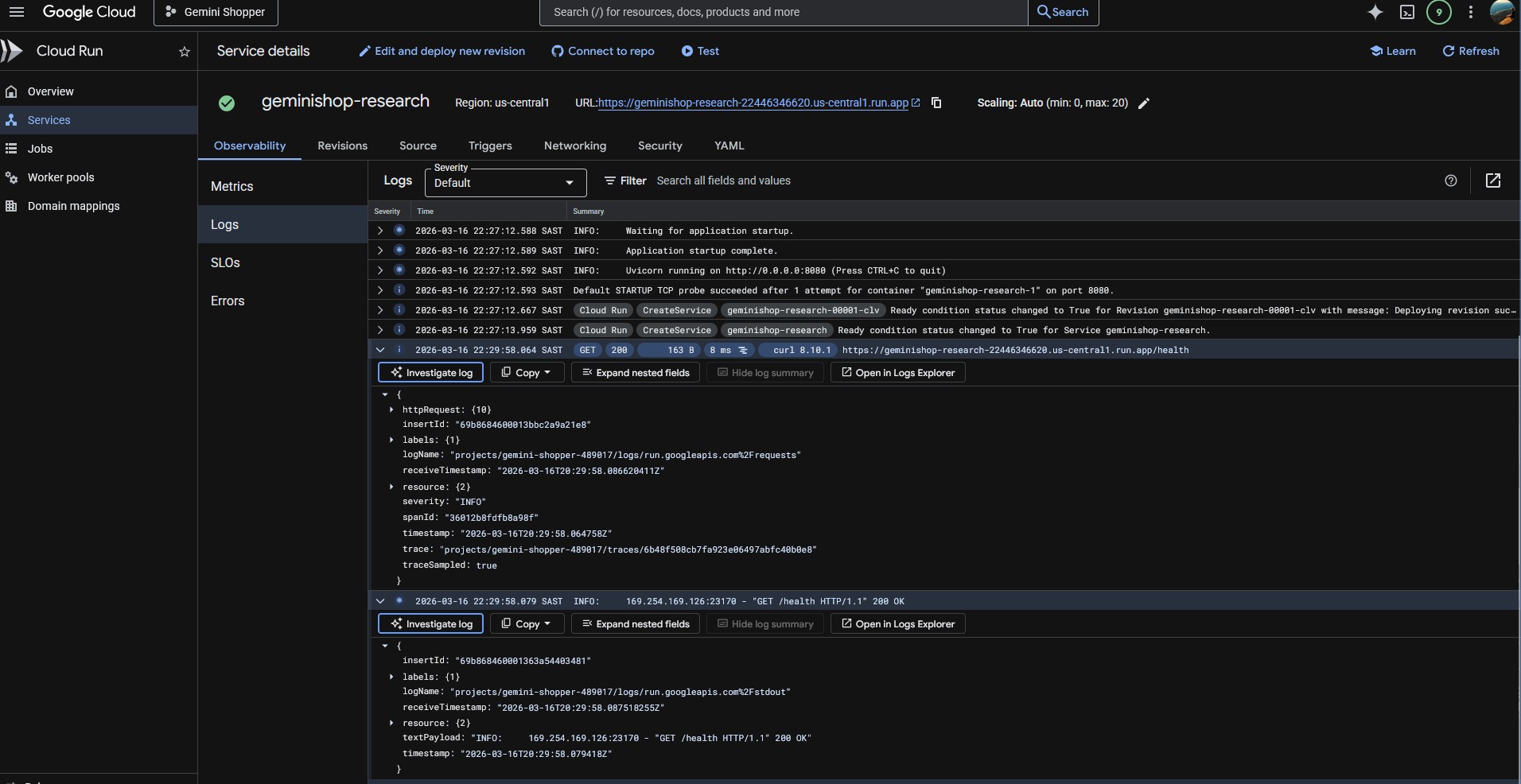
Cloud deploy
Inspiration
We've all been there — 47 browser tabs open, trying to compare telescopes (or laptops, or apartments) across Amazon, Best Buy, B&H Photo, and a dozen other sites. You're copying prices into a spreadsheet, switching back and forth, losing track of which one had free shipping. It's exhausting.
We wanted to build a shopping assistant that could see what you see and hear what you say — no copy-pasting, no manual data entry. Just say "save this" while looking at a product, and it handles the rest. The Gemini Live API's combination of real-time vision, voice, and function calling made this possible for the first time.
What it does
GeminiShop is a voice-first desktop shopping assistant that watches your screen and listens to your voice while you browse shopping websites.
Core features:
- "Save this" — extracts product name, price, URL, and category-specific details (aperture for telescopes, mileage for cars, bedrooms for houses) from whatever's on screen
- "Compare 1 and 2" — gives you an opinionated side-by-side comparison of saved items
- "Research this" / "Find this cheaper" — triggers an ADK-powered research agent that searches 10+ major retailers (Amazon, Best Buy, Walmart, Target, B&H Photo, Newegg) for better prices, deals, and alternatives
- "Save these to a sheet" — syncs tracked items to Google Sheets with intelligent deduplication (Gemini detects the same product listed across different retailers)
- Shopping sessions organized by category (telescopes, cars, houses, electronics, flights, furniture) with category-specific field tracking
The entire interaction is conversational — you talk, it responds with natural voice, and the UI updates in real-time with tracked products, research results, and retailer comparisons.
How we built it
The app is a Python desktop application with three layers:
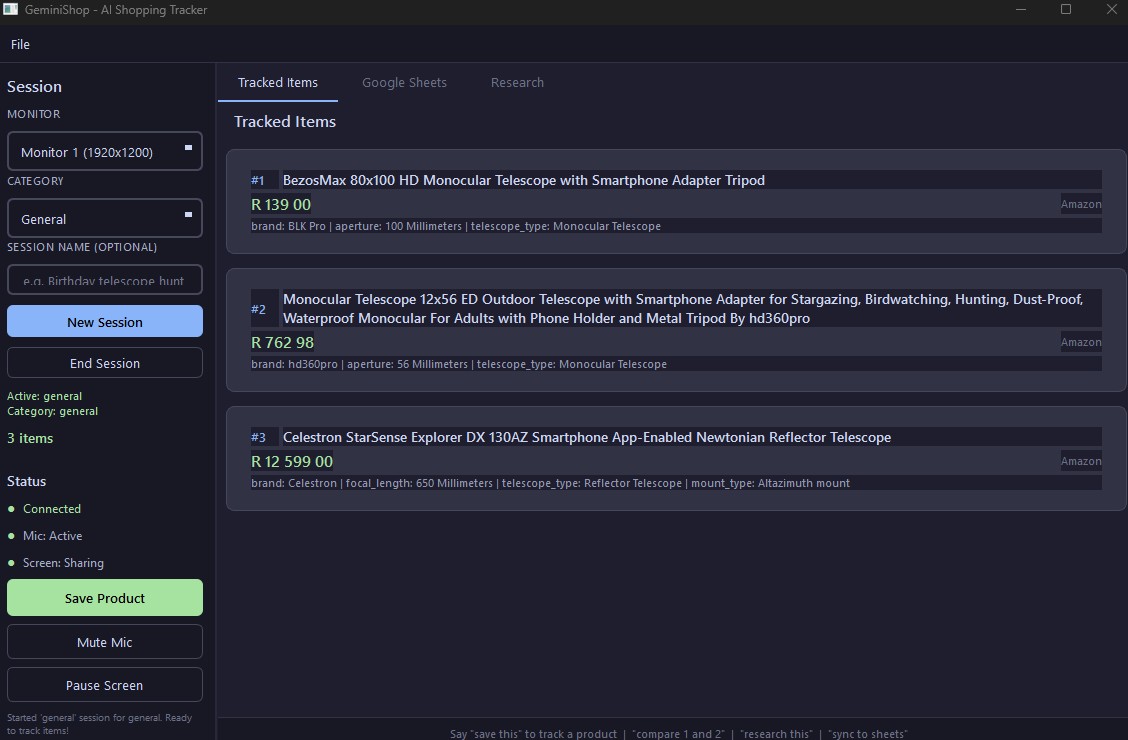
Presentation: PyQt6 with a Catppuccin Mocha dark theme, three-tab interface (Tracked Items, Google Sheets, Research), and screen overlays (live capture border, save confirmation toasts, floating save button)
Core async engine: A single
qasyncevent loop coordinates the Gemini Live WebSocket session, audio I/O (PyAudio), screen capture (mss at ~1 FPS), and background research tasks — all without blocking the UIExternal services: Gemini Live API handles voice understanding, screen vision, and tool orchestration over WebSocket. Google ADK agents perform multi-retailer research via Google Search. Google Sheets API + Drive API handle spreadsheet sync with OAuth tokens stored securely in the OS credential manager
The Gemini Live session uses 8 function-calling tools — product saving, session management, item listing, comparison, removal, product research, alternative discovery, and research result retrieval. All tool responses use types.FunctionResponse objects, and category-specific details are passed as JSON strings to work around the Live API's no-arrays constraint.
Challenges we ran into
The "stale context" bug was the trickiest. When a user clicks the save button, screen frames sent via send_realtime_input go into a stream buffer — meaning the model might analyze an old frame instead of what's currently on screen. The fix: embed a fresh screenshot directly in the send_client_content turn as an inline_data part, forcing Gemini to process that exact frame with the save instruction.
Multi-monitor geometry mismatches caused overlays to appear on the wrong screen. It turns out mss and PyQt6 order monitors differently. We solved this by matching monitors using absolute (x, y) coordinates instead of index numbers.
Audio stutter on first response was solved by pre-buffering 3 audio chunks before starting playback, and wrapping blocking PyAudio calls in asyncio.to_thread().
No array parameters in the Gemini Live API meant we couldn't pass lists of product details directly. We worked around this by serializing category-specific details as JSON strings within a single OBJECT parameter.
System prompt tuning was an ongoing process. The model was initially over-cautious with multiple products on screen, trying to ask which one to save. A simple instruction — "always save the most prominent product unless directed otherwise" — fixed the hesitation completely.
Accomplishments that we're proud of
- Truly hands-free shopping: You never have to type, click, or copy-paste. Just browse and talk.
- Sub-second save latency: From "save this" to product card appearing in the sidebar feels instant
- Smart deduplication: Gemini identifies when the same product appears across different retailers before syncing to Sheets — no duplicate rows
- Fire-and-forget research: Research runs in the background via
asyncio.create_task()— you can keep talking while the ADK agent searches retailers - Production-quality UI: The Catppuccin dark theme, screen overlays, floating save button, and multi-monitor support make this feel like a real product, not a hackathon demo
What we learned
- Gemini Live API is remarkably capable when you combine voice + vision + function calling in a single WebSocket session — it genuinely understands what's on your screen
- Simple system prompts work better than detailed multi-step logic. The model performs best with clear, concise instructions
qasyncis the key to building responsive async desktop apps with PyQt6 — it lets you run async coroutines without freezing the UI- Google ADK makes it straightforward to build research pipelines that leverage Google Search as a grounded tool
- OS keyring integration (Windows Credential Manager) is the right way to store OAuth tokens — no plaintext files, and the user's credentials survive app restarts securely
What's next for Shopping Assistant
- Multi-agent research pipeline: Replace the single ADK agent with a
ParallelAgentthat fans out searches to Amazon, Best Buy, Walmart, etc. simultaneously, then a synthesis agent aggregates results - Price tracking over time: Monitor saved products and alert when prices drop
- Review aggregation: Pull and summarize user reviews from multiple sources
- Currency conversion: Auto-detect and convert prices across international retailers
- Browser extension companion: Capture products directly from the browser DOM for even richer extraction
- Mobile companion app: Push notifications for price drops on tracked items
Built With
- google-adk
- google-drive-api
- google-gemini-live-api
- google-sheets-api
- keyring
- mss
- oauth-2.0
- pillow
- pyaudio
- pyqt6
- python
- qasync

Log in or sign up for Devpost to join the conversation.