Inspiration
Online shopping was supposed to be a convenient alternative to walking through the aisles of a grocery store. But in reality, the experience is often just as time-consuming, if not more. Many users spend a significant amount of time searching for each item, switching between categories, dealing with filters, and trying to remember everything they need. It’s mentally exhausting and repetitive.
We started asking ourselves: If the core problem of grocery shopping is the time and effort it takes, why hasn’t online grocery shopping truly solved it? What’s the real advantage of shopping online if users still have to do all the heavy lifting themselves?
We looked at real user behavior and realized something powerful: most people already have a grocery list, written on paper, saved in their notes app, or even reused from previous weeks. What if we could take that list and turn it into a ready-to-order box with just one scan or upload?
That question sparked the creation of Shopfast-a tool designed to remove the friction from online grocery shopping by cutting out the tedious parts. Our mission is simple: turn your grocery list into a grocery box, so you spend less time shopping and more time living.
What it does
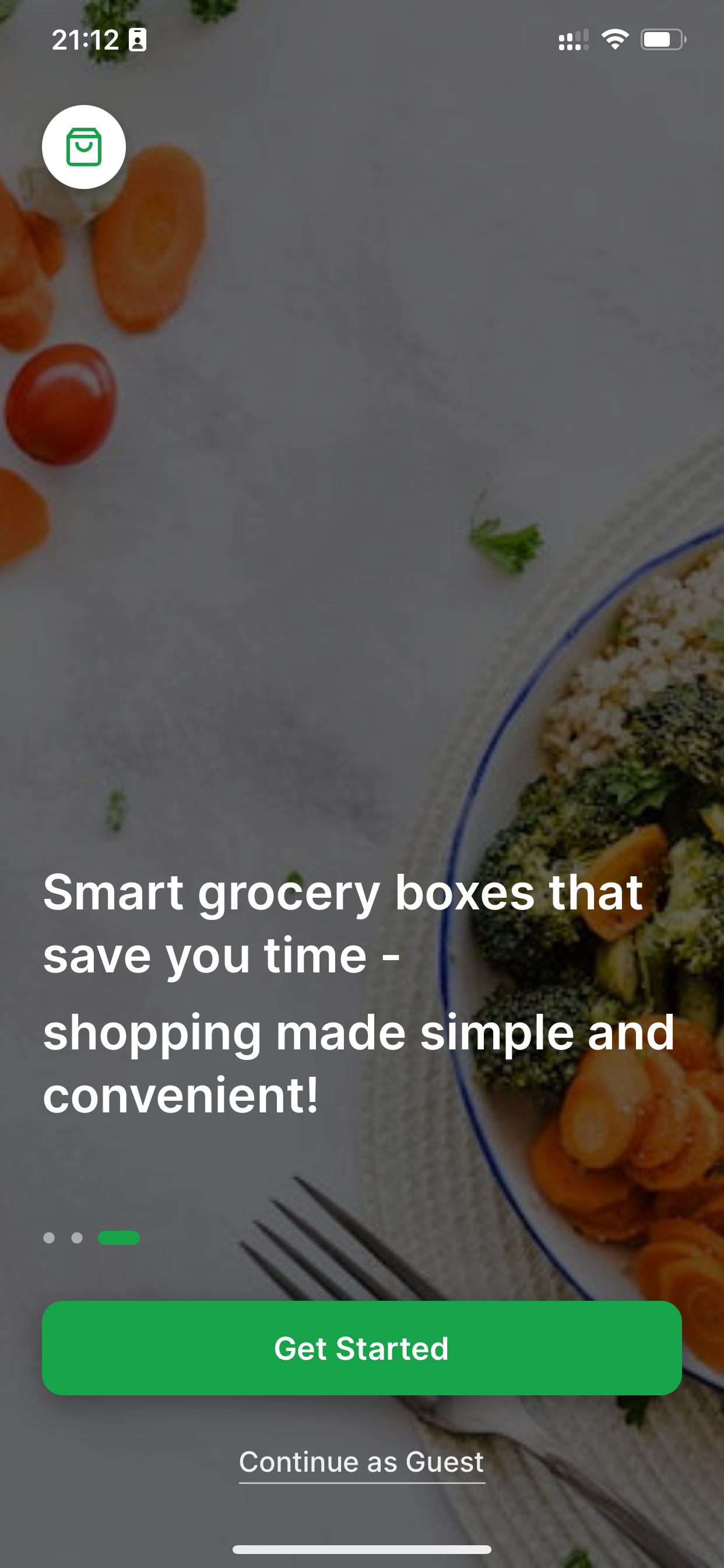
Shopfast is an online grocery shopping assistant that simplifies and speeds up the way users shop for groceries. Here’s how it works: • Scan or upload a grocery list: Users can scan handwritten notes, receipts, or upload digital files with their grocery list. • Auto-generate a shopping box: Shopfast processes the list and automatically generates a ready-to-order shopping box with all matched items. • Customize grocery boxes: Users can also choose from curated grocery boxes for different needs, like weekly meal kits, family essentials, or healthy diets. • Streamlined checkout: Once the shopping box is confirmed, users can check out without having to manually search for each item.
How we built it
Shopfast was built completely on bolt.new: • Frontend: React-native and Expo for a fast, responsive user interface. • Backend: Supabase for API handling and server-side logic. • OCR Integration: We used an OCR (Optical Character Recognition) API to process scanned or photographed grocery lists. • Database: Supabase to store product data and user shopping preferences. • Matching Algorithm: A custom matching engine and fuzzy matching that parses grocery list items and maps them to available inventory. • Cloud Storage: Supabase for storing uploaded images securely.
Challenges we ran into
• OCR Accuracy: Interpreting handwritten or low-quality scanned grocery lists required fine-tuning OCR settings and cleaning up input data.
• Product Matching: Mapping free-text grocery items to actual store items was challenging due to naming inconsistencies.
• List Variability: Users write grocery lists in different formats and levels of detail, which requires us to account for flexibility in parsing logic.
Accomplishments that we're proud of
• Built a working prototype that successfully generates a shopping box from scanned or uploaded lists.
• Integrated OCR with decent accuracy for handwritten and typed grocery lists.
• Designed a user-friendly interface that simplifies the grocery selection and checkout process.
• Created a flexible system for custom grocery boxes that can be extended for various use cases.
What we learned
• User experience is everything; removing even a few steps from a repetitive task like grocery shopping can greatly enhance user satisfaction.
• Real-world data (like grocery lists) is messy. Building systems to handle such variability requires iteration, testing, and adaptability.
• Speed and simplicity often matter more to users than features. Our focus on core functionality made Shopfast more useful than overloading it with options.
What's next for ShopFast
Completing the application and shipping it for real users Subscription boxes: Offer recurring grocery deliveries based on users’ weekly or monthly habits.
Built With
- expo-router
- google-places
- postgresql
- react-native
- supabase

Log in or sign up for Devpost to join the conversation.