-
-
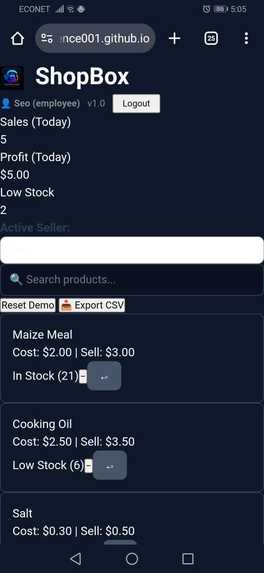
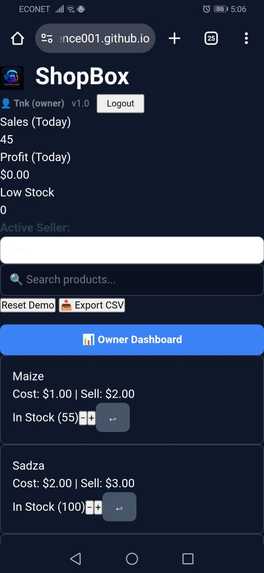
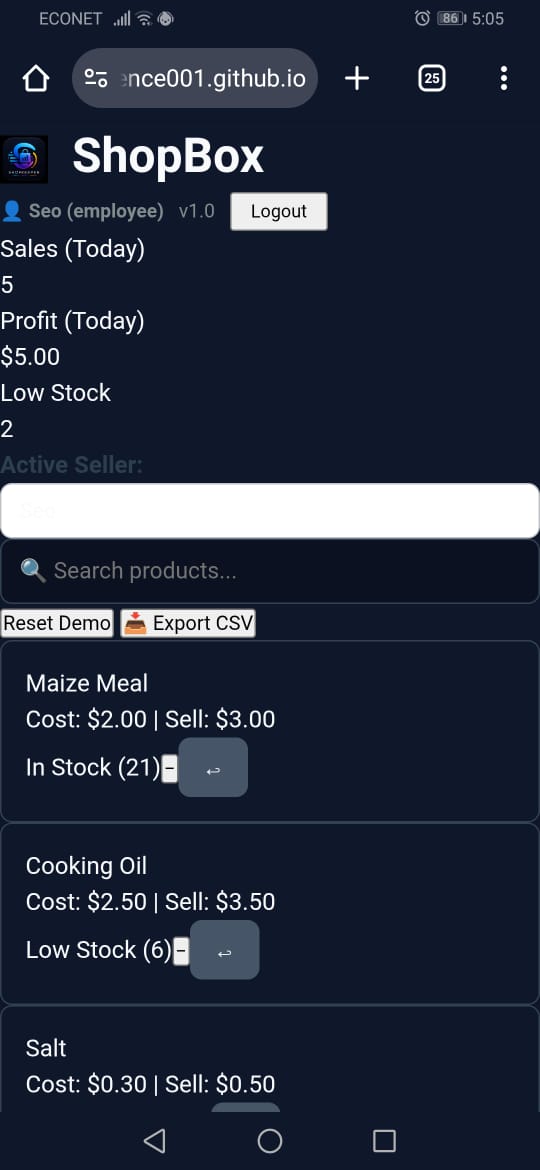
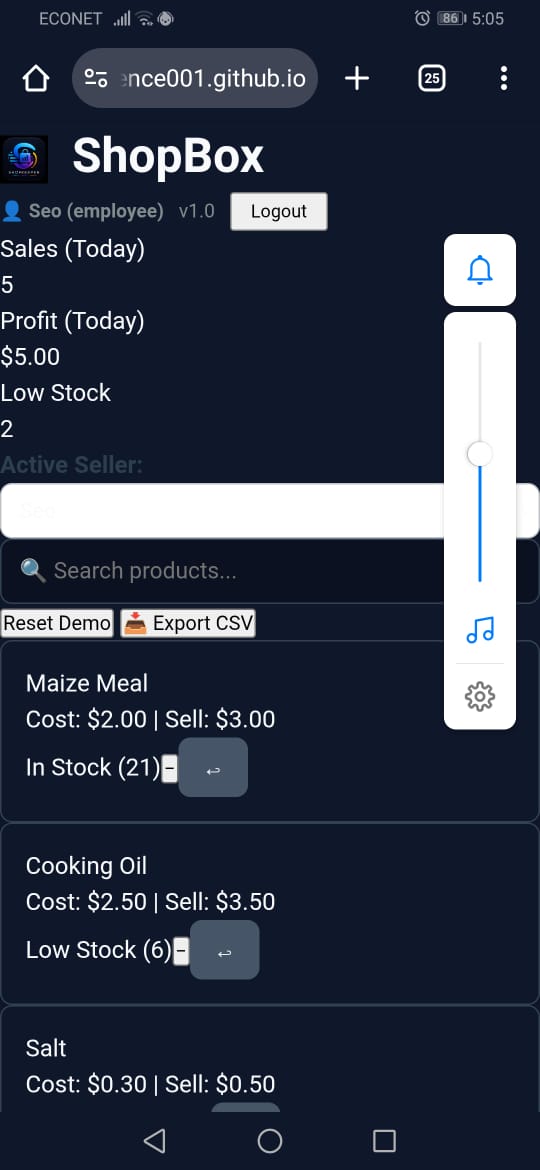
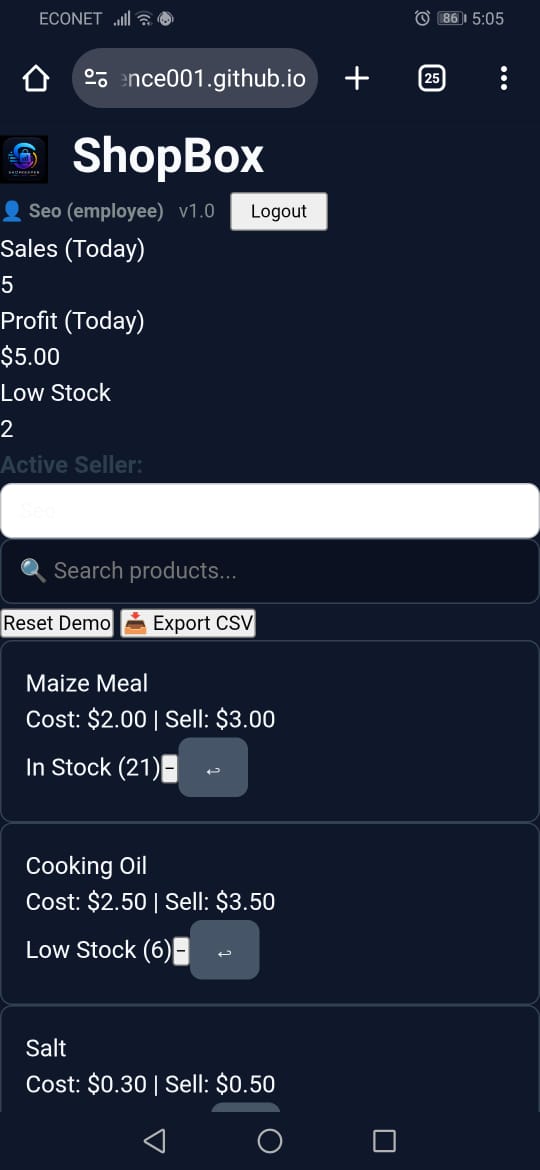
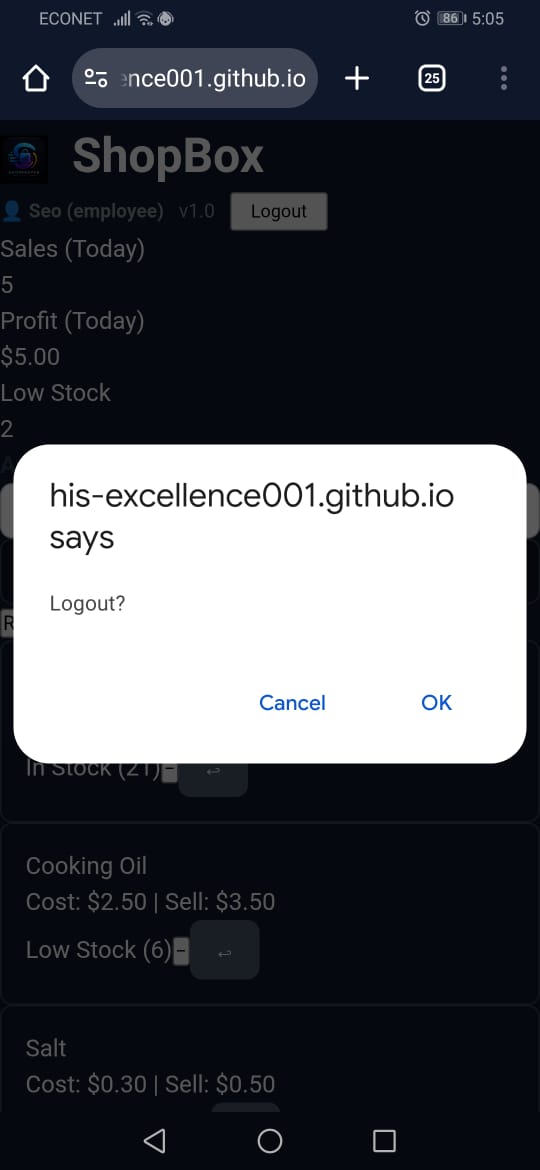
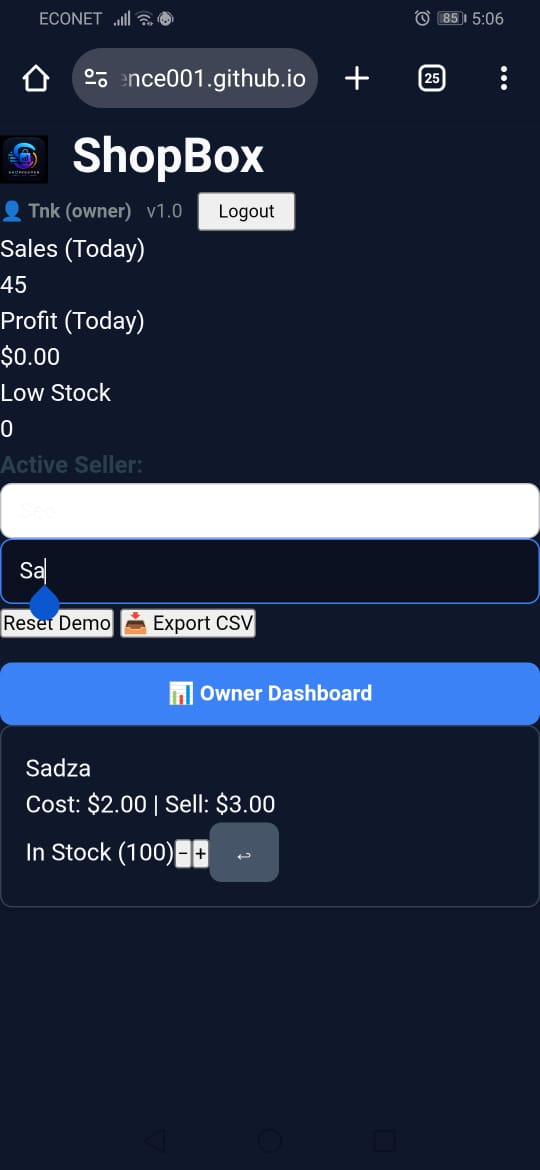
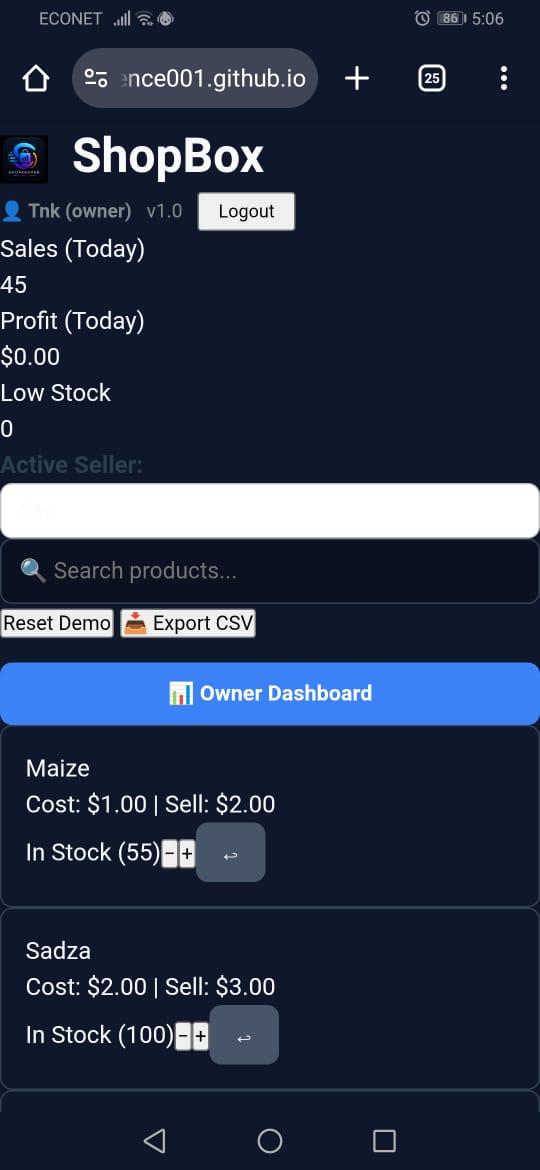
Mobile-responsive view demonstrating cross-device compatibility.
-
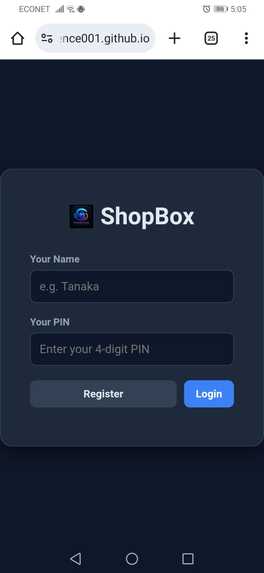
User settings and configuration panel for customizing shop parameters.
-
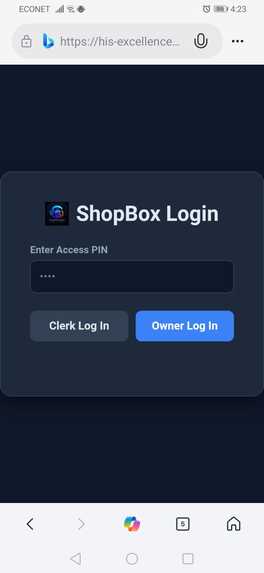
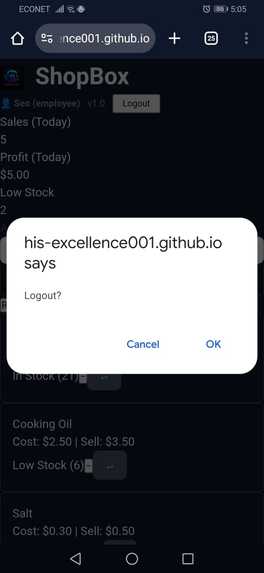
Error handling and system status alerts for seamless user feedback.
-
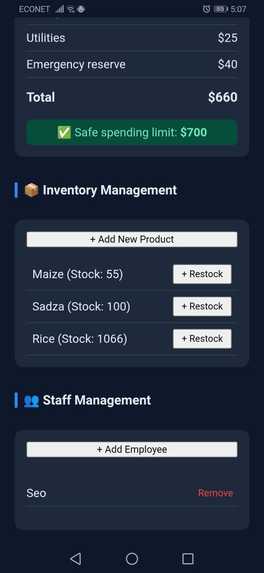
Main Navigation & Search Interface Clean and intuitive user interface designed for effortless search and navigation across all shop items.
-
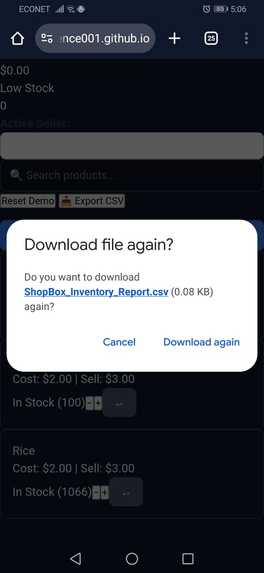
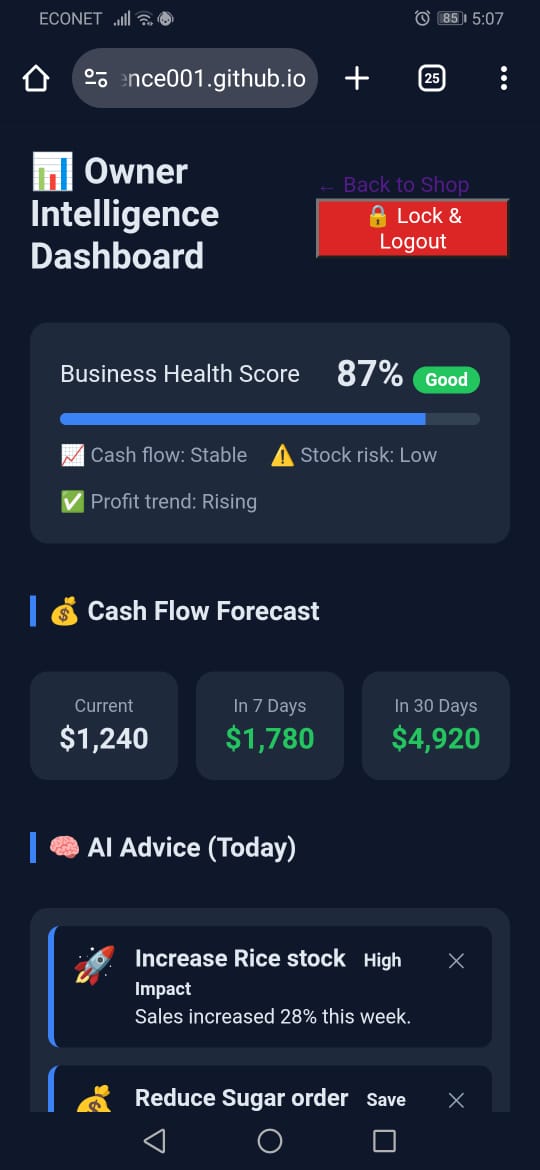
Analytics & Performance View
-
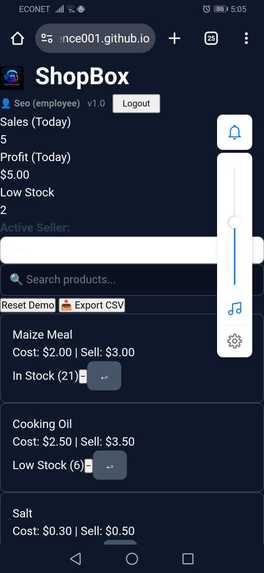
Responsive Layout Preview
-
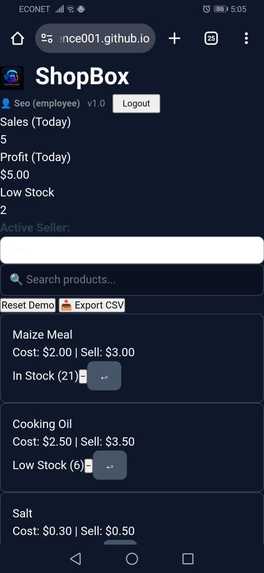
Dashboard Overview
-
Transaction history log showing recent activity and processed queries.
-
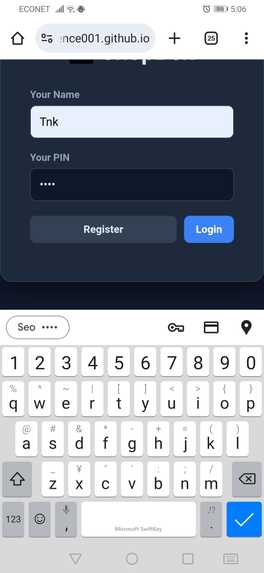
Alerts & System Notifications
-
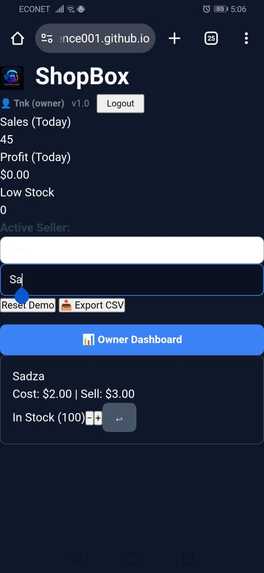
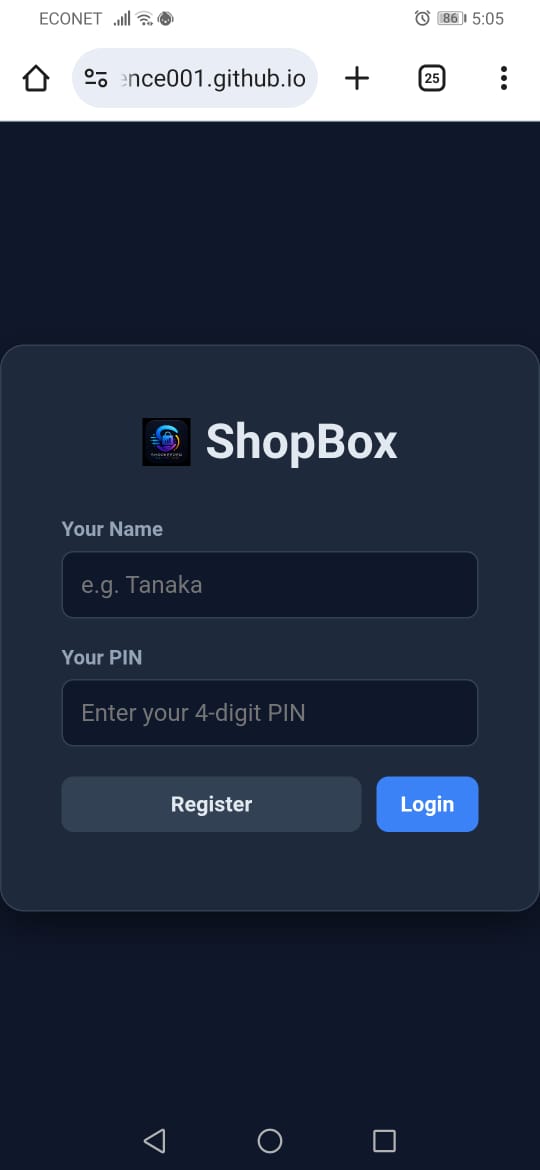
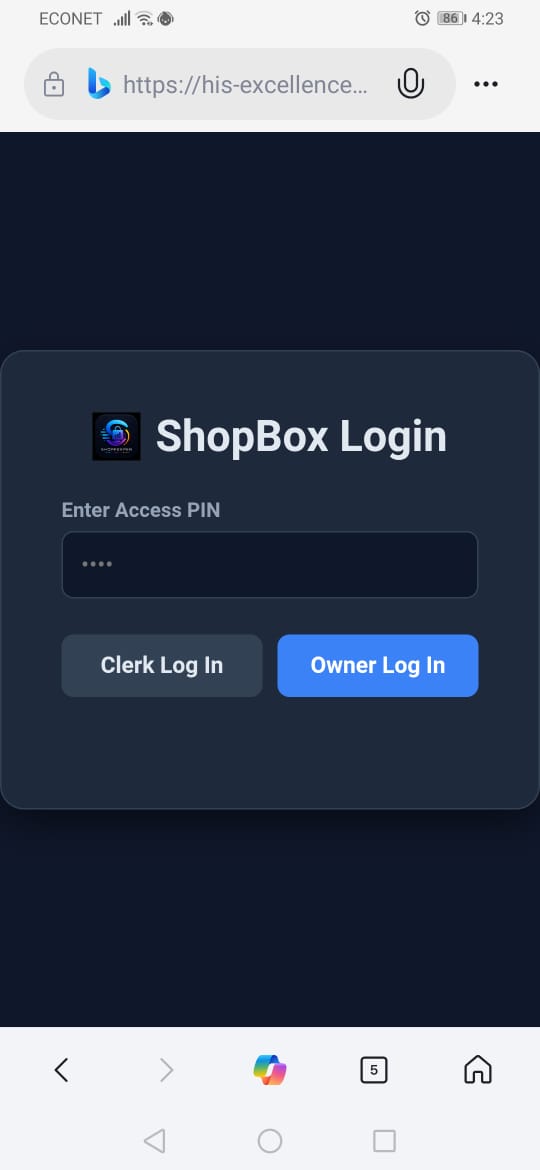
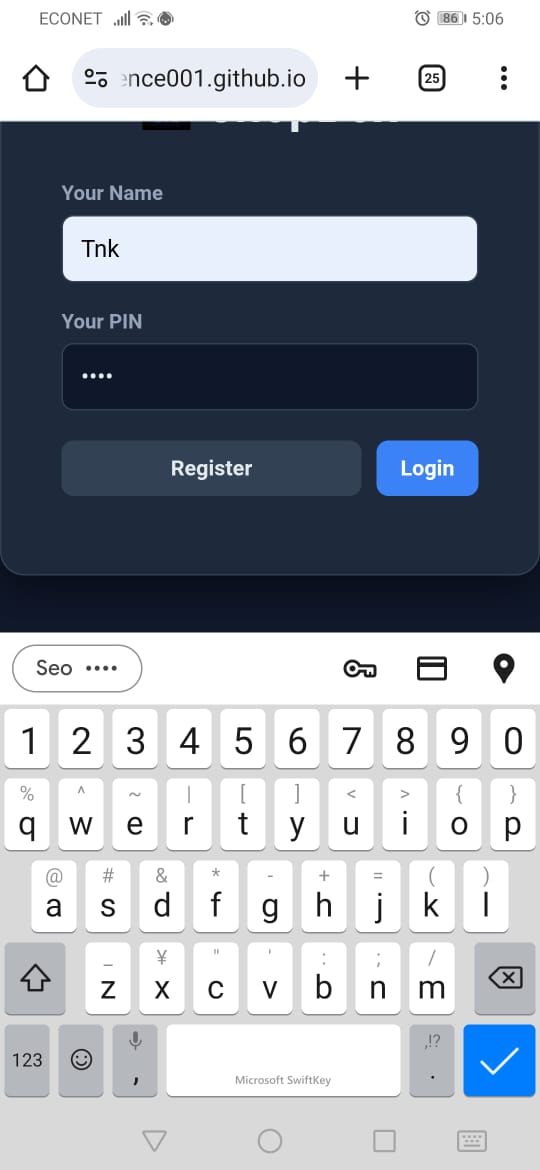
ShopBox User Authentication
-
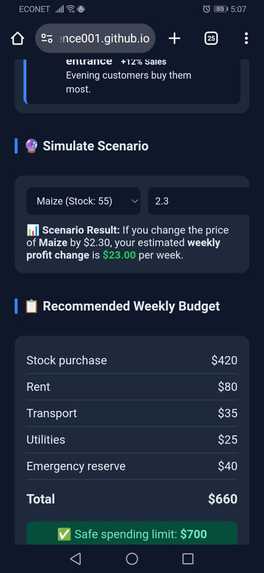
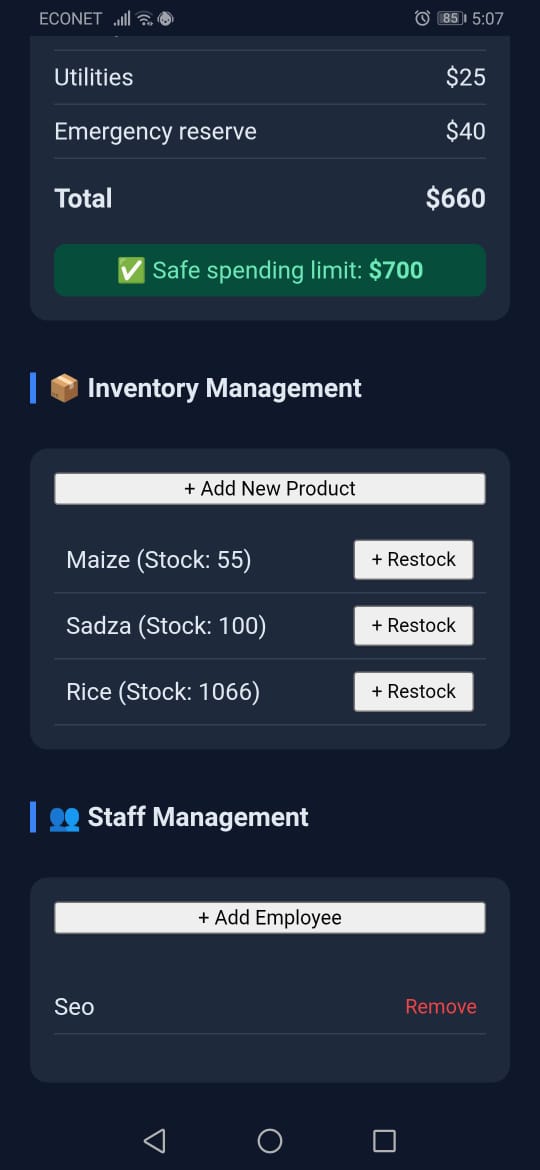
Product Catalog & Stock Management
-
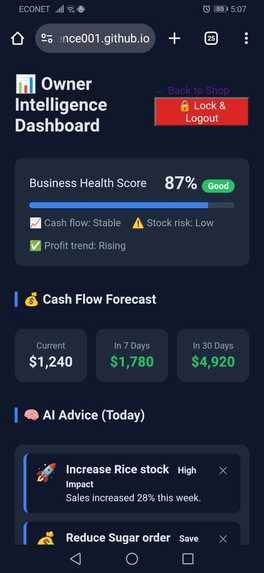
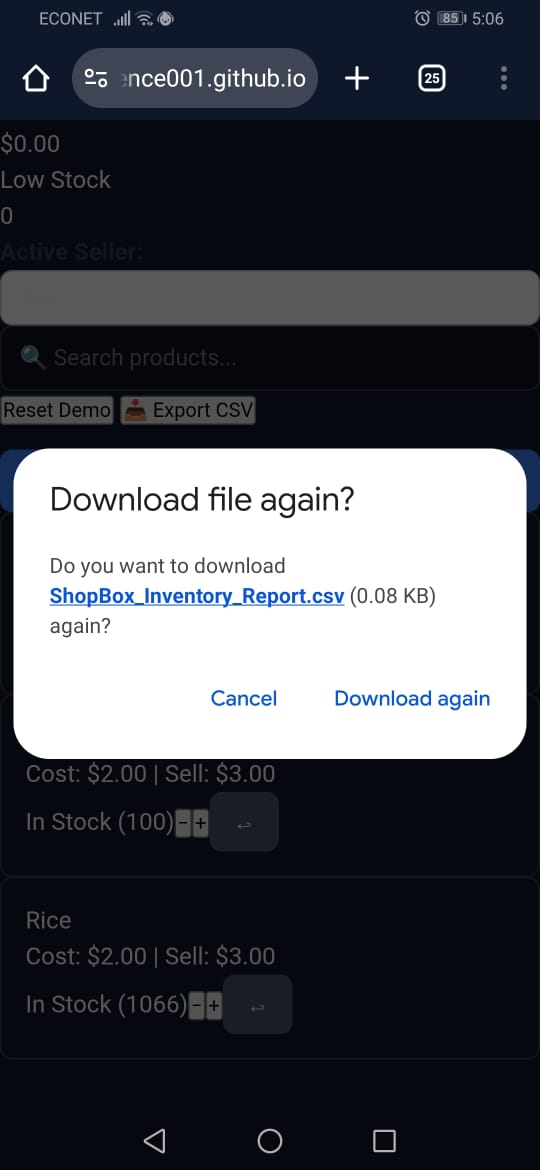
Data Export & Download Options
-
Custom filter controls for sorting product categories and stock levels.
Inspiration
What it ## Inspiration
Growing up in Zimbabwe, I watched small shop owners — including my own aunt — struggle with paper notebooks to track inventory, sales, and profit. They often ran out of stock without realising, lost money due to pricing mistakes, and had no idea which supplier was cheapest. I knew there had to be a middle ground between expensive enterprise POS systems and pen‑and‑paper guesswork. When the Zero to Query Hackathon was announced, I saw the perfect opportunity: build a real, scalable solution using prompt‑driven development and declarative backends — even as a student with no professional coding background.
What I Learned
- Declarative Backends (LingoQL / Sub0): I learned how to define entire REST APIs and database models in pure JSON. This removed all the boilerplate I used to fear and let me focus on business logic.
- Role‑Based Security: Designing a system where an Owner can lock the shop, add employees, and restrict what clerks can do taught me the fundamentals of access control.
- Offline‑First Architecture: I built a swappable data layer that works perfectly on
localStoragetoday but can be swapped to fetch calls for a cloud backend tomorrow. This decoupling pattern is something I will reuse for years. - Python + ML for Retail: I prototyped a web‑scraping pipeline (BeautifulSoup) and a vector‑matching engine (Sentence‑Transformers) to recommend cost‑effective restocking. Even though the frontend demo runs on local data, I now understand how AI can be applied to real retail supply chains.
How I Built It
- Frontend: Pure HTML5, CSS3, and vanilla JavaScript — no frameworks. This guarantees instant load times on old phones and complete offline support. The UI is mobile‑first and includes a Progressive Web App manifest so it can be installed on a home screen.
- Swappable Data Layer: The app uses a unified service abstraction. Currently, all data is stored in
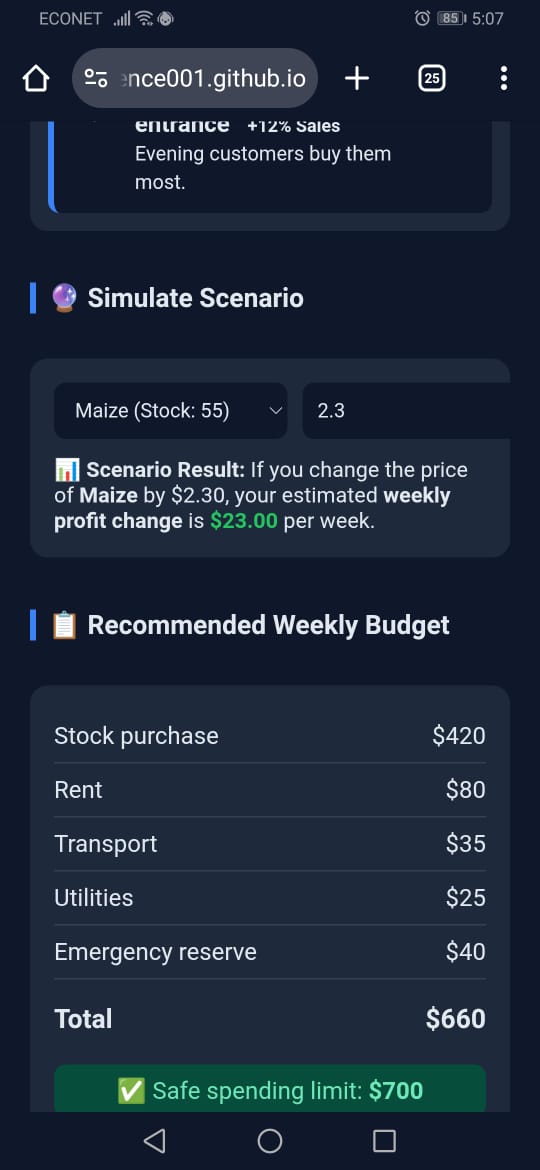
localStoragefor the demo. To connect to a production backend, I simply replace thelocalStoragefunctions withfetch()calls to the LingoQL/Sub0 API I defined in JSON. This demonstrates the hackathon‑required backend integration without forcing judges to set up a server. - Owner Intelligence Dashboard: A separate page built with a dark navy theme, showing a business health score, cash‑flow forecasts, dismissible AI‑powered advice cards, an interactive scenario simulator, and a weekly budget planner.
- Backend Blueprint (Python): In the
backend/folder, I included a fully documented PostgreSQL schema (schema.sql), a web scraper (scraper.py) that pulls wholesale prices, and a purchasing engine (purchasing_engine.py) that uses PyTorch and Sentence‑Transformers to match inventory with the best supplier deals.
Challenges Faced
- Return/Void Logic: Getting the sales void feature right was tricky. At first, removing the sale transaction while subtracting from totals double‑counted the void. I had to refactor the system to treat returns as negative transactions, which kept the math clean and the audit trail intact.
- LingoQL/Sub0 Learning Curve: Shifting from traditional backend coding to defining everything declaratively in JSON took a mental shift. But once I understood the action‑based workflow, I realised how much faster it is to build MVPs this way.
- Time Constraints: Integrating a full two‑sided app with login, permissions, search, CSV export, and a complex dashboard in a hackathon window forced me to prioritise ruthlessly. I chose to build a complete, working local frontend and a ready‑to‑deploy backend blueprint rather than a half‑finished full‑stack product.
- Mobile Polish: Making a web app look and feel native on a cheap Android phone required careful CSS tuning, touch‑friendly button sizes, and a PWA manifest — all of which I had to learn on the fly.
What's Next for ShopBox
- Connect the live Sub0 backend so data syncs across devices.
- Integrate the Python ML engine into the dashboard so restock recommendations are generated automatically.
- Add WhatsApp Business API integration for low‑stock alerts (many shop owners already use WhatsApp daily).
- Pilot with a real tuckshop in Harare and iterate based on actual user feedback.does
Built With
- api
- beautiful-soup
- css3
- html5
- inventory
- javascript
- json
- learning
- lingoql
- localstorage
- machine
- management
- mobile-first
- offline-first
- pos
- postgresql
- pwa
- python
- pytorch
- retail
- saas
- sentence-transformers
- sub0
- web


Log in or sign up for Devpost to join the conversation.