
For judges: try the paid plan
Use code SHIPATON2026 for a 30-day free trial of the paid plan. In the app, open Menu → Upgrade → Unlock daily insights. In the Google Play purchase dialog, tap the payment method row (the ">" arrow on the right), choose "Redeem code", enter the code and tap Next. Check that the 30-day free trial is shown, then tap Subscribe. This custom code works only inside the app (not from the Play Store's own Redeem menu), only on Google accounts that have never subscribed to Shoku Labo, and until October 31, 2026. Google Play asks for a payment method, and the subscription renews at the monthly price unless it is canceled before the trial ends.
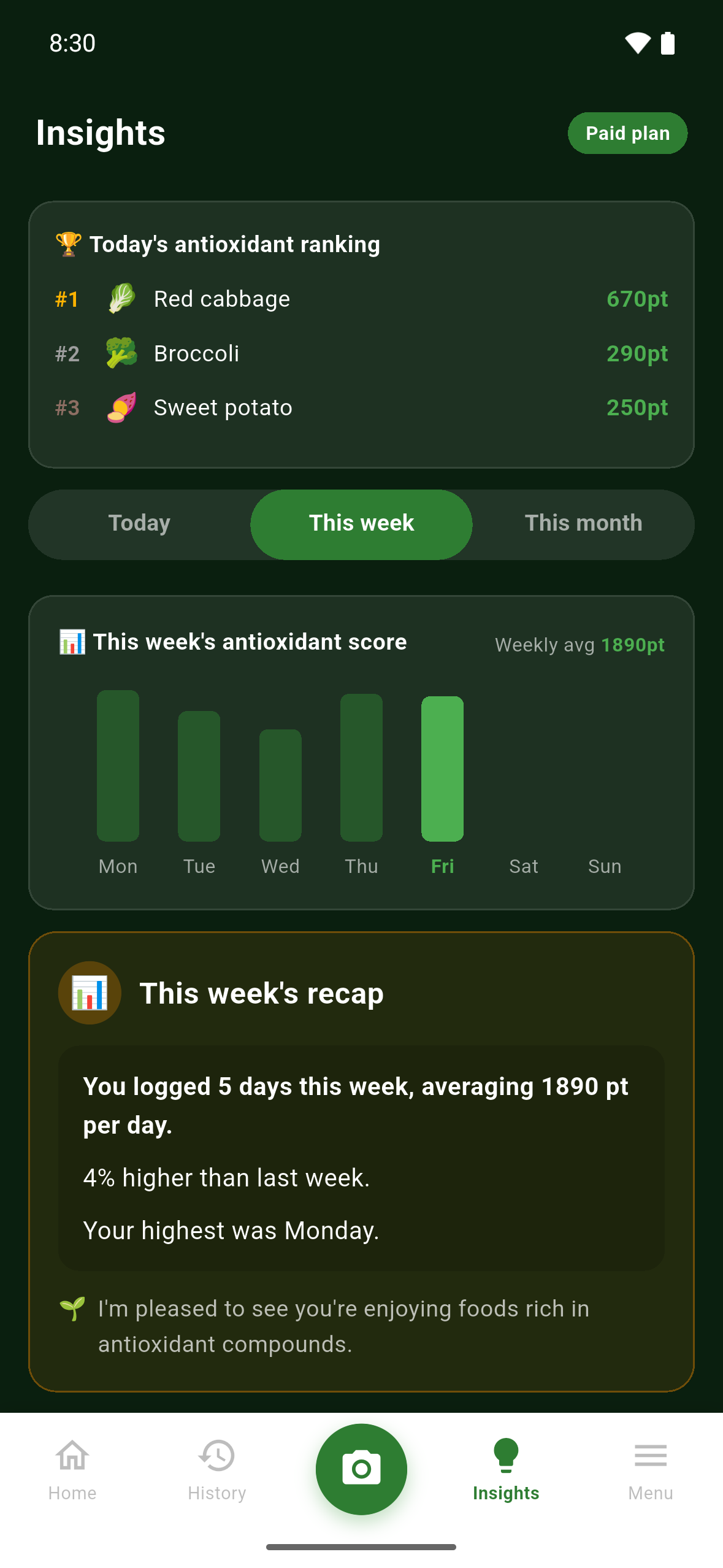
No sign-in is needed. The app is available in the US and Japan; phones set to any language other than Japanese open it in English. Weekly and monthly insights fill in after a few days of logged meals.
Inspiration
At 19, I had stage 4 cancer. That was when I started reading research about food on my own, and for the past year and a half I have shared what I learned from papers with about 41,000 followers on Instagram.
Over that time my Instagram polls collected about 80,000 cumulative responses — 68,000 of them on a single video about frozen blueberries. One topic stood out far above the rest: antioxidants. People wanted to know which everyday foods contain antioxidant compounds and how cooking changes them — but every food app they had tried was built around cutting calories.
So I built Shoku Labo: an app built to raise everyday curiosity about food. It counts what is in your meals, not what you should cut.
What it does
Shoku Labo works in four steps: score it → notice it → learn it → look it up.
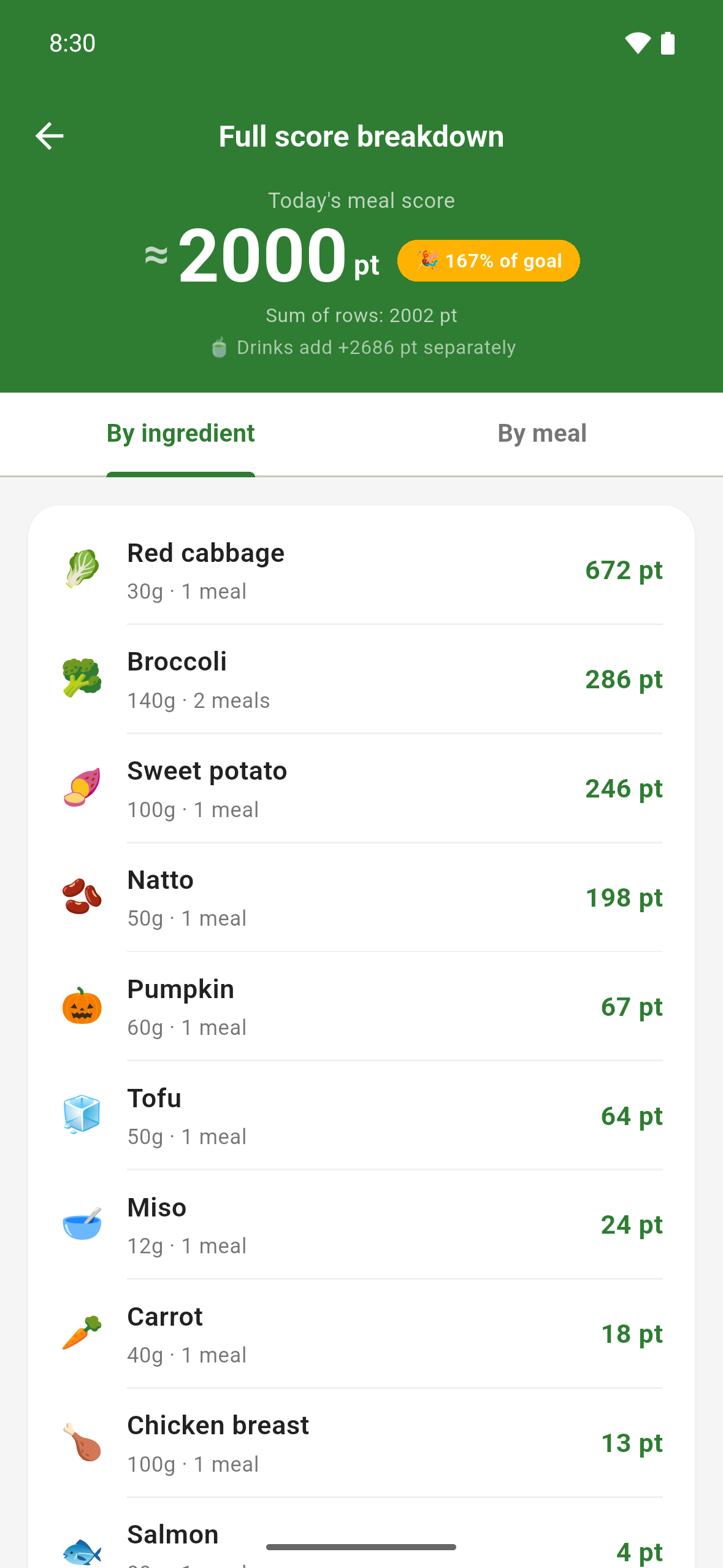
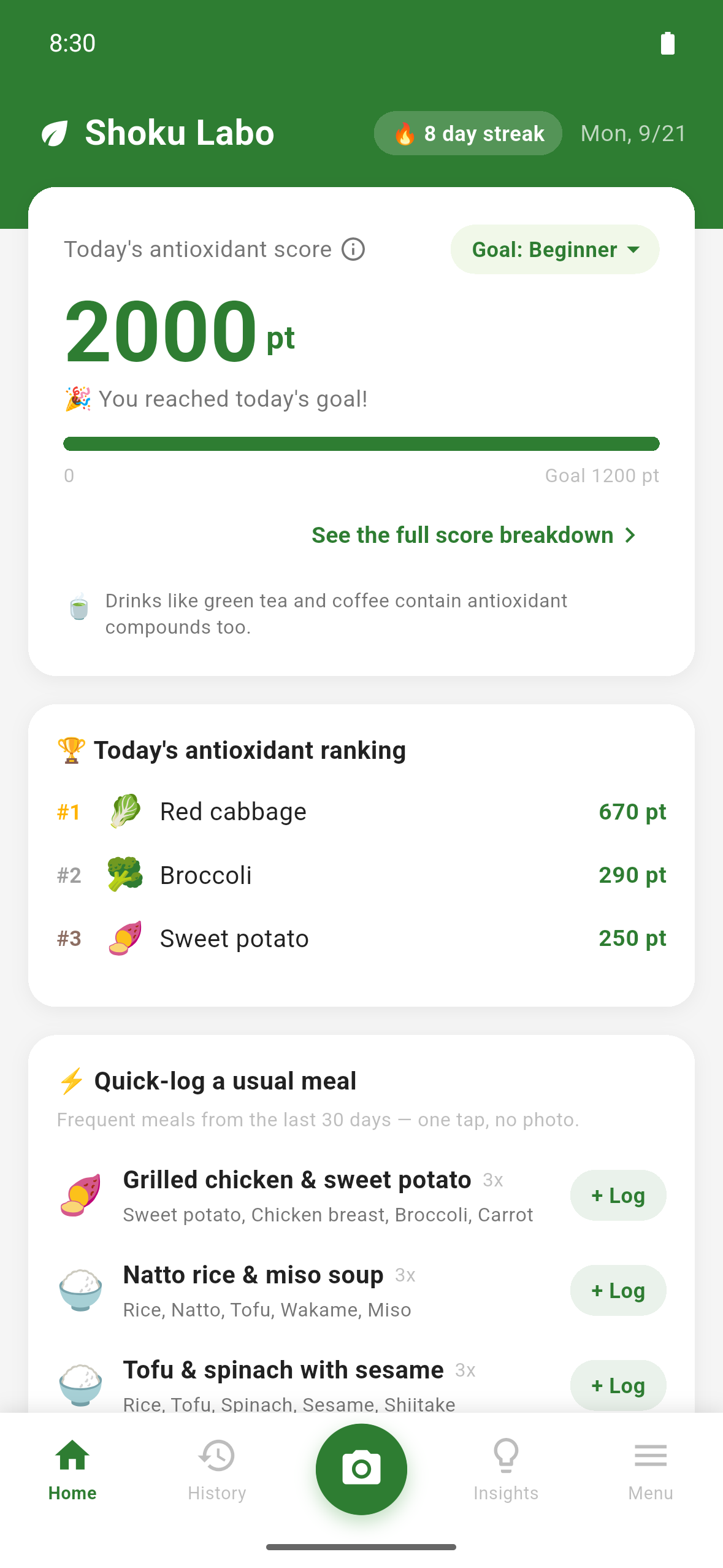
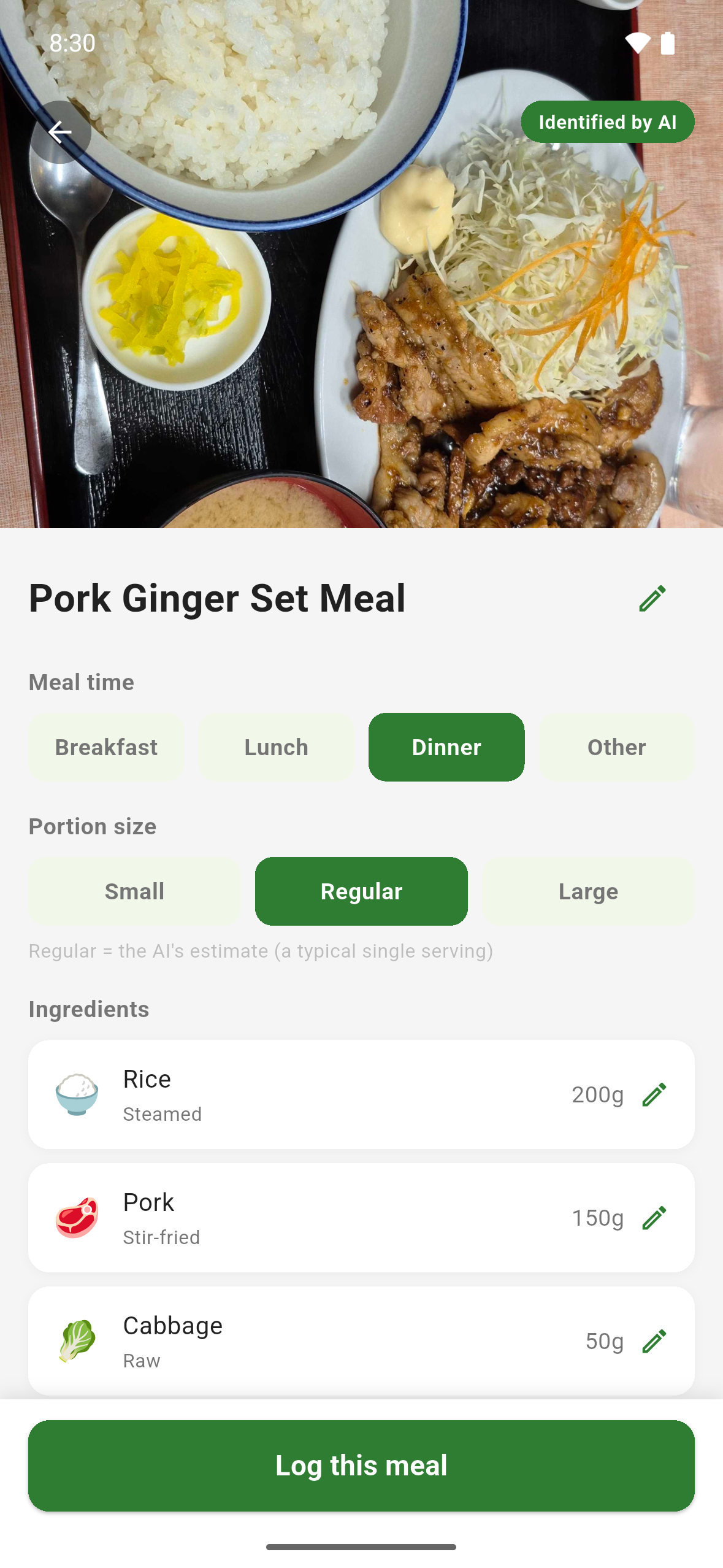
- Score it (free). Snap a photo of your meal. AI identifies each ingredient, its amount and how it was cooked (raw, boiled, stir-fried…), and you can correct anything before saving. The app looks up every ingredient in public food composition data and adds up vitamin C, vitamin E, carotenoids and polyphenols into one antioxidant score.
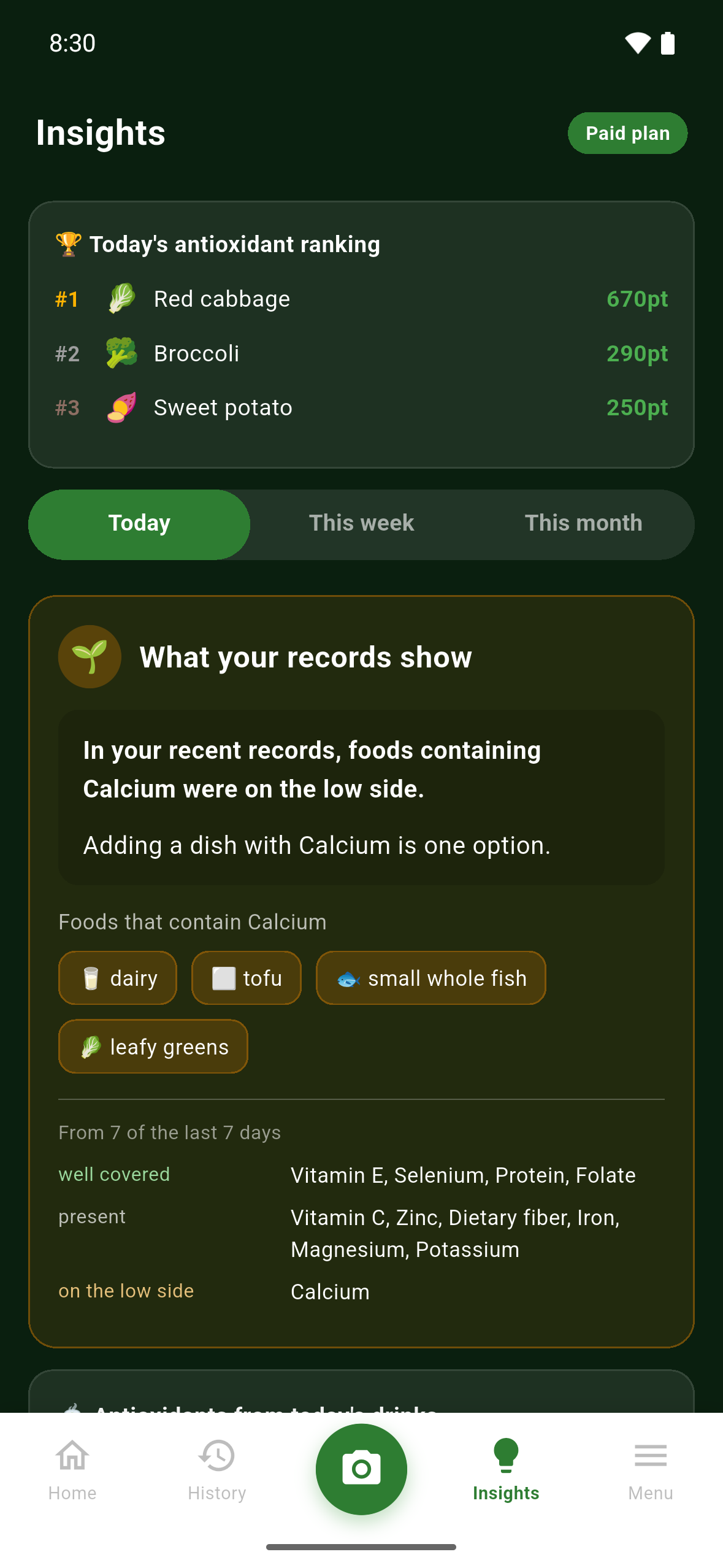
- Notice it (paid). Insights from your own records — today, this week, this month — across 11 nutrients, and where your meals lean across the four antioxidant components.
- Learn it (free). A daily food fact from Antioxidant Buddy, each with the database or institution it came from.
- Look it up (paid). Peer-reviewed studies matched to the foods you actually logged, with the study design, subjects, what was measured, the reference and the PubMed ID.
Nothing is subtracted. There are no calorie targets, no weight goals and no red numbers. The day only adds up.
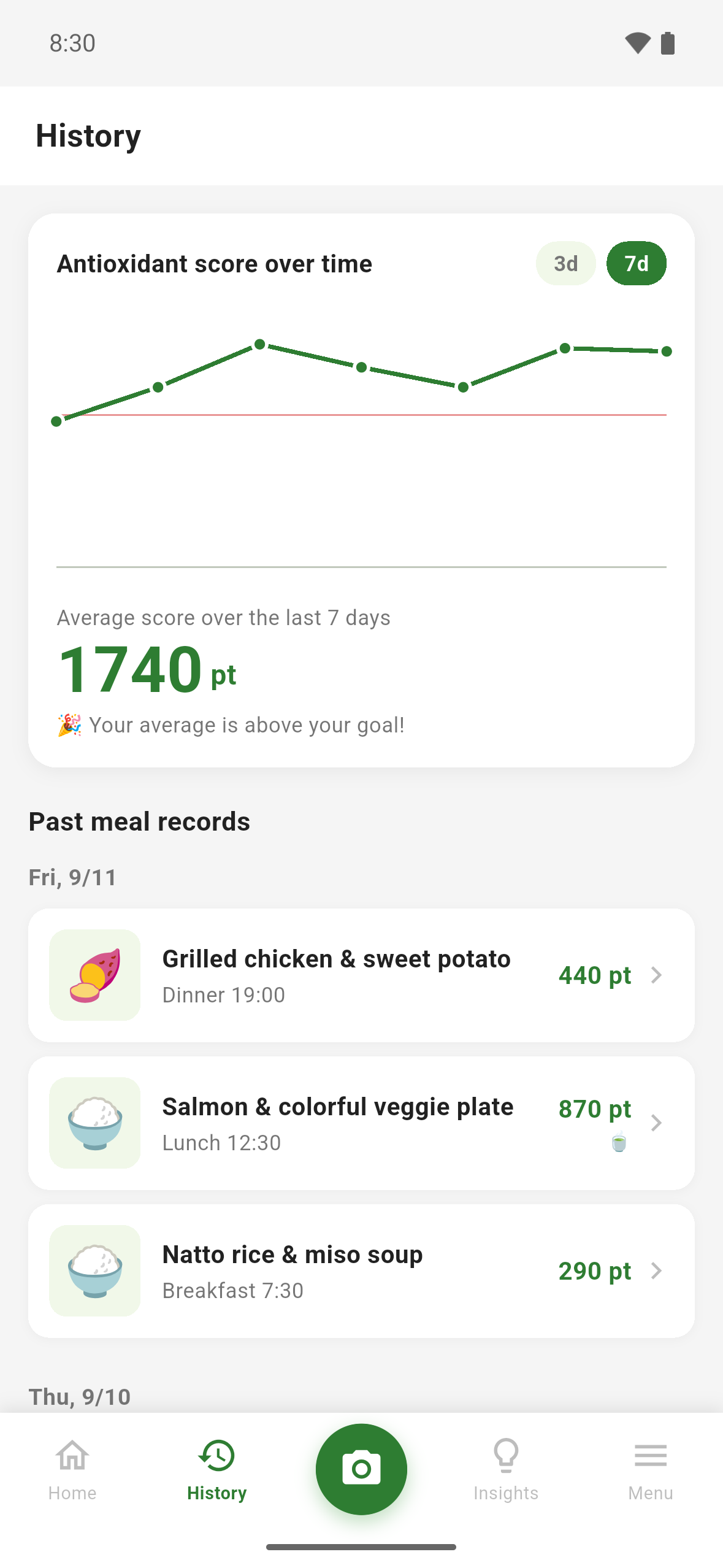
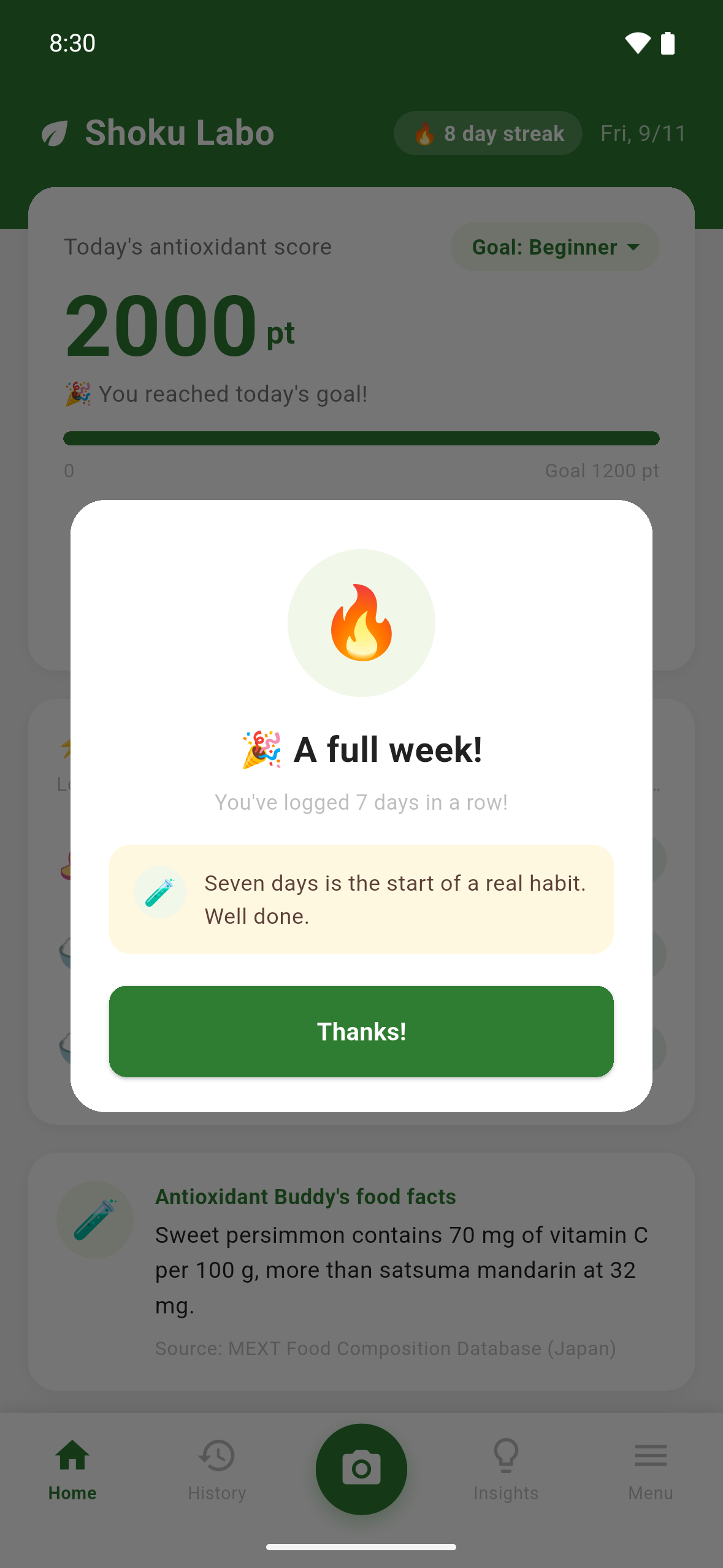
Free features: unlimited photo logging, logging from a recipe screenshot, the antioxidant score, three optional daily goal levels, today's antioxidant ranking, one-tap logging of usual meals, logging streaks, daily food facts, the last 7 days of history, and share cards. There are no ads at all.
The paid plan (monthly subscription via RevenueCat) adds depth rather than more scans: insights from your records, related studies, your antioxidant balance, figures for drinks, your full history and a monthly summary card.
The score is honest by design. It is an estimate of what is in the meal — not how much your body absorbs, and not a health measurement. When a value is missing from the data, it stays "unknown" instead of being filled with zero.
How we built it
- Flutter app, Android first, fully localized in Japanese and English
- Gemini 2.5 Flash with structured JSON output and temperature 0 to reduce variation in recognition
- A food matcher that maps AI output to 2,538 foods in Japan's MEXT Standard Tables of Food Composition, tested against 621 everyday Japanese words and 274 English aliases
- Polyphenol data from the USDA Flavonoid, Isoflavone and Proanthocyanidin databases (public domain), plus chlorogenic acid values from published measurements
- Firebase Auth, Firestore and App Check (Play Integrity); food facts and studies are served from Firestore, so a wording fix or a retracted study reaches users the same day without an app update
- RevenueCat for the subscription, entitlements, restore and expiry
Challenges we ran into
- "Rice" matched "American cherries." In Japanese, 米 means both rice and "American." Cherries contain polyphenols, so every bowl of rice quietly added points. I now pin common words to exact food IDs and test 621 everyday words against the database.
- English input scored zero. When I added English, typing "broccoli" matched nothing, so the score silently dropped to 0. The app now keeps the Japanese name for matching and shows the English name on screen — and all 274 English aliases are locked in by tests.
- A purchase that looked successful. With only two of the three required Google Play permissions on the service account, the purchase went through and the app showed "Paid plan" — but it was never acknowledged, and Google cancelled it. I learned to verify purchases in the RevenueCat dashboard, not in the app.
- Words I chose not to use. Health claims are strictly regulated in both Japan and the US. I wrote a six-category rule (food properties, cooking changes and absorption are fine; body function, disease and personal medical advice are not) and back it with automated wording checks on the app's text, plus a runtime check on the text Gemini generates.
Accomplishments that we're proud of
- A score designed to avoid inflated totals: missing data stays unknown, drinks are shown separately so one cup of green tea can't outweigh a whole meal, and the food composition values come from public databases or published measurements
- Removing ads entirely before launch instead of shipping a banner that earned nothing and required sharing data
- Shipping to Google Play in Japan and the US as a solo studio, and turning feedback gathered while the first version was still in review into an update (1.0.1) that went live on launch day — with every change and where it came from logged in one public thread
What we learned
- Building in public changes what you build — and sometimes it tells you to change nothing. 66% of 76 voters chose to keep study details folded behind a tap — the current design — so I kept it.
- Which item you choose to show decides what a feature is. A random food fact is something to read; a suggestion next to what you actually logged is a nudge. A developer on X pushed me on this, and it now shapes the next feature.
- An honest indicator needs careful handling of missing data and calculation rules: treating missing values as zero, rounding at the wrong stage or applying a daily bonus to every meal can each distort the result.
What's next for Shoku Labo
- Suggestions based on your own log: a food from the same group as one you logged, and a swap inside a meal you repeat — limited to foods with studies in the app, shaped by a developer who replied to my build log. The insights already list example foods for each nutrient; these personal suggestions are not built yet.
- Teach the recognizer to tell look-alike foods apart, using reports from users (the first one: blueberries recognized as black beans)
- More studies for the foods people request, added from Firestore without an app update
- iOS

Log in or sign up for Devpost to join the conversation.