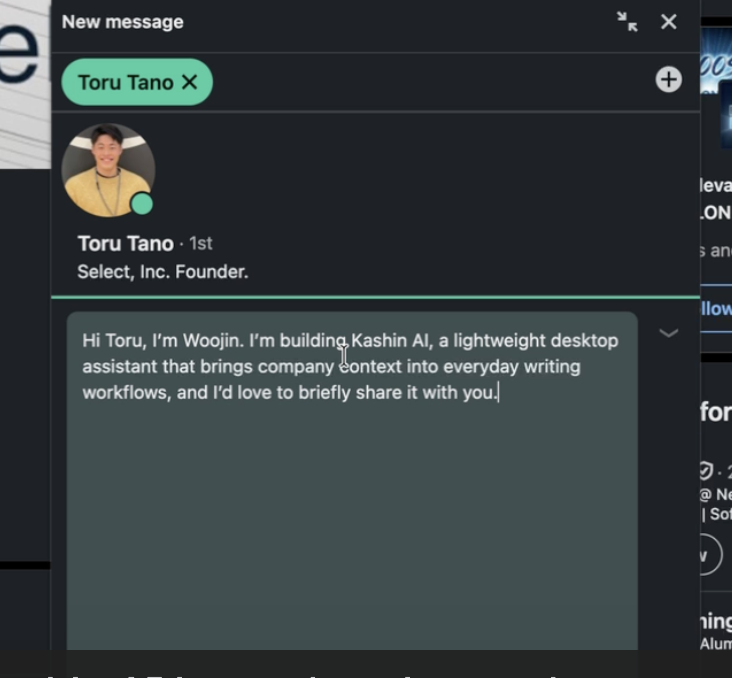
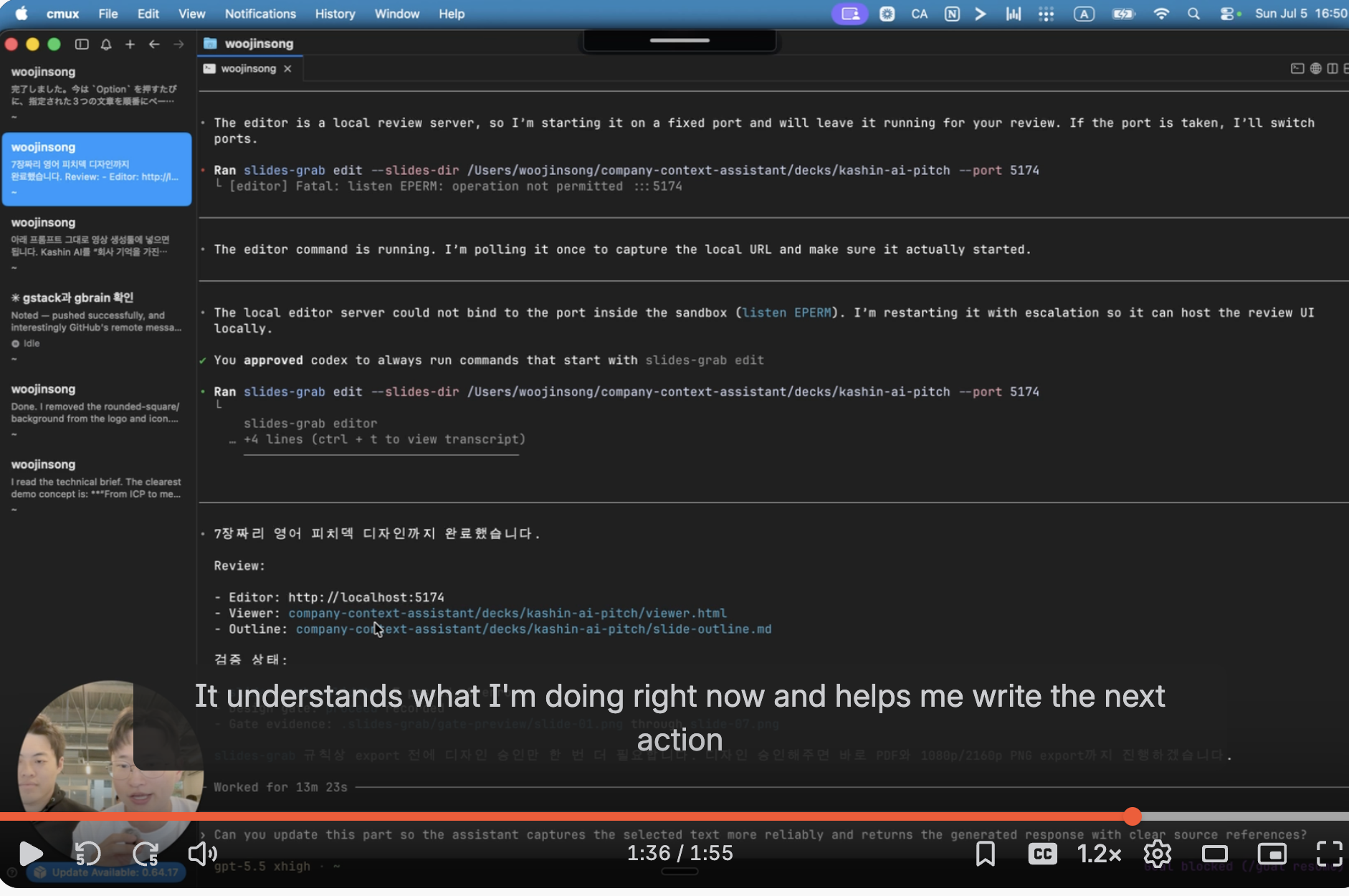
https://www.loom.com/share/2219b209c4364246821a6e4591ccb49f Due to a YouTube error, we couldn’t upload the video properly, so we temporarily put a dummy URL in the demo video field below. Here is our actual demo video:
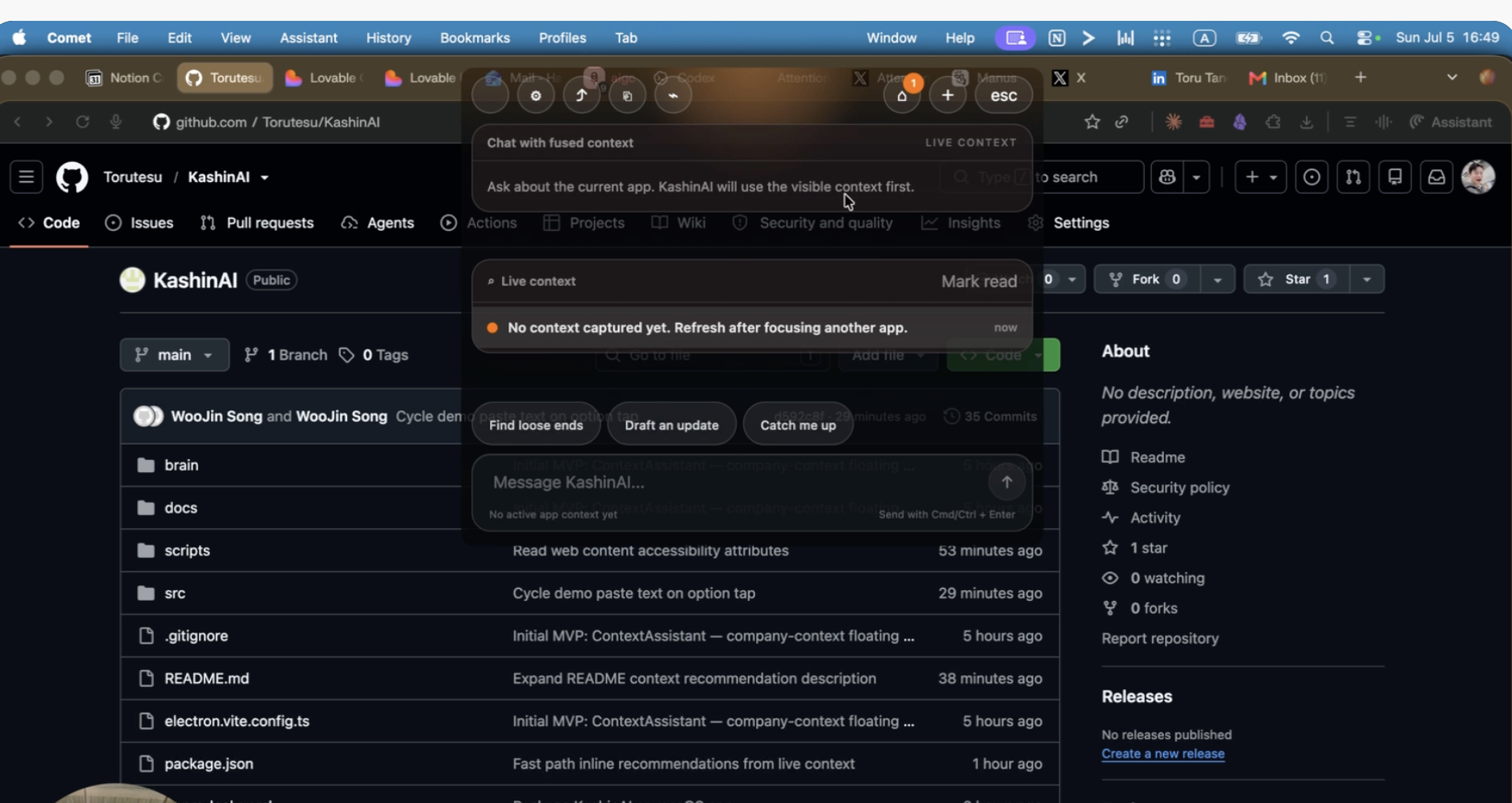
KashinAI is a Mac‑native agent that lives quietly in the background, understands your real‑time context, and passes it to the right model so that a single press of the Option key gives you the best possible reply or executes the task for you.
Most AI tools still force humans to do the “plumbing”: collect context, explain the situation, craft prompts, and hope the model understands. In a real founder’s day, that is wasted motion. You jump between email, Notion, GitHub, Figma, CRM – but the AI sees only isolated text boxes.
KashinAI starts from a different assumption:
if the OS can understand what you are actually doing in the background, the front‑end interaction can become almost zero.
On your Mac, KashinAI continuously tracks which window you are in, which document or thread you are touching, and what kind of work episode you are in – handling a customer issue, reviewing a PR, drafting a spec, preparing a pitch, and so on. That live context is then routed to the right model and tools.
From the user’s perspective, the interface is brutally simple:
on the current screen, press Option and immediately get either the optimal reply or an action executed that matches what you are doing now.
You don’t think about prompts. You think about outcomes.
Reply to this customer in a way that unblocks the deal. Summarize what I actually did for the business today. Turn this meeting into a clear PRD.
KashinAI takes care of understanding the screen, pulling in the relevant history, selecting the model, and executing.
This project is my first step toward that OS‑level agent:
a background system that holds the context of your work so the foreground can shrink to one key.
Built With
- codex


Log in or sign up for Devpost to join the conversation.