-
-
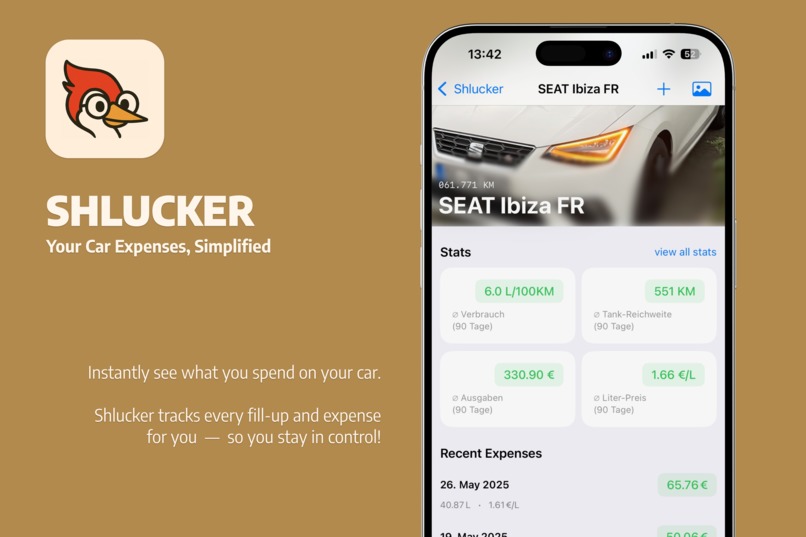
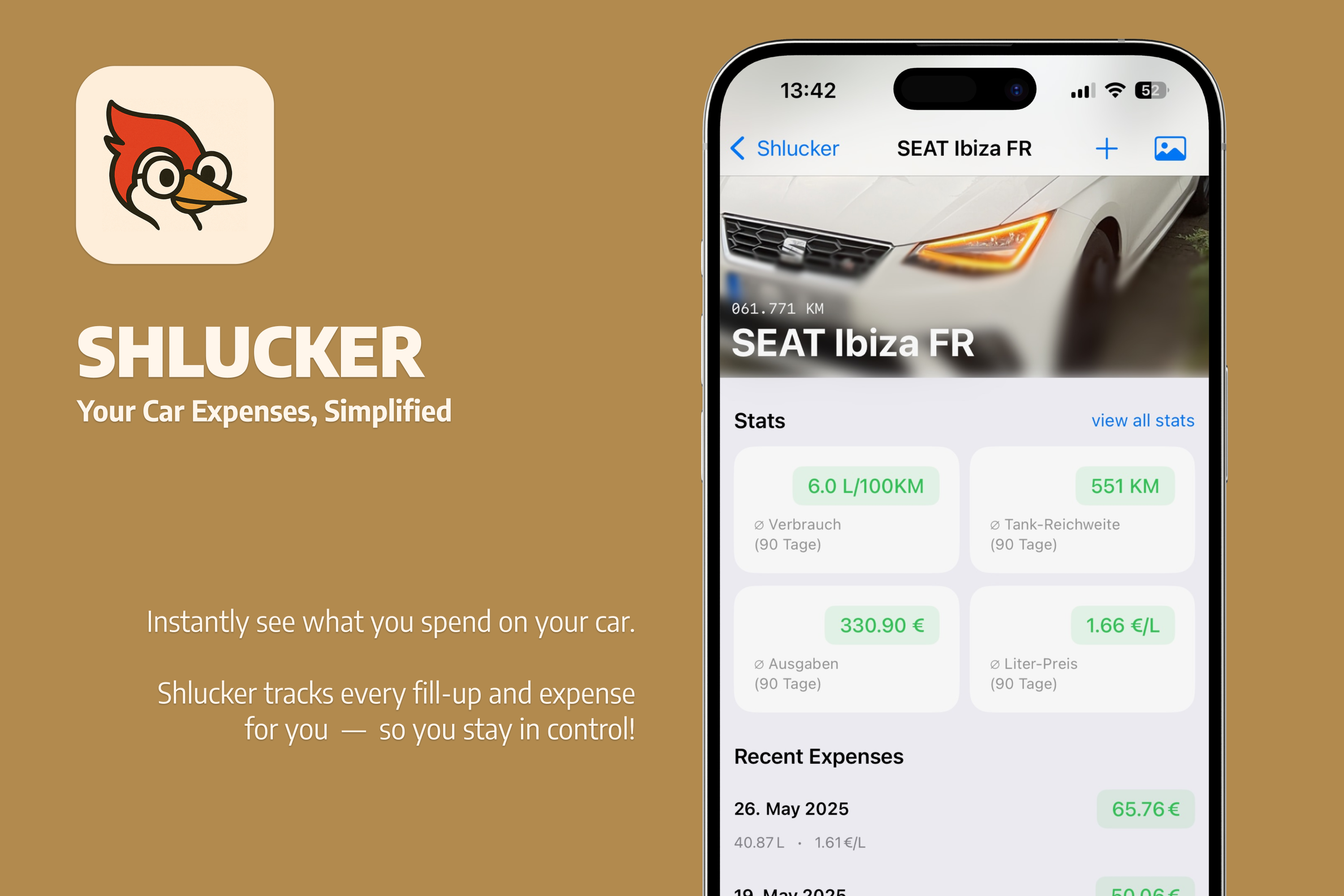
See Your Expenses At A Glance!
-
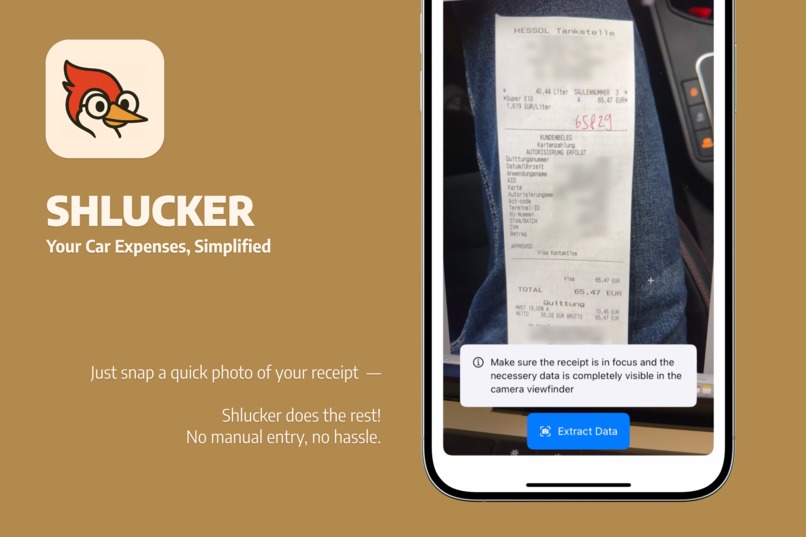
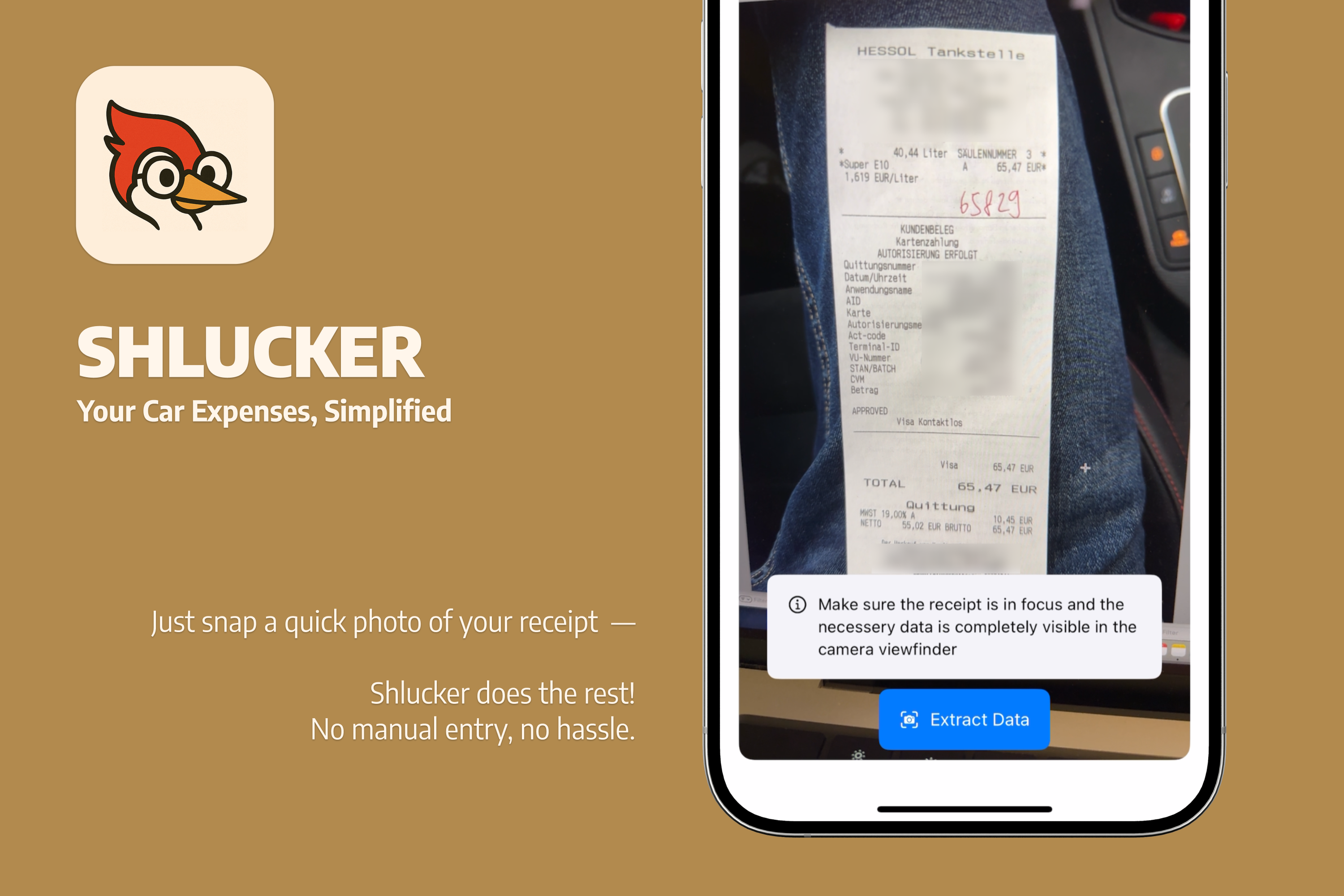
Scan Receipts With Ease!
🚗 About the Project
Shlucker started as a real attempt to solve my own (and probably other people’s) car expense tracking headache. I’d always lose or forget receipts, and never kept up with spreadsheets. For this shipathon, I finally decided to build something better.
🎯 Inspiration
I wanted a clear, easy way to understand what my car was actually costing me—without endless data entry. The idea: just snap a receipt, let the app handle the details, and maybe even make the process fun, thanks to a woodpecker mascot.
🛠️ How I Built It
- Built with SwiftUI for fast, modern development
- Apple Vision Framework for OCR—grab numbers from messy, real-world receipts
- OpenAI integration to make sense of the extracted text
- RevenueCat paywalls for simple, user-friendly premium features
- A quirky woodpecker mascot for a bit of joy
🧠 What I Learned
- The ins and outs of Xcode’s testing framework—actually writing and running tests made a huge difference
- Real-world image processing and how unpredictable receipts can be
- Integrating OpenAI and handling the quirks of parsing AI responses
- Implementing RevenueCat for in-app purchases and paywalls
🧗 Challenges
- Making OCR robust enough for the wild west of gas station receipts
- Mapping messy raw text into clean data (total, liters, date, etc.)
- Balancing a hackathon’s speed with real app polish
💡 Takeaway
Shlucker is now the car expense tracker I always wanted—built quickly, but with real love for details. If it helps other drivers stay on top of their car costs, that’s a win.


Log in or sign up for Devpost to join the conversation.