-
-
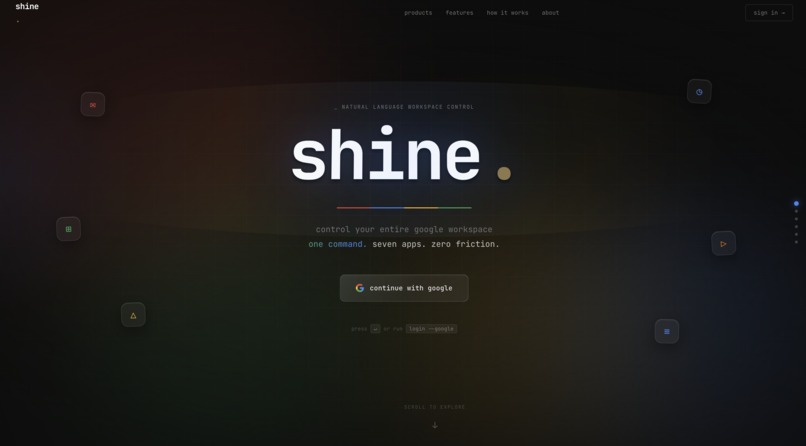
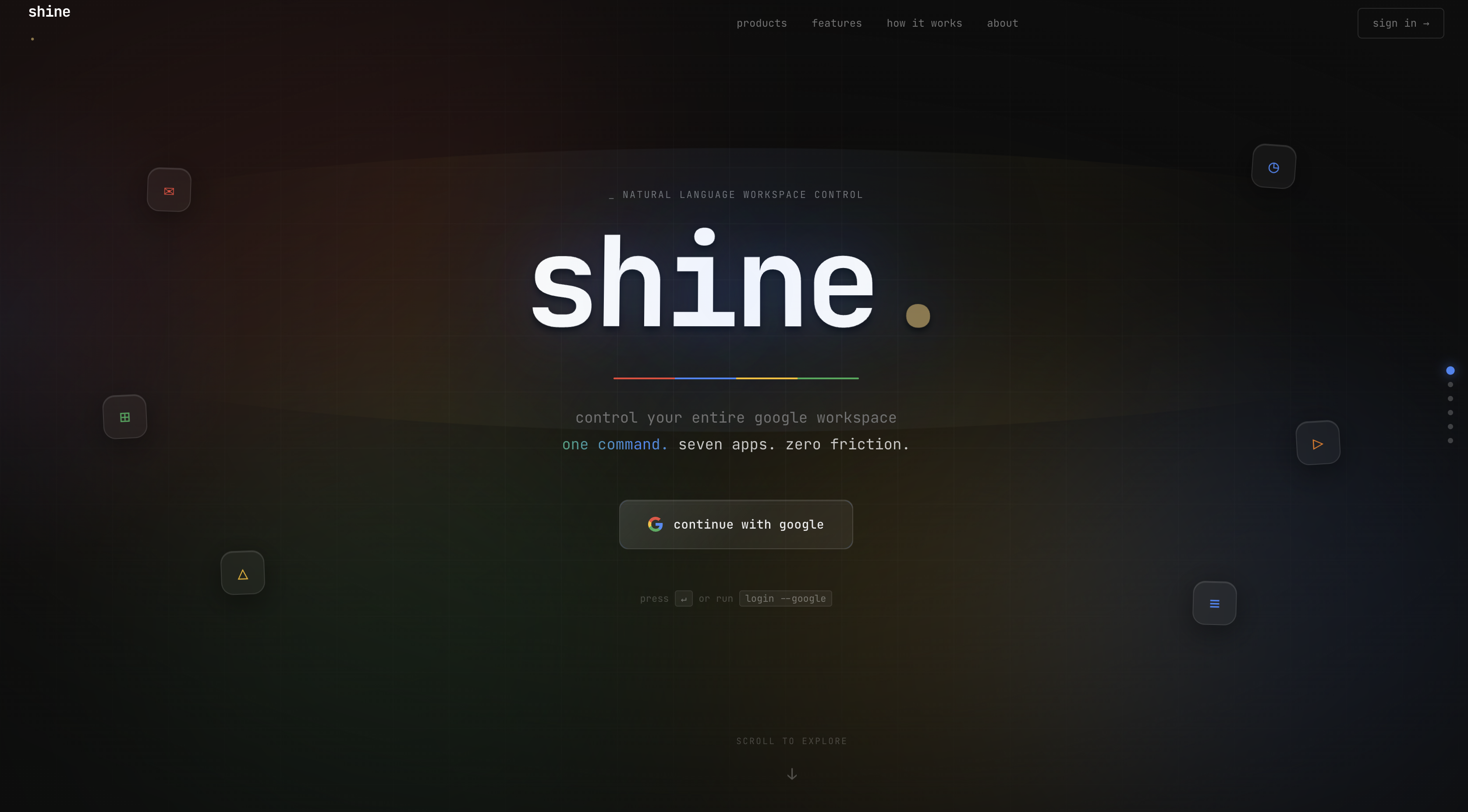
Terminal For Google Workspace
-
-
-
Inspiration
We spend more time navigating Google Workspace than actually working in it. Opening menus, clicking through dialogs, formatting by hand. We wanted to eliminate all of that and give power users a single terminal that understands plain English and executes instantly across every Google app.
What It Does
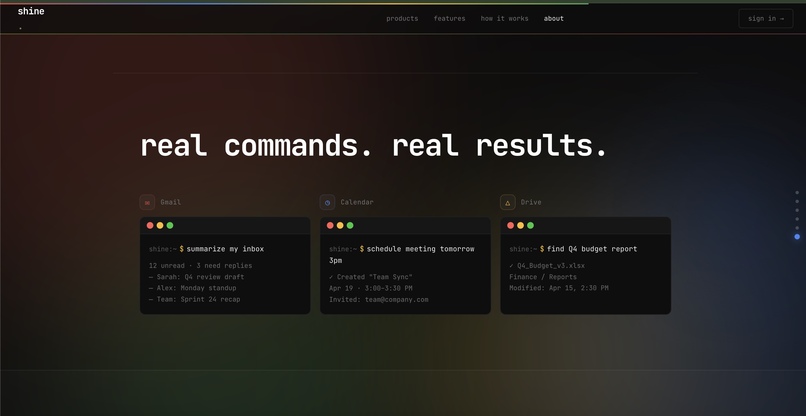
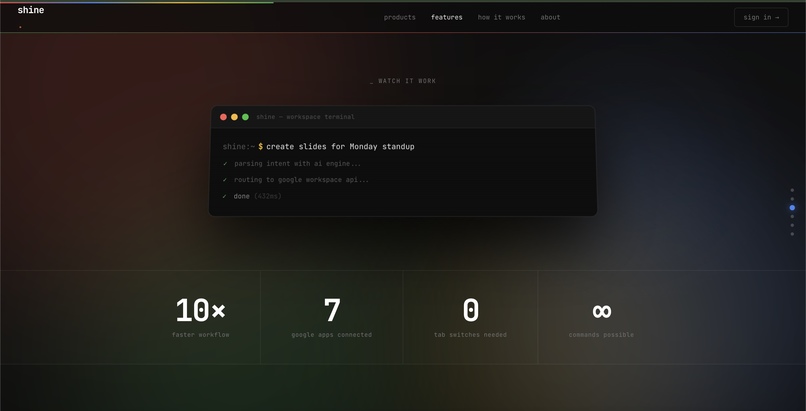
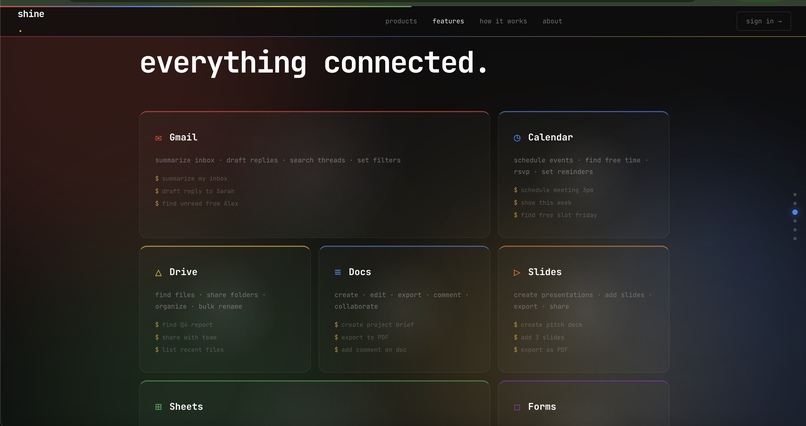
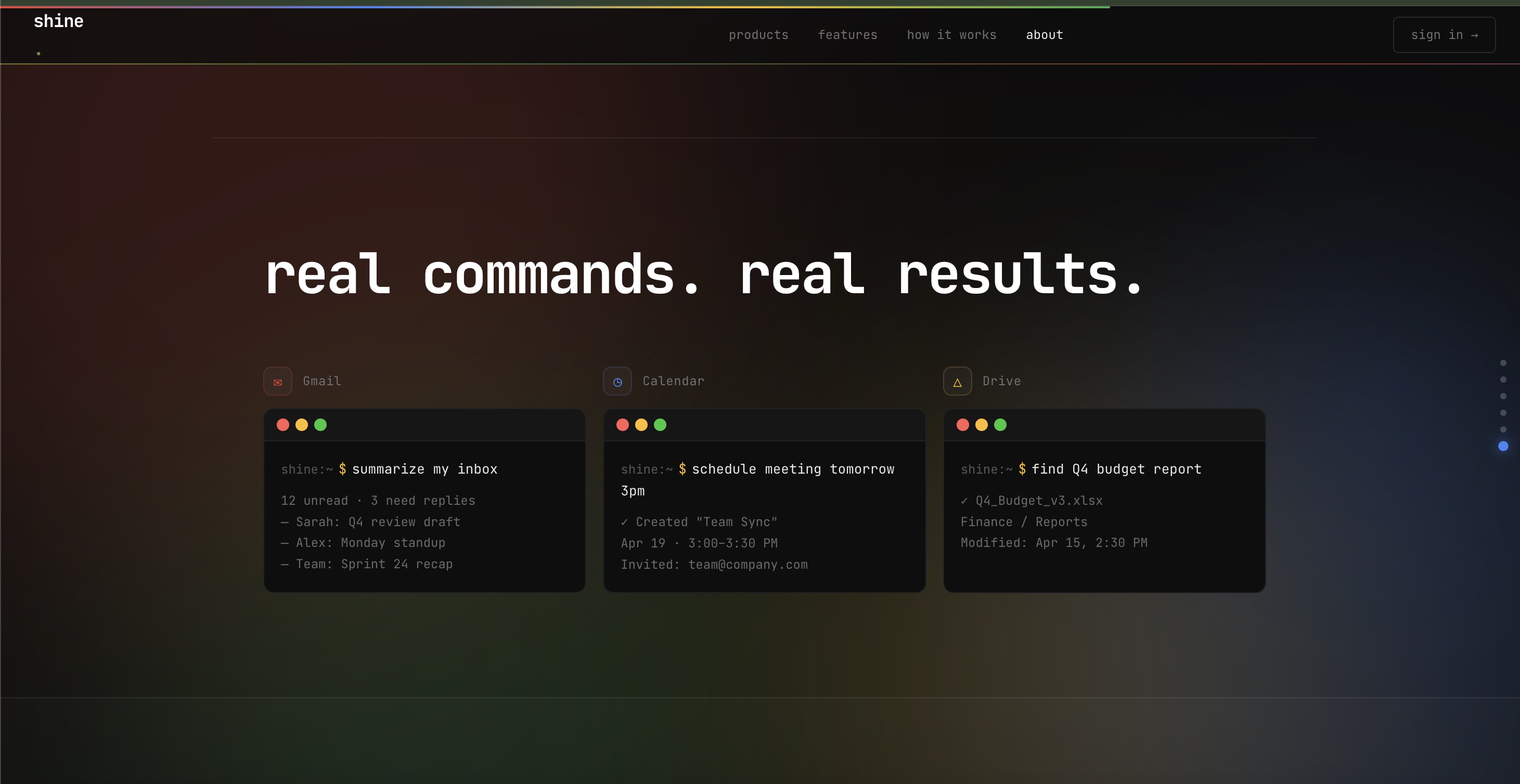
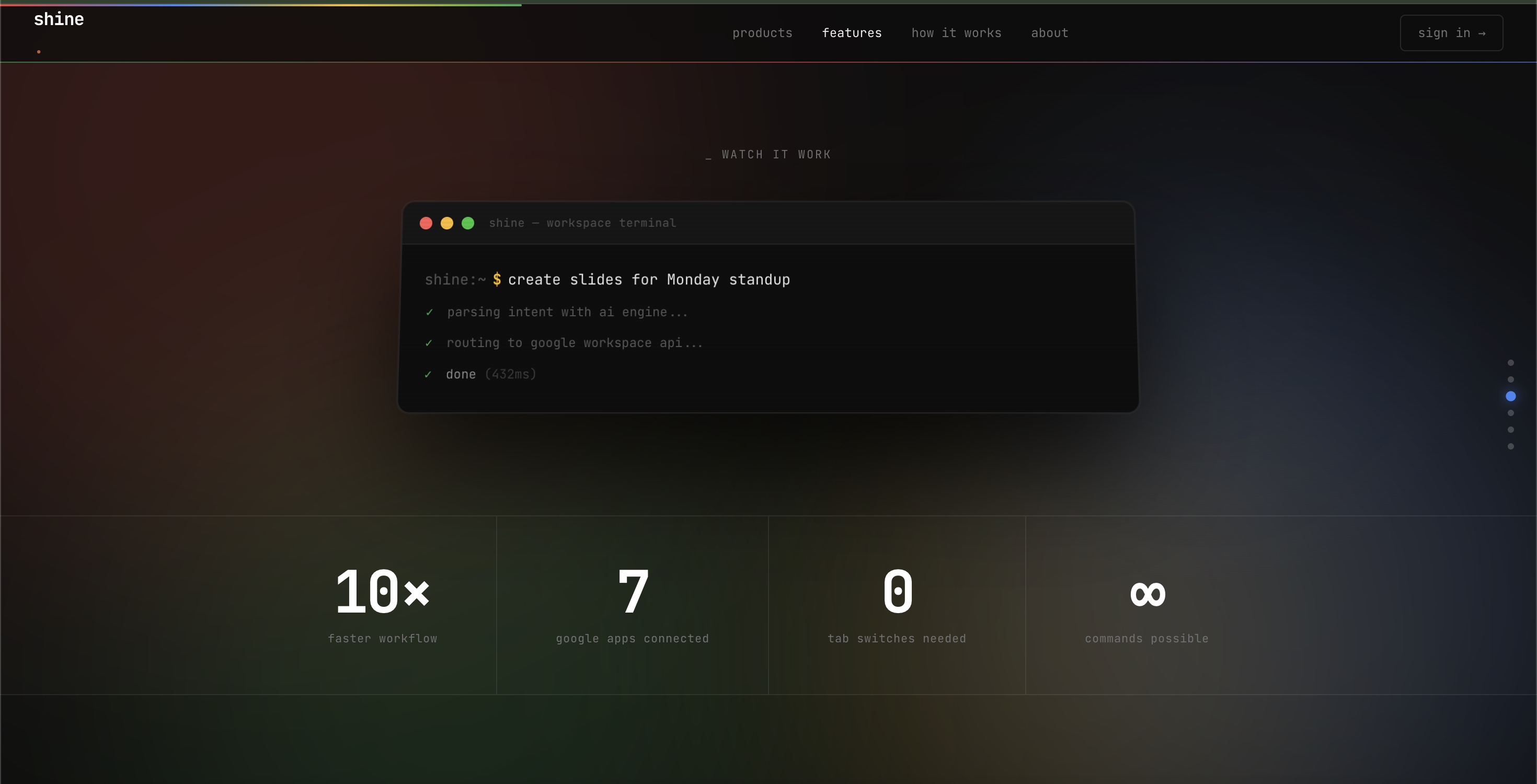
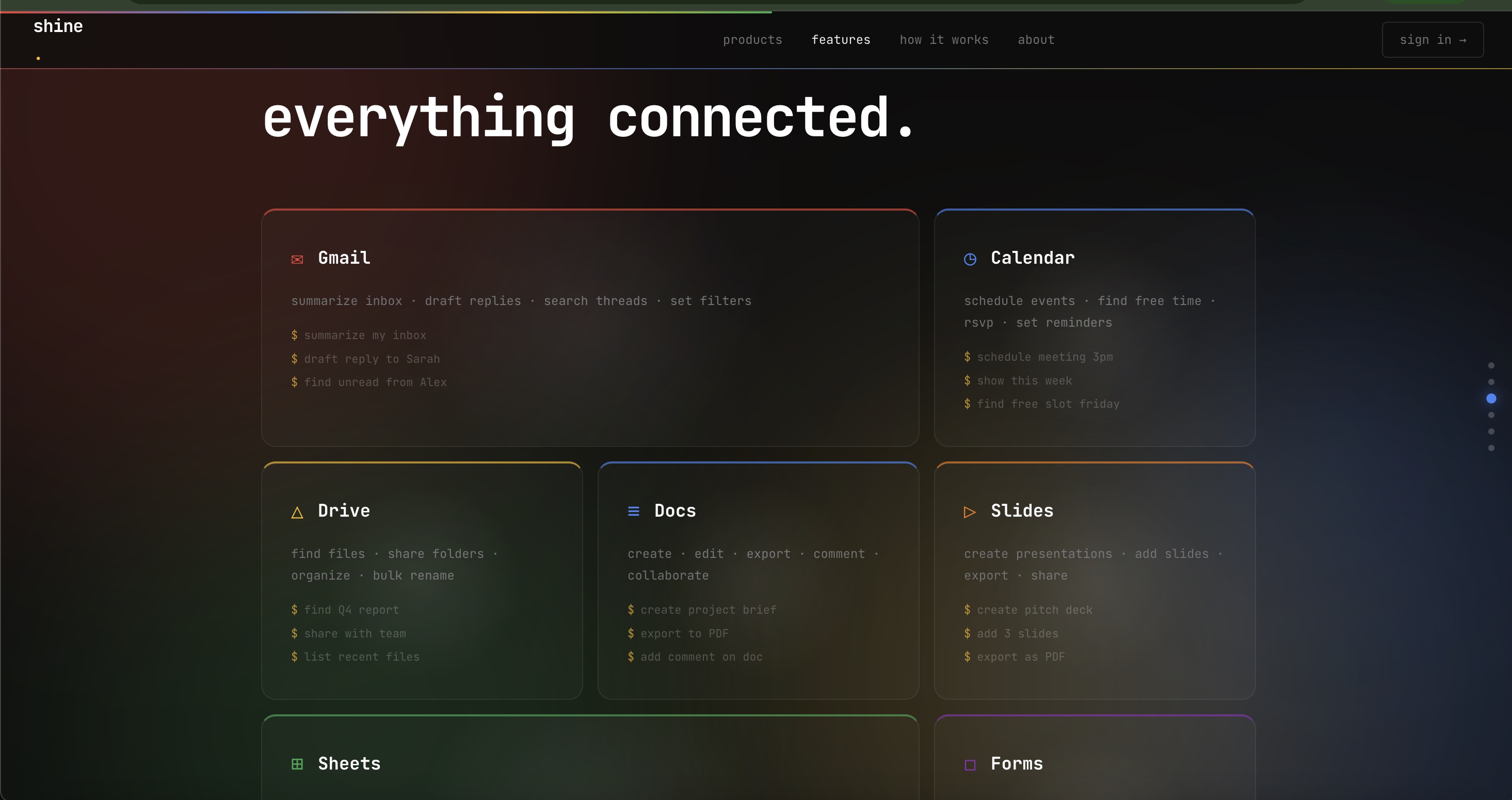
Shine is a terminal interface for Google Workspace. You type a command in plain English, it executes, and the result renders live in a preview panel on the right. No clicking. No menus. It works across Docs, Sheets, Slides, Forms, Gmail, Drive, and Calendar. Create a 15-chapter book, delete a section by name, bold a heading, build a survey, schedule a meeting, and search Drive, all from one terminal.
How We Built It
The stack is TypeScript end to end, React on the frontend, Express on the backend. The core flow is:
- User types a command in the terminal
- Gemini routes it to the right app (docs, sheets, forms, etc.)
- A second Gemini call parses the command into a structured JSON action
- The executor maps that action to the exact Google API call
- The result renders live in the preview panel
For document editing, we inject the full document structure into the Gemini prompt before parsing. Every paragraph, heading, and section is serialized with its exact API indices so Gemini can resolve references like "the summary section" or "chapter 2" to precise character ranges before executing any operation.
Challenges We Ran Into
The hardest problem was making Gemini behave like an assistant that understands document structure rather than a keyword matcher. Early versions would interpret "delete the summary section" as a string search for the literal text "summary section", or "bold the title" as wrapping text in markdown asterisks instead of calling the styling API. The fix was full context injection. Before any edit command, we fetch the live document and serialize its entire structure into the prompt, giving Gemini real grounding data to resolve every reference before producing output.
Session persistence was another challenge. The active document ID had to survive across requests so every subsequent command knew which file to operate on without the user repeating themselves.
Accomplishments That We're Proud Of
Getting natural language to reliably map to precise Google API operations across seven different Workspace products in a single weekend. Its very effective as it can produce jhgih quality slideshows, google docs, forms and everything. We type out command like delete slide 1 or insert image on slide 3 and it would all work out .
What We Learned
Prompt engineering at the structural level matters far more than at the surface level. Rewording instructions helps at the margins. Giving the model real grounding data changes the output category entirely. We also learned that building on top of multiple Google APIs simultaneously means debugging at three layers at once: the NLP layer, the session layer, and the API layer, and bugs at any one of them look identical from the outside.
What's Next for Shine
Full undo/redo stack across all operations. Multi-step command chaining so users can run sequences like "create a report, add a table of contents, then email it to my team" in one command. Voice input. And expanding beyond Google Workspace to Notion, Linear, and other tools so Shine becomes the universal terminal for productivity software. We plan on full scaling this into an actual venture.
Built With
- calendar)
- drive
- express.js
- forms
- gmail
- google-gemini-ai
- google-workspace-apis-(docs
- node.js
- react
- sheets
- slides
- typescript

Log in or sign up for Devpost to join the conversation.