-
-
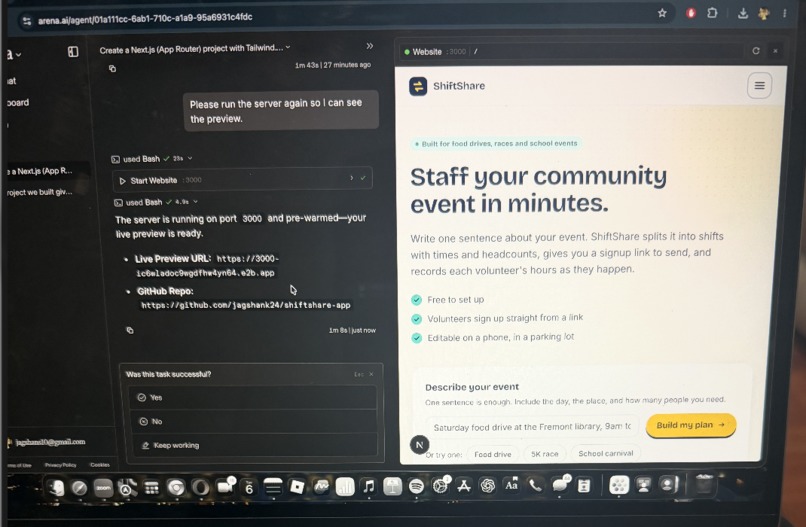
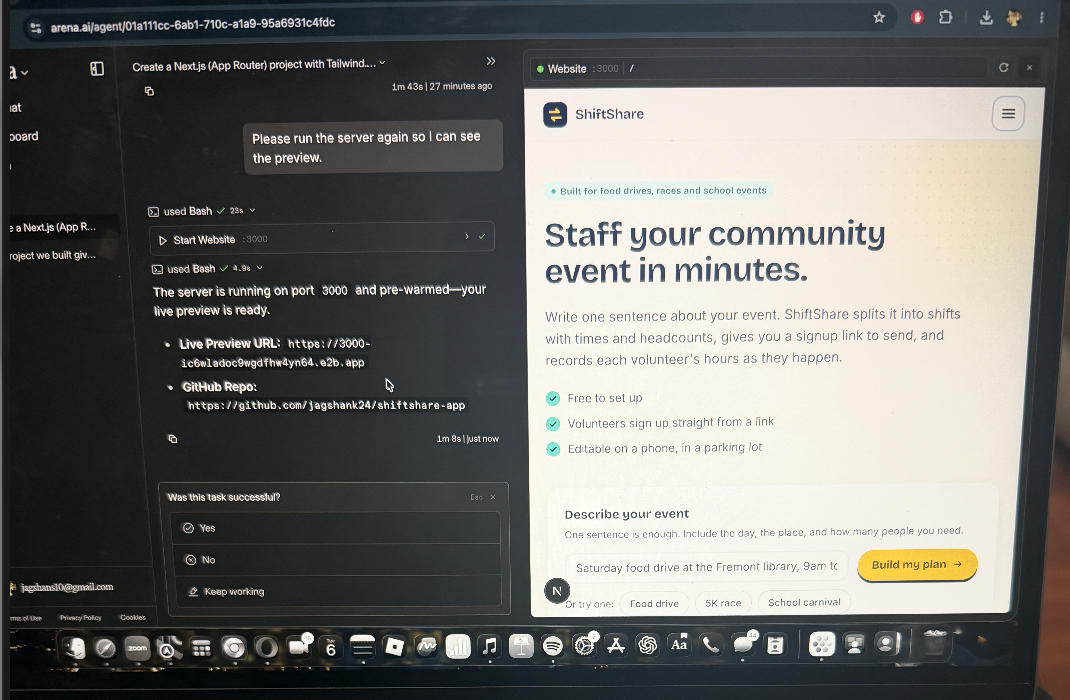
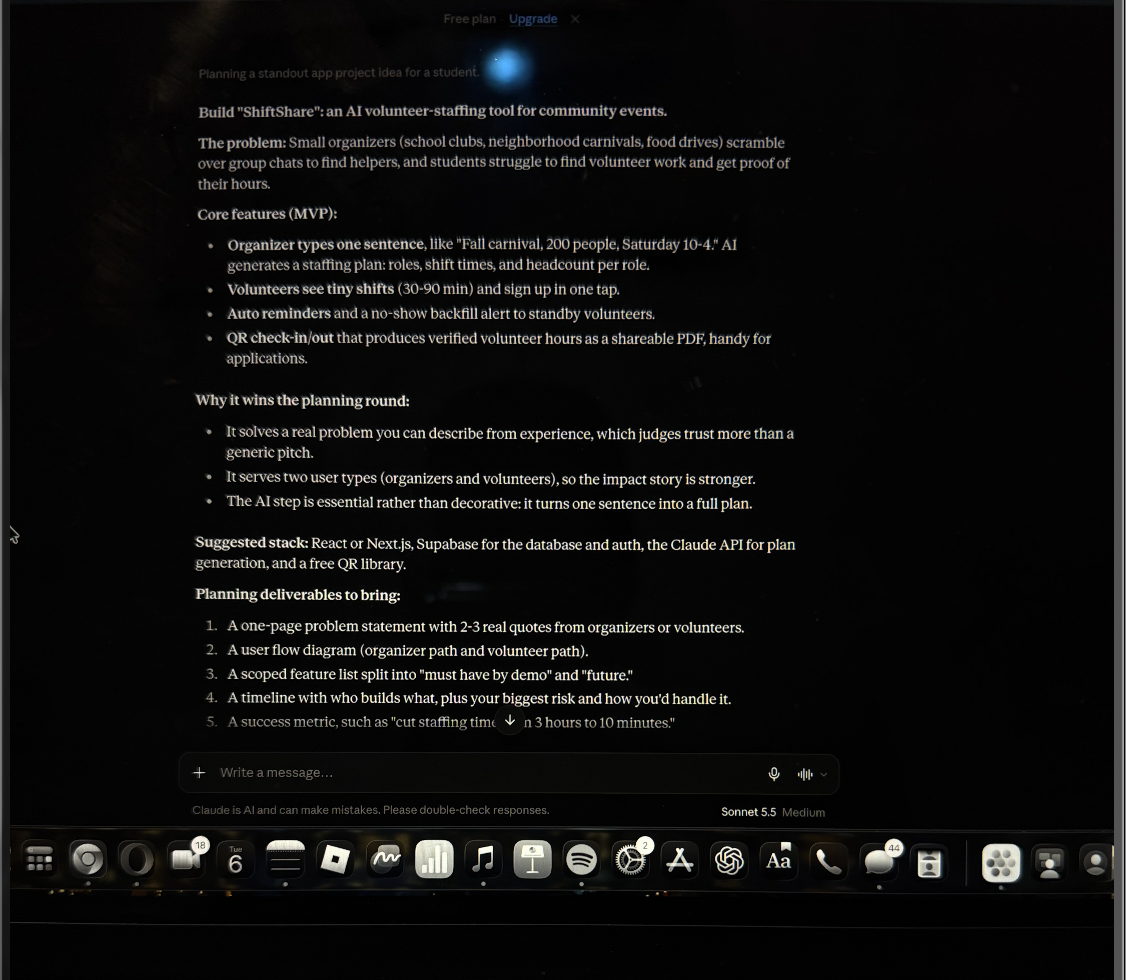
Using Arena AI to build the website by prompts from Claude
-
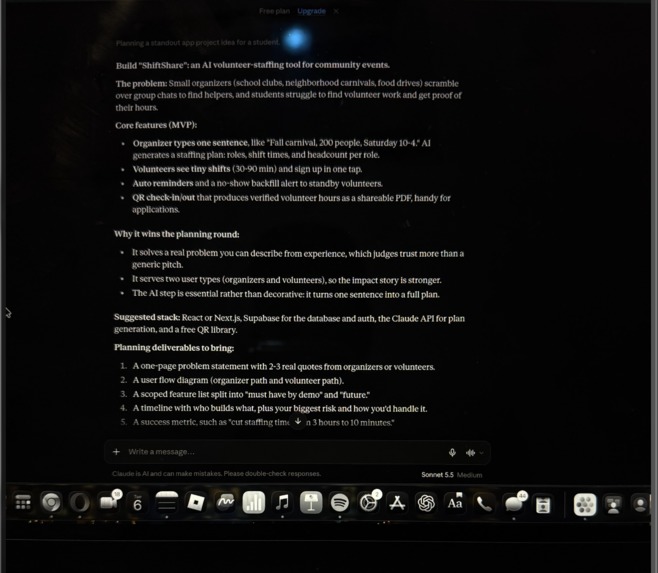
Explaining what my project is about and the plan
-
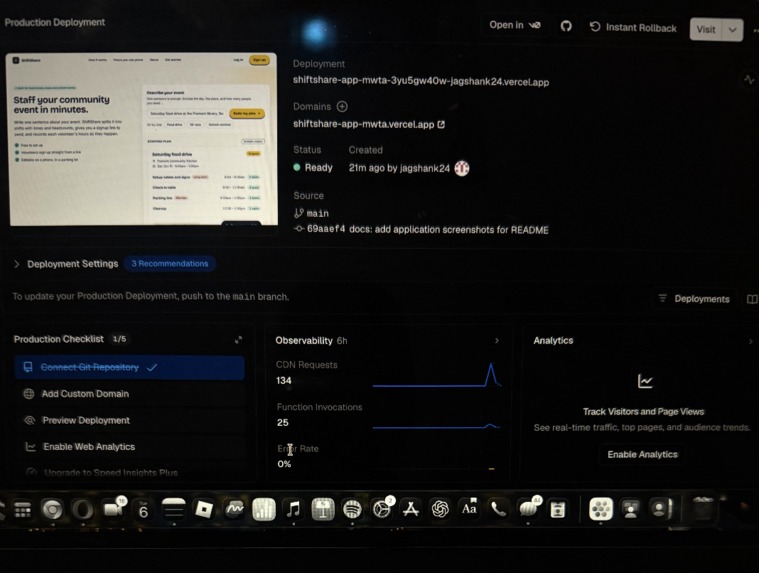
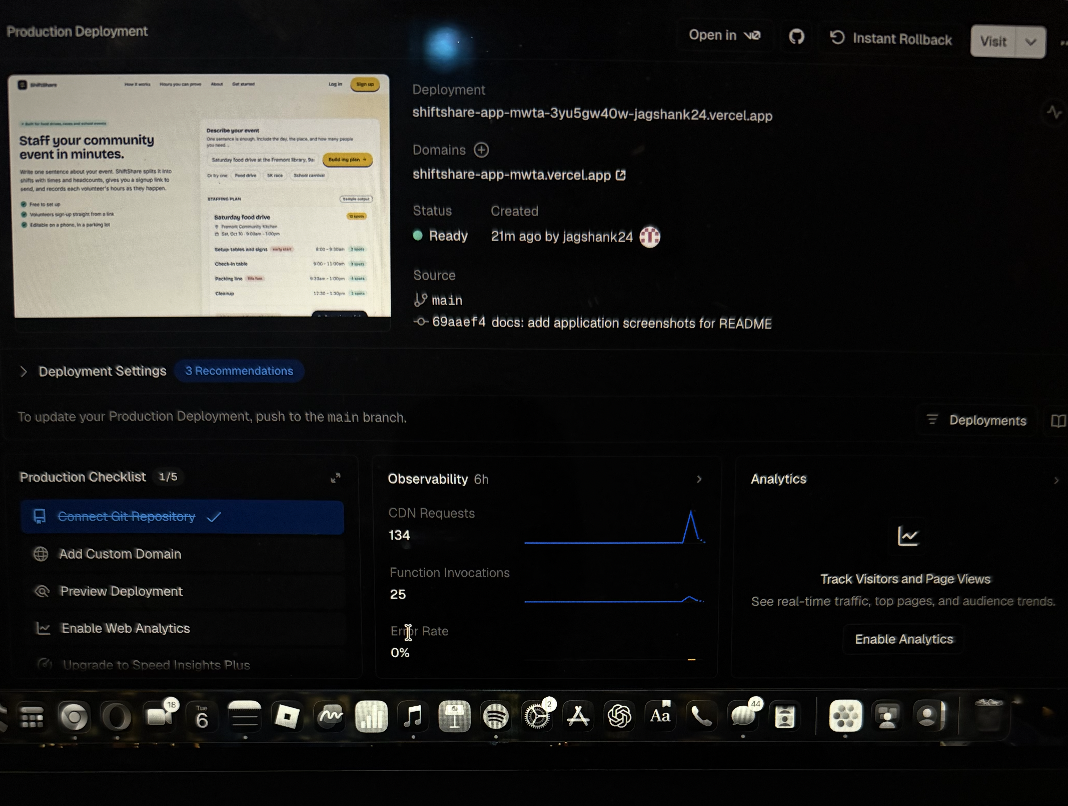
Posted on Github and testing if it works
Inspiration
I've organized a neighborhood carnival and run a food stand at school events. Setting up the event was the easy part. Finding enough people to staff it was not. We did it with group chats and spreadsheets, and whenever someone backed out the night before, we started over.
Volunteers have a problem too. Students need service hours for applications, but proving them means tracking down an organizer for a signature, sometimes weeks later.
I wanted one app that fixes both.
What it does
ShiftShare turns one sentence into a fully staffed event.
An organizer types something like "Fall carnival, 200 people, Saturday 10-4." The AI asks a couple of quick questions if it needs to, then builds a plan with roles, shift times, and how many people each role needs. The organizer can change the plan by typing ("add a cleanup crew at 3pm, we only have 15 volunteers") or by editing it directly. A second AI pass checks the plan for gaps like missing setup time or an understaffed lunch rush.
Volunteers sign up for short shifts in one tap. If a shift is full, they join a standby list and get moved up automatically when someone cancels. At the event, they scan a QR code to check in and out. Afterward, each volunteer can download a PDF certificate of verified hours, and anyone can confirm it on a public verification page using the code printed on it.
Organizers also get a dashboard with fill rates and attendance, plus an AI-written recap of how the event went and thank-you notes for each volunteer.
How I built it
- Next.js and Tailwind for the front end
- Supabase for login, the database, access rules, and live updates
- The Claude API for every AI feature: clarifying questions, plan generation, chat editing, the plan check, role descriptions, thank-you notes, and the event recap
- The qrcode package for check-in and @react-pdf/renderer for certificates
- Vercel for hosting
I built it one phase at a time and tested each phase before starting the next. I used AI coding tools for most of the code, and I wrote the prompts, tested everything, and decided what the app should do.
Challenges
Overbooking came first. If two people tap the last spot at the same moment, both can get it, so the check has to happen in the database and not just on the page.
Getting usable plans out of the AI took some work. The response has to be strict JSON, and the shifts have to cover the whole event without gaps. I added validation and a retry, and the plan-check step catches what slips through.
QR check-in had more edge cases than I expected: people who forget to check out, people who scan without a shift, and QR codes that get shared around. I used rotating tokens and shift-time windows, let organizers fix times by hand, and calculate hours on the server so volunteers can't edit them.
What I learned
AI works best when it does one specific job well. Here that job is the planning work organizers dread, and it's why the product is more than a sign-up sheet. I also learned that small, tested steps get you further than trying to build everything at once, and that real events turn up edge cases no demo script covers.
What's next
Email reminders, smarter no-show backfill, and pilots with local schools and nonprofits.
Built With
- anthropic
- claude-api
- nextjs
- postgresql
- qrcode
- react
- react-pdf
- recharts
- supabase
- tailwindcss
- typescript
- vercel

Log in or sign up for Devpost to join the conversation.